Inspiration
Many of us have great recipe books gathering dust on our shelves. The recipes are great but it feels difficult to make them. I need to be very intentional about deciding to pick up the book, find the recipe, write down the ingredients, etc. When I’m out and about, I seldom have the ingredients list! The brief Eitan proposed was a perfect match. I wanted to see if I could create an experience that incorporates the recipe books you already have and enrich it with a digital experience that you can take with you.
What it does
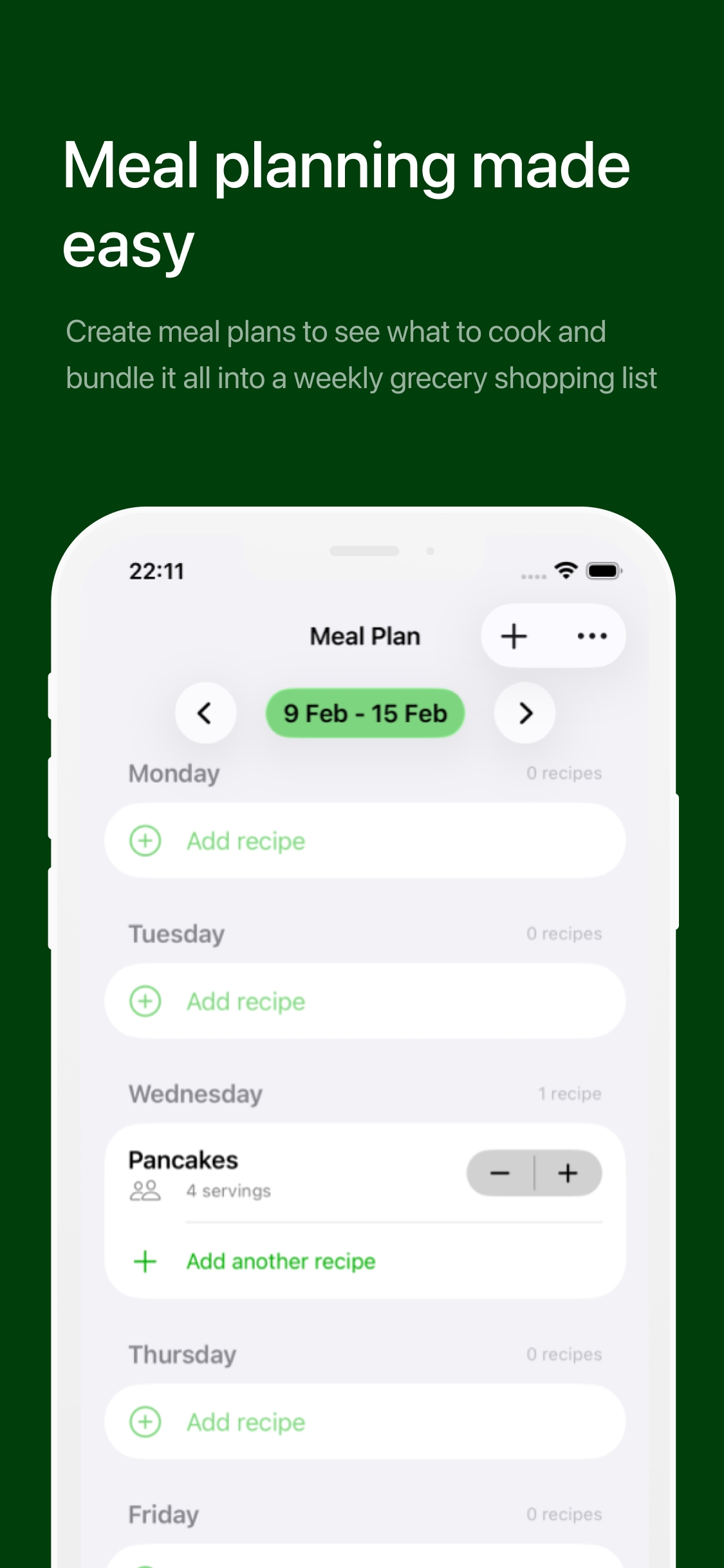
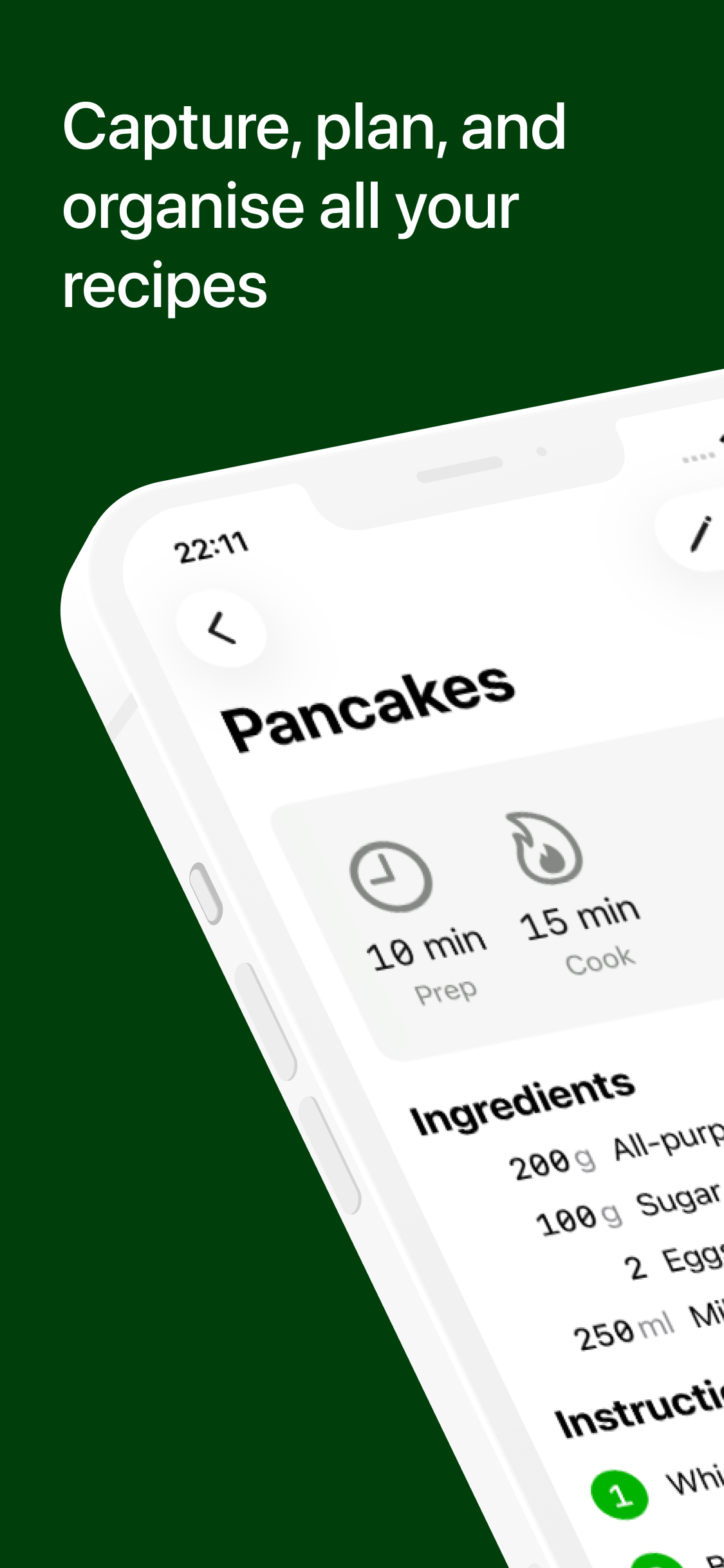
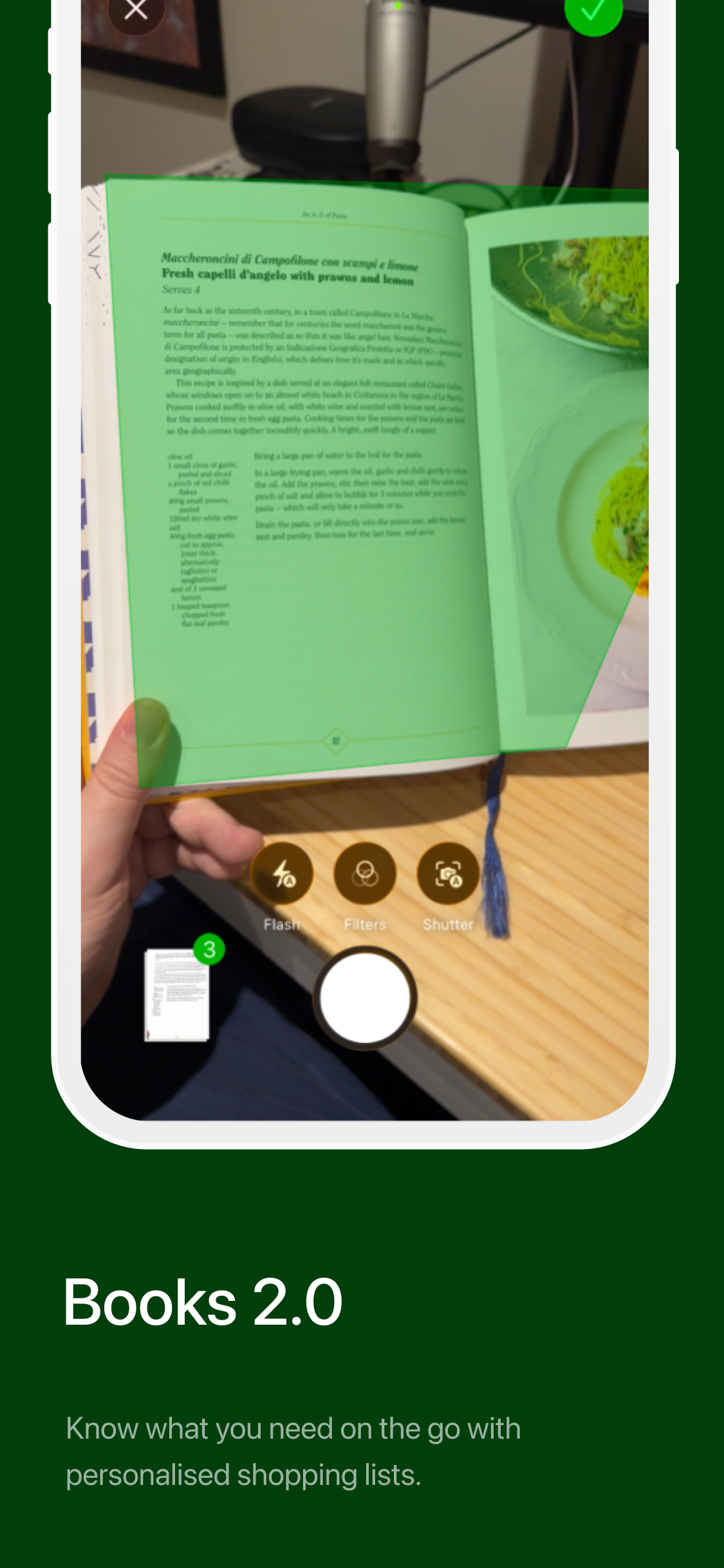
Salted digitises your recipe books to make them searchable and available. The core feature is capturing recipe pages and turning them into a digital recipe. Once you have a bank of recipes, you can create weekly meal plans and get your weekly grocery shopping list generated.
The focus was keeping a physical connection with the books you already have. Salted helps add the convenience of being able to find what you want, get a meal plan together and then have a list of groceries to go out and buy all within seconds. I think this helps break down the barrier of cooking and works towards the goal of cooking something great.
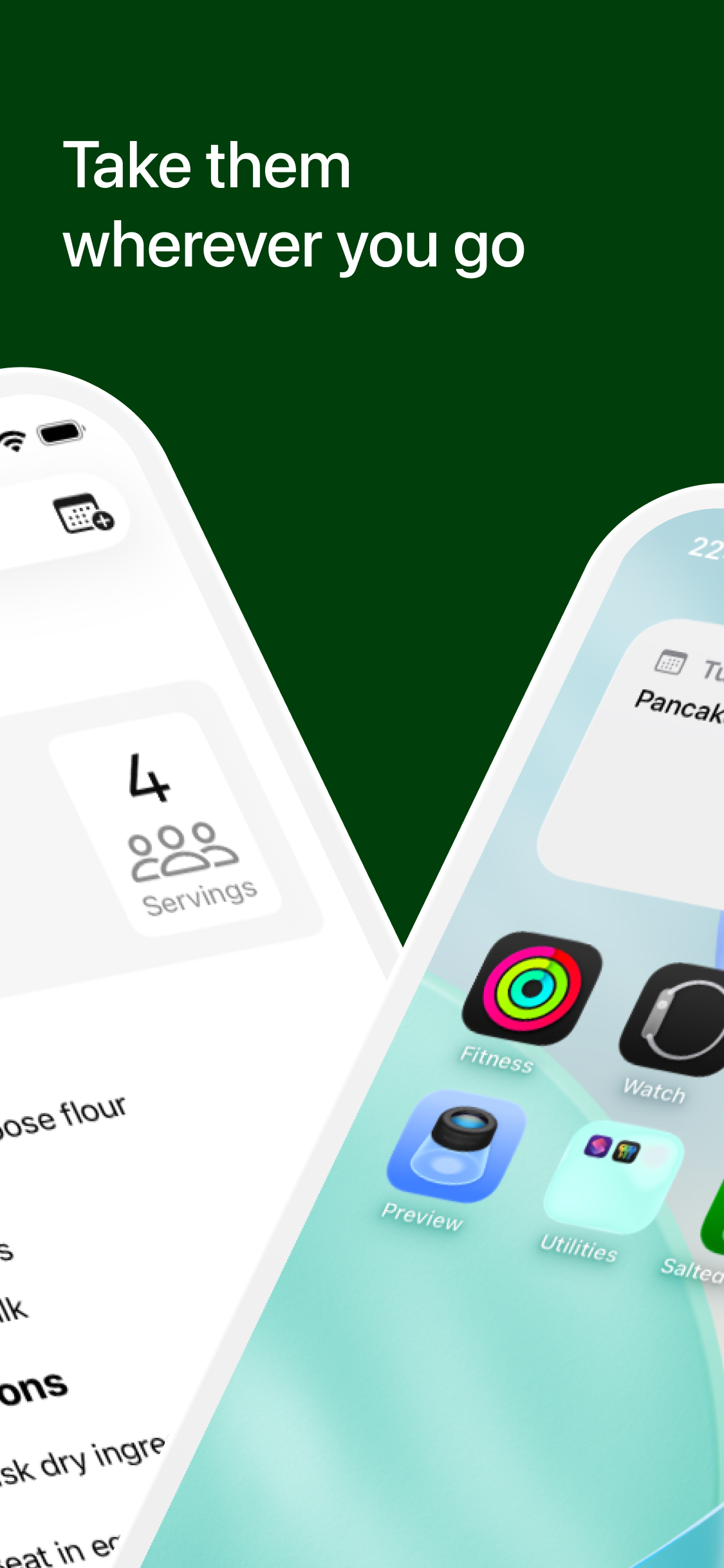
In addition to the core flow, there’s some additional features to help make Salted feel part of your phone.
- Spotlight Search — find recipes by searching from anywhere without opening the app
- Export shopping list to reminders — If you already use reminders for your grocery list, Salted can export your auto-generated list to reminders
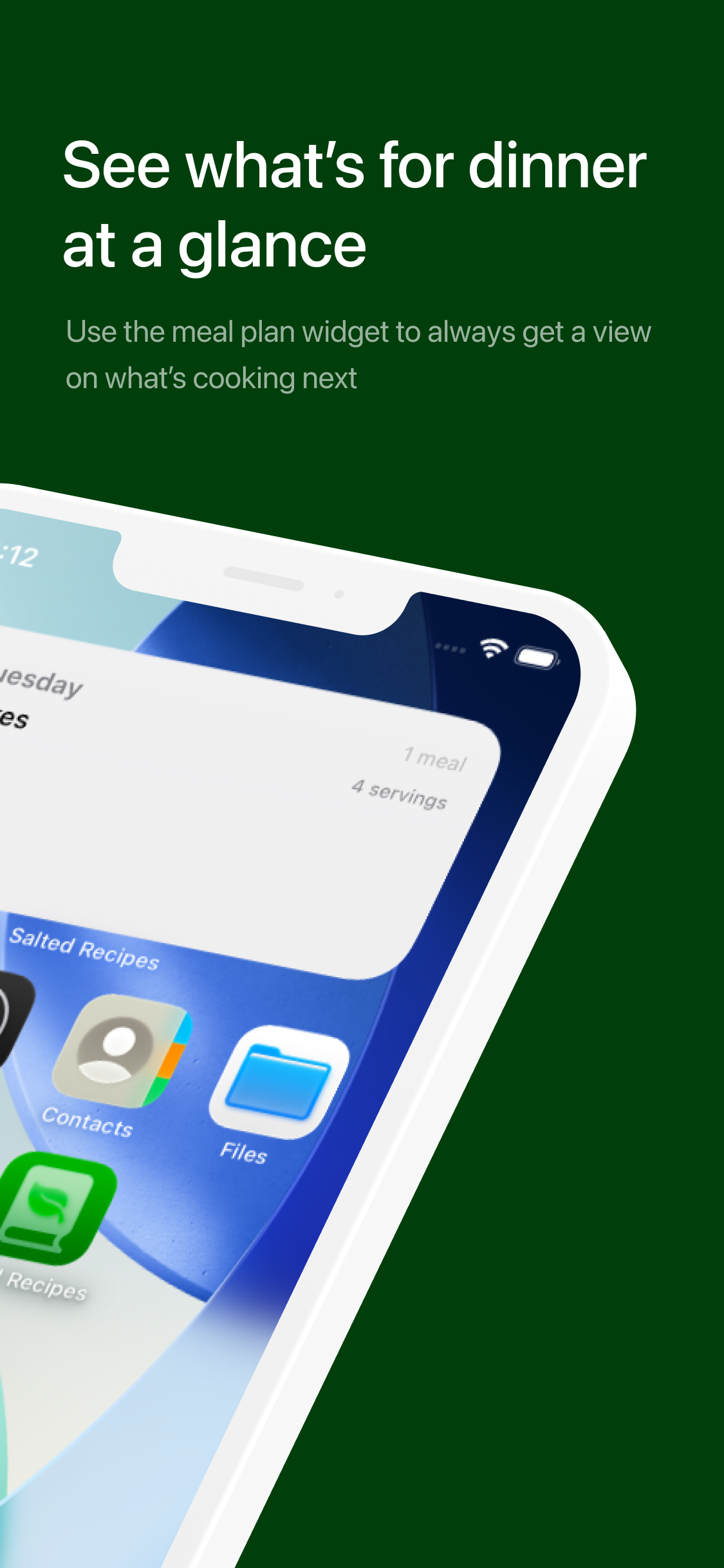
- Meal plan widget — see what’s for dinner at a glance
How I built it
The entire app was built by me in Xcode with Swift and SwiftUI. I leveraged the help of Claude to answer some questions I had during the process and prototype some features. I also used Mobbin to get some inspiration for UI.
I tried to stick closely to the new Liquid Glass design language and make use of toolbars and floating UI elements. Swift Data is used to store information including the recipes, instructions, ingredients, meal plans and the shopping list items.
Capturing the recipe
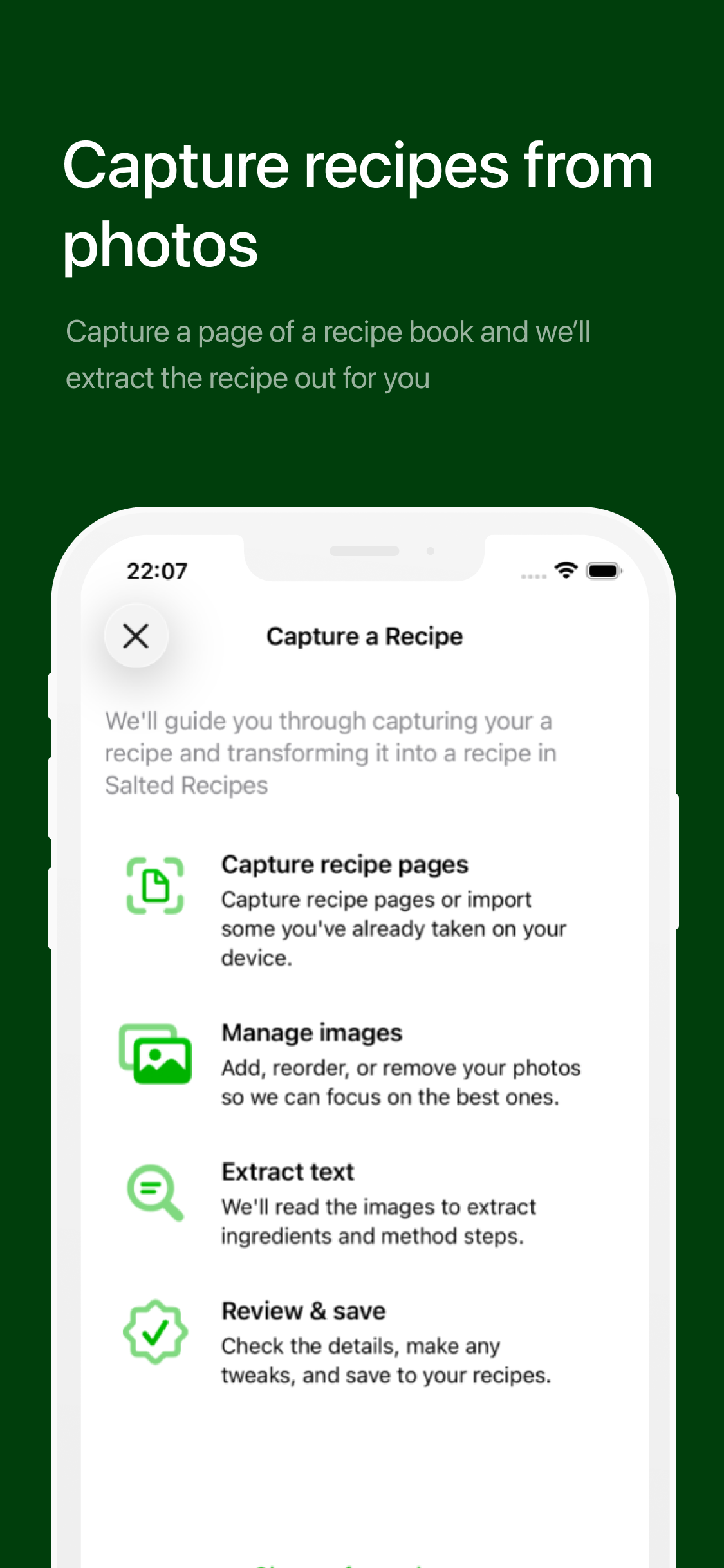
The recipe capture has a few key stages:
- Choose to capture via the camera or choose a photo you’ve already taken
- Cleanup pages
- Extract the recipe text using optical character recognition (OCR)
- Extract the key information from the recipe
- Normalise ingredient units
- Create the recipe
I used VisionKit to show the document scanner camera when capturing. The Vision API is then used to extract text from the photos the user has taken. Once the text has been cleaned up, the FoundationModels API is used to transform the text into a recipe via on-device inference. Once the user is happy with the result, they can save it and it’s stored on device using SwiftData.
Personalised shopping lists
The shopping lists are created using the on-device language models too. It also specifically tries to merge ingredients so if you have recipes that use the same ingredients, they will only show up once.
Challenges I ran into
Using local LLMs for data transformation
The biggest challenge though, was the LLM use. I had a prototype of OCR working and the LLM doing some basic extraction, within a few hours. The biggest challenge was consistency. Because the language models run locally, they aren’t as powerful as something like ChatGPT and therefore it can’t handle long texts and sometimes it wouldn’t follow instructions.
Initially I had one prompt but it would often only include part of the recipe, maybe the instructions only or just some ingredients. Pulling out metadata was a particular challenge. I also tried to structure the outputs so the model would return data in a consistent format but that lead to some unexpected results too.
Breaking up the prompt into distinct tasks like extracting the ingredients, converting units, extracting steps, extracting metadata seemed to give much better results and more consistency overall.
Accomplishments that I’m proud of
There are two things I’m proud of.
- I completed an MVP that I’m pretty happy with —I’m a web developer and although I’ve played around with iOS development a little bit, I’ve never built something this real before that is functionally complete. It’s been fun to show it off and get ideas on future improvements.
- Everything works on the device itself — Salted works without internet. Everything runs locally. The capture, the OCR, the extraction, meal planning and the shopping list generation. I think this is really cool as it’s something a lot of apps just don’t do and it shows the power of what you can do on the phones we carry around with us every day.
Recipe book layouts
OCR works great on pages with consistent structures but recipe books and magazines can have very different layouts. Multiple columns, fonts and hierarchy made it challenging to get the right information out in the correct order. I think this also contributed to some challenges when using the local LLMs.
Working on a mobile app as a web developer
I’m not a mobile developer and definitely not an iOS expert so there were some challenges getting things to behave the way I expected when working with SwiftUI and SwiftData. I ran into lots of build errors and syntax issues, especially when using Swift 6 with its new concurrency features.
What I learned
There are so many interesting capabilities on devices today, that I feel are underutilised. This experience has taught me that there are possibilities in mobile apps that are more powerful than the web. Using Vision and the LanguageModels to get this app working on-device came with challenges but it’s something I’m interested in doing more of.
What's next for Salted Recipes
Video to Recipe
There are a few features I cut to reduce the scope to something I could achieve within the hackathon timeframe. One of them was being able to paste in URLs from social media posts. I wanted the app to be a hub to bring in recipes from wherever you see them but there are a lot of challenges with doing it for video. Some recipes don’t have ingredients measured out, it might include text in the video as well as audio, and I thought it could be difficult to get consistent results. This is something I’d like to revisit and build a prototype to see if it could work in Salted.
Pro-level extraction
Using the on-device models for transforming the recipes is a double edged sword. It’s really cool when it works, doesn’t cost anything and doesn’t have additional downloads. The challenge is compatibility, consistency, and power.
- Compatibility — Local models work on newer iPhones but if there’s no neural engine or the user hasn’t enabled apple intelligence, it won’t work.
- Consistency — The local models can sometimes have trouble getting good recipe results every time. Sometimes it will skip information or not return the expected format.
- Power — Recipes are surprisingly varied in how they’re printed and organised. This can make it difficult to get good results from every recipe book.
I think having a pro-level extraction that leverages an external provider could get better results even if it takes longer. Maybe a combination of both local and cloud services could strike a good balance.
Built With
- swift
- swiftui

Log in or sign up for Devpost to join the conversation.