-
-
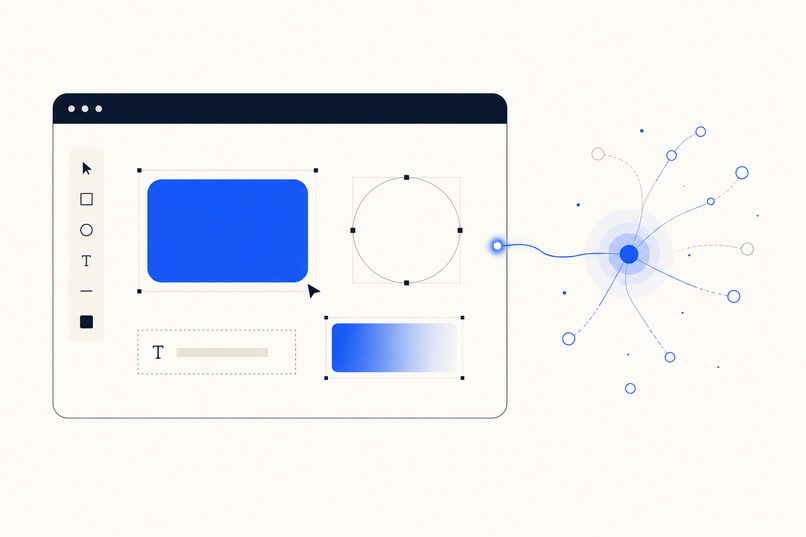
An AI agent builds graphics on the live Salesive Graphics canvas through WebMCP.
Inspiration
Any AI agent can talk about design, but when you ask one to actually make a graphic it usually hands back a raw SVG string or a one-shot image it can't revise. We wanted an agent to be able to sit down at a real design tool, the same canvas a person uses, and build a finished flyer, social post or promo one element at a time, with the human watching and free to take over whenever they want.
WebMCP is what made that practical. Instead of building a separate agent API, we could just expose the editor's own tools to whatever agent the user brings.
What it does
Salesive Graphics is a browser based SVG design editor. You can draw, lay things out, add gradients and icons, drop in image slots, and turn a design into a reusable template with a generated JSON schema. The part that makes it different: the whole editor toolset is published to any connected AI agent through WebMCP (document.modelContext).
- Around 100 editor tools, the exact same ones the built in assistant uses, are exposed to outside agents. A curated core set of about 48 is registered directly so it stays inside agent runtime limits, and the rest stay reachable through two meta tools, list_editor_tools and call_editor_tool.
- Agents draw shapes and text, apply gradients, insert Lucide icons, run the layout and alignment helpers, build reusable component groups like buttons, badges and stat blocks, and map dynamic fields, all on the same live canvas the user is looking at.
- Coordination between agent and user is built in. set_agent_identity shows who is working, lock_canvas puts up a blocking overlay while the agent edits, ask_canvas_question opens a modal so the agent can ask the user to pick between options, and every tool call streams into a live Activity panel.
- Guests can use it without an account and let an agent build for them. Work is saved to localStorage.
- It's live at https://graphics.salesive.com
How we built it
- React 19 and Vite 8, Tailwind v4, deployed on Cloudflare with static assets served through Wrangler.
- WebMCP comes from @mcp-b/global, lazy loaded after first paint as its own chunk. A useWebMCP hook registers each editor tool with an input schema and emits call, result and error events.
- One clientToolHandlers map is the single source of truth. Every tool is available both to the in app assistant over a socket and to external WebMCP agents, so any new editor capability is exposed automatically.
- The SVG engine renders live and serializes to a standalone SVG. A mapping step produces a schema.json describing text, image, color, icon, toggle and variant fields.
- The design guide we ship to agents through get_editor_guide is generated from the same skill file we use internally, so the guidance never drifts away from the actual tools.
Challenges we ran into
- Tool count limits. Agent runtimes reject a page whose WebMCP config is too large, so we had to prioritize down to a core set and add meta tools to keep everything else reachable.
- Keeping the live renderer and the serialized SVG in agreement, especially around circles versus ellipses, text bounding boxes and gradient references.
- Designing the coordination UI so that an agent editing the canvas never feels like it is fighting the user for control.
What we learned
WebMCP works best when you expose the tools you already have instead of inventing an agent API. The hard part is the ergonomics, things like identity, locking, questions and an activity log, not the tool calls themselves.
What's next
More component helpers, richer templating, and multiple agents working on one canvas at the same time.
Built With
- cloudflare
- css
- document.modelcontext
- javascript
- localstorage
- lucide
- mcp
- mcp-b
- react
- socket.io
- svg
- tailwind
- vite
- webmcp
- wrangler
