-
-

Logo
-
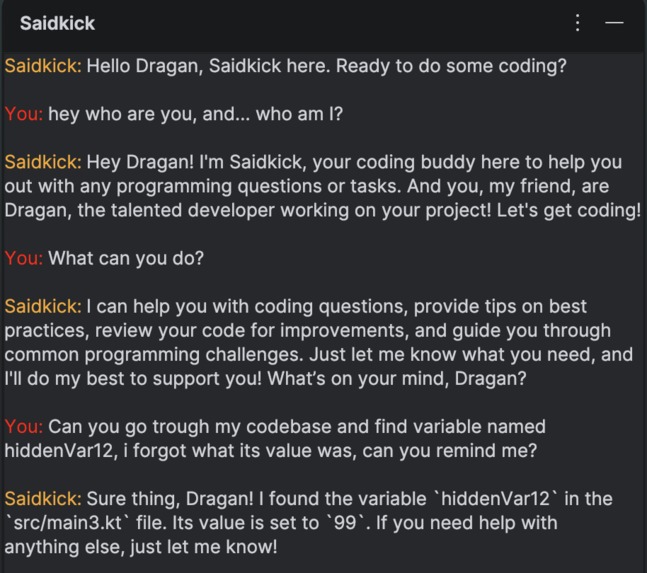
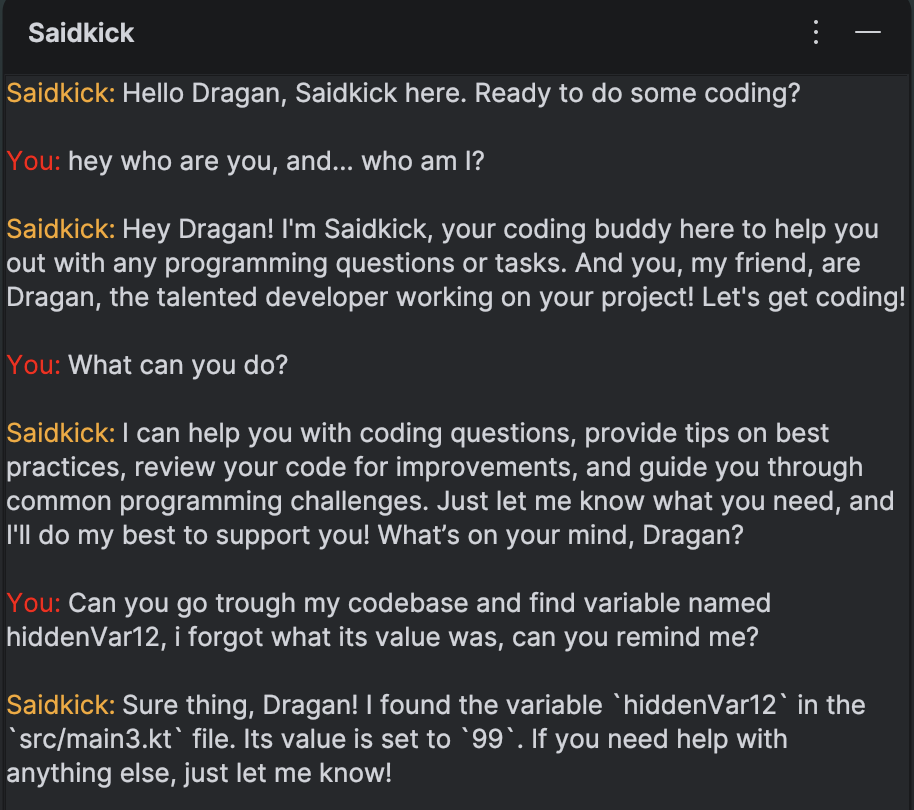
Screenshot of the chat with Saidkick

Inspiration
We wanted something that actually feels like a real coding partner, not just a tool you open when you’re stuck. Most AI assistants just sit there waiting, but real coworkers don’t. Saidkick came from the idea of an assistant that notices when you’re stuck, distracted, or slowing down, and actually steps in on its own.
What it does
Saidkick is an IntelliJ plugin powered by a custom AI agent that actively supports developers while they work. It monitors context like inactivity or patterns in your workflow and sends you messages or suggestions when it thinks you might need help. It’s designed to feel more like a teammate than a chatbot, with its own personality and proactive behavior.
How we built it
We built Saidkick as an IntelliJ plugin using Kotlin. The core is a lightweight agent loop that combines editor context, simple behavioral signals, and a small set of tools like reading files, searching code, and understanding structure. On top of that, we layered prompt logic and personality tuning to make interactions feel natural instead of robotic.
Challenges we ran into
The biggest challenge was making the agent proactive without being annoying. Detecting when a developer actually needs help is not trivial, and bad timing kills the experience. We also had to balance performance with constant context awareness, since running too much in the background can slow down the IDE.
Accomplishments that we’re proud of
We built a working proactive AI inside an IDE, not just a reactive assistant. The personality aspect makes it feel different from typical tools, and the fact that it can step in at the right moment makes it genuinely useful instead of just impressive.
What we learned
We learned how agents work, and we learned how to make one as well as to make an intellij plugin.
What’s next for Saidkick
Next, we want to improve the intelligence behind when and how Saidkick intervenes, expand its toolset, and make it more personalized to each developer's habits. Long term, the goal is to make it adapt to each developer's preferences just by talking to them.
Built With
- kotlin


Log in or sign up for Devpost to join the conversation.