-
-
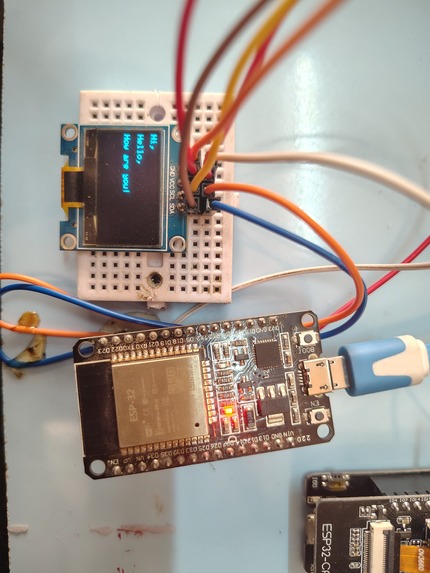
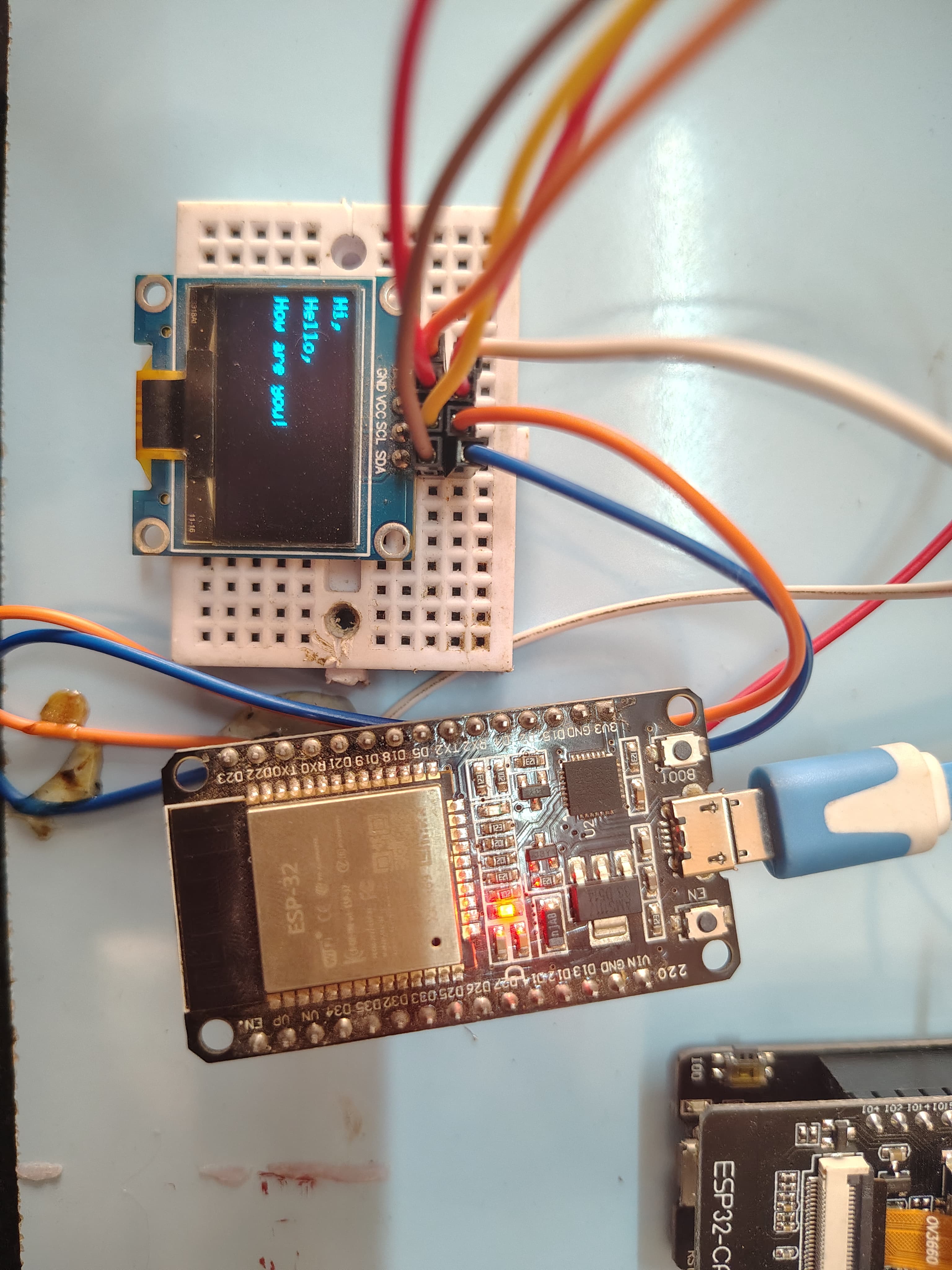
Basic assembly of prototype for testing
-
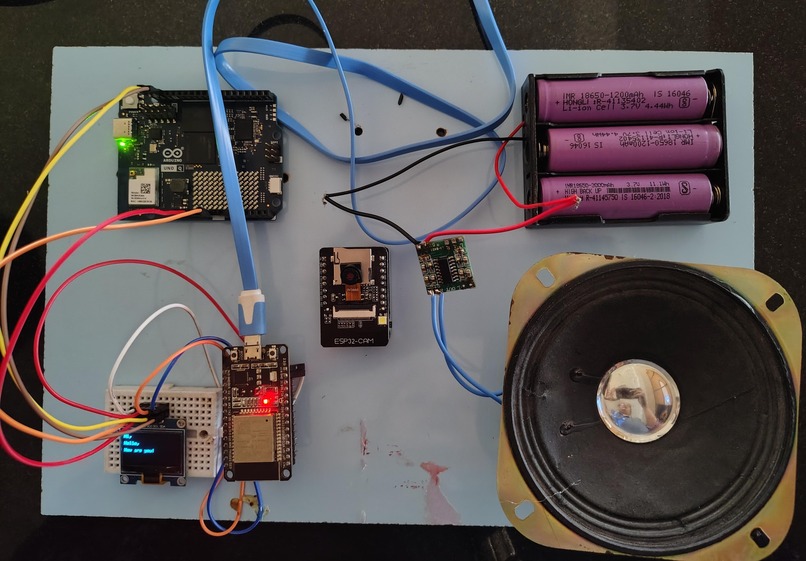
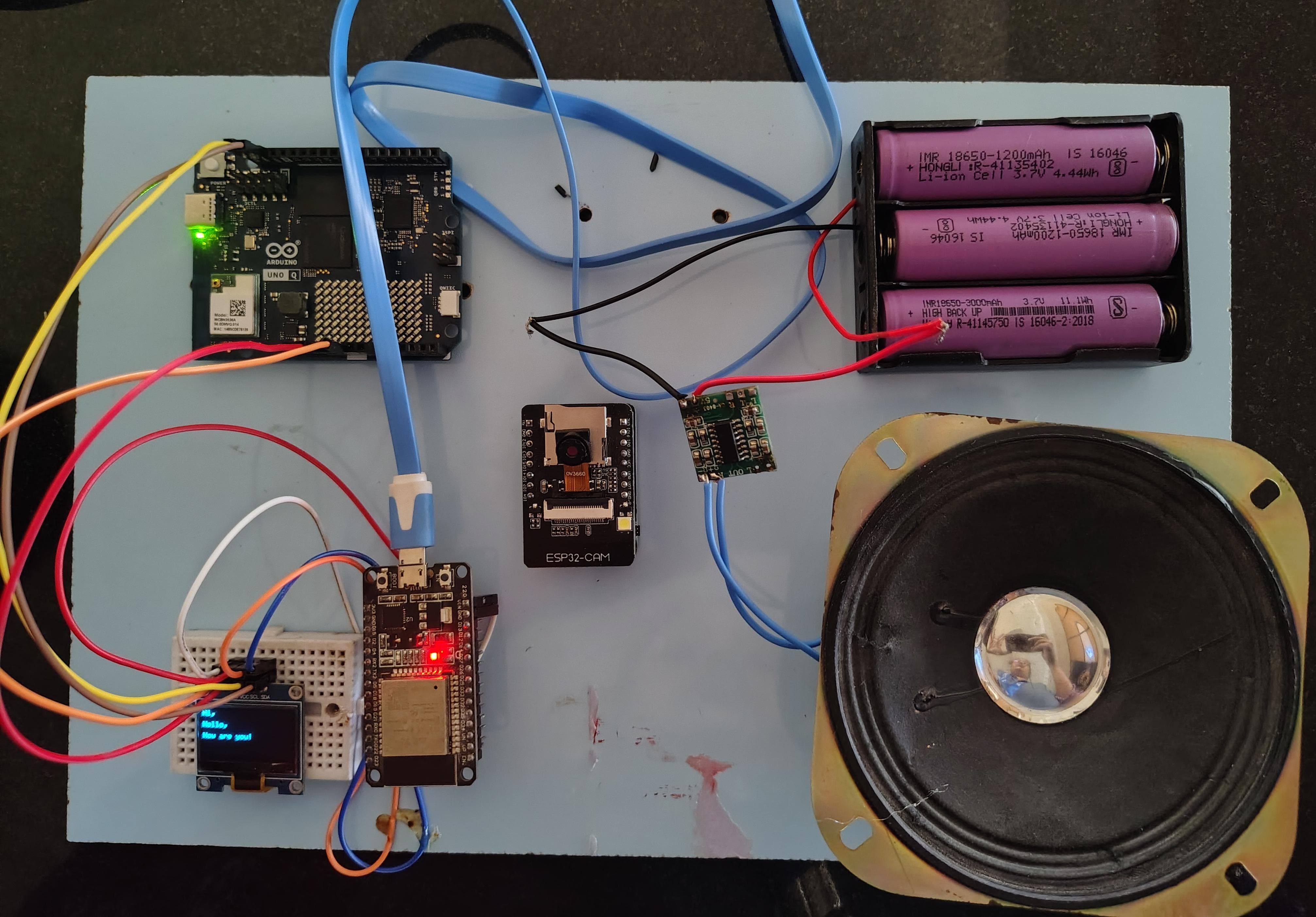
Basic assembly of prototype for testing
Inspiration
India has about 1 crore deaf and blind people (Census 2011), 70% of them in rural areas, and about 1 in 3 deaf or blind children aged 5 to 19 is out of school. Assistive tools are costly, need internet, and rarely support Tamil or Hindi.
What it does
One low-cost classroom device with two modes. Deaf mode: listens to the teacher and shows live captions. Blind mode: reads textbook pages and the board aloud.
How we built it
An Arduino UNO Q controls the system. An ESP32-CAM captures the page, OCR.space extracts the text, and ElevenLabs text-to-speech reads it aloud. A microphone feeds ElevenLabs Scribe for live captions. An 18650 battery and a small solar panel power it.
Challenges we ran into
Integrating the UNO Q, ESP32-CAM, microphone and speaker into one pipeline Getting clear images from a low-cost camera for accurate OCR Keeping delay low while using cloud APIs Accomplishments that we're proud of A working end-to-end prototype for both modes on low-cost hardware One device serving two disability groups A design built for rural schools: low cost and solar-assisted power
What we learned
Accessibility tools must be designed around cost, power and connectivity from the start Cloud APIs validate the idea fast, but rural use needs on-device models Microphone distance, camera angle and lighting decide accuracy
What's next for Sahaya Kit
Replace the cloud APIs with on-device models for offline use, add Tamil and Hindi translation, haptic bands and a student app with a teacher dashboard, then pilot in one classroom with a school or NGO
Built With
- 18650-battery
- arduino-uno-q
- elevenlabs
- elevenlabs-scribe
- elevenlabs-text-to-speech
- esp32-cam
- ocr
- ocr.space
- python
- speech-to-text
- stm32
- text-to-speech
- wi-fi

Log in or sign up for Devpost to join the conversation.