

What inspired us
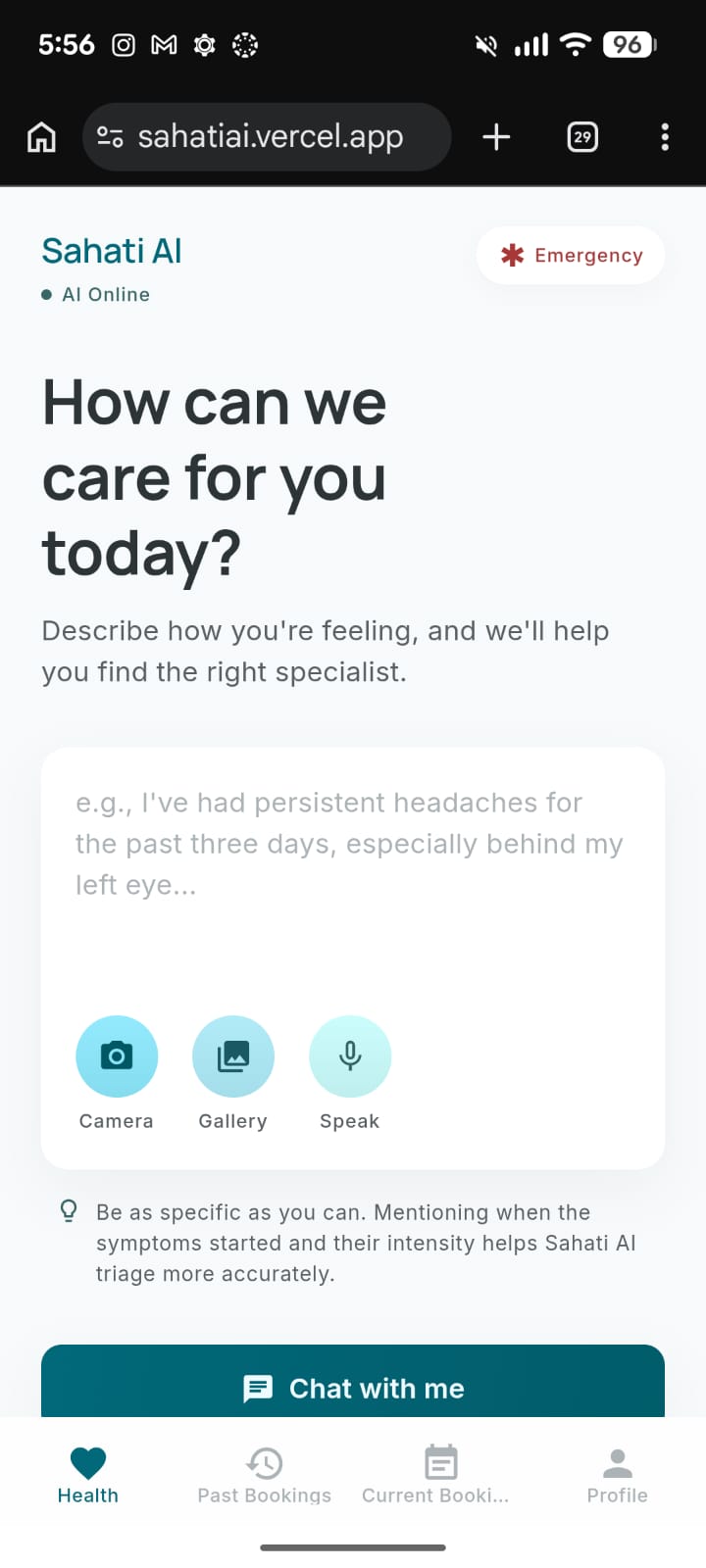
The inspiration for Sahati AI came from a very relatable, everyday struggle. Imagine moving to a new city for your studies or a new job. Suddenly, you wake up with a high fever and unbearable pain. You don't know the local area, you don't have a regular doctor, and you have no energy to spend hours on your phone searching for clinics, reading reviews, and waiting on hold.
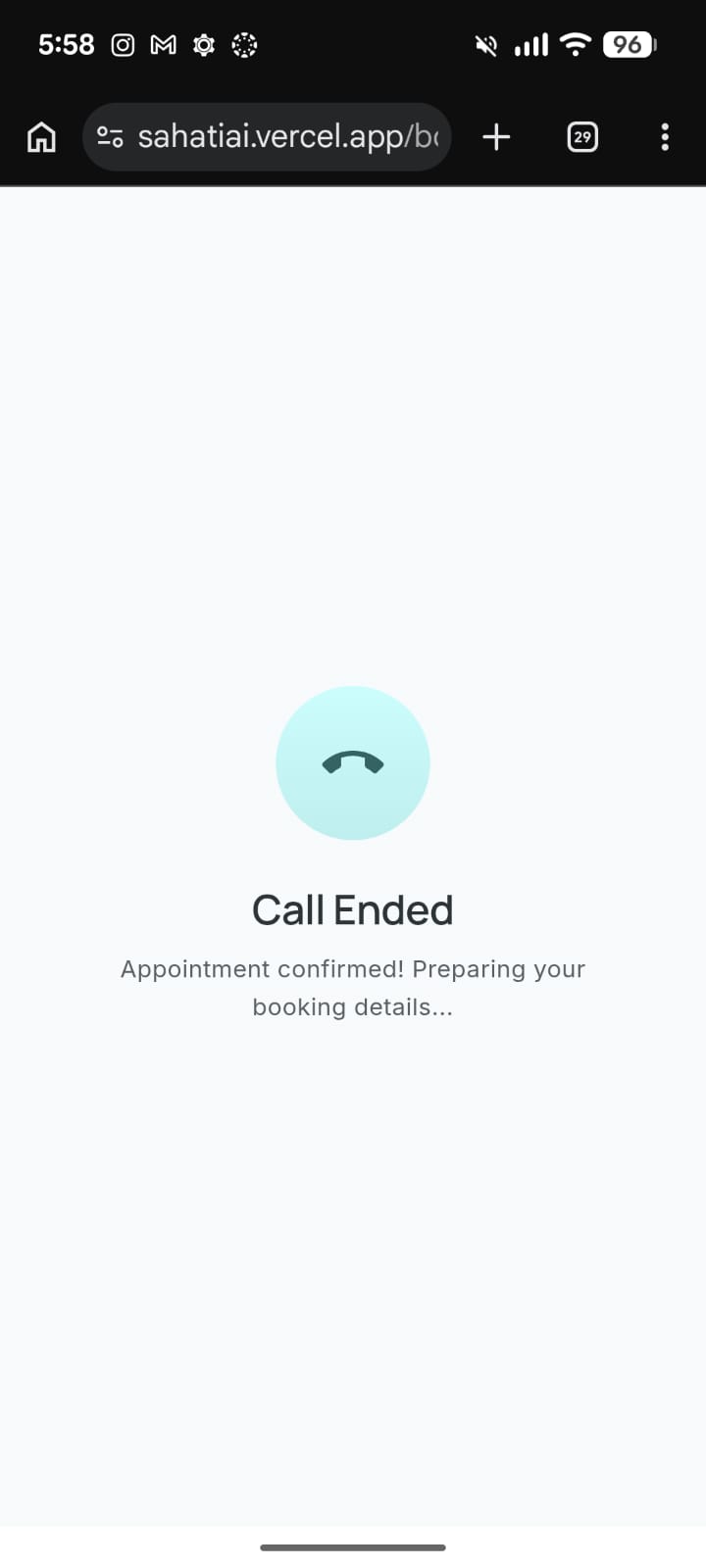
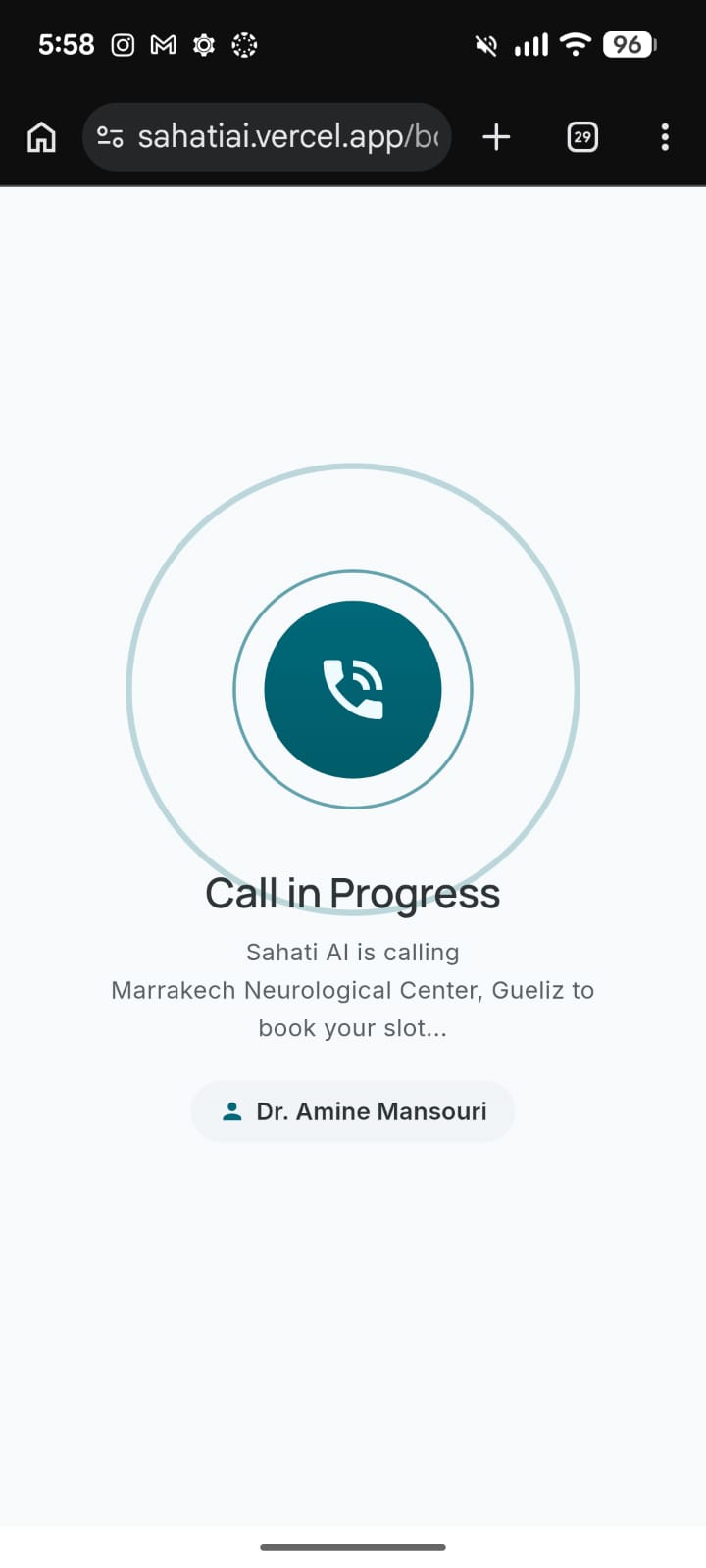
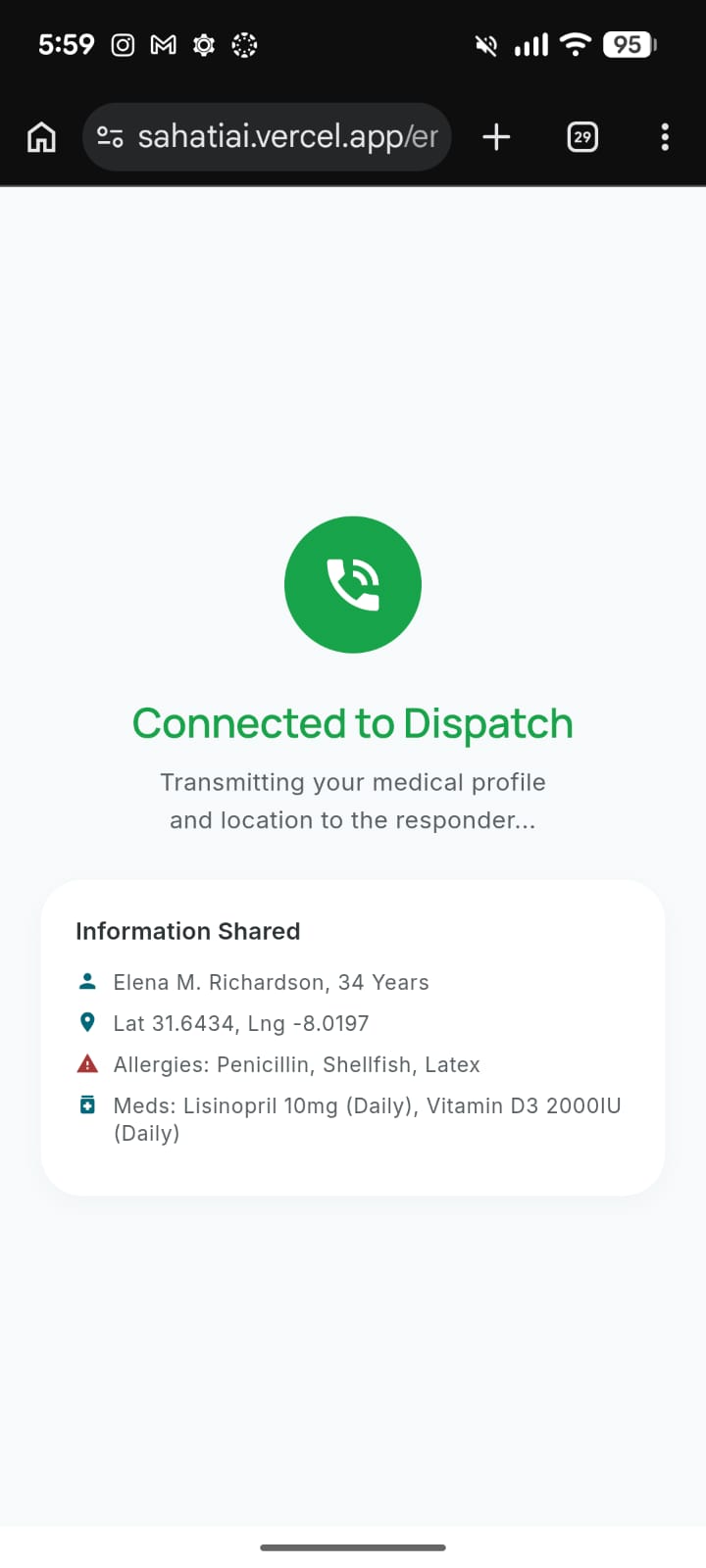
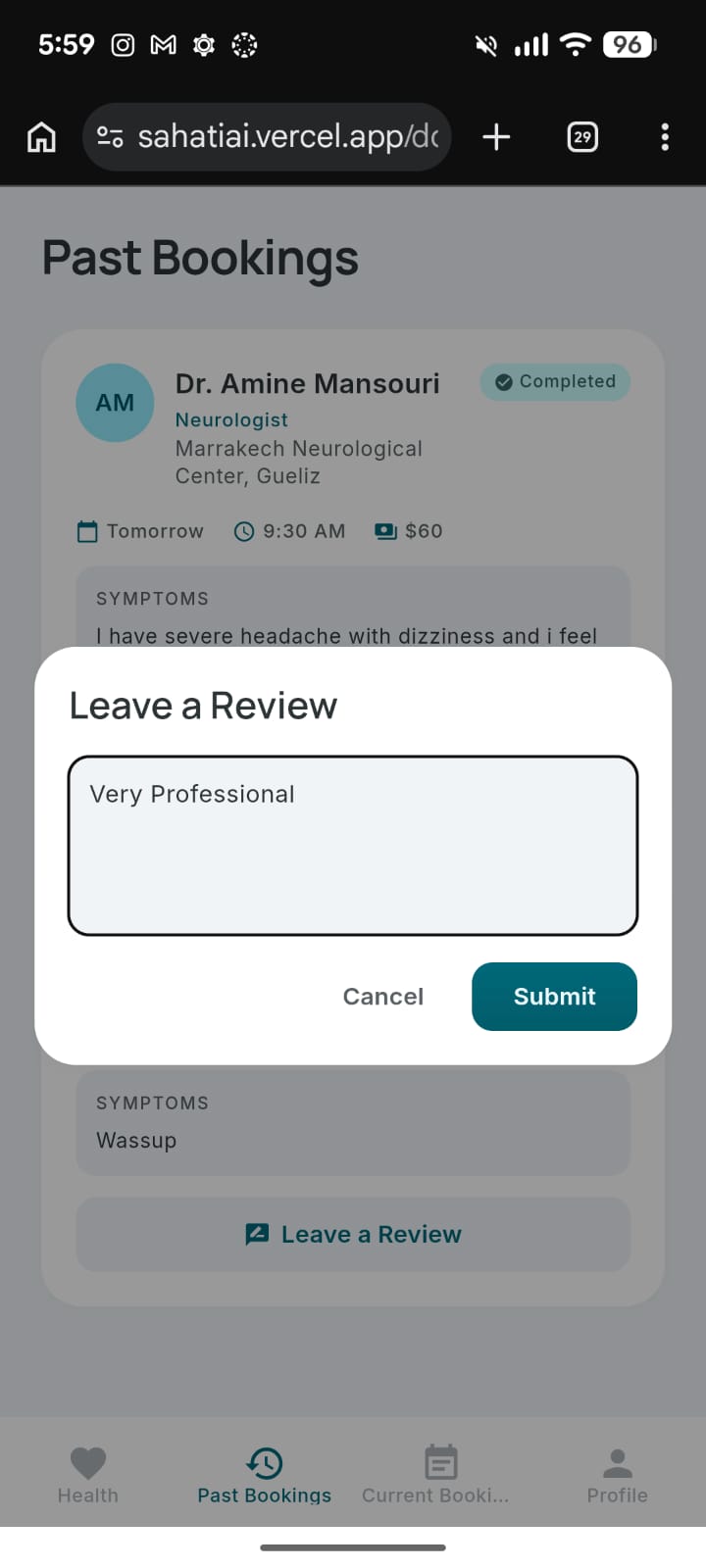
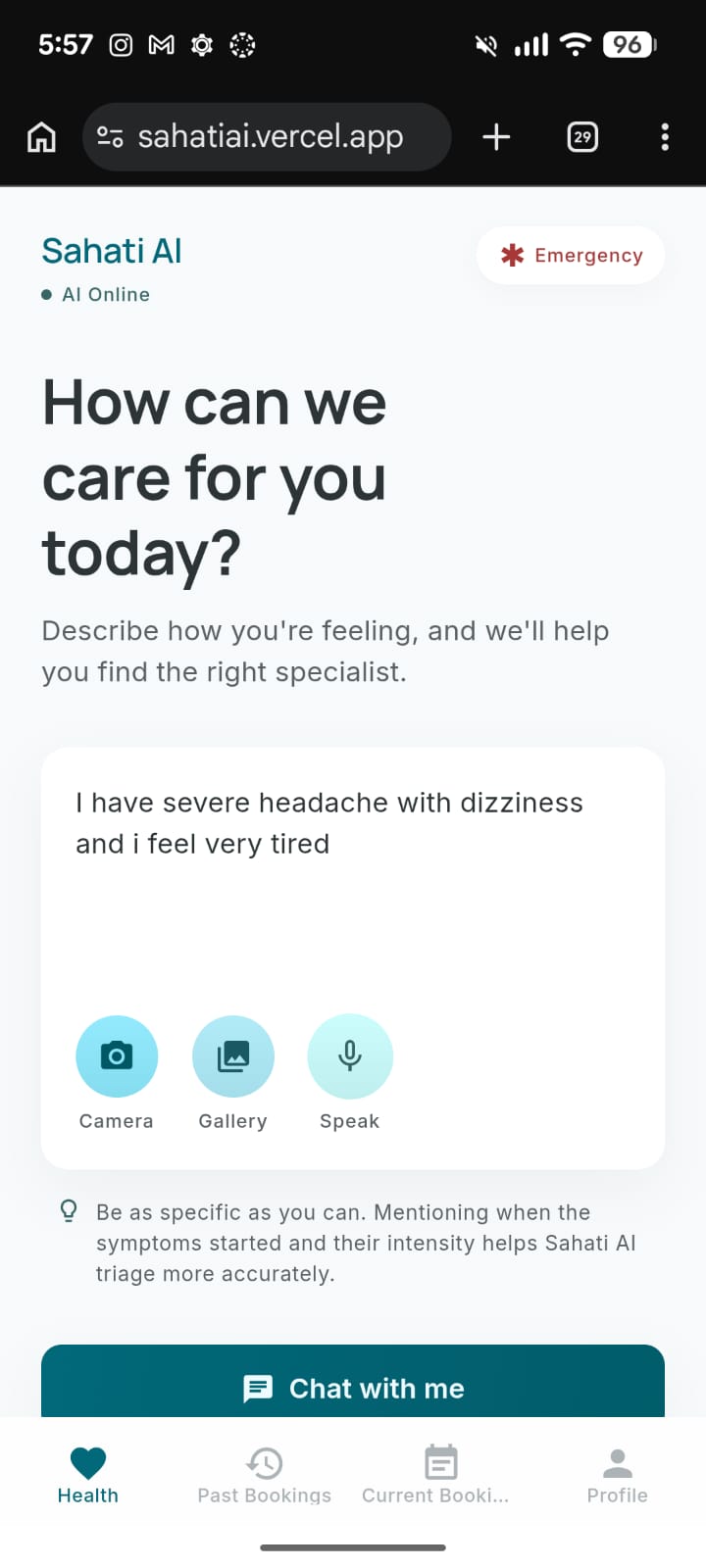
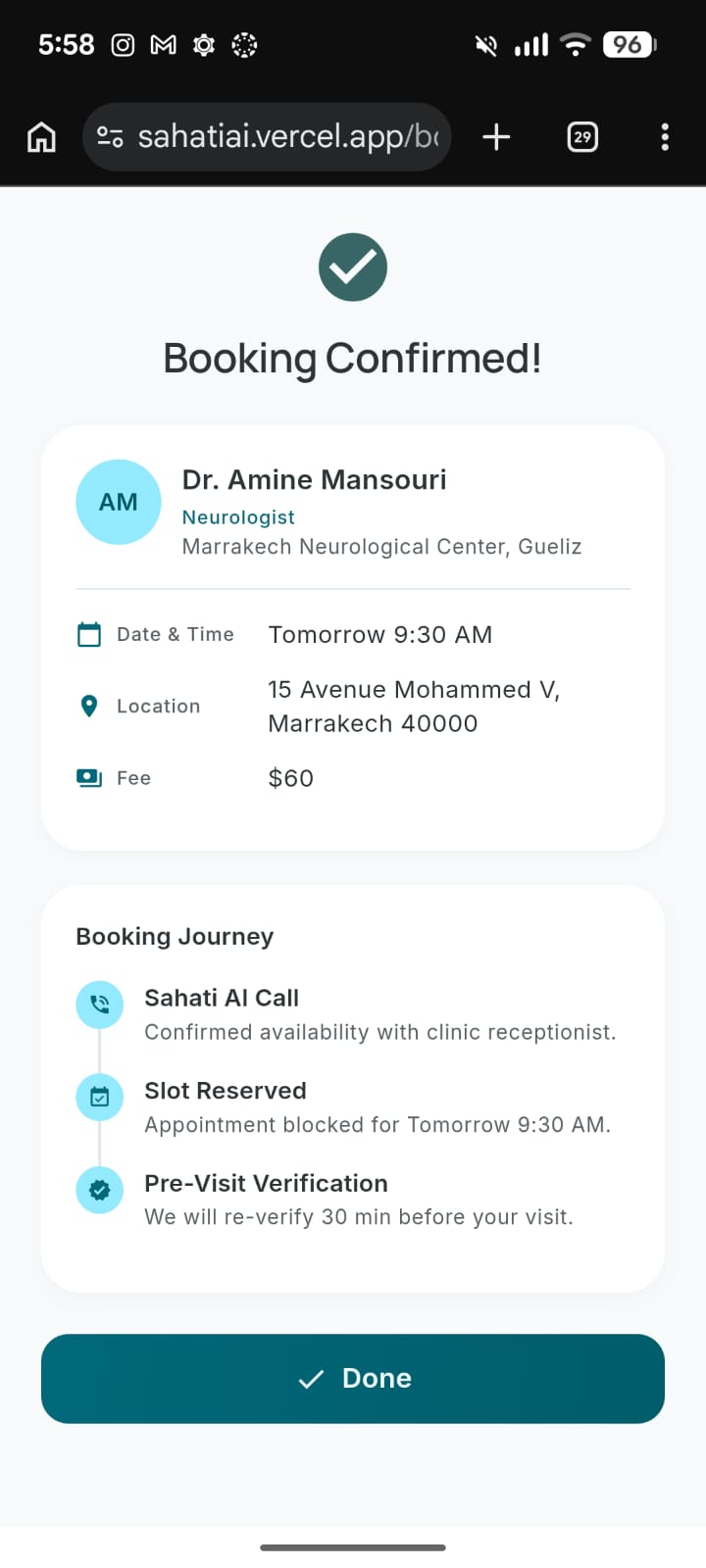
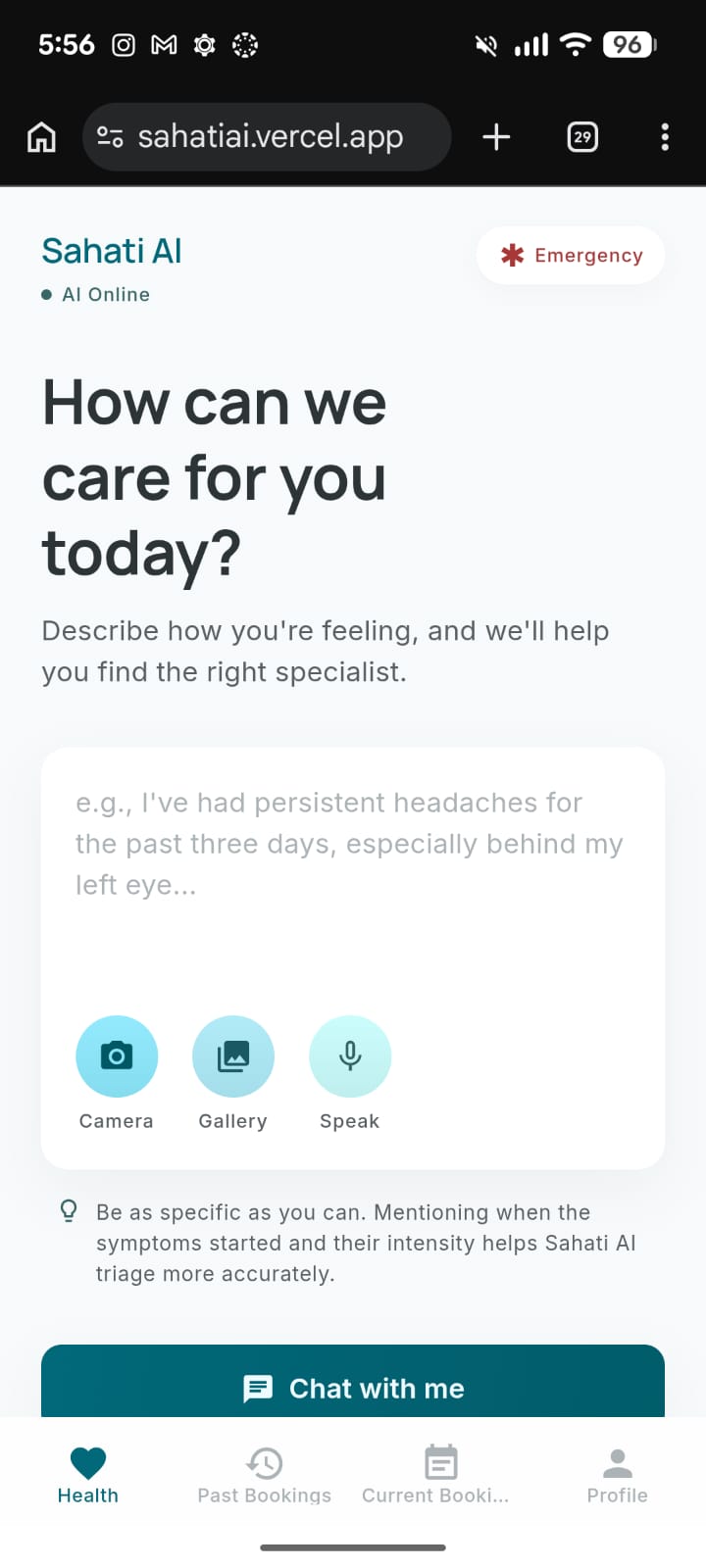
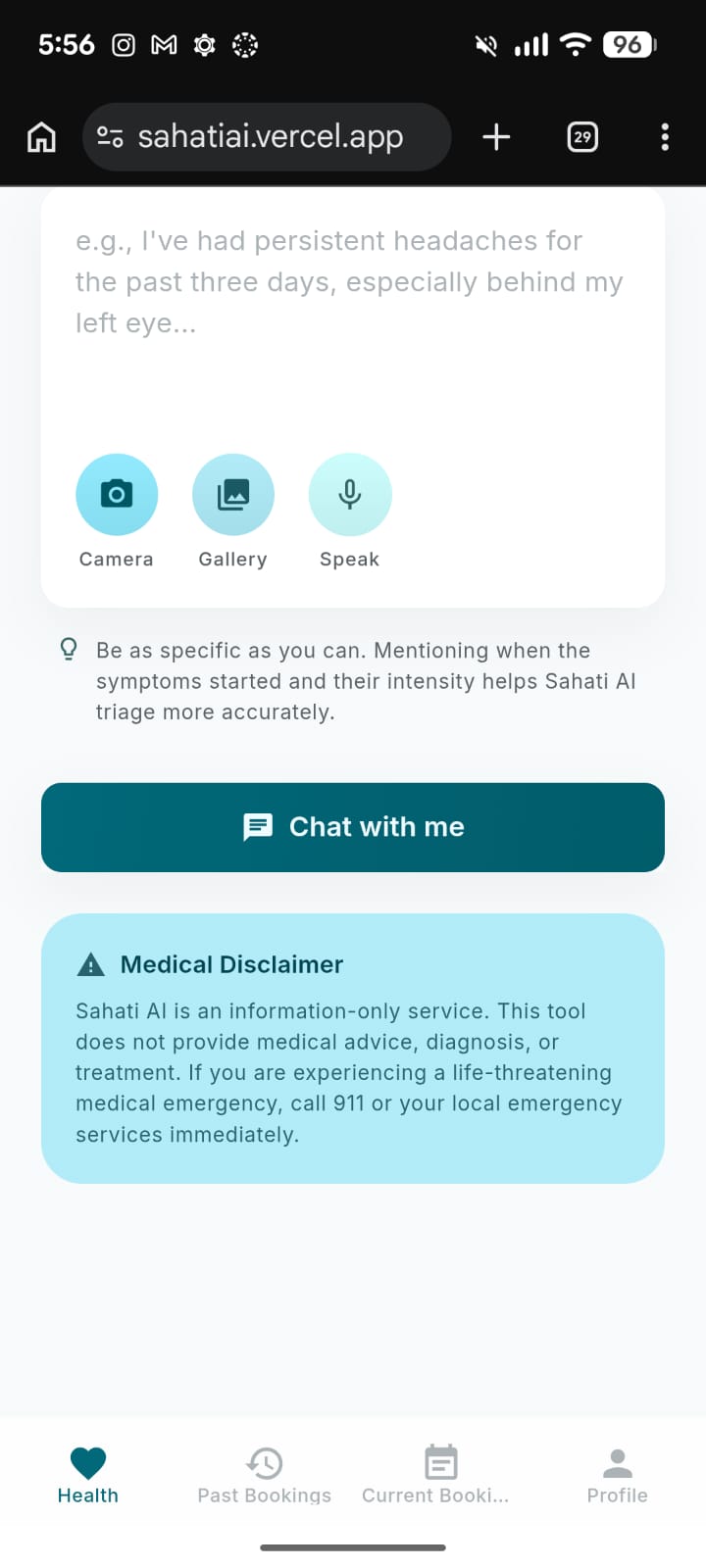
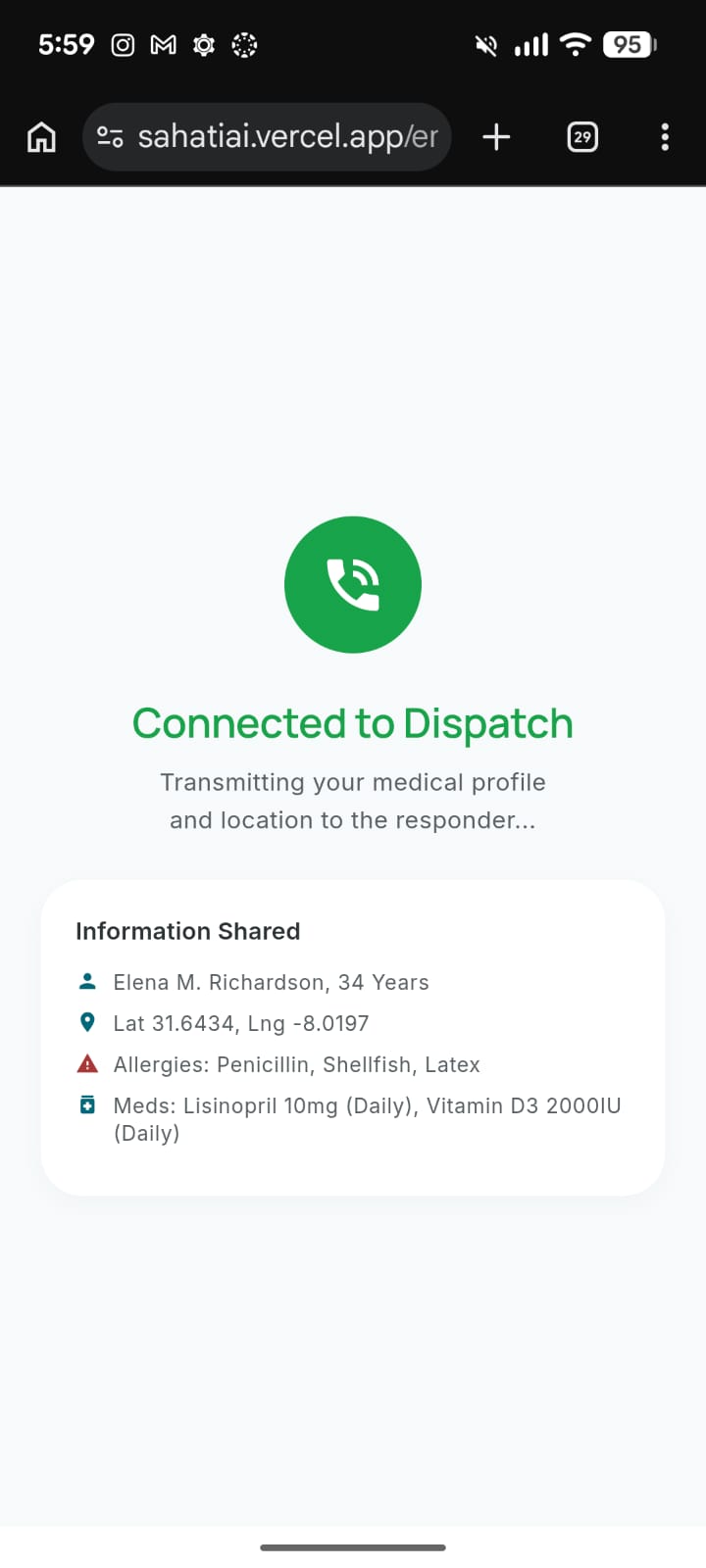
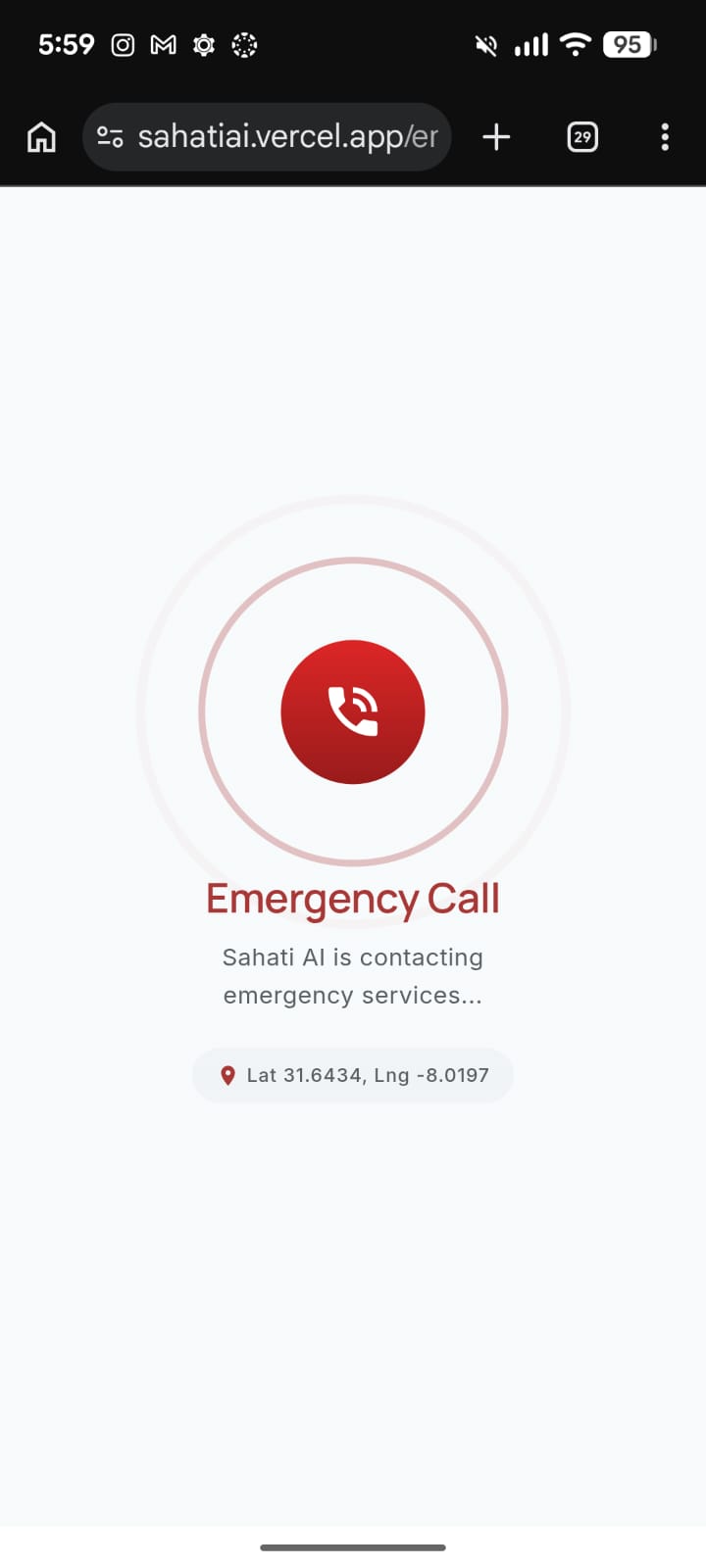
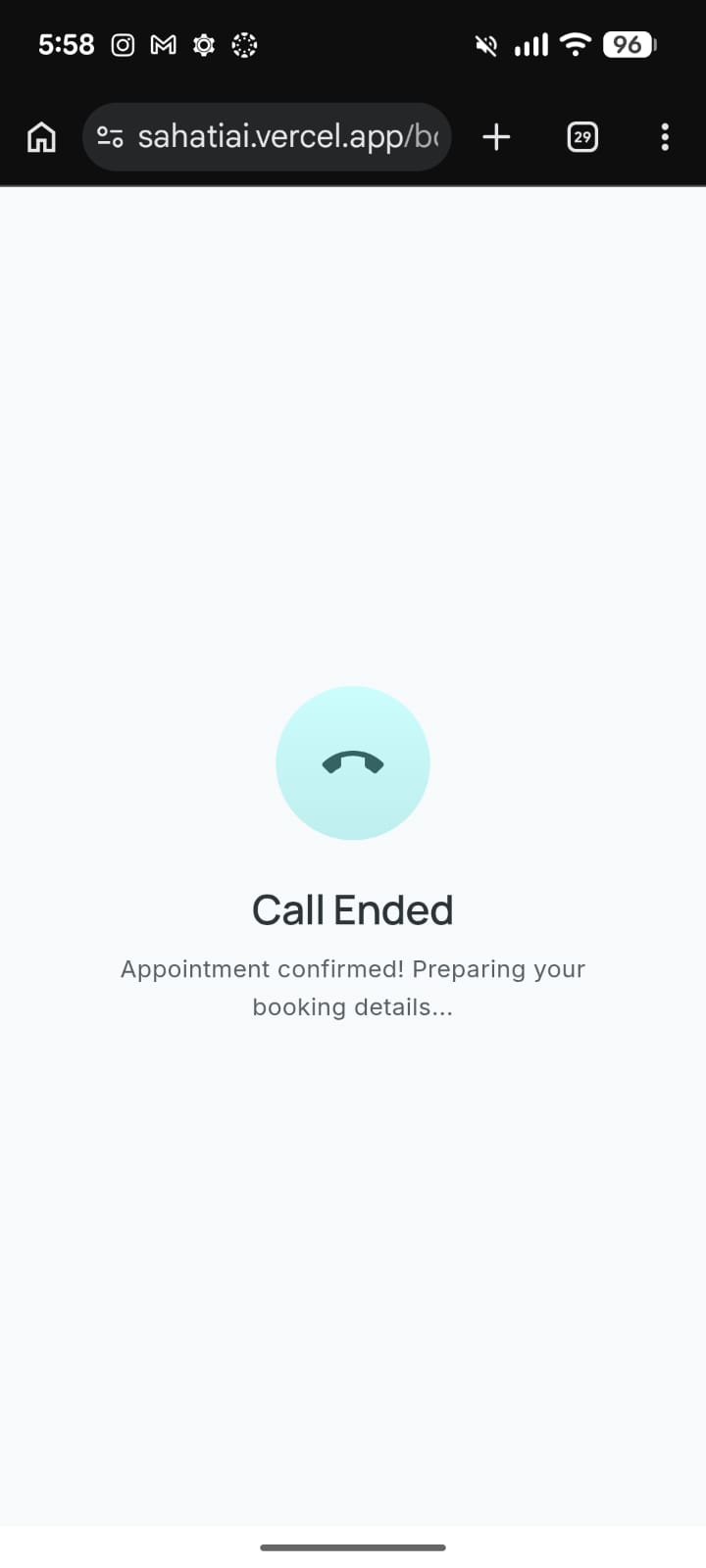
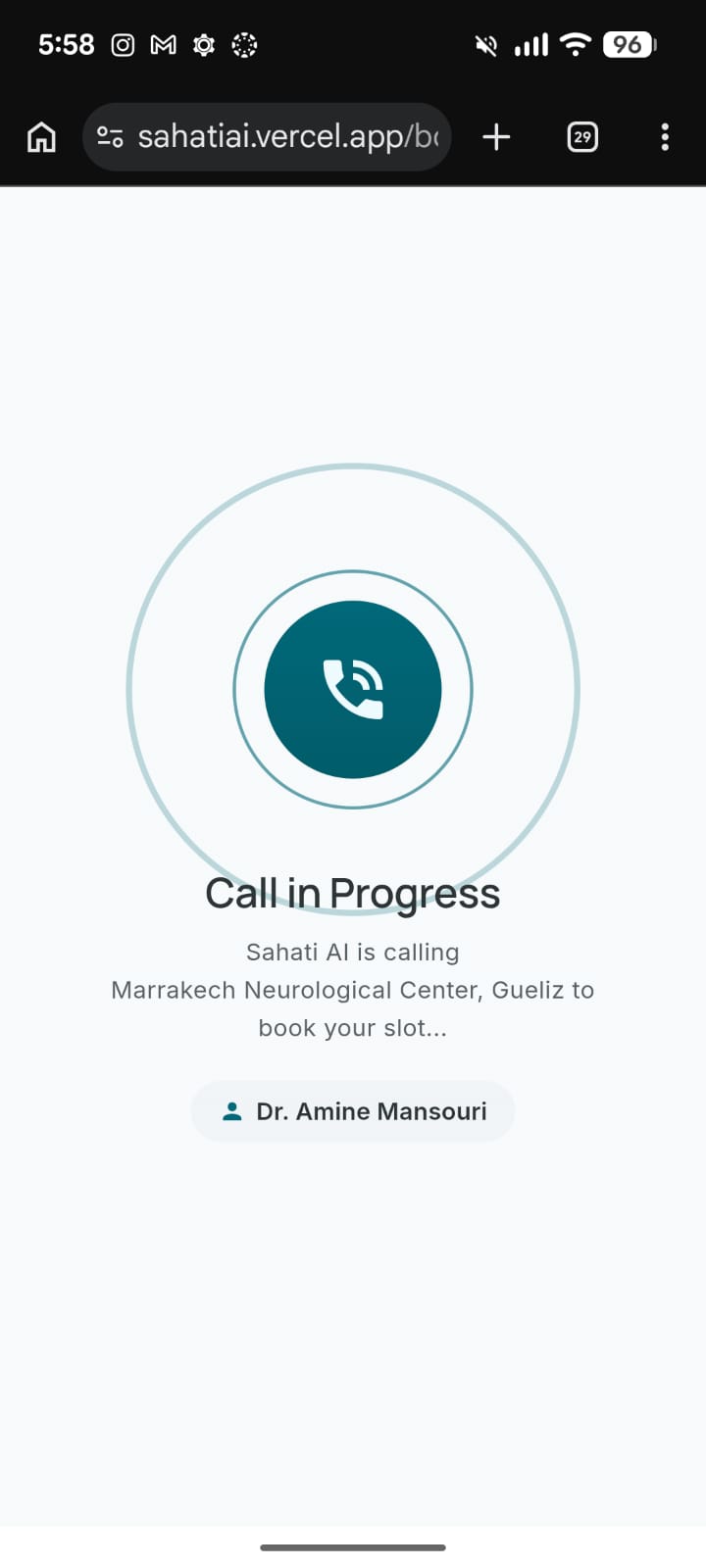
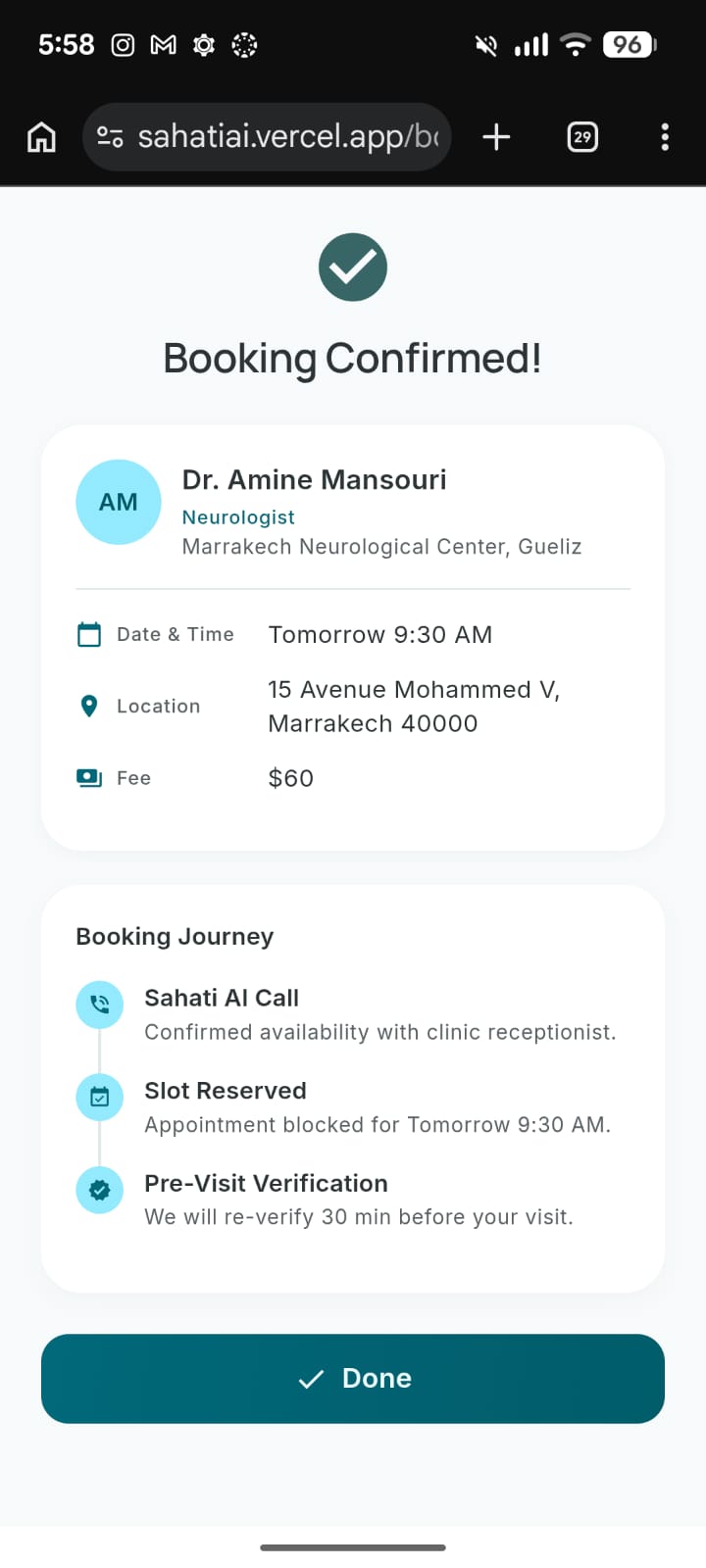
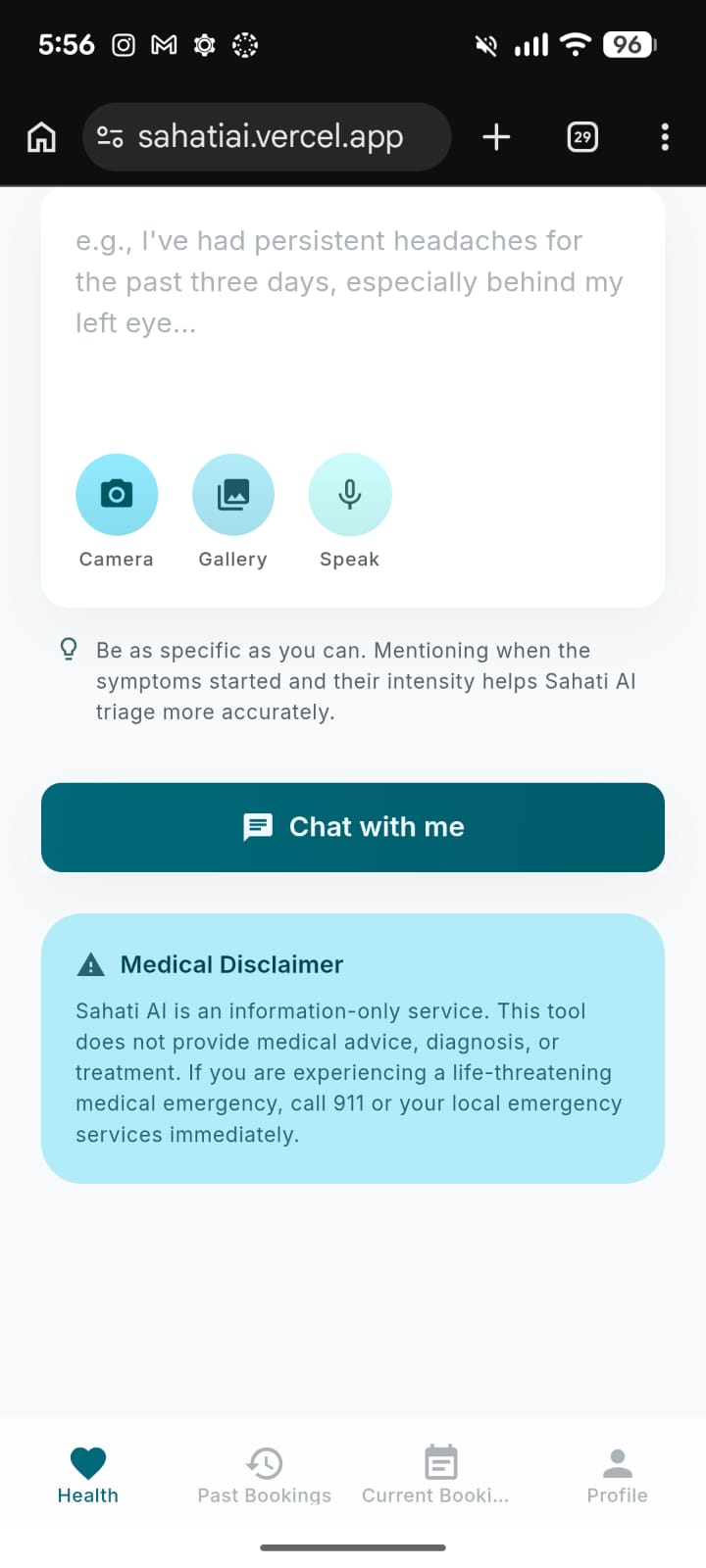
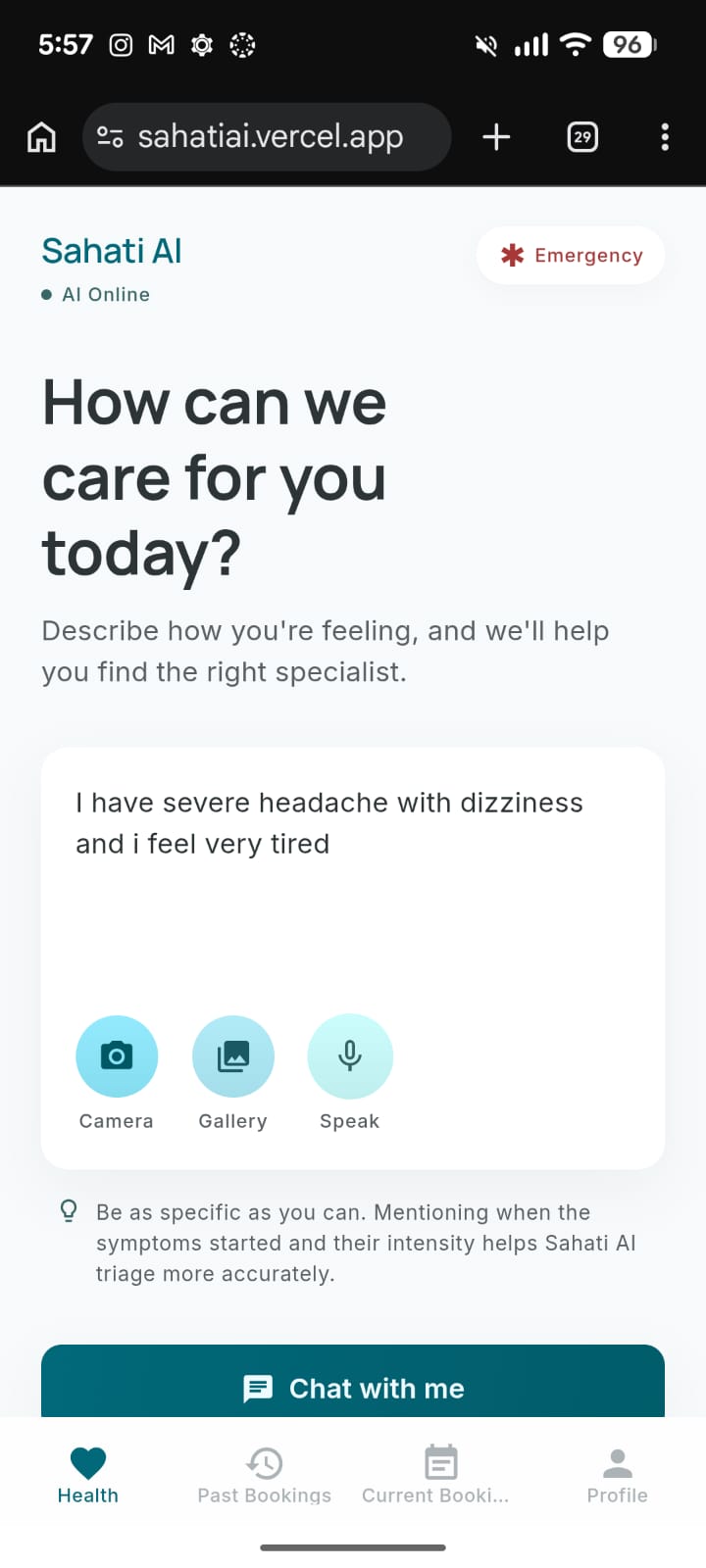
My teammates and I realized that when people are sick and vulnerable, the last thing they need is logistical friction. While there are plenty of medical directories out there, they all require proactive effort from the patient. We wanted to build a solution that doesn't just give you a phone number, but actually acts as your personal medical concierge—taking over the entire process from symptom triage to booking the appointment.
How we built it
We developed Sahati AI as a cross-platform application (Web and Mobile) using a modern, fully client-side architecture.
- Frontend Framework: We used React Native with Expo SDK (v54) and Expo Router for file-based navigation, ensuring a seamless experience across devices.
- The AI Brain: The core of our concierge is powered by the Google Gemini API. We utilized one specific model:
gemini-flash-lite-latestfor handling the real-time text and conversational triage.
- Context & Location: We integrated
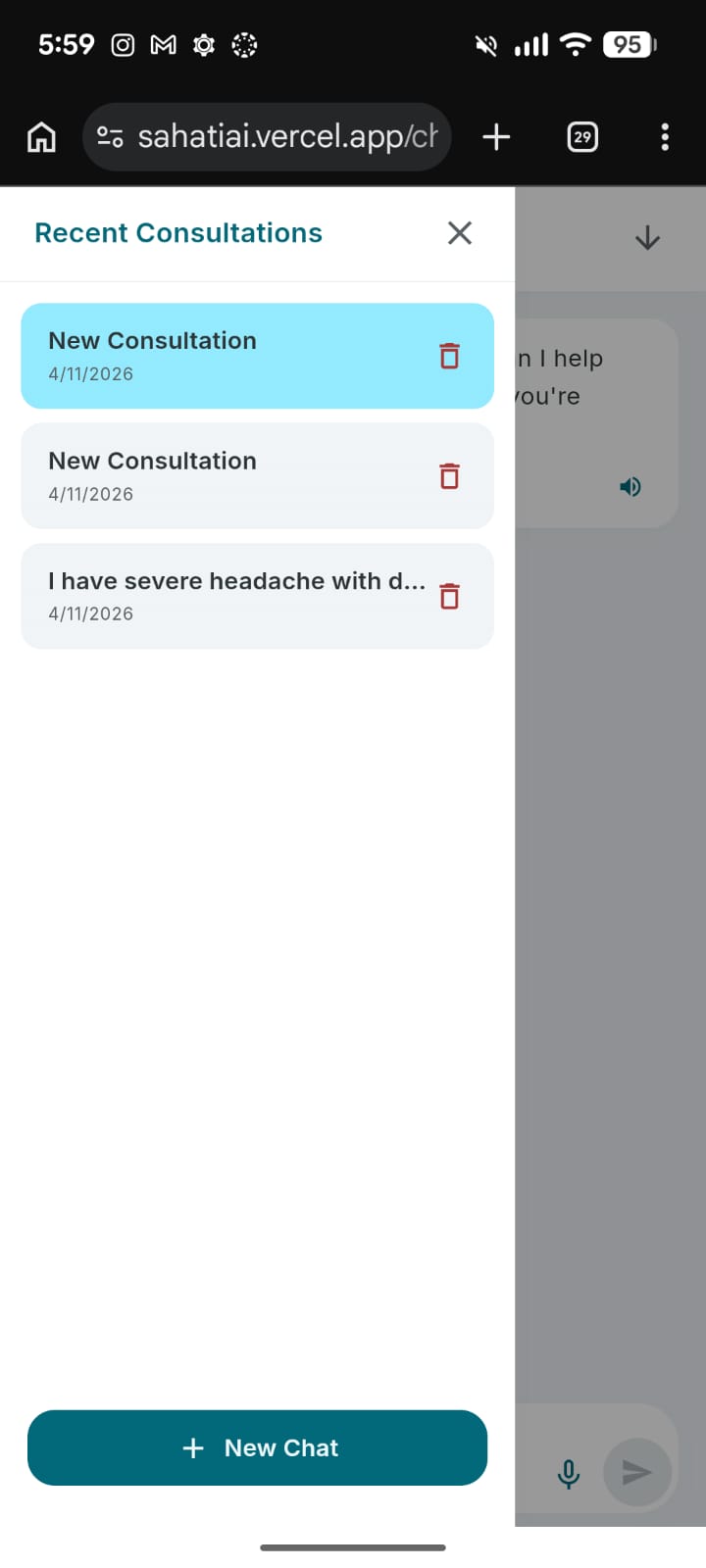
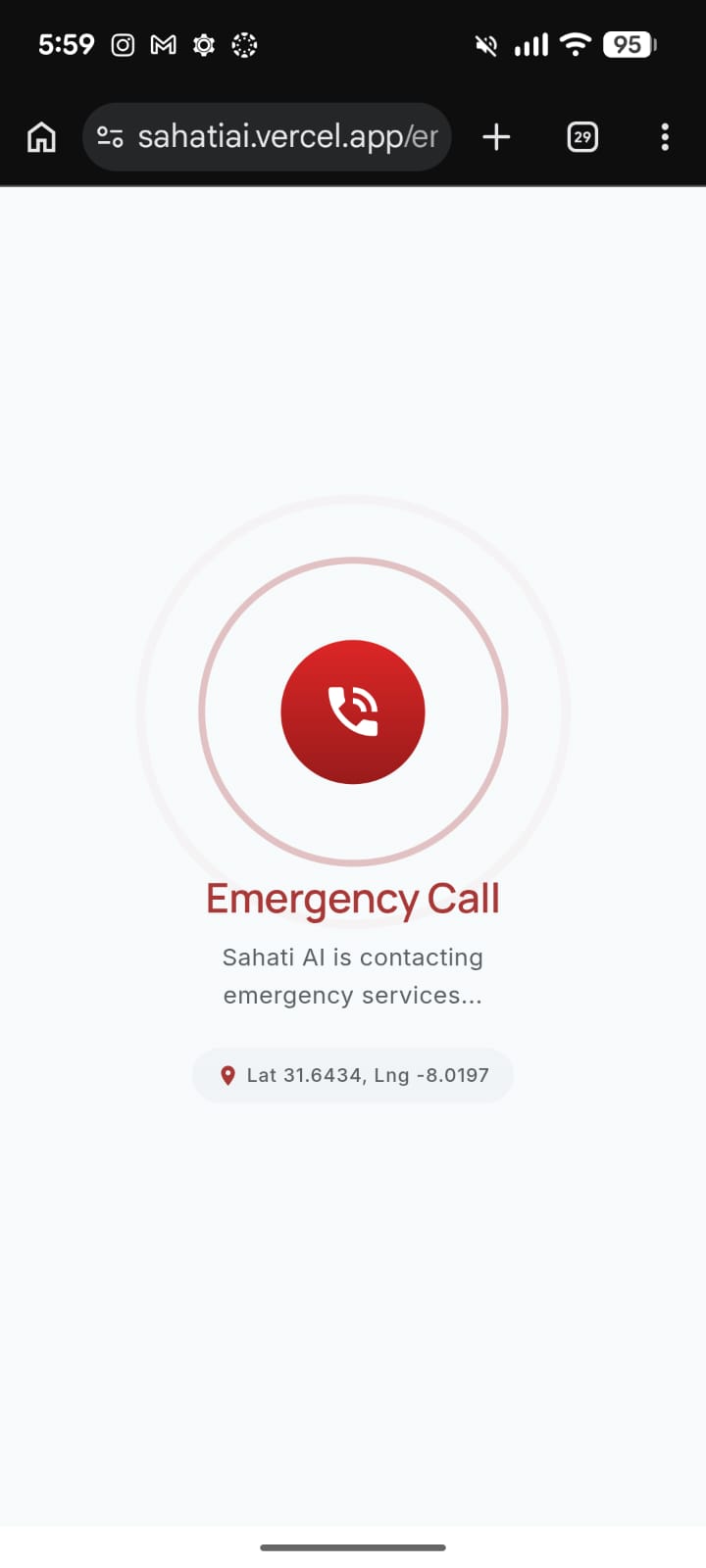
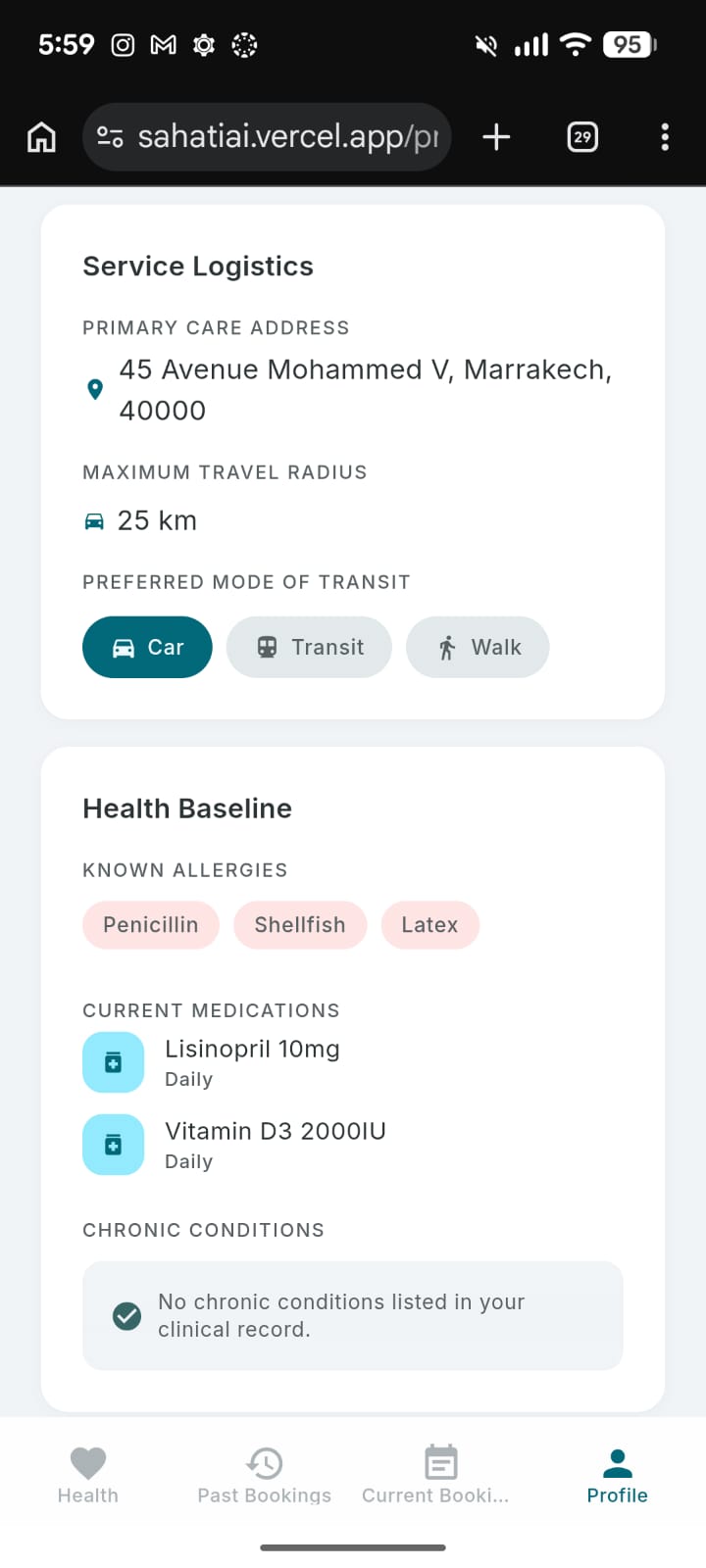
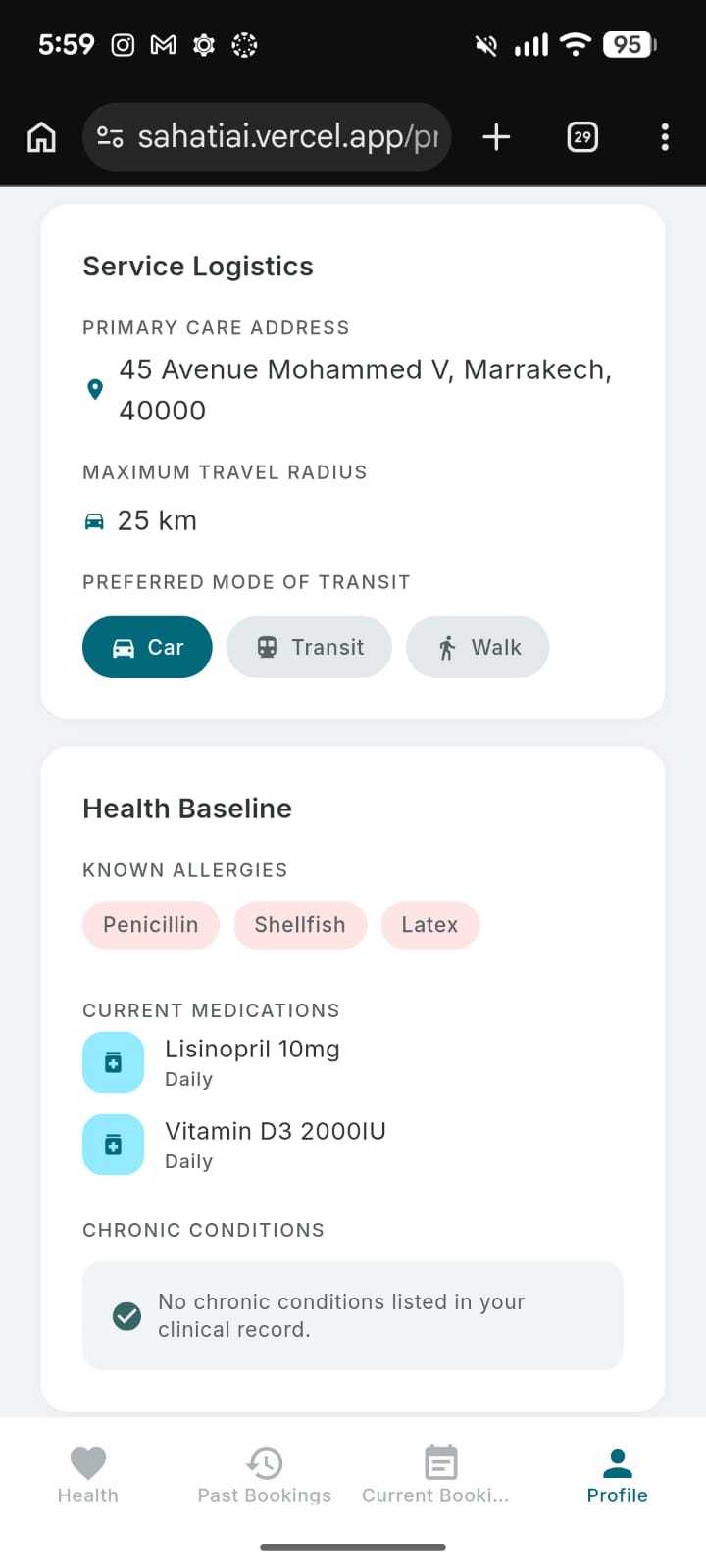
expo-locationto grab the user's GPS coordinates and reverse-geocode them. This data is injected directly into the Gemini system prompt so the AI only recommends specialists that are geographically relevant. - Data Persistence: Since we opted for a serverless, purely client-side MVP, we built a robust local database using
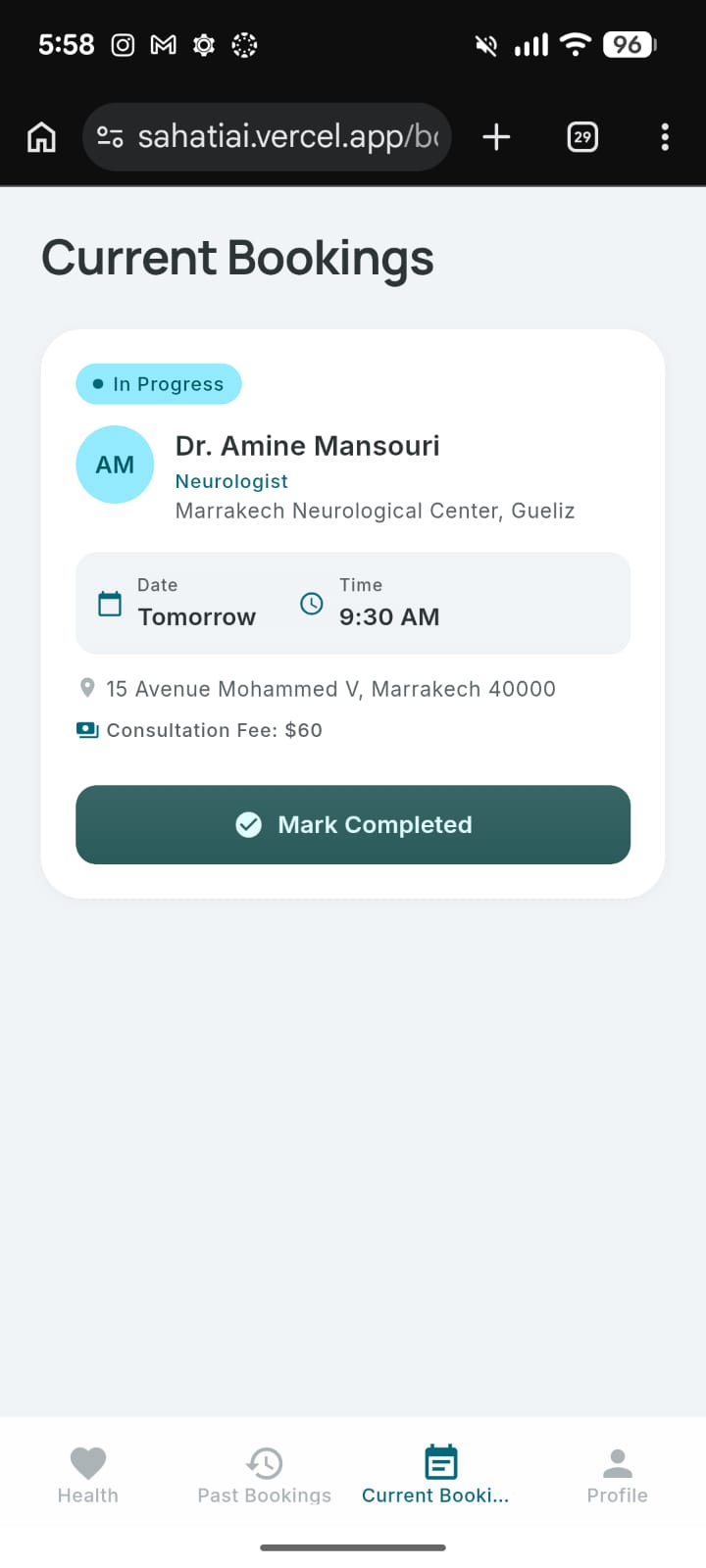
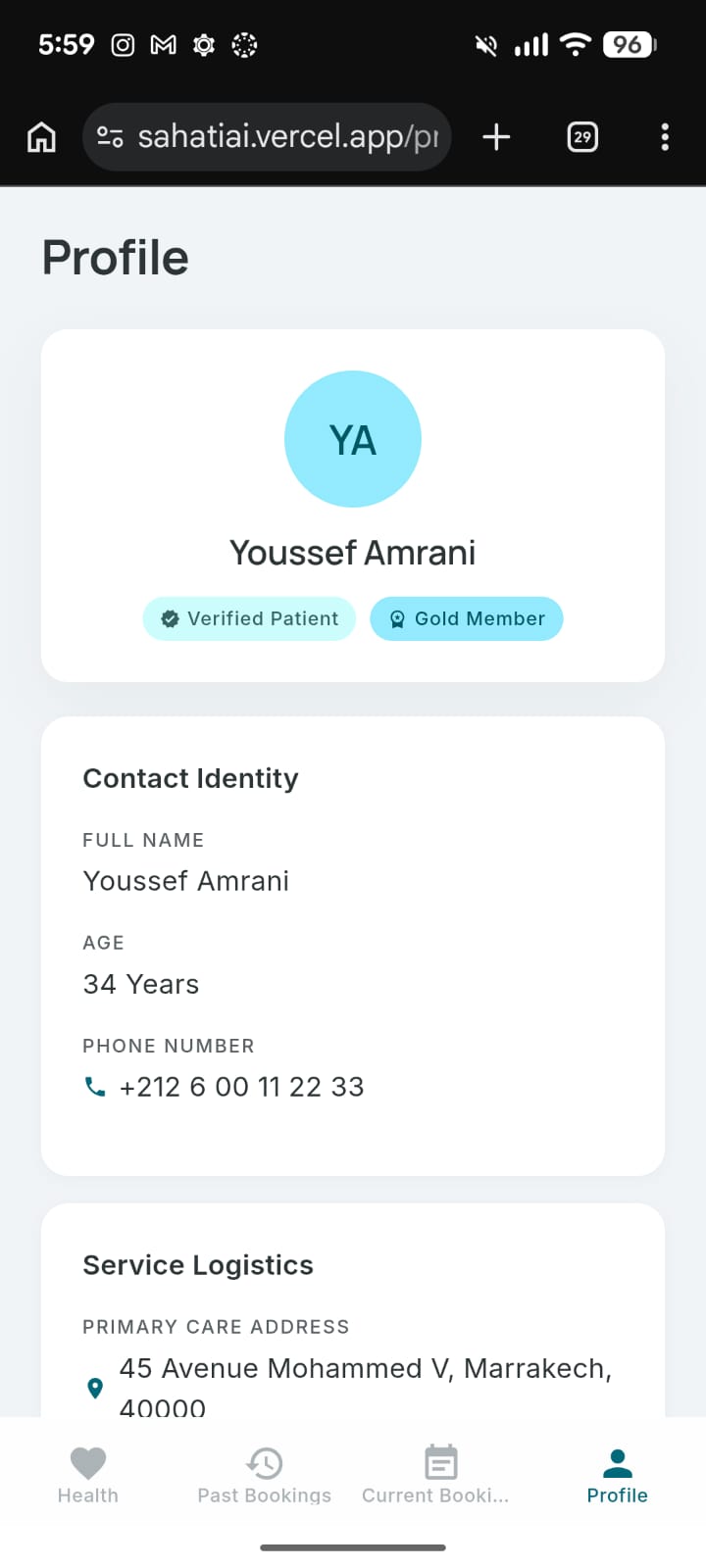
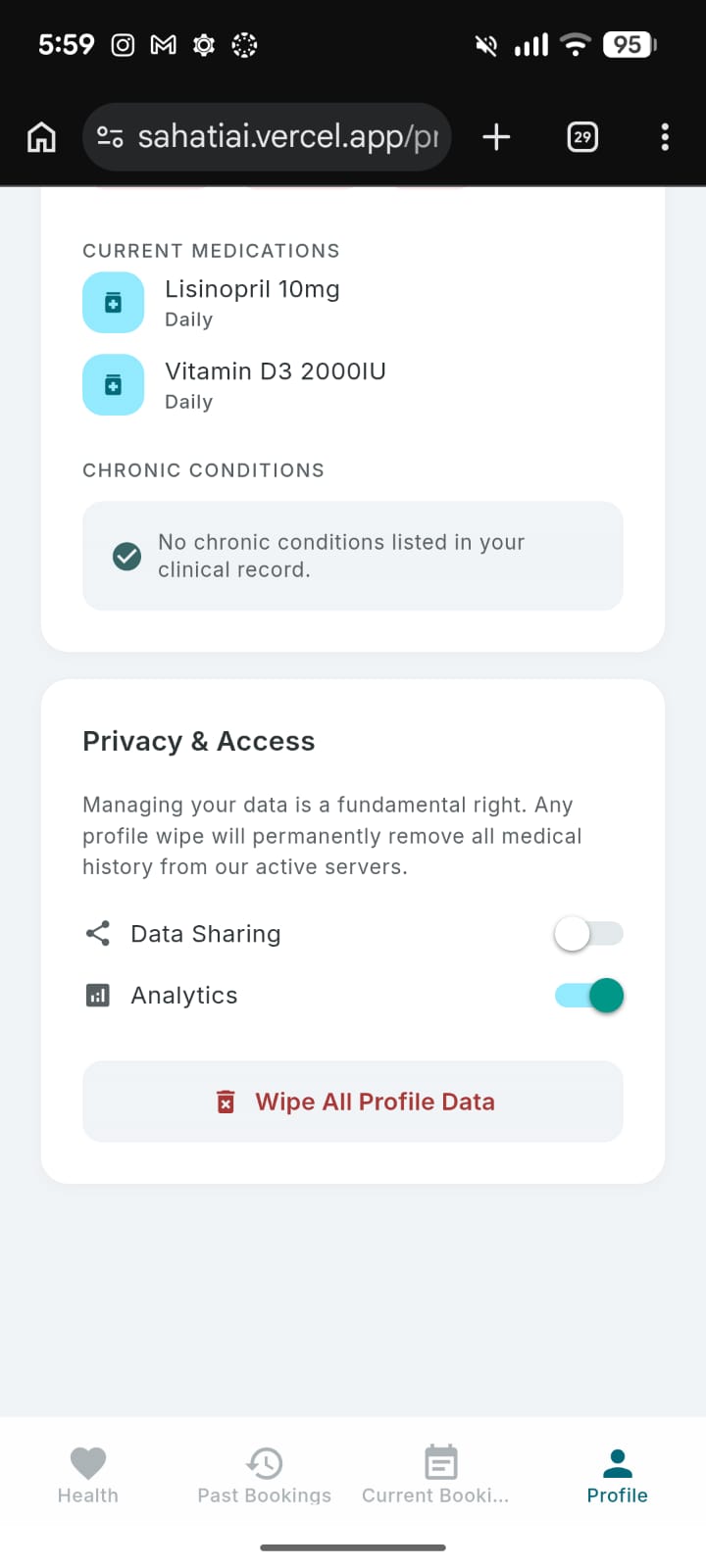
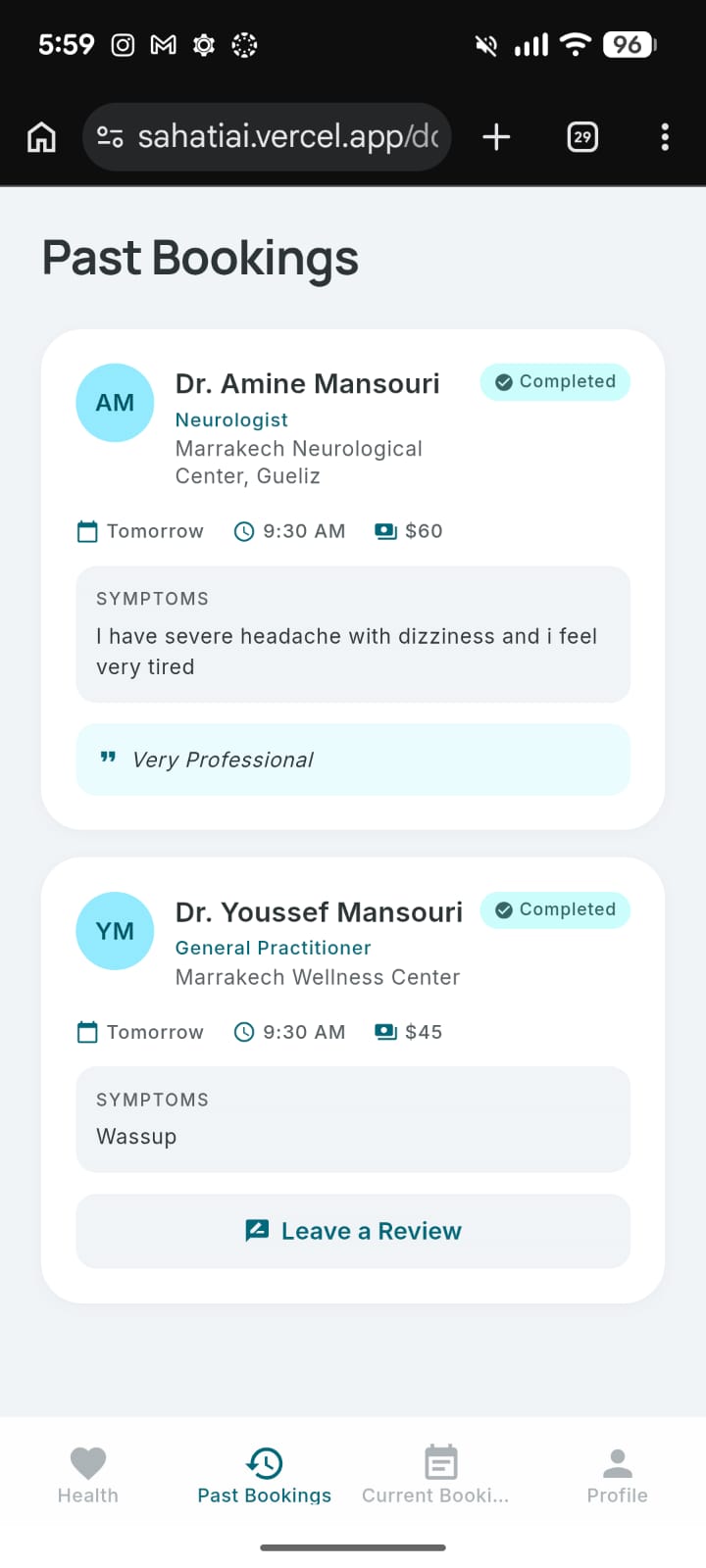
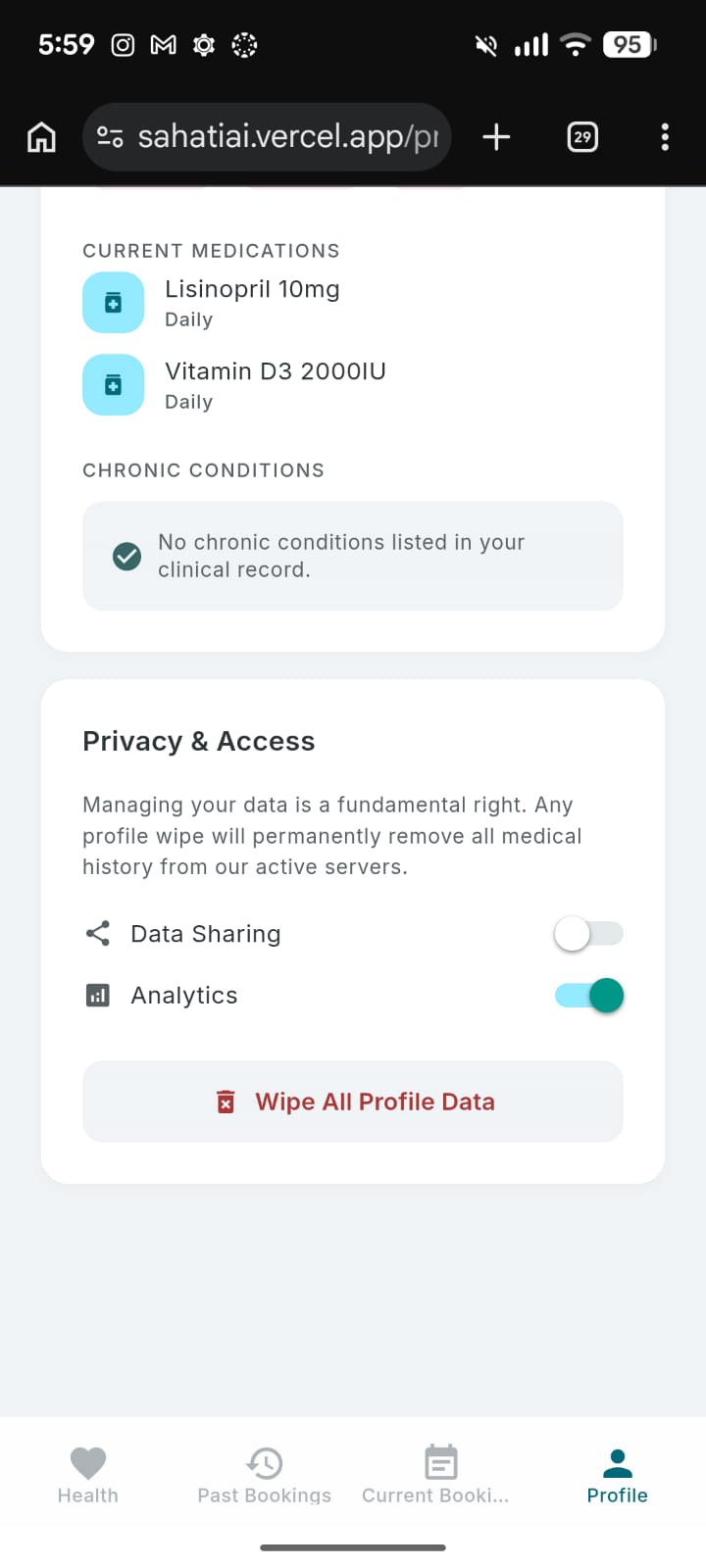
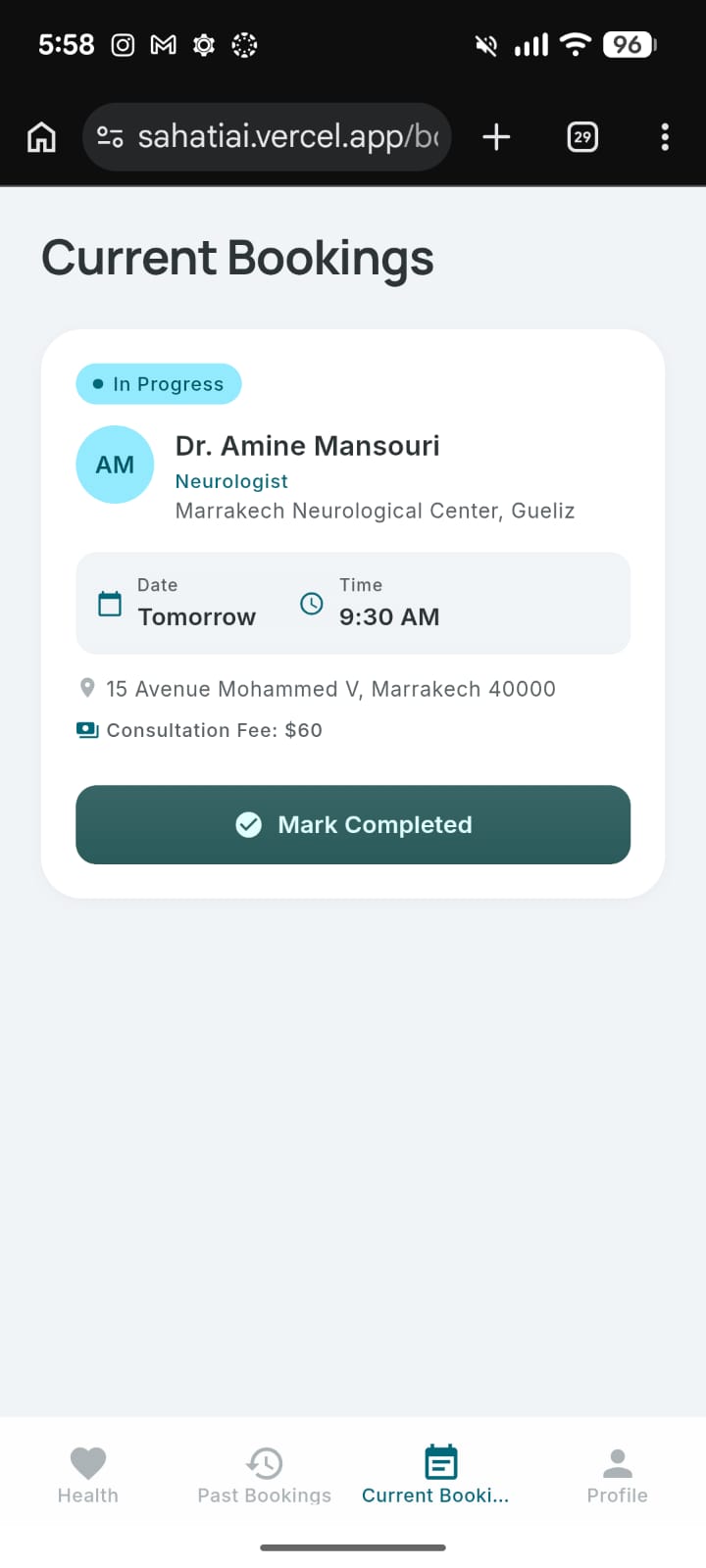
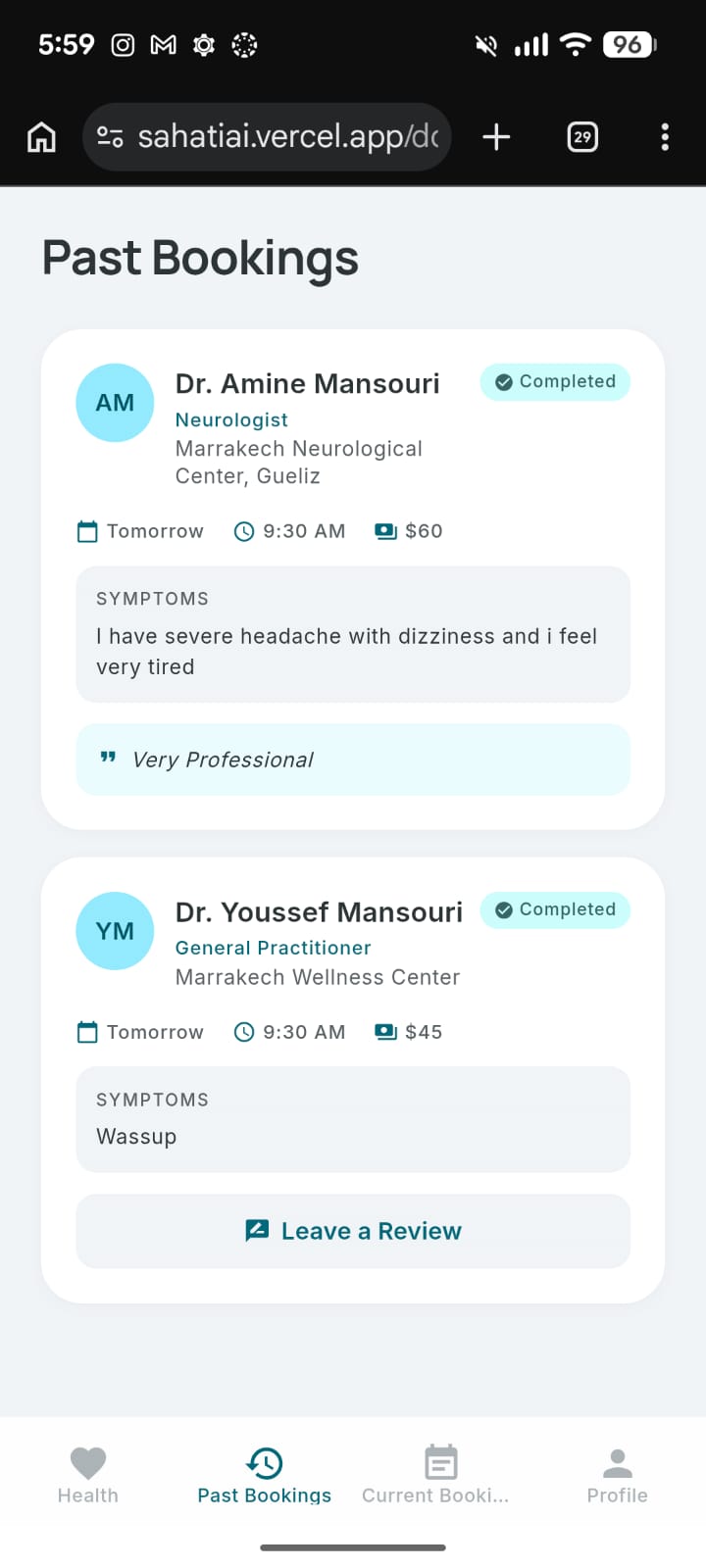
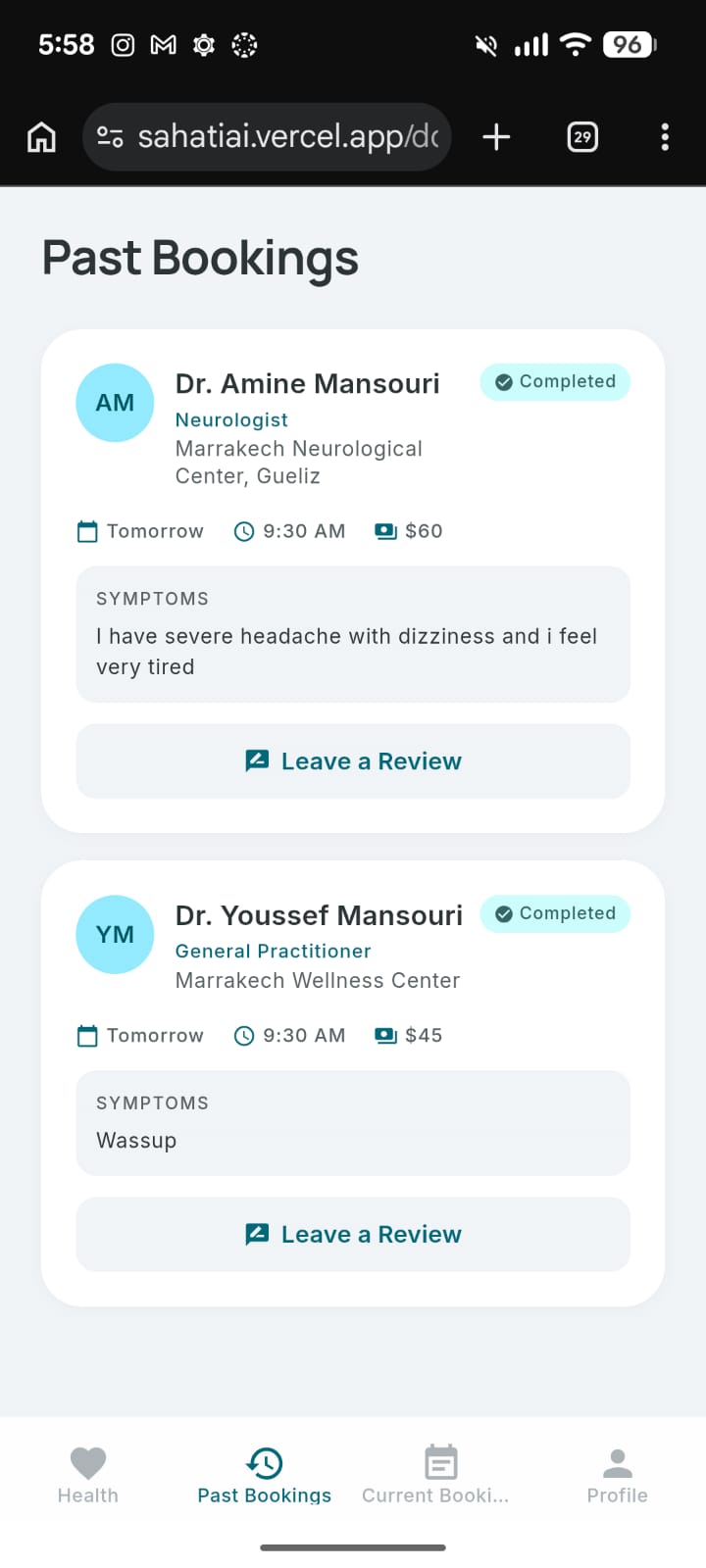
@react-native-async-storage/async-storageto save multi-session chat histories and track the status of current and past bookings.
Challenges we faced
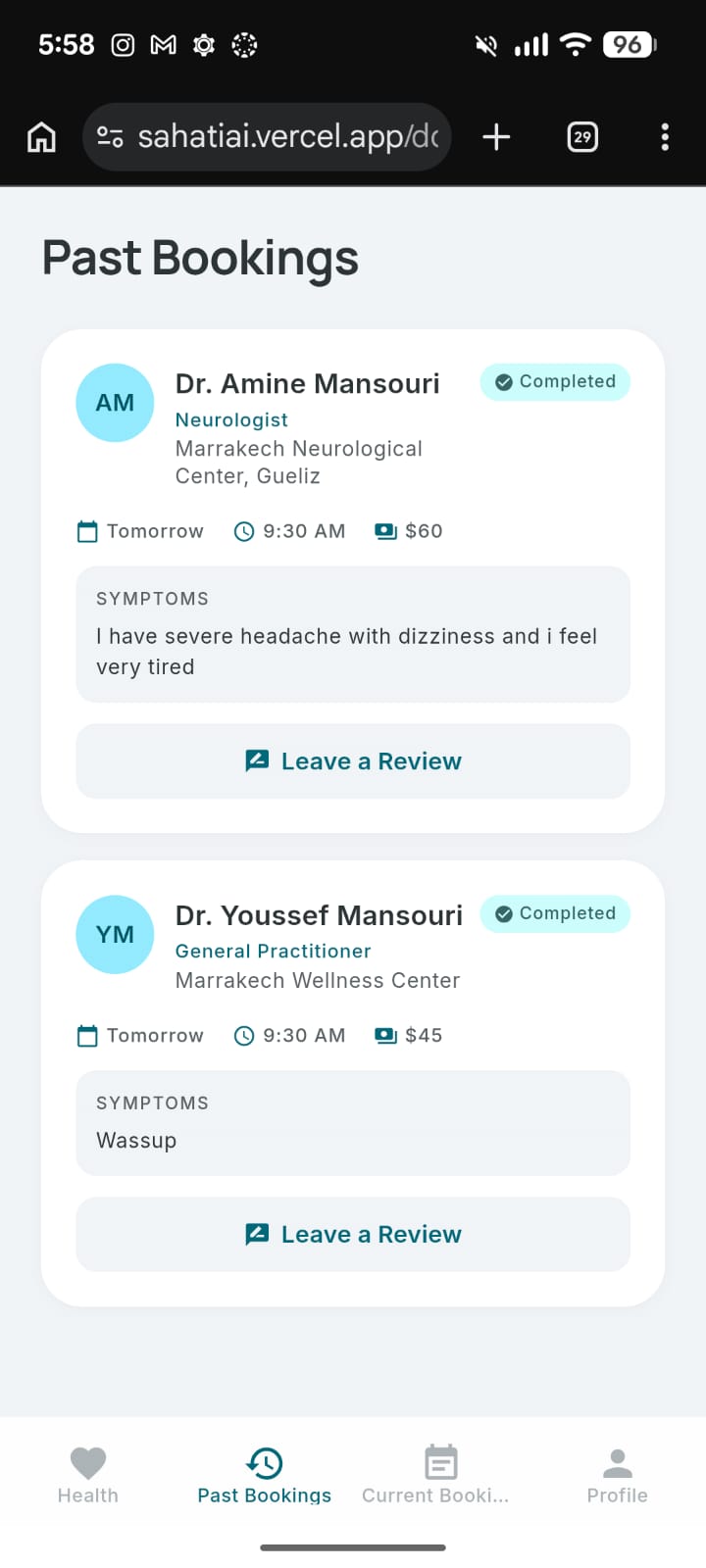
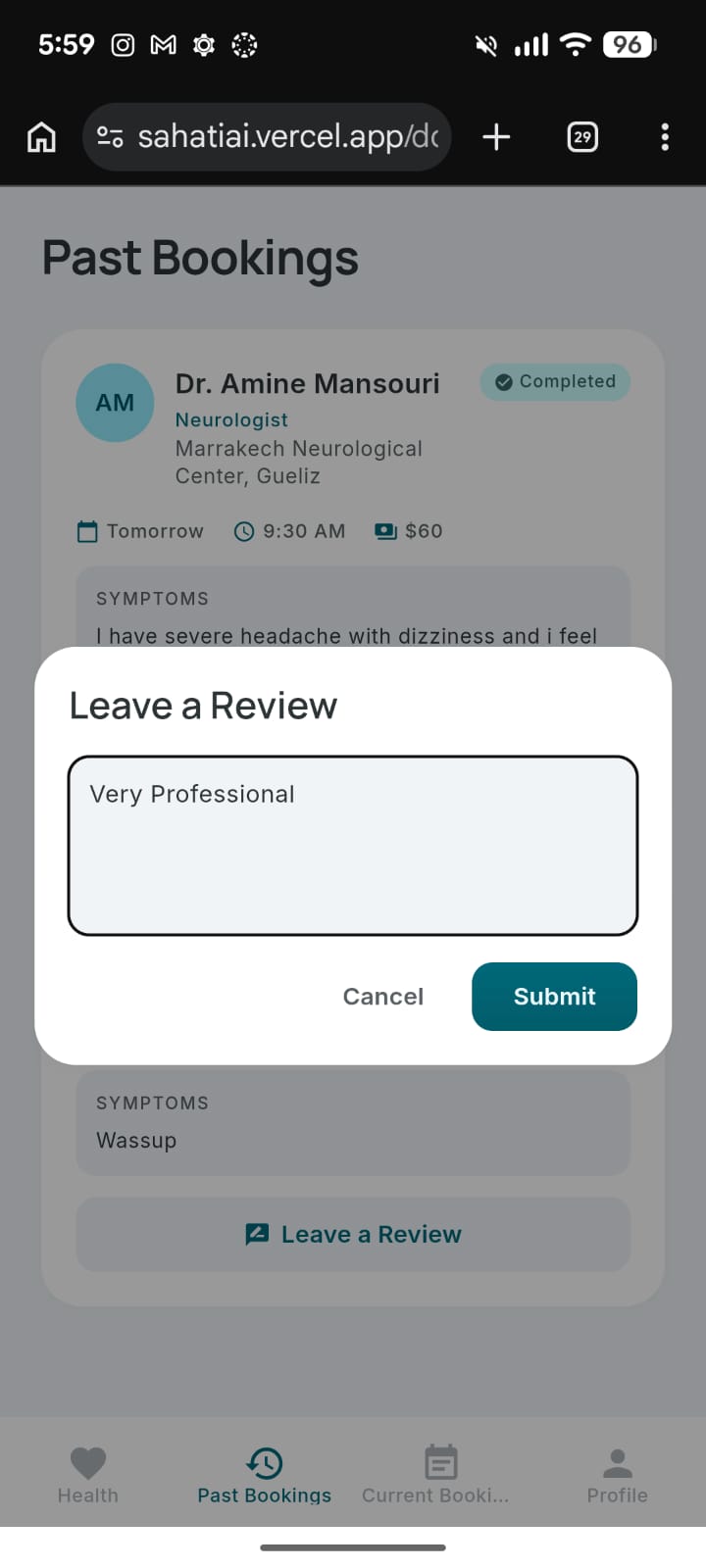
- State Management & Latency: One of our biggest technical hurdles was dealing with asynchronous read latency from IndexedDB (which AsyncStorage uses on the web). This caused a frustrating "empty state" flash when loading the bookings tabs. We solved this by implementing a synchronous memory cache layer with a pub/sub subscription model to ensure instant UI rendering.
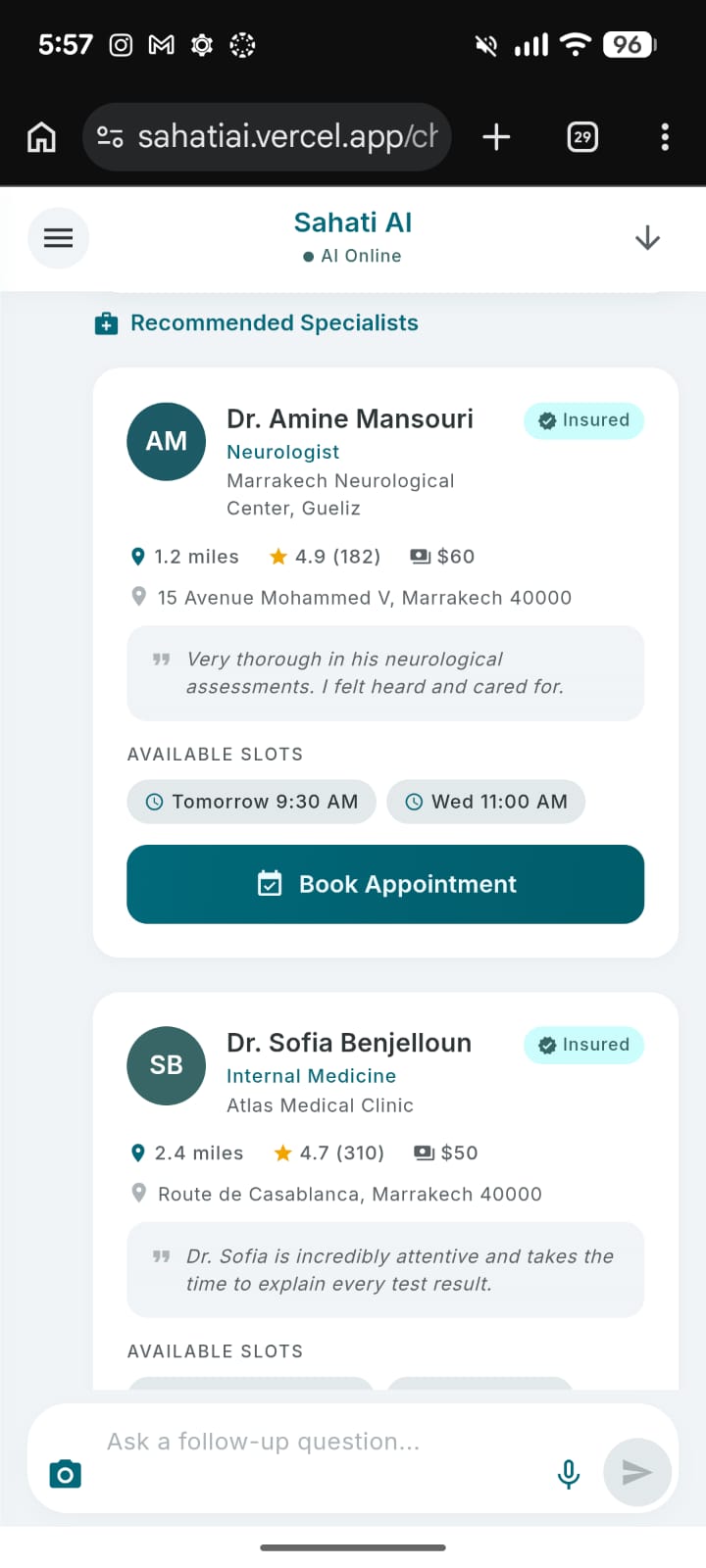
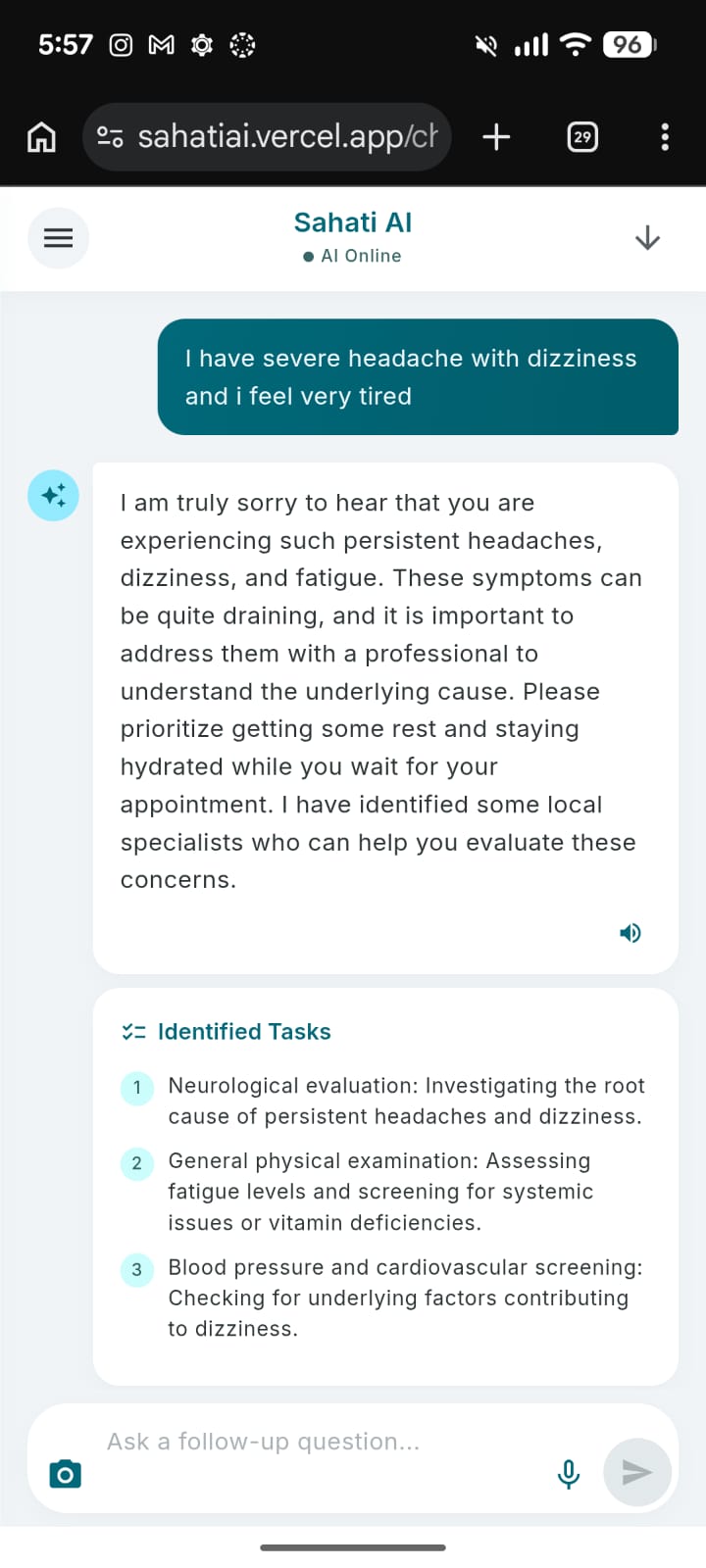
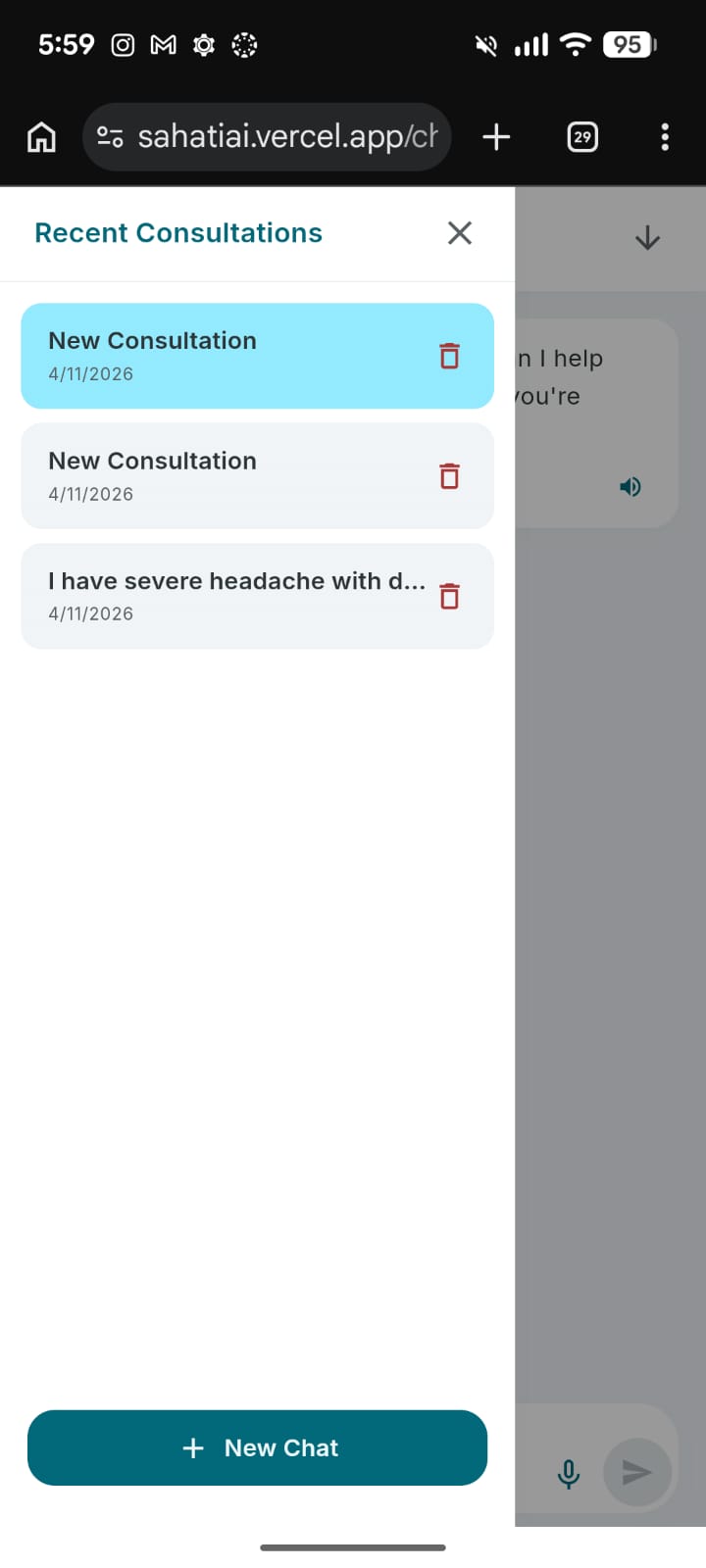
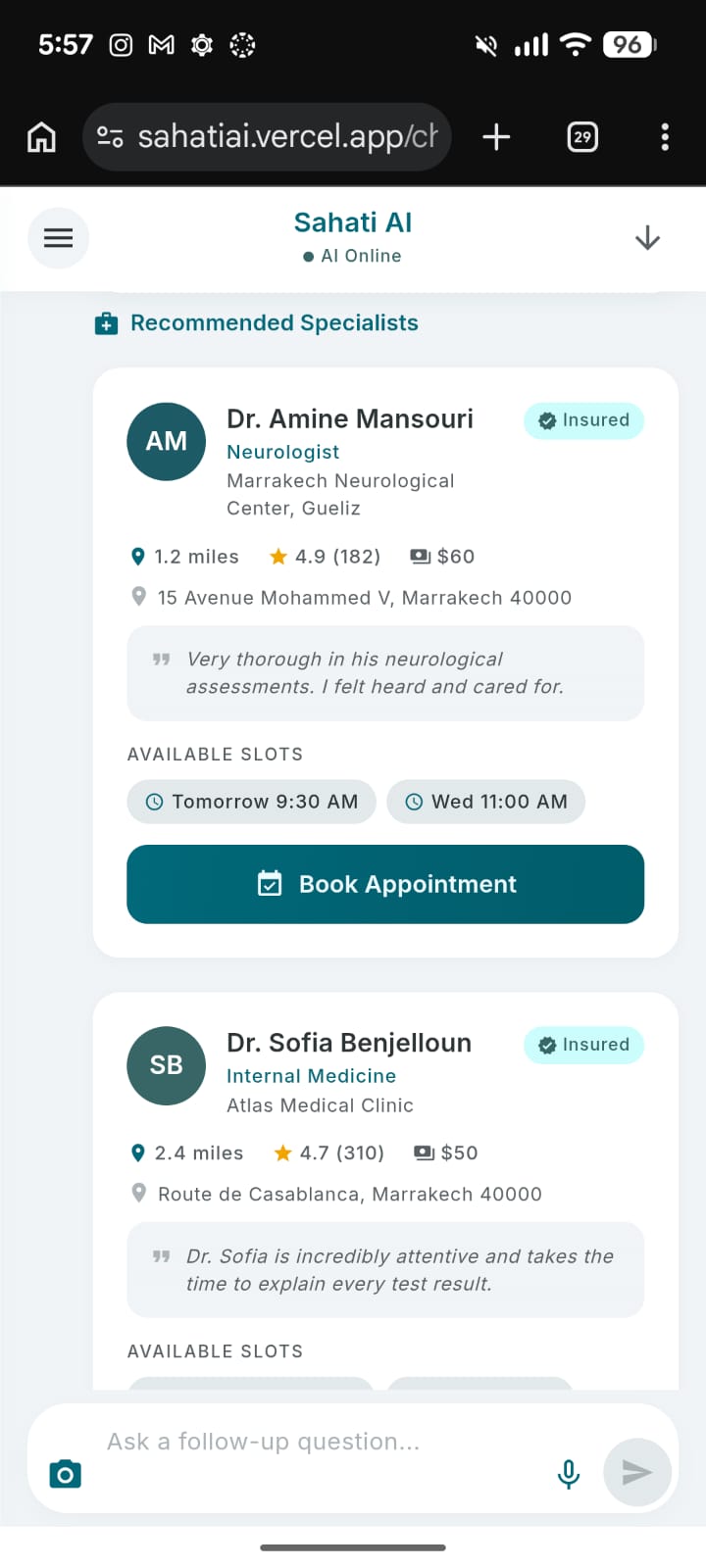
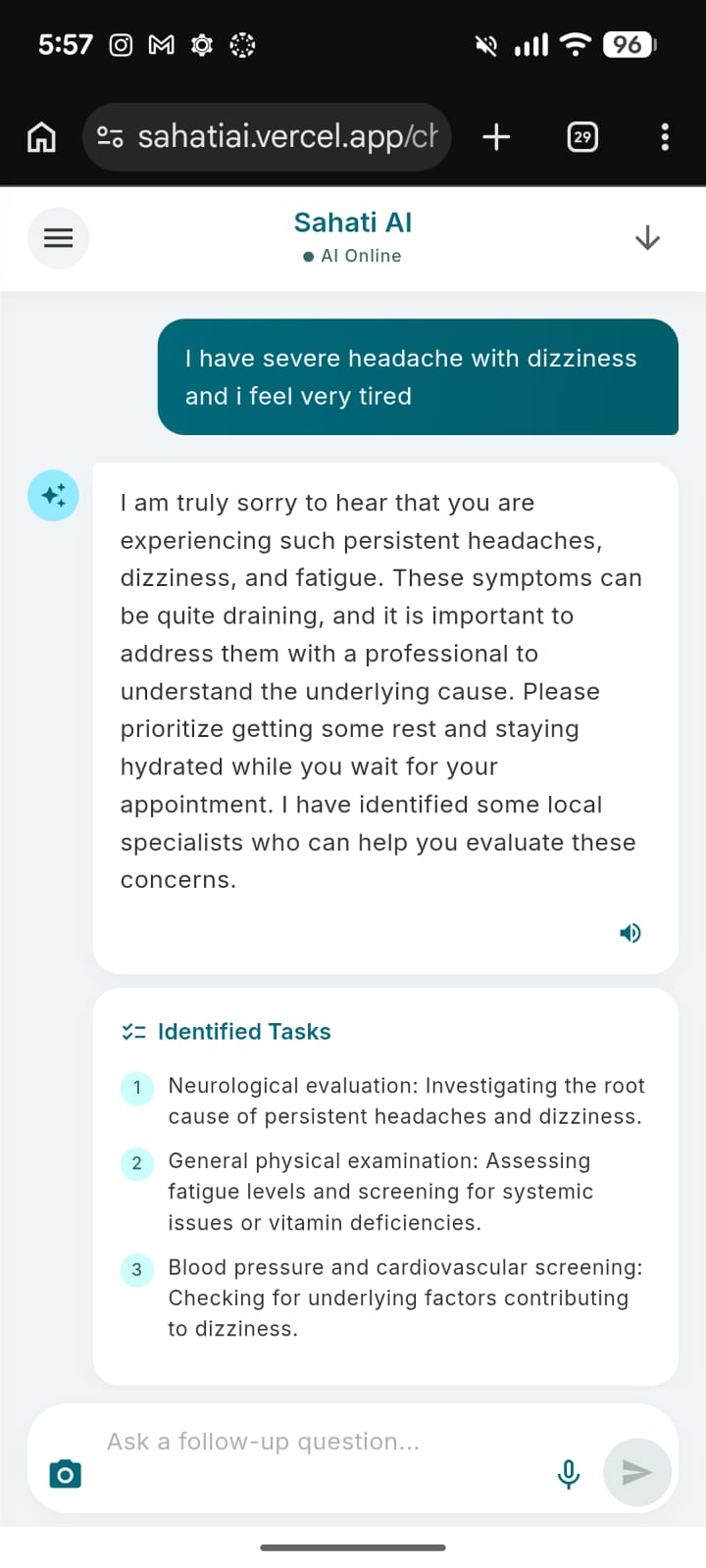
- Controlling AI Output: Because Sahati AI dynamically renders UI components (like Doctor Recommendation Cards and Task Lists) based on the AI's response, we needed the AI to be highly deterministic. We spent a lot of time refining the system prompts to ensure Gemini consistently returned strictly formatted JSON (
{ message, tasks, specialists }) without breaking the app's parsing logic. - Balancing Empathy with Safety: We had to carefully engineer the prompt to ensure the AI sounded empathetic and helpful, while strictly adhering to medical disclaimers—always acting as an assistant and never attempting to provide a definitive medical diagnosis.
What we learned
Building Sahati AI was a massive learning curve in integrating advanced AI models into consumer-facing applications.
- We deepened our understanding of prompt engineering for structured data, moving beyond simple chat interfaces to creating an agent that triggers actual UI state changes.
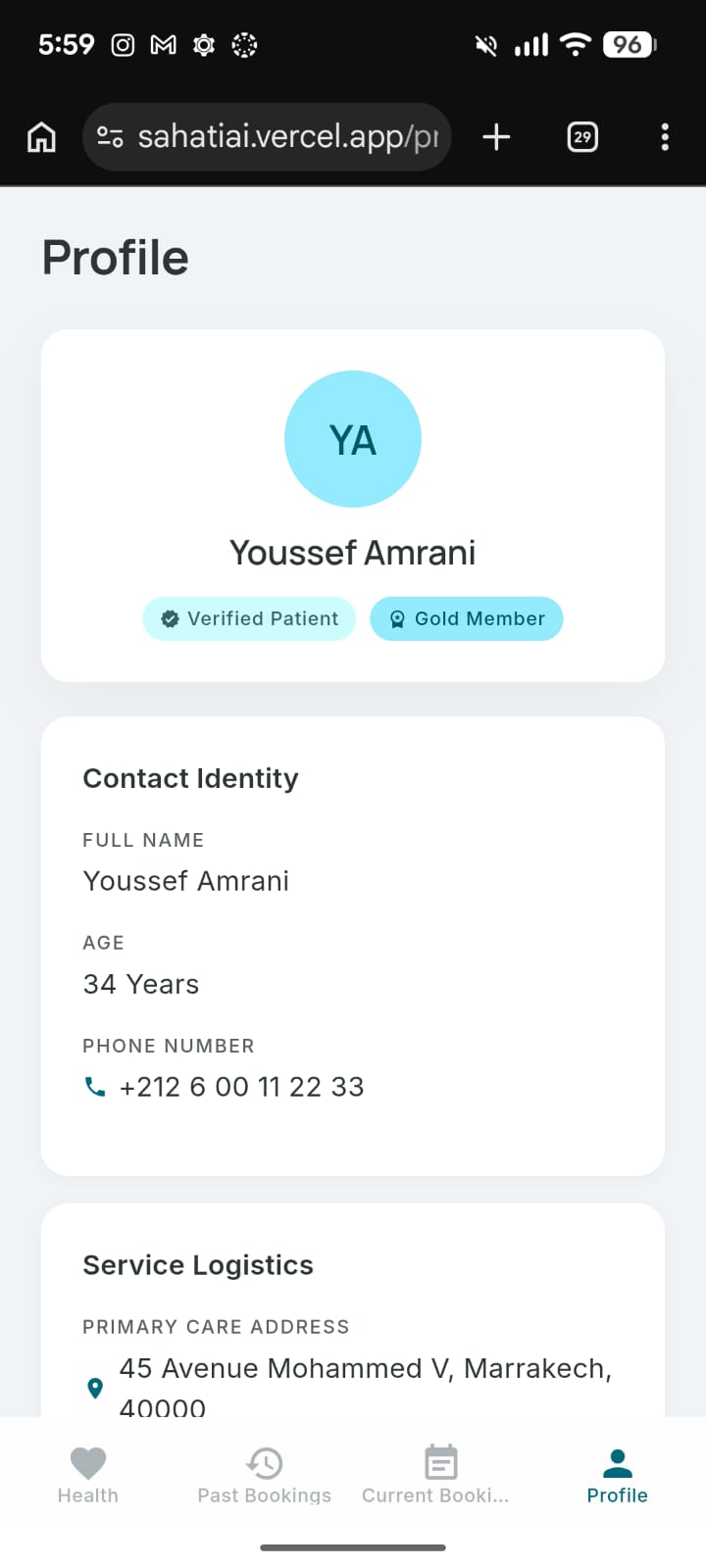
- Finally, we learned a lot about product design—specifically how to build an interface that feels reassuring and simple for someone who might be stressed or unwell.
Built With
- asyncstorage
- expo.io
- geminiapi
- typescript
- vercel


Log in or sign up for Devpost to join the conversation.