-
-
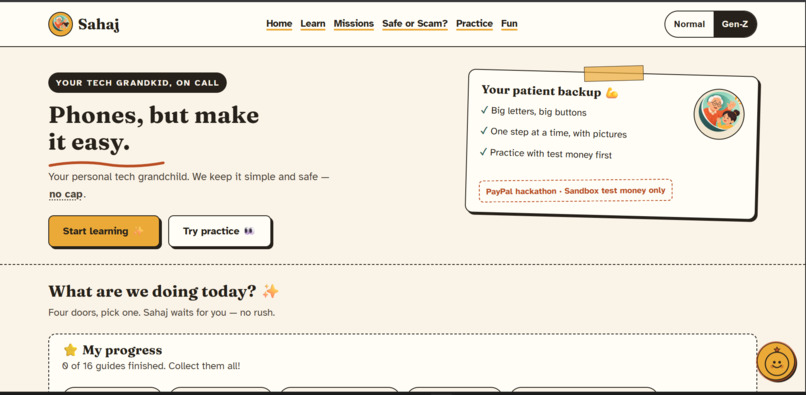
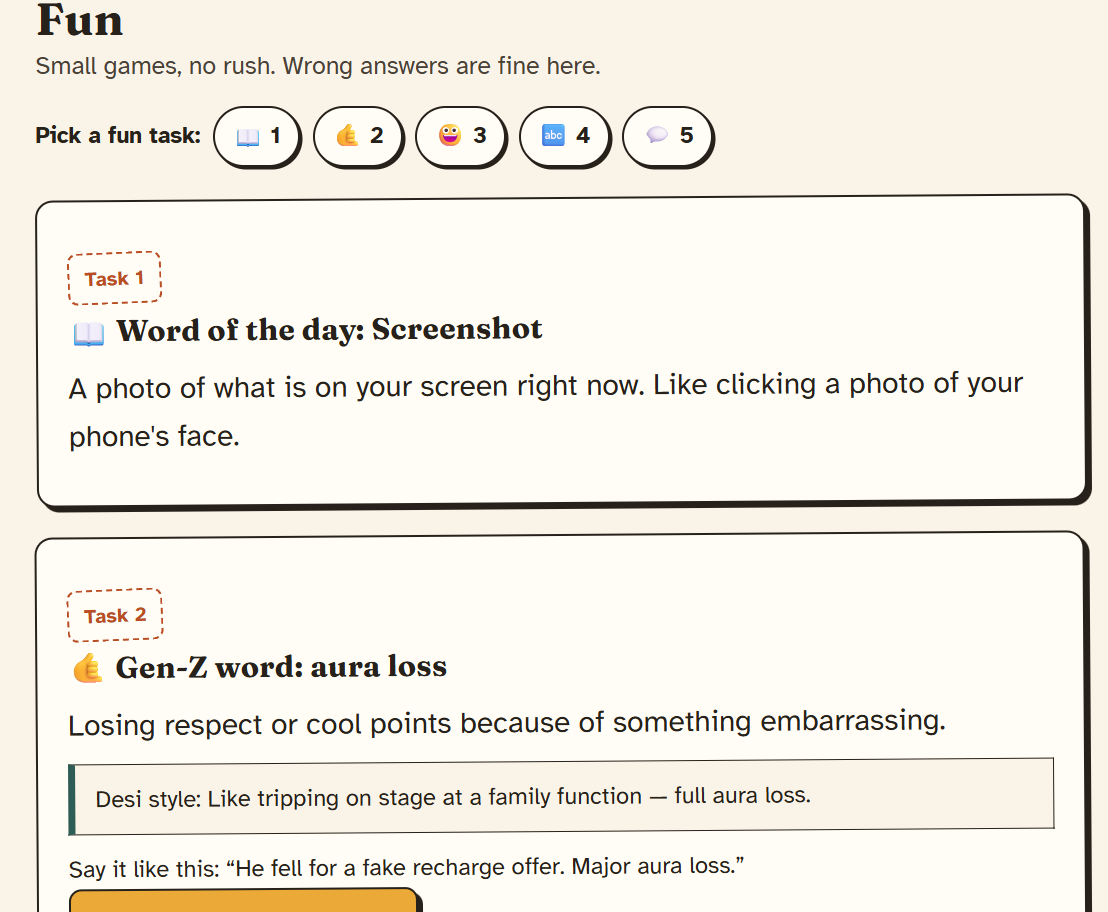
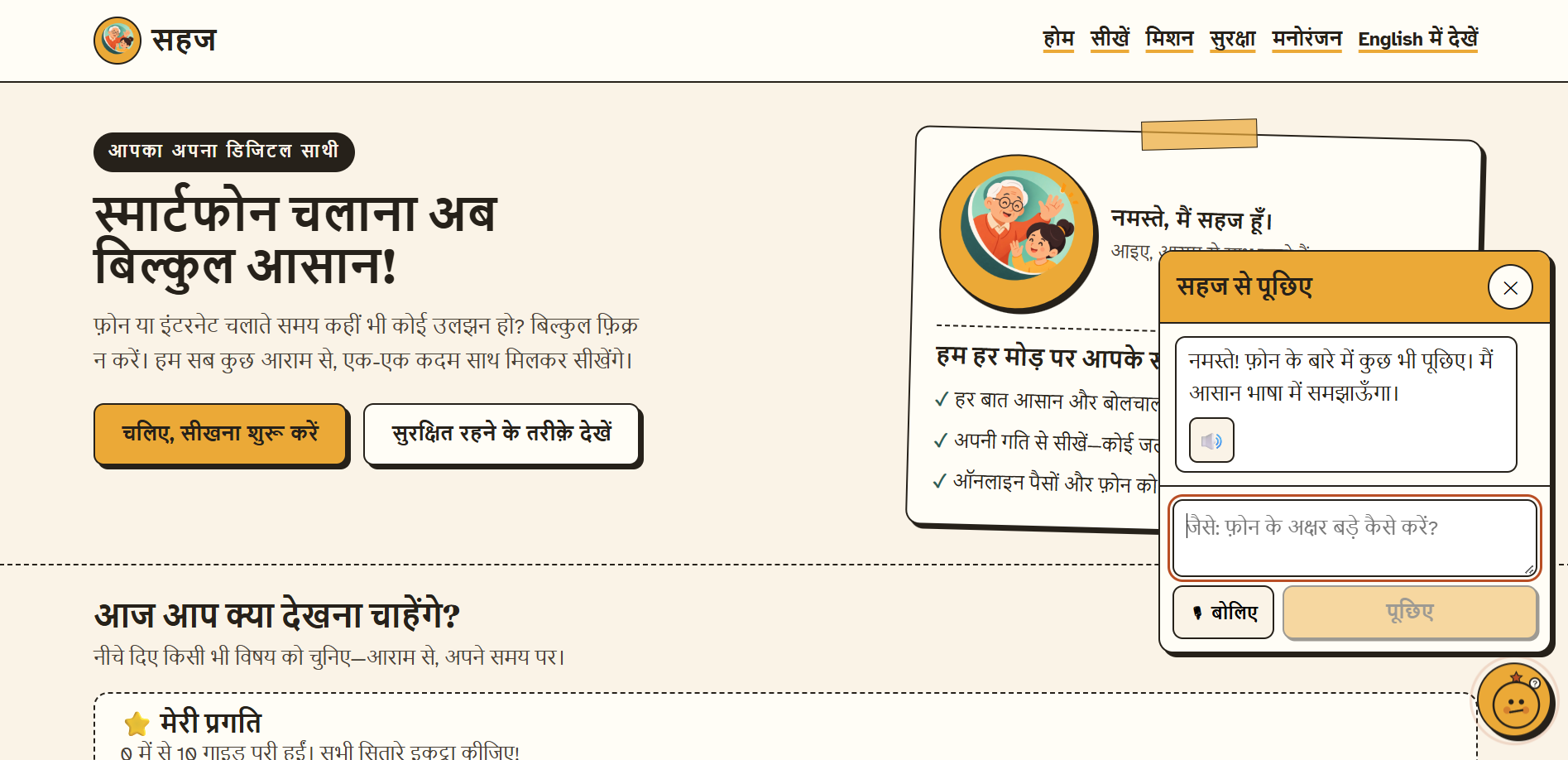
Home page with dual mode, gen-z mode with some quirkiness
-
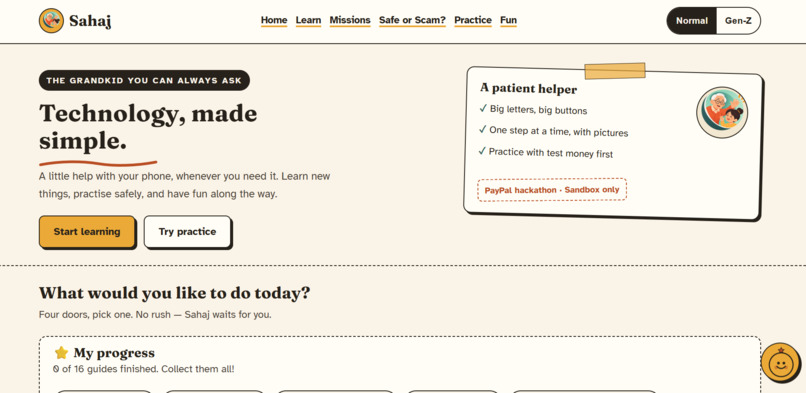
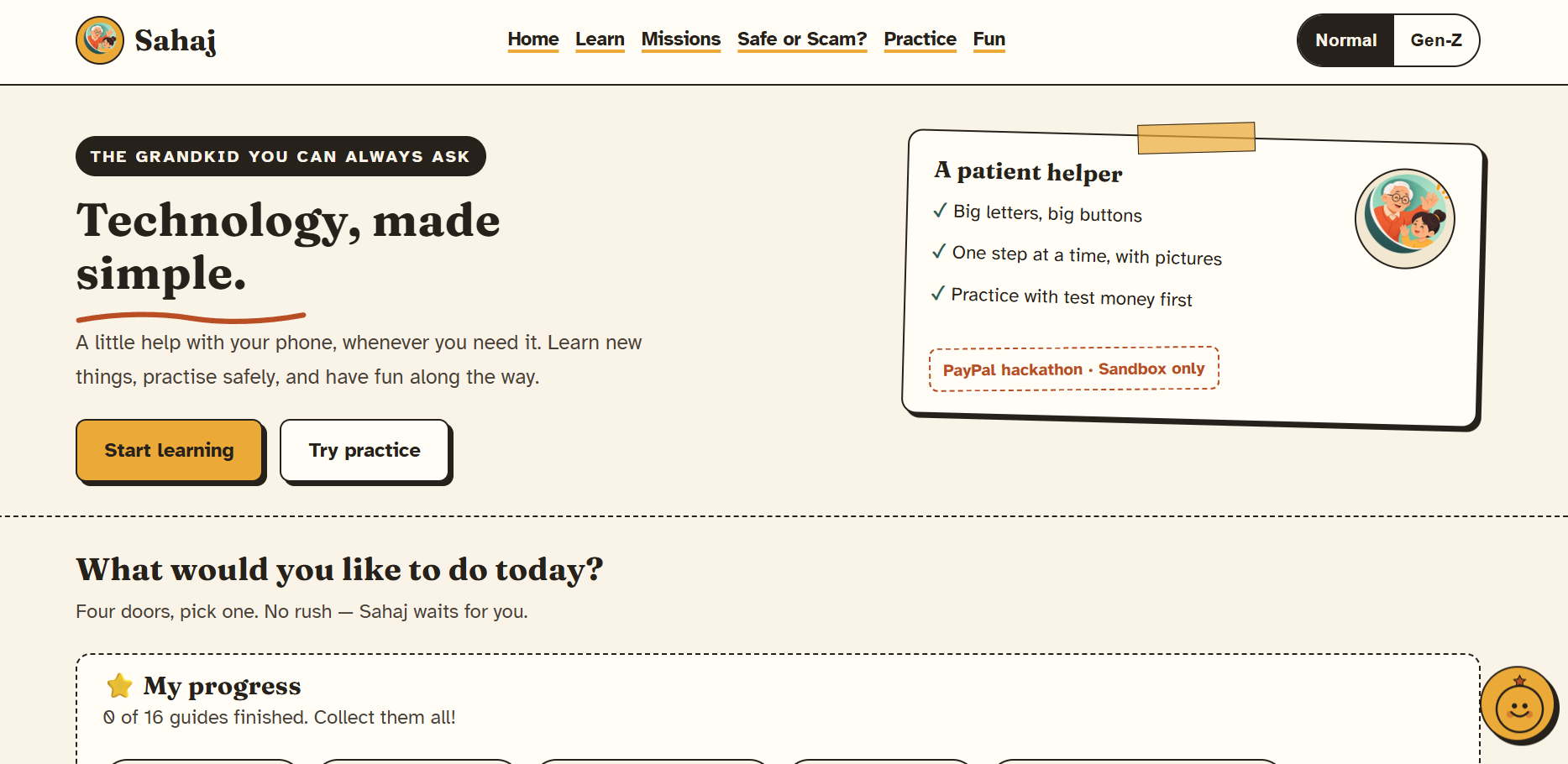
and a normal mode
-
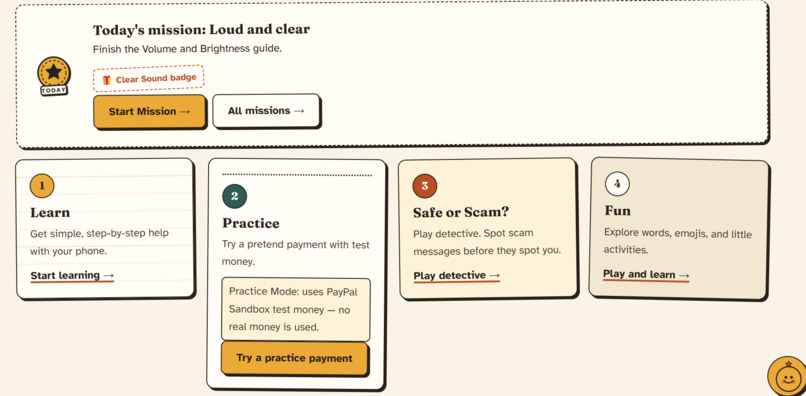
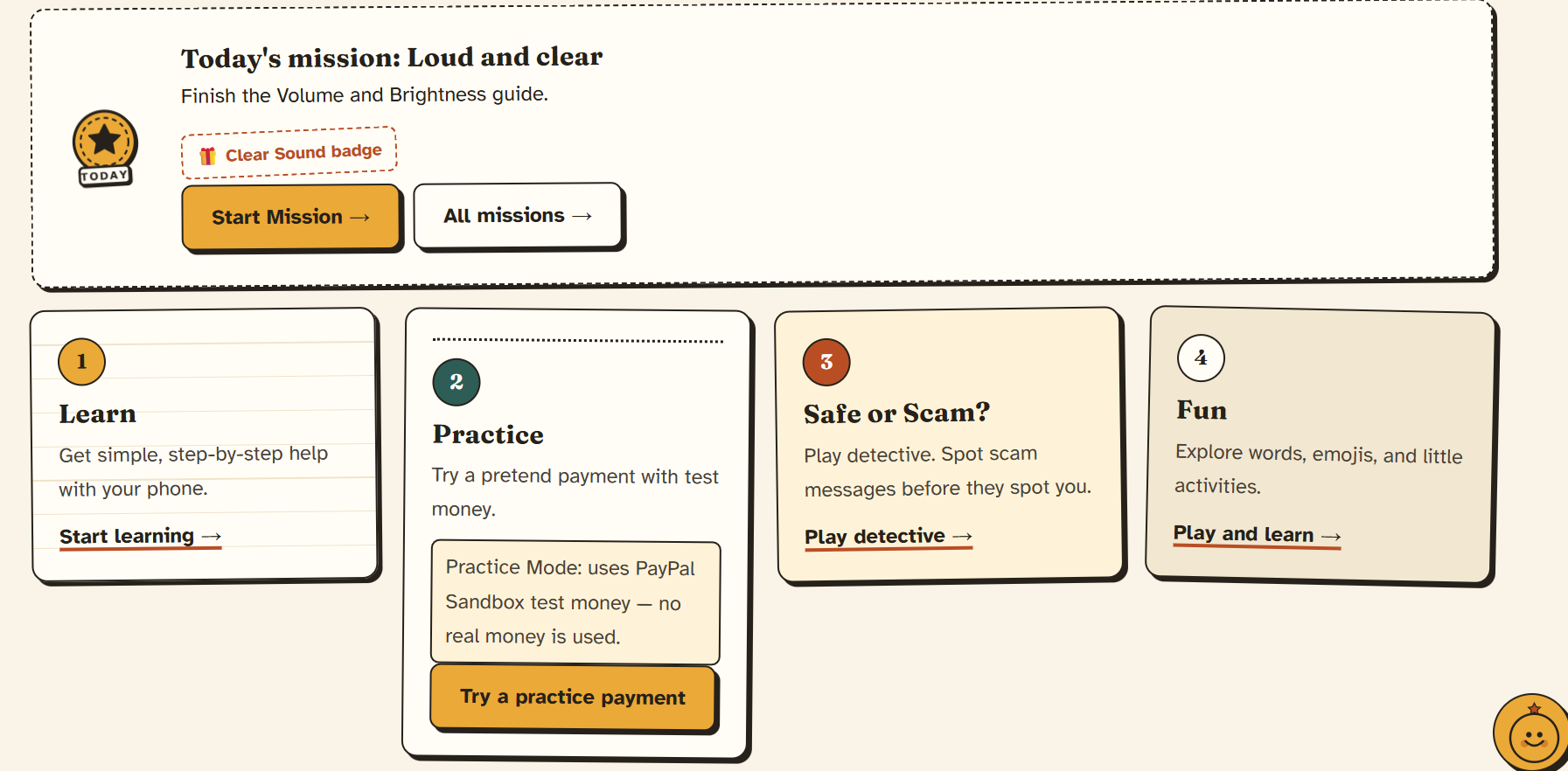
Small daily challenges that make learning technology easier and more engaging.
-
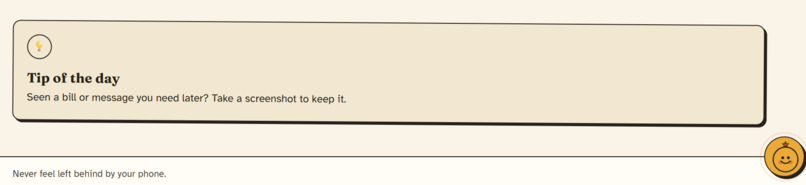
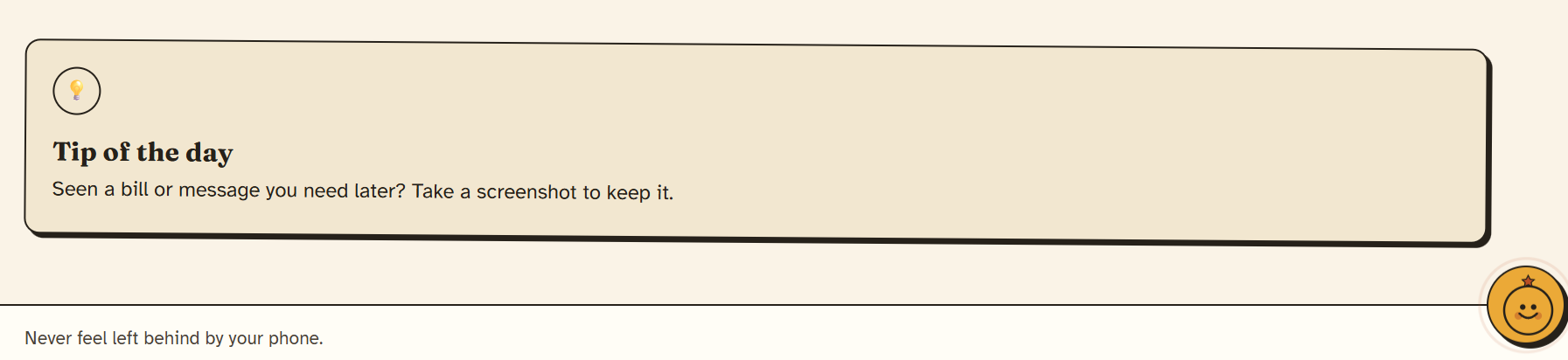
Simple everyday tips to build confidence with technology
-
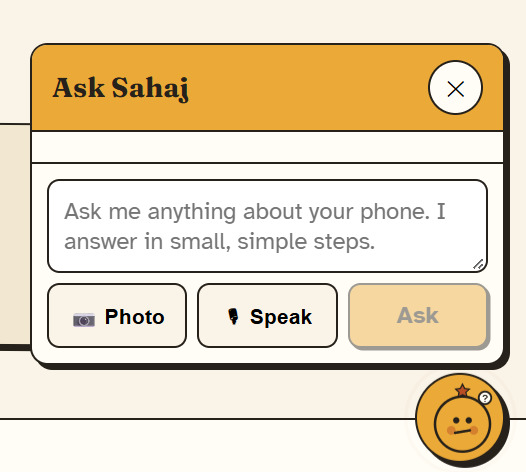
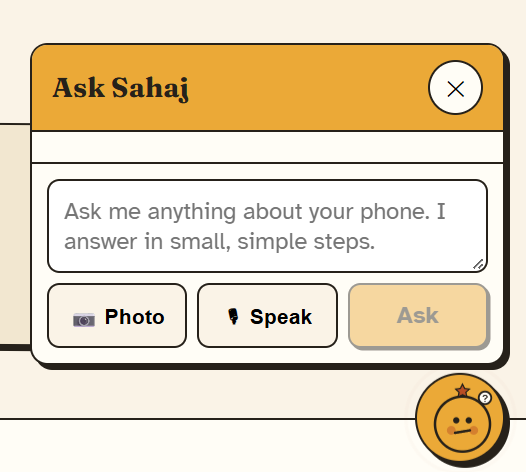
A friendly AI buddy that answers tech questions in simple steps
-
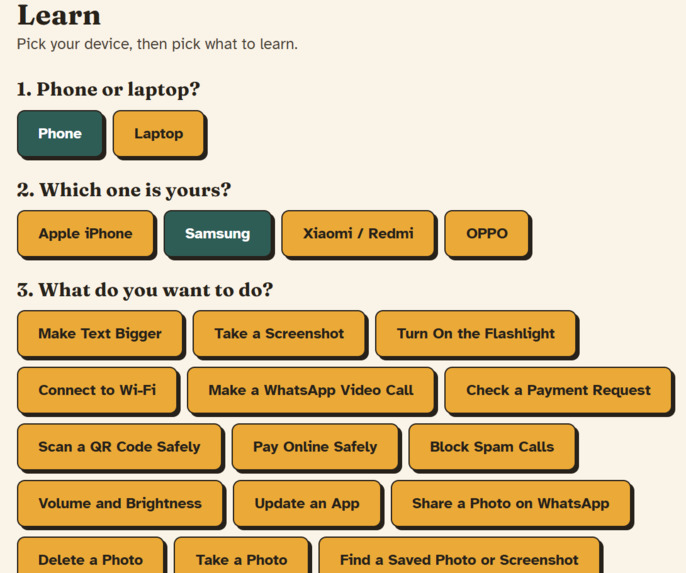
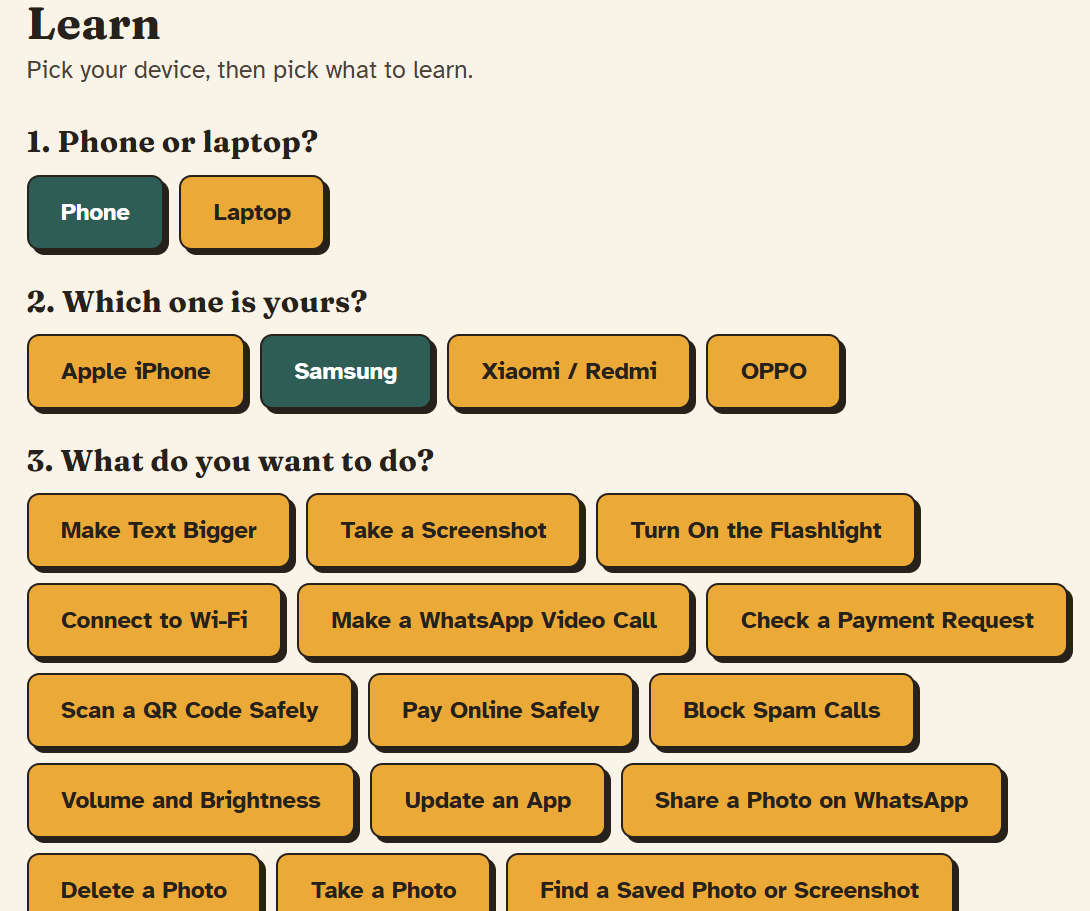
Choose your device and get easy, step-by-step instructions
-
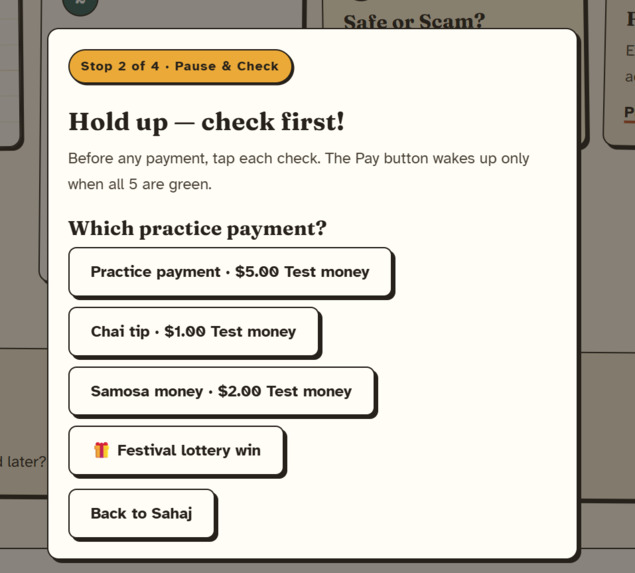
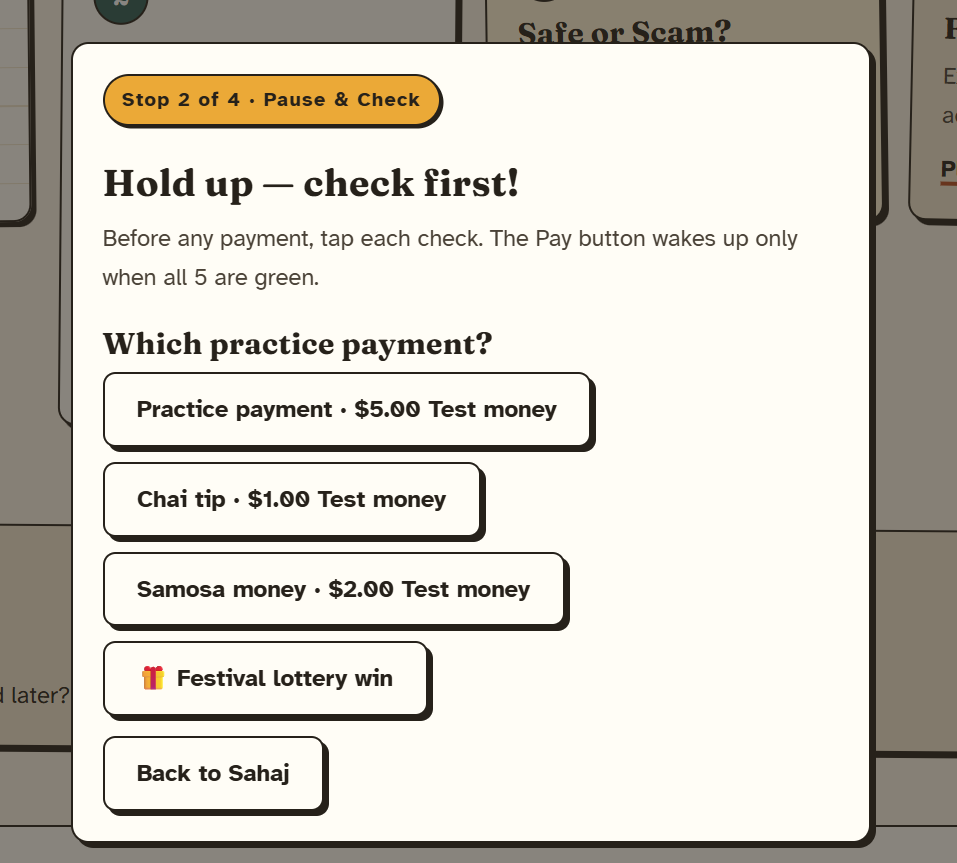
Learn to verify important details before making a payment, even in practice mode
-
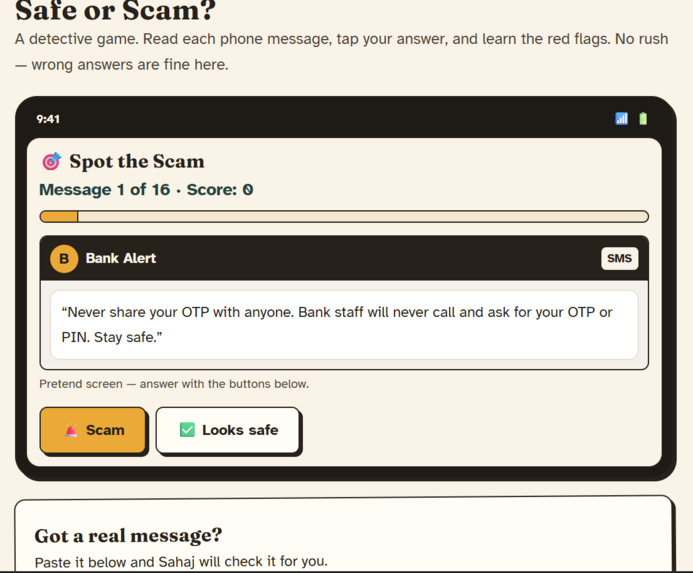
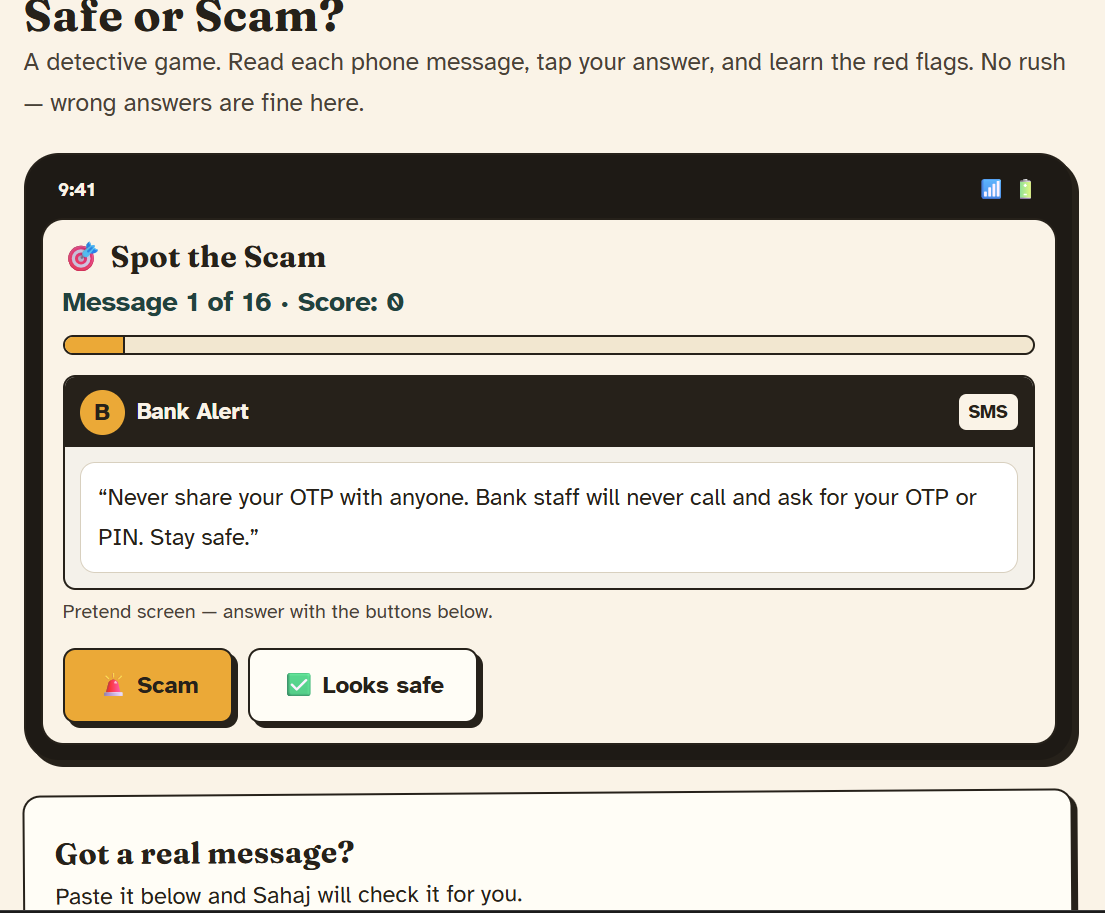
A quiz to expand knowledge of scam messages and a scam checker to check for scam messages
-
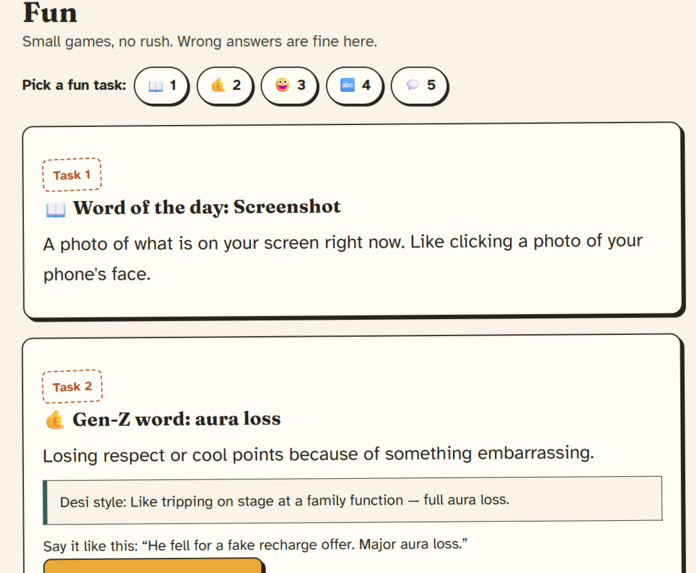
fun segment containing various activities to learn about modern day slangs and emojis and decode a message
-
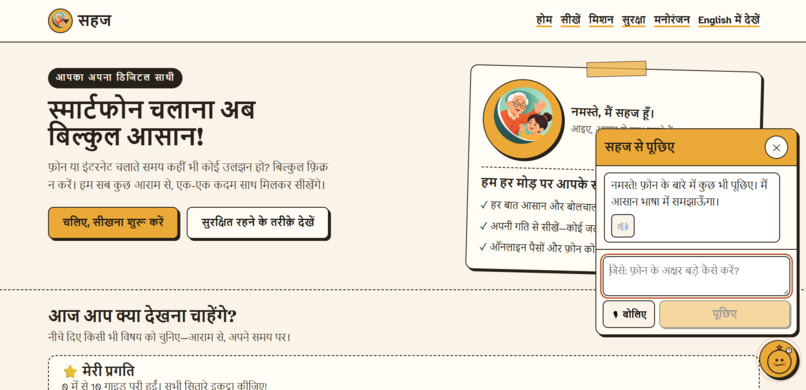
Hindi language is also supported here
-
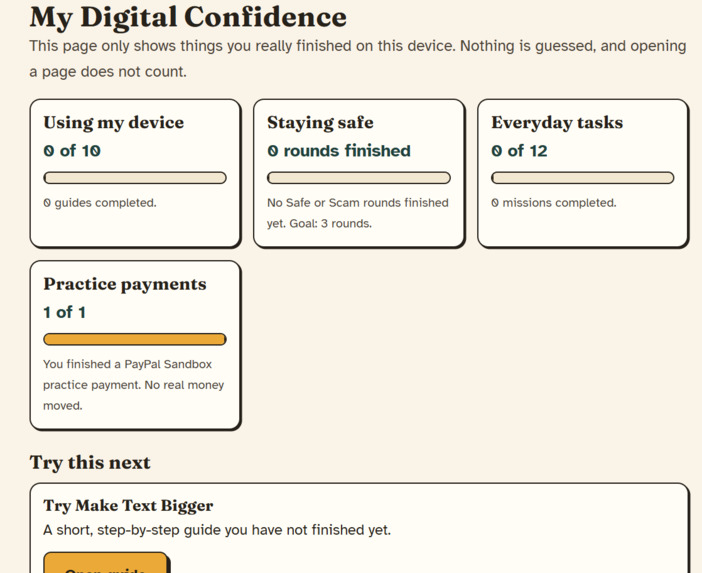
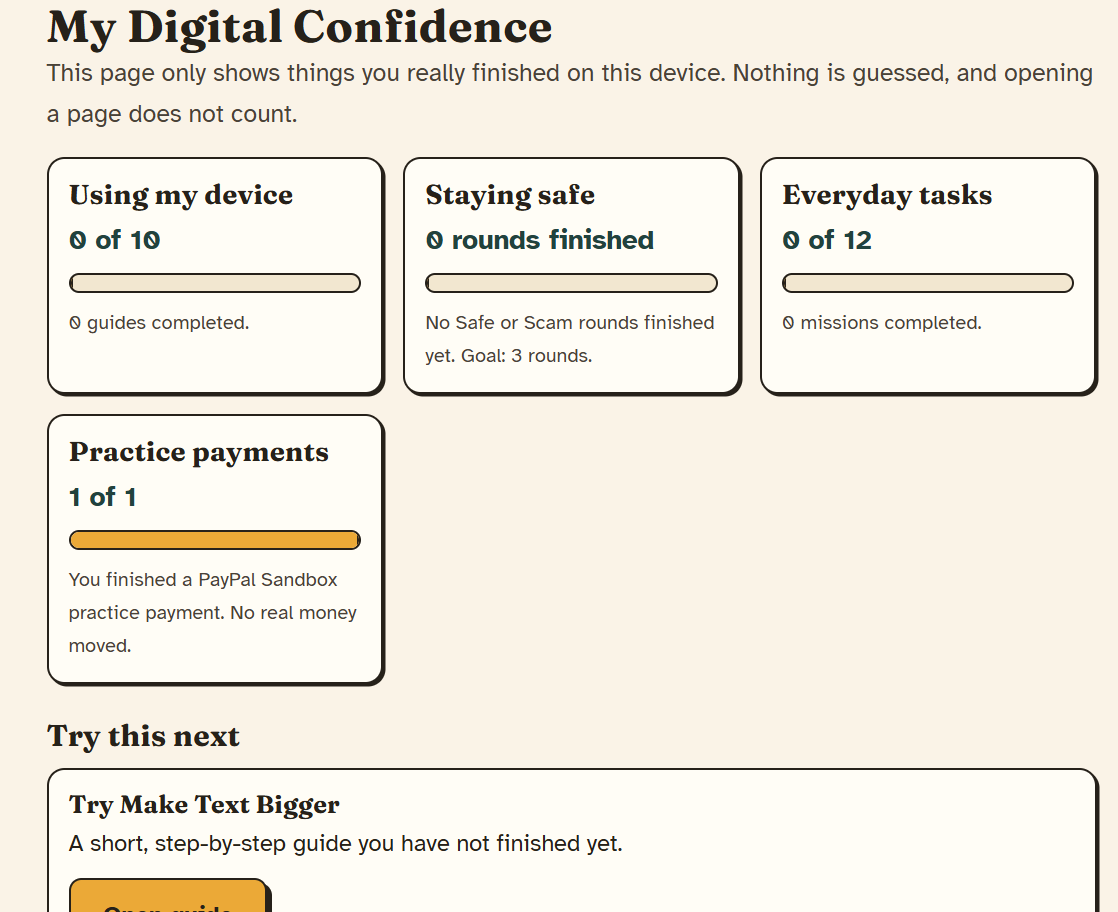
Confidence level indicator is also shown
-
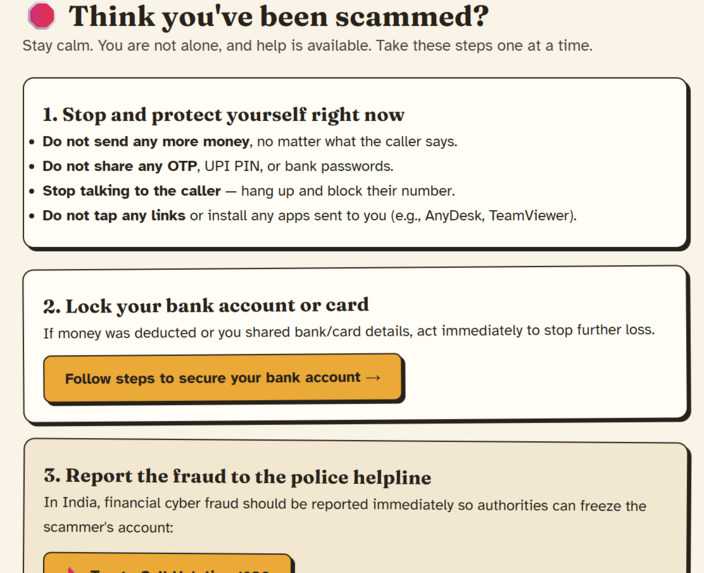
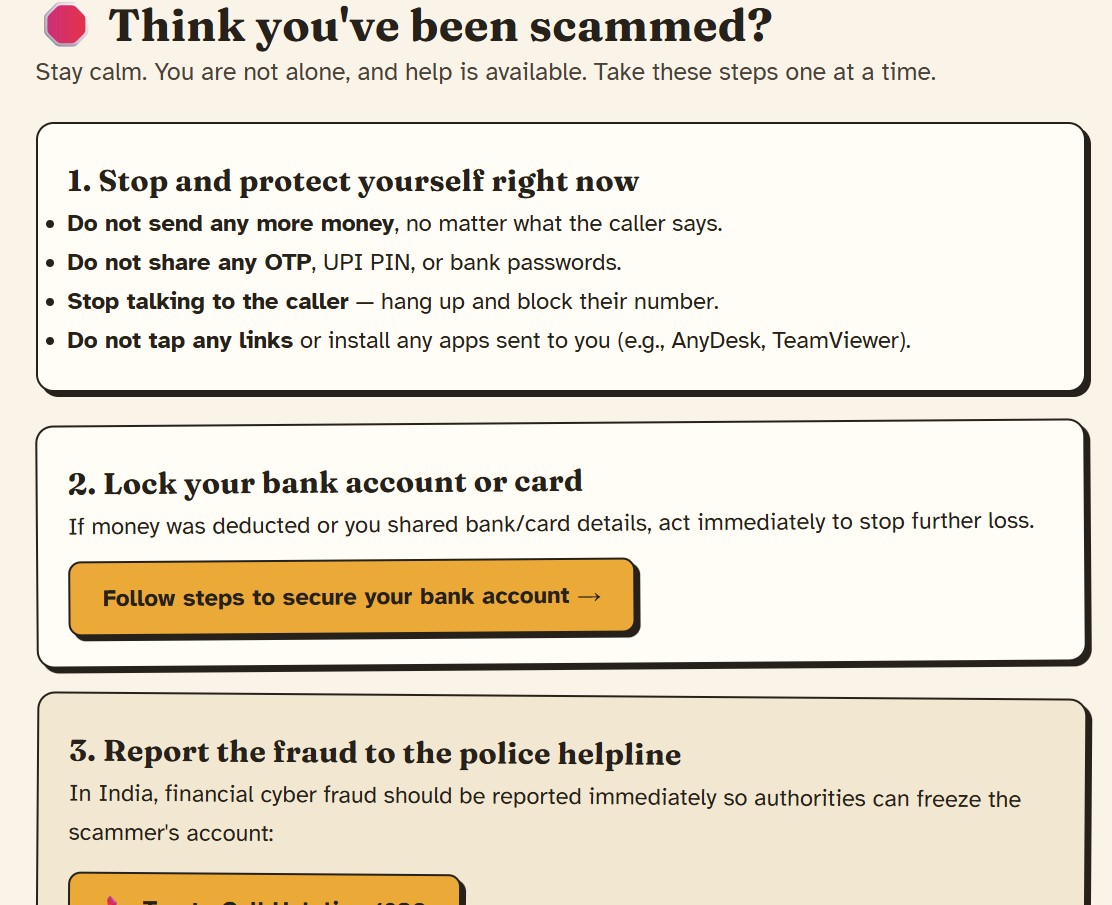
To help if they already have been scammed
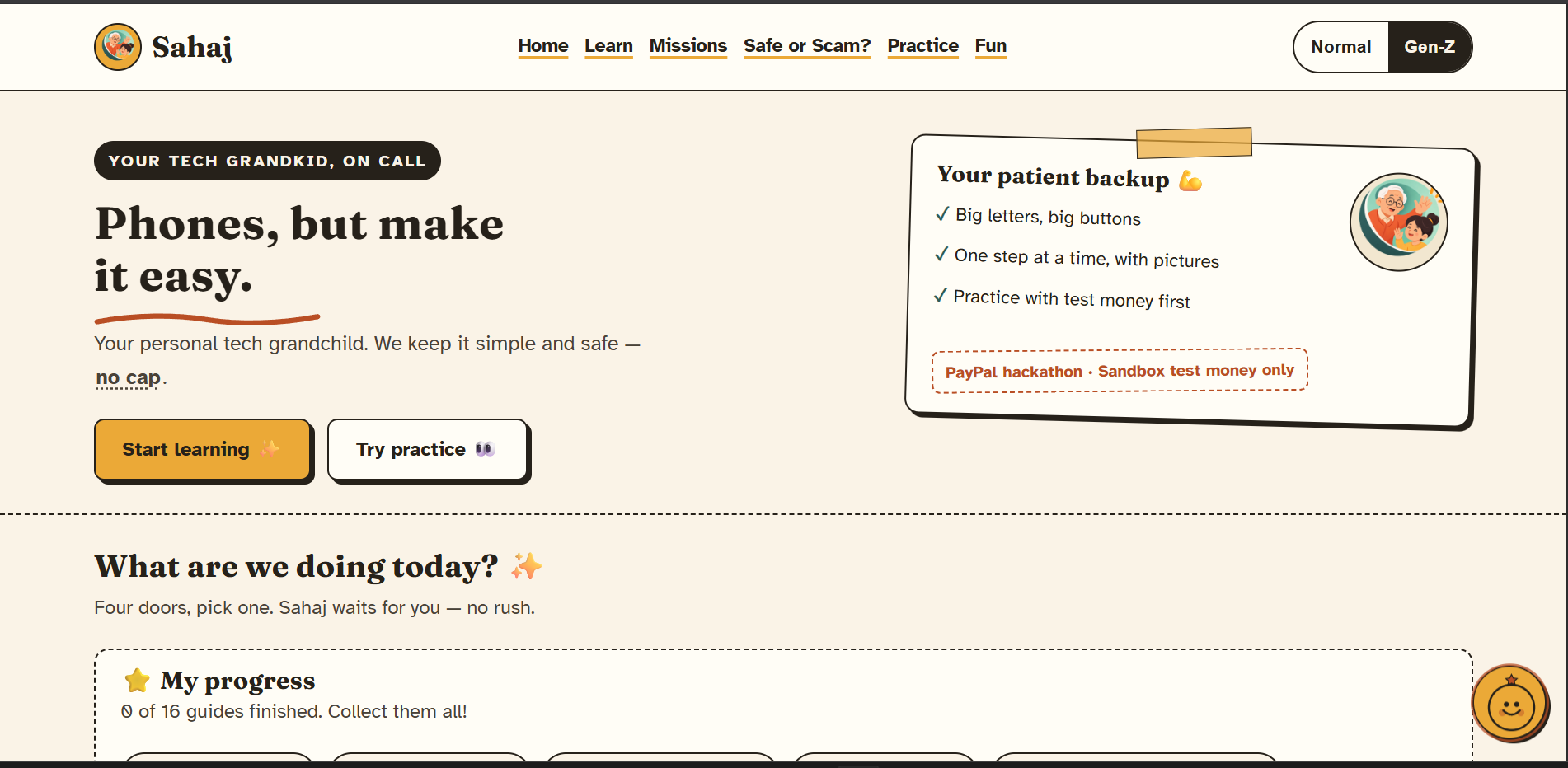
Inspiration
Paying online is where many older adults feel least confident, and it is exactly where scam messages aim. Most tech help for seniors is a long manual, or a relative who sighs. I wanted the opposite: a patient "grandkid" who explains things one step at a time, helps when a screen is confusing, and builds safe payment habits before people handle real money.
What it does
Sahaj is an AI tech buddy for older adults, built around one loop: Learn it. Check it. Pay it safe.
- Learn: step-by-step phone and laptop guides for 6 device brands, with read-aloud and an "explain this step simply" button. Every guide is checked against an official support page, and its sources are recorded. Screenshots are included for Windows, MacBook and Samsung.
- Pause & Check: before any practice payment, a "Hold up" screen with five checks the user must tick. There is even a trap scenario where the right move is to walk away.
- Practice Pay: a real PayPal Sandbox checkout (create, approve, capture) with test money, followed by an animated you → PayPal → seller diagram and a plain-words receipt explanation.
- Prove it: a shareable "Safe Payer" certificate for family.
Around the loop:
- Screenshot Help: upload a screenshot of a confusing screen. Gemini explains what is on it, gives one next tap, and warns about anything sensitive or suspicious. It asks a question instead of guessing when it is unsure, and the image is never stored.
- Ask Family for Help: builds a short, friendly WhatsApp message with the guide and step, opens WhatsApp, and lets the user choose who to send it to. Nothing is sent automatically.
- My Digital Confidence: shows what the user has really done (guides, missions, scam rounds, the practice payment) and suggests a next step only where there is a real gap. No made-up percentages.
- Safe or Scam? detective game on fake WhatsApp, SMS and UPI screens, plus Scam Emergency Mode, Secure Bank and Report Cyber Fraud pages for what to do after a suspected scam.
- A floating Ask Sahaj chat with voice, missions with a streak, Hindi pages, and a Gen Z / Normal mode so the app can talk like a grandkid or speak plainly.
Try it live: sahaj-iota.vercel.app (the backend sleeps when idle, so the first load can take up to a minute)
How we built it
- Backend: FastAPI with a server-side PayPal Orders v2 integration. The browser only sends an item id, never an amount. Success is reported only when the order status is
COMPLETED, and refreshes or double captures are handled safely. - AI: Gemini 2.5 Flash for explanations, chat, receipts, slang decoding, photo help and screenshot analysis. Every AI feature has a static fallback. Prompts forbid asking for OTPs, PINs or passwords and never repeat sensitive values, and the server also masks long digit runs in replies.
- Frontend: React 19, React Router and Vite with no UI library, using a hand-built "paper notebook" design system, bundled accessible fonts and big tap targets.
- Safety and privacy: a rule-based scam checker, validated and size-limited uploads that are never stored, rate limiting on screenshot analysis, no accounts or database, and secrets kept in environment variables.
- Deployment: backend on Render, frontend on Vercel.
Challenges we ran into
- PayPal's response differed from what I expected. For the redirect flow, PayPal returns a
payer-actionlink, notapprove, so my first version reported "approval link not returned". - Currency errors in the Sandbox. Sandbox accounts created in India hit "This seller doesn't accept payments in your currency", because PayPal restricts domestic INR payments. Recreating US-country Sandbox accounts and using USD fixed it.
- Being honest about content. My first guides were written from memory. I rechecked them against official Apple, Google, Samsung, Microsoft, Xiaomi and WhatsApp support pages, fixed the steps that were wrong, and removed the guides I could not verify instead of keeping them.
- Making screenshot help safe. A screenshot can contain OTPs or bank details, so the app asks for explicit confirmation before sending, warns about sensitive content, and tells the user to hide private details first.
- Keeping the Gen Z voice from hurting clarity. Steps stay plain, slang only appears in short reactions, and a toggle switches to plain mode.
- Wiring deployment. CORS and PayPal's return URLs both depend on one frontend URL setting, and Render's free plan sleeps when idle.
Accomplishments that we're proud of
- A complete, working PayPal Sandbox payment loop (approve, capture, receipt) wrapped in a safety habit.
- One story that ties learning, screen help, family support, scam awareness and payments together, not a pile of separate features.
- Privacy by design: no accounts, no database, and photos and screenshots are never stored.
- Progress that is honest: My Digital Confidence only counts real activity.
- A warm, distinct design with big text, Hindi pages and a plain-talk mode.
- Deployed and usable live, with limitations documented.
What we learned
- How PayPal's Orders v2 redirect flow works end to end, including capture rules, error codes and Sandbox account behavior.
- How to ground an AI assistant in checked content and still give it a safe fallback.
- That accessibility choices (large text, plain words, one thing at a time) make a better product for everyone.
- That honest labeling of what is verified and what is not matters as much as the features.
What's next for Sahaj
- Test every guide on real devices, and add guides and screenshots for more brands, including OPPO and Xiaomi, once they can be checked against official pages.
- Extend Hindi to My Digital Confidence and Screenshot Help, and add Hinglish support to the English-keyword scam checker.
- Give families a way to follow a parent's progress, with the parent's permission.
- Test with real older adults and let their feedback shape the guides and wording.
- Add user accounts and stronger rate limiting before any production use.
