Inspiration
It started with a personal experience. When I traveled to a different state in my own country, an auto driver charged me triple the normal fare and took a long route - later I found out I could have simply walked to that place. That moment made me realize: if this happens within my own country, what happens to tourists in completely foreign lands?
I started researching - watching videos, reading news, scrolling through Instagram stories of travelers sharing their experiences. The pattern was clear:
- Tourists getting scammed on transport prices
- Solo female travelers facing harassment with no idea who to call
- Language barriers making it impossible to ask for help
- People not knowing if the "police officer" approaching them is real or a scammer
When you live locally, you know which areas to avoid, which prices are fair, and how to handle emergencies. But when you travel somewhere new, you're vulnerable. SafeWander was born to change that.
What it does
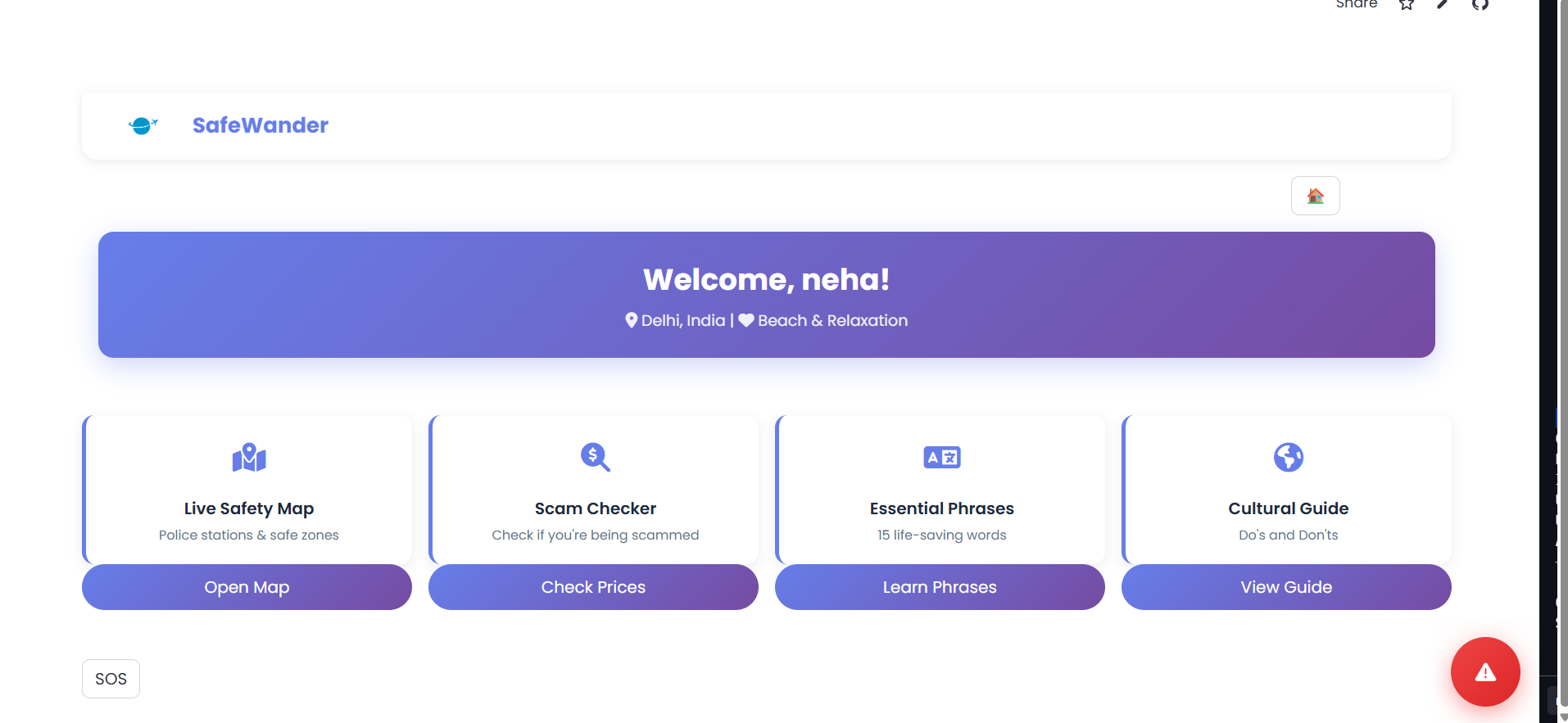
SafeWander is an AI-powered travel safety companion that protects tourists in real-time:
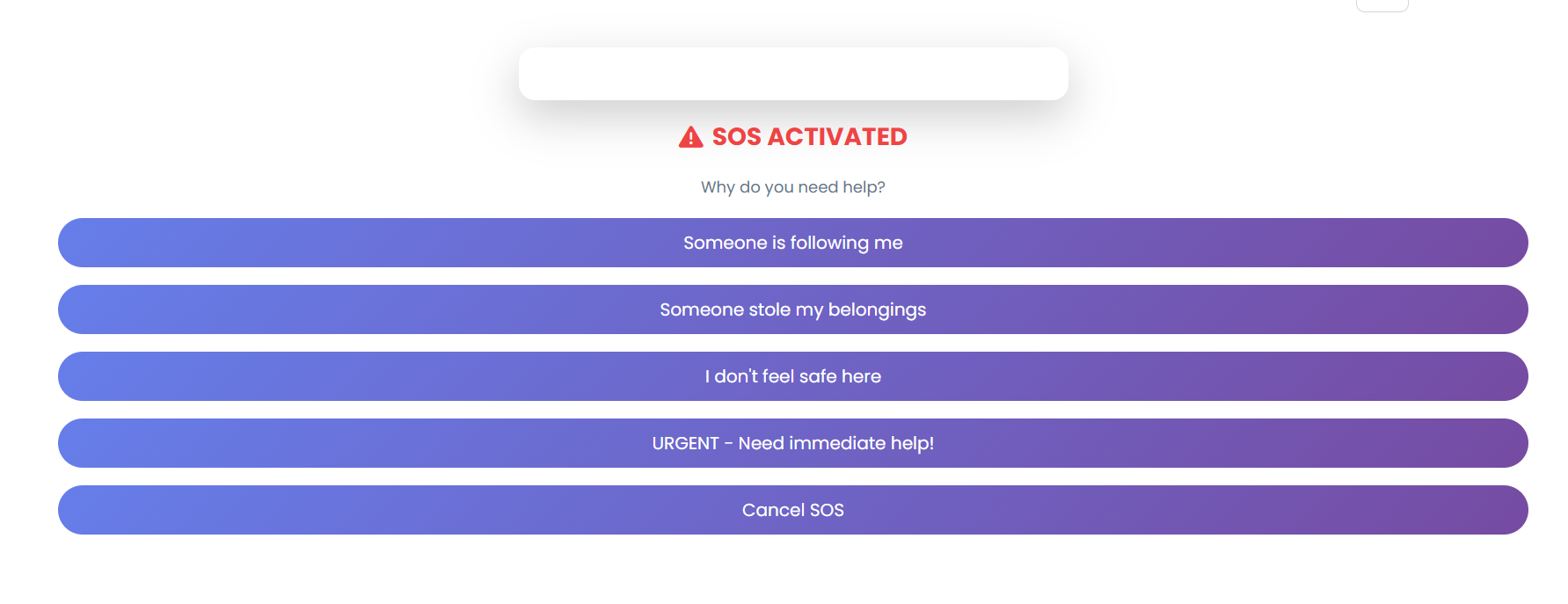
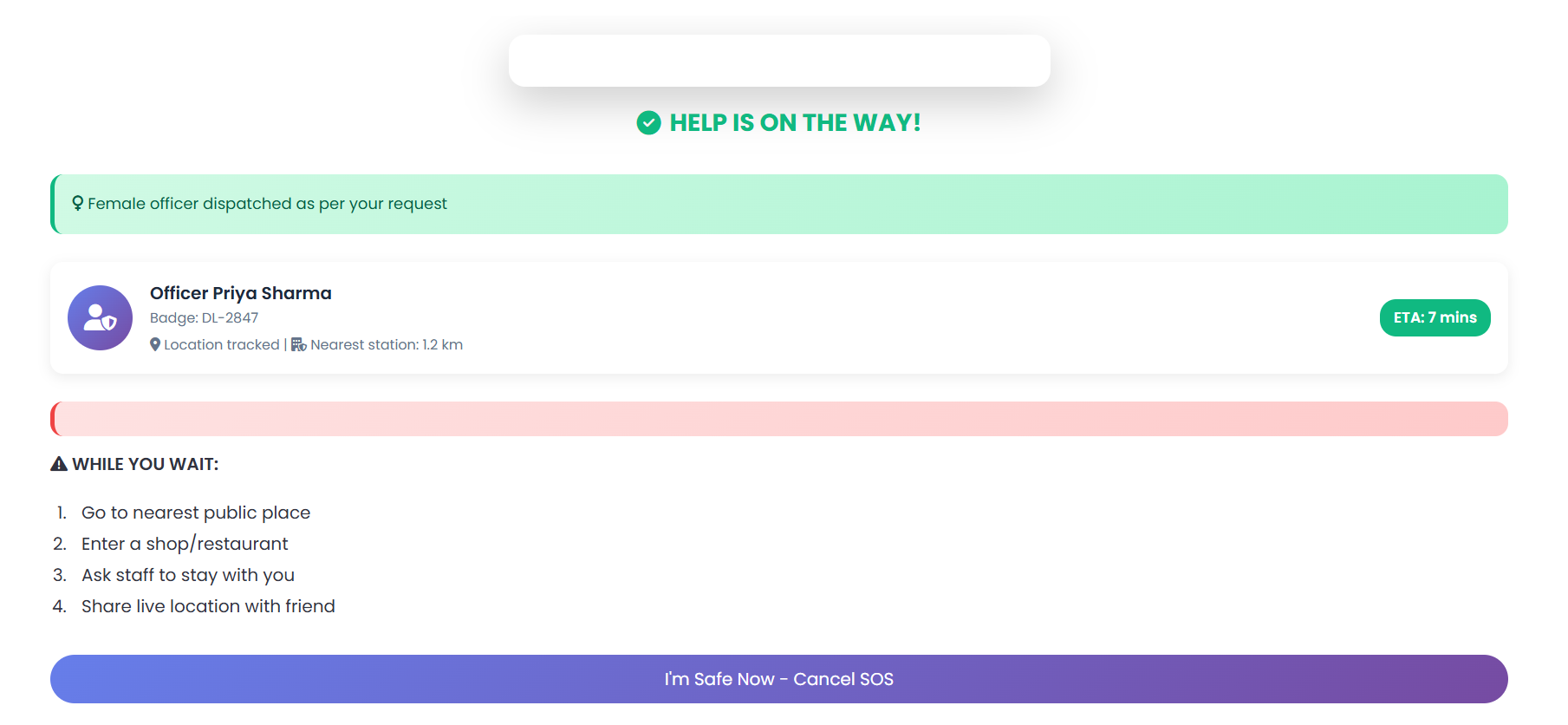
SOS Emergency System
- One-tap emergency alert
- Gender-specific officer dispatch (female officers for female travelers)
- Officer photo and badge number displayed to prevent impersonation scams
- Real-time safety instructions while waiting for help
- Country-specific emergency numbers
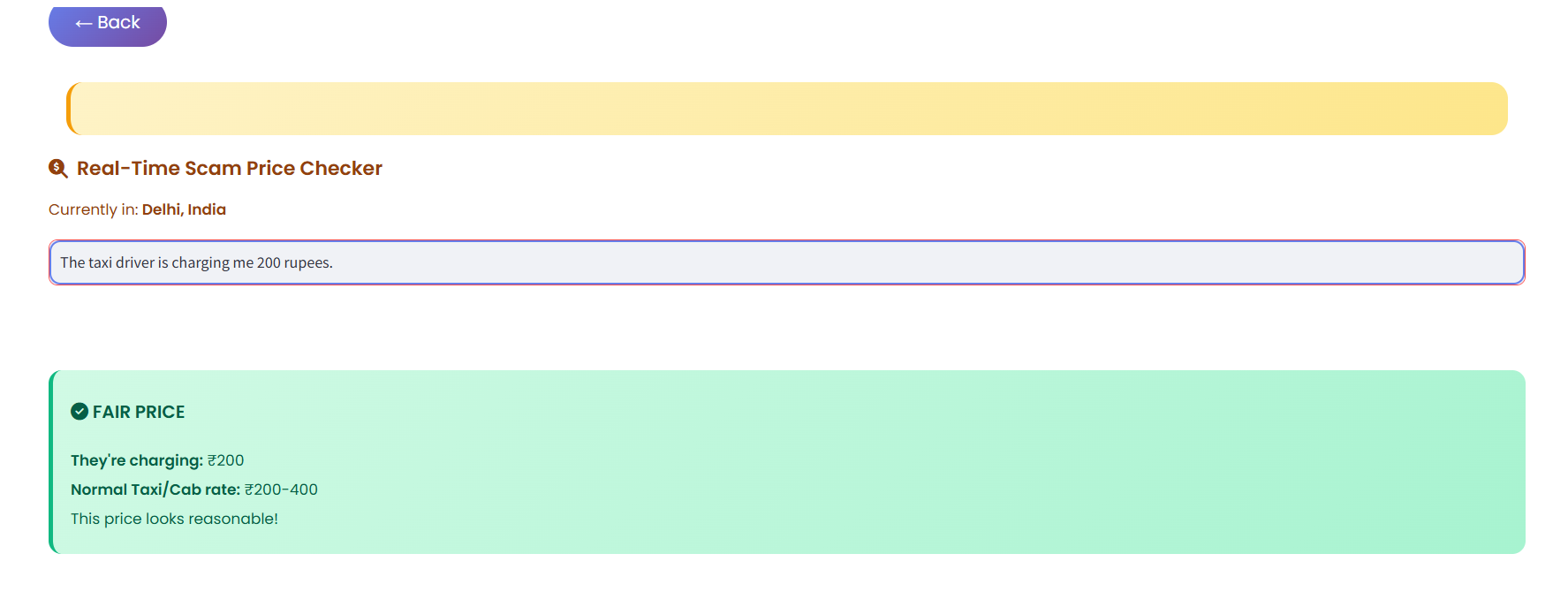
Scam Price Checker
- Enter any price, get instant verdict: Fair / Suspicious / Scam
- Compares against local transport rates
- Shows overcharge percentage
- Works for auto-rickshaws, taxis, Uber across 5 countries
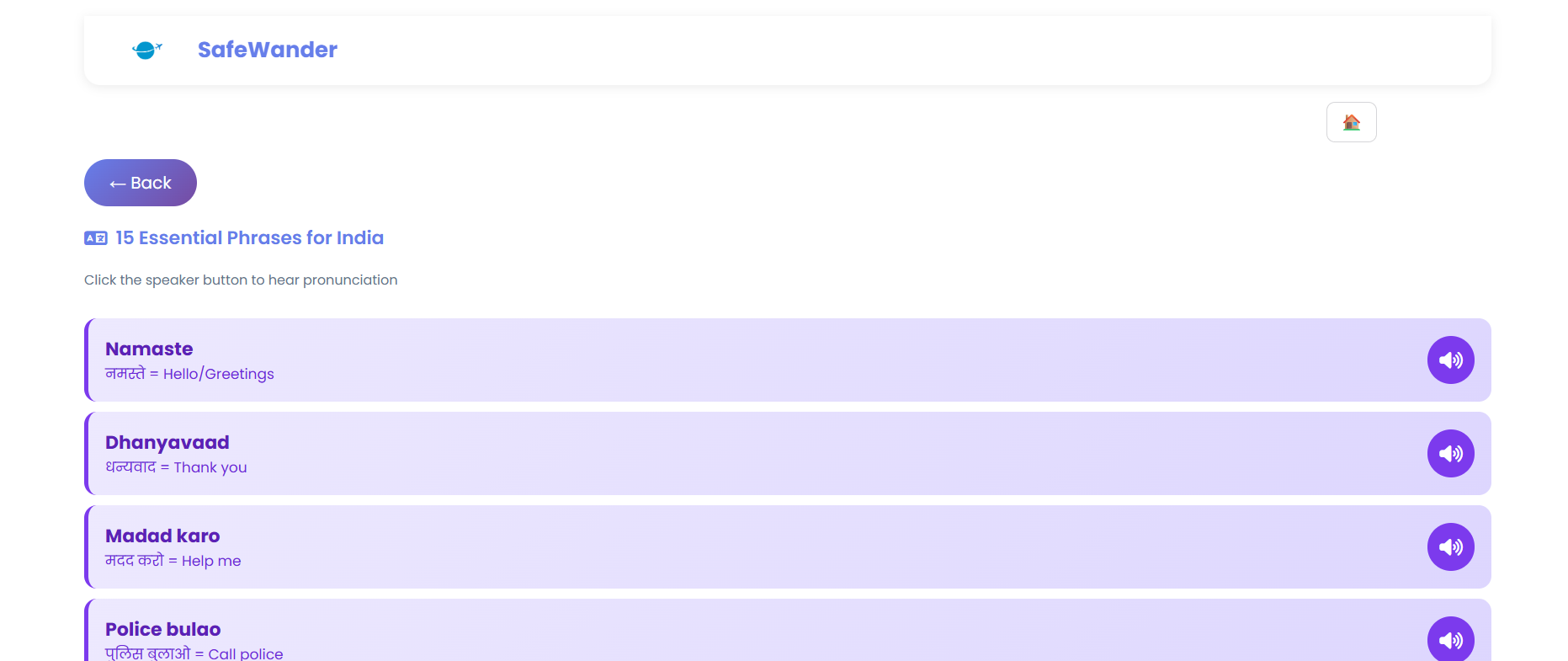
Essential Phrases
- 15 life-saving phrases per country
- Text-to-speech pronunciation
- Emergency phrases, bargaining, basic communication
- Covers: Hindi, Thai, Spanish, English, Portuguese
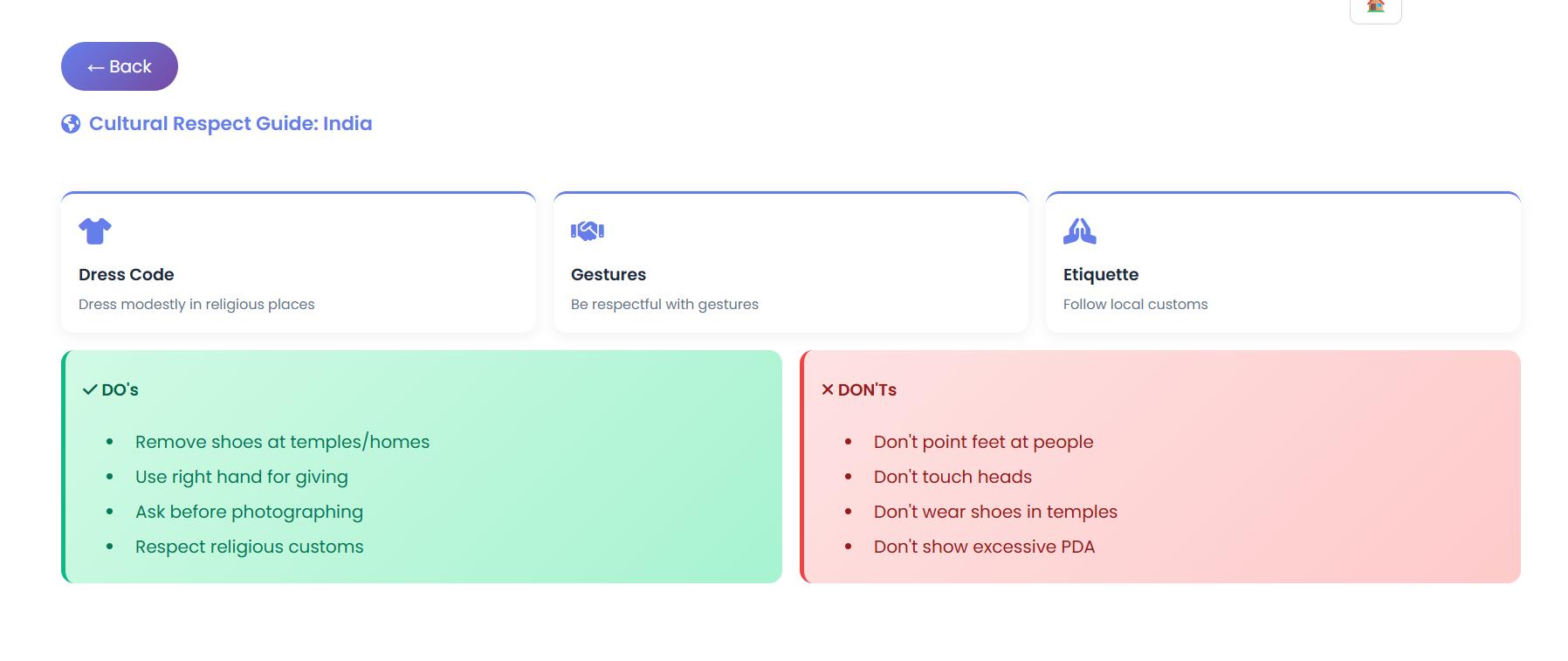
Cultural Guide
- Local dress codes
- Gesture meanings (what's offensive, what's respectful)
- Do's and Don'ts to avoid trouble
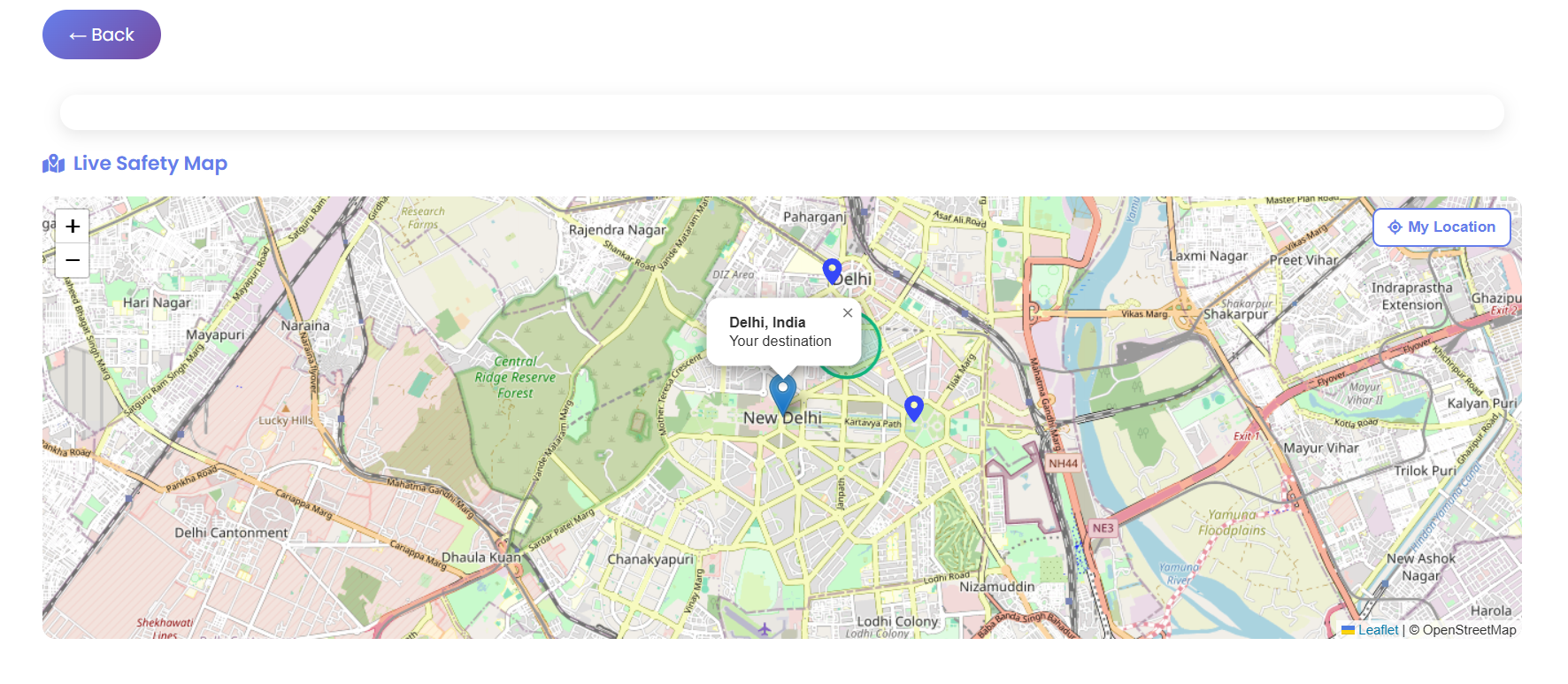
Live Safety Map
- Interactive map with destination city
- Nearby police station locations
- Safe zone markers (tourist areas)
- User location tracking
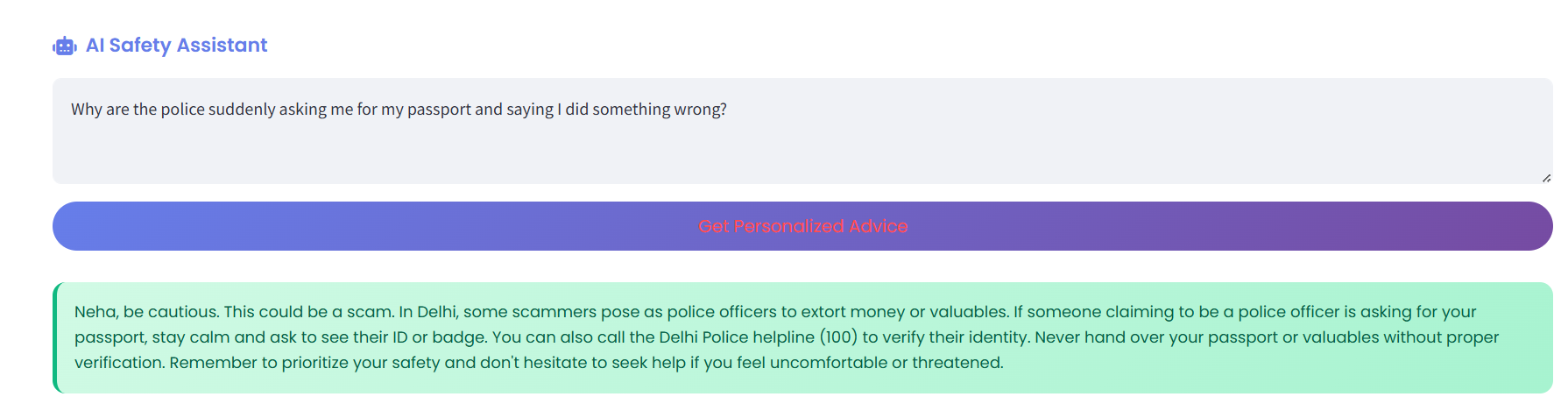
AI Safety Assistant (RAG)
- Ask any safety question
- AI retrieves relevant data from local knowledge base
- Provides personalized advice based on your gender, age, location
How I built it
- Frontend: Streamlit
- AI: Groq API (Llama 3.3 70B) with RAG
- Maps: Leaflet.js + OpenStreetMap
- Text-to-Speech: Web Speech API
- Icons: Font Awesome
- Data: Custom dataset with scams, emergency numbers, cultural guidelines for 5 countries
RAG Implementation:
- User asks a question
- System retrieves relevant data from dataset.json (scams, emergency numbers, area warnings)
- Retrieved context is injected into AI prompt
- AI generates response using local knowledge + its training
Challenges I ran into
- Making text-to-speech work across different browsers and languages
- Streamlit's HTML/JS isolation breaking button click interactions
- Building a scam detection system that parses any price format
- Researching accurate cultural guidelines for 5 different countries
Accomplishments I'm proud of
- Gender-specific officer dispatch with badge verification
- Smart scam checker that parses any price format
- Working text-to-speech for 5 languages
- RAG implementation that gives location-specific advice
- Clean, modern UI with instant feature switching
What I learned
- RAG (Retrieval-Augmented Generation) implementation
- Streamlit components and HTML/JS integration
- Web Speech API for text-to-speech
- Building user-centric safety features
- Importance of cultural sensitivity in global apps
What's next for SafeWander
- Real police station API integration
- Offline mode for areas without internet
- Community reporting for live scam alerts
- Wearable device integration for silent SOS
- Multi-language UI (not just phrases)
- Partnership with local tourism boards

Log in or sign up for Devpost to join the conversation.