-
-
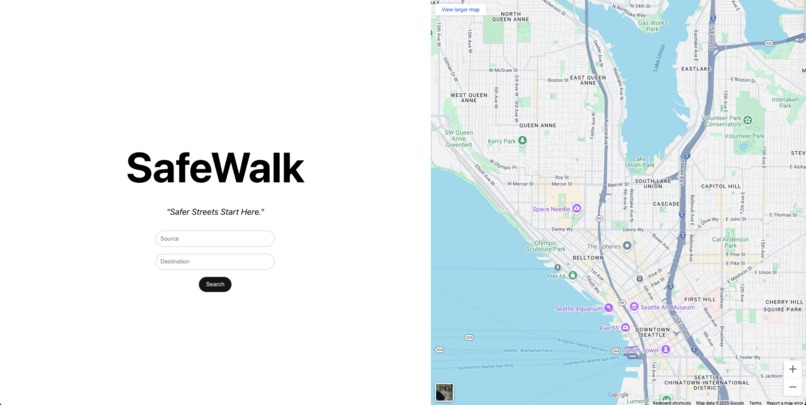
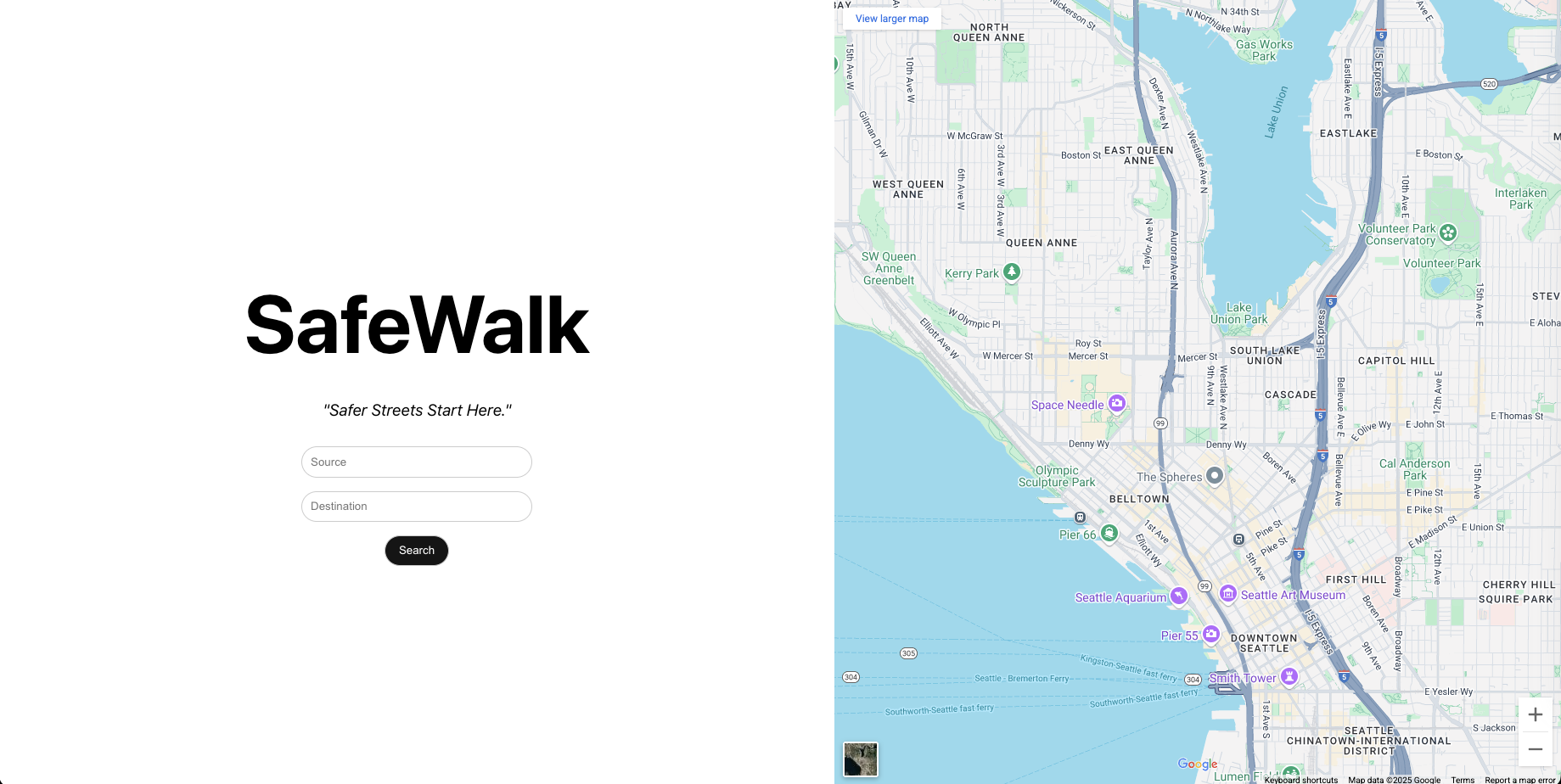
MainPage - takes the input values (source, destination) from the user.
-
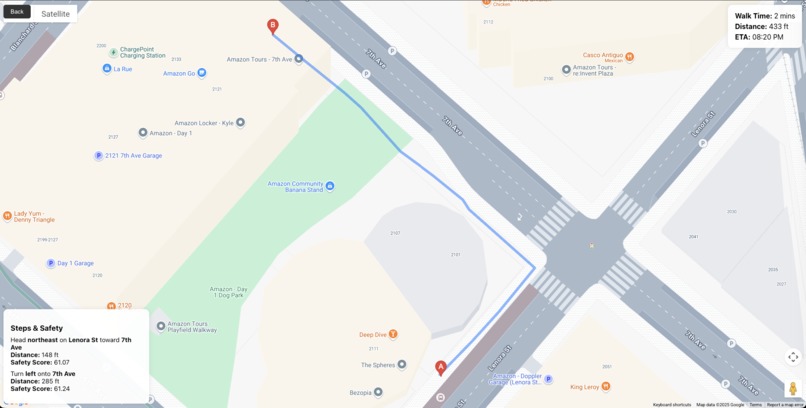
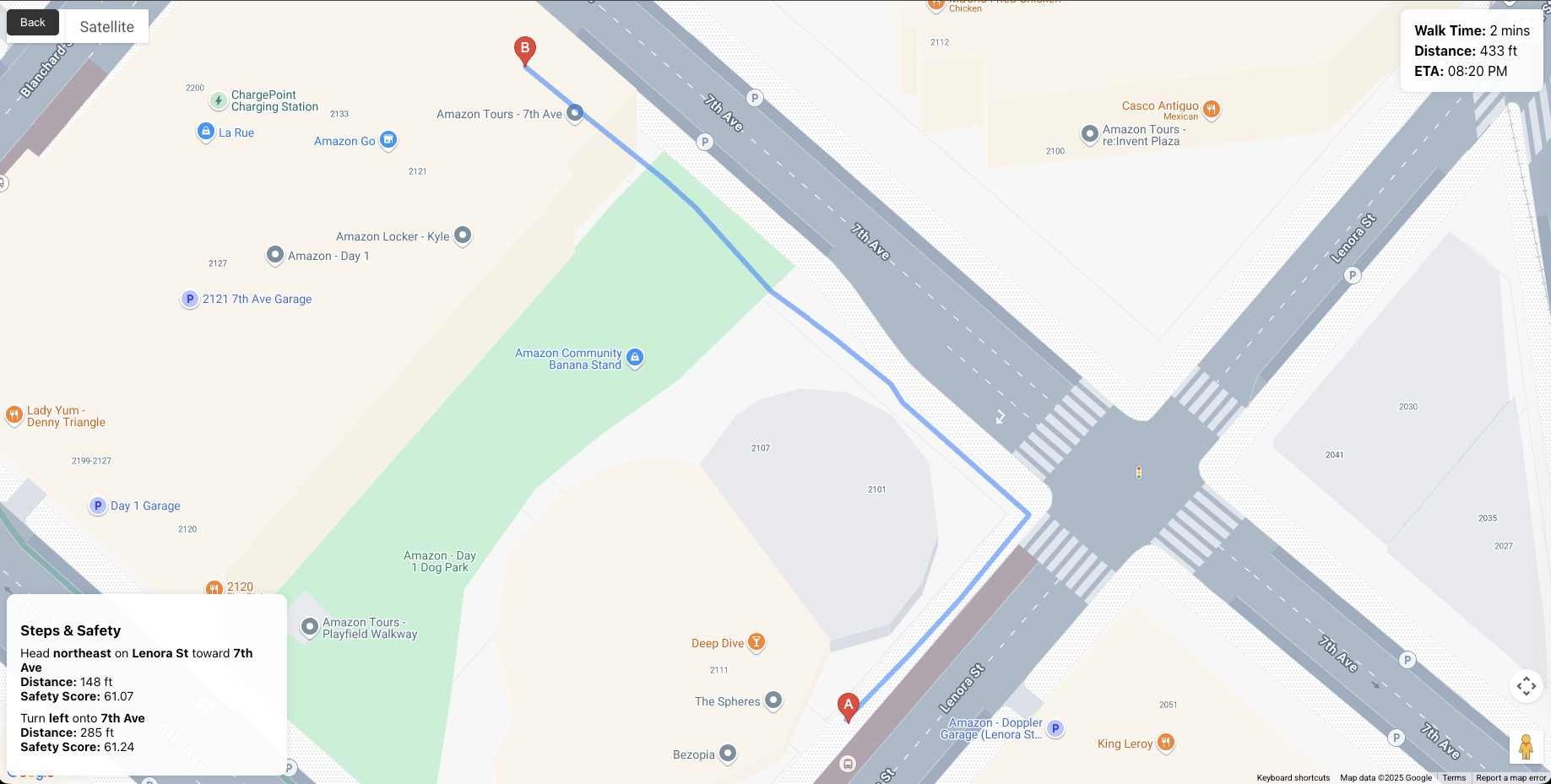
DirectionsPage - it takes input and uses google maps api and fetch the directions with a safety source.
Inspiration
Walking alone at night especially in unfamiliar or poorly lit area can feel risky. I wanted to build something that empowers people to make safer walking decisions, using the data that's already around us: crime records, lighting conditions, and crowd levels. The idea sparked from a simple thought: “What if maps were smart enough to care about your safety, not just speed?”
What it does
SafeWalk uses AI and Google Maps to recommend the safest walking route between two locations. It analyzes factors like:
- Crime rates in the area
- Street lighting
- Foot traffic
- Time of day Then, it assigns a safety score to each possible route and highlights the safest one.
How we built it
- Frontend: Built in React.js using the Google Maps JavaScript API for route rendering and map interactivity.
- Backend: Developed with FastAPI, exposing a /safest-route endpoint that fetches directions and evaluates safety scores for each path.
- ML Model: A Random Forest Regressor trained on simulated and open-source crime datasets, using features like lat, lng, time_of_day, crime_rate, and foot_traffic.
- Figma: used for designing the prototype.
- Git: used for versioning.
Challenges we ran into
- Data sparsity and inconsistency: Real-time crime and lighting data vary greatly by location.
- Balancing performance: Running ML predictions while keeping the UI responsive required optimization.
- Incomplete or outdated data: Lighting and foot traffic data aren’t universally available. Some open datasets were outdated or not refreshed regularly, impacting model reliability.
- Data cleaning overhead: Even simulated crime datasets had missing values, inconsistent formats, and duplicated entries. We had to write preprocessing scripts to clean and normalize before training.
Accomplishments that we're proud of
- Built a fully working prototype within the hackathon time frame.
- Seamlessly integrated AI safety scoring with Google Maps routes.
- Created a clean, user-friendly interface that highlights safety without overwhelming the user.
- Learned how to process geospatial data and train a custom safety model.
What I learned
- How to work with Google Maps APIs and geospatial data.
- How to train and serve ML models with real-world constraints.
- The importance of user-centric design in safety-focused apps.
- How to evaluate risk using proxy variables like lighting and crowd presence.
What's next for safewalk
- Incorporate live user feedback to continuously improve the model.
- Add real-time alerts for sudden incidents (e.g., crowd surges or police activity).
- Include features like “Safe Spots” (nearby open stores or police stations).
- Build a mobile-first version with emergency SOS integrations.
- Expand coverage using more granular open datasets from global cities.
Built With
- fastapi
- figma
- github
- google-directions
- javascript
- maps
- maps-autocomplete
- maps-javascript-api
- numpy
- pandas
- python
- react.js
- rest
- scikit-learn

Log in or sign up for Devpost to join the conversation.