-
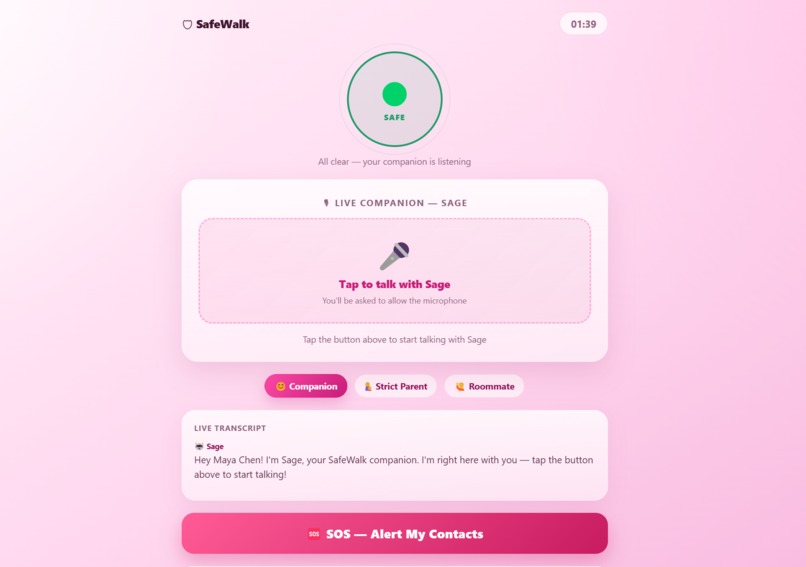
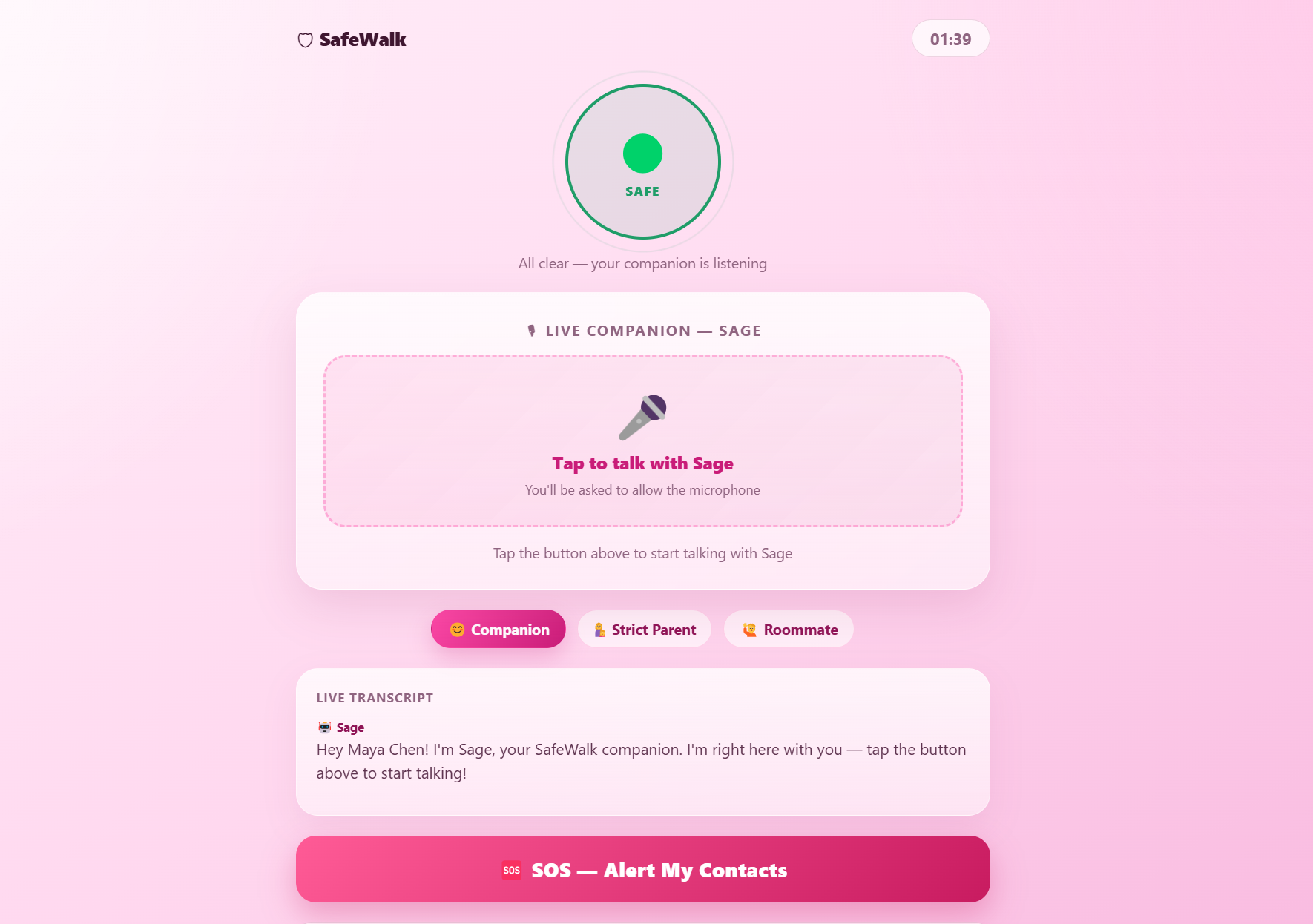
Companion ready to listen to user
-
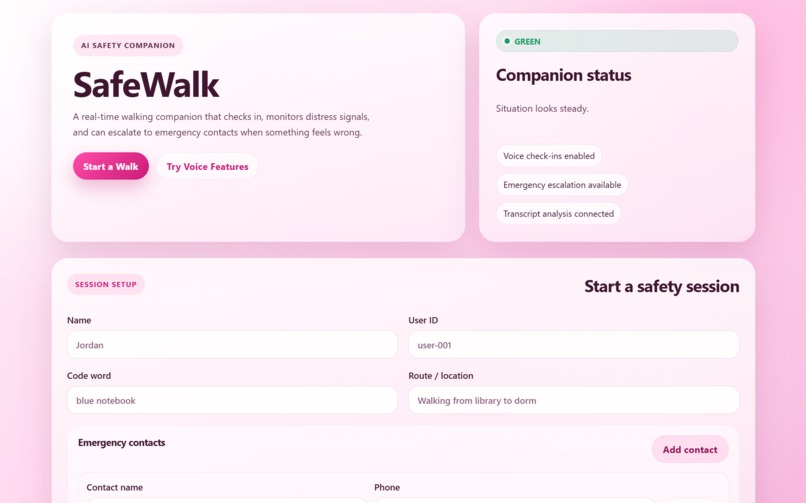
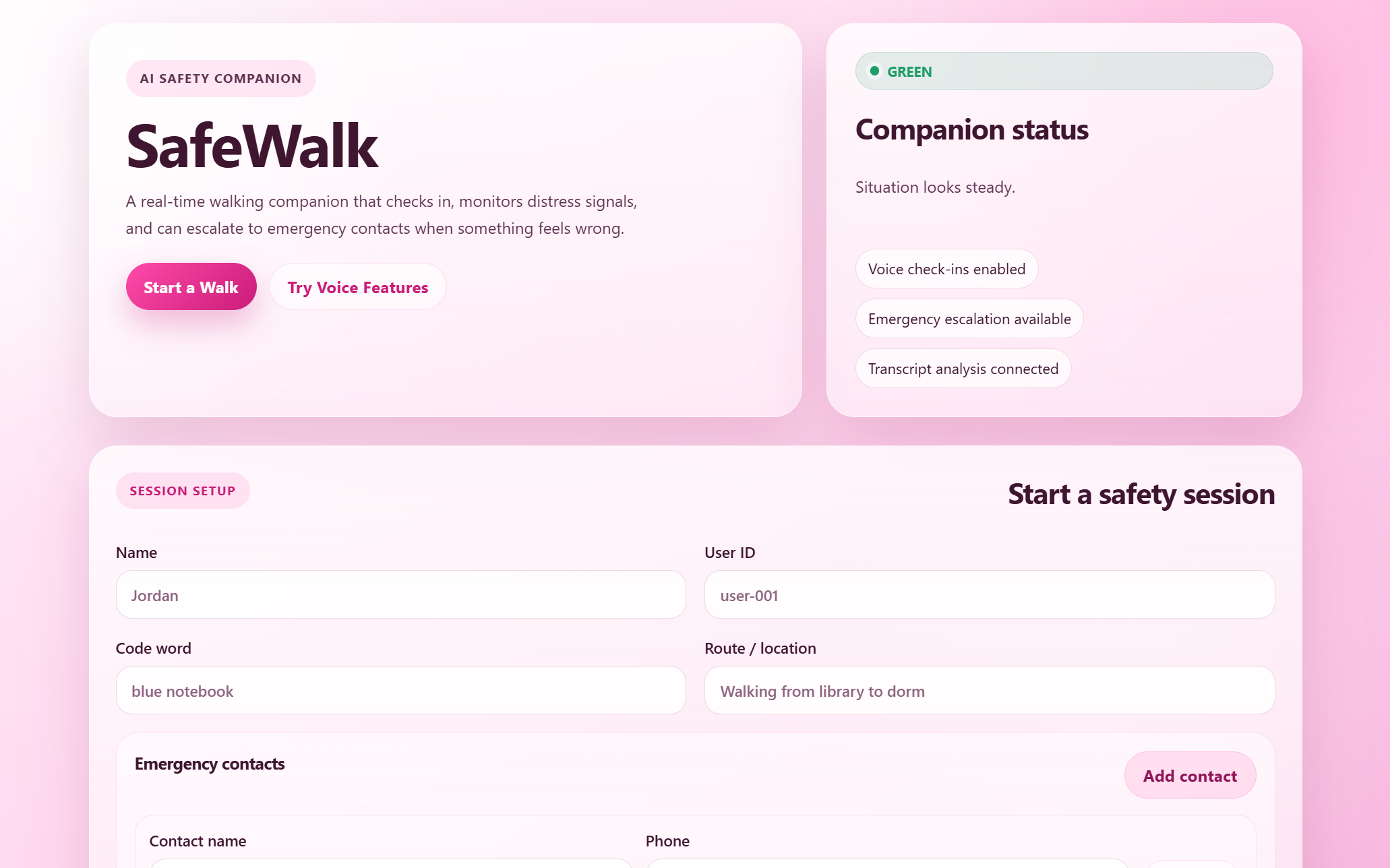
Home page with safety status from Companion and form to start a safety session
Inspiration
Walking home alone at night is something most women do without a second thought — but never without fear. As a team of women in tech, we've all experienced that familiar unease: keys in hand, phone ready, hoping someone would notice if something went wrong. We looked at the existing solutions — fake call apps, location sharing, safety buttons — and felt they all missed something fundamental. They're passive. They wait for you to act when you're in danger.
We wanted to build something that acts with you. Something that feels like a friend on the line, not a tool. SafeWalk was born from that frustration — and from the belief that AI can do more than automate tasks. It can make people feel less alone.
What it does
SafeWalk is a real-time AI voice companion that stays on the line with you during late-night walks. When you open the app, you're connected to Sage — a warm, calm AI companion who greets you by name, keeps you company with natural conversation, and walks with you until you're safely home.
But Sage is doing more than just chatting.
Every message in your conversation is silently analyzed in real time by Google Gemini, which continuously classifies your safety status:
- 🟢 Green — everything sounds normal
- 🟡 Yellow — you seem uneasy or anxious
- 🔴 Red — distress detected, alert fired immediately
The moment your status hits red — whether because you said your secret code word, used distress language, or Sage detected something urgent in how you were speaking — your pre-set emergency contact receives an instant SMS alert. No button to press. No call to make. Just talk.
All session data, conversation transcripts, and safety status history are stored securely in MongoDB Atlas, giving users a full record of every walk.
How we built it
We built SafeWalk as a full-stack web application over 24 hours using the following stack:
Backend — FastAPI (Python)
- REST API with routes for session management: start walk, log messages, end walk
- Gemini integration for real-time safety analysis of conversation transcripts
- Twilio integration for SMS alerts to emergency contacts
- MongoDB Atlas for persistent session and transcript storage
Frontend — React
- Mobile-first PWA design, dark-themed for nighttime use
- Real-time safety status indicator (pulsing green/yellow/red circle)
- Live walk timer and companion connection status
AI Voice Companion — ElevenLabs Conversational AI
- Sage is powered by ElevenLabs' Conversational AI SDK with WebSocket-based real-time voice
- Custom system prompt designed to keep responses short, warm, and natural
- Ultra-low latency responses (~75ms) so conversation feels genuinely live
Safety Intelligence — Google Gemini
- Every message is sent to Gemini with a structured safety analysis prompt
- Gemini returns a JSON object with status, reason, and flag
- Custom code word detection layer on top of Gemini's analysis
- Graceful fallback to green status if analysis fails, so the walk is never interrupted by an API error
The data flow looks like this:
$$ \text{User Speech} \xrightarrow{\text{ElevenLabs}} \text{Transcript} \xrightarrow{\text{Gemini}} \text{Safety Status} \xrightarrow{\text{if RED}} \text{SMS Alert (Twilio)} $$
All transcript data is written to MongoDB in real time so no conversation is ever lost, even if the session ends unexpectedly.
Challenges we ran into
Getting ElevenLabs and the backend talking in real time The trickiest part was wiring the ElevenLabs Conversational AI WebSocket to our FastAPI backend so that every message — both from the user and from Sage — was being logged and analyzed without any perceptible delay. Early versions had race conditions where messages arrived out of order. We solved this by carefully managing the message queue and only triggering Gemini analysis after each complete message, not mid-stream.
Making Gemini return reliable JSON Gemini occasionally returned analysis wrapped in markdown code blocks or with extra explanation text, which broke our JSON parser. We fixed this by adding a regex extraction layer that pulls the JSON object out of any response format, with a safe fallback so the app never crashes mid-walk.
CORS and environment variable headaches
As first-time hackathon builders working across multiple machines on a live dev
server, we ran into CORS issues and mismatched environment variables more than
once. Methodically checking each .env file and explicitly configuring FastAPI's
CORS middleware got us through it.
Designing for nighttime use A safety app used at night needs to be glanceable — you shouldn't have to squint at your screen to know you're safe. Getting the visual design right (high contrast, large status indicator, minimal UI) took more iteration than expected but was worth it.
Accomplishments that we're proud of
- Built a fully working, end-to-end voice AI safety app in under 24 hours
- Sage actually feels like a companion — the ElevenLabs voice and Gemini conversation quality made her feel warm and natural, not robotic
- Real-time distress detection works reliably — saying the code word turns the status red and fires the SMS alert within seconds
- Every session is fully persisted in MongoDB, meaning no walk data is ever lost
- We shipped something we would actually use ourselves — that feels like the most meaningful accomplishment of all
What we learned
- ElevenLabs Conversational AI is remarkably powerful out of the box. The turn-taking model handles natural conversation far better than we expected — Sage knows when to wait and when to respond in a way that feels human.
- Gemini's instruction-following is strong but needs guardrails. Prompting it to return only JSON wasn't enough on its own — defensive parsing is essential in production AI pipelines.
- Scope ruthlessly at a hackathon. We had bigger ideas (Presage biometric integration, walk history dashboard, multi-contact alerting) that we cut early to make sure the core experience was solid. That was the right call.
- The best demo tells a story. We spent time on our demo flow — not just showing features but walking judges through the emotional experience of feeling unsafe and then feeling protected. That narrative matters as much as the tech.
What's next for SafeWalk
Presage biometric integration Adding Presage's real-time physiological sensing via the front camera would give SafeWalk a second layer of distress detection — one that works even when the user can't speak freely. Elevated heart rate or stress spikes would escalate the safety status silently.
Silent alarm mode A triple-tap gesture on the screen that fires an alert instantly without any voice interaction — critical for situations where speaking the code word isn't safe.
Trusted circle Instead of one emergency contact, users could add a circle of 2-3 trusted people who are alerted in priority order, with escalation if the first contact doesn't respond.
Walk history and safety insights A personal dashboard showing past walks, duration, and any safety flags — built on top of the MongoDB data we're already storing.
Native mobile app A React Native version so SafeWalk lives on your phone's home screen, accessible in one tap, with background audio support so it works with your screen off.
SafeWalk started as a hackathon project. We think it could be something real.

Log in or sign up for Devpost to join the conversation.