-
-
-
-
-
-
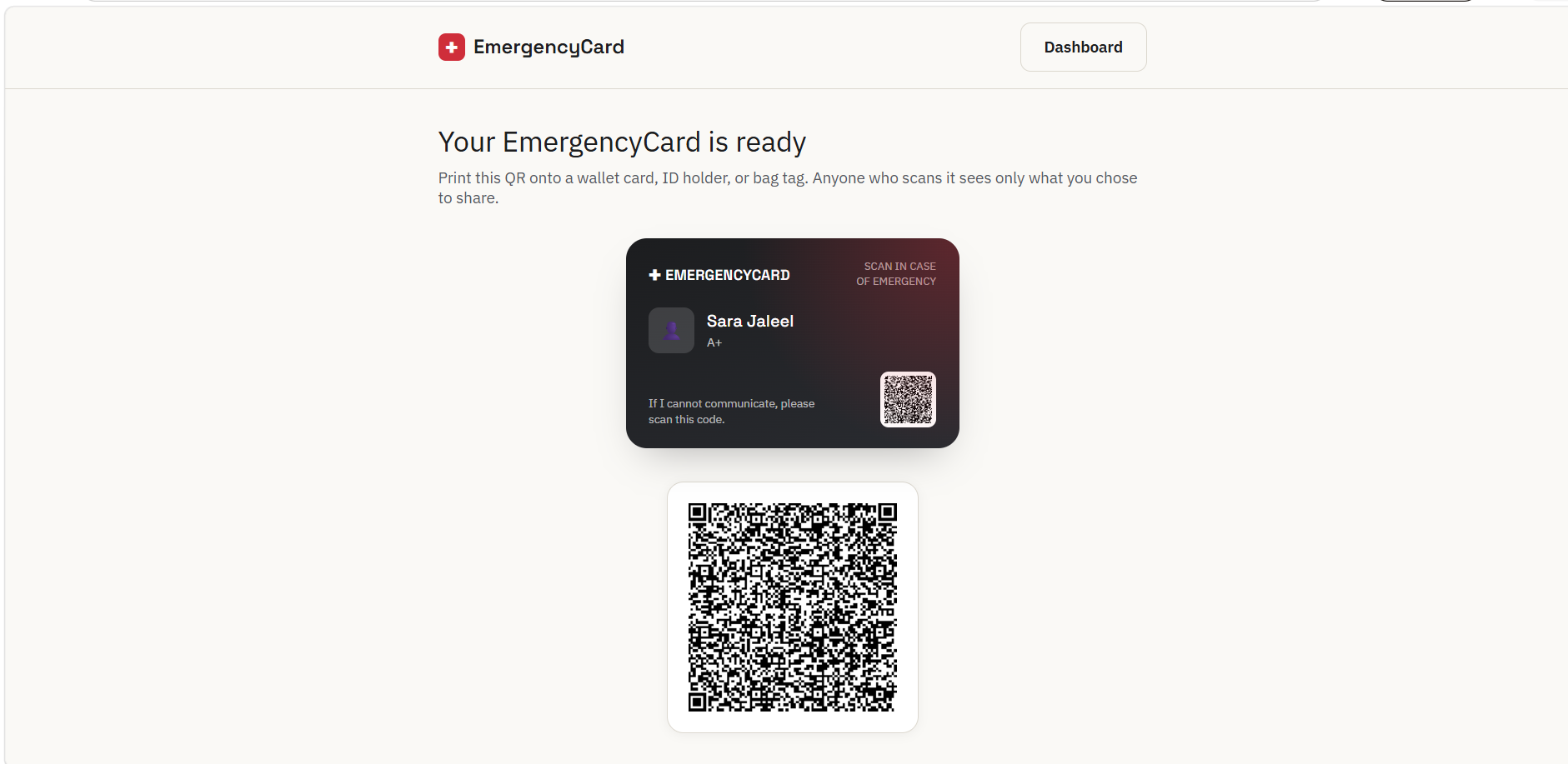
Card + QR code image
-
-
Inspiration
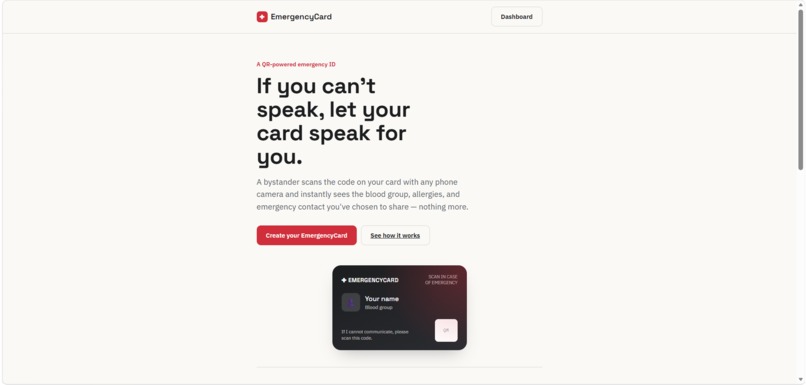
In an emergency, the person who needs help most is often the one who can't ask for it — unconscious, unable to speak, or simply alone with a locked phone. First responders and bystanders lose precious time with no way to know a blood group, an allergy, or who to call. We wanted something as low-tech and universal as a wallet card, paired with something as fast as a QR scan — no app to install, no account to create, just point a camera and know what to do.
What it does
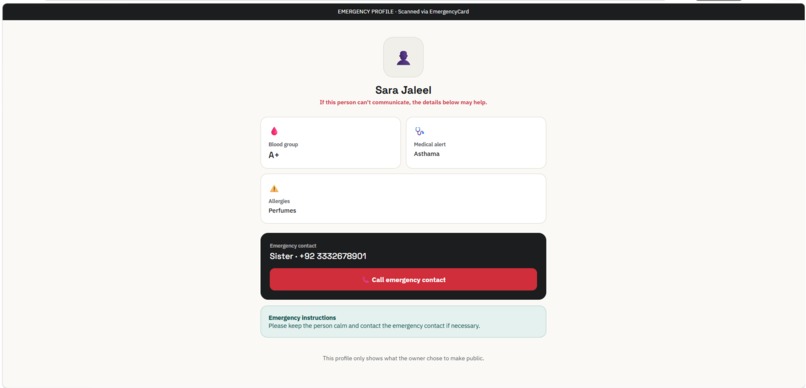
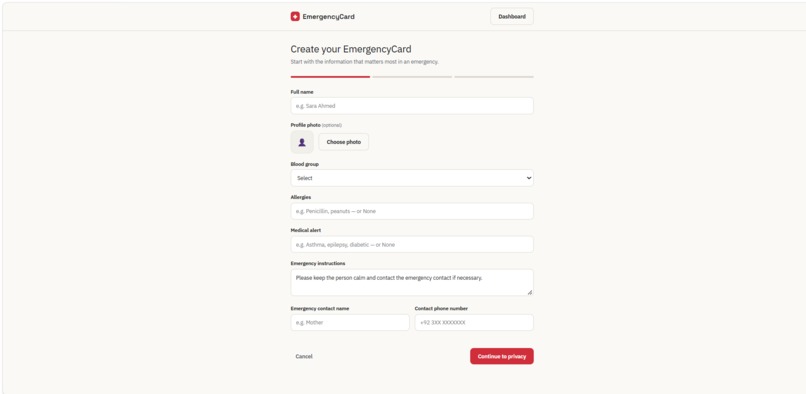
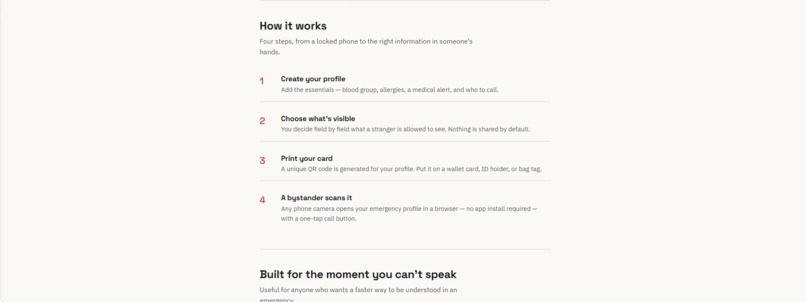
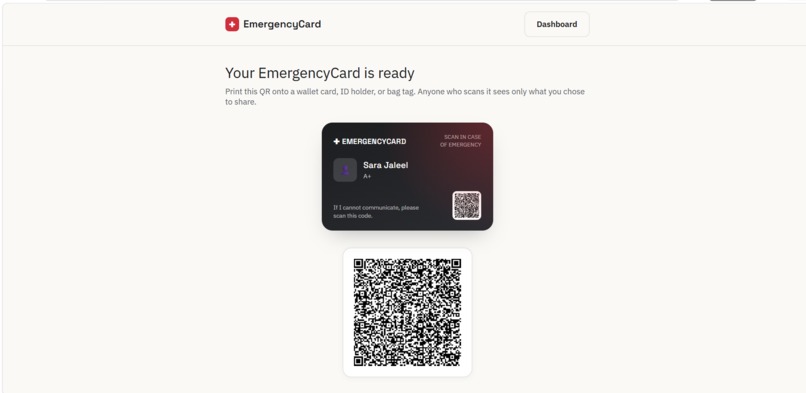
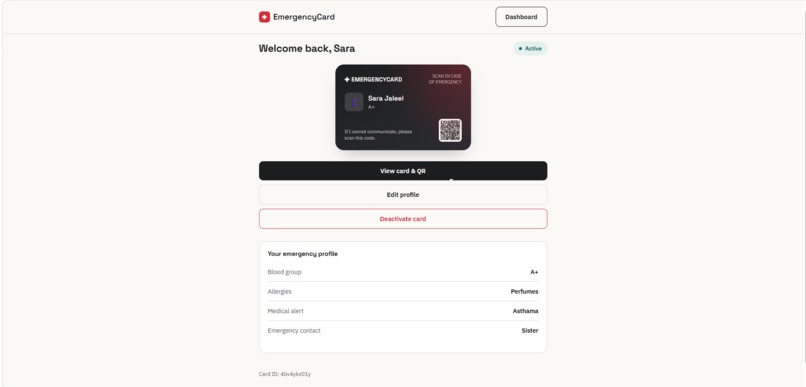
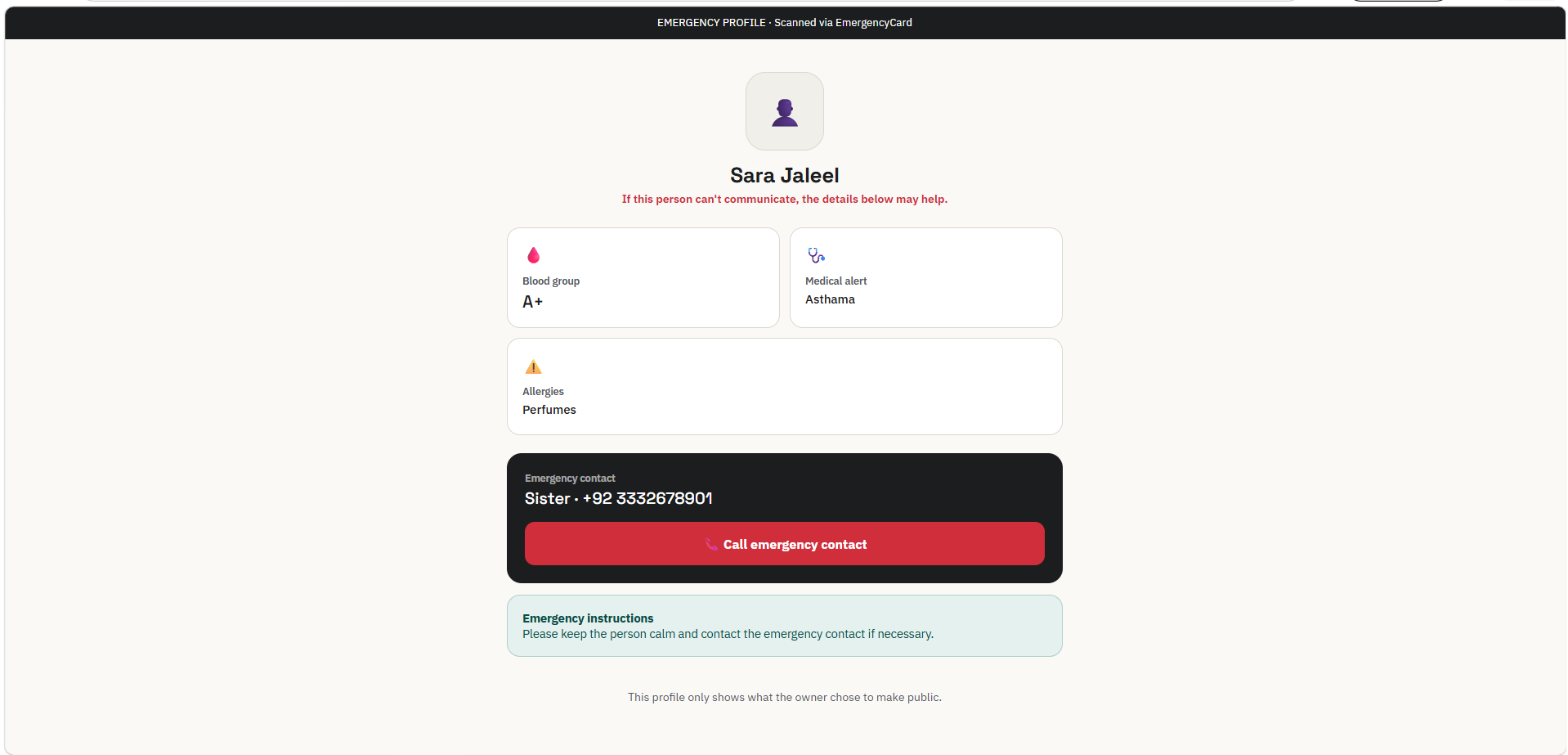
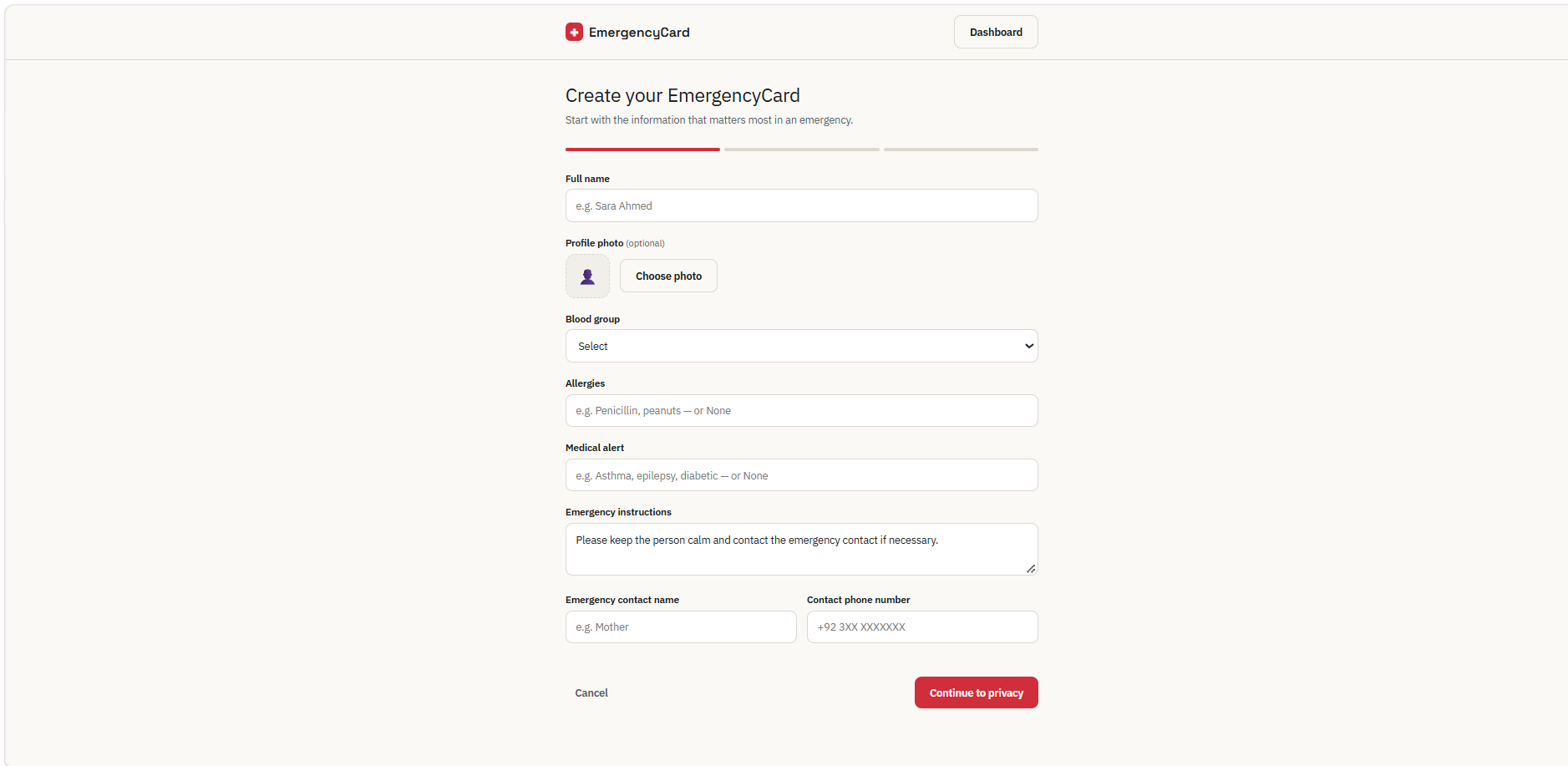
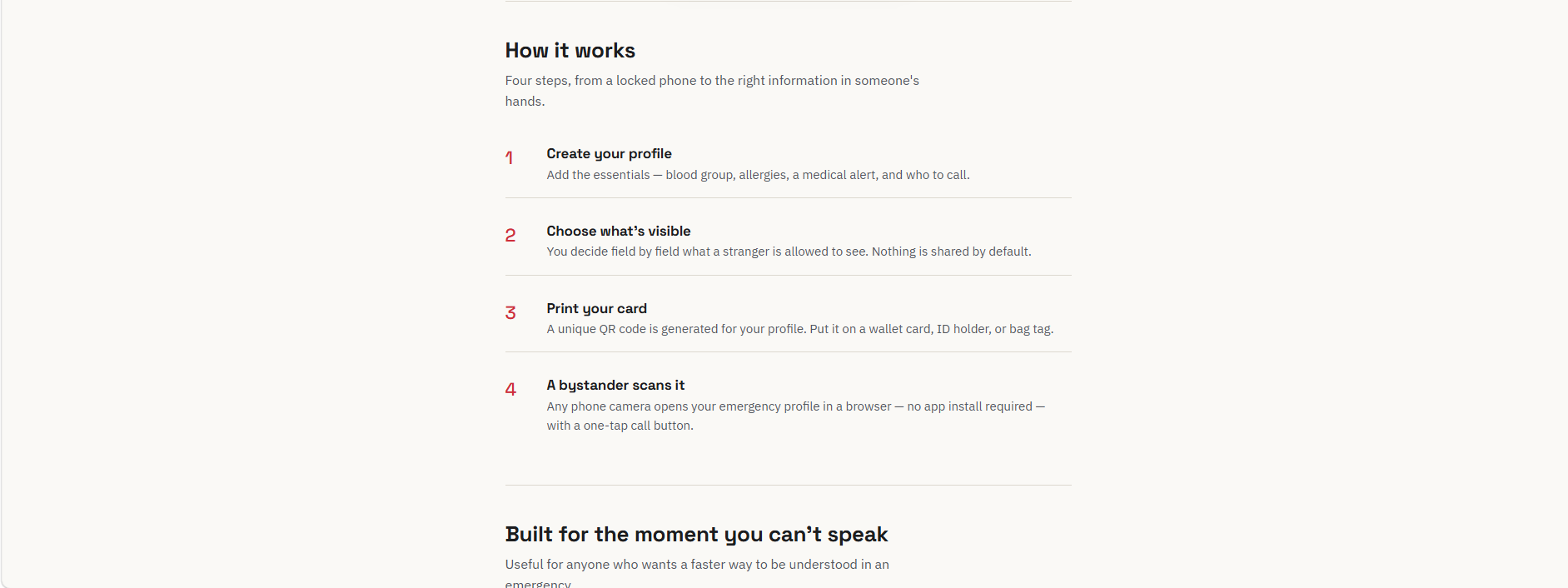
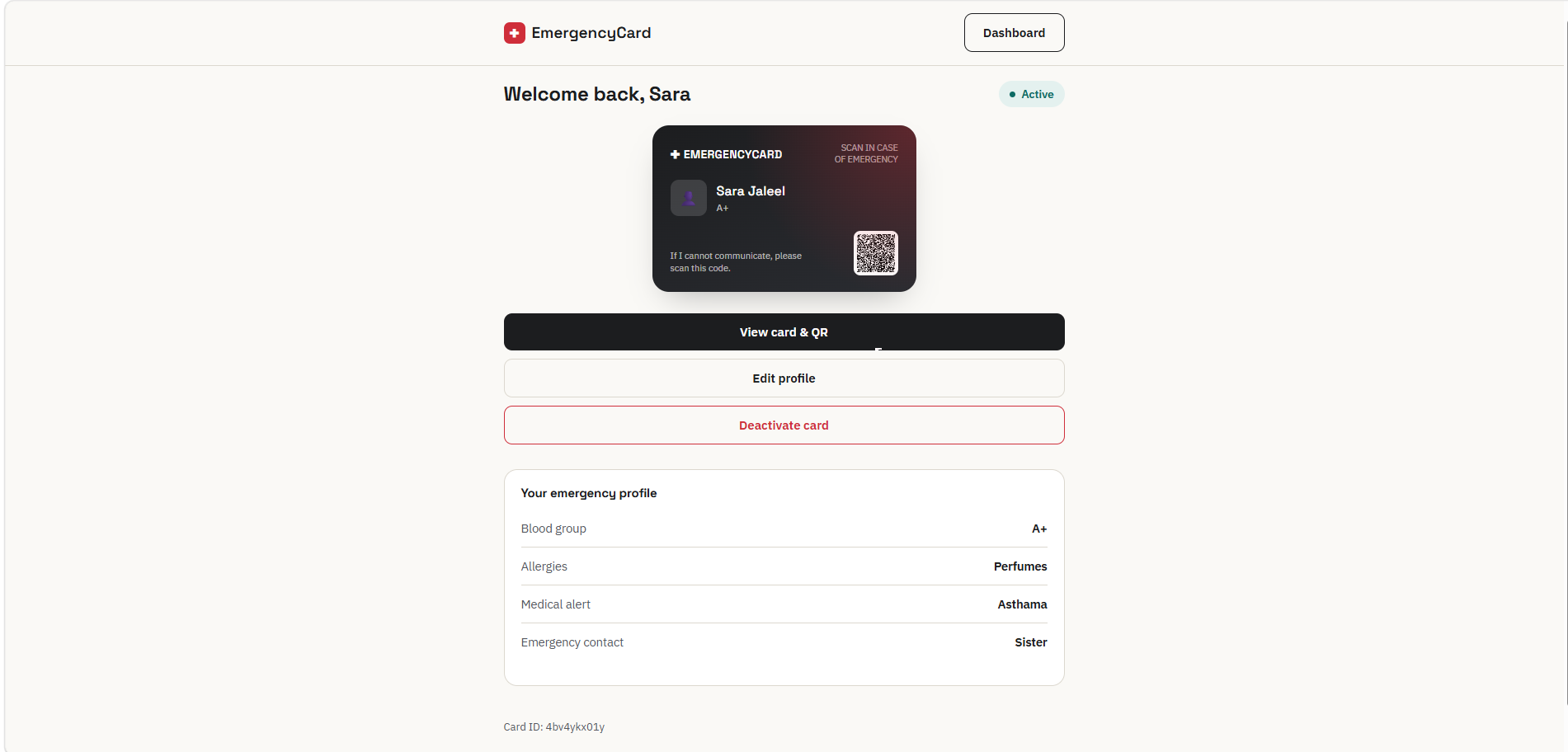
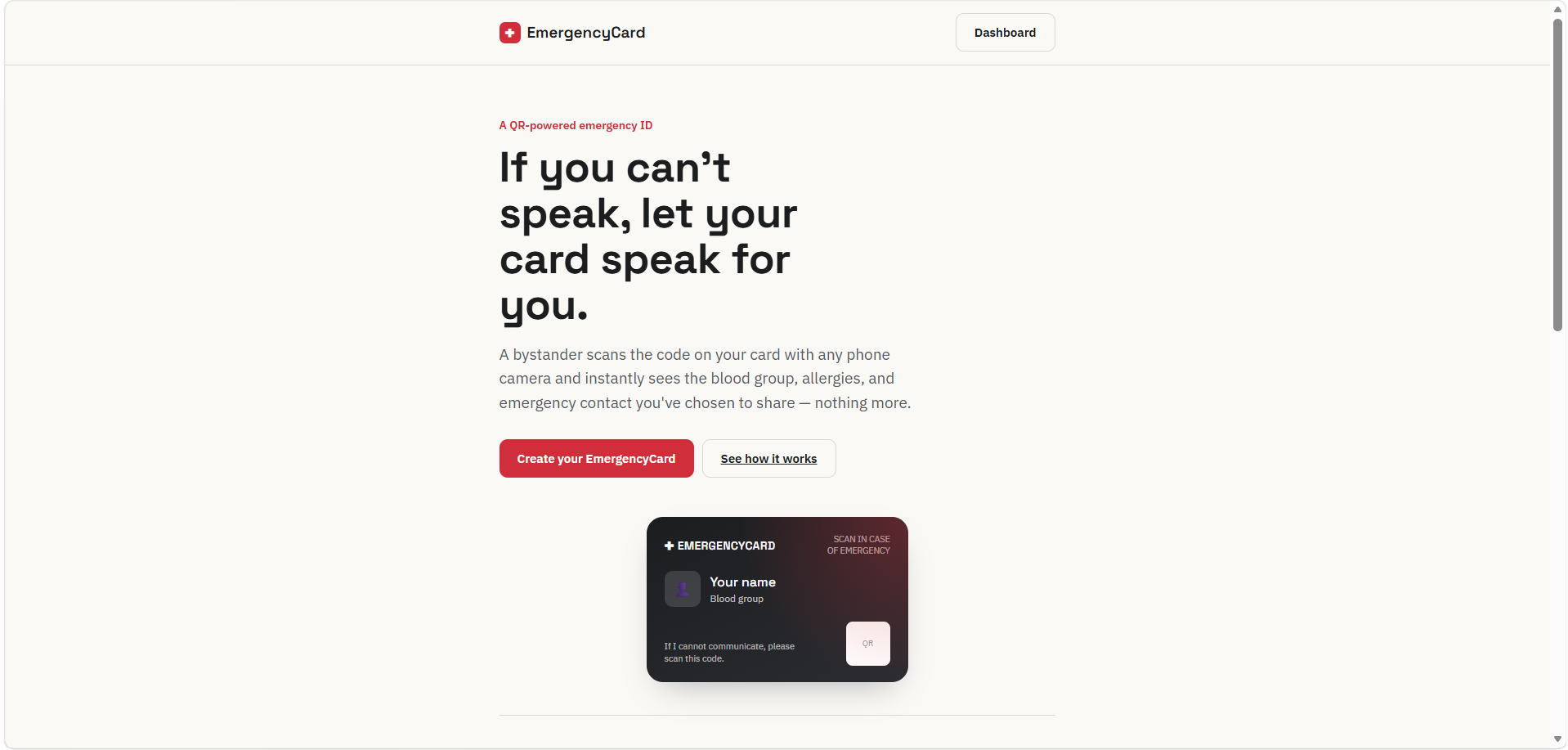
EmergencyCard connects a physical QR card to a digital emergency profile. The owner creates a profile with their blood group, allergies, a medical alert, and an emergency contact, then decides field-by-field what's visible to a stranger — nothing is shared by default. A unique QR code is generated for their card, ready to print onto a wallet card or bag tag. If the owner is ever unable to communicate, a bystander scans the code with any phone's camera, and their card speaks for them: a simple profile opens in the browser with a one-tap "Call emergency contact" button. The owner can edit their details or deactivate the card anytime from a dashboard.
How we built it
EmergencyCard is a static, framework-free web app — plain HTML, CSS, and JavaScript with hash-based routing, so it runs anywhere with no build step and no server. QR codes are generated entirely client-side with qrcodejs. The owner's profile lives in the browser's localStorage.
The most important design decision was how to make a QR code scannable across two different phones without a backend. Instead of storing profiles in a database and having the QR carry just an ID, the entire public profile is encoded as base64 JSON directly inside the QR code's own URL. That means the data travels with the code itself — a genuine two-device scan works with zero setup, and there's no public database of everyone's profiles to secure.
Challenges we ran into
The QR-without-a-backend decision came with a real trade-off we had to accept and design around: since the data lives inside the code, editing a profile doesn't update an already-printed QR, and "deactivating" a lost card only reliably works on the same browser that deactivated it — a card scanned from a different device has no shared source of truth to check against. We chose to be upfront about this limitation rather than fake a fix, and documented exactly how a real backend (like Supabase) would solve both issues.
Keeping the privacy toggles honest was trickier than expected, too — it was easy to accidentally leak a hidden field into the QR's encoded payload, which would have quietly defeated the entire point of a privacy-first emergency card.
Accomplishments that we're proud of
- A complete, working end-to-end flow — create, generate, scan, call, deactivate — with zero backend, zero sign-up, and zero app install for the person scanning the card
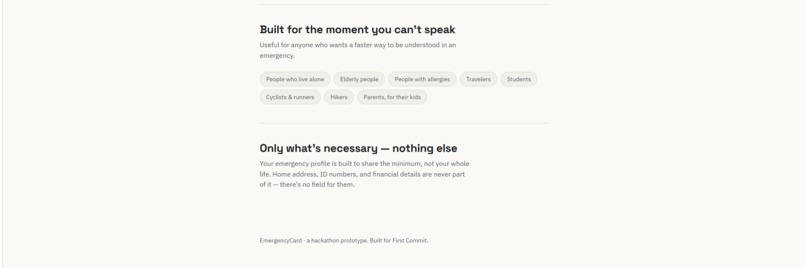
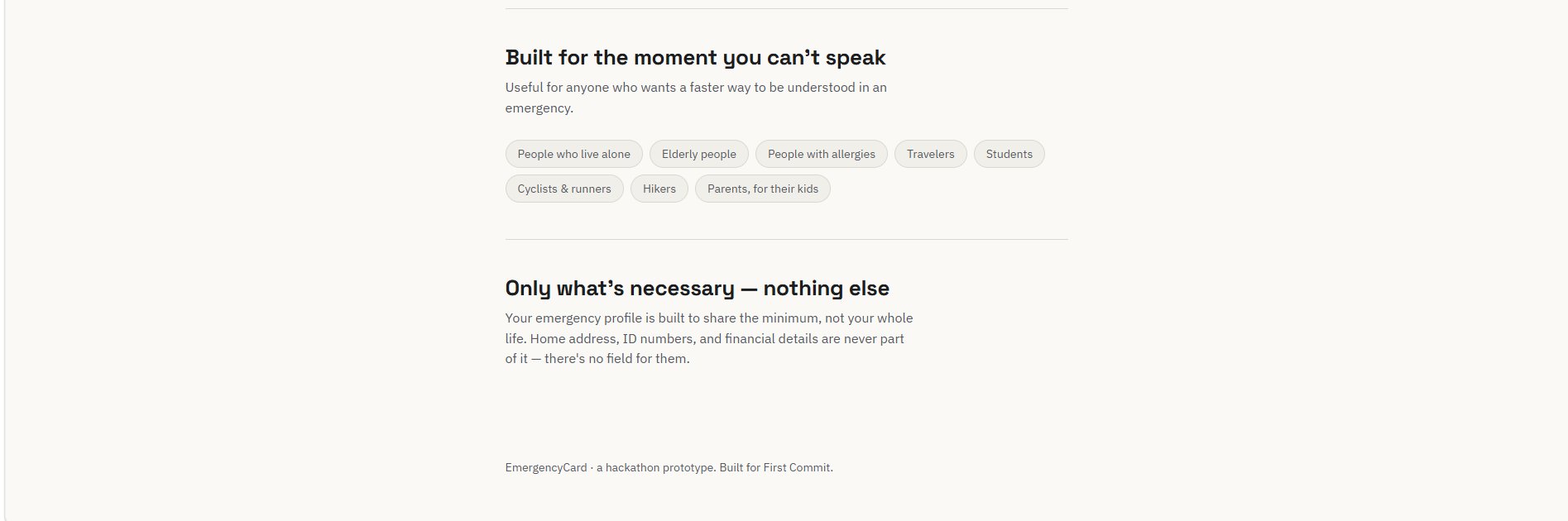
- A privacy model that shares the minimum necessary information by design, not just by toggle — there's no field anywhere for home address, ID numbers, or financial information
- Making a real technical trade-off explicit instead of hiding it
What we learned
How much a single data-flow decision shapes an entire app's architecture and its honest limitations. Choosing to encode data in the QR itself, instead of a database lookup, wasn't just a technical shortcut — it changed what the app could and couldn't promise its users, and taught us to design (and communicate) around that trade-off rather than pretend it doesn't exist.
What's next for EmergencyCard
- A real backend (e.g. Supabase) so edits and deactivation work live, across every device
- NFC card support — tap instead of scan
- Multiple emergency contacts and multi-language profiles
- A printable card designer and scan access history for the owner
Built With
- css3
- google-fonts
- html5
- javascript
- localstorage
- qrcode
- qrcodejs
- web-apis


Log in or sign up for Devpost to join the conversation.