-
-
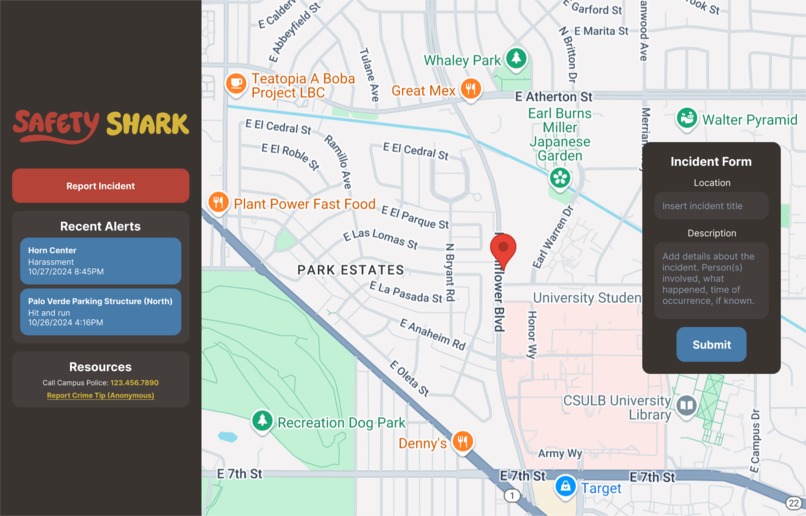
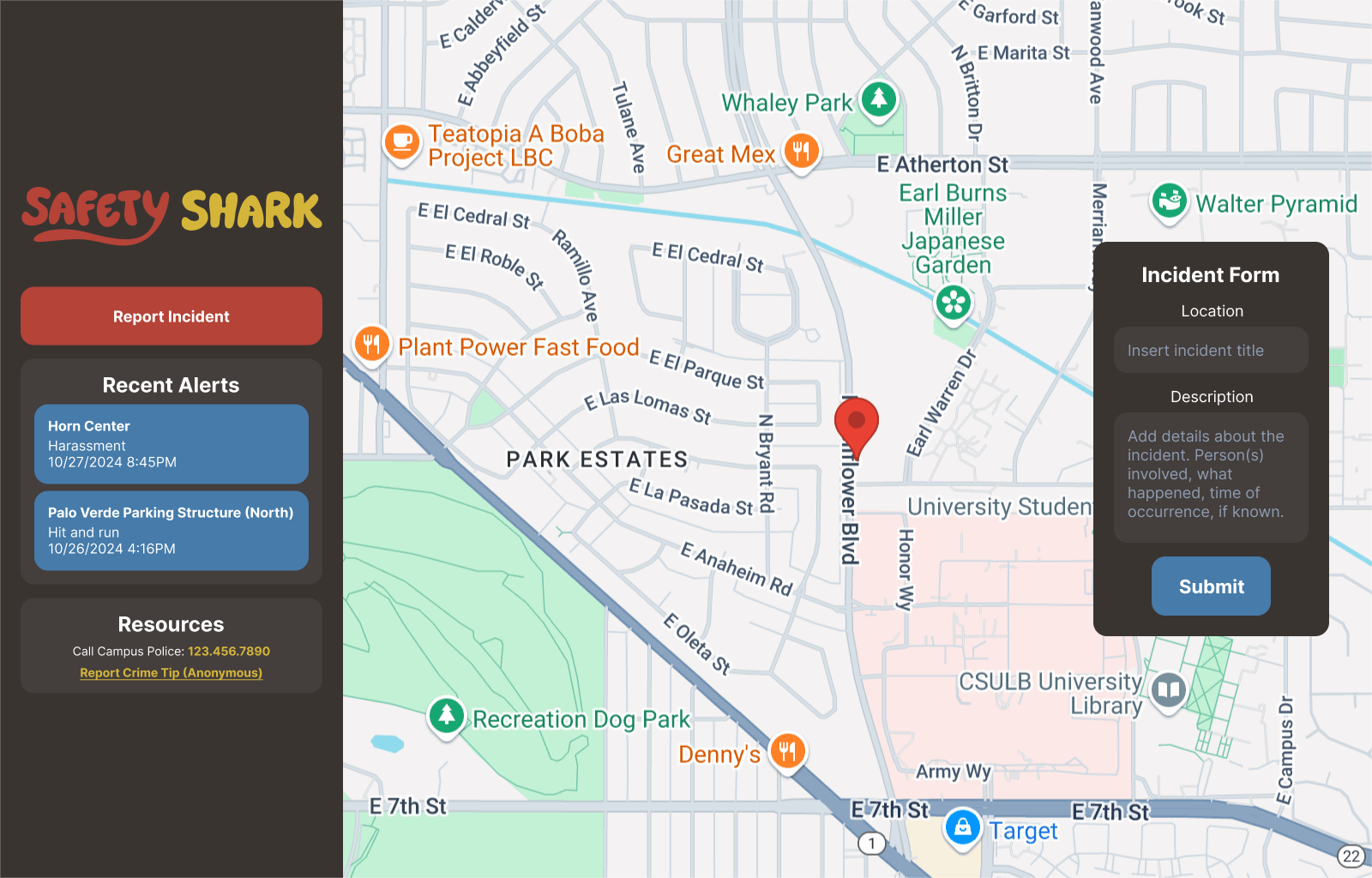
Mockup UI made in Figma.
Inspiration
This web app was developed to provide an accessible platform for CSULB students to stay informed about incidents happening on campus. No place can be perfectly safe, even our school. Students often share safety concerns or personal experiences on platforms like the CSULB subreddit, but these posts get buried under other content over time. By creating an app dedicated to tracking campus incidents, students can stay informed of potential danger zones, stay vigilant, and look out for each other. Overall, this app aims to promote a safer campus environment where students have immediate access to safety information.
What it does
This app aims to promote a safer campus environment where students have immediate access to safety information. Students can click the “Report New Incident” button, select a location on the map where the incident occurred, and fill in relevant details, including a title, description, and an image for evidence. Clicking on the post will lead the user to the location. Each report is represented by a marker on the map. Users can click on these markers to view detailed information about the incident, such as what happened, when it occurred, and any notable details.
How we built it
For collaboration and storage of our files, we used Github. We also pulled the Google Maps API key from Google Cloud, which became the core of our app(allowed the map to show up, markers to be placed and locations to be saved). We used React+Vite to create interactive UIs and Tailwind CSS for the design part of the project. We also created different functions to save and reset states.
Challenges we ran into
Getting used to an API we hadn’t explored before was a huge challenge, considering the majority of our team hadn’t used React this heavily before. The combination of learning new languages, on top of figuring out APIs and the React library’s Hooks, was definitely a shared struggle among our team. It began with getting the API to show up properly on the screen at all, followed by figuring out how to pass information into and get data from each map marker to display in its information window had us constantly debugging each step of the way. Honorable mention: our workflow being interrupted by cockroaches throughout the night.
Accomplishments that we're proud of
Obtaining marker information to display not only in the window shown upon clicking a marker, but also in the incident list in the sidebar, and being able to click either the list element or marker itself to gain information of the incident. Creating markers on click, but also under the condition of a state boolean. Being able to upload and display distinct images for each marker. Getting markers to work with us at all, for that matter, and being able to minimize all the bugs we faced because of them. Honorable mention: the Safety Shark logos!
What we learned
How to properly pass useState hooks between parent and child components. How to quickly pick up a new language. How to effectively designate tasks among the team & manage priorities.
What's next for Safety Shark?
Implementing a solid database into our app so we can save marker and incident related information and access it regularly. Preparing the app so we can pitch it for the school to use.
Built With
- api
- cloud
- javascript
- react
- tailwind
- vite


Log in or sign up for Devpost to join the conversation.