-
-
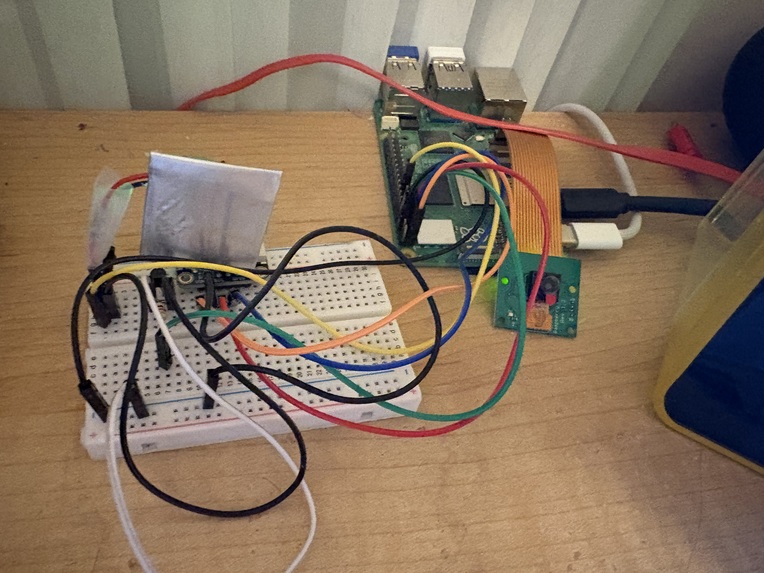
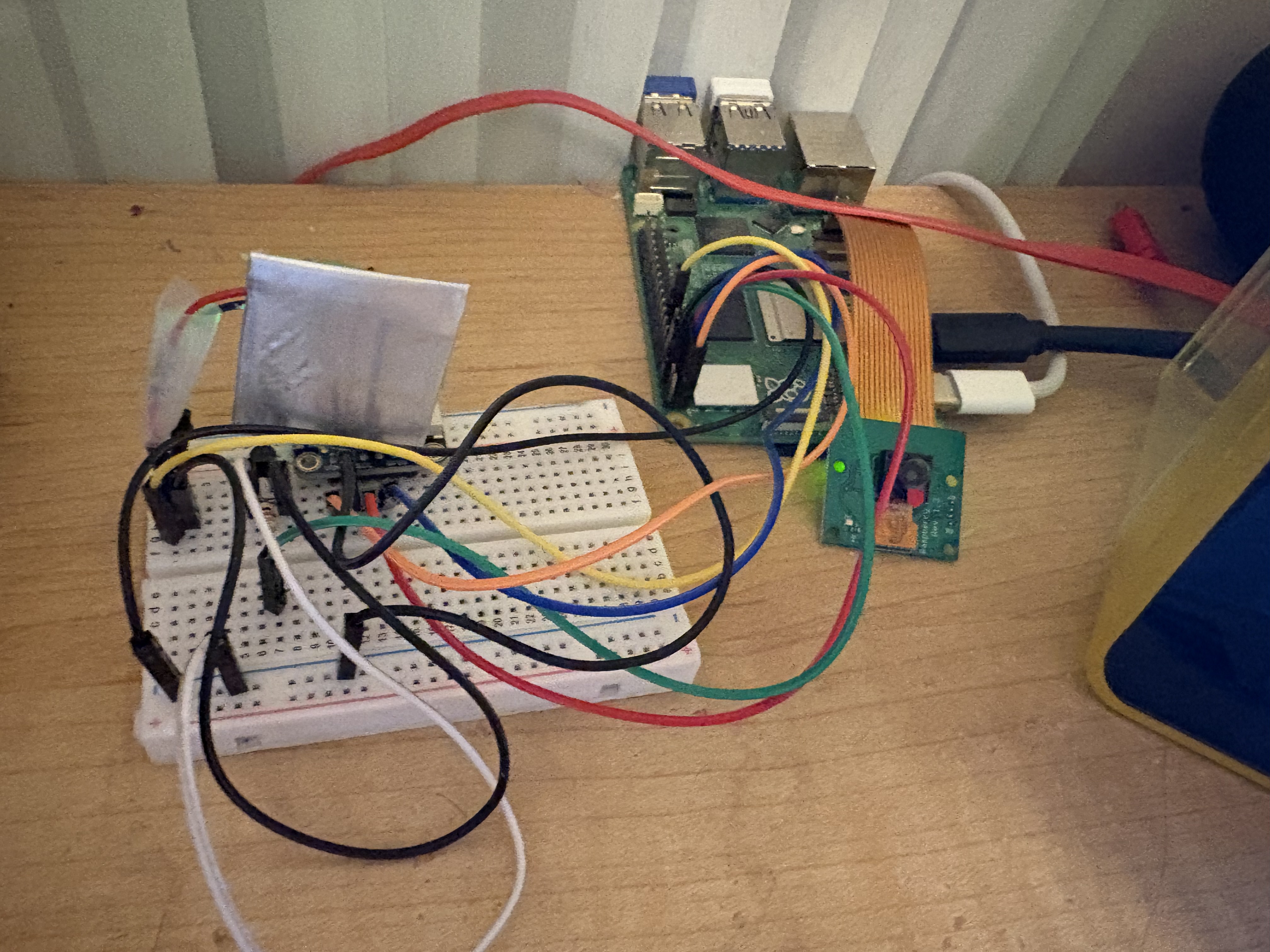
Safety Run device (Raspberry Pi, Camera, Buzzer)
Inspiration
As a runner, I often found that running along the side of the road was the most comfortable, especially during the evenings. On the road, my running space was larger, making exercise feel freer and more satisfying. However, I often found that while listening to music, running on the road meant more cars passing by or approaching me. To prevent myself from being injured by the approaching cars, I created a navigation device to alert users when cars are approaching. Then, I can listen to music and run on the road, while also being cautious of nearby cars!
What it does
Using YOLO computer vision, a Raspberry Pi 5 and a camera, it runs through an AI pipeline that allows it to detect objects and movement over multiple frames. Using this logic, it runs the camera with the YOLO code and sends a signal to the haptic feedback buzzer when it detects a class ID of a car. Therefore, when it sees a car approaching close enough, the bounding box around it becomes larger, triggering the buzzer response.
How we built it
Using a Raspberry Pi 5, a Raspberry Pi camera, a breadboard, a transistor, and a buzzer, all of the components were connected with jumper wires. The code was run on a laptop’s default camera first, then downloaded onto the Pi to run directly on the camera.
Challenges we ran into
At first, the code was run using only OpenCV, which created a lot of unnecessary noise and inaccuracy across different camera frames. With inconsistency, OpenCV alone could not suffice for the project. Therefore, YOLO was implemented in order to smooth out the frame boundaries and maintain tracking over the same object. Additionally, hardware challenges, like connecting the buzzer and all the components together, were challenging.
Accomplishments that we're proud of
A big accomplishment was connecting the buzzer to the breadboard and updating the code logic to buzz on time with the car detection. Connecting the buzzer to the breadboard took many tries, as there were connection issues, code issues, and overall challenges in working with the buzzer.
What we learned
Through this project, we learned that the YOLO code runs smoothly, but only when the camera frames per second are fast enough. The current frames per second rate is only 13, making the feedback laggy. Moreover, we learned that installing YOLO takes a lot of dependency matches, and requires you to ensure that you have numpy, torch, and opencv installed to the right versions. Lastly, we learned that using OpenCV itself is not enough to create a smooth motion detection, but rather fluid motion tracking is necessary over just motion detection.
What's next for Safety Run: Navigation device for runners
Next steps for the Safety Run device are to create it into a two-part wearable device, where the buzzer is separate from the camera and detection. Realistically, running with a device on is challenging, so making the buzzer into a more compact wristwatch would be a future goal. Additionally, the separation between a car advancing toward the user and a stagnant one should be differentiated through code logic.

Log in or sign up for Devpost to join the conversation.