-
-
Safety Net Loading Page
-
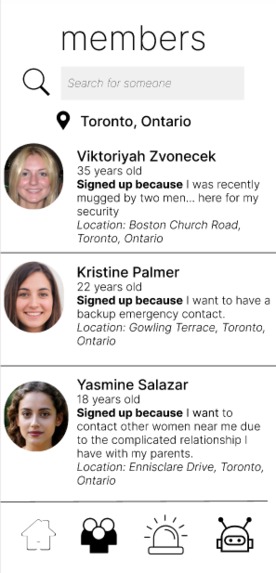
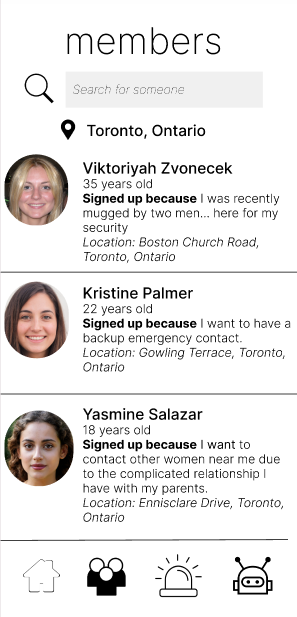
Members Page
-
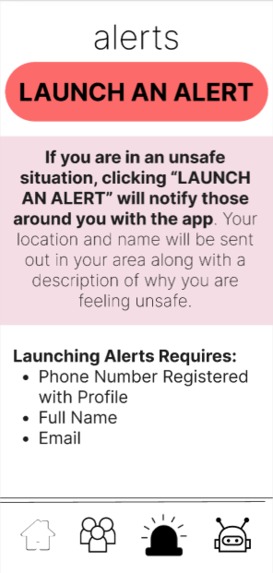
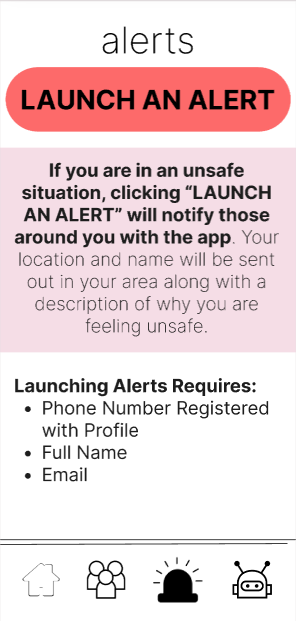
Alerts Page
-
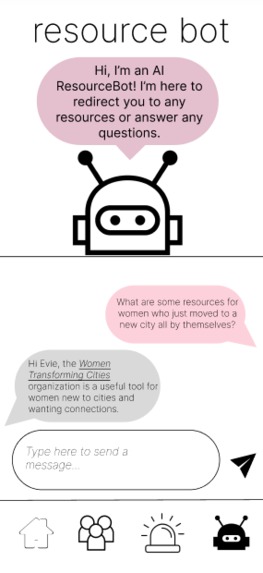
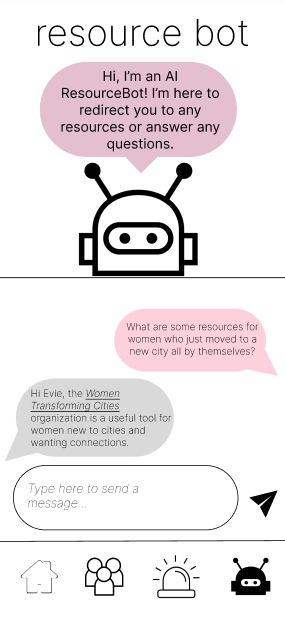
Resource Bot
-
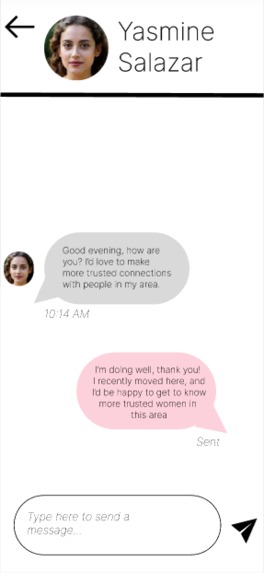
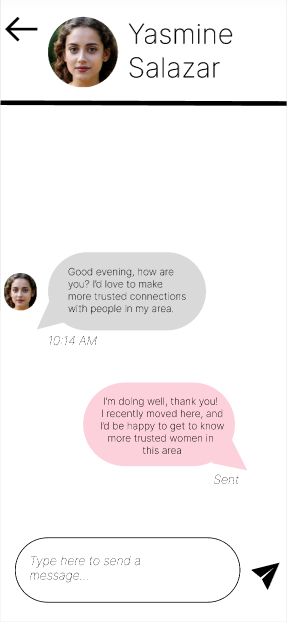
Chat with other Members
-
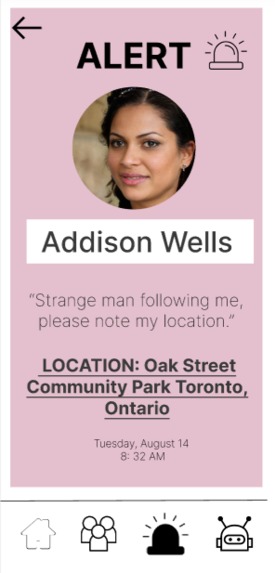
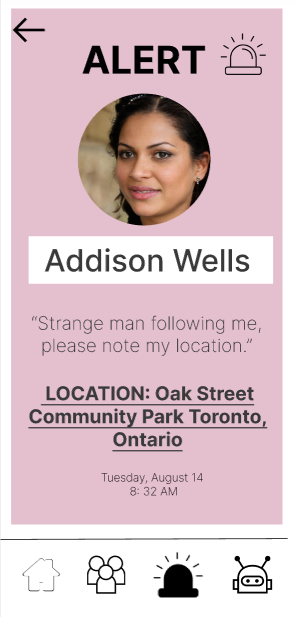
Alert Example
Inspiration
❗78% of people who are kidnapped are women, compared to the 22% of males.
❗One in two women felt unsafe walking alone after dark in a quiet street near their home, compared to one in seven men.
❗Only 310 out of every 1,000 assaults are reported to police. That means more than 2 out of 3 go unreported, showing that last location reports are crucial.
This is a clear social inequality issue affecting women. All people should be able to feel safe wherever they go. This made us realize that there's a need for women to have a quick resource when they're in unsafe situations to reach out to close contacts who can be aware when they are unsafe.
What it does
👋Member Page: See other members on the app near you and message them to develop close connections. 🔔Alerts: If you are immediately unsafe, launch an alert to other members around you with your location so others know your whereabouts and situation. ⚙️Resource Bot: Chat with an AI bot for any resources about how to protect yourself in unsafe situations and developing close contacts.
How we built it
As this was all of our team members' first hackathon, we used Figma to design the app. However, we aimed to incorporate code and programming tools wherever possible, such as AI. For the member profile pictures, we used AI trained in creating human-like faces to develop realistic profile pictures for the members on our app. Through this, we got many profile pictures to create member profiles - without invading the privacy of a single person.
We also used Figma components to create realistic app components - for example, in settings, we used a realistic app ON/OFF toggle by using Figma components and variations.
Challenges we ran into
😅This was our first time using Figma as a design tool, so it was tricky at first to get the hang of how to navigate. After a while, we began really enjoying how collaborative it was to use! We also had one of our team member's computer crash an hour before the deadline, so we met up in-person and used our teamwork to use each other's devices for editing our video. At the end, we all came together as a team to bring Safety Net to life.
Accomplishments that we're proud of
👍We are very proud of learning how to use so many programs we were unfamiliar with before, especially Figma and AI. We are very much a business-oriented team, so technical stuff is always something to be proud of!
What we learned
🤔We learned a lot about how to create realistic but useful features. When we started out, we had lots of ideas - but ended up settling on three. We learned a lesson in app development - quality features over quantity!
💼We also learned a lot about ideation and pitching. While we didn't pitch, we aimed to have a lot of market research back up our product to show a need (which is why this post began with stats!)
What's next for Safety Net
After KatyYouthHacks, a lot of our team discovered they enjoyed the idea of making an app. We aim to learn more about app development through workshops and coding classes, and hope to begin Safety Net app development sometime next year!
We also aim to test out this prototype in the next 3 months on real people to get market feedback, and create more iterations of Safety Net.
Built With
- ai
- design
- figma


Log in or sign up for Devpost to join the conversation.