Inspiration
Text message scams are becoming more common, and senior citizens are often the most targeted. I noticed that many existing resources either overwhelm users with information or assume a level of technical knowledge that not everyone has. I was inspired to create something simple, interactive, and confidence-building—an experience where users can practice identifying scams instead of just reading about them. SafeText was built to empower seniors to feel safer and more independent when using their devices.
What it does
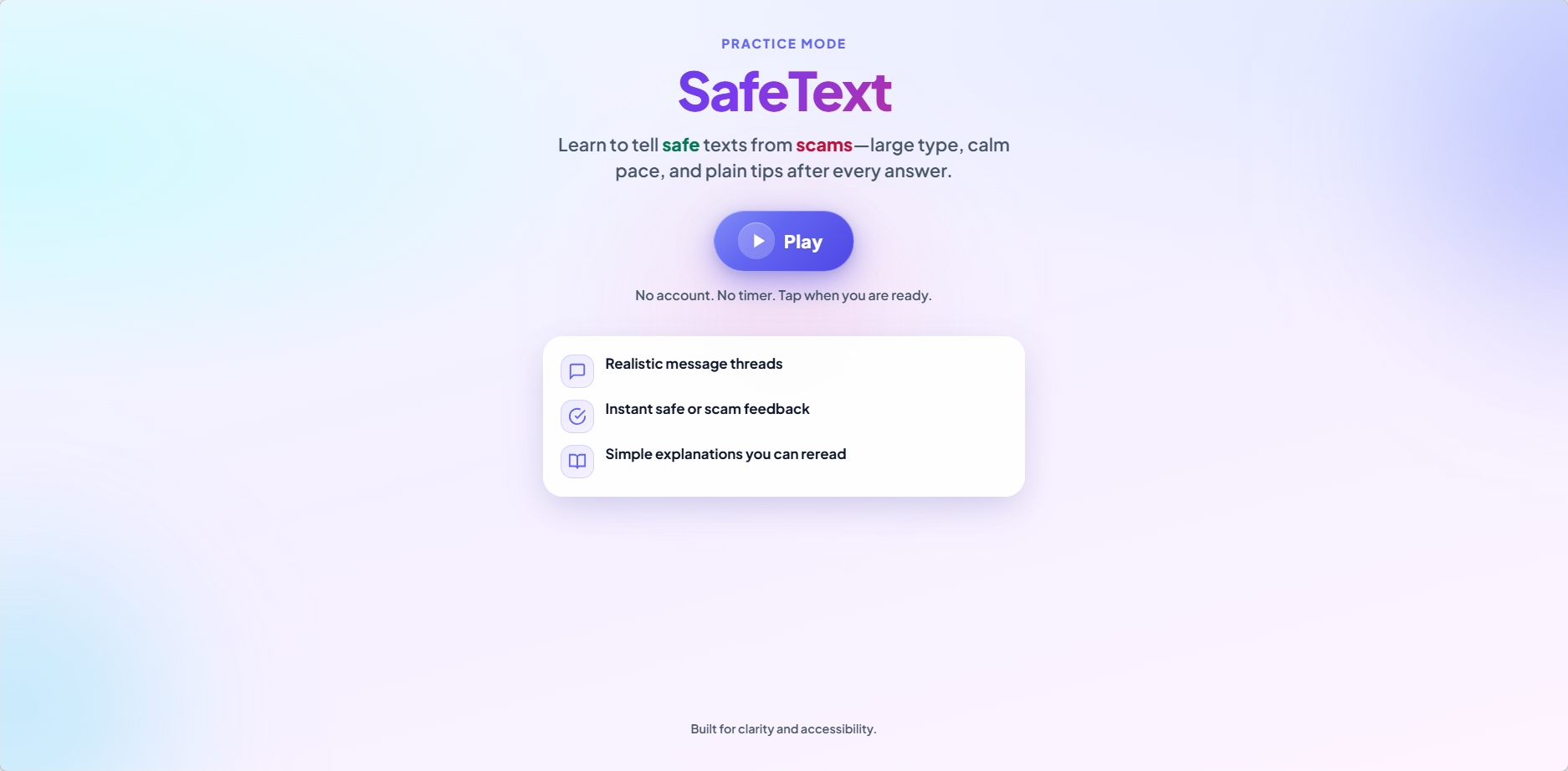
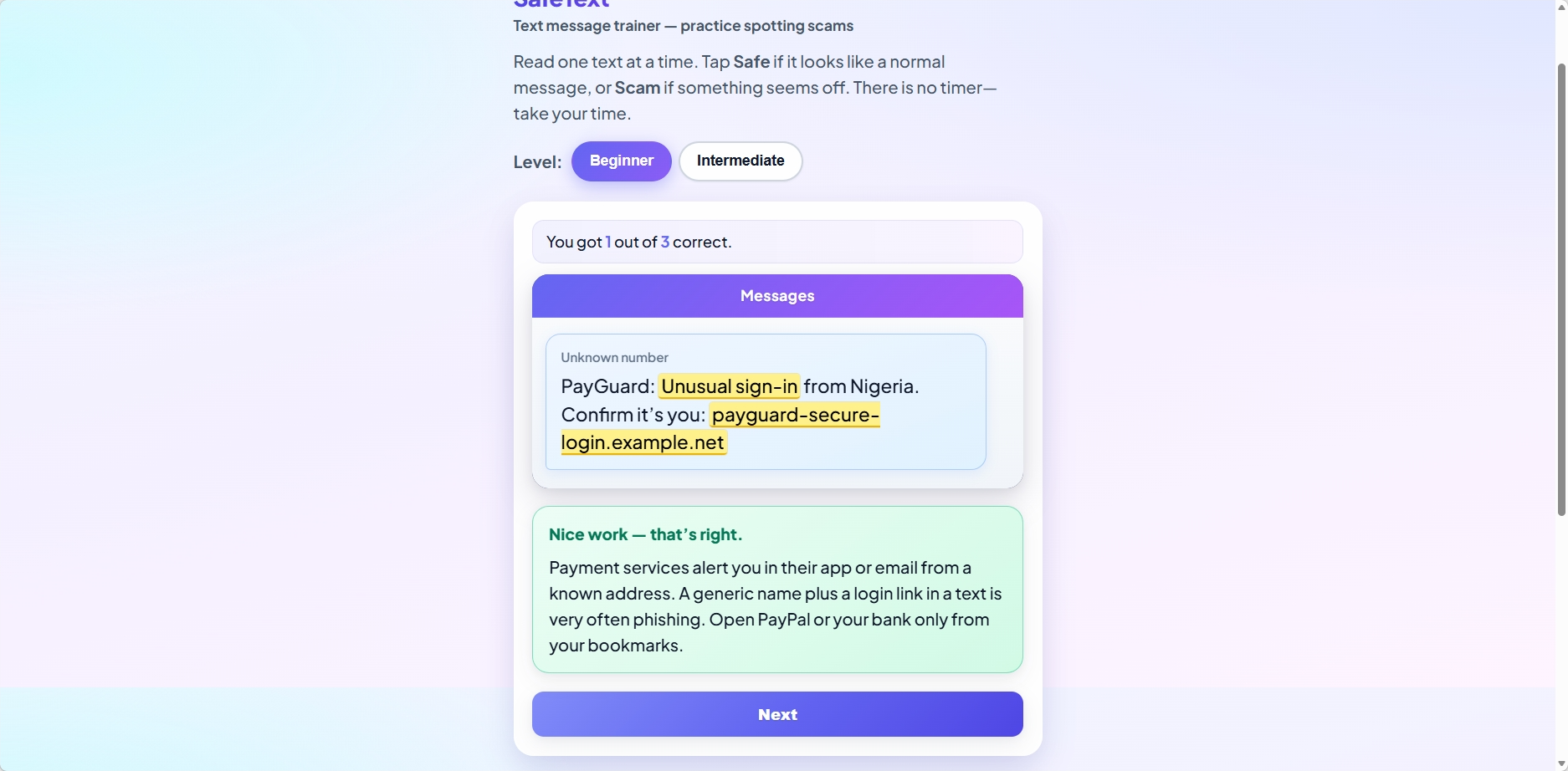
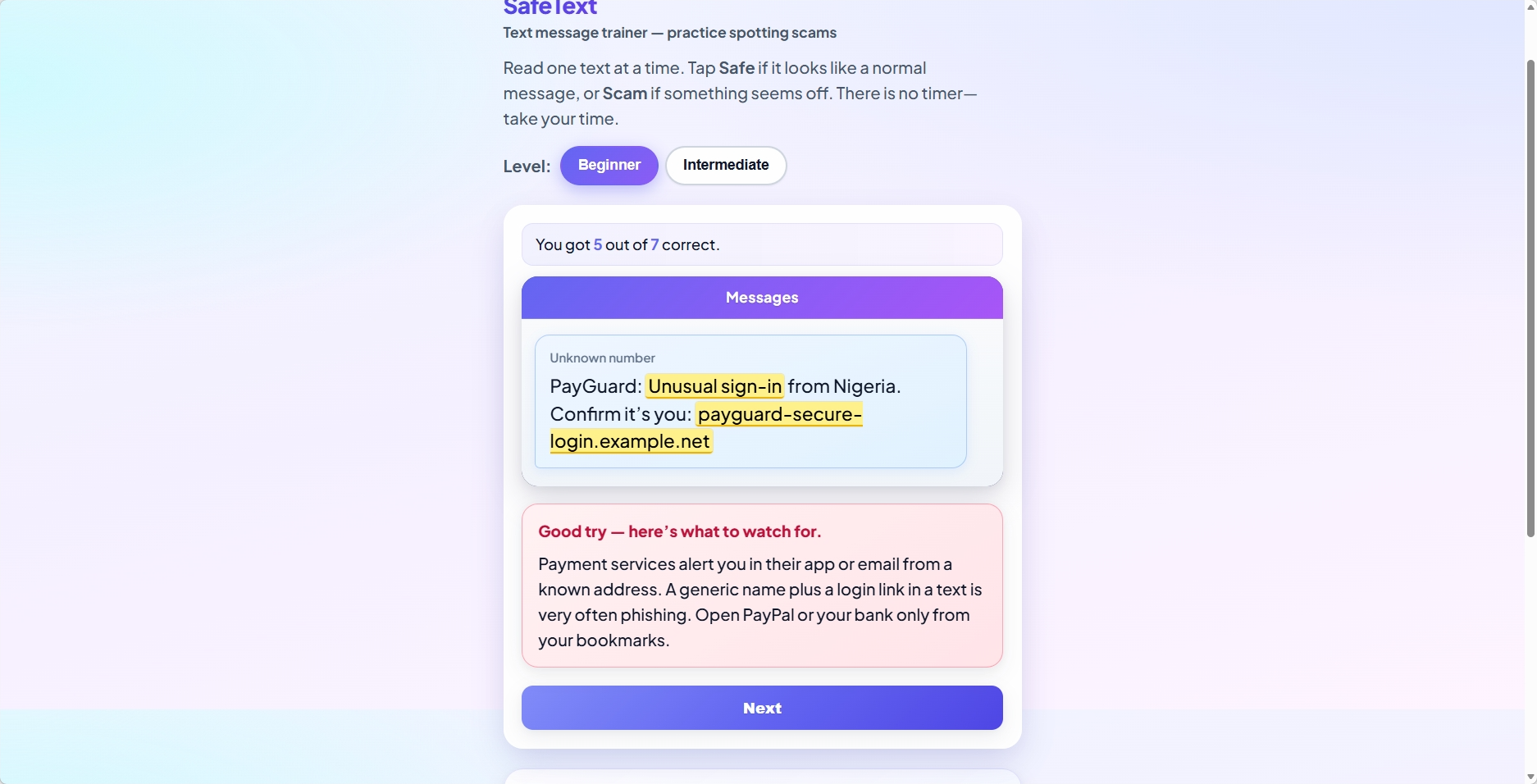
SafeText is an interactive web app that trains users to recognize scam text messages. It presents realistic SMS-style messages one at a time and asks users to decide whether each message is “Safe” or a “Scam.” After each response, users receive immediate feedback along with a short, clear explanation in plain English.
The app also tracks progress (e.g., “You got 3 out of 5 correct”) and provides simple tips to reinforce key ideas, such as avoiding unknown links and recognizing urgency as a red flag.
How we built it
SafeText was built using:
- Next.js + React for a fast, interactive frontend
- TypeScript for structure and maintainability
- Tailwind CSS for rapid and consistent styling
- OpenAI API to generate simple, user-friendly explanations
The interface was designed to resemble a familiar text message layout, with large fonts, clear buttons, and minimal distractions. The focus was on creating a smooth flow between answering questions and receiving feedback, while keeping everything accessible and easy to understand.
Challenges we ran into
One major challenge was balancing simplicity with usefulness. It was tempting to add more features, but it was important to stay focused on what would actually help users without overwhelming them.
Another challenge was ensuring that AI-generated explanations were clear, accurate, and appropriate for seniors. Prompts needed to be refined to avoid technical language and keep responses short and helpful.
Designing for accessibility was also a challenge—it was essential to make sure the app worked well for users with limited technical experience, including larger text, clear layouts, and intuitive navigation.
Accomplishments that we're proud of
I am proud of creating an app that is both functional and genuinely helpful. SafeText isn’t just a prototype—it’s something that real users could benefit from immediately.
I'm especially proud of:
- Building an intuitive, senior-friendly interface
- Successfully integrating AI to provide meaningful explanations
- Creating a learning experience that feels supportive rather than intimidating
What we learned
I've learned that designing for accessibility requires intentional decisions at every level—from layout to wording. Small changes, like increasing font size or simplifying language, can have a huge impact.
I've also learned how powerful AI can be as a teaching tool when used thoughtfully. By guiding the model with the right prompts, I was able to turn it into a clear and patient “coach” rather than just a generator of information.
What's next for SafeText
Future plans to expand SafeText include:
- More diverse and realistic scam scenarios
- Personalized difficulty based on user performance
- Voice support for users who prefer listening over reading
- A broader range of digital safety topics (emails, phone calls, websites)
Built With
- nextjs
- openai
- react
- typescript

Log in or sign up for Devpost to join the conversation.