Inspiration
SafeState was inspired by a simple problem: protecting an Android phone often requires several separate apps and complicated settings. Security tools can also be difficult for everyday users to understand especially when a phone is lost, connected to an untrusted network or exposed to a suspicious file or link.
I wanted to build one security companion that brings app protection, threat detection, privacy checks, anti-theft tools and recovery features into a single understandable experience.
What it does
SafeState helps protect Android devices from malware, theft and online threats.
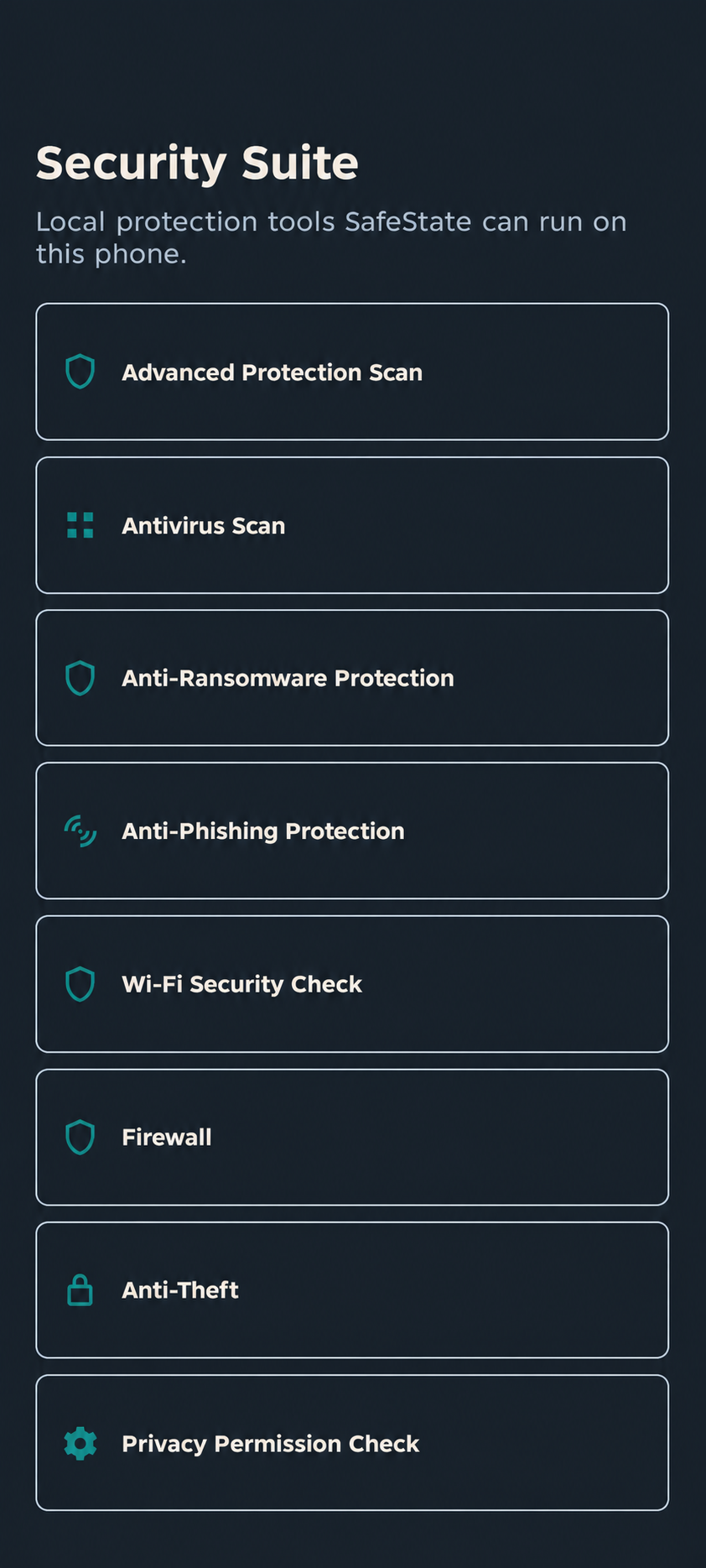
Its current features include:
- Antivirus and malware scanning
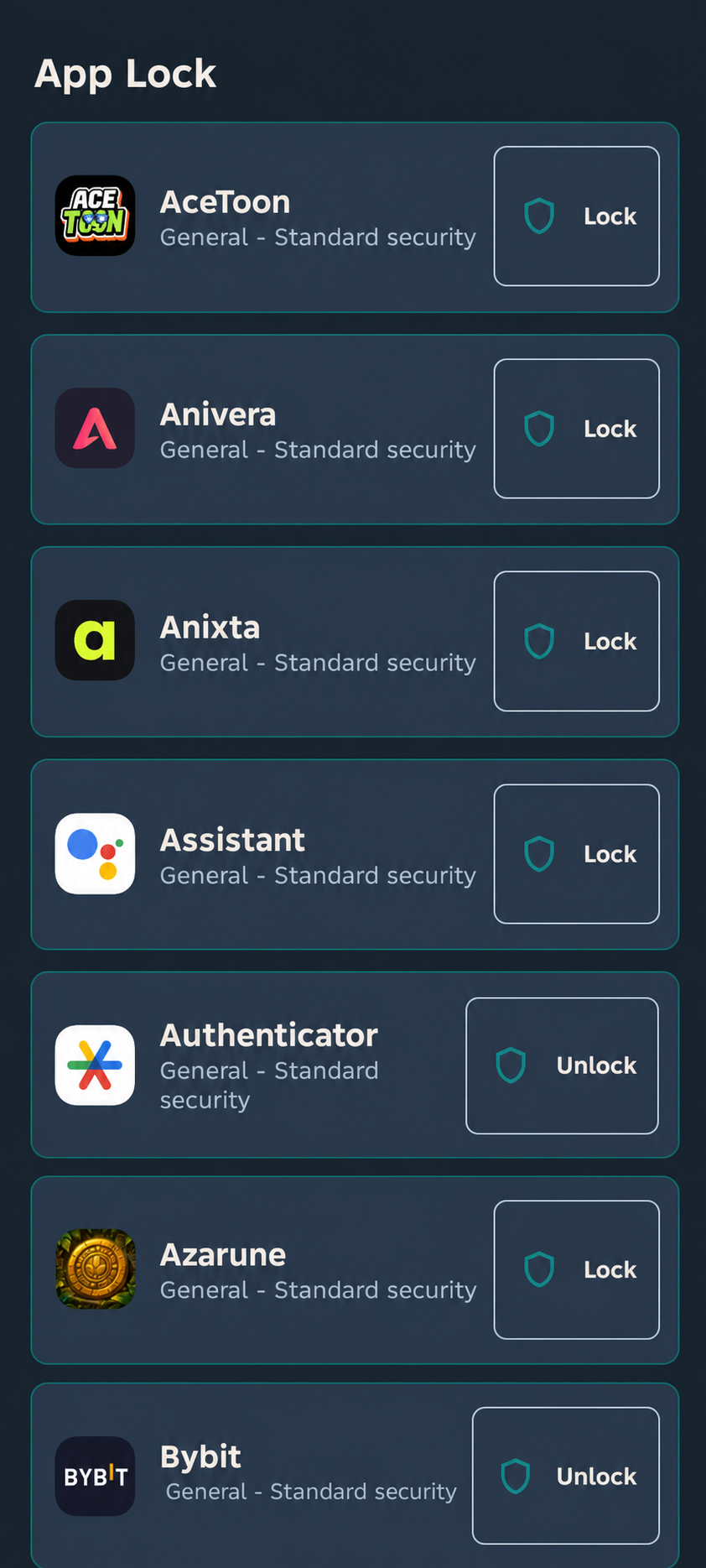
- App locking with a secure PIN
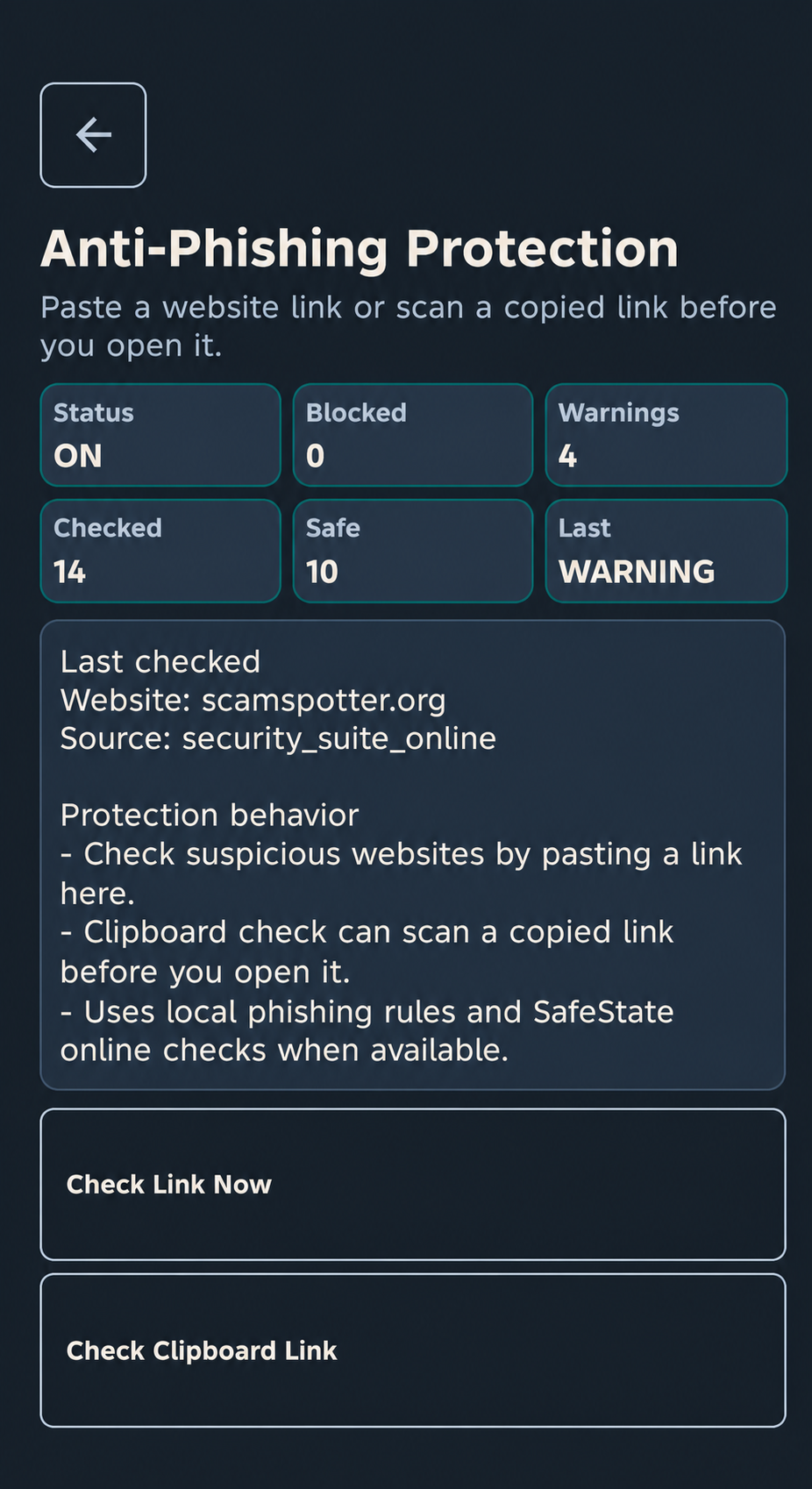
- Manual phishing and suspicious-link checking
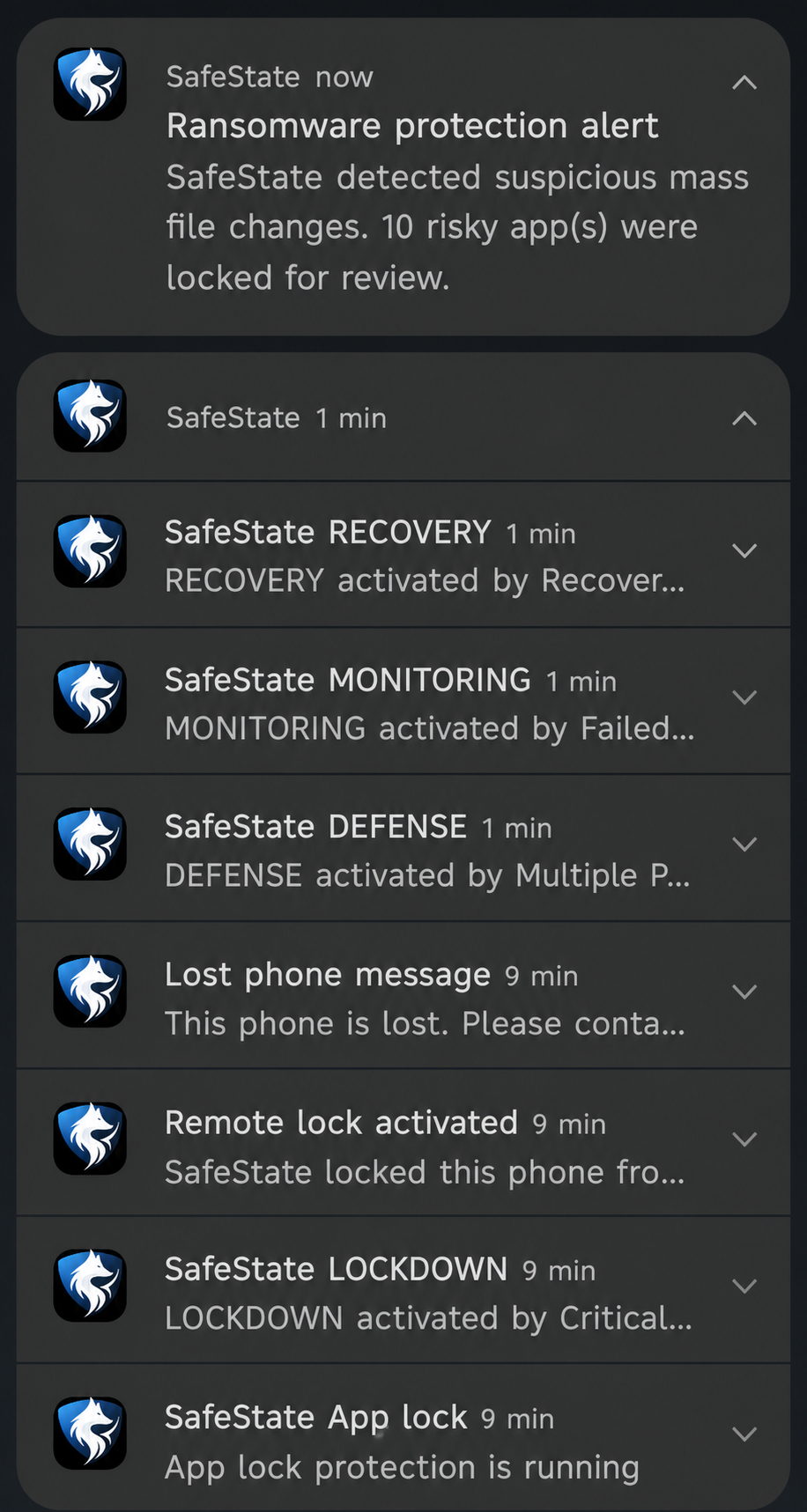
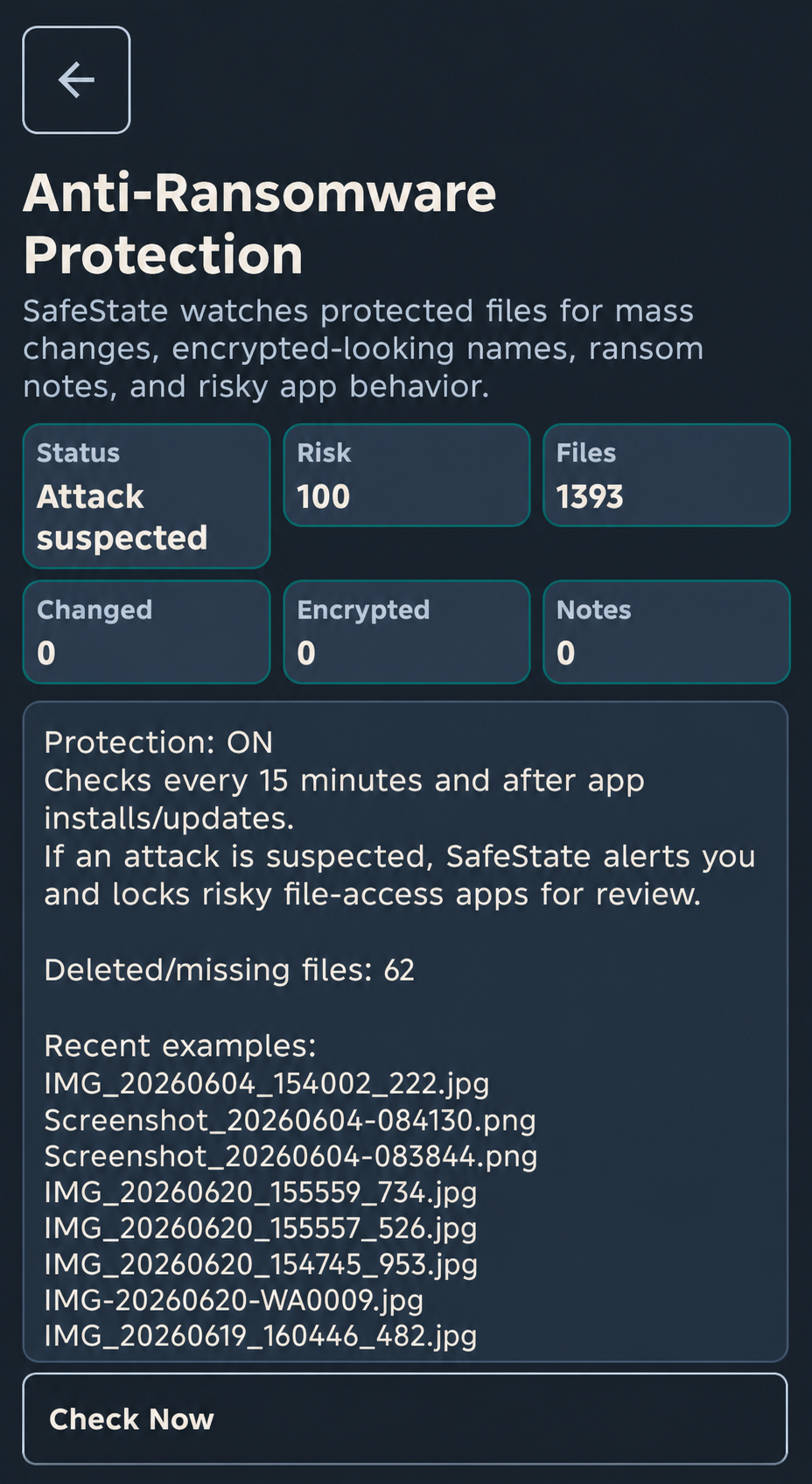
- Anti-ransomware monitoring
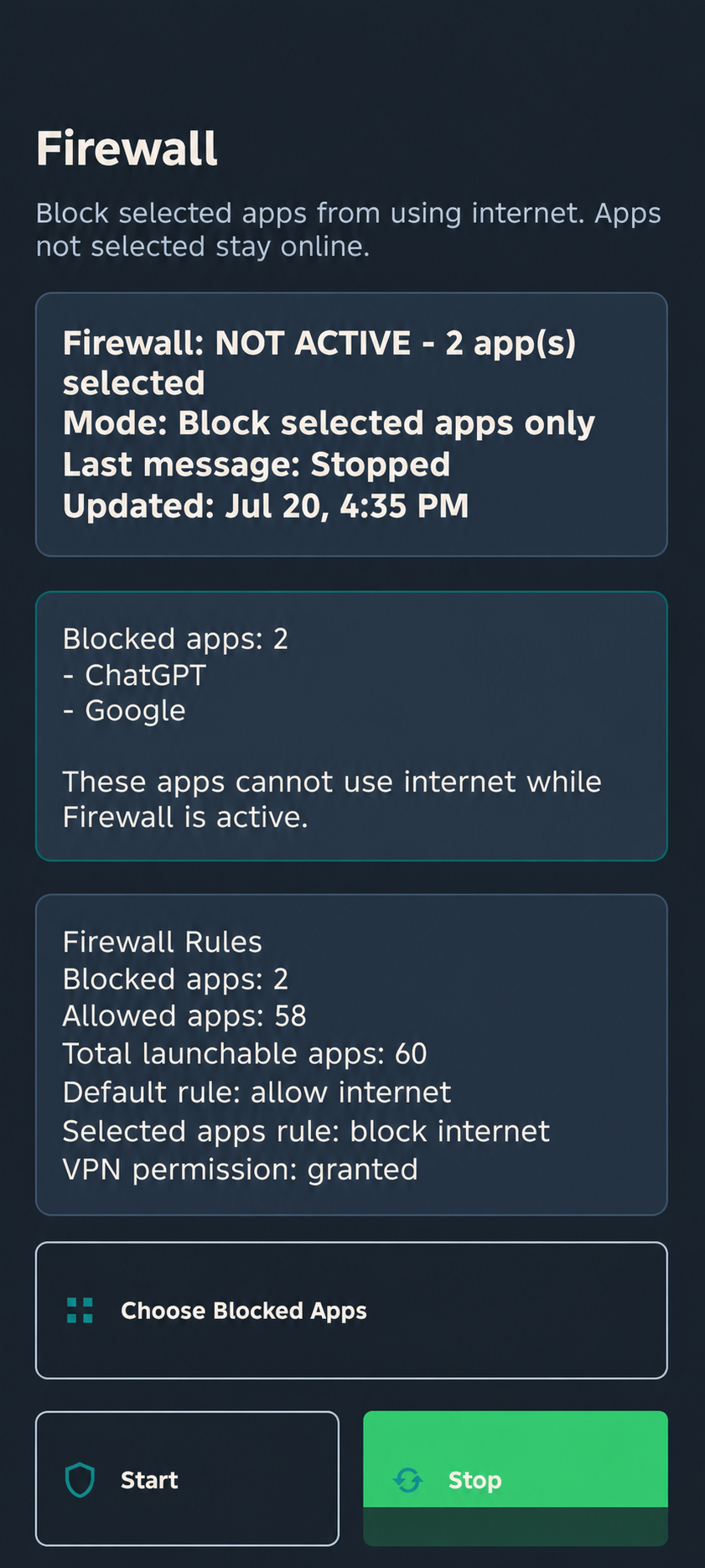
- Firewall and app internet controls
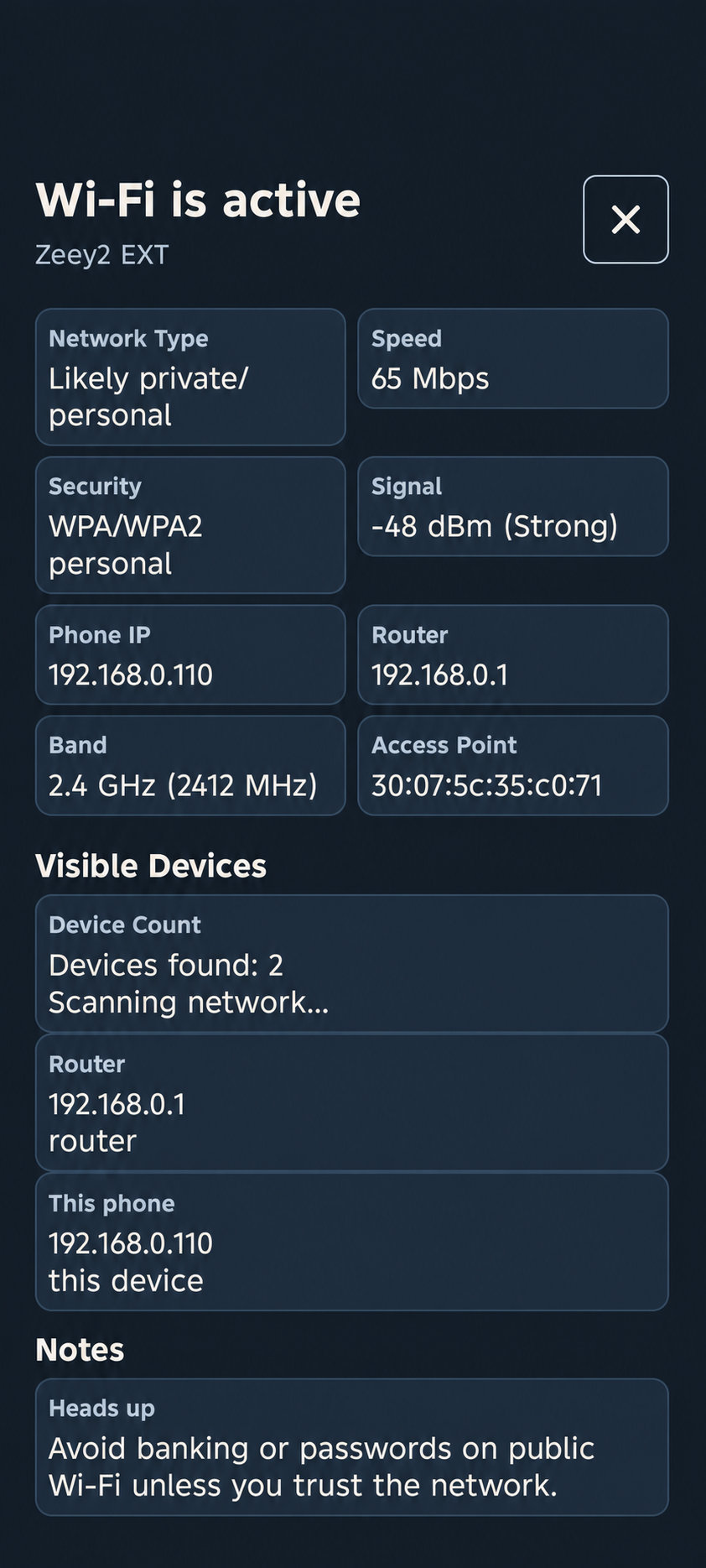
- Wi-Fi security checks
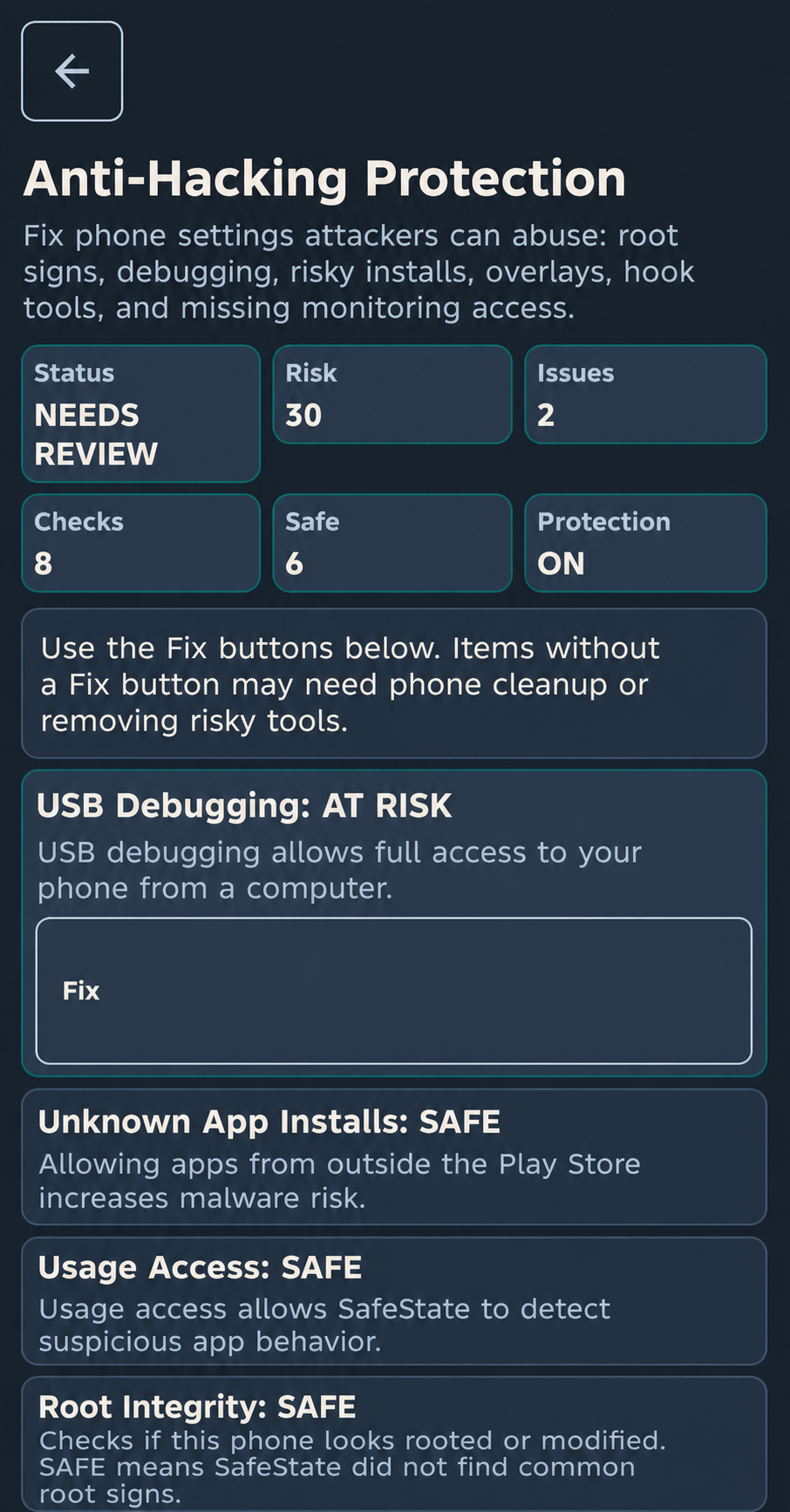
- Privacy permission checks
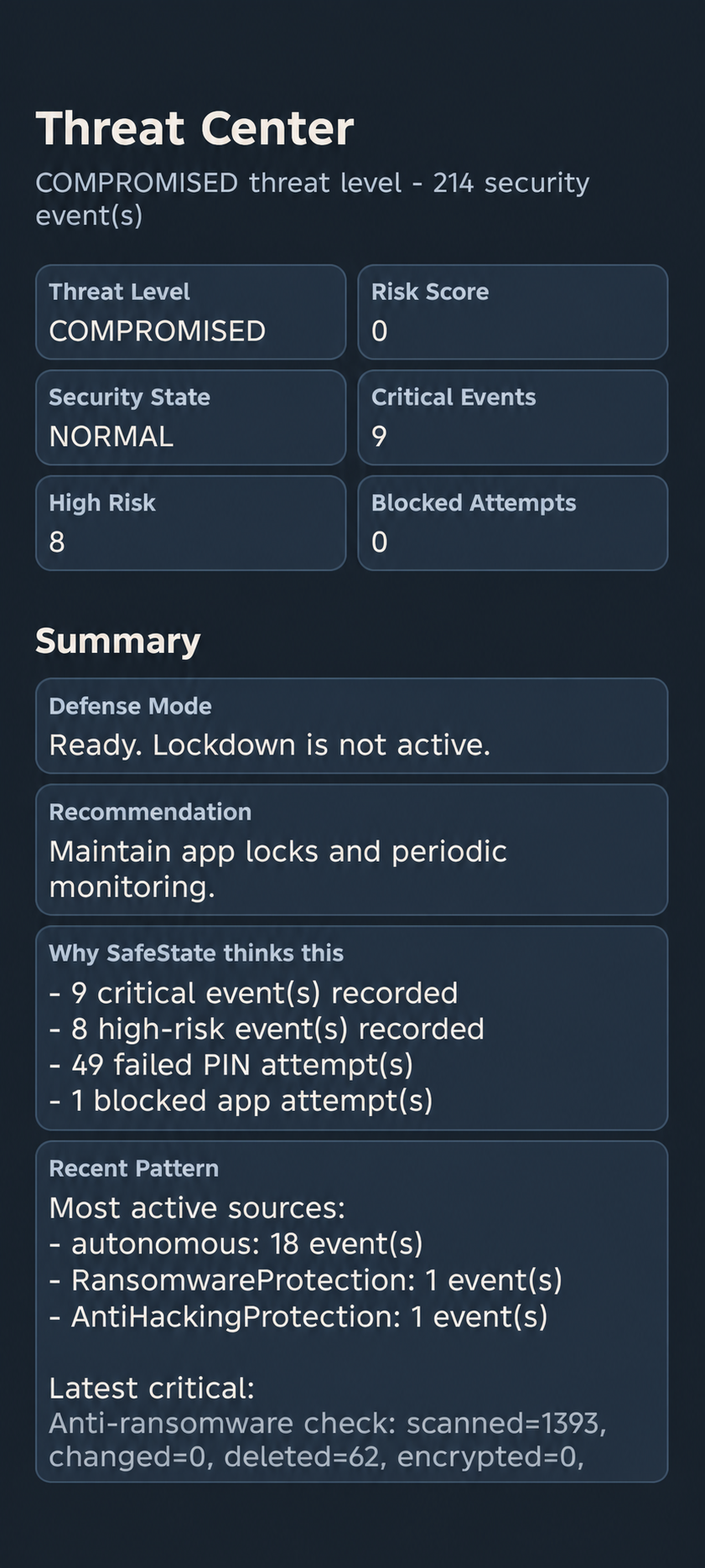
- Security-event and risk monitoring
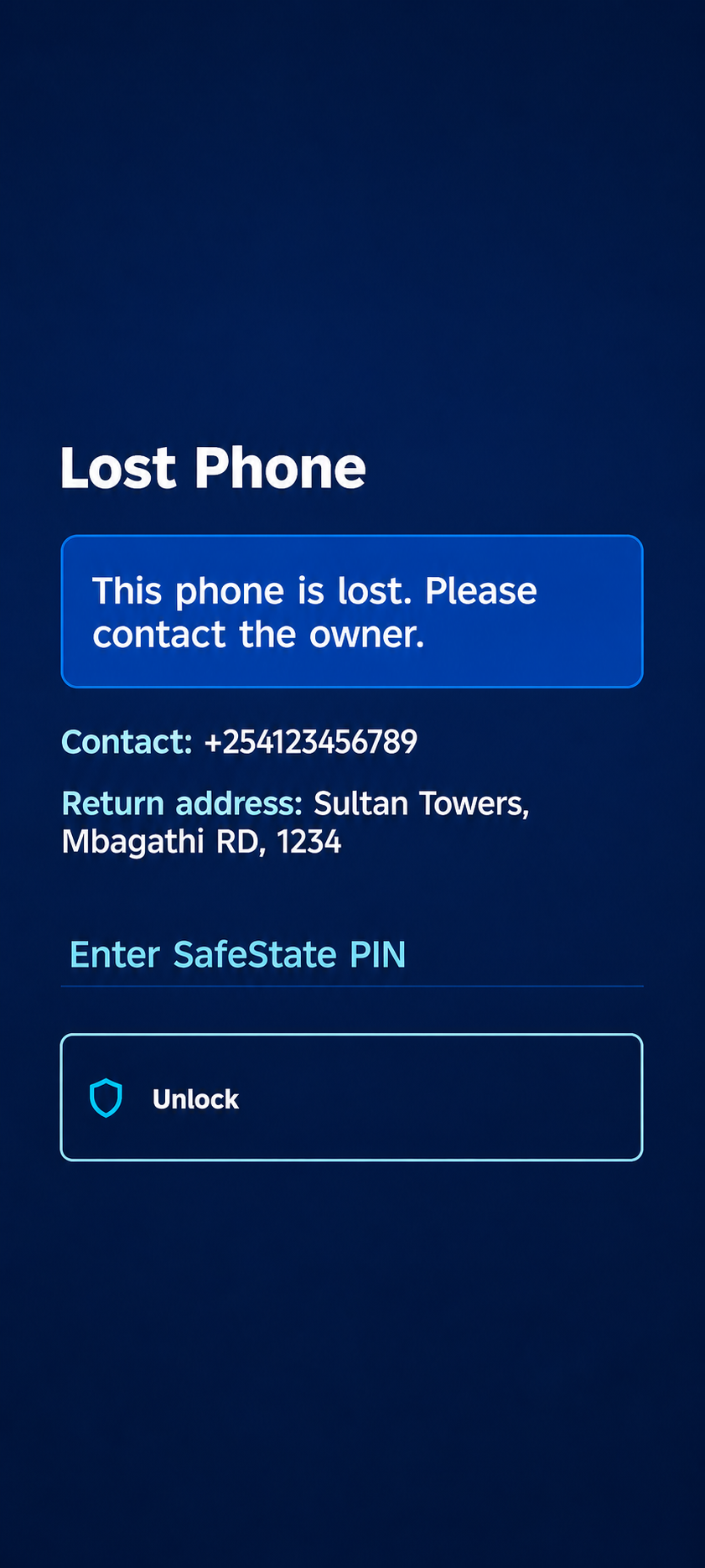
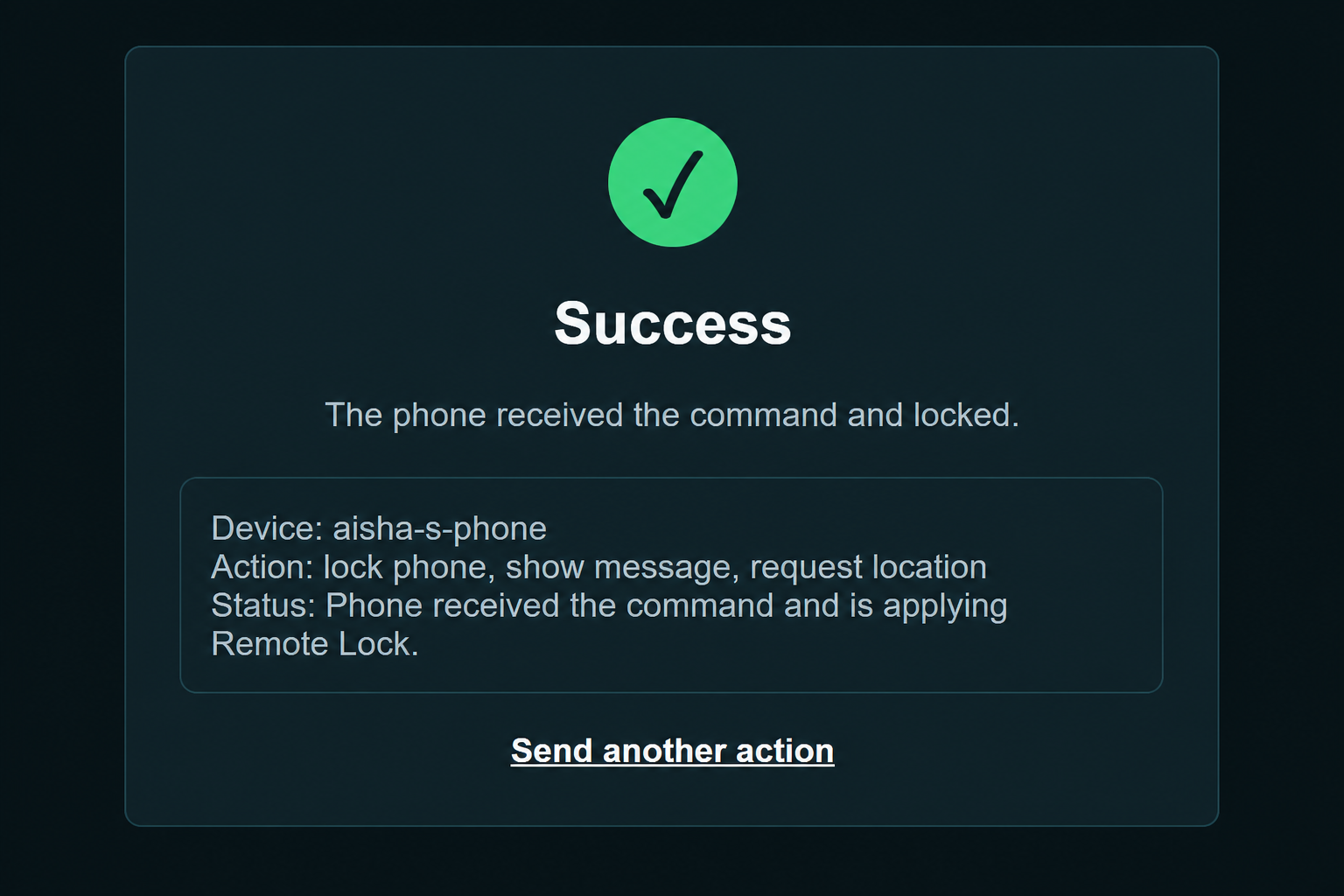
- Remote locking for a lost or stolen phone
- Last-location reporting and recovery information
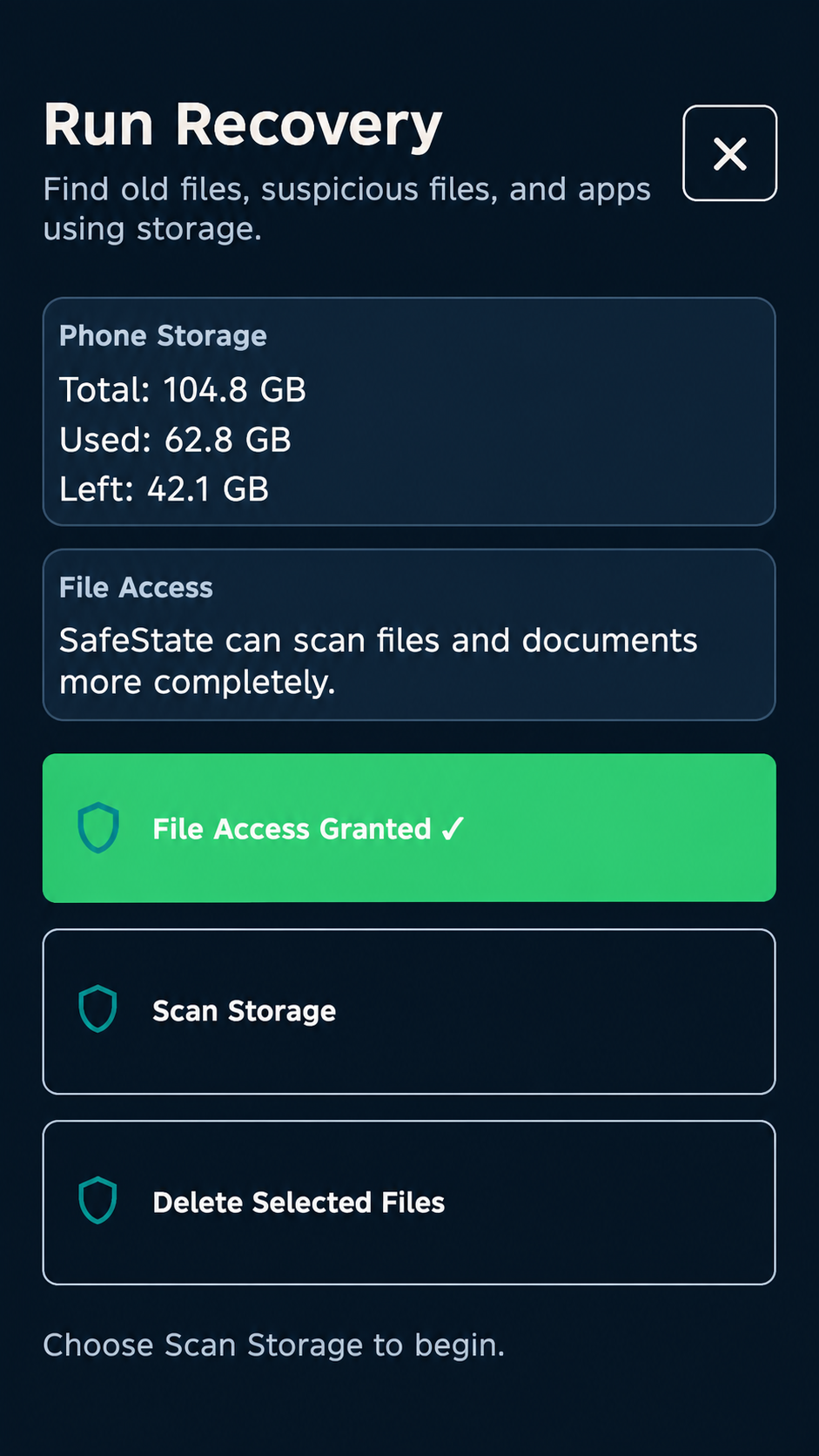
- File and storage scanning
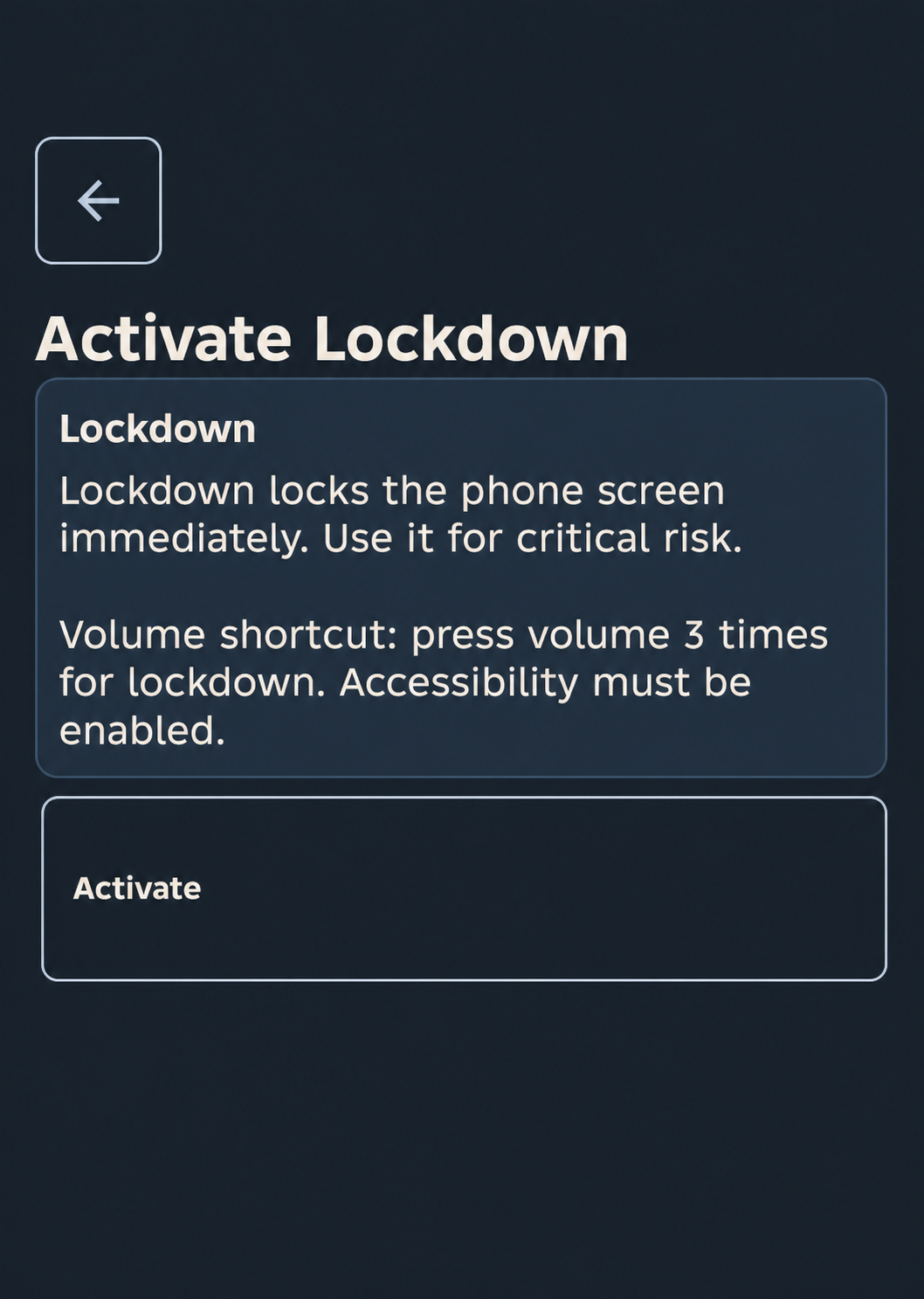
- Emergency lockdown and device-recovery tools
- Sensitive-app protection on public or untrusted networks
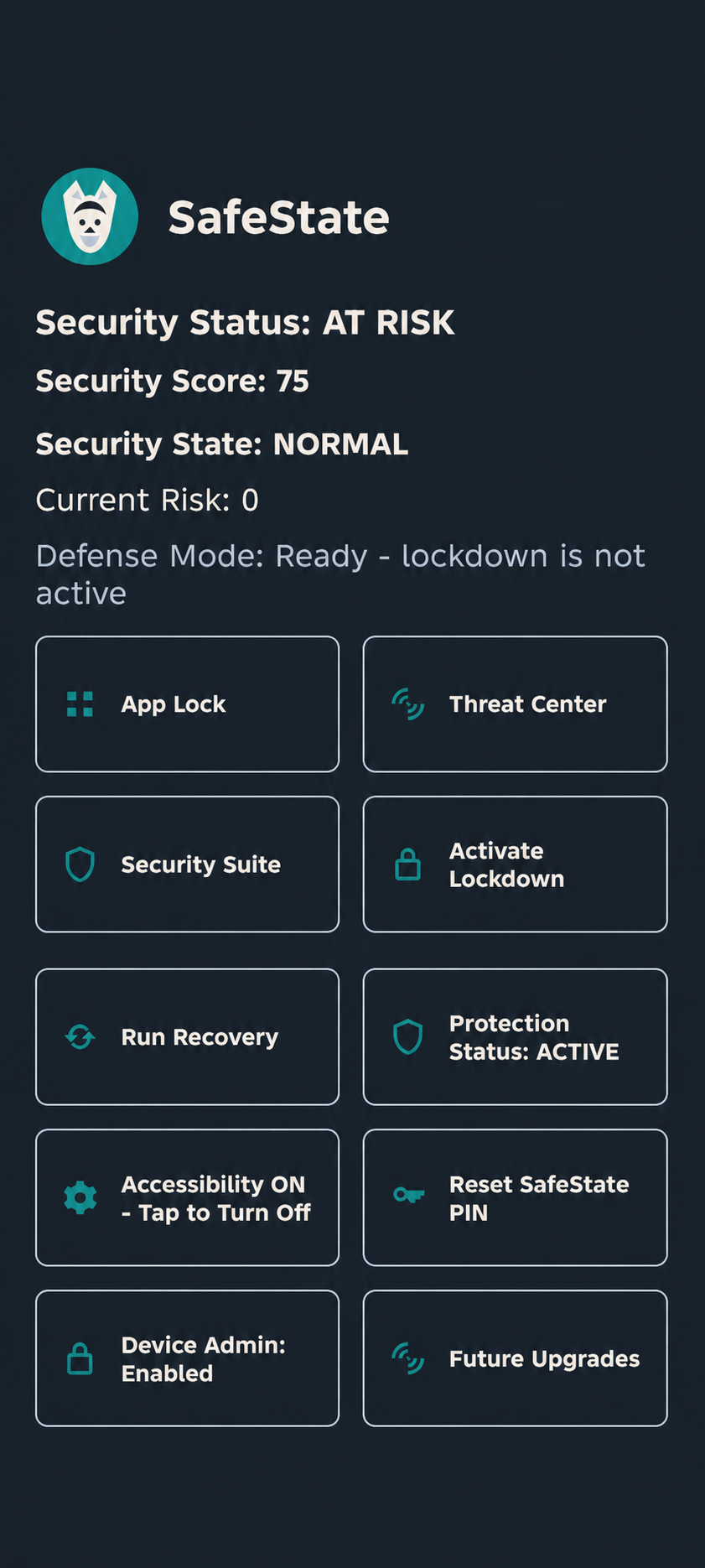
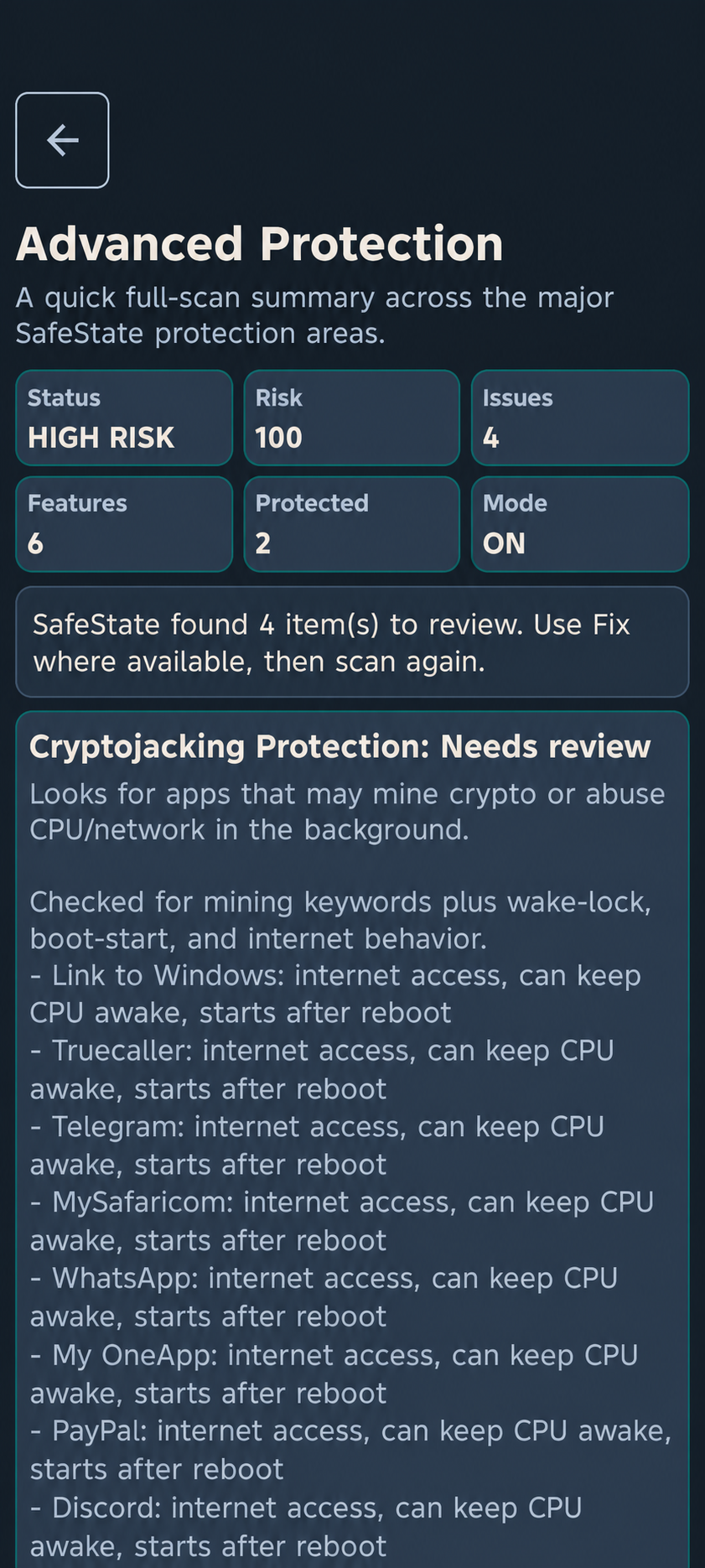
The app presents security information using clear status messages and direct actions helping users understand detected risks and what they can do about them.
How I built it
I built SafeState as a native Android application using Kotlin, XML and Android Studio.
The project combines Android accessibility services, device administration, foreground and background services, encrypted local storage, app and file inspection, permission analysis, network checks and device-recovery workflows.
SafeState connects to its dedicated SafeState website for remote anti-theft actions. When Remote Lock is enabled in the Android app, the user can visit the website to send a lock request to the registered device and view its last reported location through a dedicated recovery page.
The interface uses a dark security-focused design with rectangular dashboard cards, teal accents, clear state changes and consistent full-screen workflows.
Challenges
One of the biggest challenges was working within Android’s security and privacy restrictions. App locking, file scanning, background monitoring, remote locking and location reporting all require different permissions and lifecycle handling.
Android versions and phone manufacturers can also behave differently. I had to work through accessibility behavior, background-execution limits, notification overload, screen orientation, permission-state updates and keeping scan results synchronized after files or apps were removed.
Remote-device communication was another important challenge. The phone and hosted service needed to use matching device information, provide clear confirmation when an action was sent and report whether the device had checked in.
I also learned that security software must not overpromise. Features that were destructive, imprecise or not ready for reliable testing were removed from the active product and placed under Future Upgrades. For example, remote wipe was removed because it could not be tested safely while automatic browser-link pop-ups were replaced with a more reliable manual link checker.
What I learned
Building SafeState taught me that security is not only about detecting threats. It is also about transparency, responsible permissions, clear communication and giving users control.
I gained experience with:
- Android activity and service lifecycles
- Accessibility and device-administration APIs
- Secure credential storage
- Background monitoring and notifications
- File, app, permission and network analysis
- Remote-device communication
- Location reporting
- Designing understandable security interfaces
- Testing real device behavior across Android and manufacturer restrictions
Most importantly, I learned to separate working features from future ideas and to be honest about the limits of mobile security software.
What's next
Future plans for SafeState include:
- Cloud-based threat intelligence
- Expanded cloud malware signatures
- Data-breach monitoring
- Email threat protection
- Deeper camera and microphone protection
- Google Search safety indicators
- Additional secure recovery options
- Carefully tested remote wipe
- Google Play Billing for subscription management
The goal is to continue developing SafeState into a practical, transparent and accessible Android security companion.
Built With
- android
- android-studio
- express.js
- github
- kotlin
- node.js
- render
- restapi
- xml

Log in or sign up for Devpost to join the conversation.