Inspiration 🚀
Working with remote servers can be a challenge, especially when dealing with OpenSSH keys on Windows. Misplacing keys can lead to scenarios like rm -rf * 😂🤣. This inspired the creation of SafeSSH – a scalable, secure, and robust system for handling SSH keys.
What it does 🔐
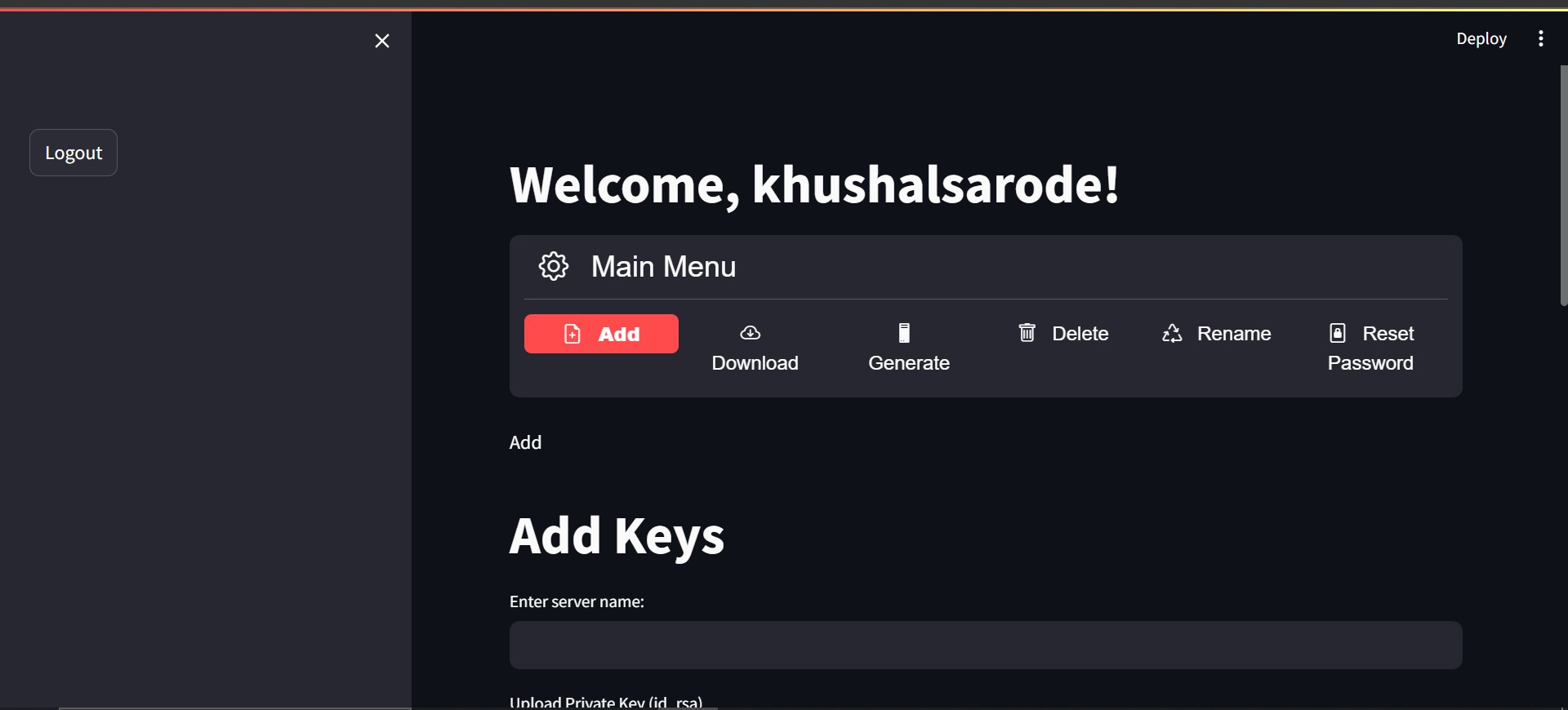
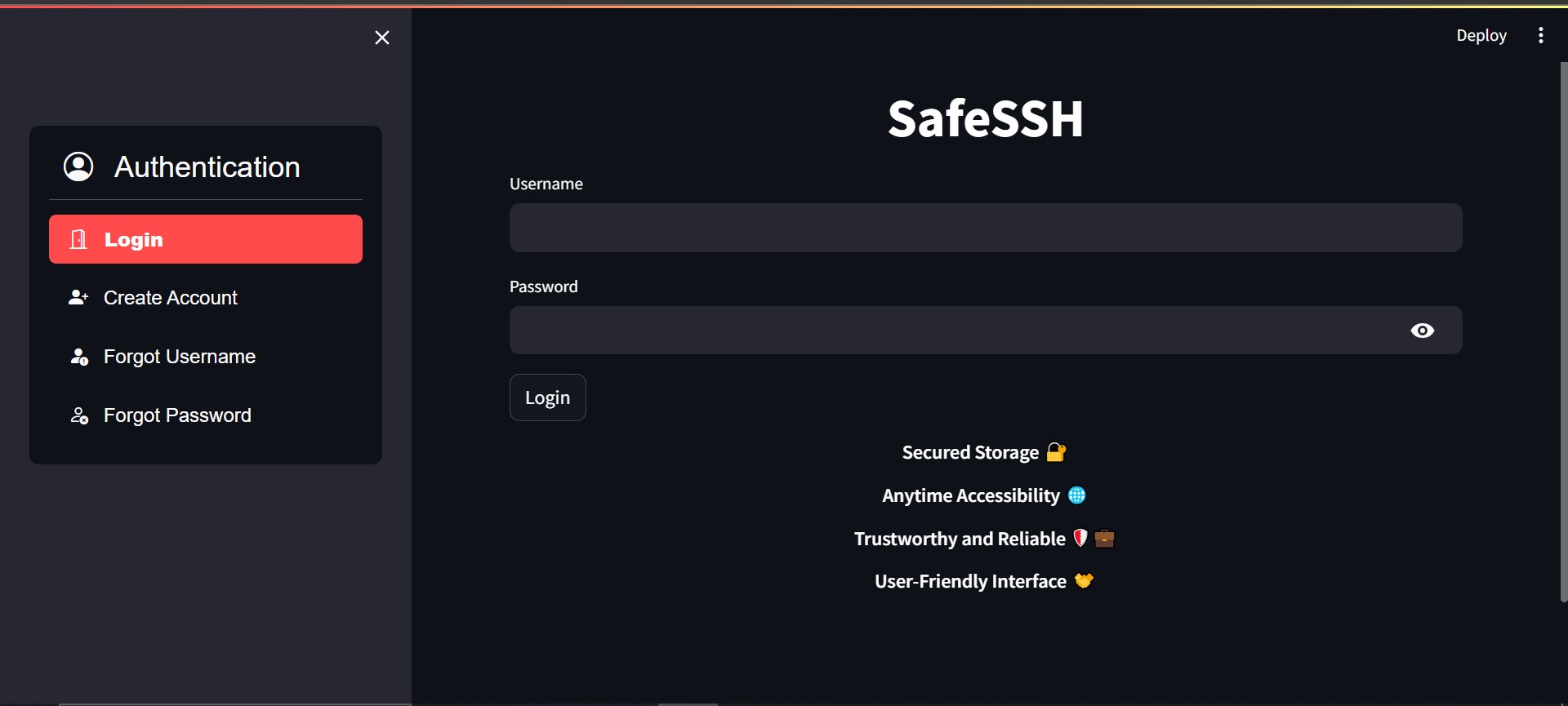
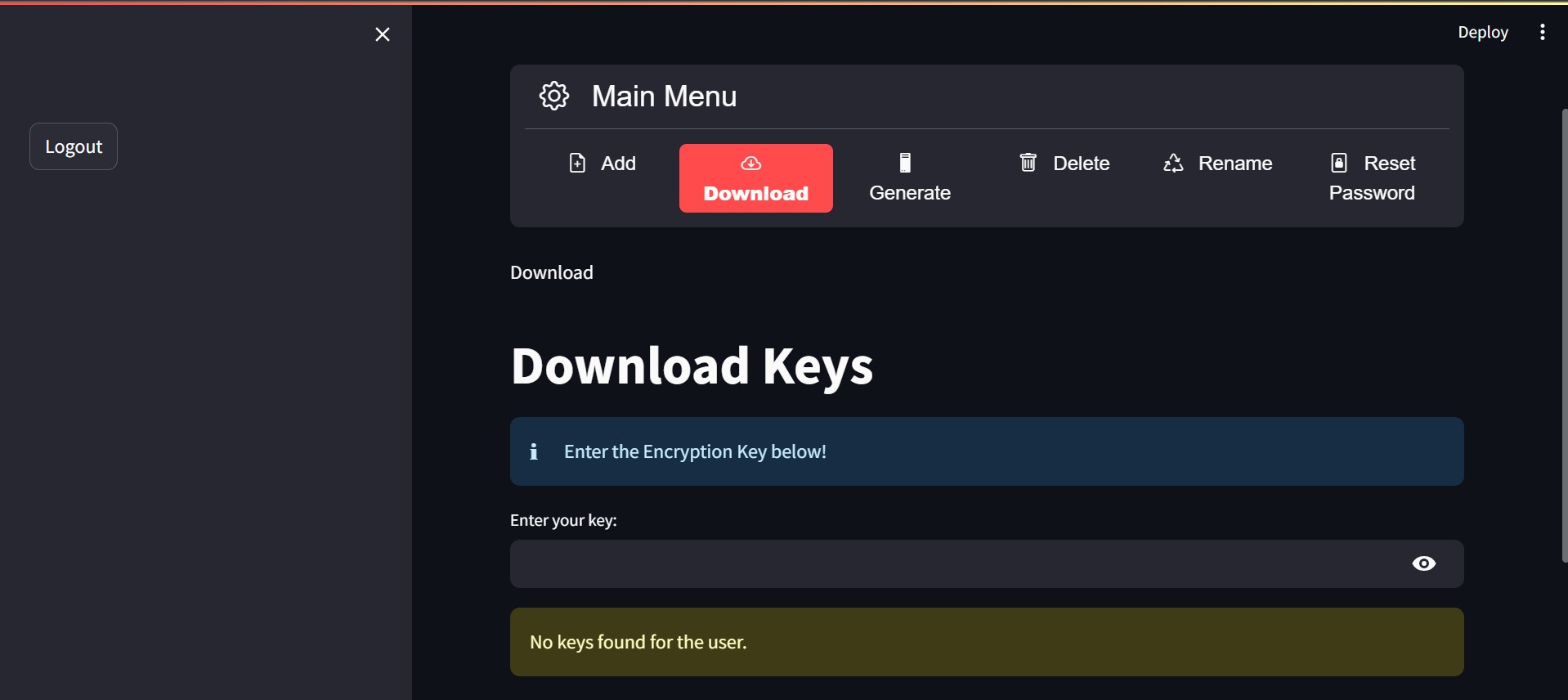
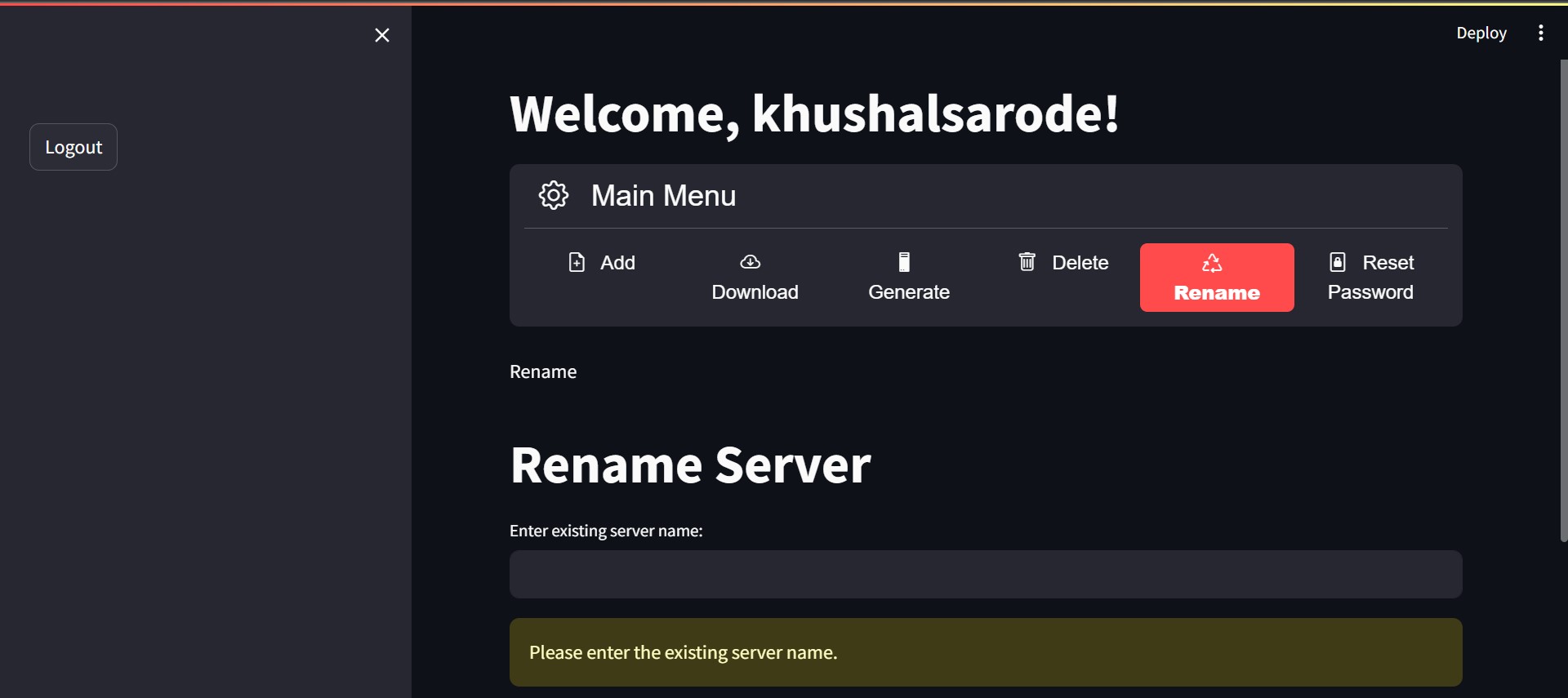
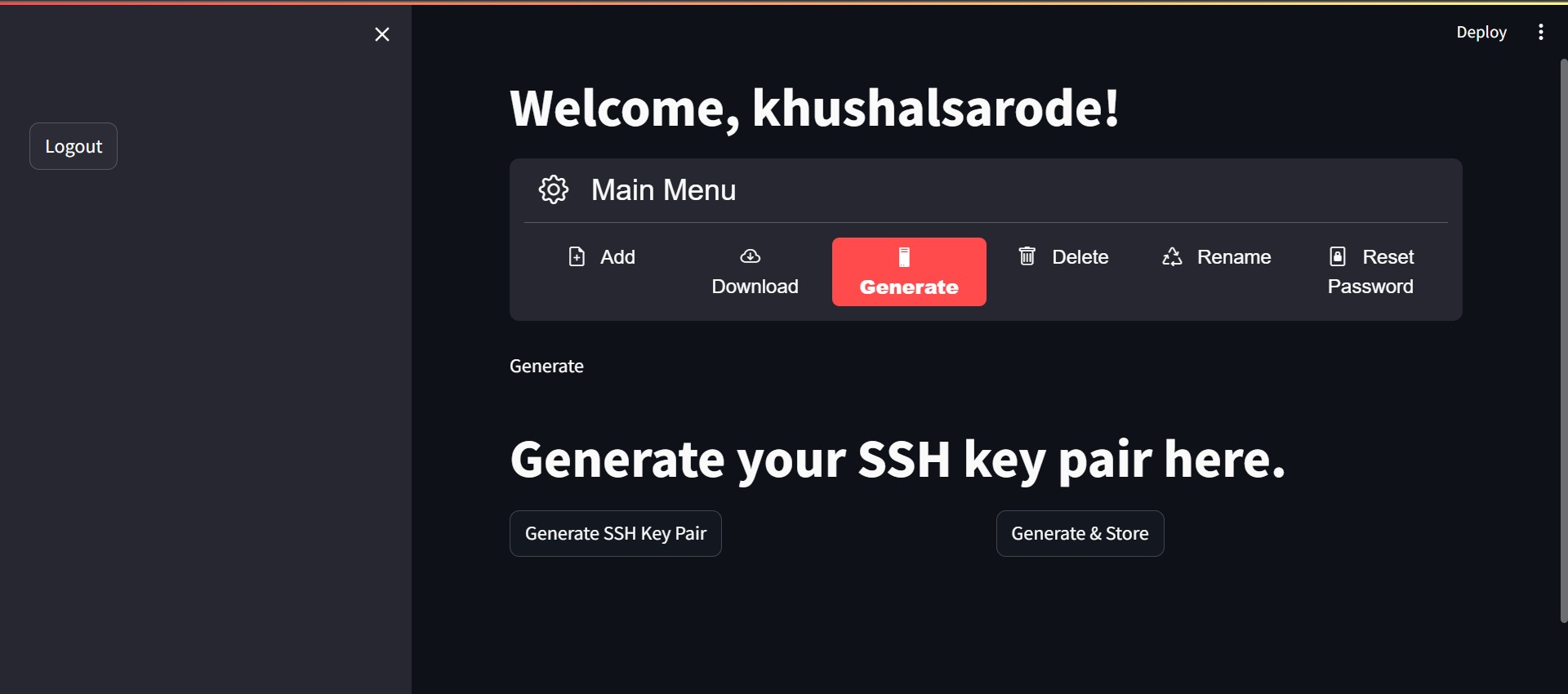
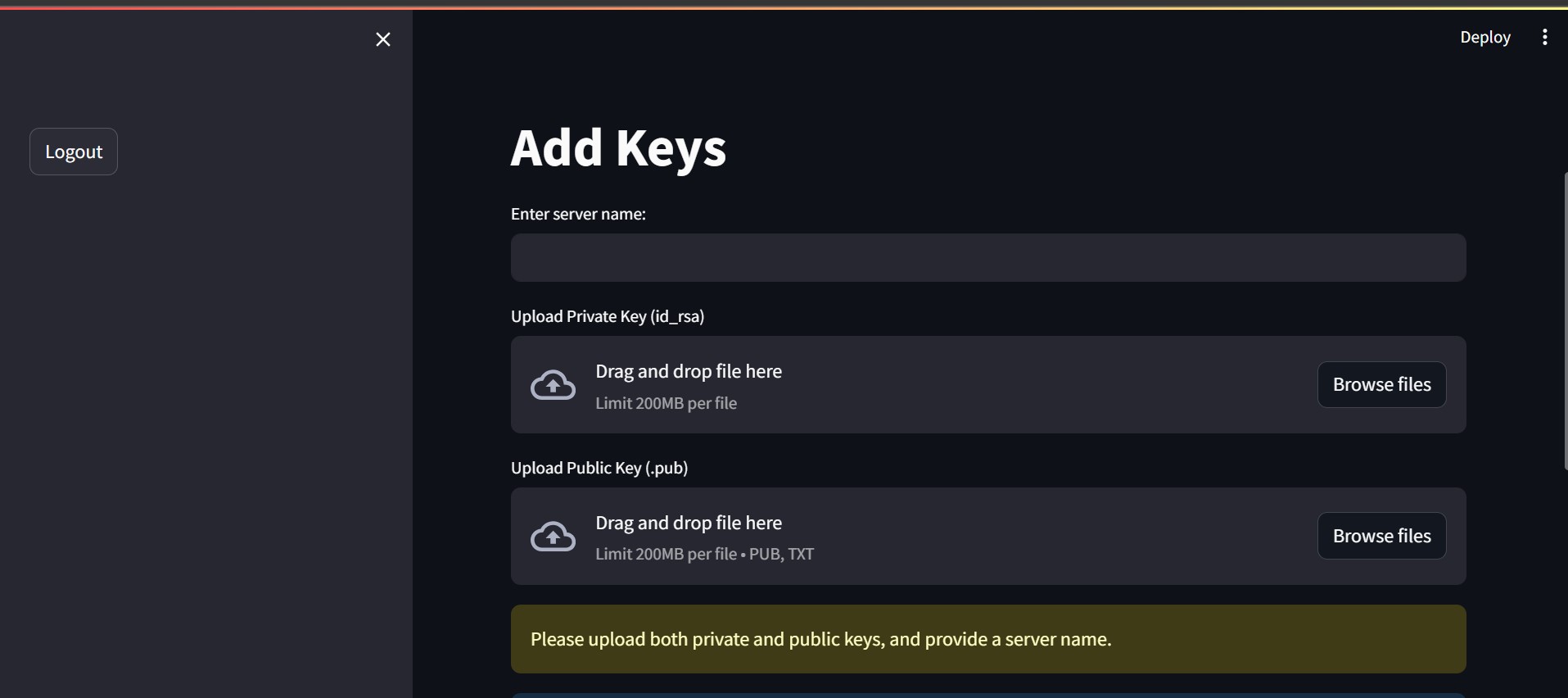
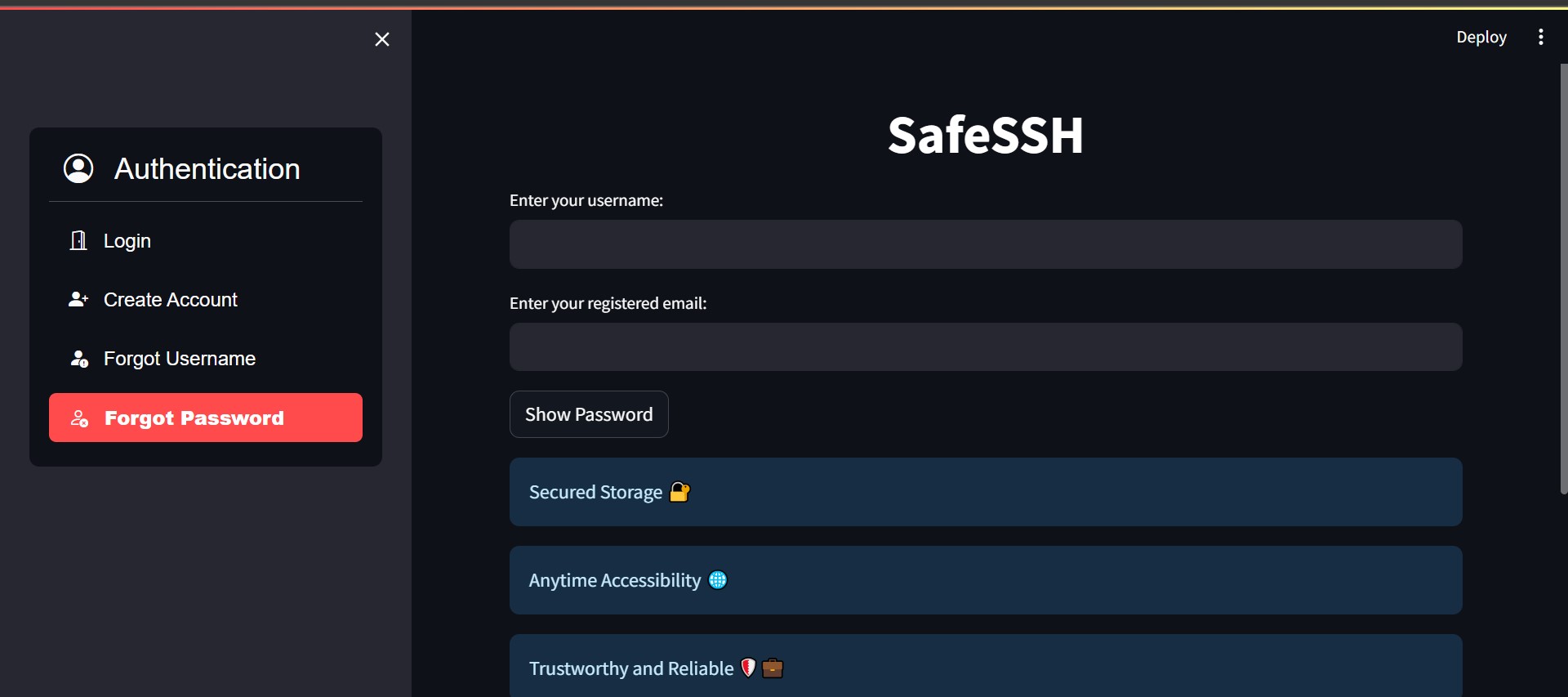
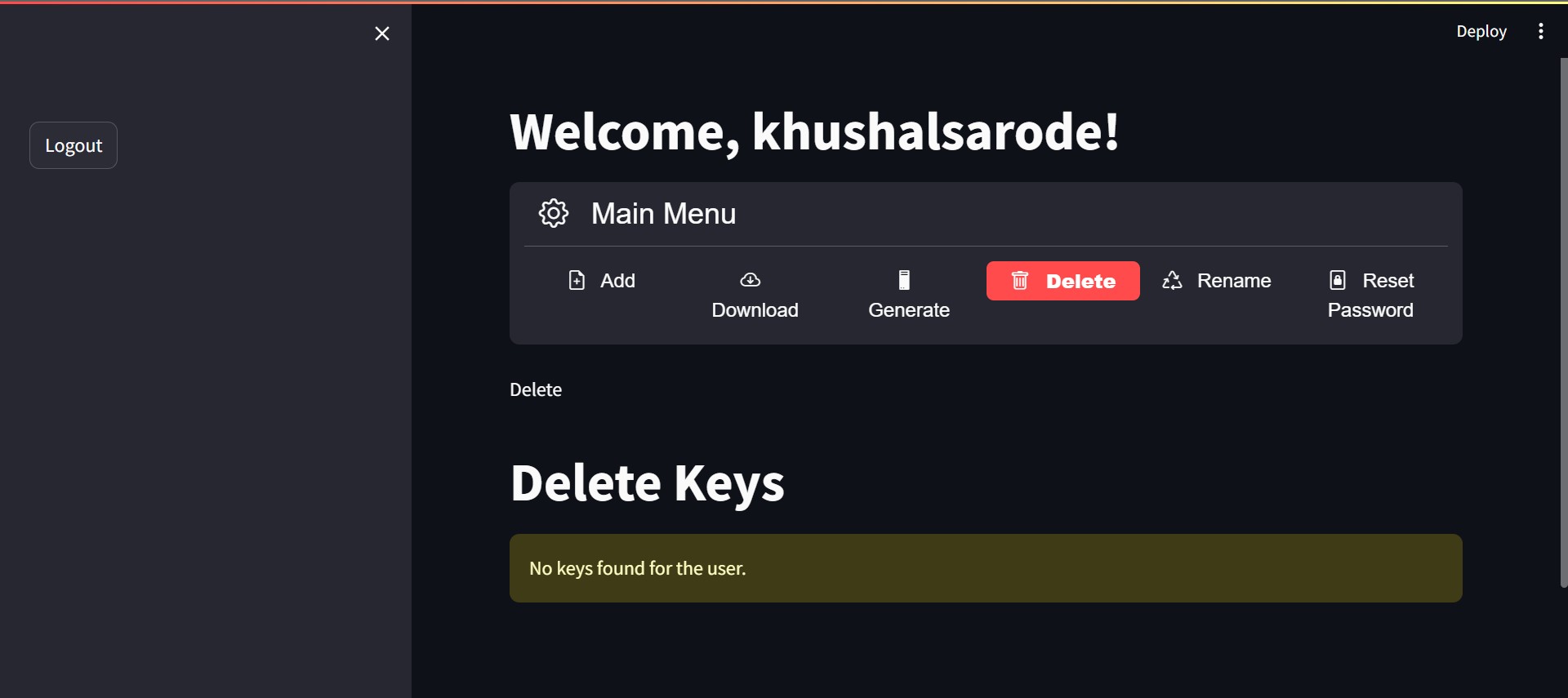
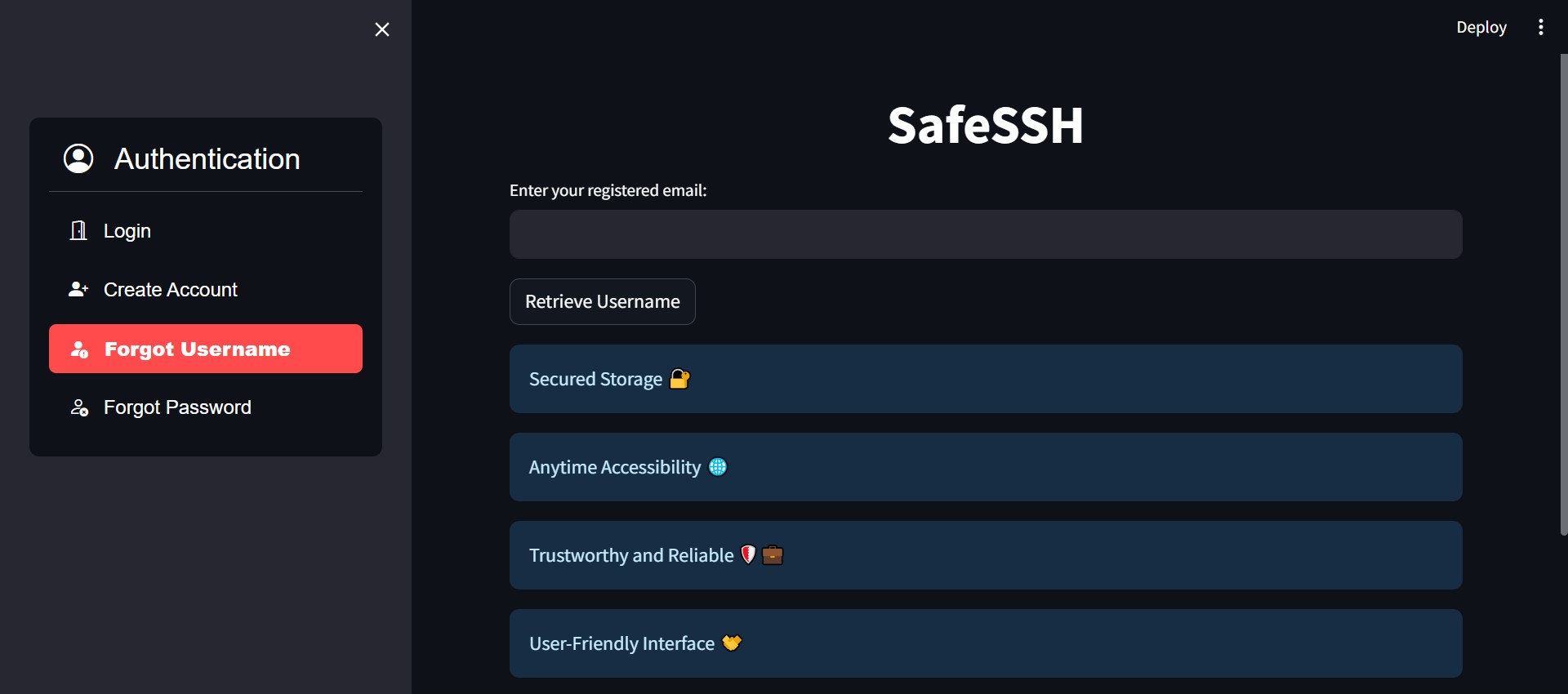
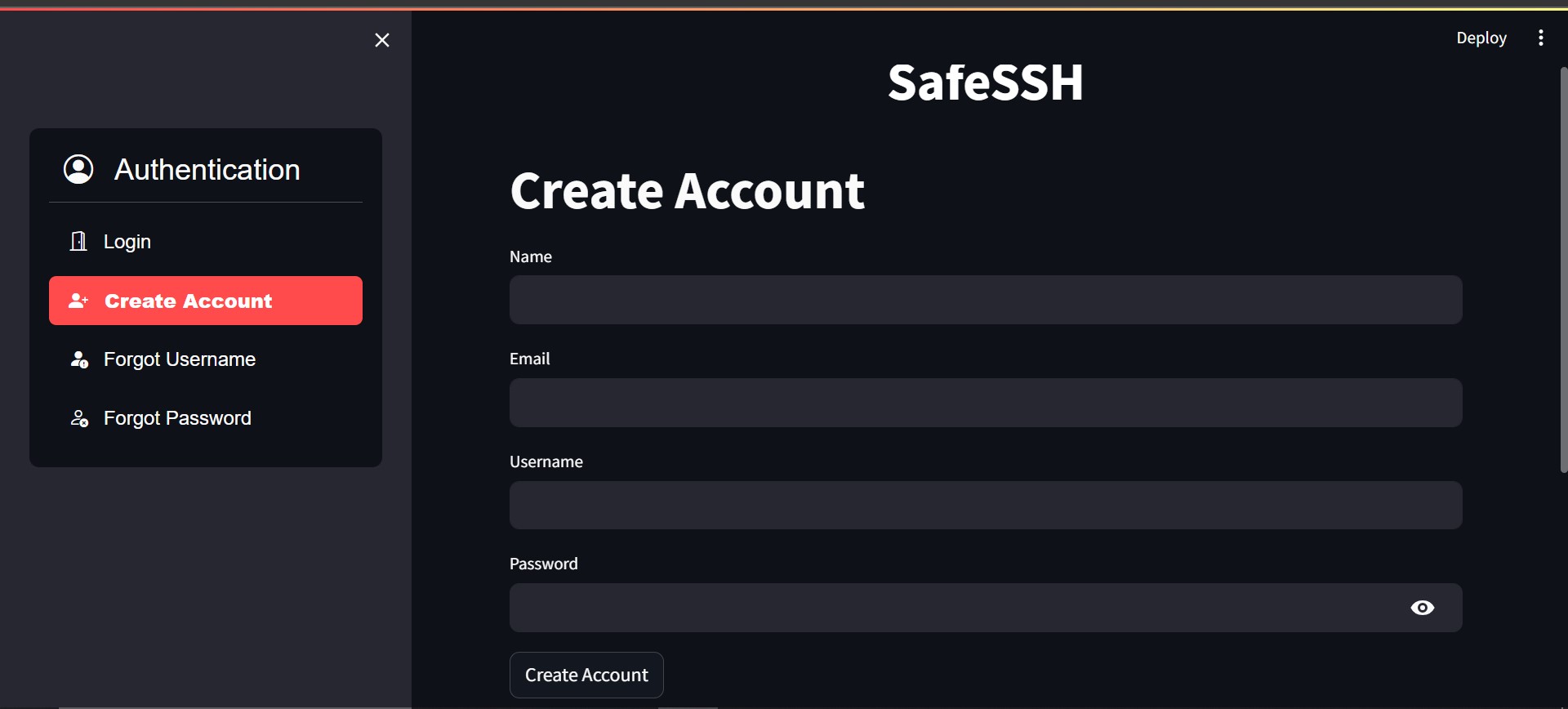
SafeSSH is a secure application requiring user authentication. Users create an account to securely store their private and public OpenSSH keys in an encrypted format. Users have sole access to the decryption key. The app allows users to download keys, generate and store keys automatically, and delete unnecessary keys with a single click. Users can also rename server names for better key management.
How we built it 🛠️
Built with Streamlit, SafeSSH integrates Redis cloud for user authentication and authorization. Email integration is set up for password and username recovery. Key generation involves creating a UID, encryption & decryption keys for secure access and storage. MongoDB Atlas manages file storage, ensuring faster and easy access. User-specific collections in the database secure and isolate user data.
Challenges we ran into ⚙️
Implementing programmatically generated and encrypted keys took considerable time. Learning and implementing Redis, handling session states, and discovering the option menu in Streamlit were challenges faced during development.
Accomplishments 🏆
Building the entire application, despite limited programming expertise, is a source of pride. The journey involved utilizing blogs, discussion forums, and leveraging GPT for assistance.
What we learned 📚
- Implementing and integrating Redis with Python
- Programming-based key generation
- Cryptography concepts
What's next for SafeSSH 🚀
Implementing a reset password functionality is the next step in enhancing the SafeSSH experience.


Log in or sign up for Devpost to join the conversation.