-
-
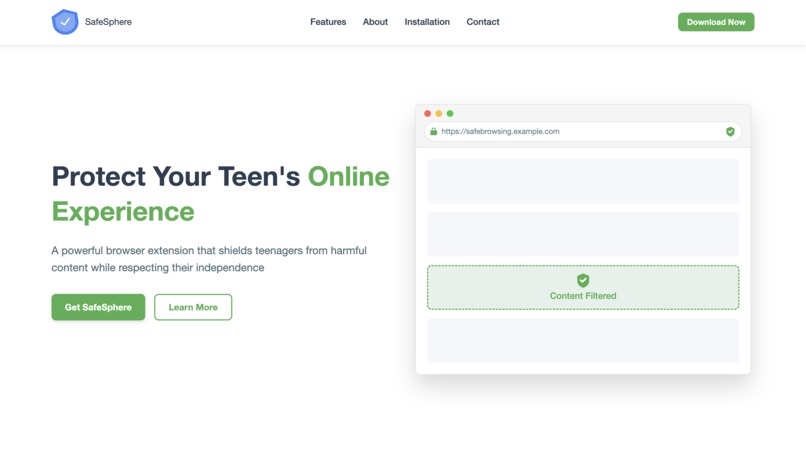
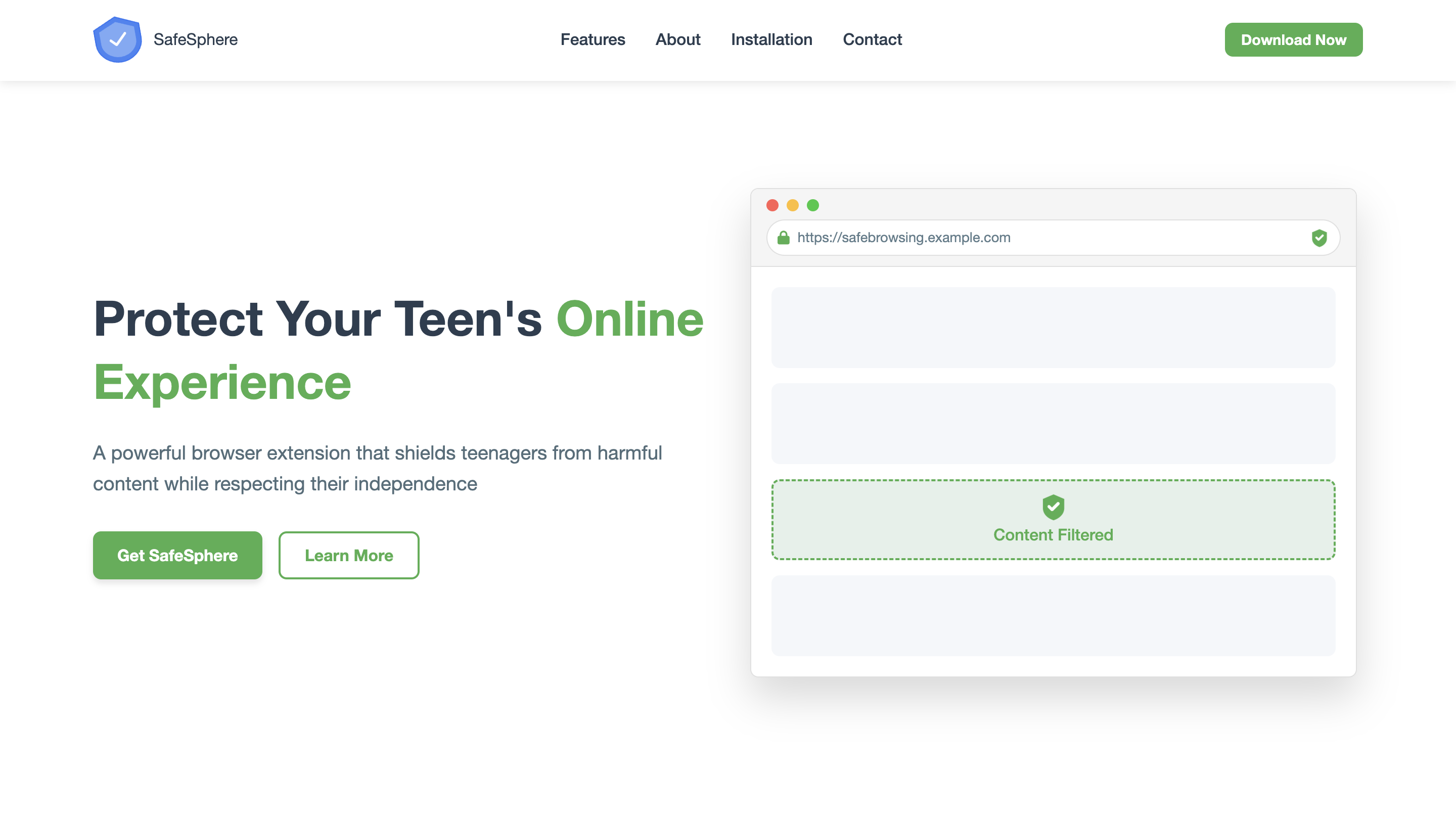
landing page
-
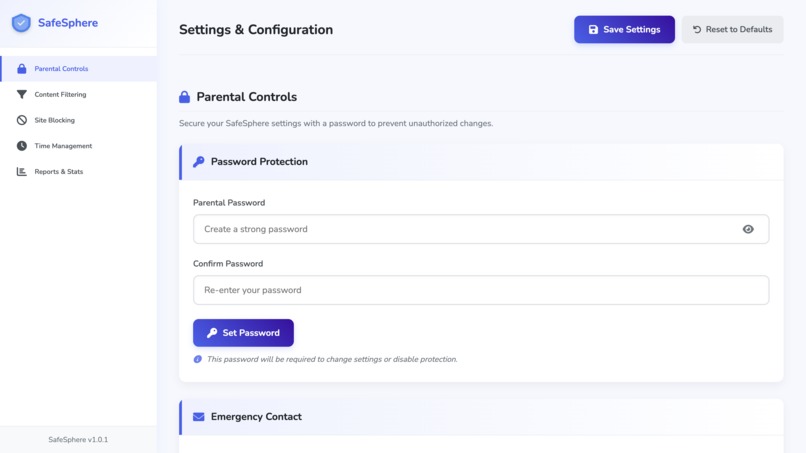
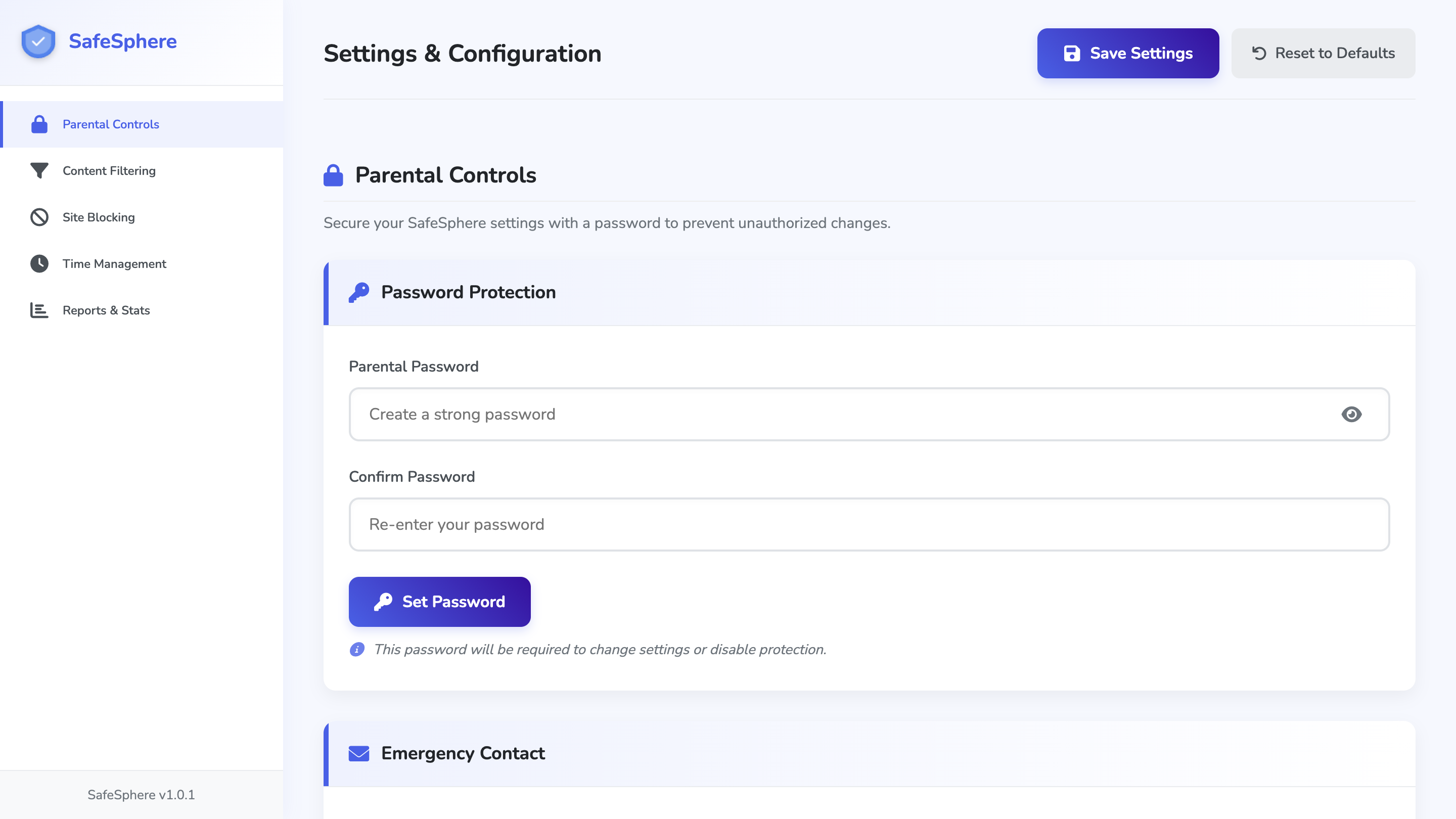
Extension page
-
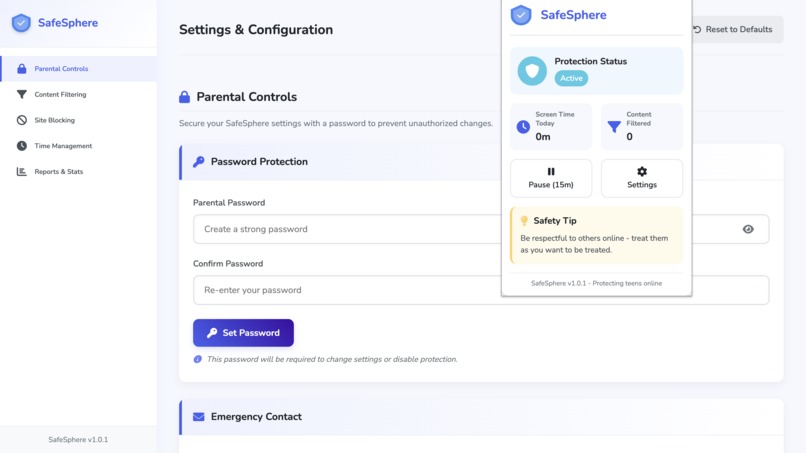
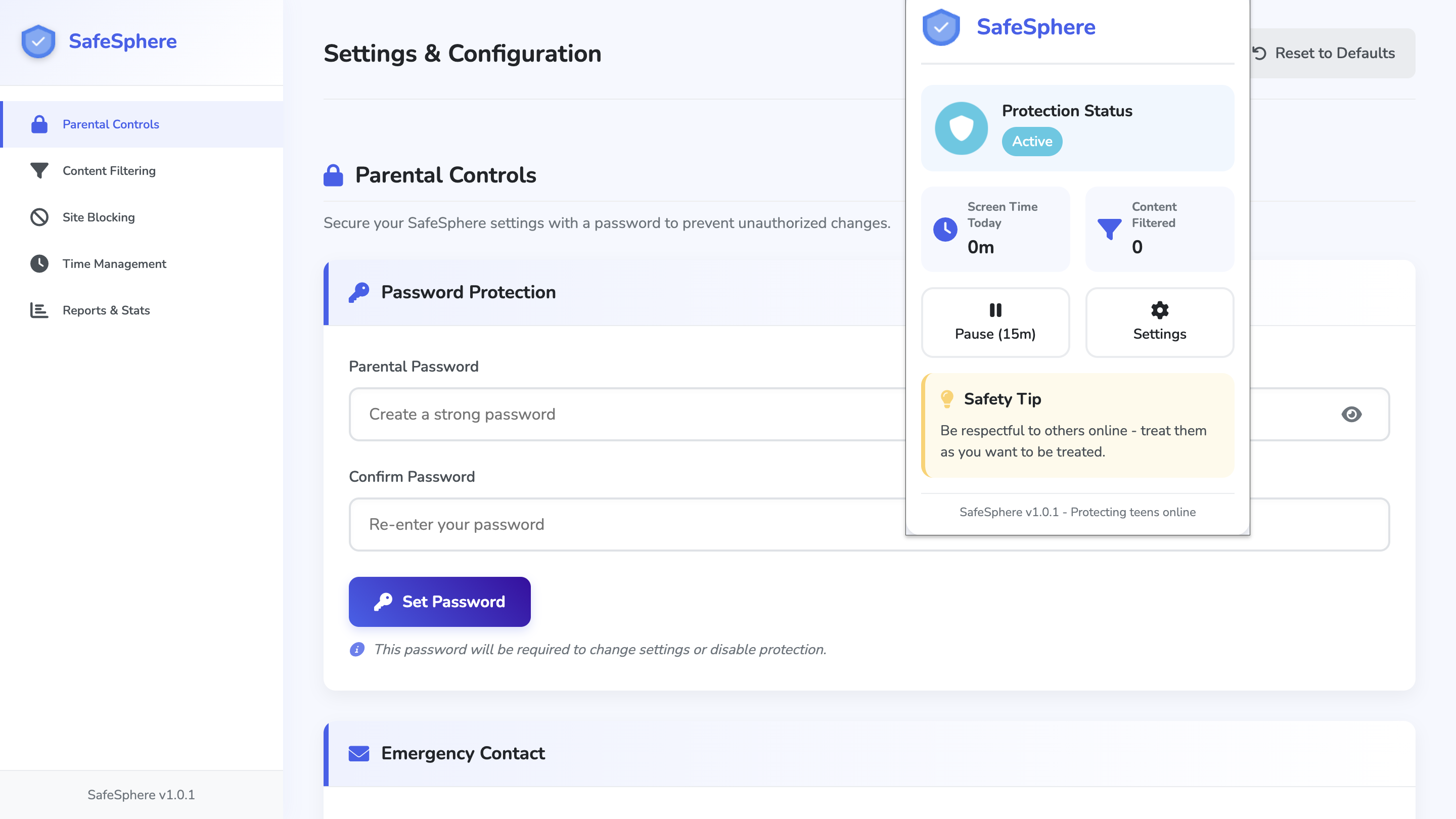
Extension popup
-
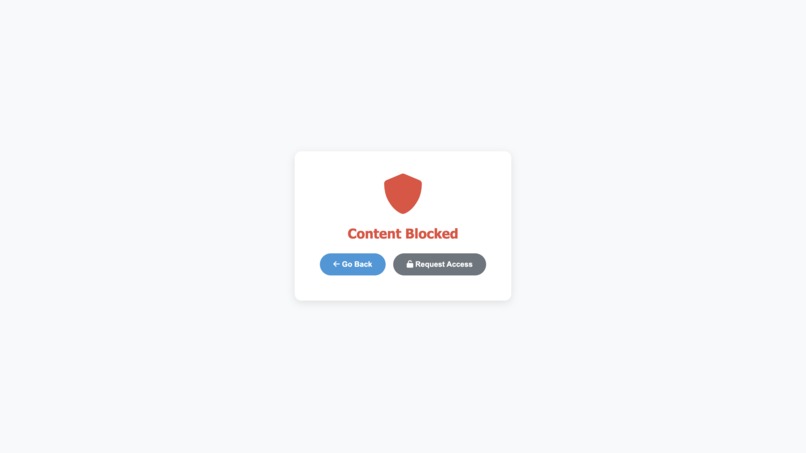
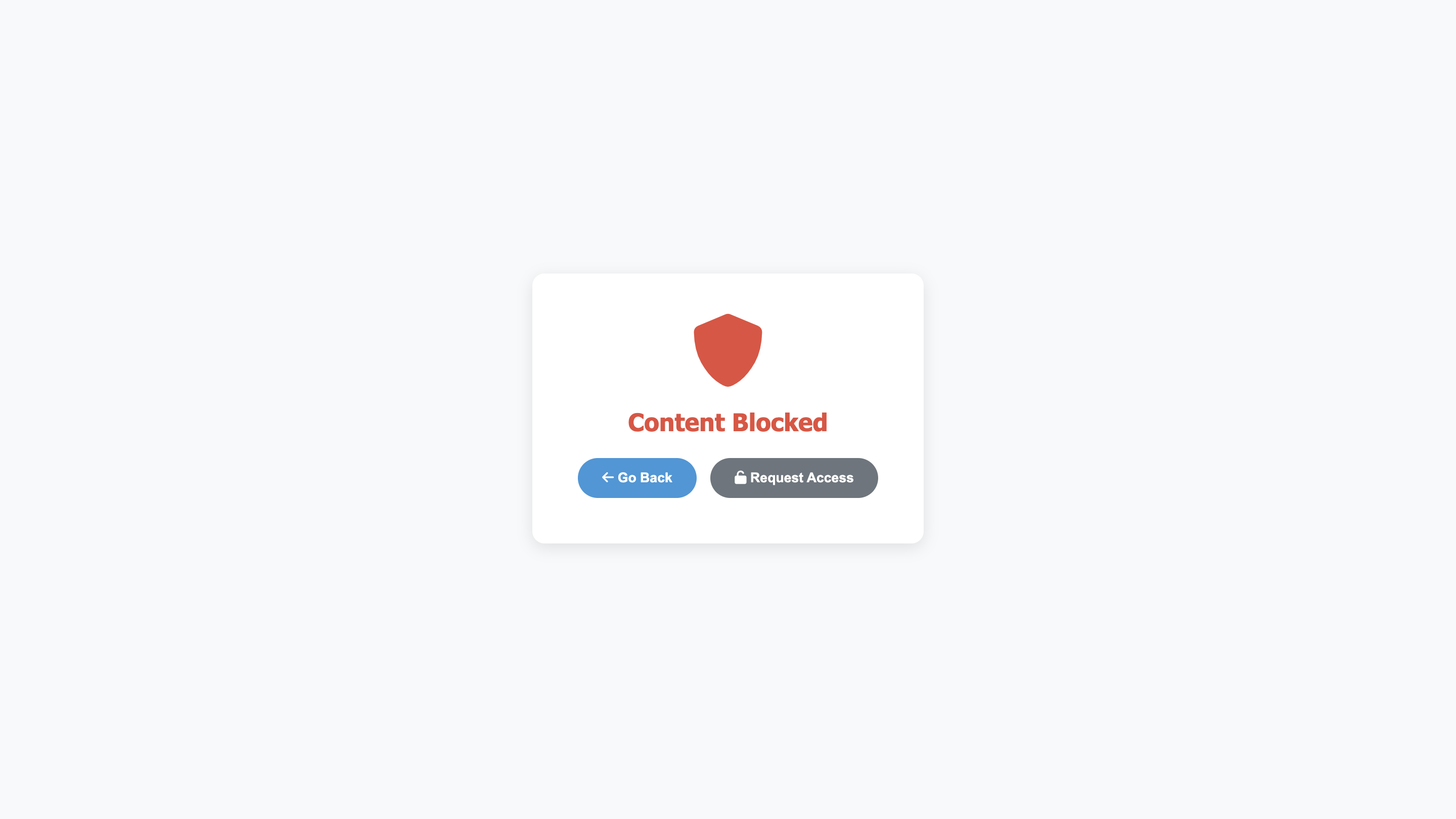
Blocked page
About SafeSphere
What Sparked the Idea
I came up with SafeSphere because I saw how tricky it can be for teens to navigate the wild world of online content. I wanted to build something that doesn’t just block the bad stuff but also gives parents a real say in what their kids see online.
What I Picked Up Along the Way
Working on this project was a crash course in the Chrome Extension API—Manifest V3, to be exact. I got a lot better at handling asynchronous JavaScript, figuring out how to pass messages between background and content scripts, and using Chrome’s storage to keep settings consistent. It was a juggling act, trying to make it solid yet easy to use, and I loved every minute of it.
How I Put It Together
SafeSphere came to life with JavaScript, HTML, and CSS. It’s built in a few key pieces:
- A background script that runs the show—handling settings, messages, and big-picture stuff.
- A content script that jumps in to filter page content on the fly.
- A popup that gives you a quick peek at what’s going on.
- An options page where parents can tweak things to their liking. Everything’s designed to work together smoothly, keeping the protection steady without getting in the way.
The Tough Parts
There were definitely some hurdles:
- Making sure it reacts fast, even when pages keep changing.
- Keeping all the behind-the-scenes processes in sync without hiccups.
- Striking that balance between blocking the harmful junk and letting the good stuff through.
- Dealing with the chaos of extension updates or reloads. Those challenges forced me to rethink both the tech and the user experience, which was honestly pretty rewarding.
Where It’s Headed
Down the road, I’d love to bring in some AI to make the filtering even smarter, get it working on more browsers, and maybe even build a mobile app to go with it. My goal is to keep making SafeSphere safer and more helpful as time goes on.

Log in or sign up for Devpost to join the conversation.