-
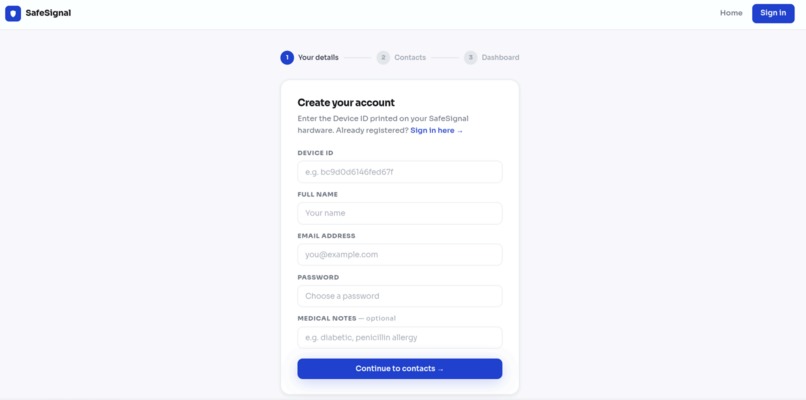
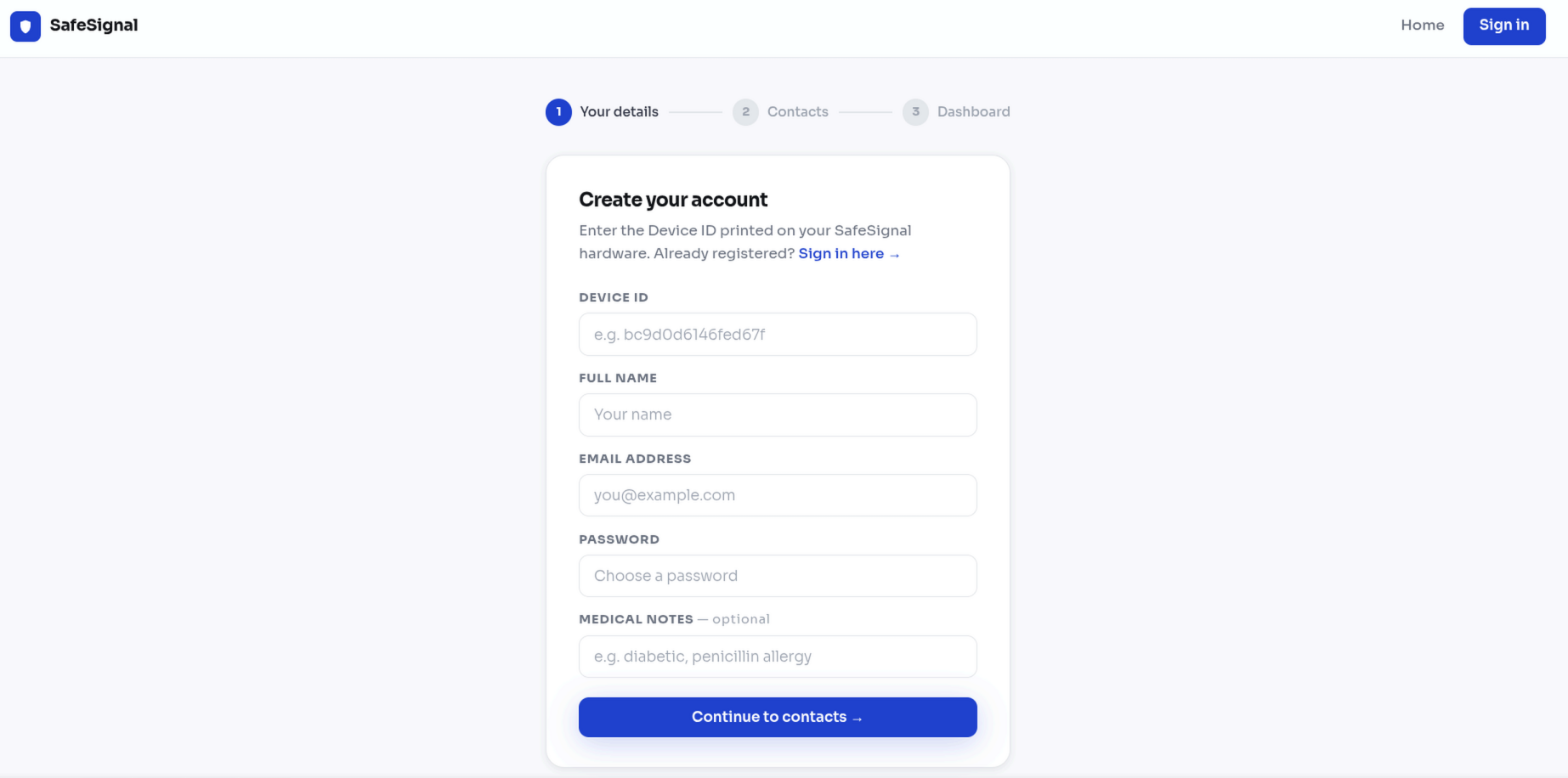
Registration page
-
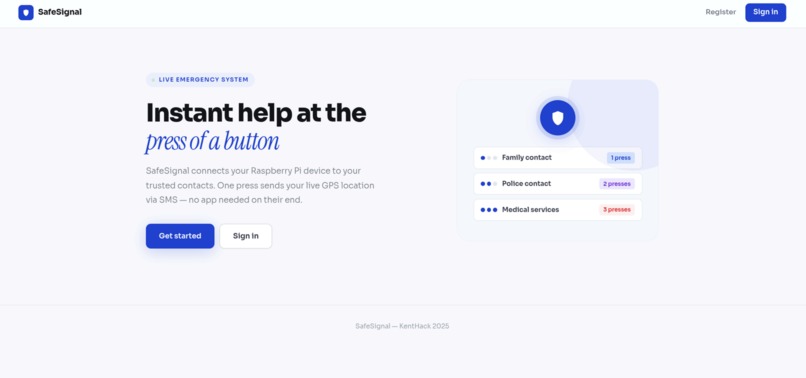
Homepage
-
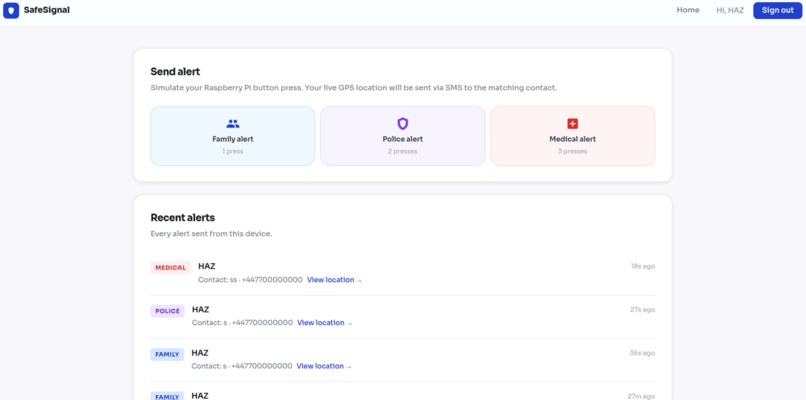
Dashboard
Inspiration
We were thinking about situations where someone needs help but physically cannot use their phone. A person who has fallen and cannot reach their phone. Someone walking home at night who does not have time to unlock their screen and find a contact. Someone having a medical episode who cannot speak or dial. A phone asks too much from you in those moments. You have to unlock it, open an app or find a contact, dial, and then speak clearly. That is too many steps when you are panicking or hurt. We wanted to build something where one press was enough. Press once and your family gets a text with your location. Press twice and police are notified. Press three times and medical help is alerted with your medical information already included. That was the whole idea.
What it does
SafeSignal is a physical button connected to a Raspberry Pi. When you press it, the device counts how many times you pressed it, gets your GPS location, and sends an SMS to the right person automatically.
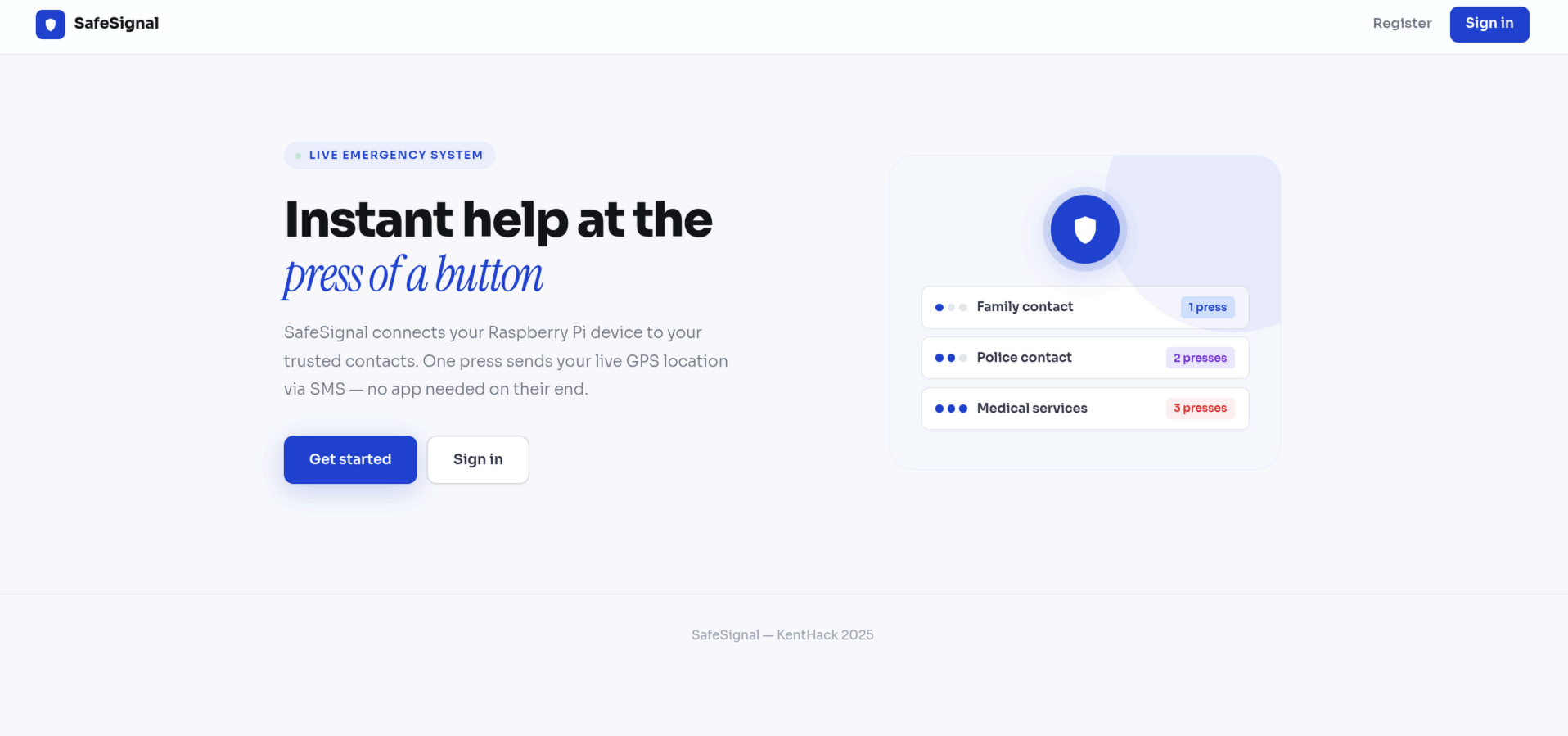
1 press sends an alert to your family contacts 2 presses sends an alert to a police contact 3 presses sends a medical alert with your name, location, and medical notes
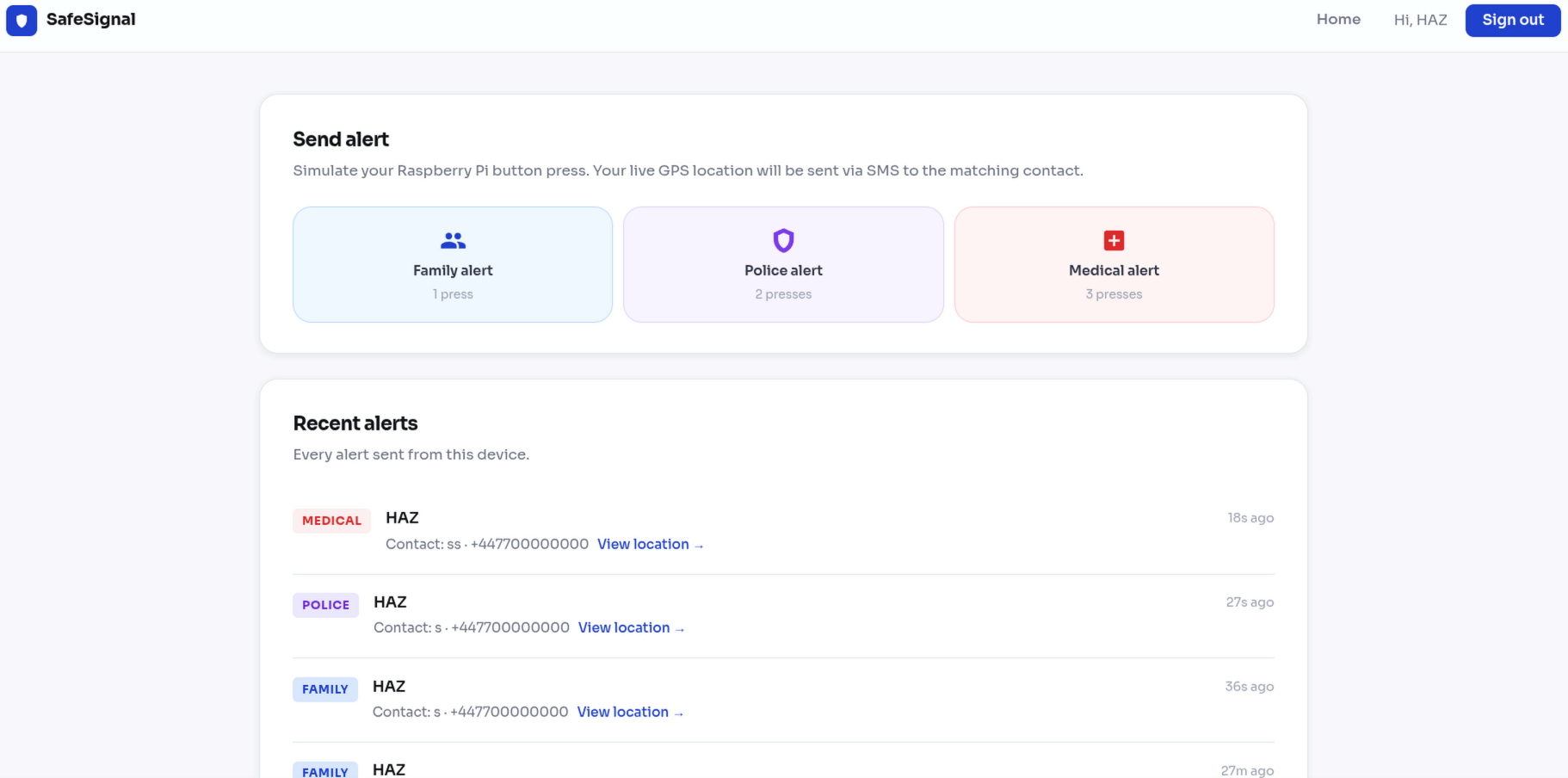
The message lands on the contact's phone in a few seconds with a Google Maps link so they know exactly where you are. There is also a web dashboard where you register your device, add your emergency contacts, and view your alert history. For the demo we are simulating the button through the dashboard because we do not have the full hardware setup here, but the backend works exactly the same way. The server does not care whether the request came from a physical button or a browser click.
How we built it
We used a Raspberry Pi with a physical button wired to a GPIO pin. A GPS module captures the location when the button is pressed. A Python script running on the Pi listens for button presses and counts them within a two second window to figure out which alert to send, then posts that to our server. The backend is Python and Flask. It receives the alert, looks up the registered user by their device ID, picks the right contact based on the press count, builds the SMS message, and sends it using Twilio. We store everything in JSON files so there is no database to set up. The frontend is plain HTML, CSS and JavaScript with no frameworks. We built four pages — a home page, a registration page, a login page, and a dashboard. The dashboard polls the server every ten seconds and shows all the alerts that have been sent.
Challenges we ran into
Connecting the Raspberry Pi to the Flask server running on a laptop was harder than expected. Both devices needed to be on the same WiFi and we had to figure out the right local IP address and make sure the server was actually reachable from the Pi. Button debouncing was a real problem. A single physical press can register as multiple signals at the hardware level. Getting the timing right so the device could reliably tell the difference between one, two, and three presses took a lot of testing. Working as a team on three separate parts at the same time was also a challenge. We were building the hardware script, the backend, and the frontend all at once and merging everything together without breaking things required a lot of communication. We also found it difficult to keep the project simple. We kept thinking of things to add but most of them would have made the device less reliable. We had to keep asking ourselves whether an idea actually made it better for the person pressing the button in an emergency, and usually the answer was no.
Accomplishments that we're proud of
We learned how to work with GPIO pins on a Raspberry Pi and how to read and debounce button inputs in Python. We had not done hardware programming before so that was new for all of us. We learned how to build a REST API in Flask and how to connect a frontend to it using the Fetch API. We also learned how Twilio works for sending SMS messages programmatically. Working as a team under time pressure taught us how to split work clearly, communicate when things are not working, and pull everything together at the end. We also learned that simple is harder to build than complicated because you have to make real decisions about what to cut.
What we learned
What's next for SafeSignal
We want to add AI voice so that when an alert fires the system can automatically call the contact and speak on the user's behalf, which is more useful than a text in some situations. We also want to make it work without WiFi. Right now the device needs an internet connection which means it does not work on underground trains, in rural areas, or anywhere with limited signal. We are looking at using SMS-based triggering so the Pi can send the alert directly without needing WiFi at all. The goal is a device that works everywhere, not just where the signal is good

Log in or sign up for Devpost to join the conversation.