Inspiration
A phishing email at our school used a QR code to send people to a fake page. You can't read a QR code's link by eye, and attackers can even paste a malicious sticker over a real code on a poster or flyer. Students and campus staff scan codes like these every day, so we built SafeScan to check a code before anyone opens the link.
What it does
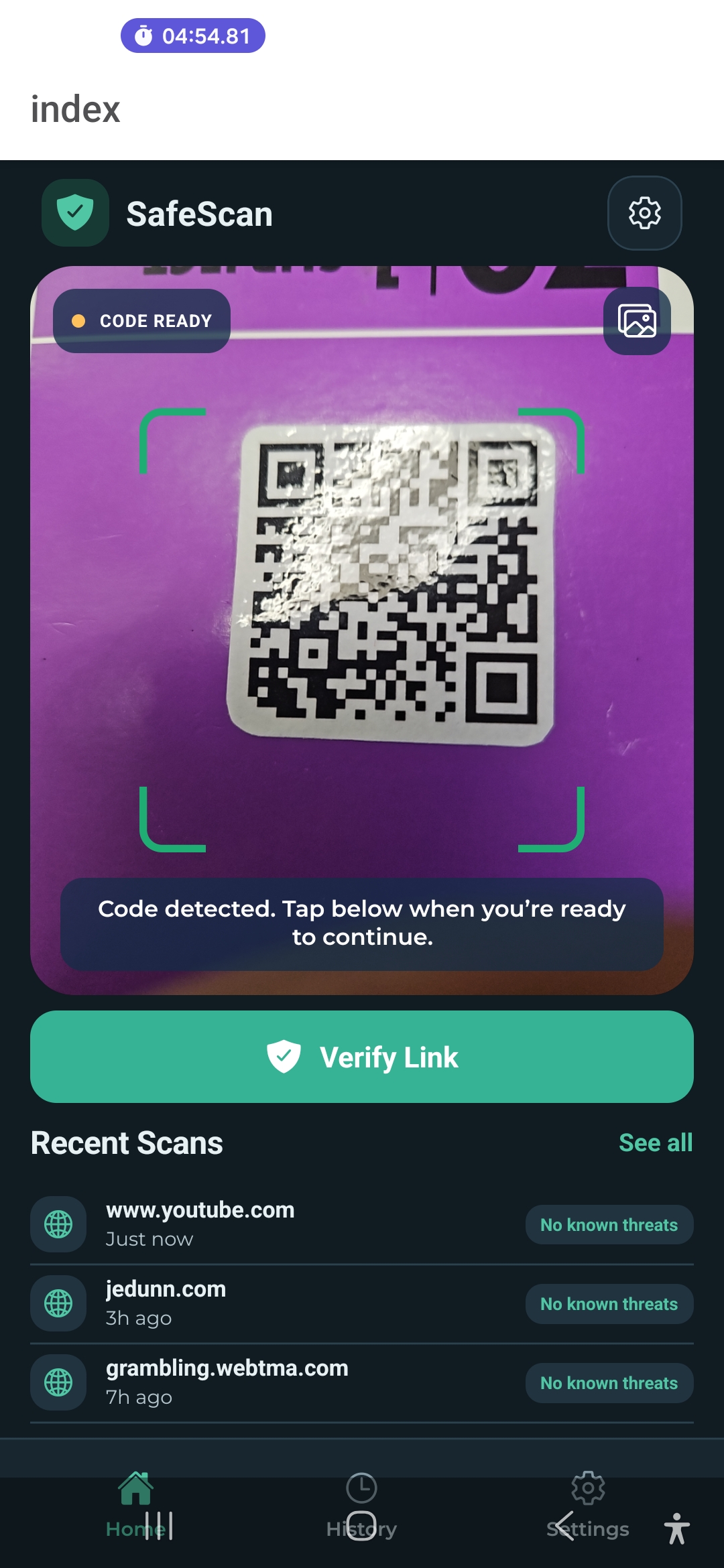
SafeScan scans a QR code and checks the link before you open it. The app never opens the link itself.
- Link check: the scanned URL goes to our AWS backend, which checks it against Google Safe Browsing, a daily OpenPhish phishing feed, URL heuristics and community reports. It returns one of four levels: No known threats, Use caution, Very suspicious or Likely malicious. Only Google Safe Browsing, the phishing feed or a human maintainer can mark a link Likely malicious.
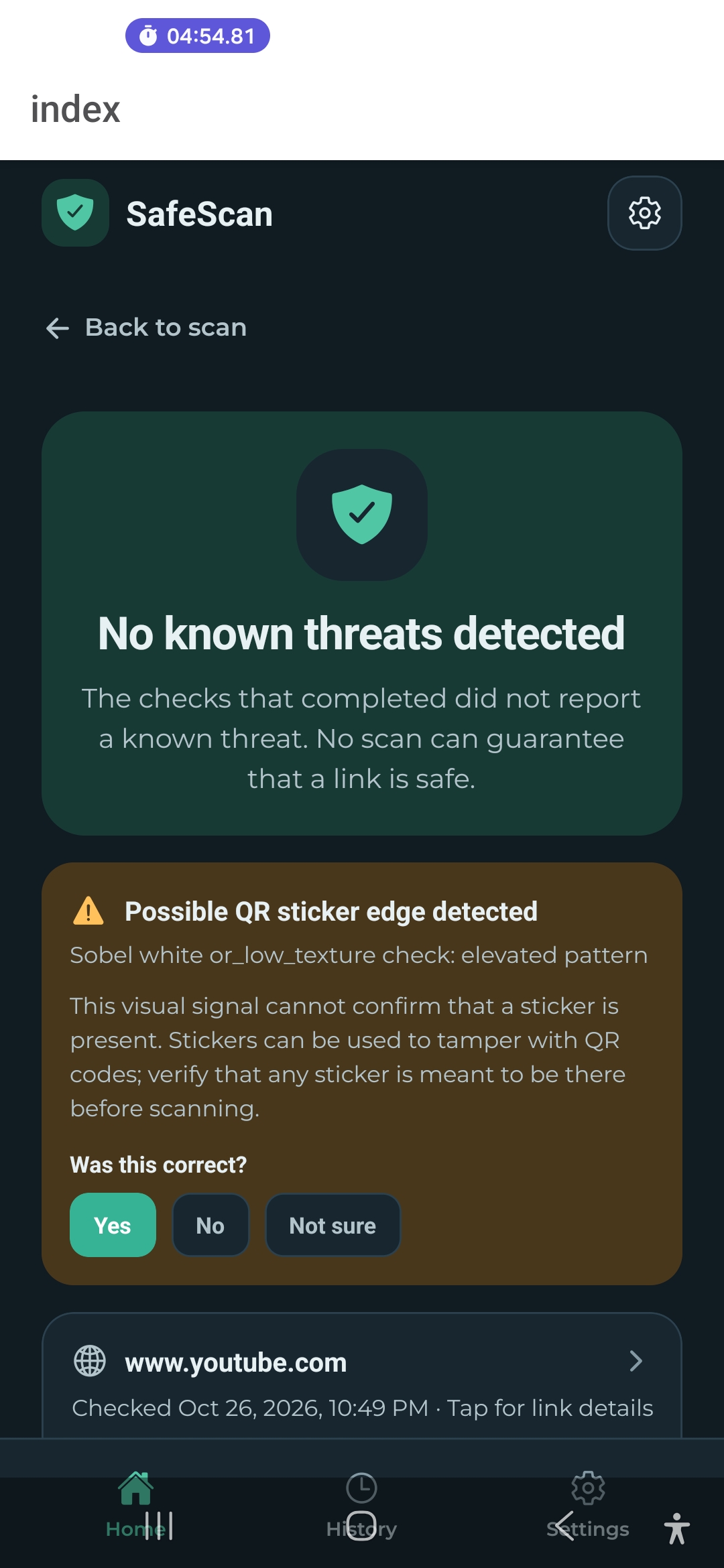
- Sticker warning: the phone looks for signs that a sticker was pasted over a real code and shows this as a separate warning, not as part of the link's verdict. This feature is still being tuned.
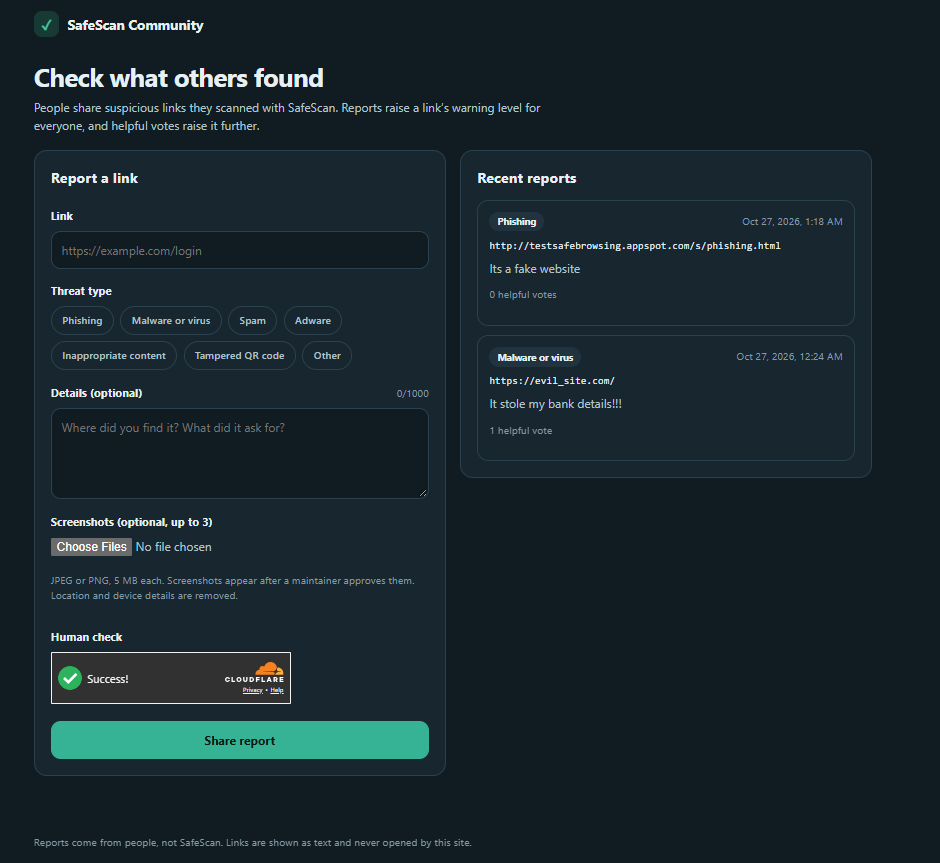
- Community reports: anyone can anonymously share a suspicious link from the app or the community website, with a threat type, details and screenshots. Others can mark reports as helpful. One report raises a link to Use caution, and 10 helpful votes raise it to Very suspicious, but community activity alone never marks a link as malicious.
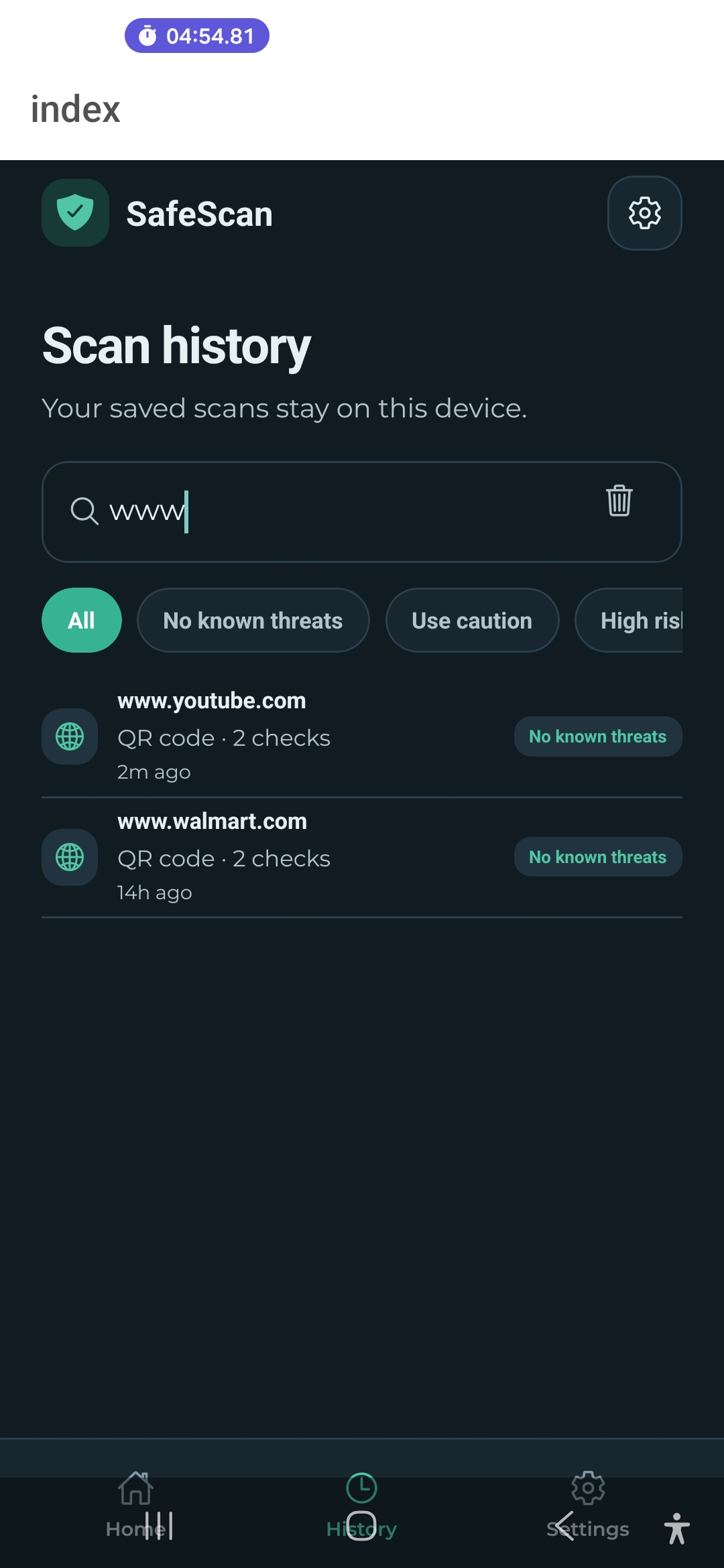
- Scan history: you can review your past scans.
A clean result is never a guarantee of safety.
How we built it
On the phone: React Native with Expo and react-native-fast-opencv. Sticker detection straightens the QR code into a fixed-size square, converts it to grayscale and measures edges with a Sobel filter. It then compares the QR area with a ring around it. On a textured background it checks whether the QR area is much smoother than the ring. On a plain background it looks for an edge just beyond the QR square, which would be a sticker border. This runs on the device, so camera images are not uploaded for it.
In the cloud: one AWS CDK stack in us-east-1 runs everything.
- The API: a Lambda function URL serves scans, community reports, helpful votes and a page for each link. Verdicts are cached in DynamoDB, and the expiry is checked on every read, so a stale clean result is never reused. DynamoDB also holds community reports, votes, per-link counts and rate limits.
- Threat data: a nightly EventBridge job loads the OpenPhish feed. When a maintainer confirms a report, a DynamoDB stream updates that link's cached verdict immediately.
- Abuse controls without accounts: every report and vote needs a Cloudflare Turnstile human check, verified in the Lambda. Install IDs and IP addresses are stored only as keyed hashes. Rate limits are per device per hour, and each device gets one vote per report.
- Screenshots: they upload straight to a private S3 bucket. A Lambda checks each file is really a JPEG or PNG and strips metadata such as GPS location, and images stay hidden until a maintainer approves them.
- Community website: static files on S3, served through CloudFront.
- Cost: the database runs in provisioned mode, sized to stay within AWS's free tier.
Challenges we ran into
- Native OpenCV in a mobile app. The library uses native code that Expo Go can't run, so we needed a development build.
- Tuning sticker detection. Its thresholds are fixed numbers, so results depend on lighting, background and camera angle, and they need testing against more real examples.
- Not overclaiming. Heuristics can raise a warning but can't confirm a link is malicious on their own.
- Licensing. Google Safe Browsing is free only for non-commercial use, so a commercial launch would need a different service.
Accomplishments that we're proud of
We learned how to use OpenCV in a mobile app and how to build a small serverless backend with AWS CDK. We also learned that hand-picked thresholds are the weak point of image-based detection, and that a security tool has to be honest about what it can't catch.
What we learned
- Test sticker detection on many more real examples and replace the fixed thresholds with measured ones
- Add anonymous community reporting
- Move to a commercially licensed link-check service before any public launch
What's next for SafeScan
- Better sticker detection. Test it on many more real examples (different lighting, backgrounds and camera angles) and replace the fixed thresholds with ones we have measured.
- Tune the community thresholds. One report and 10 votes are demo settings. Real use needs measured values, and stronger protection against fake votes.
- More threat feeds. Our second feed, URLhaus, now refuses our download, so we need to replace it or update how we access it.
- A review page for maintainers. Today maintainers review reports and screenshots from the command line.
- A commercially licensed link-check service. Google Safe Browsing is free only for non-commercial use, so a public launch would need a different provider.
- A bigger evaluation. Build a larger, shared test set of real and sticker-covered QR codes so we can report detection rates, false alarms and speed.
Built With
- amazon
- amazon-dynamodb
- aws-cdk
- aws-lambda
- aws-systems-manager
- expo.io
- google-safe-browsing
- node.js
- opencv
- react-native
- react-native-fast-opencv
- typescript
- web
- webservices


Log in or sign up for Devpost to join the conversation.