-
-
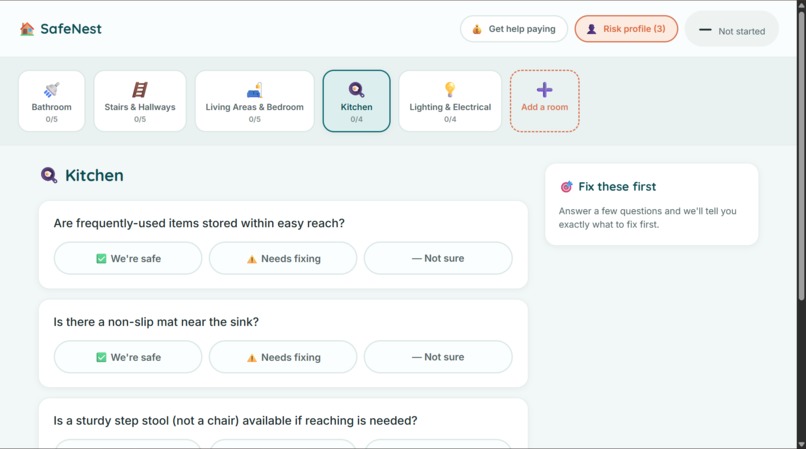
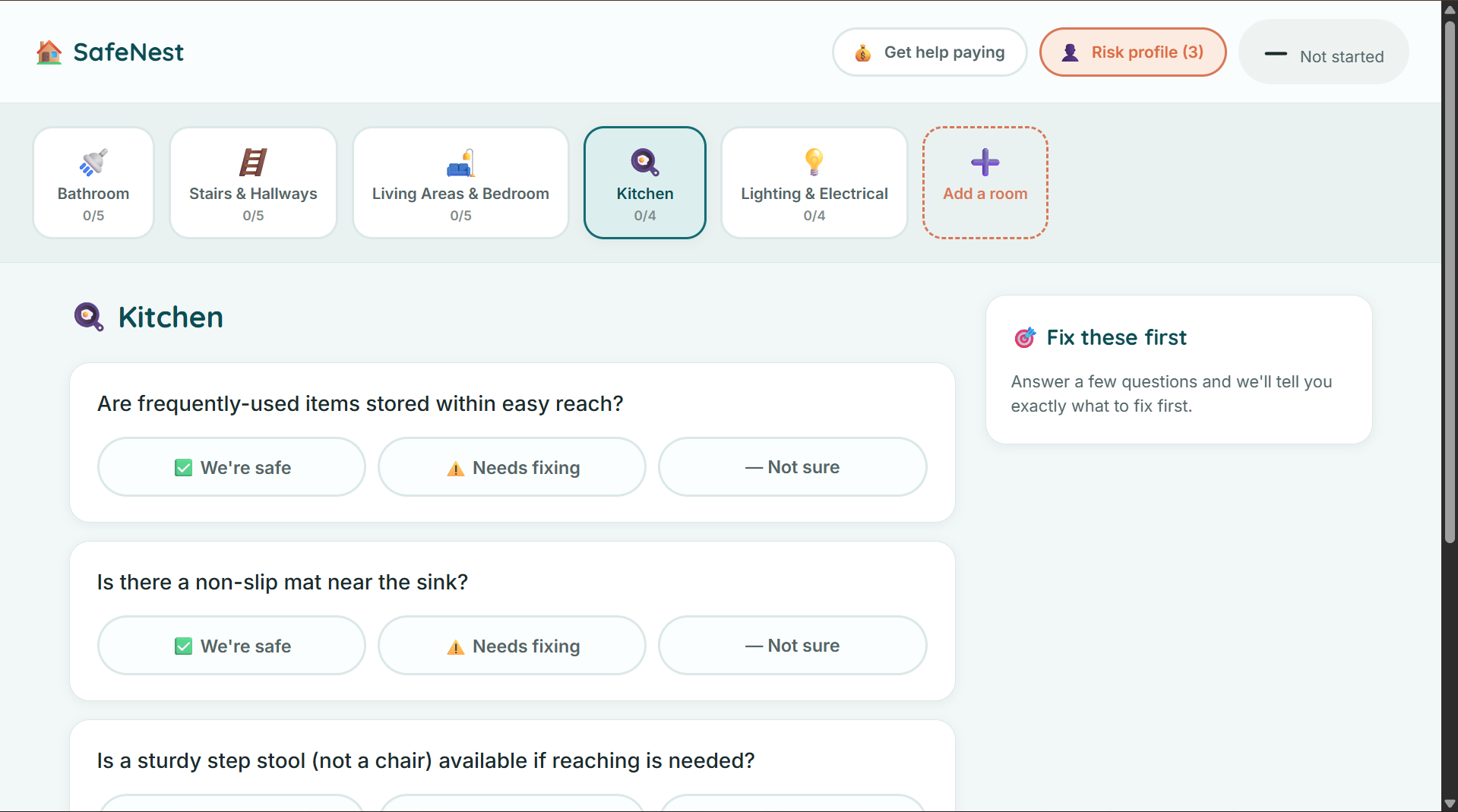
Kitchen Page
-
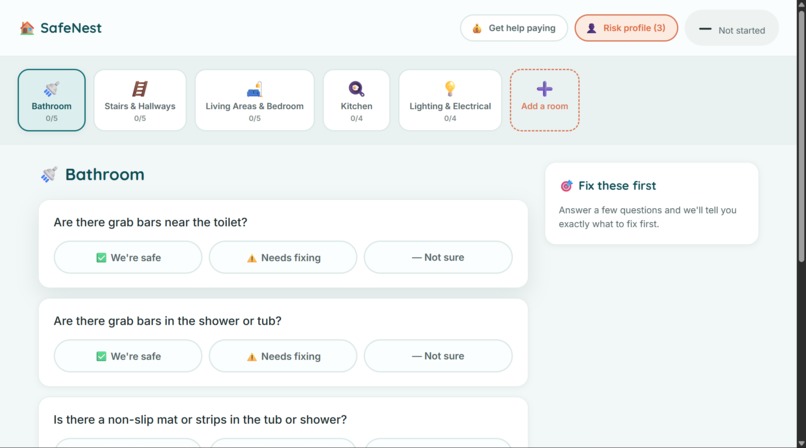
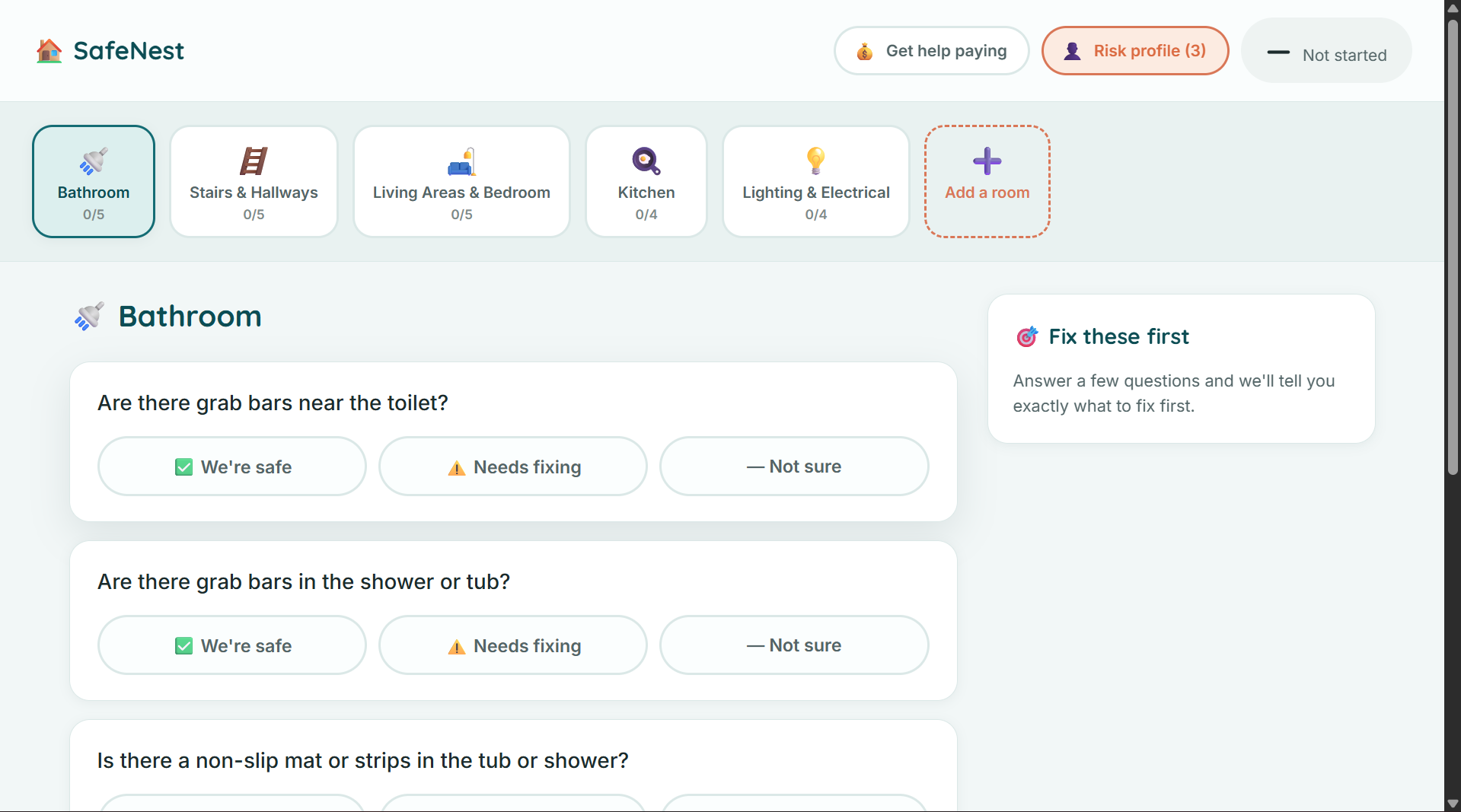
Bathroom Page
-
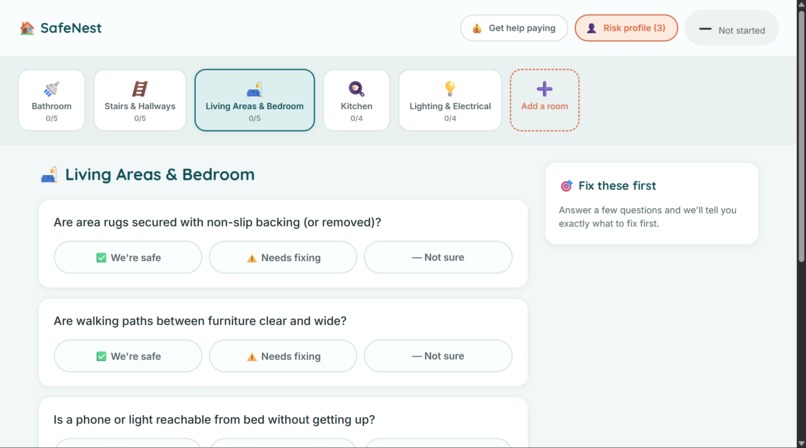
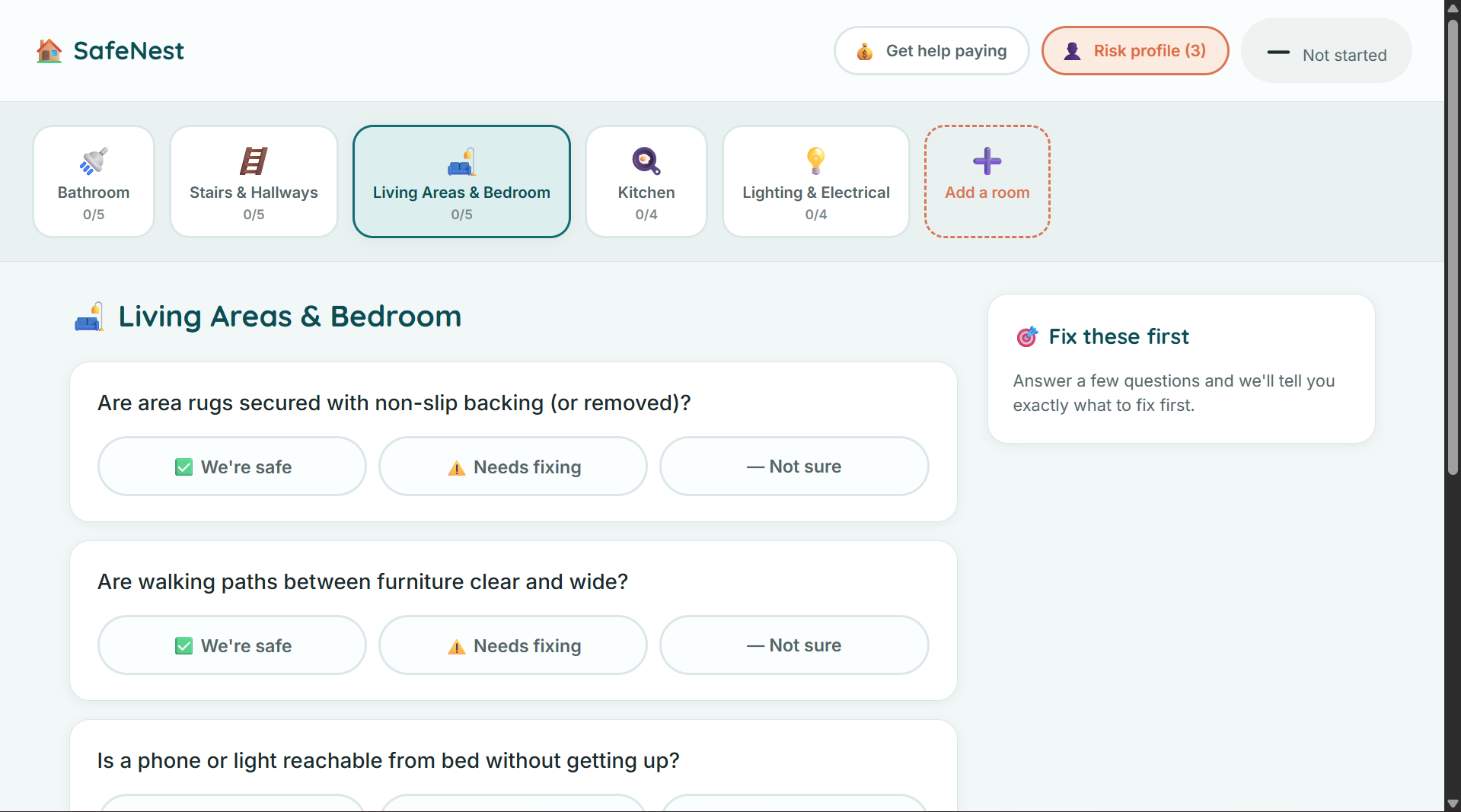
Living Areas and Bedroom Page
-
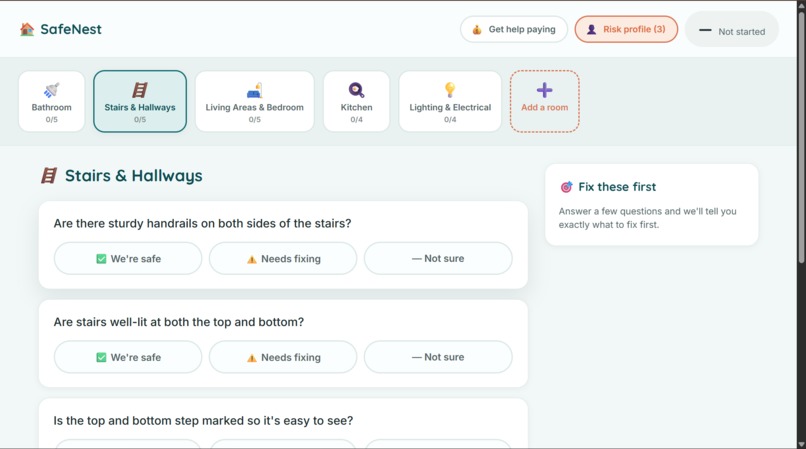
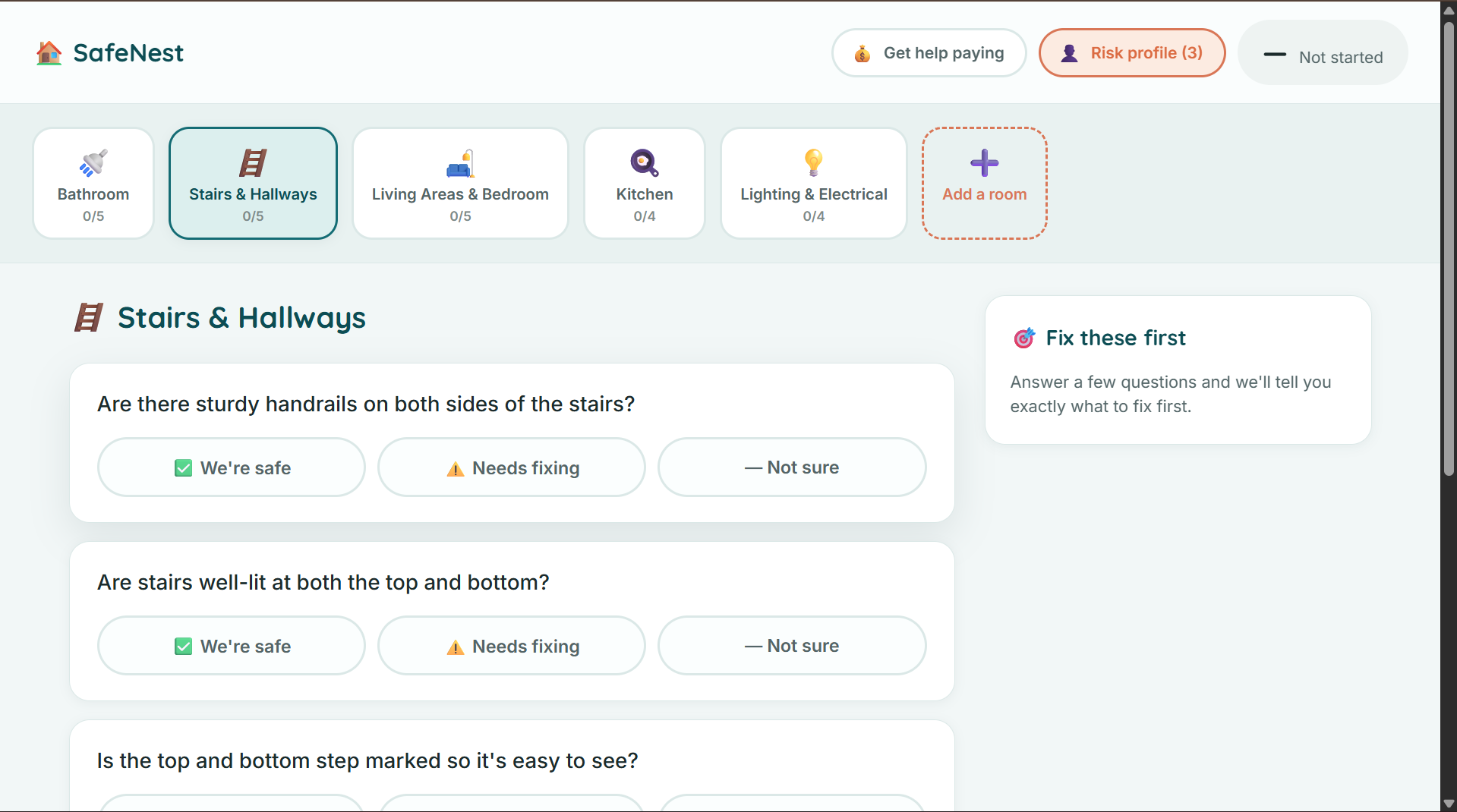
Stairs and Hallways Page
-
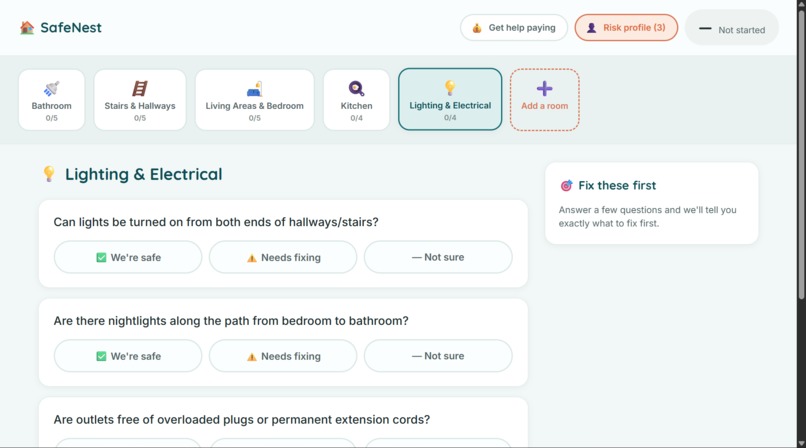
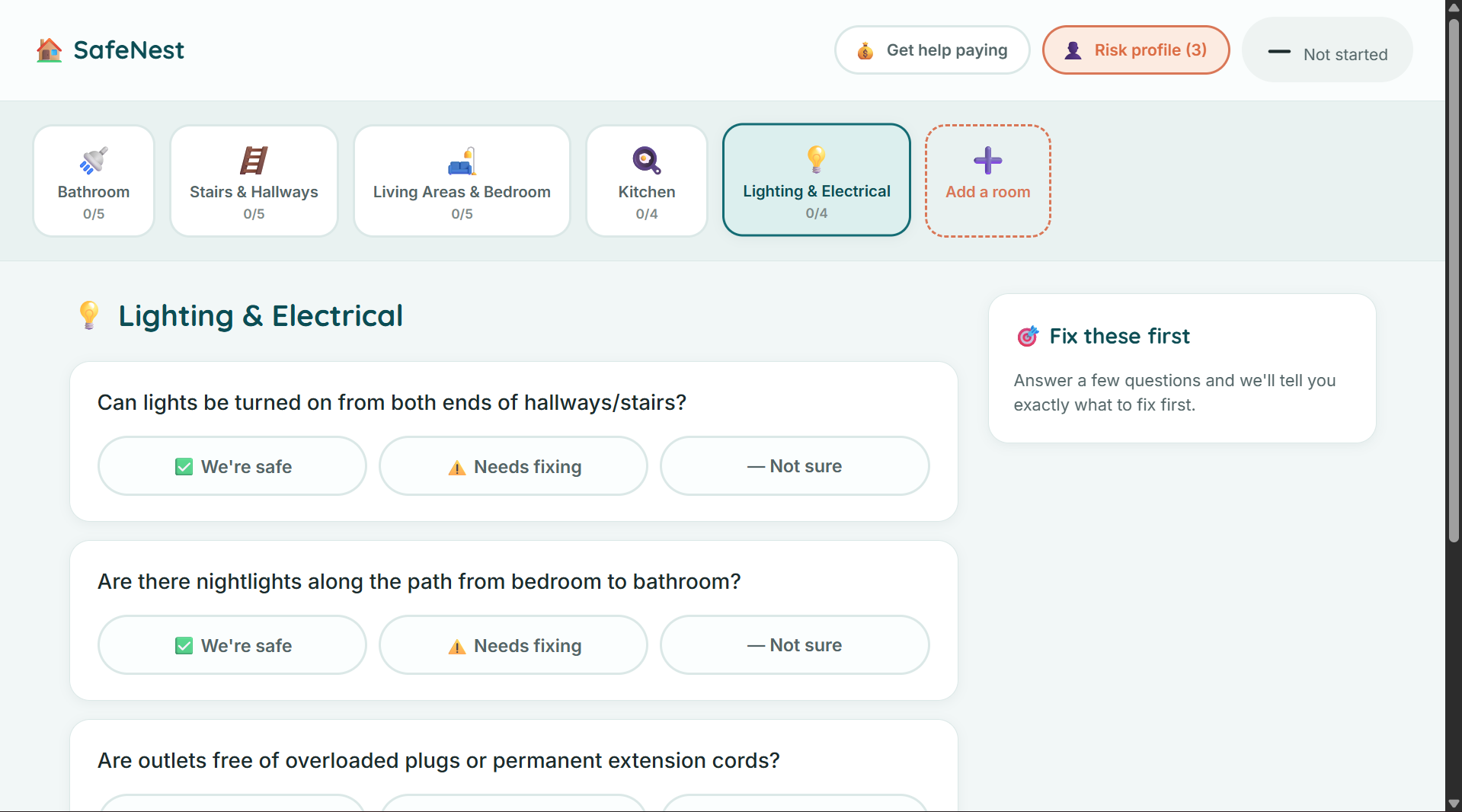
Lighting and Electrical Page
-
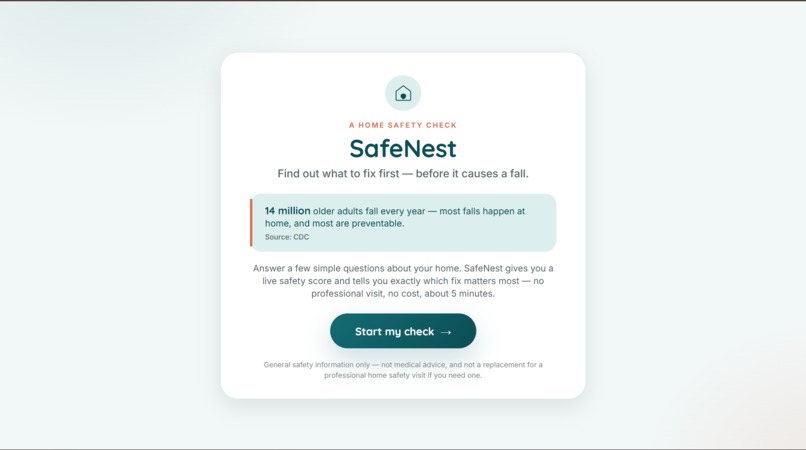
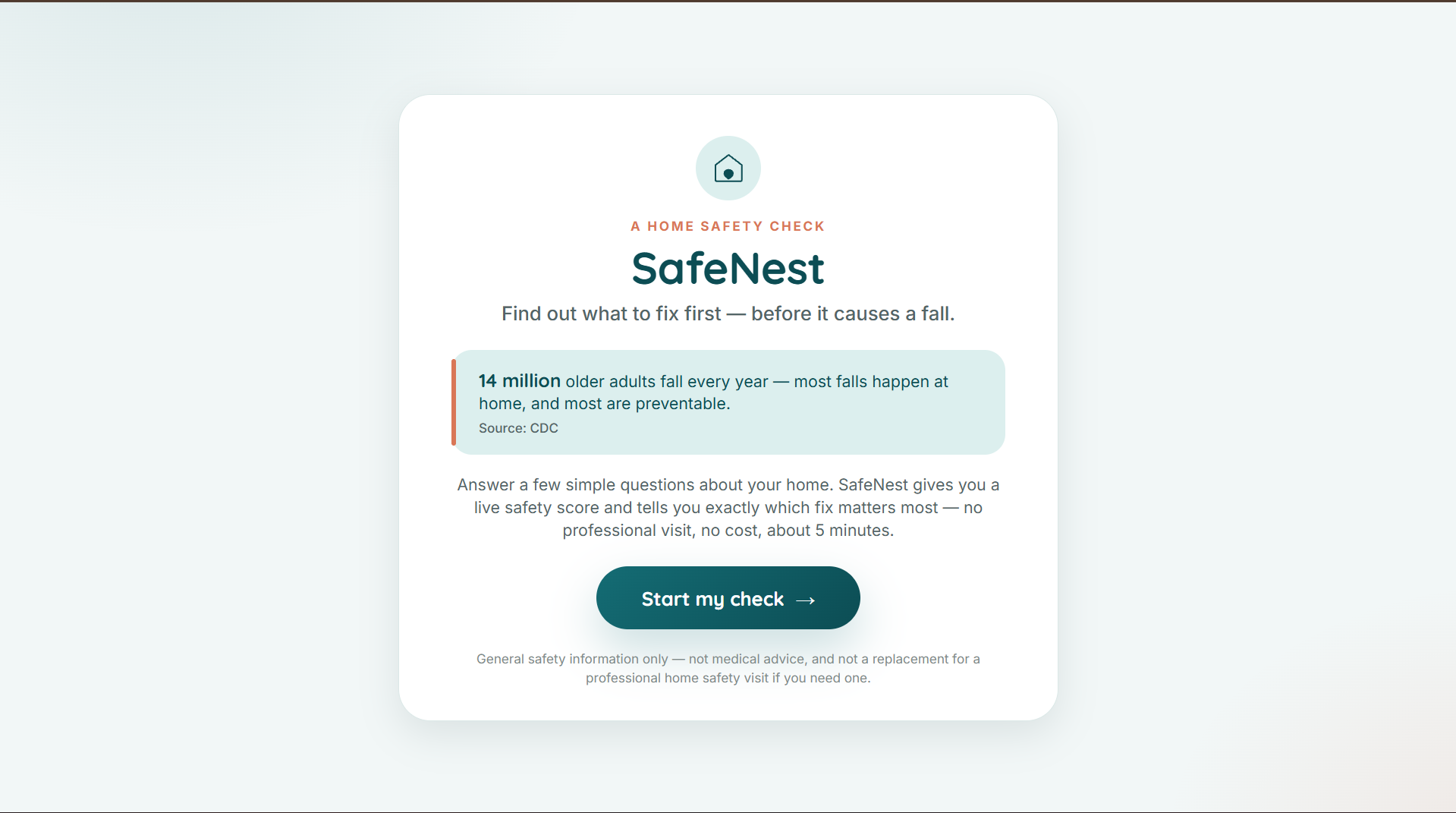
Homepage
-
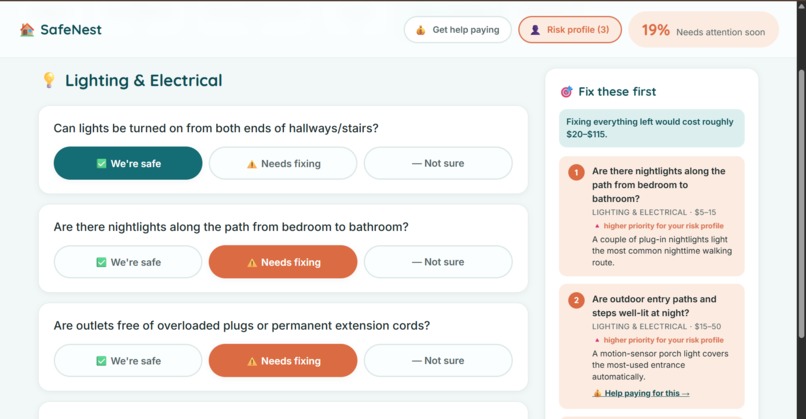
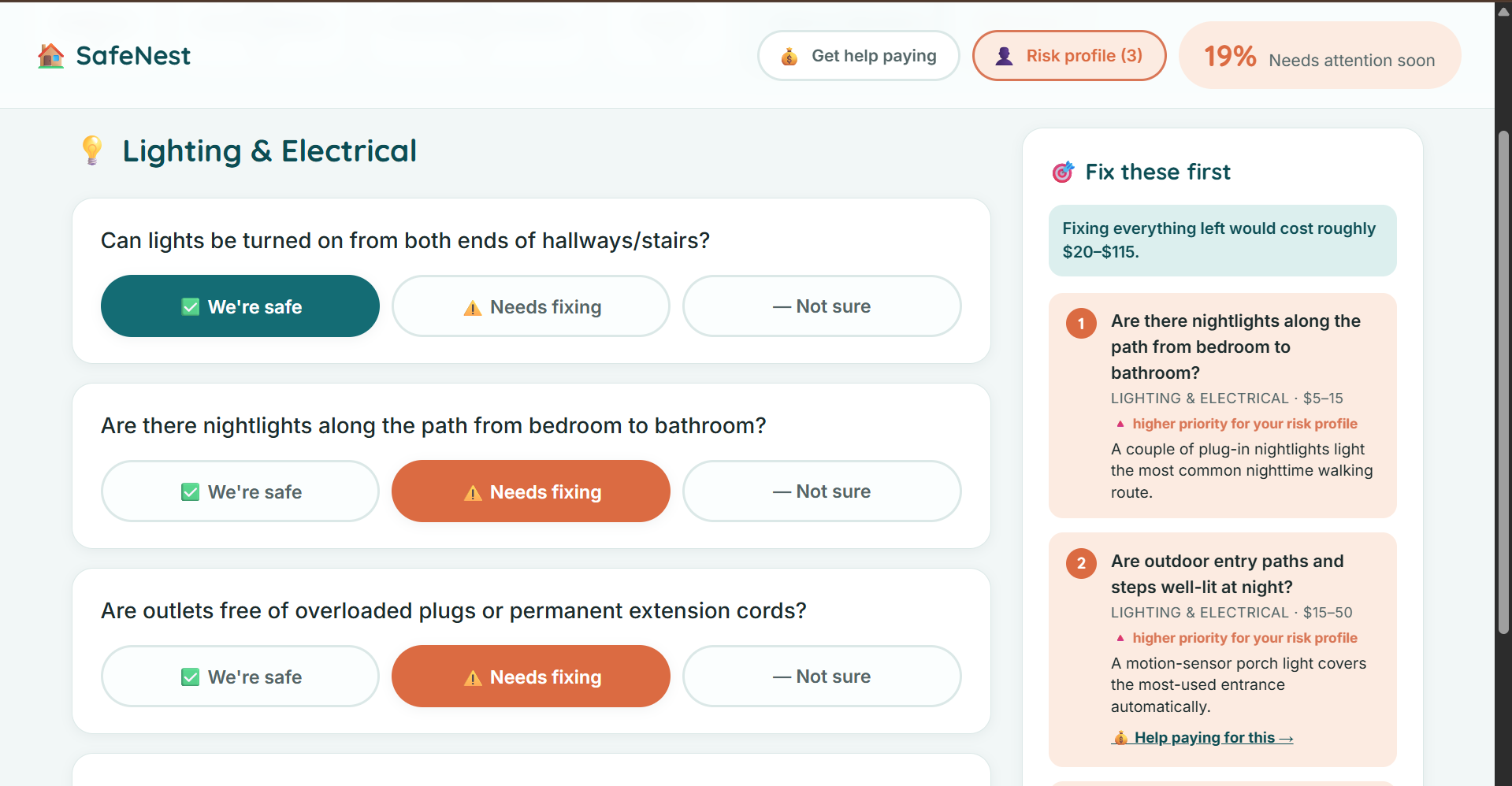
Fix these first feature and total price count.
-
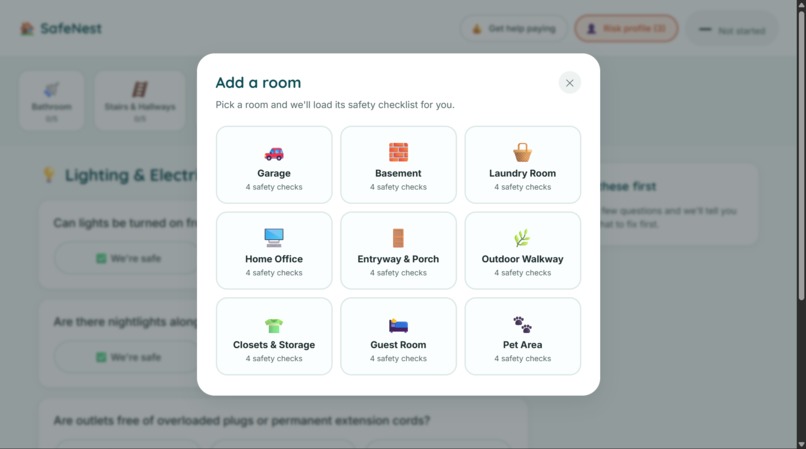
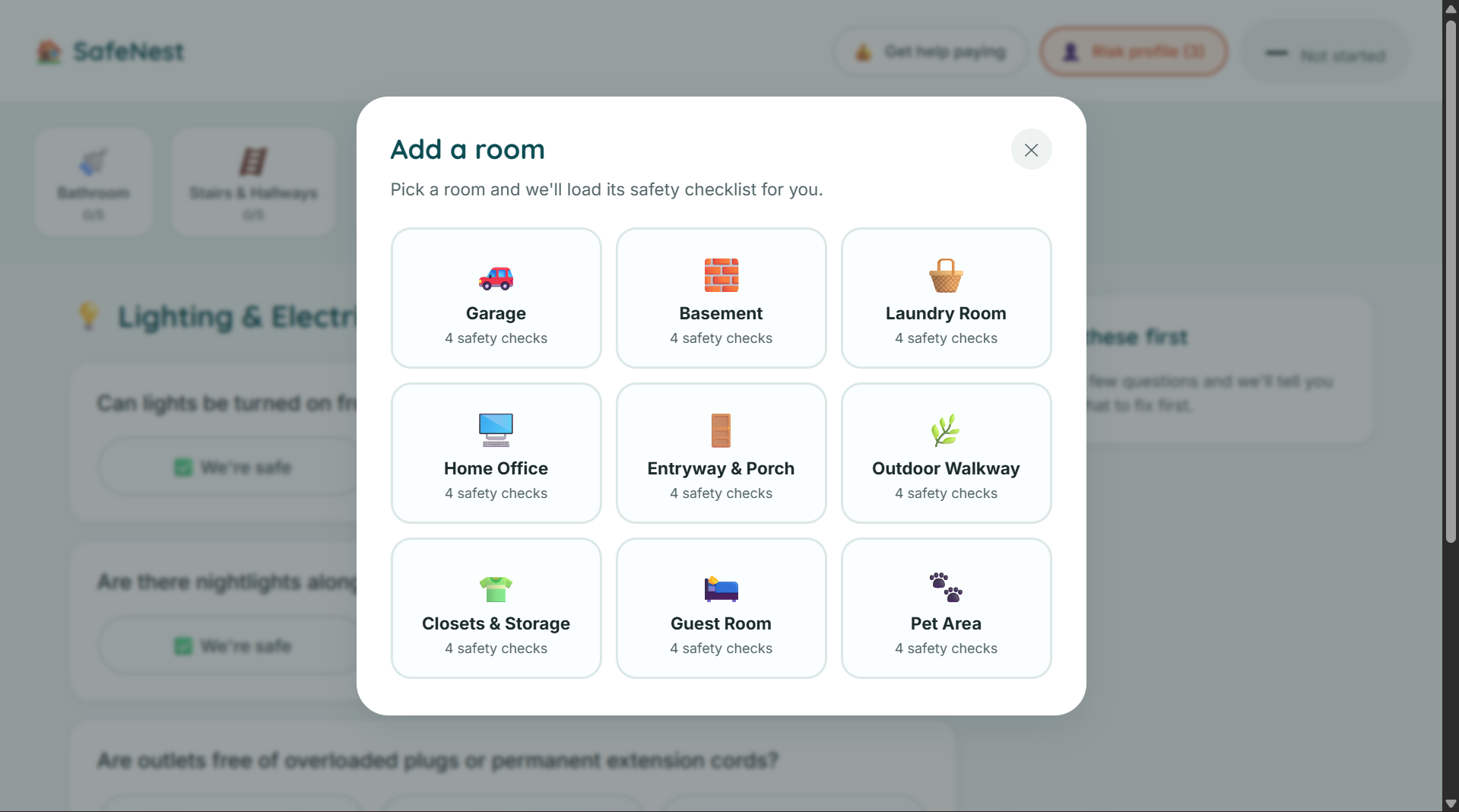
9 extra room options with preloaded questions.
-
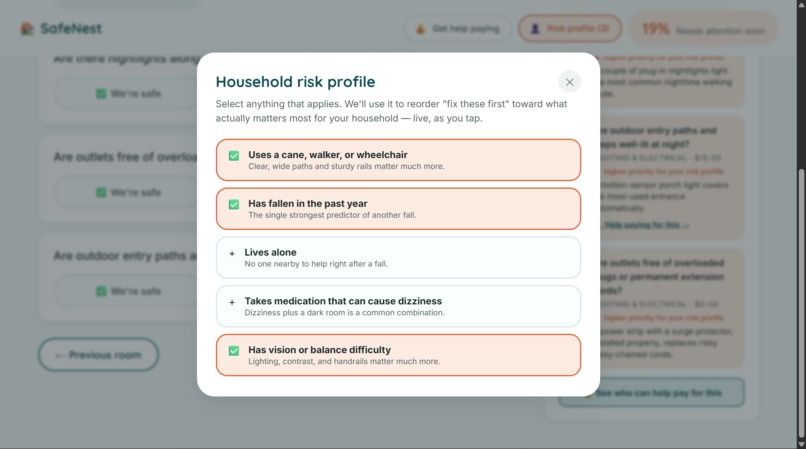
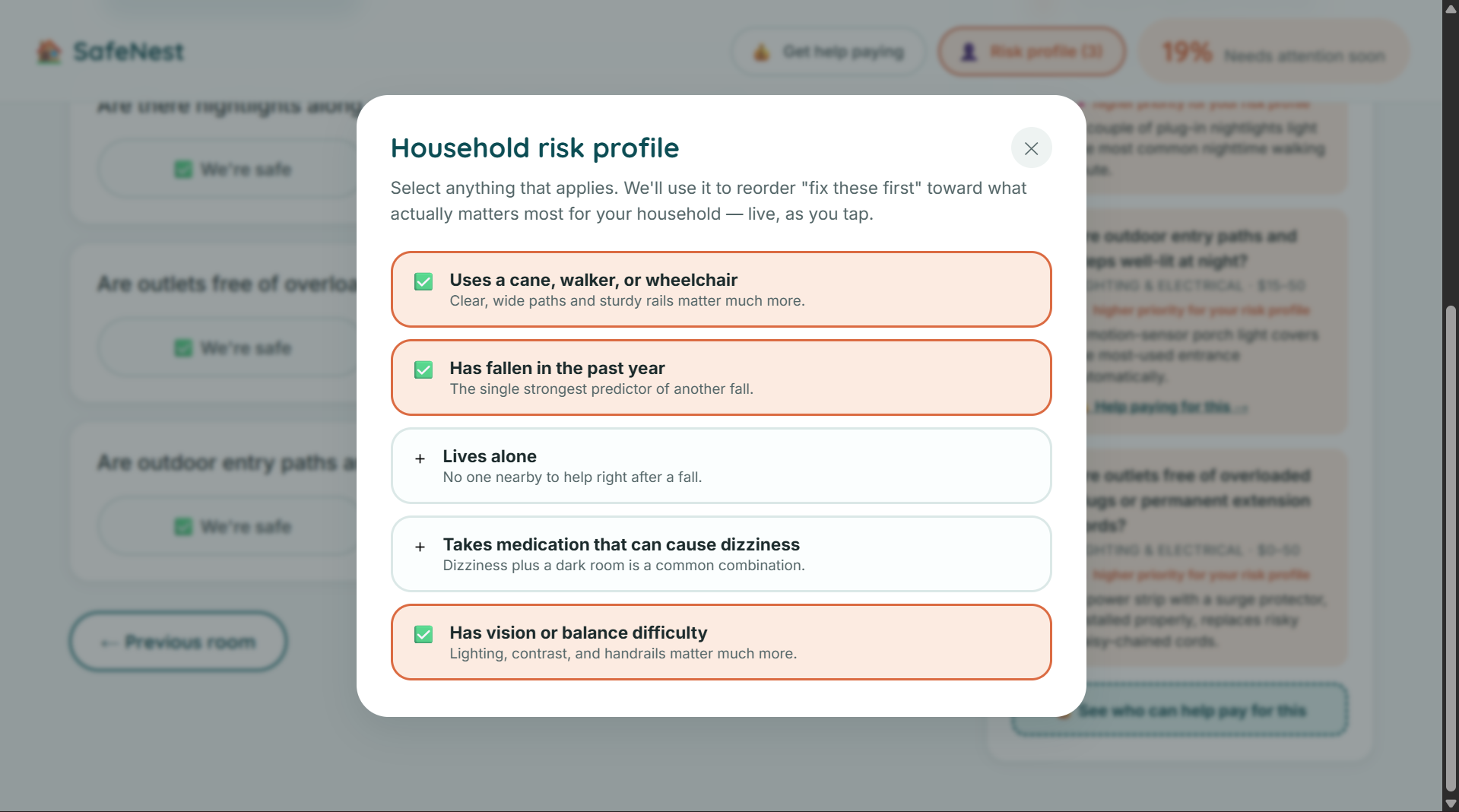
Risk Profile for rearranging what to fix first.
-
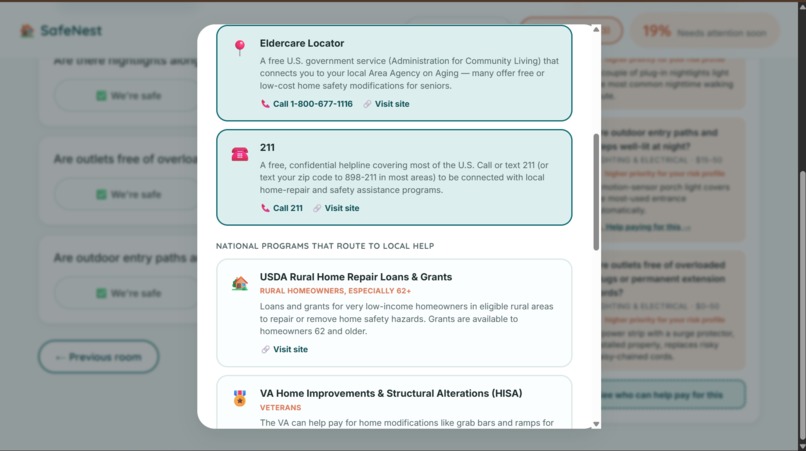
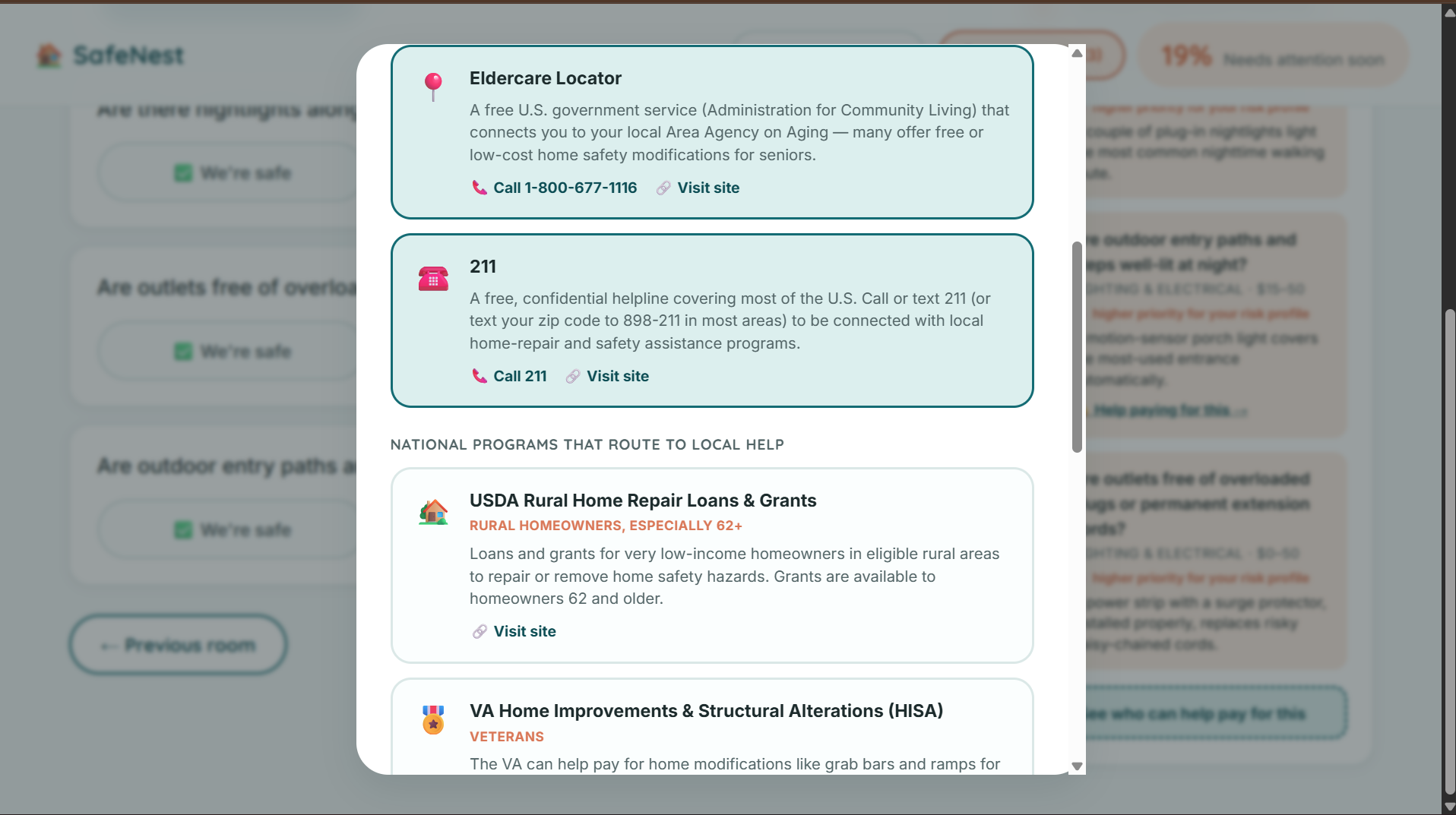
Options for paying renovations
-
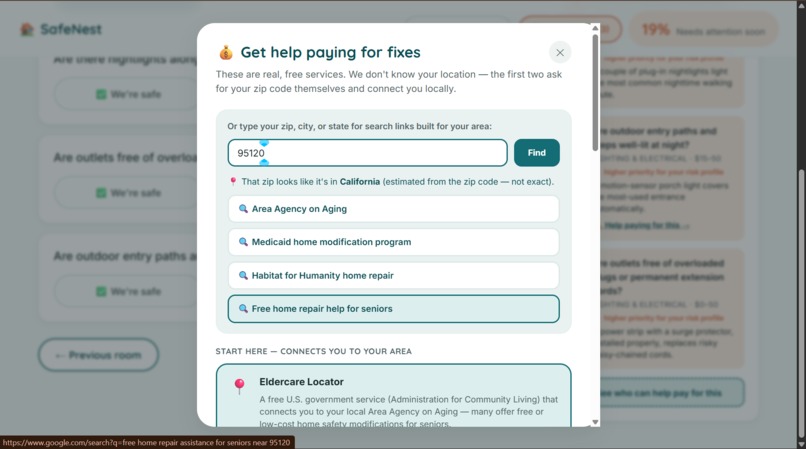
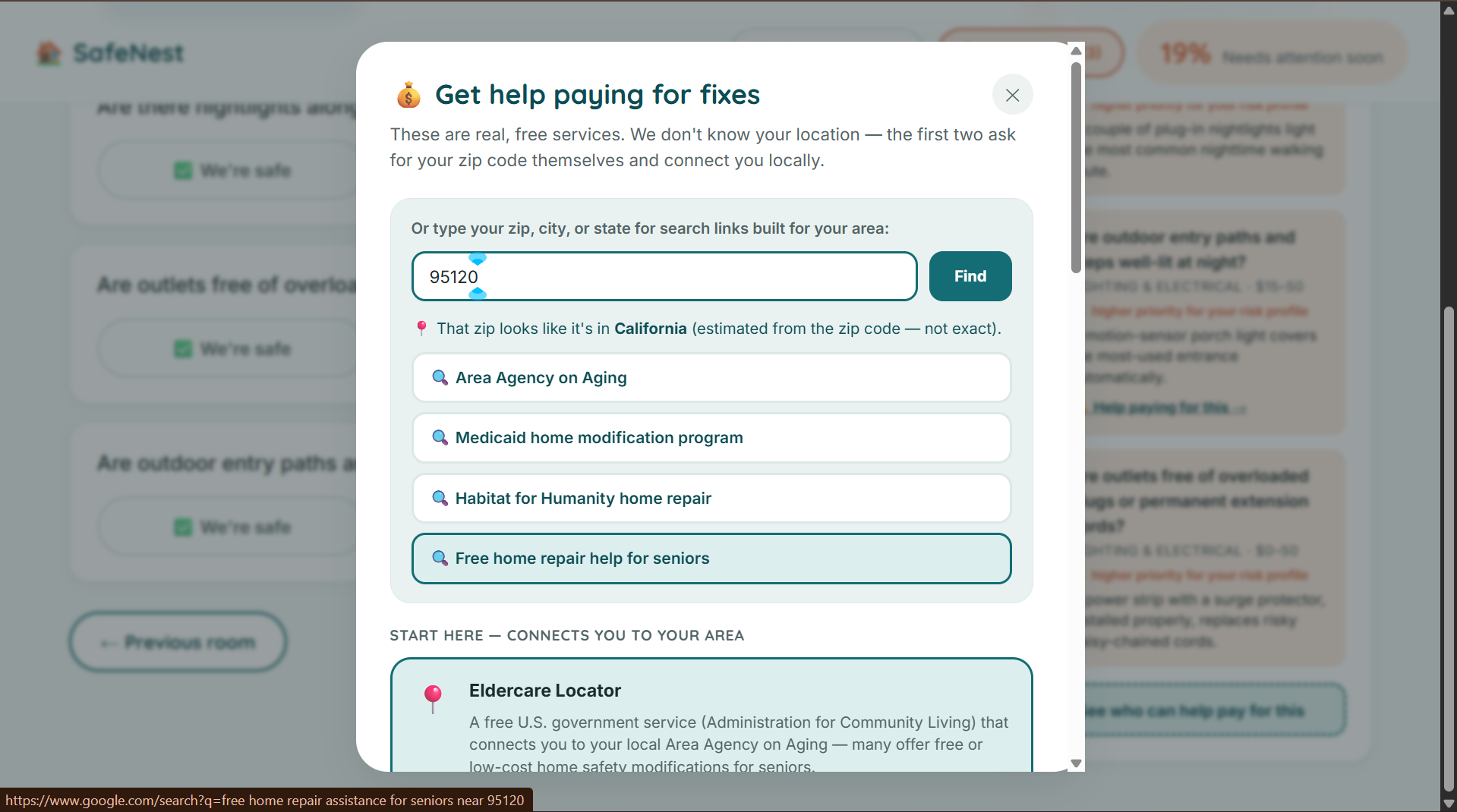
Get help paying pop-up with Zip code intake.
-
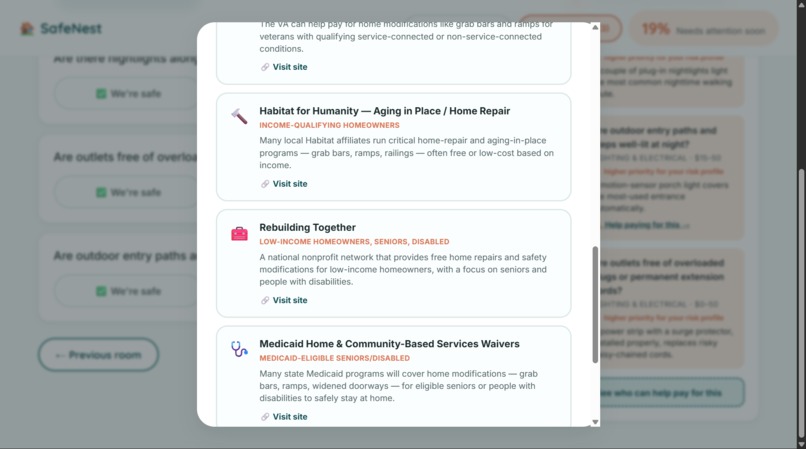
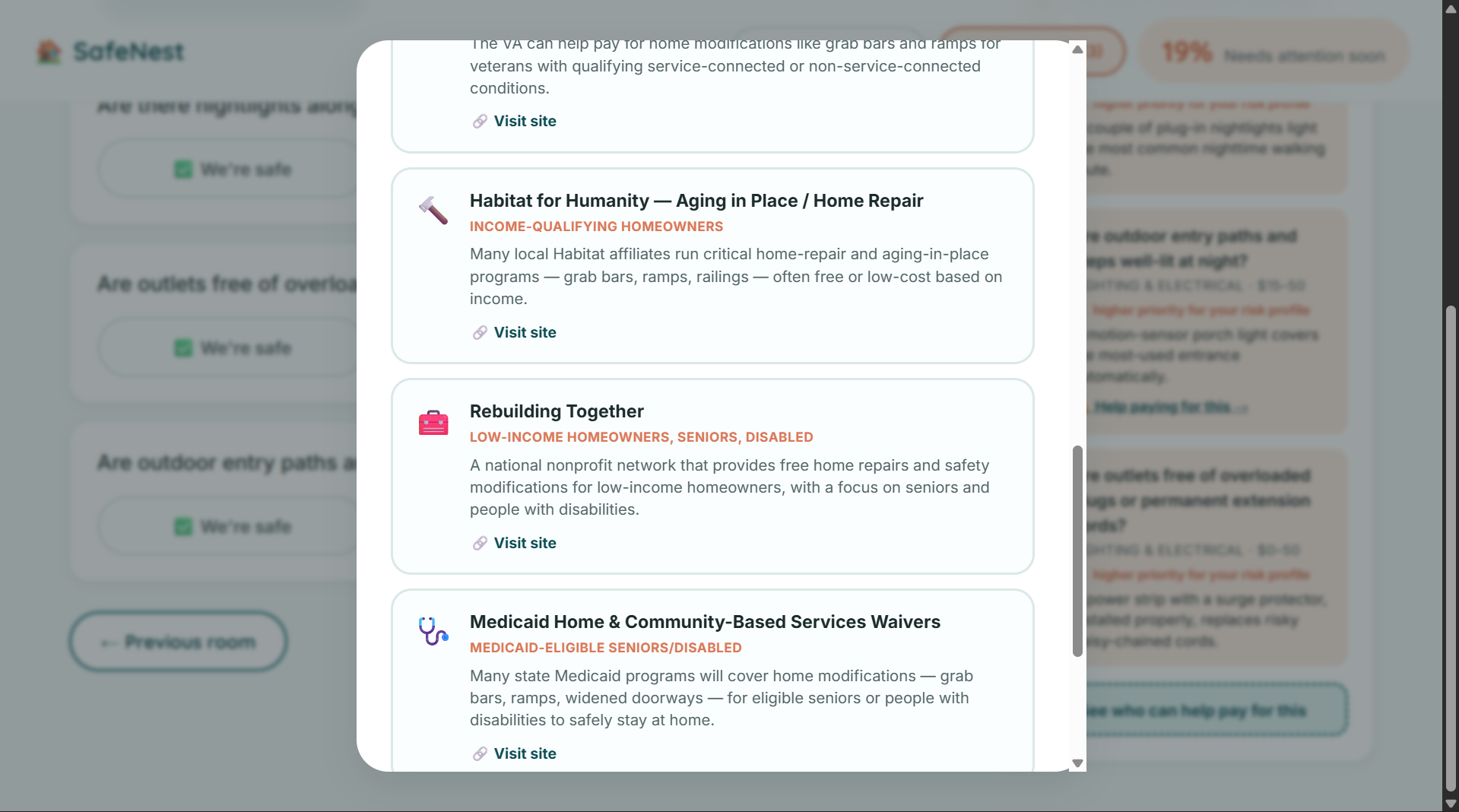
More options for paying renovations
Inspiration
14 million older adults fall every year, and most falls happen at home — most of them preventable (CDC). That statistic is the kind of thing you read once and can't un-see. It's a massive, well-documented problem, and yet almost no consumer tool exists to help an ordinary person walk through their own house and actually do something about it. Professional home safety assessments exist, but they cost money and require scheduling someone to come out. We wanted something free, immediate, and simple enough that the person who needs it most — who might not be especially tech-comfortable — could use it completely alone.
What it does
SafeNest walks you through your home room by room with simple tap-only questions — Safe / Needs Fixing / Not Sure, no typing anywhere in the core flow. As you answer, a live safety score and a ranked "fix these first" list update instantly, no submit button, no waiting.
Room-by-room checklist — 23 real fall-prevention questions across 5 default rooms (Bathroom, Stairs & Hallways, Living Areas & Bedroom, Kitchen, Lighting & Electrical) Add a room — a click-only picker with 9 more room templates (garage, basement, laundry room, home office, entryway, outdoor walkway, closets, guest room, pet area) Live safety score — 0–100%, weighted by how serious each hazard actually is "Fix these first" — ranks every flagged hazard by severity ÷ cost, so a $15 grab bar that prevents serious falls correctly outranks a $150 stair-rail project Household risk profile — personalizes the score and ranking to who actually lives in the home (mobility aid use, prior falls, living alone, etc.), reordering live Fix-it budget — a real dollar estimate for fixing everything outstanding Get help paying — real, free programs that help pay for home safety modifications (Eldercare Locator, 211, USDA Rural Repair Grants, VA HISA, Habitat for Humanity, Rebuilding Together, Medicaid HCBS waivers, NCOA's BenefitsCheckUp), plus a location box that turns a typed zip/city/state into pre-filled search links and an offline best-guess of your state — no location data ever leaves the browser How we built it
Zero dependencies, zero build step, zero backend — plain HTML, CSS, and JavaScript. All scoring logic is isolated into pure, independently unit-tested functions (engine.js), so the priority ranking and risk-profile weighting could be verified correct before ever touching the UI. Everything — every answer, every setting — persists entirely client-side via localStorage. Built collaboratively with Claude (Anthropic) as an AI pair-programmer.
Challenges we ran into
Early on we considered a "point your camera at a room and AI finds the hazards" feature. We had to be honest with ourselves that a real version of that needs a paid vision-model API and a backend, which breaks the zero-cost, zero-backend design the rest of the project holds to. Rather than oversell a fake version of it, we scoped down to something we could fully stand behind: a location box that gives an honest, offline best-guess of your state from a zip code, plus real pre-built search links.
Accomplishments that we're proud of
The "fix these first" ranking and the "get help paying" directory. Most safety checklists stop at "here's what's wrong." SafeNest goes two steps further — telling you what matters most, and then telling you who can help you actually afford to fix it.
What we learned
That the most valuable feature in an accessibility-focused tool is often restraint — cutting typing, cutting steps, cutting anything that isn't a single obvious tap — and that personalization doesn't need to be complicated to be real. Five yes/no risk factors, applied transparently, is enough to meaningfully change what a household should fix first.
What's next for SafeNest
A "mark as fixed" progress timeline so people can track improvement over weeks instead of a one-time score, and a shareable read-only report a family member or caregiver can check in on remotely.
Built With
- css3
- elder-care
- fall-prevention
- html5
- javascript
- localstorage

Log in or sign up for Devpost to join the conversation.