Inspiration
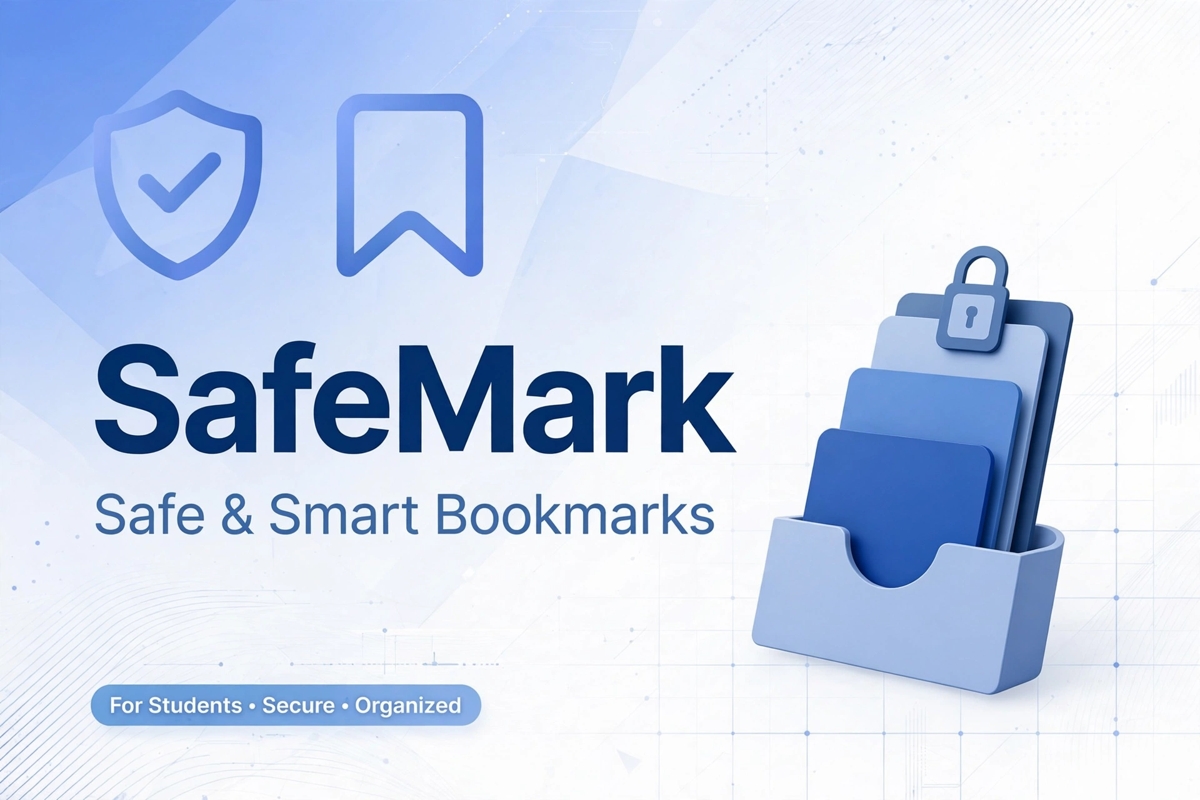
As students, we often save random links while studying and get distracted by unsafe or irrelevant content. We wanted a simple tool that helps students save only safe, educational resources in one organized place. That's how SafeMark was born.
What it does
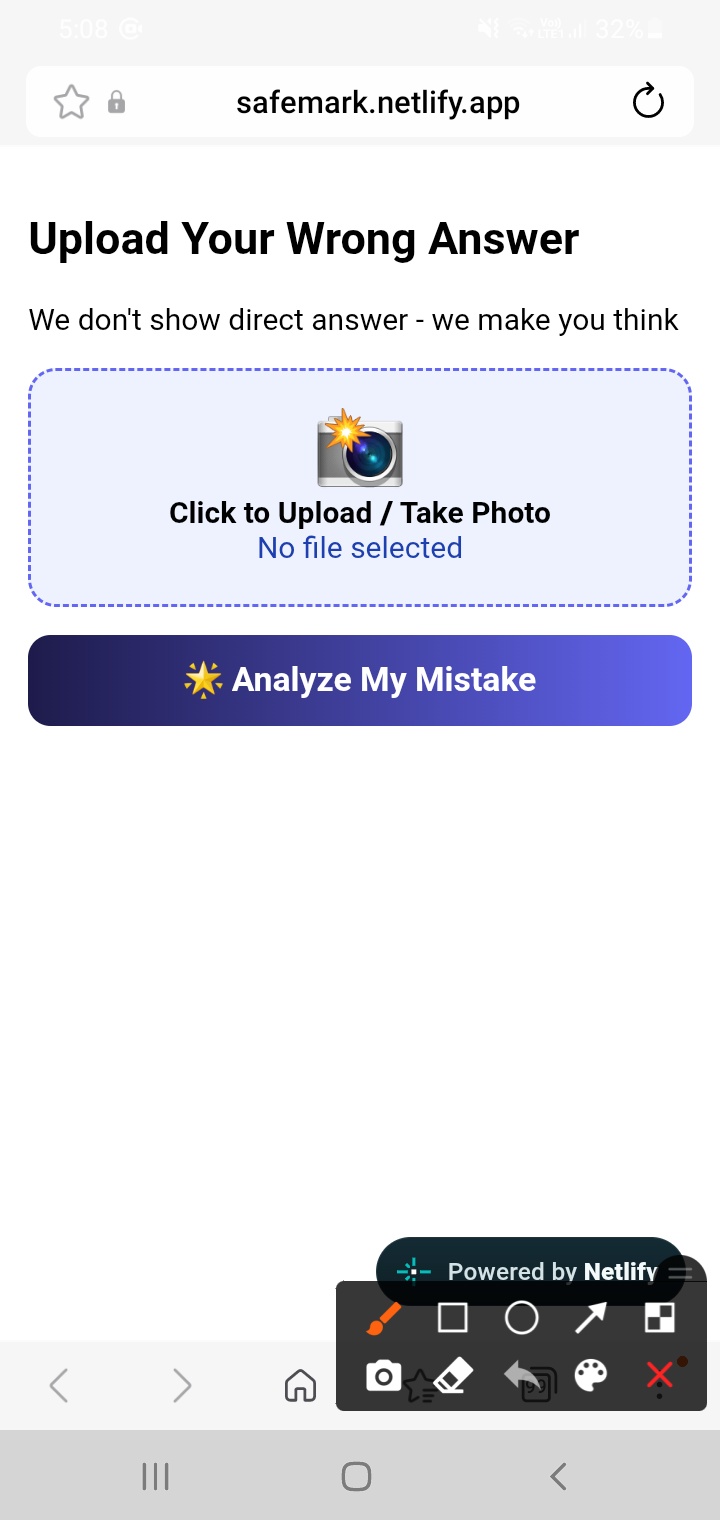
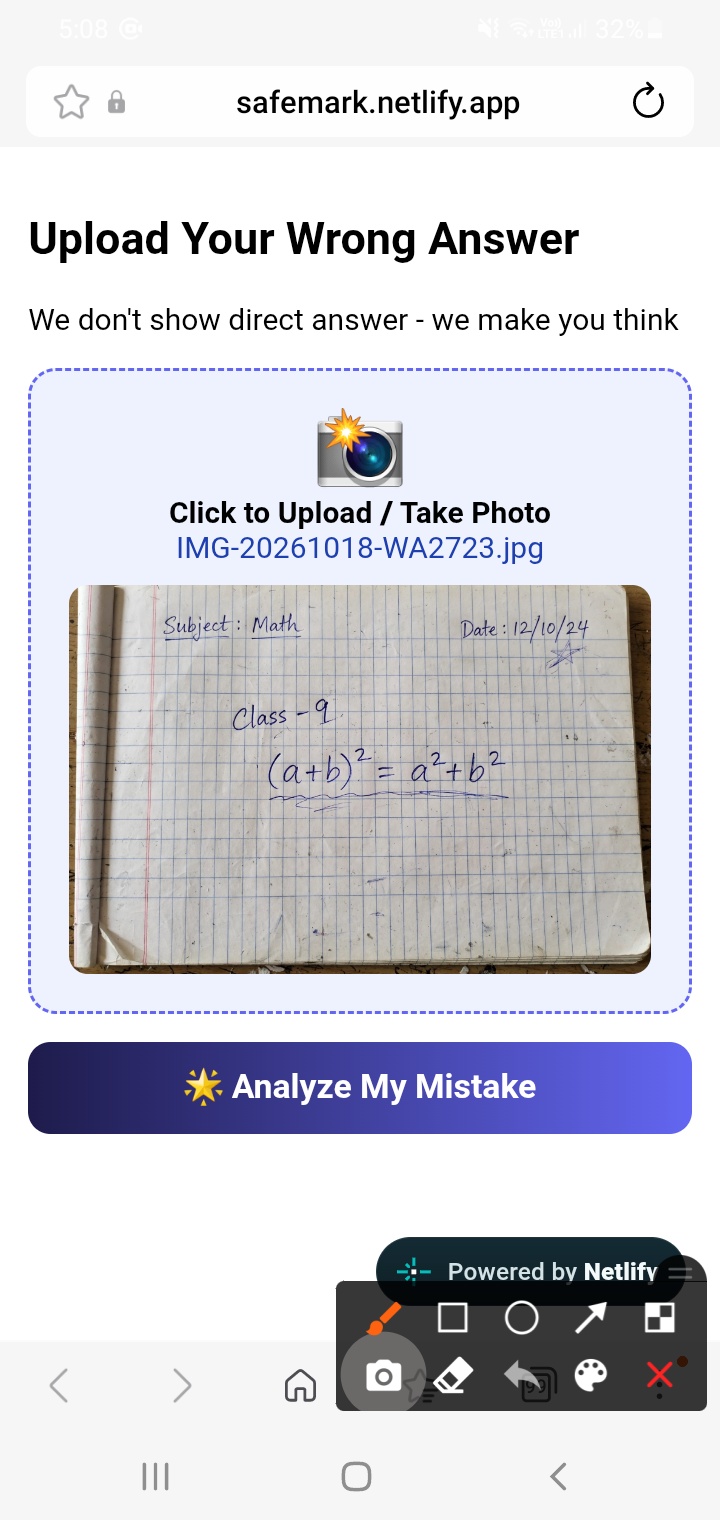
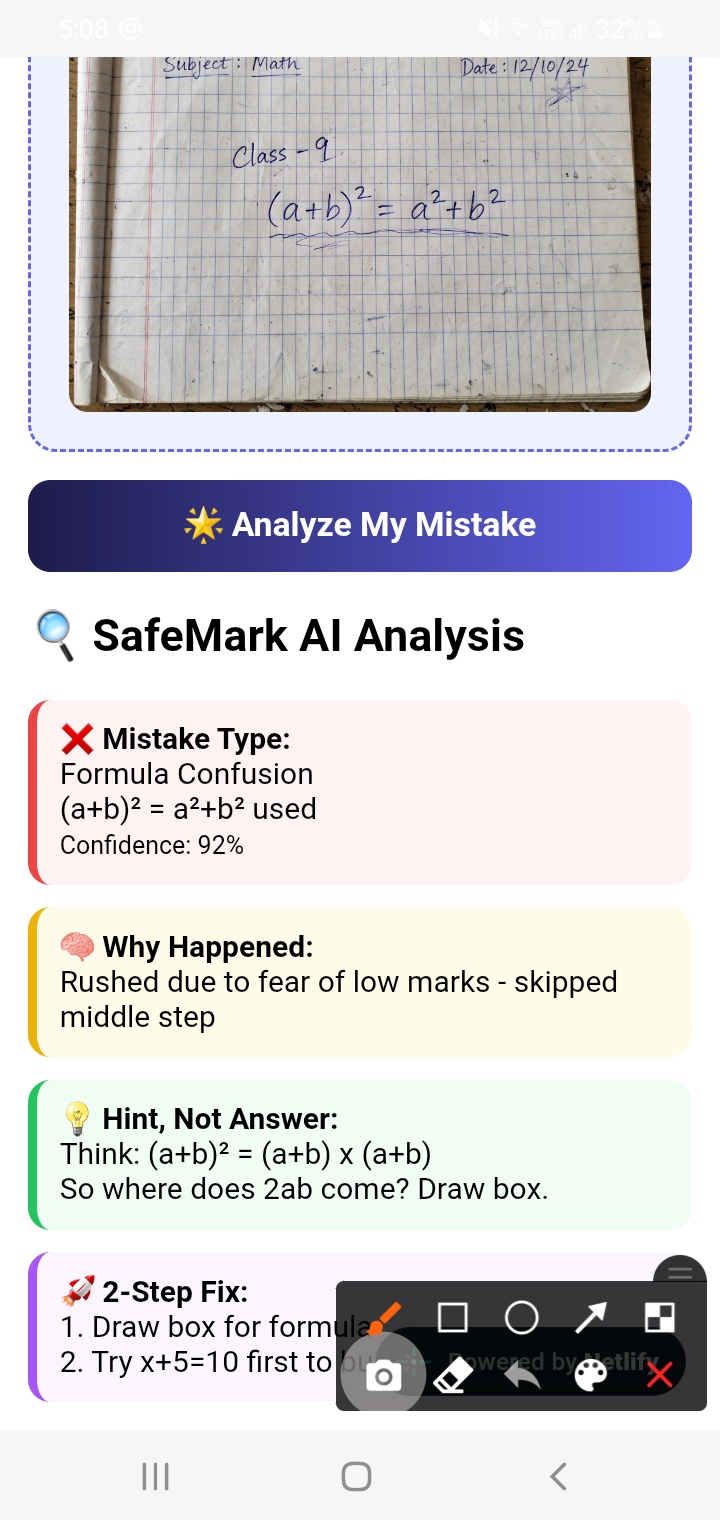
SafeMark is a safety-first bookmark manager for students.
- Save only safe and useful study links
- Organize bookmarks cleanly
- Quick access while studying
- Minimal, distraction-free UI
How we built it
- Frontend: HTML, CSS, JavaScript
- Design: Clean, student-friendly UI with focus on usability
- Hosting: Deployed on Netlify at https://safemark.netlify.app
- Code: Open source on GitHub: https://github.com/tanjibbytes/safemark
We started with a simple layout, then added bookmark save, delete, and safe-link filtering logic.
Challenges we ran into
- Making the UI simple enough for all students
- Handling GitHub Pages vs Netlify deployment (GitHub Pages showed 404 at first!)
- Managing time between exams and building the project
- Creating a demo video and thumbnail that clearly explains the idea
What we learned
- How to deploy a real website on Netlify
- How to write a proper README and make a project public
- Importance of clean UI/UX for educational tools
- How to present a project for hackathons - video, thumbnail, and description matter!
What's next for SafeMark
- Add categories & search
- Add AI-based unsafe link detection
- User accounts to sync bookmarks
- Mobile app version
Live Demo: https://safemark.netlify.app
GitHub: https://github.com/tanjibbytes/safemark
Video: https://youtu.be/S2koAqqMj0g
Built With
- bookmark-manager
- css
- education
- frontend
- github
- html
- javascript
- netlify
- productivity
- responsive-design
- student-tools
- ui-ux
- web-development

Log in or sign up for Devpost to join the conversation.