-
-
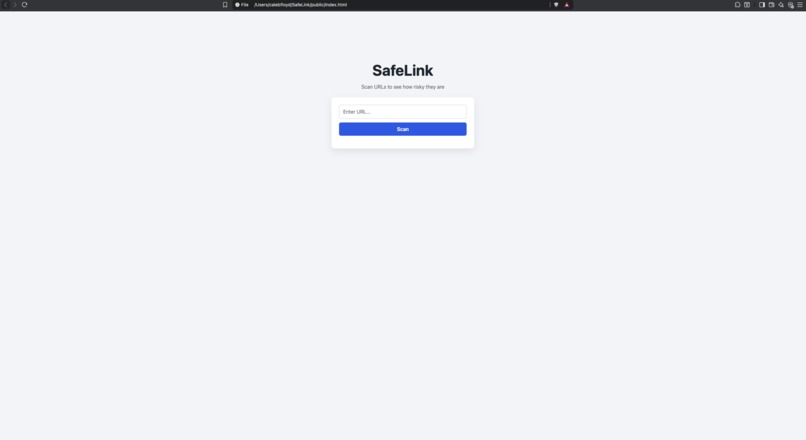
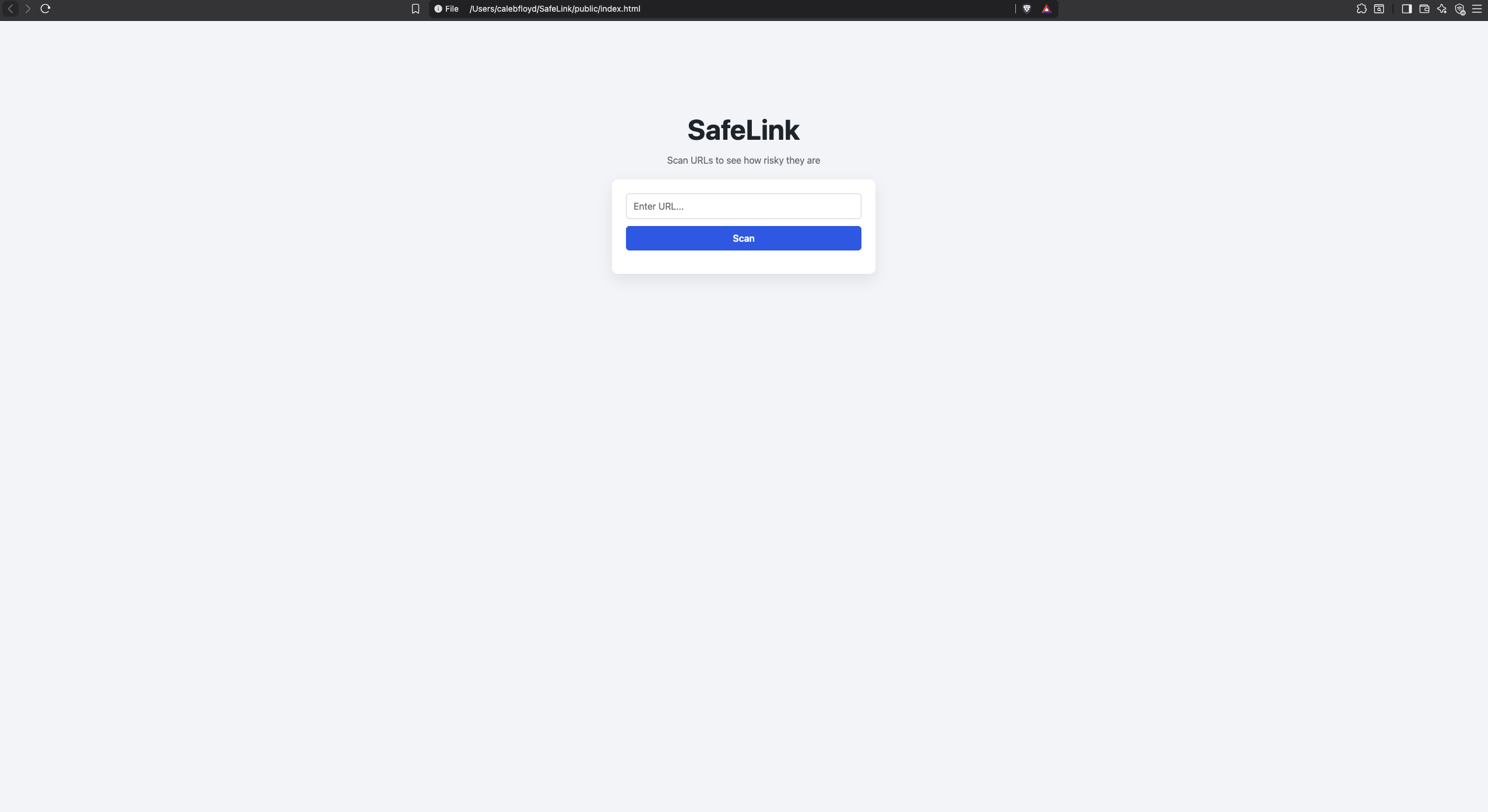
SafeLink's user interface
Inspiration
I was inspired to do this project because my grandmother's company was hacked due to a phishing attack. An employee clicked on a malicious link.
What it does
SafeLink take any url that the user paste into the text box and checks to see how safe it is. SafeLink uses the Google Safe Browsing API to get an updated list of known phishing urls and malicious urls from Google's community. SafeLink also uses common rules to judge what the score of the url should be.
How we built it
I built SafeLink mostly on Saturday. SafeLink has a frontend and a backend. The frontend contains HTML, JavaScript and CSS. The backend is the server that was made with JavaScript and the Google Safe Browsing API.
Challenges we ran into
I ran into 2 major challenges. The first was getting the Scan button to actually scan the url. It was such a challenge because this issue could have been due to many issues. In this case it was getting the server to be connected to the frontend. The other major challenge was getting a score on non phishing urls that were safe but looked sketchy. This required me to rethink how I wanted to score urls and focus on certain patterns.
Accomplishments that we're proud of
I am proud of getting this project done in one day. It was very tough and at times was pretty stressful. I am really happy to have both ends working well together and getting to integrate an API with this project.
What we learned
I learned how to use an API and how to connect that API with a server. I also learned the common rules when it comes to URL safety.
What's next for SafeLink
I think in the next version update, SafeLink with have more pattern recognition and more checks to make sure the urls are 100% safe. If the url passes in SafeLink now, chances are it is safe. But as technology gets more advanced, so do threats. That is why SafeLink needs to continue to upgrade. So that it can continue to protect people.


Log in or sign up for Devpost to join the conversation.