-
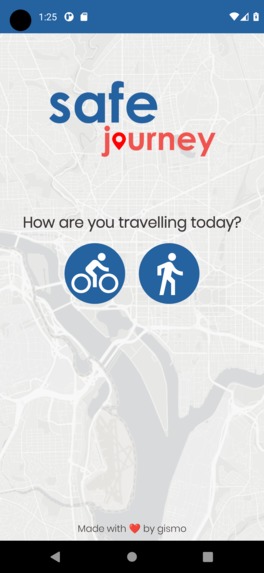
Home screen
-
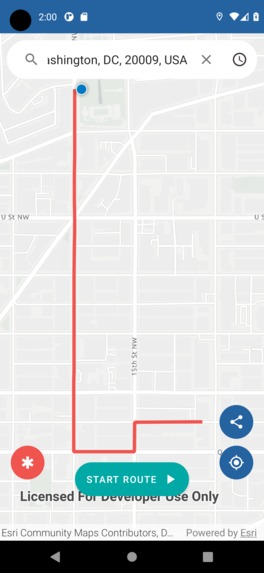
Finding a route
-
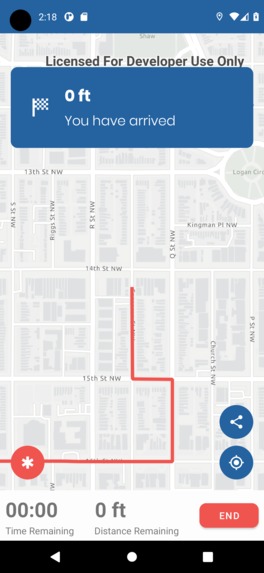
Arriving at your destination
Inspiration
Walking or biking in cities can be unsafe, in fact 37% of U.S. adults say they would not feel safe walking alone even near their home at night. We wanted to provide safer routes for people to get to where they need to go in once piece.
What it does
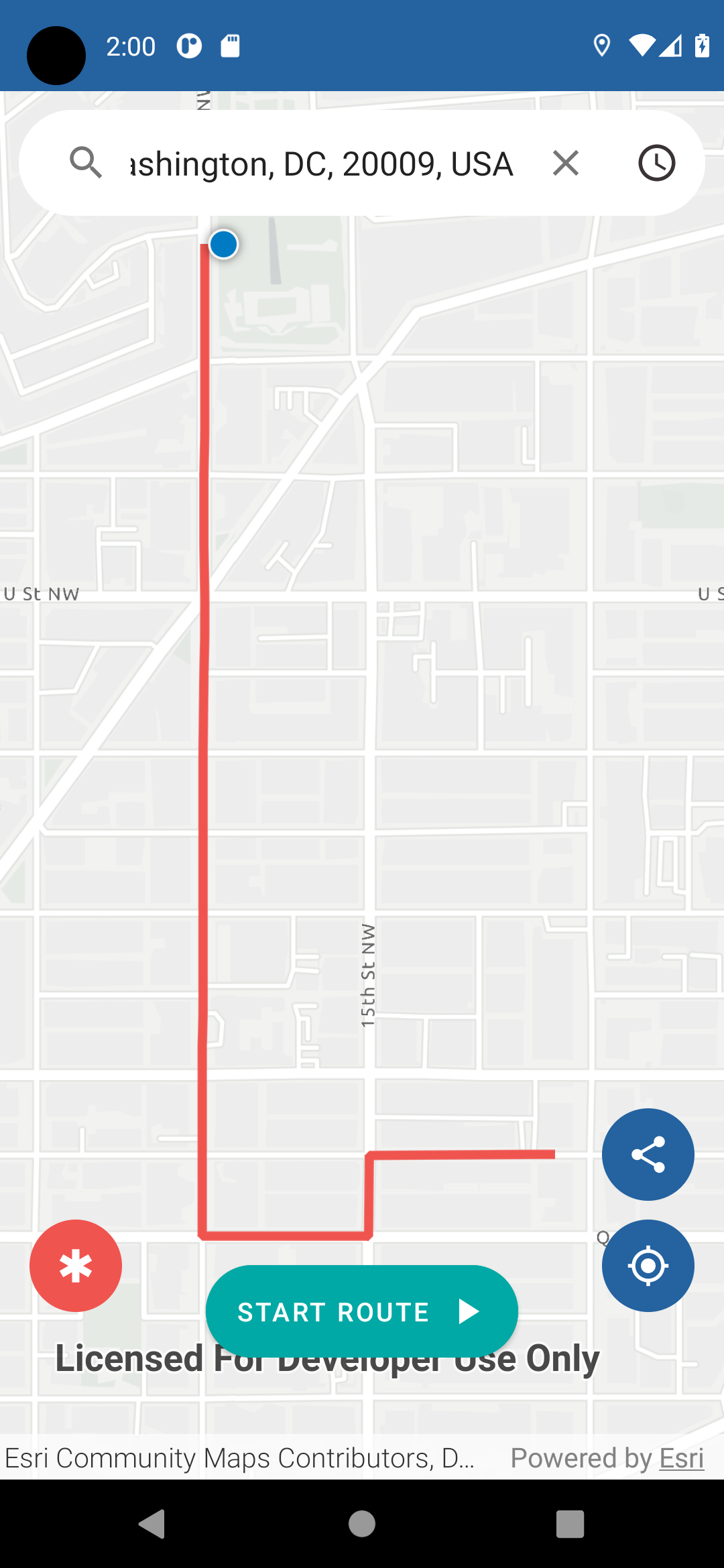
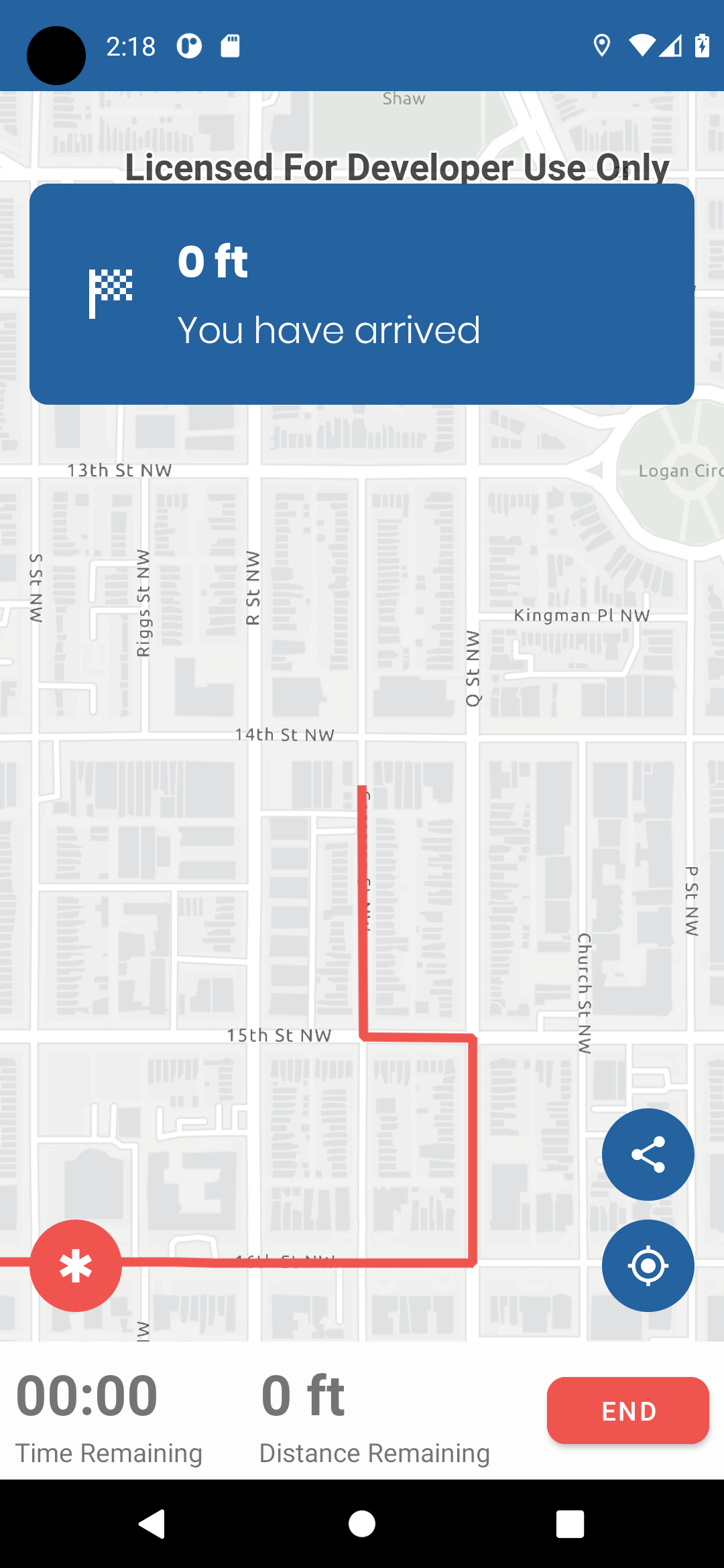
safejourney is a navigation app that allows the user to find the safest route to a given destination. safejourney will then direct the user as they walk the route keeping them on a safe and away from potentially unsafe areas in the city they live in.
How we built it
We crafted an ArcGIS Feature Layer containing aggregated crime data throughout the city of Washington D.C. to discover and highlight points of high risk activity to people using active transport.
The types of crime we emphasized in our model were: Theft, homicide, and assaults. We also included points from the sex offender registry in order to keep our users more informed.
By utilizing the ArcGIS Runtime for Android, as well as Esri's powerful geocoder and routing network analysis tools, we were able to select safe and smart routes for users, actively avoiding these high risk areas where possible.
Challenges we ran into
Our biggest challenge was getting the route generation to go around the high risk areas. Initially we told the routing system to completely avoid these areas, but then it would not be able to find a route to certain areas that were surrounded by high risk spots. So we needed to weight the roads with high risk areas instead of completely avoiding them. Getting the weights loaded into the map and for the routing system to take these into account was our greatest challenge and is something that could still be improved for the future of this app.
Accomplishments that we're proud of
We love how user friendly the app looks and feels. We put a lot of thought into the design and user experience and are very happy with the result. This is also an app that the team feels that people would use on a daily basis and improve many people's daily life.
What we learned
- Android development
- How to use Figma to design a UI for a mobile app
- How routing works with the ArcGIS Runtime API for Android
- Marketing and presenting a product of our own
What's next for safejourney
- Incorporate more safety factors like proximity to public safety, population density, time of day, and openness of the street
- Incorporate machine learning in some way to generate safe routes
- Add an emergency button that will text a trusted contact if the user is in danger
- Support more cities in the U.S and the rest of the world
- Allow users to enter “incidents” as they travel a route. These would be point locations (with a description) that could be displayed with various symbols (“asked for money”, “verbally accosted”, “homeless camp”, etc.).
- Give the user multiple route to choose (they may want to take a shorter route that might be more dangerous)
- Use the data to evaluate ways to improve dangerous areas. Find good places to add new street lights, cameras, or increase police presence.
Built With
- arcgis-runtime-api-for-android
- arcgispro
- kotlin


Log in or sign up for Devpost to join the conversation.