-
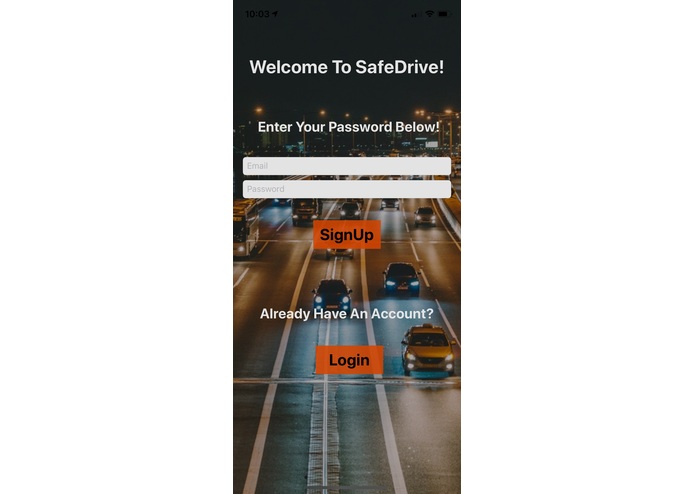
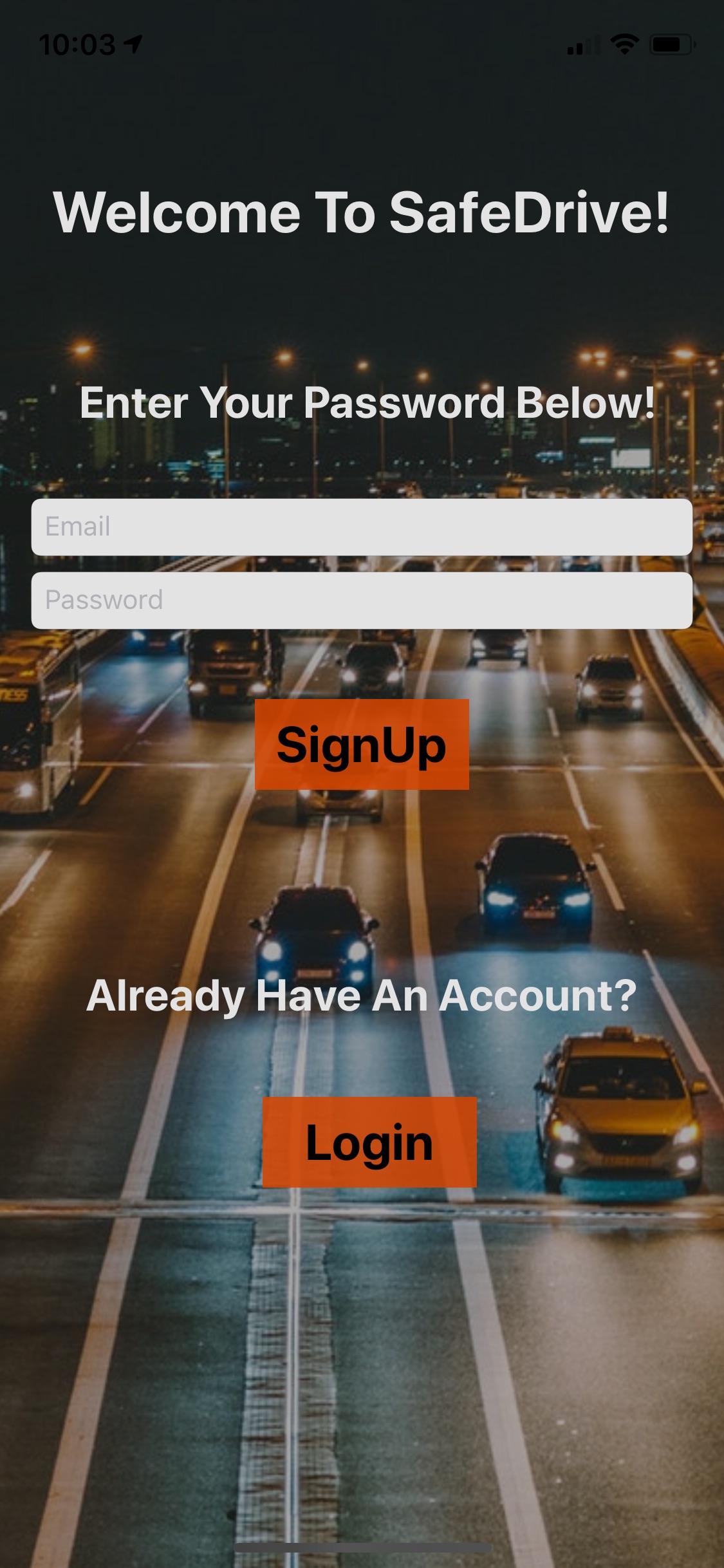
The initial login page which allows receivers to show exactly who is sending the message.
-
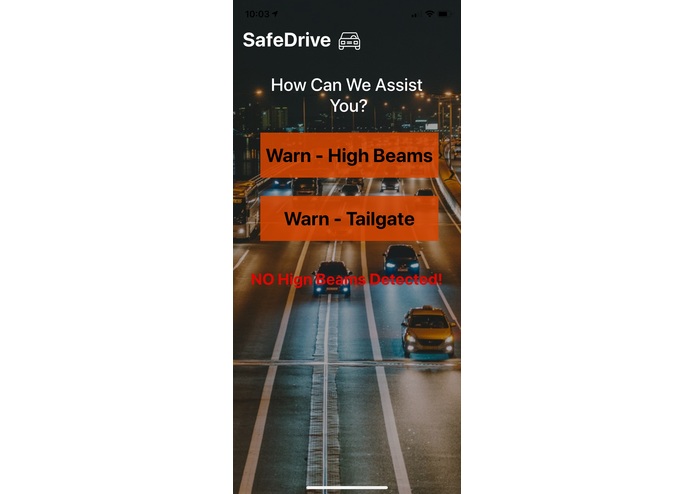
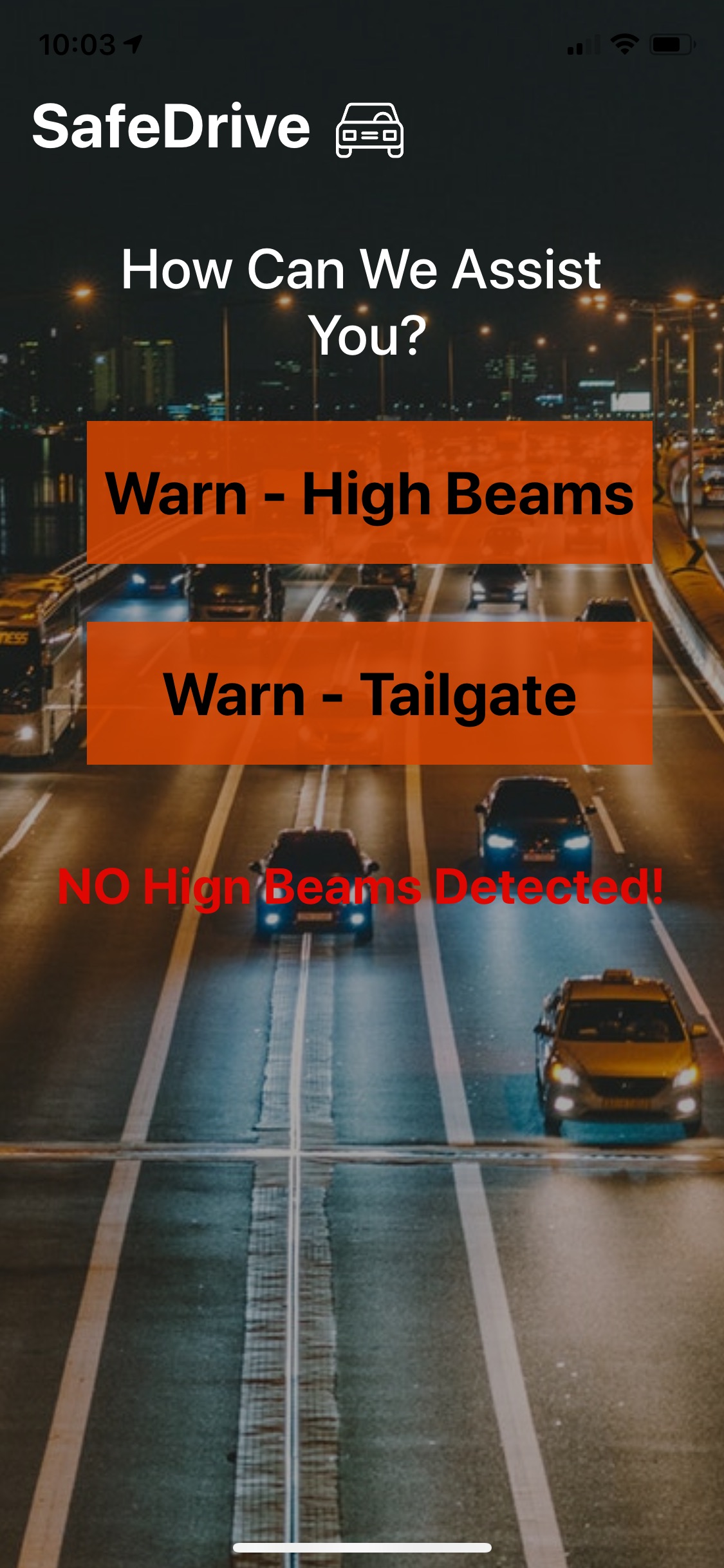
A screen showing a user checking if there are high beams turned on behind them.
-
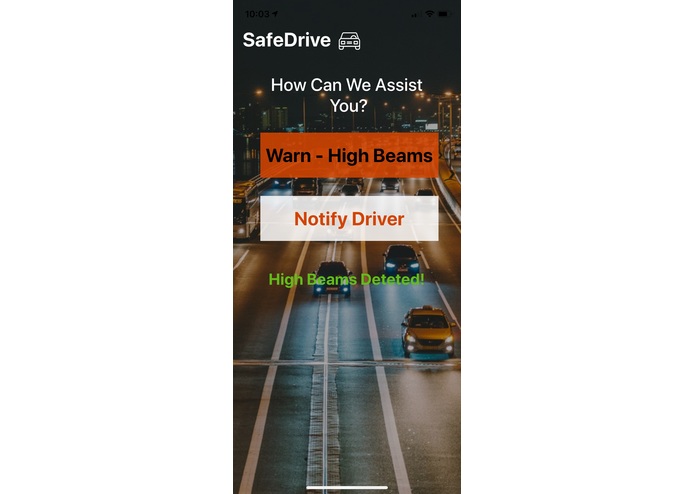
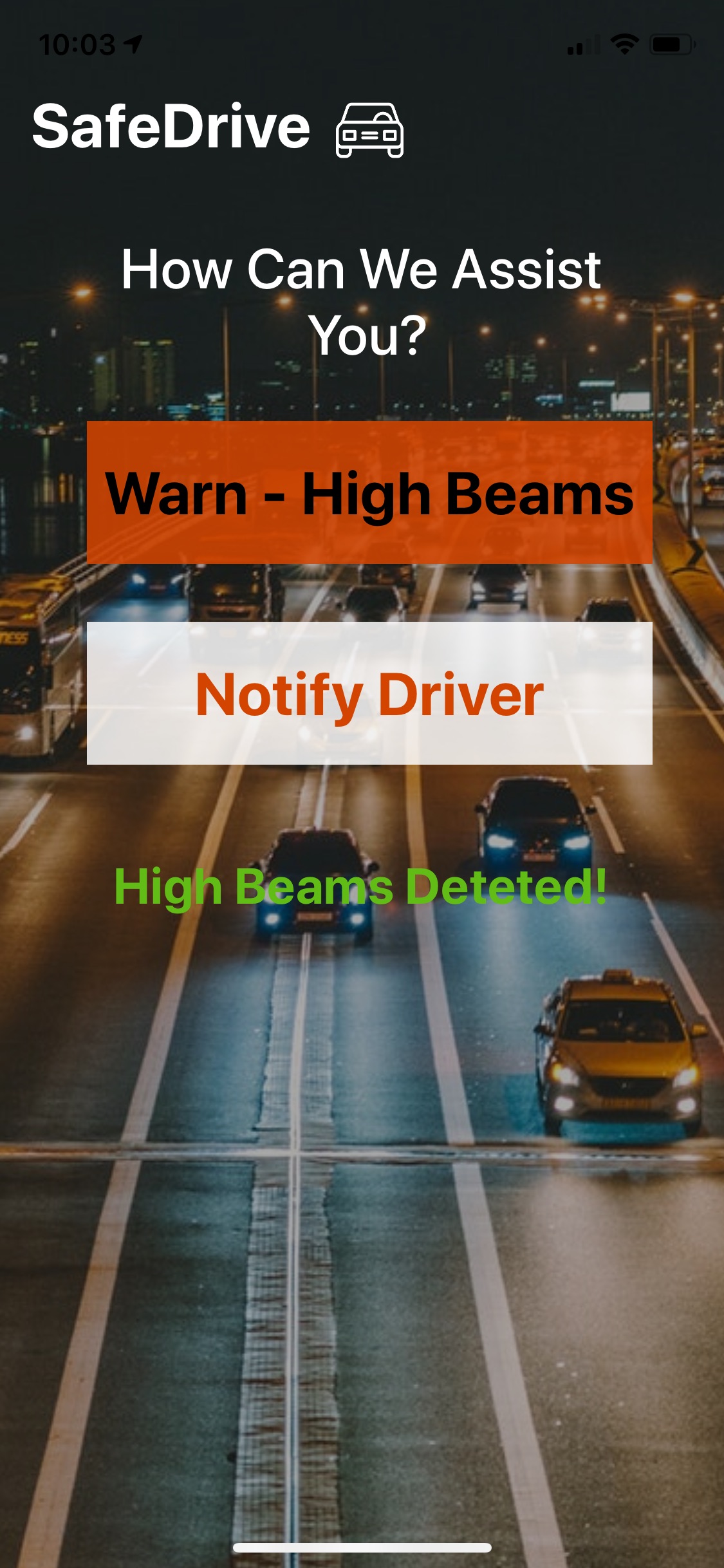
This screen shows high beams being detected and allowing the user the option to send a message to that driver
-
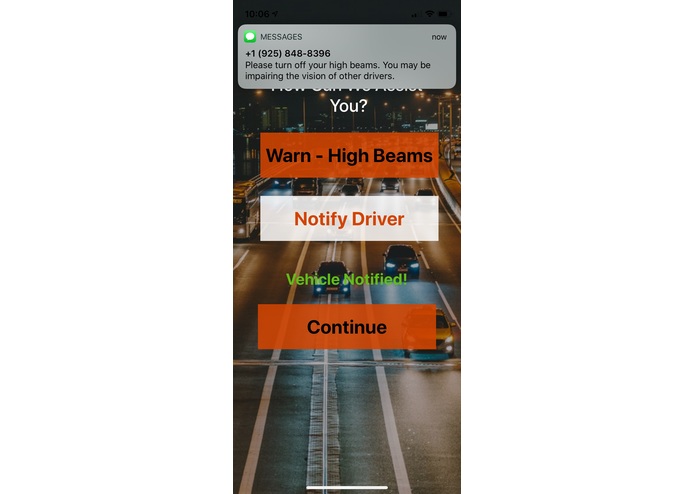
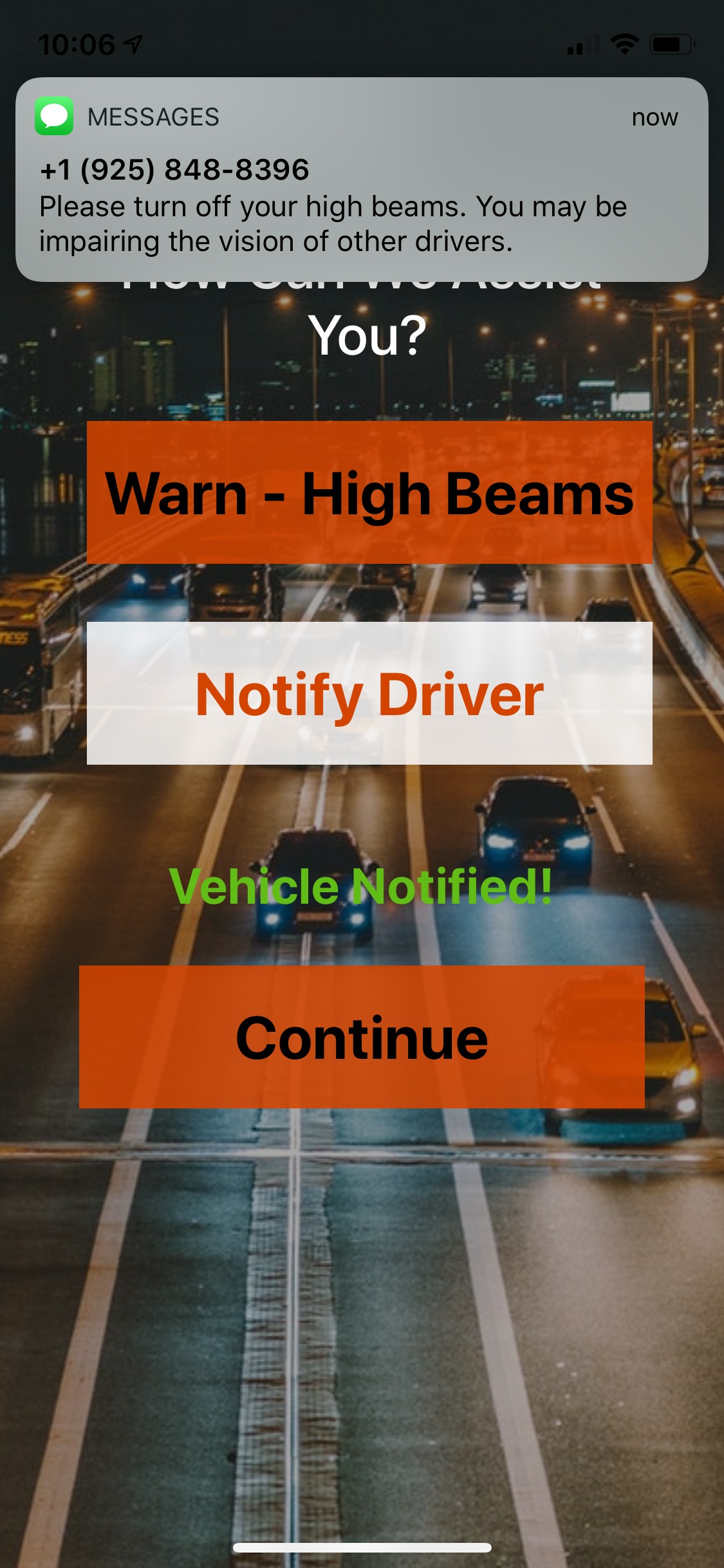
This is the message that will appear on the DASHBOARD of the driver at fault!
Inspiration
Muntaser had the idea of making cars safer. He noticed that many drivers forget to turn off their high beams and tend to tailgate.
What it does
SafeDrive is on mobile and on dashboards of cars. If a user feels that the car behind them is using their high beams and/or tailgating them, the user can use the dashboard of their car and/or their mobile device to send messages through Twilio's API to the driver who is doing this. There is also authentication to check that the driver in question is actually using their high beams and/or tailgating them. This authentication uses machine learning and hardware.
How we built it
We used Node.js, Google Plus API, Twilio API, and Google Cloud for the web application that simulates the dashboard of the cars.
We used Swift, Twilio API, Alamofire, CocoaPods, and Firebase for the mobile app.
We used Raspberry Pi and Arduino and machine learning for the authentication of the actions.
Challenges we ran into
Integrating APIs for both projects given that it was our first time doing back end web development and Swift.
Not having enough time to implement a server to use Smartcar API to send users crash notifications and locations.
Accomplishments that we're proud of
Having both a web application (to simulate the car dashboard) and iOS application that uses hardware and machine learning with Twilio API messaging.
What we learned
New languages in Swift and Node,js, and new APIs in Twilio API.
What's next for SafeDrive
Implementing SmartCar API to give users crash alerts and location alerts.
Built With
- alamofire
- arduino
- cocoapods
- css
- firebase
- google-cloud
- google-plus-api
- html
- machine-learning
- node.js
- raspberry-pi
- swift
- twilio


Log in or sign up for Devpost to join the conversation.