-
-
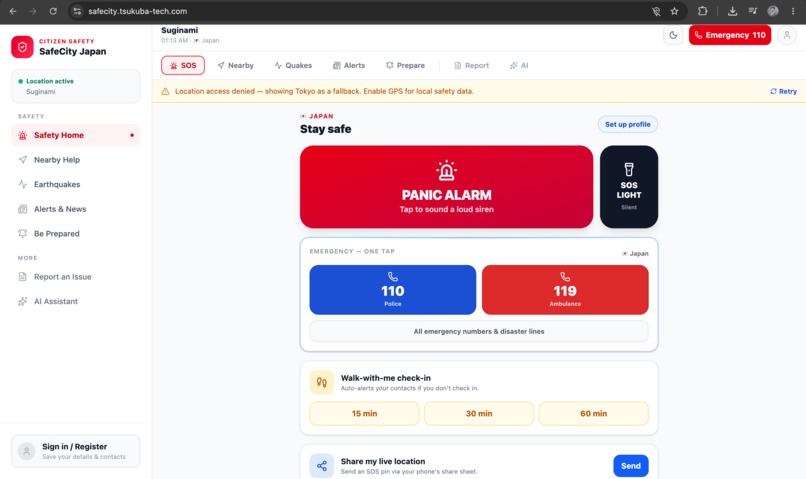
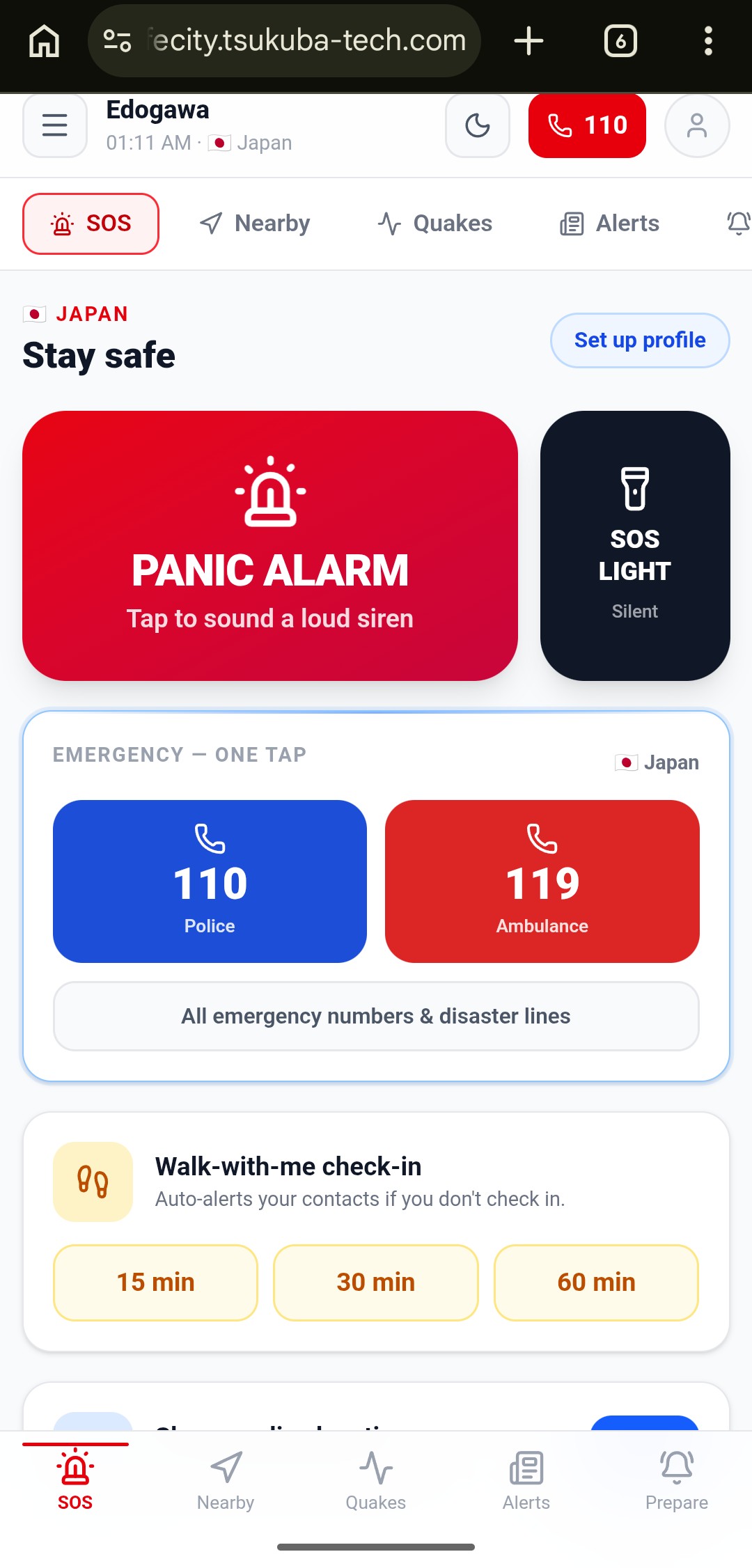
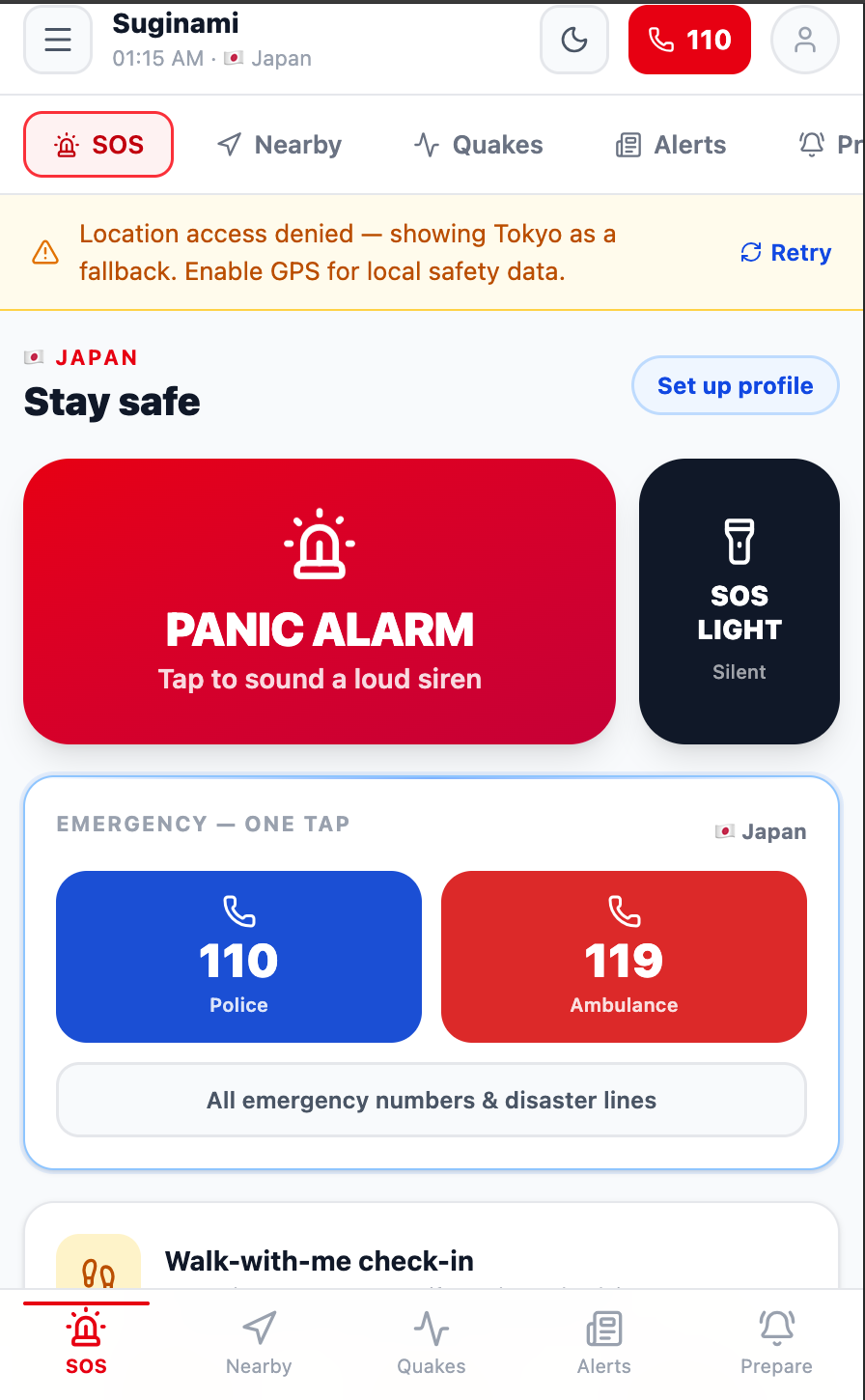
Accessible via Laptop
-
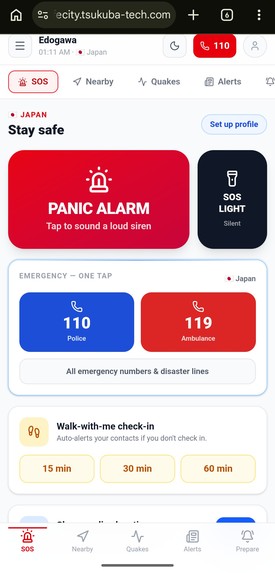
Accessible via Iphone/Smartphone
-
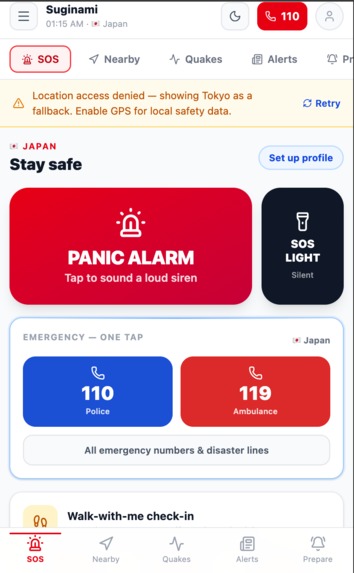
Accessible via Ipad
Inspiration
We were inspired by the idea of a traveler/tourist arriving in an unfamiliar city and not knowing who to call, where to go, or what to do during local emergencies. SafeCity was created from the thought: what if safety information just adapted to you, and every requirement was a button press away?
What it does
SafeCity is a centralized safety app that auto-detects your region/country and finds the most relevant safety information for that location — including:
- Local emergency numbers (police, ambulance, etc.)
- Natural disaster protocols (earthquake, typhoon, flood, etc.)
- Nearest hospitals, shelters, pharmacies, and police stations
- Real-time alerts or advisories relevant to the region
In addition, SafeCity also provides tips for preparing for any disasters, a "report an issue" option and an "AI Assistant".
How we built it
Location & Country Detection: navigator.geolocation.getCurrentPosition detects your location with a Tokyo fallback. Then reverseGeocode() hits the OpenStreetMap Nominatim API, returning city, prefecture, postcode, and country. The resolved country code drives emergency numbers, news region, preparedness resources, and AI assistance context
Emergency Numbers: lib/emergency.js is a static JSON library storing police, ambulance, fire, and general emergency numbers for ~50 countries, served instantly with no API call
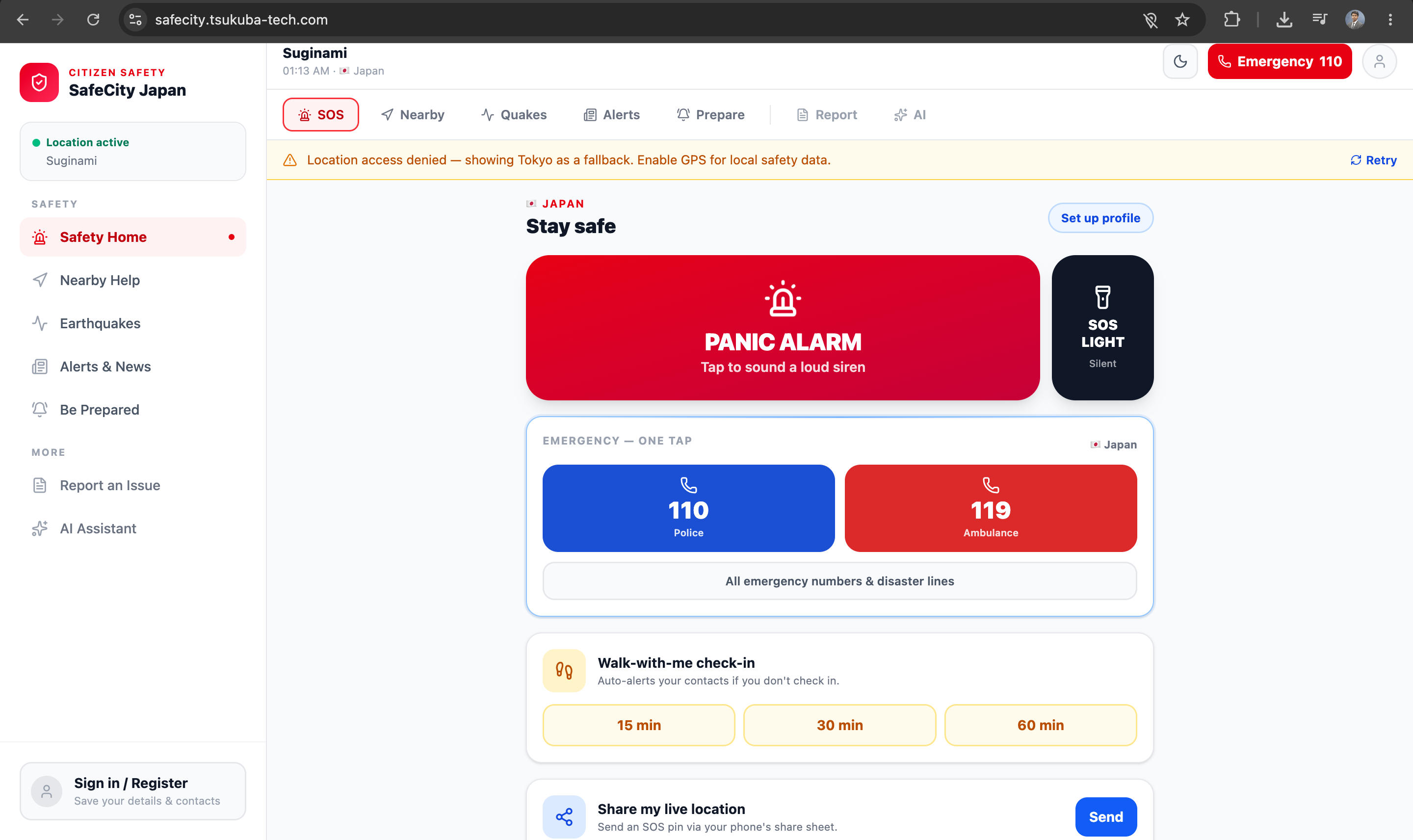
Panic Alarm: lib/safety.js generates a two-tone siren using the Web Audio API — no audio files required Triggers navigator.vibrate simultaneously and overlays a full-screen red strobe for maximum effect
SOS Light Beacon: A silent "beacon" mode that flashes a white/black strobe in real Morse code via a precisely timed sequence — designed for signaling rescuers without sound
Nearby Help Map: Leaflet.js map querying the Overpass API (OpenStreetMap) for hospitals, police stations, fire stations, and pharmacies within a configurable radius
Earthquake Alerts: Live data from the USGS FDSN GeoJSON feed — earthquakes within 800km over the last 30 days
Local News: Google News RSS feed with a country-localized query, displaying news relevant to the detected region
Walk With Me: A check-in countdown timer — if the user doesn't tap "I'm safe" in time, it automatically fires shareLocation() and triggers the alarm
Share Location: Builds an SOS message with a Google Maps pin, routed via navigator.share → SMS to a saved contact, with clipboard copy as fallback
AI Assistant: Locally hosted Ollama instance — no cloud, fully on-device and private Weather and air quality from Open-Meteo are injected as context into each prompt
Theming: Light and dark mode support via Tailwind CSS, configured in index.css
Challenges we ran into
Ollama Llama3.2:b: Due to our current hardware setup, the model responds with significant latency, highlighting an area for improvement as the app scales. A more capable CPU/GPU or a cloud-hosted model would substantially reduce response times in a production environment.
Multiple APIs: Working within budget constraints, sourcing multiple free APIs for maps, weather, earthquakes, and news proved challenging — several providers switched to paid tiers beyond a limited number of API calls.
Centralized Emergency Numbers Database: Finding a single, reliable database or structured JSON containing emergency contact numbers across different countries was difficult, as no comprehensive, standardized source readily exists.
Accomplishments that we're proud of
Applying our technical skills to build a working product with a real-world purpose — helping people stay safe regardless of their location — gave us the opportunity to demonstrate how technology can be a meaningful tool for personal security.
Integrating AI for the first time by connecting Ollama for AI features was entirely new territory for our team. Getting it designed and functional — even with the current performance limitations — has encouraged us to explore further AI agent development and deploy similar solutions to reduce manual work and improve efficiency.
Our collaboration and time management were key strengths throughout. We maintained a shared schedule that balanced project milestones against each team member's personal commitments, keeping us on track to deliver on time.
What we learned
- To build something forward-looking, you have to start today — developing this software gave us a concrete perspective on how a product can evolve into something powerful enough to define a smarter, safer city.
- Working as a team broadened our thinking on features and reinforced the value of gathering user feedback for a better experience.
- How to take a raw idea and shape it into a tangible, functional product.
- Practical skills in app development and AI agent integration.
- A deeper understanding of application architecture and infrastructure.
What's next for SafeCity
Native mobile apps (iOS/Android) with offline mode — critical when connectivity drops during disasters
Push notifications for regional emergency alerts, integrating systems like J-Alert (Japan) and Wireless Emergency Alerts (US)
Upgraded AI assistant with a cloud-backed model option for faster, more accurate responses
Multi-language support to serve local populations, not just English-speaking travelers
Expanding emergency coverage beyond the current ~50 countries to full global support
Built With
- css3
- framer-motion
- html5
- leaflet.js
- react
- tailwind
- vite


Log in or sign up for Devpost to join the conversation.