-
-
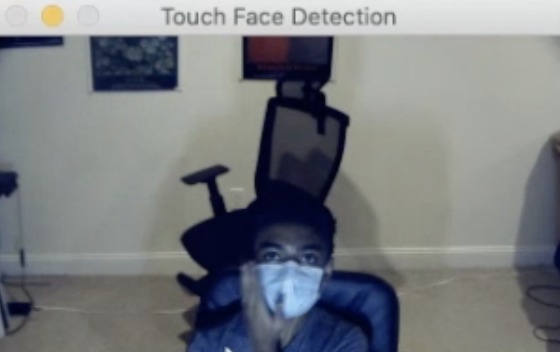
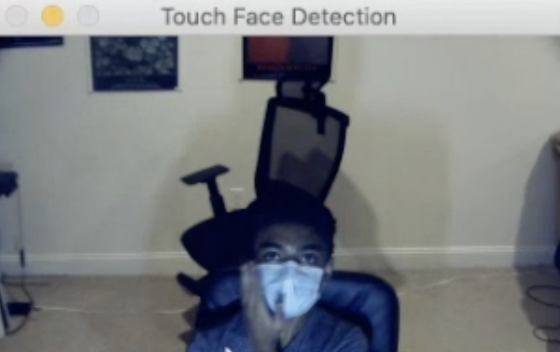
Screenshot of Touching Face Detector
-
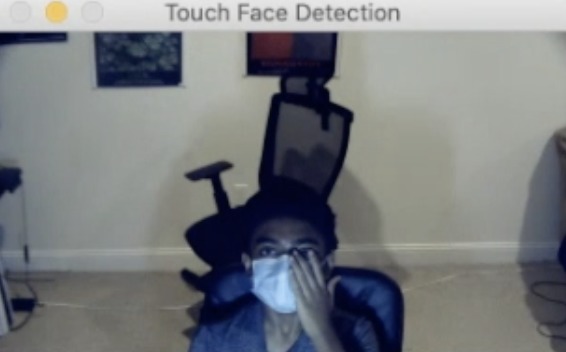
Screenshot of Touching Face Detector
-
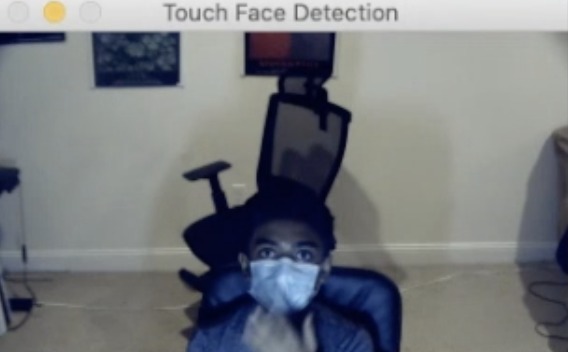
Screenshot of Touching Face Detector
-
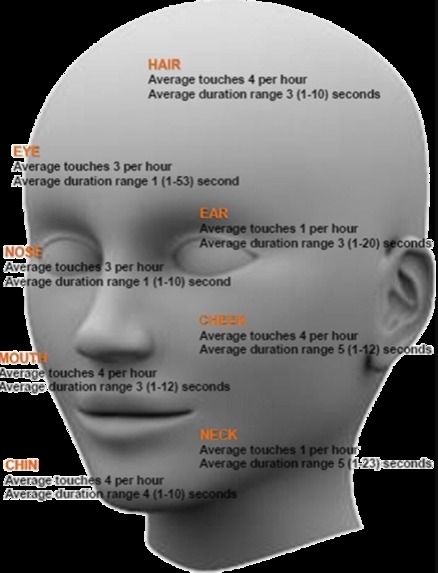
Problem infographic
-
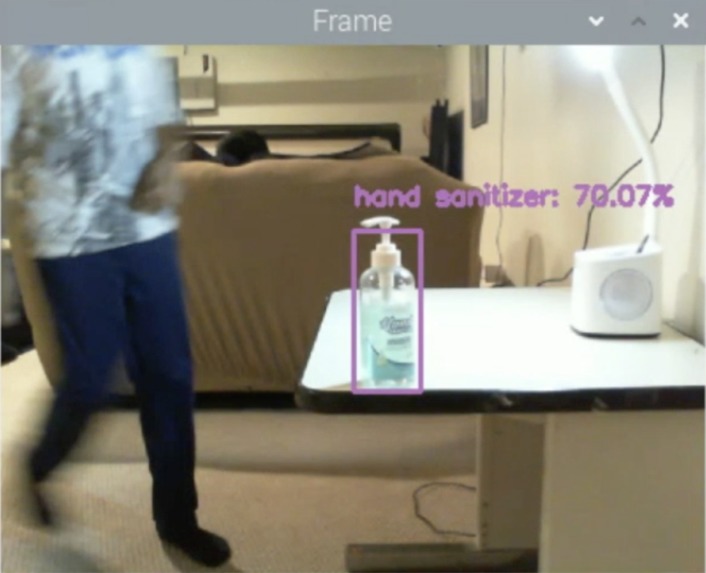
Screenshot of Hand Sanitizer Reminder
-
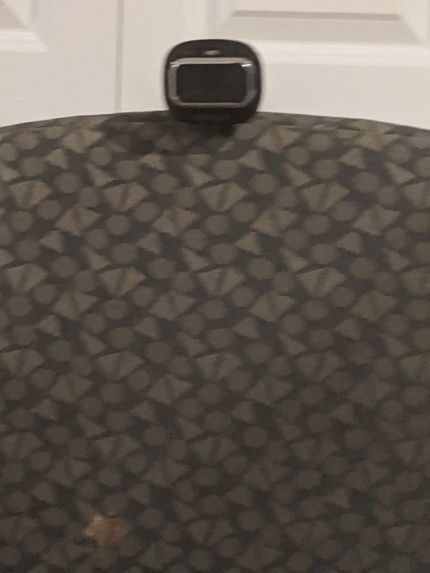
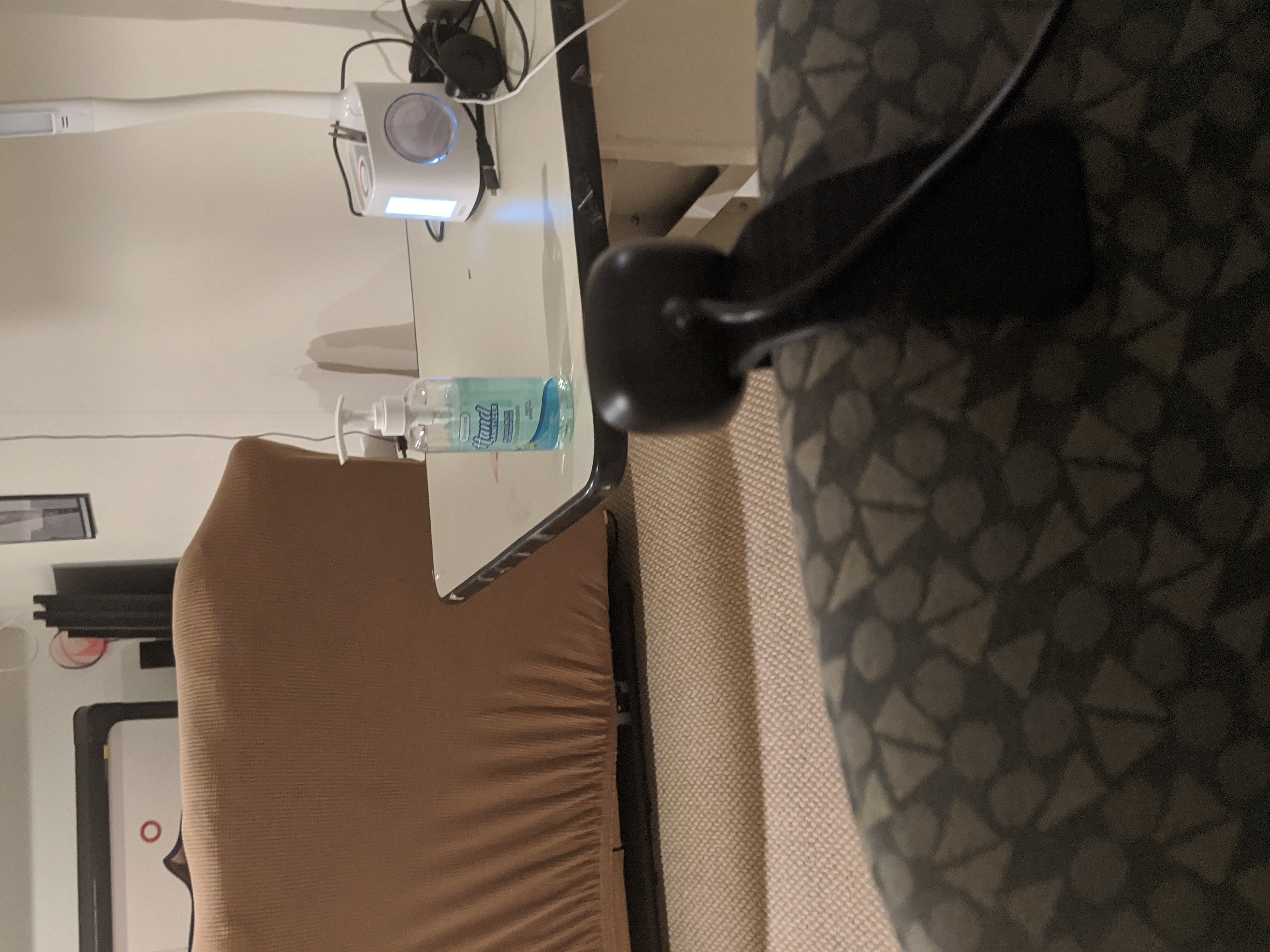
Hand Sanitizer Reminder Camera
-
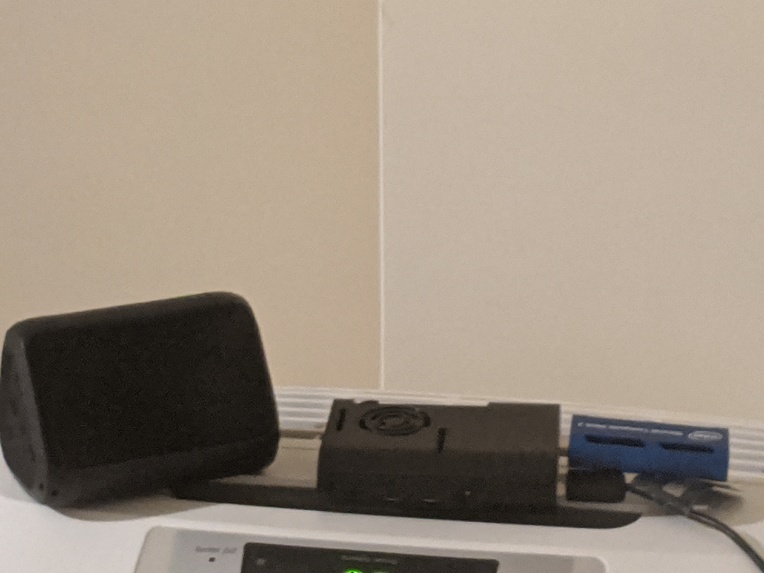
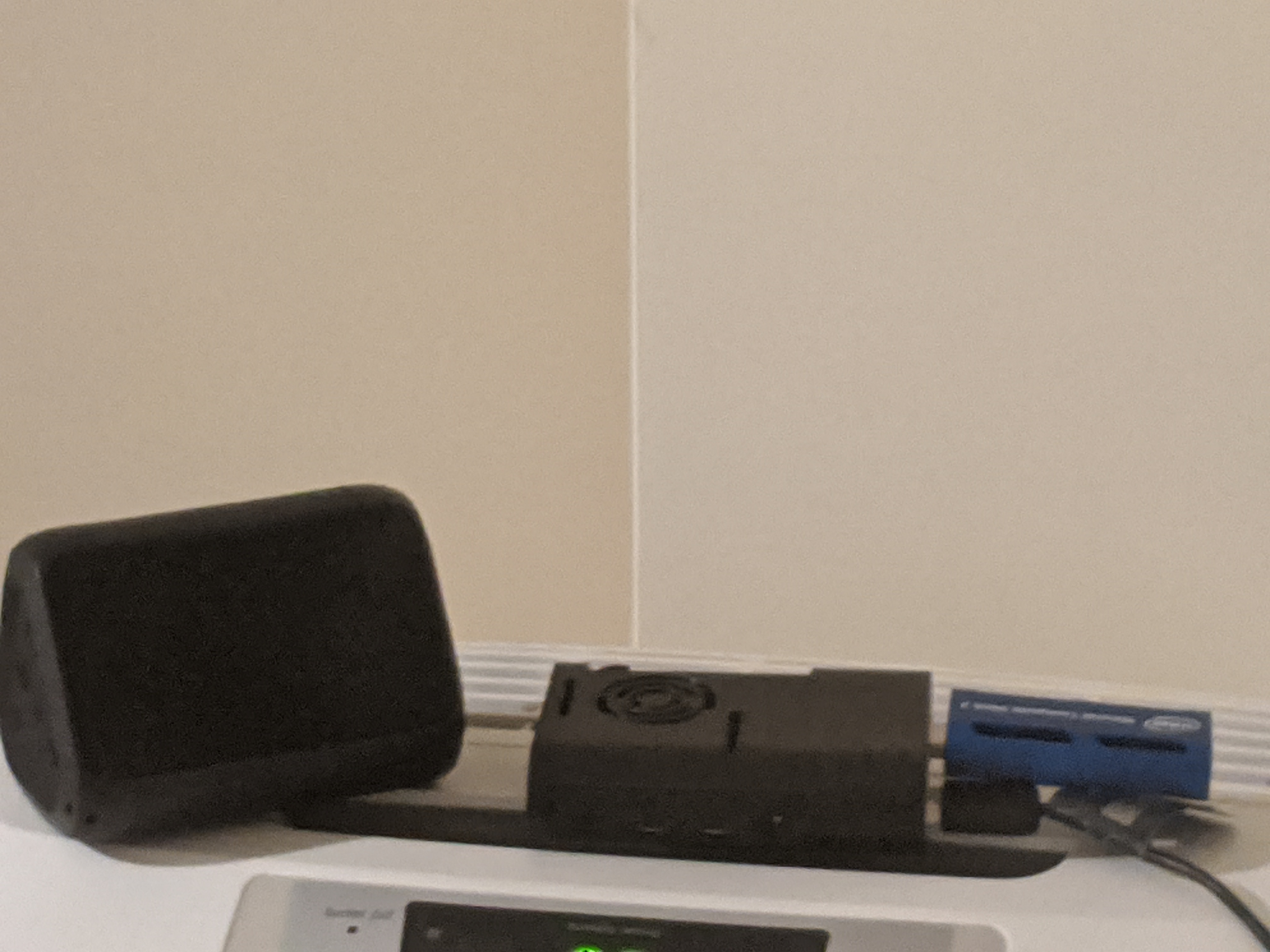
Hand Sanitizer Reminder Pi + Speaker + Movidius Stick
-
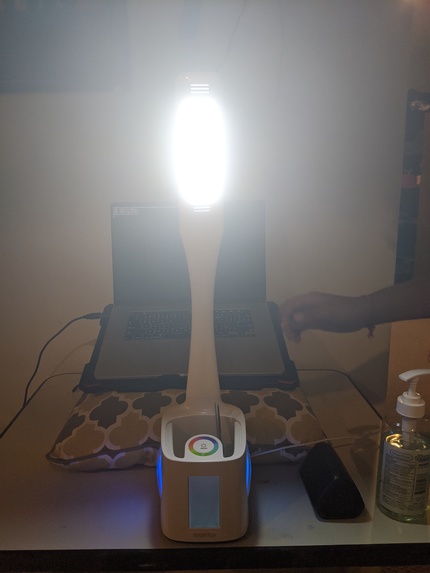
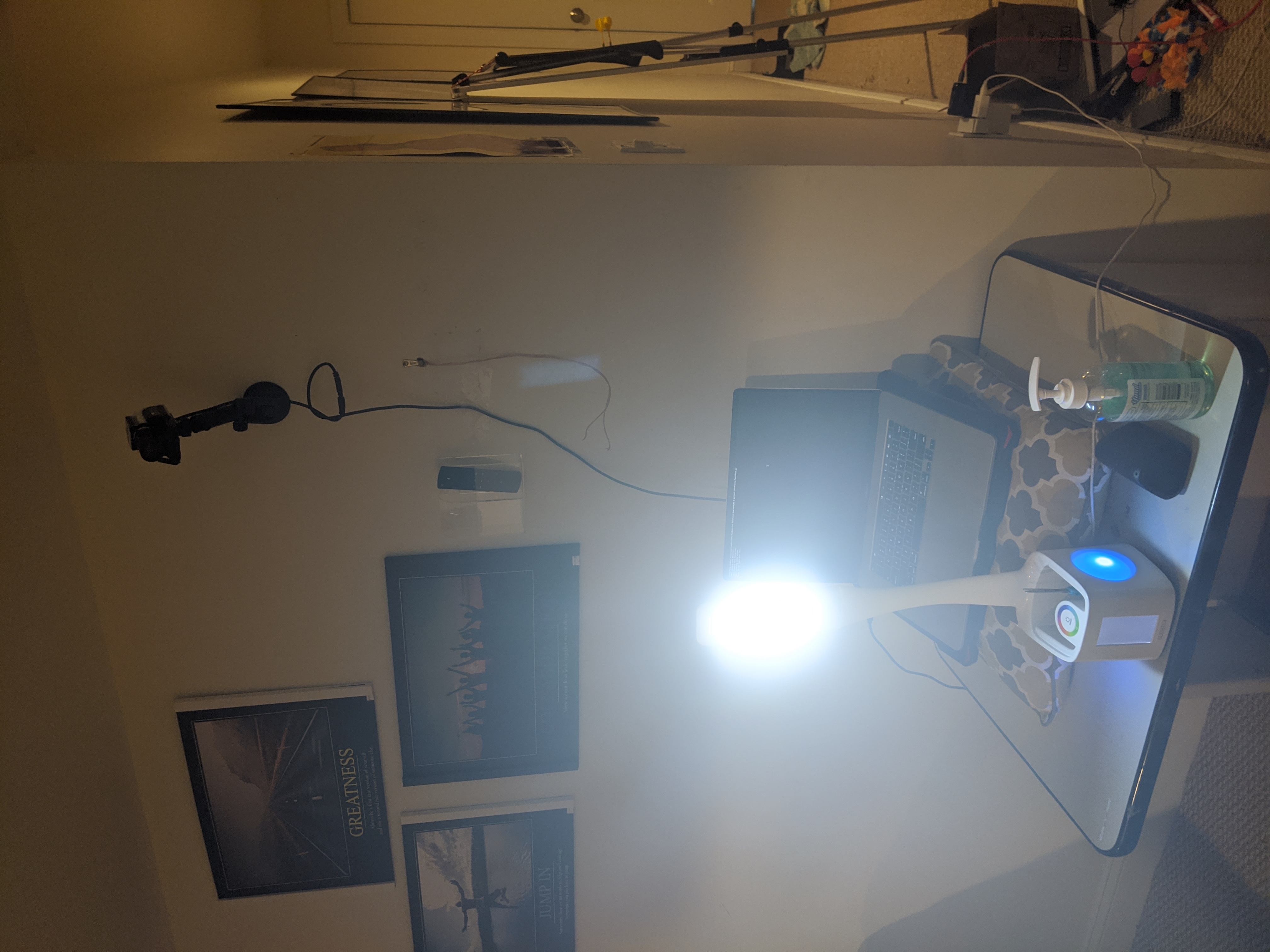
Touching Face Detector Setup
-
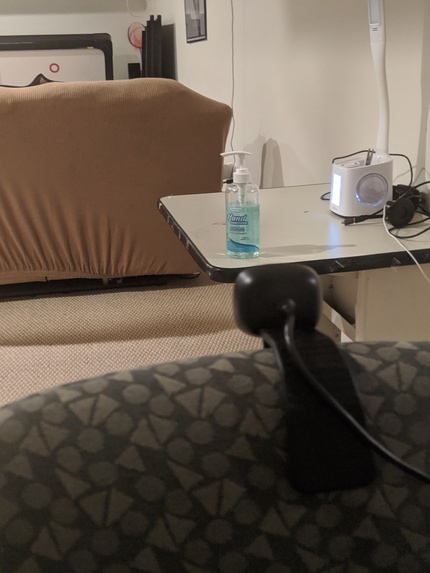
Hand Sanitizer Reminder setup
-
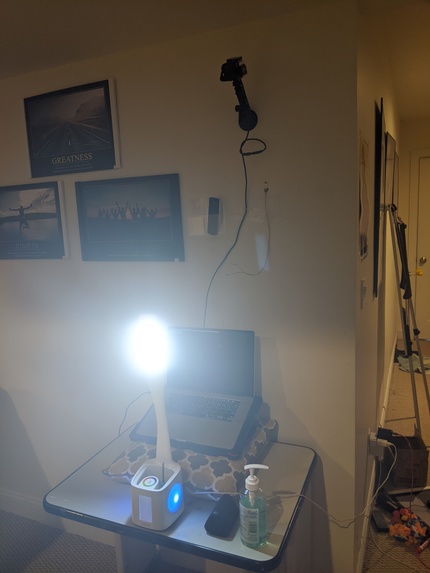
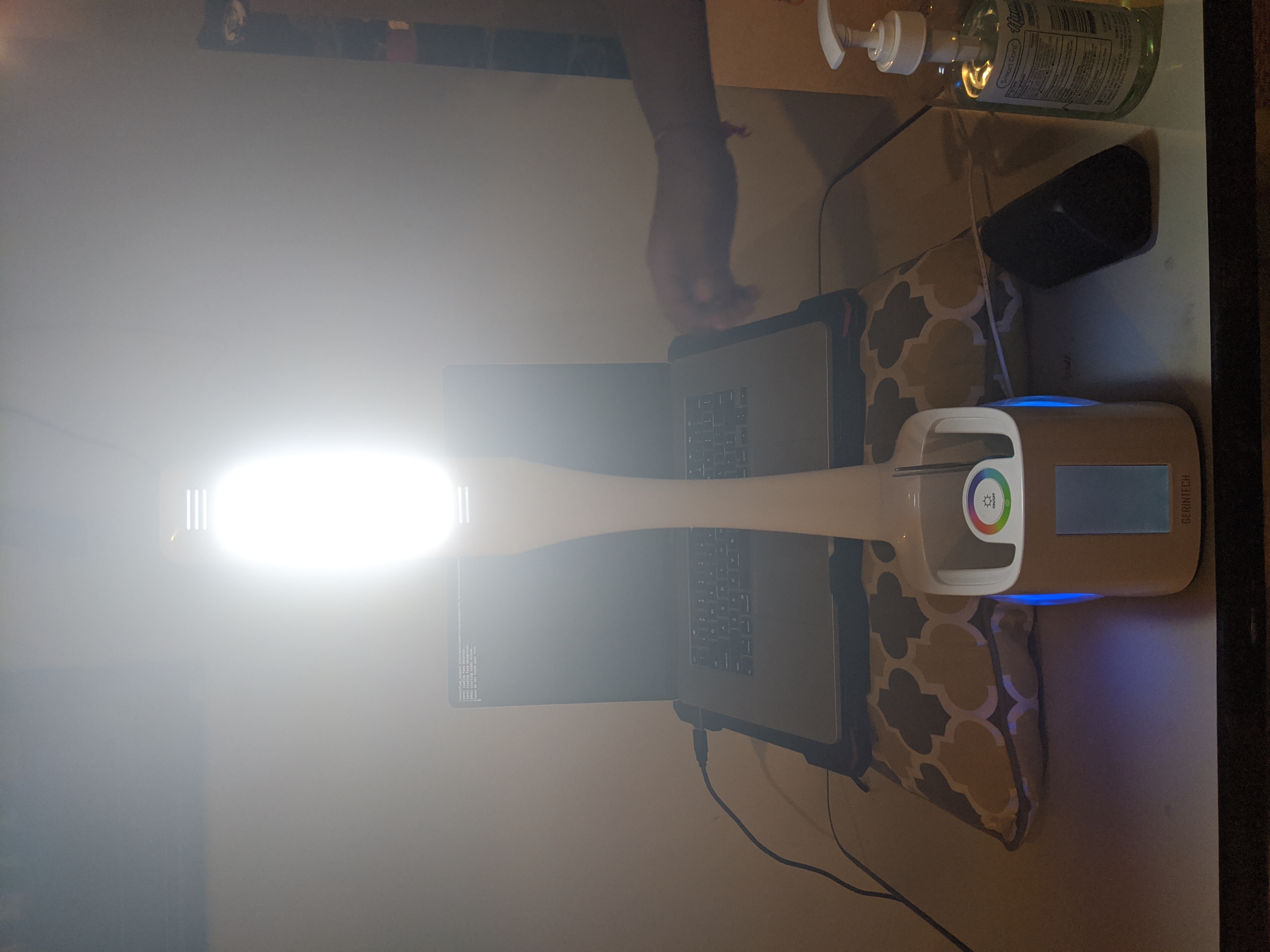
Touching Face Detector Setup



❓What is our project:
During the coronavirus outbreak, health experts are constantly reminding us to not touch our faces when out in public. However, this task does not seem so easy, as people tend to touch their faces a lot throughout a normal day without even realizing. This problem could impact the reopening of schools in the US, as the students and staff are in danger of contracting the virus by touching their faces. As a rebuttal to this problem, doctors around the world are telling you to keep your hands clean at all times. Using hand sanitizer is one way to solve this problem and keep you safe. However, many people forget to do this simple task. As a solution to this problem, our product aims to do these 2 things. The first aspect every time a student or teacher enters the classroom, a computer-generated voice will tell the person to sanitize their hands. Our goal is to make sanitizing their hands part of their daily routine. The second aspect is that our product will constantly monitor the students to check if he/she is touching their face. If they are touching their face, a computer-generated voice will play, telling the person to not touch their face and sanitize their hands.
💻How we made the code for our project:
All code for our project was made in Python. Since our project contains 2 aspects, we will go in-depth on each aspect. Let’s start with the hand sanitizer reminder. To make the hand sanitizer reminder, we had to use a MobileNet object detector that was able to classify humans and bottles(we renamed bottle to hand sanitizer for hand sanitizer detection). The object detector was able to detect other objects as well, such as a couch and a TV, but we did not need them, so we made the code only show a person or hand sanitizer. After we made the program show if a human or hand sanitizer bottle is detected, we thought an appropriate time to play the computer generated voice reminder was if a human entered and sanitizer bottle was detected. So we found a text to speech website and created a computer generated wav file that tells the person to sanitize their hands before getting seated. After combining all of these elements, our hand sanitizer reminder worked! It asked the person to sanitize their hands as soon as a person was detected and it was sure that a hand sanitizer bottle was there. Now, let’s talk about the touching face detector. We have experience training face recognition models, so we thought we should train a face recognition model that can tell if a person was touching their face or not. So, we took a bunch of pictures of us touching different parts of our face (while wearing a mask) and trained a 128-d Support Vector Machine for face recognition on the popular Machine Learning Library in Python called scikit-learn. The model could have used a lot of tuning, but because of the time restrictions, we were not able to. However, for the most part, the model could accurately predict whether a person was touching their face or not. After that, like the hand sanitizer reminder, we went to a text to speech website and created a computer generated wav file that tells the person to not touch their face and to go and sanitize their hands. So once we added the code to our program to play the wav file if the person is touching their face, the program worked too! It constantly monitored the person to check if they are touching their face, and if they are, it would play a sound. At first, we thought of running both of our pieces of code on two Raspberry Pi’s with an Intel movidius stick accelerator, as it was a small computer that was able to run our programs. The hand sanitizer reminder worked well on the raspberry pi, so we stuck with it. However, for the touching face detector, the code ran really slow, as the raspberry pi could not handle the computational power of our program. So, we switched to the Macbook, as it was able to handle our program.
🔧Hardware Components used:
- Raspberry Pi,
- Apple Macbook Pro,
- 2x USB Cameras,
- Bluetooth Speaker,
- Intel Movidius Stick
😢Problems Faced:
- Didn’t have good lighting,
- Hand Sanitizer detector was not detecting the hand sanitizer bottle really well,
- Touching face detector couldn’t detect the face if a face mask was worn,
- Did not have time to tune our face recognition model.,
- Pi could not handle Touching Face Detector.
✅Problems Solved:
- Added a lamp for good lighting,
- Moved the camera down and closer to the hand sanitizer bottle,
- Trained the model with pictures with a face mask,
- Moved to the mac.
📆Plans for the future:
- Find a way to check if the hand sanitizer bottle contains hand sanitizer,
- Currently, our program does not check if the person actually sanitized their hands. We would want to find a way to make sure that the person actually sanitized their hands,
- The camera had to be positioned close to the hand sanitizer bottle in order for it to be detected. In most school environments, the camera will not be this close. We would like to find a better way to detect hand sanitizer from a far distance,
- When we were testing the touching face detector, sometimes the model would not accurately predict if the person was touching their face. With more data and a better type of model, this could be reduced,
- We need to make our face touching detector program work well with multiple people, as this is what will happen inside of a school,
- We need to make our face touching detector work on smaller systems, as laptops and PC’s are too large in size.
📹Youtube Link:
https://www.youtube.com/watch?v=eBNuIT9gcno
🎫 Slideshow Link:
https://docs.google.com/presentation/d/1MA1_VLuNOmQv4hIt16bd9K_BtjATU6dkRYEN8meYcBo/edit?usp=sharing
Built With
- caffemodel
- camera
- macbook
- ncs-stick
- numpy
- opencv
- pickle
- python
- raspberry-pi
- scikit-learn



Log in or sign up for Devpost to join the conversation.