-
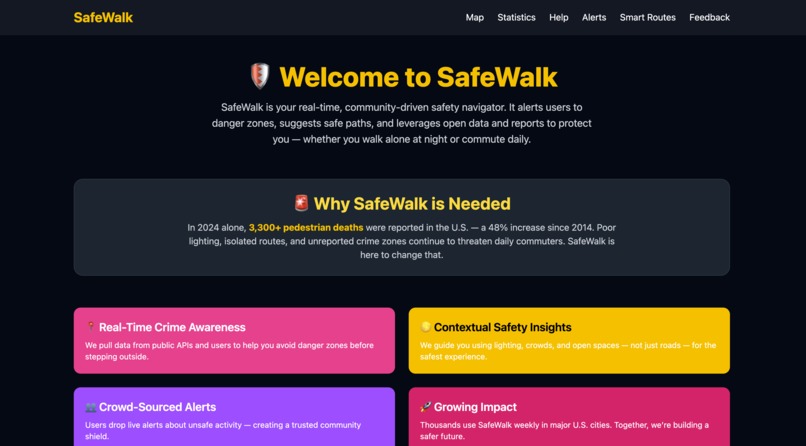
Home
-
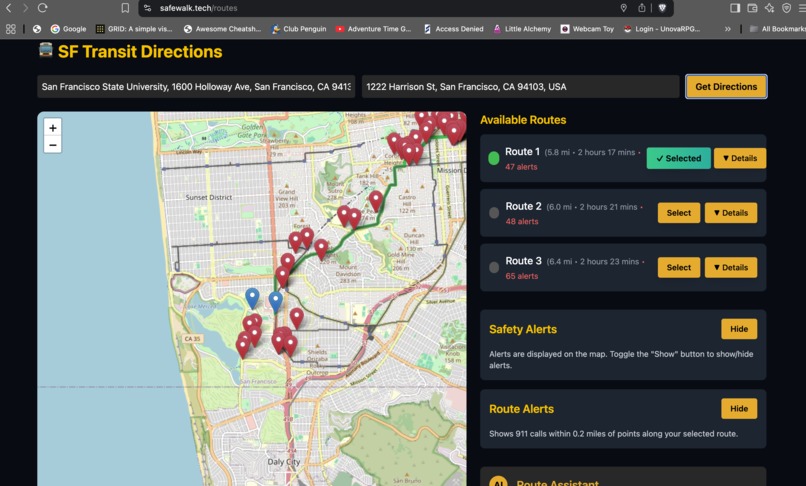
routes
-
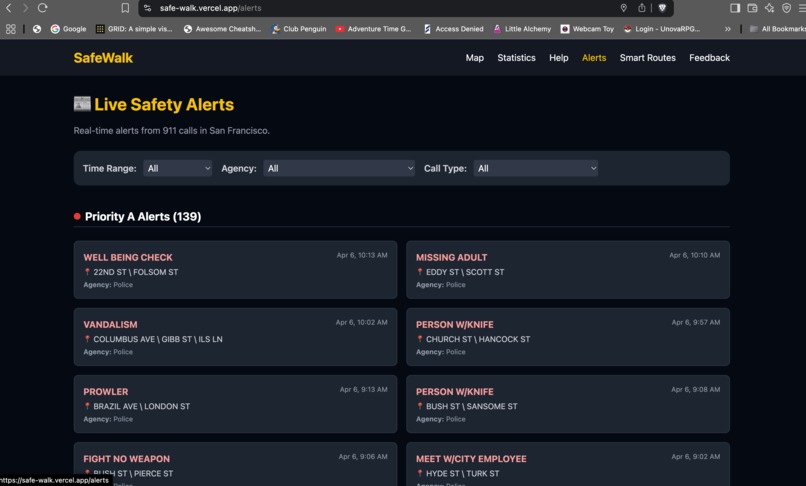
alerts
-
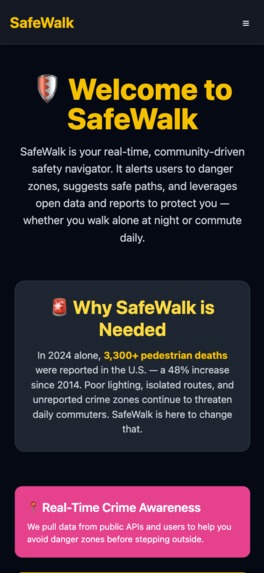
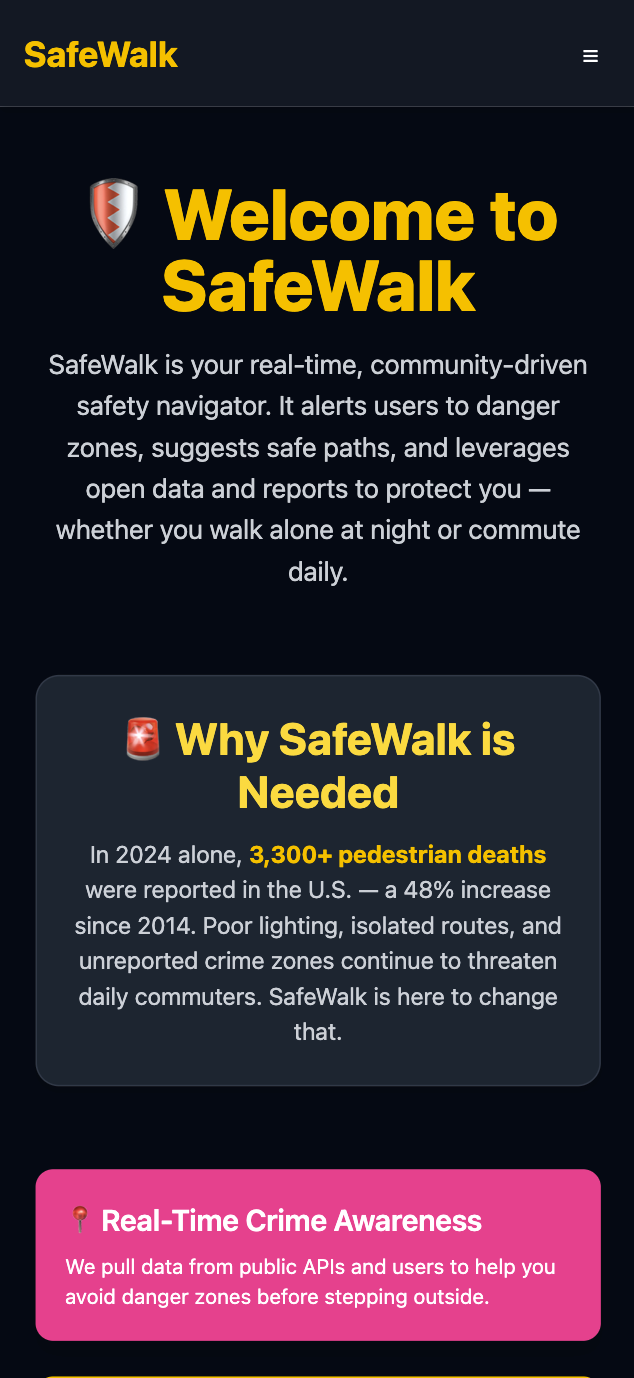
mobile_view_home
-
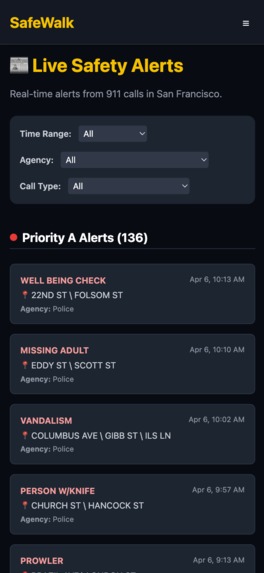
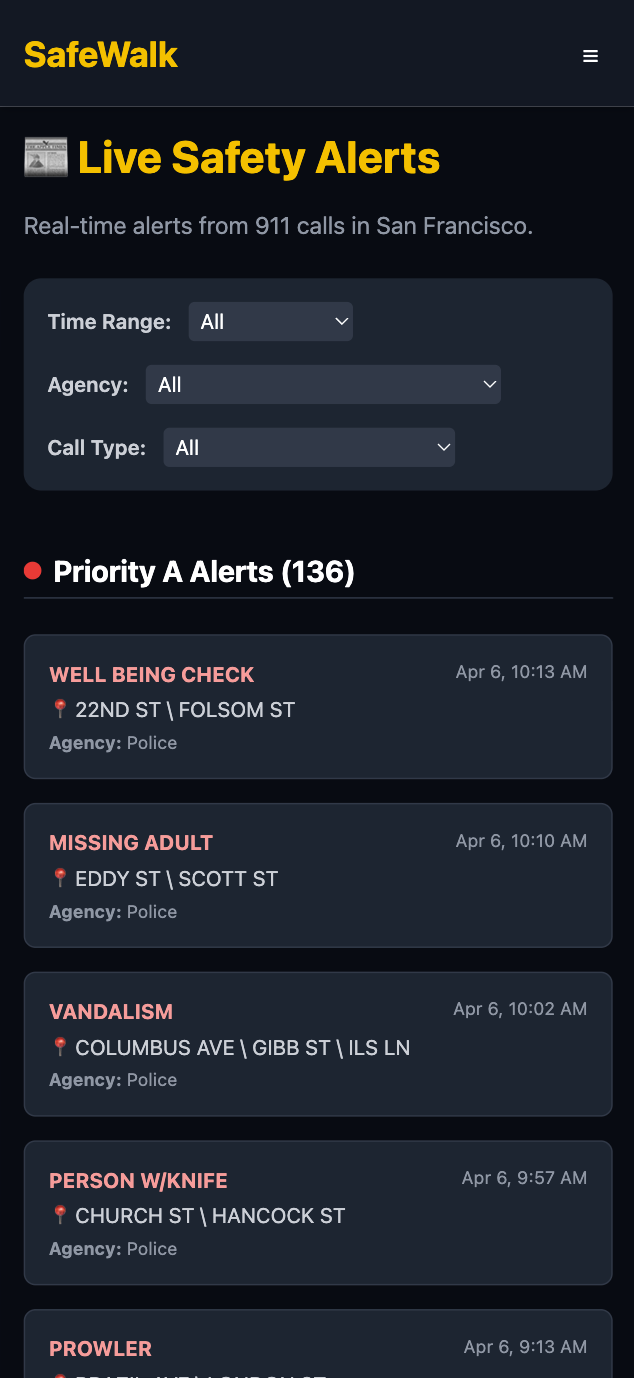
mobile_view_alerts
-
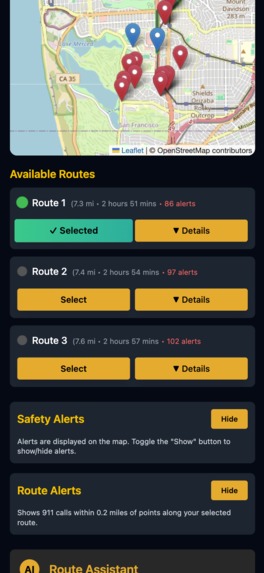
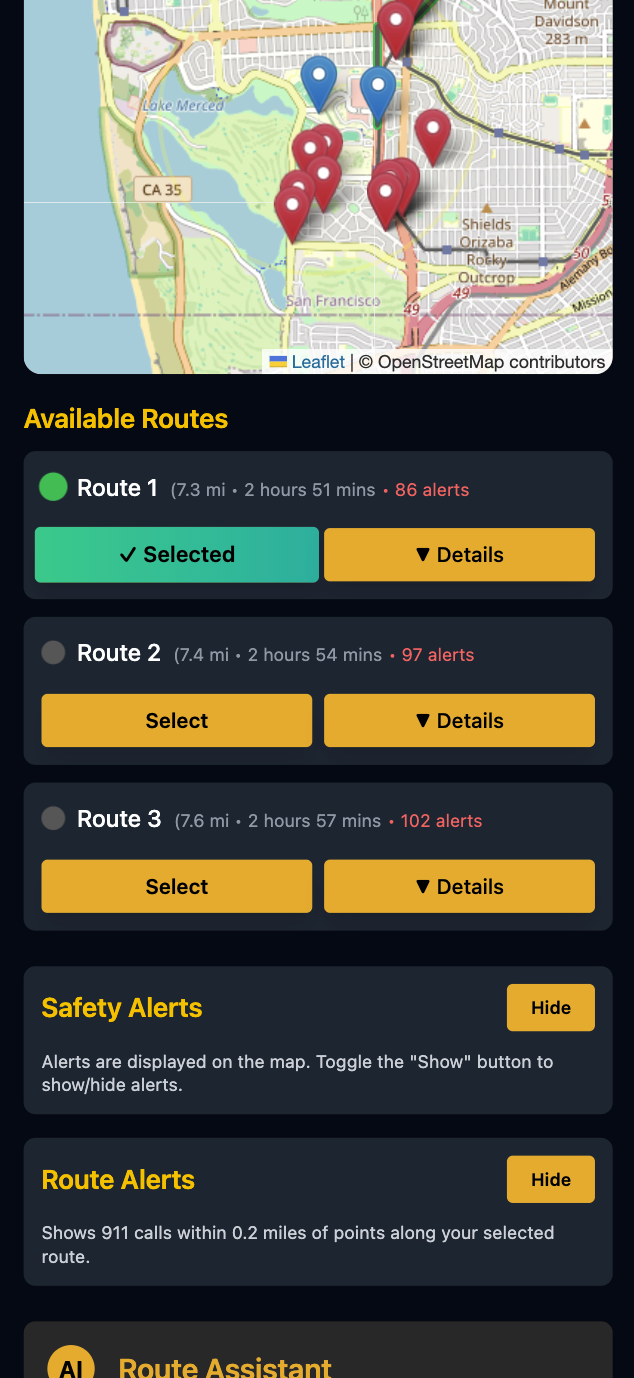
mobile_view_smart_routes
-
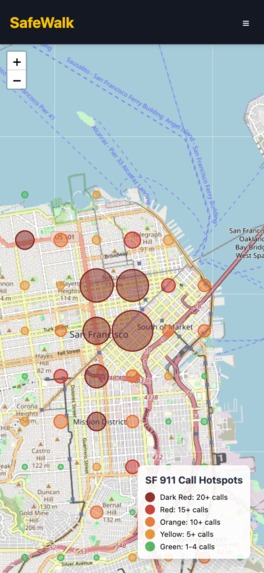
mobile_view_map_view
-

safe_walk_advert
-

qr_code




Inspiration
Have you ever walked alone at night and wondered if you were a potential victim of an untimely crime?
We all know that San Francisco isn’t the safest city. Every day, thousands of people walk home alone, unsure if their route is truly safe.
Traditional maps prioritize distance, time, and traffic — but completely ignore safety.
We wanted to change that.
That’s why we built SafeWalk — a real-time, crowd-sourced web application that helps pedestrians navigate safer routes by integrating live 911 data, user-submitted alerts, and intelligent route planning.
What it does
SafeWalk helps users find the safest walking routes across San Francisco by:
- Fetching real-time 911 dispatch data (e.g., assaults, robberies, suspicious activity)
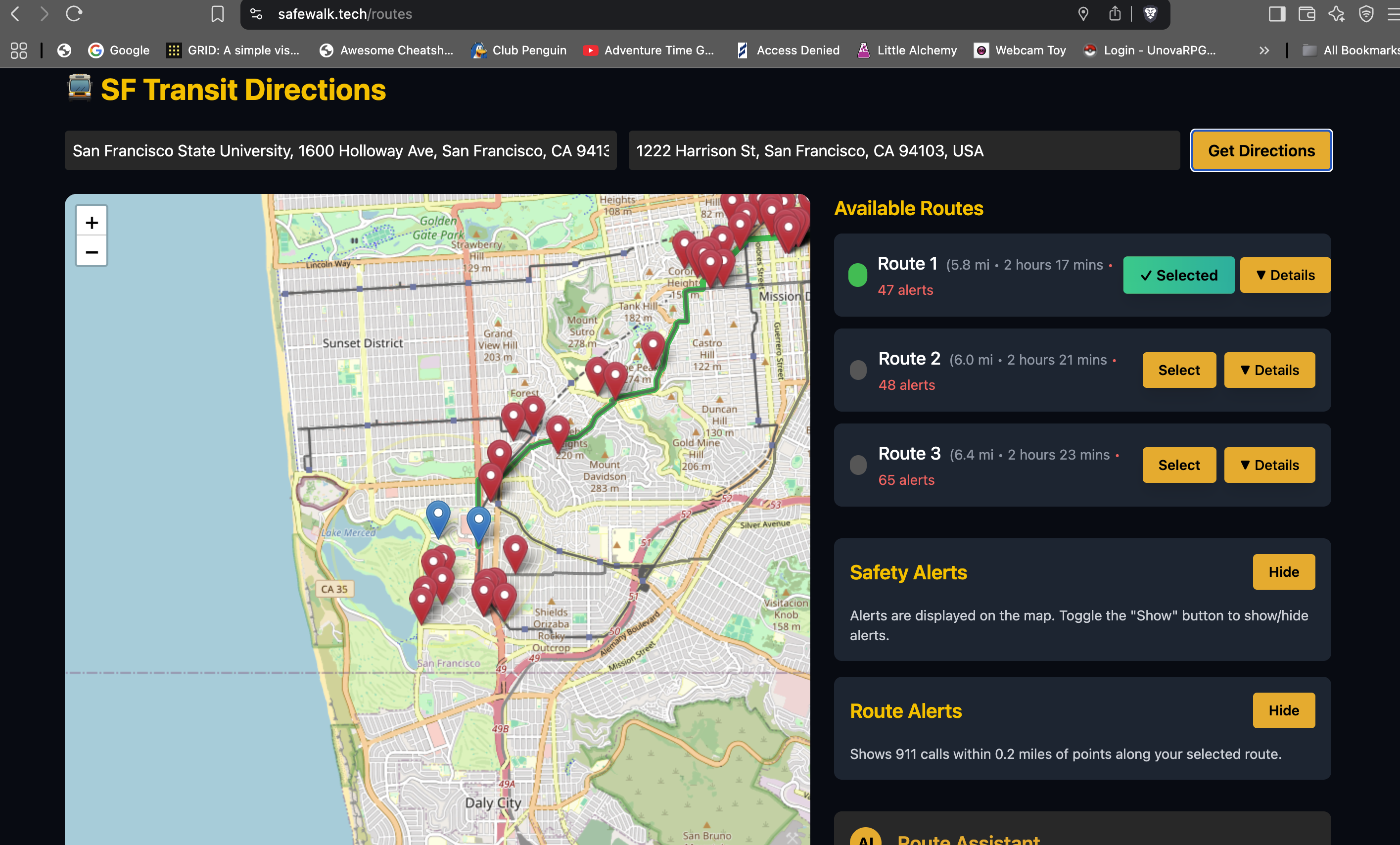
- Analyzing multiple route options and highlighting the ones with minimal danger zones
- Allowing users to submit crowd-sourced alerts of suspicious activity
- Visualizing all safety incidents and route risk levels directly on an interactive map
How we built it
- Frontend: React with Tailwind CSS for a responsive, clean UI
- Map & Routing: Leaflet.js for map rendering, Google Maps Directions API for route generation
- Backend: Flask API that fetches and processes live 911 incident data
- Data: Live feeds from San Francisco’s 911 dispatch API, filtered and mapped using proximity analysis
- AI Feature : Chatbot guide to help users with questions about safety
Challenges we ran into
- Parsing and filtering real-time 911 data effectively
- Matching incidents to the correct route segments
- Ensuring mobile responsiveness and Google Maps autocomplete compatibility
- Visual clarity when displaying large amounts of location-based data
Accomplishments that we're proud of
- Successfully integrating real-time safety data into a functional map
- Building a full safe route recommendation engine
- Implementing a working alert feed, panic button, and custom route assistant
- Designing a mobile-first, user-friendly UI in less than 48 hours
- Helping make city navigation more accessible, secure, and informed
What we learned
- How to integrate real-time geospatial datasets with front-end maps
- The power of proximity-based filtering for personalized route planning
- How to combine safety, utility, and accessibility in UX design
- Working effectively in a team under tight deadlines
What's next for Safe Walk
- Adding live community alerts, AI-based risk prediction, and SMS alert options
- Partnering with local law enforcement or city services for real-world deployment
- Improving the routing engine with weighted risk scoring for even smarter recommendations
Built With
- gemini
- google-directions
- google-places
- javascript
- maps
- react
- render
- vite


Log in or sign up for Devpost to join the conversation.