-
-

-
-
-
-
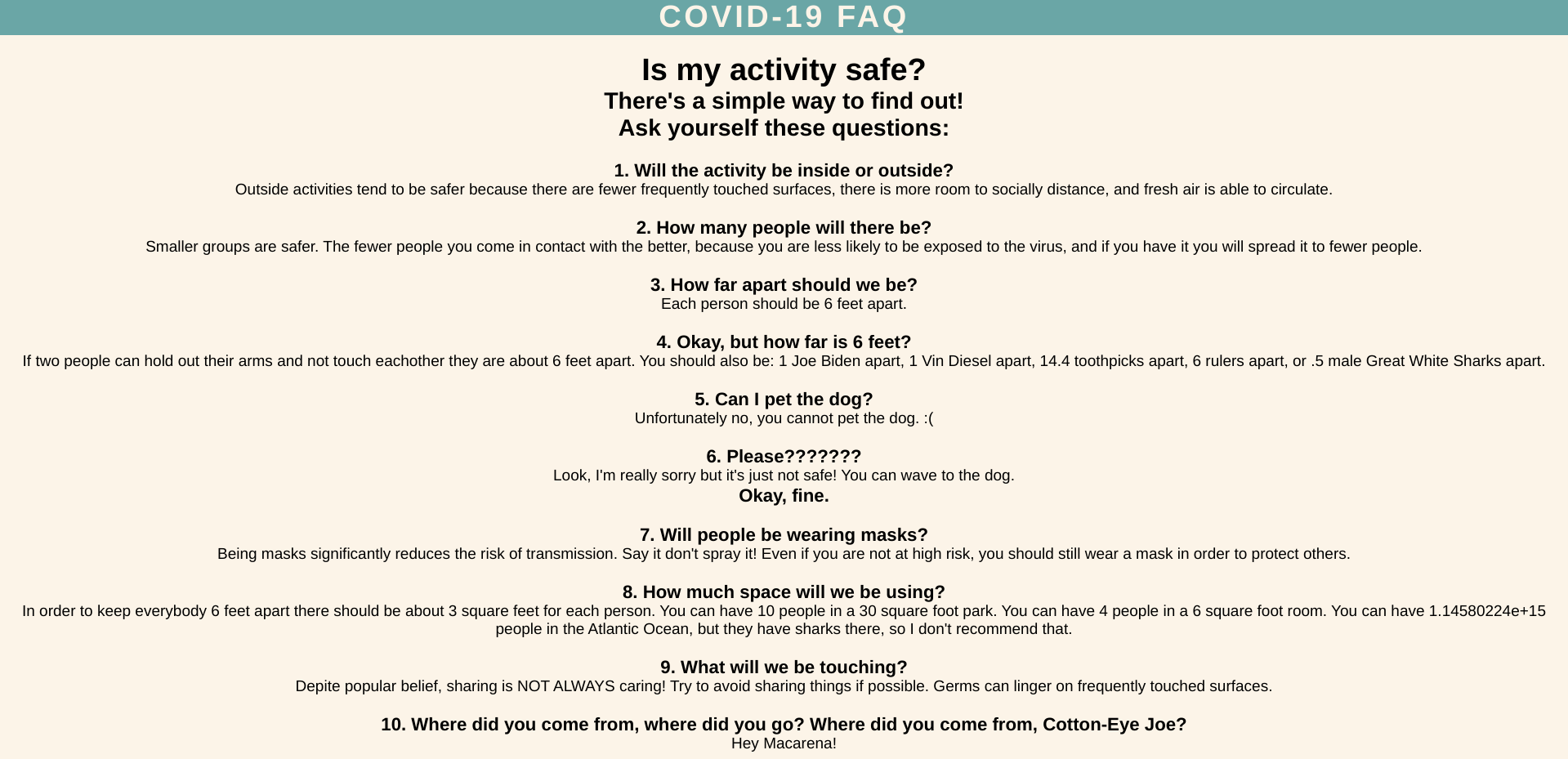
FAQ 1/3
-
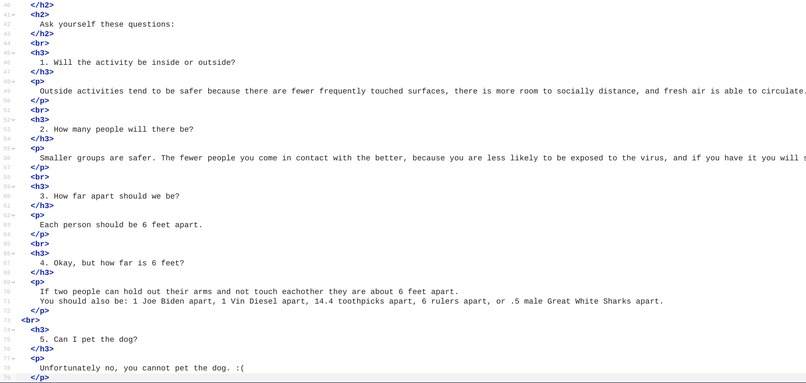
FAQ 2/3
-
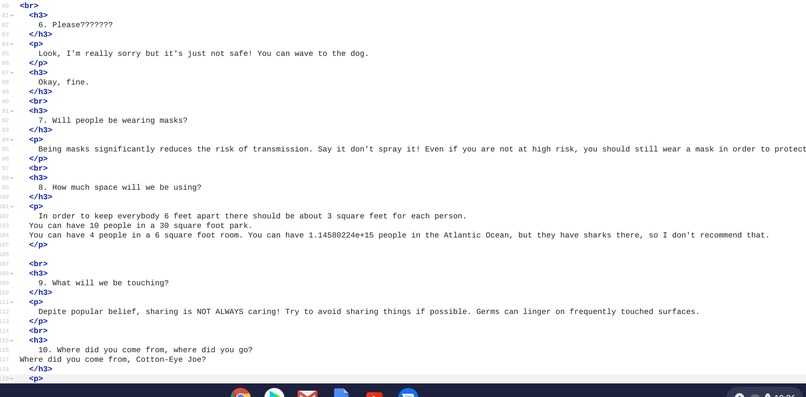
FAQ 3/3
-
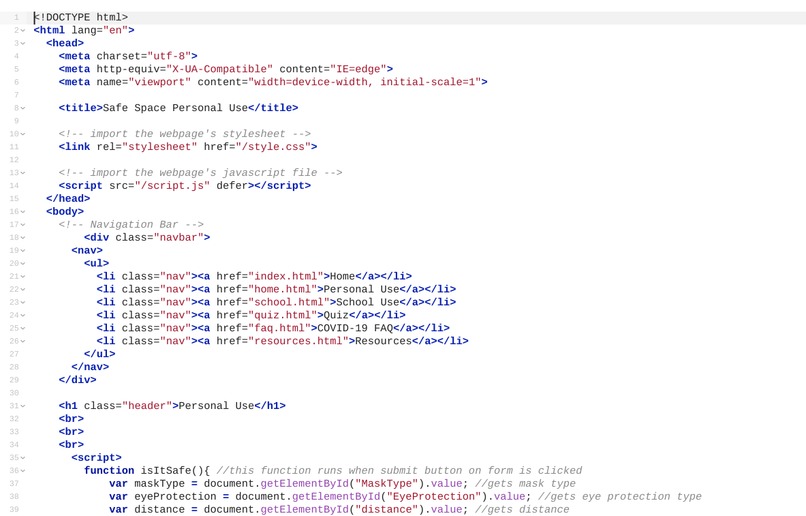
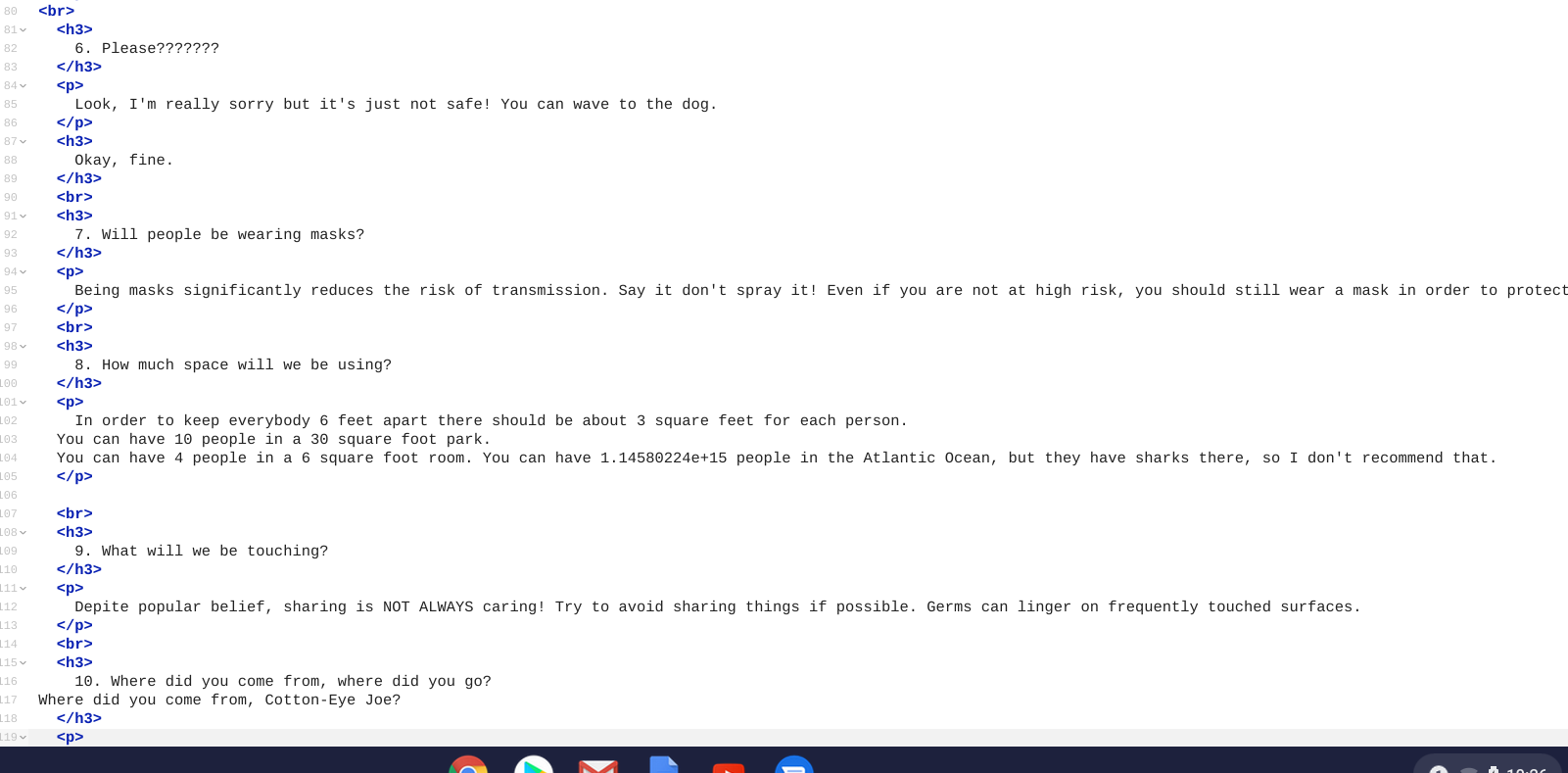
Personal Use 1/3
-
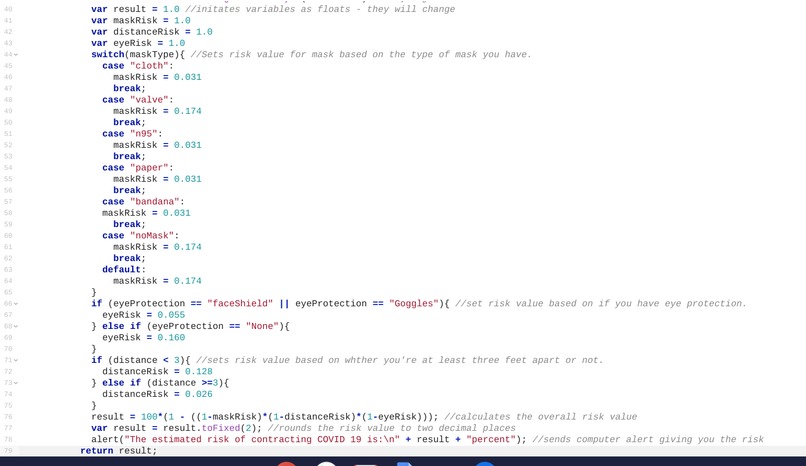
Personal Use 2/3
-
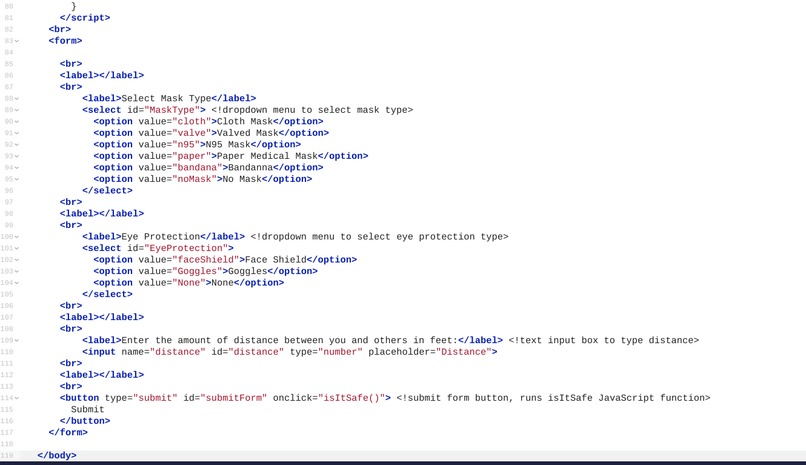
Personal Use 3/3
-
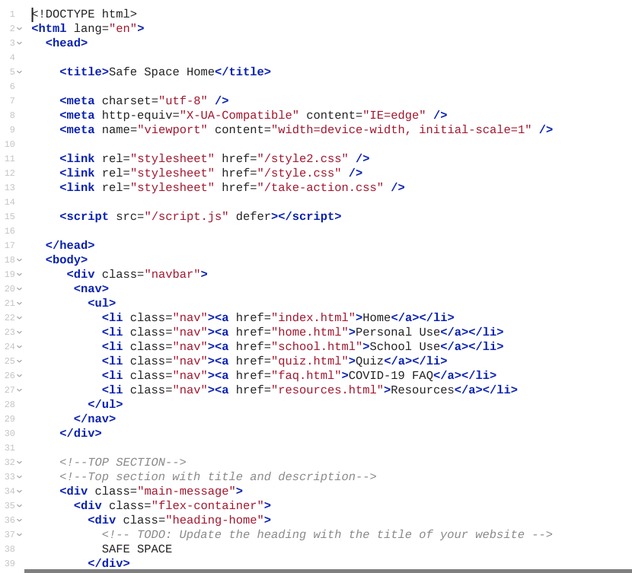
Index 1/2
-
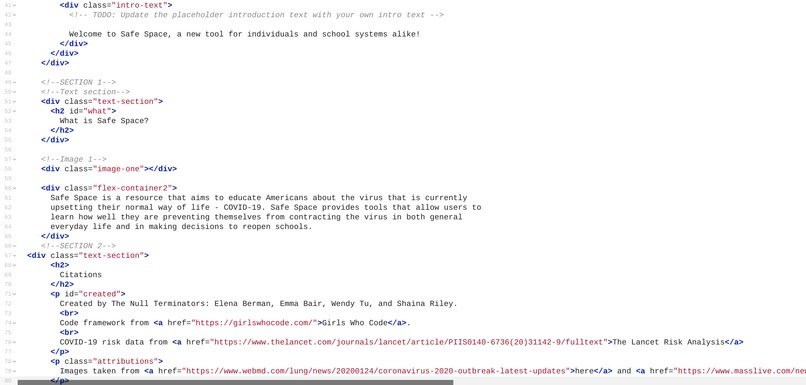
Index 2/2
-
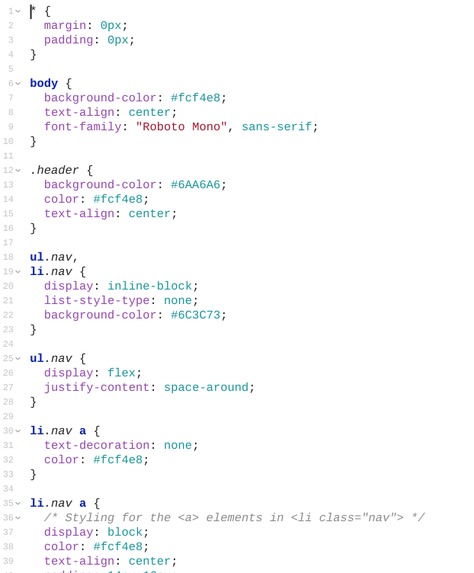
Index Stylesheet 1/2
-
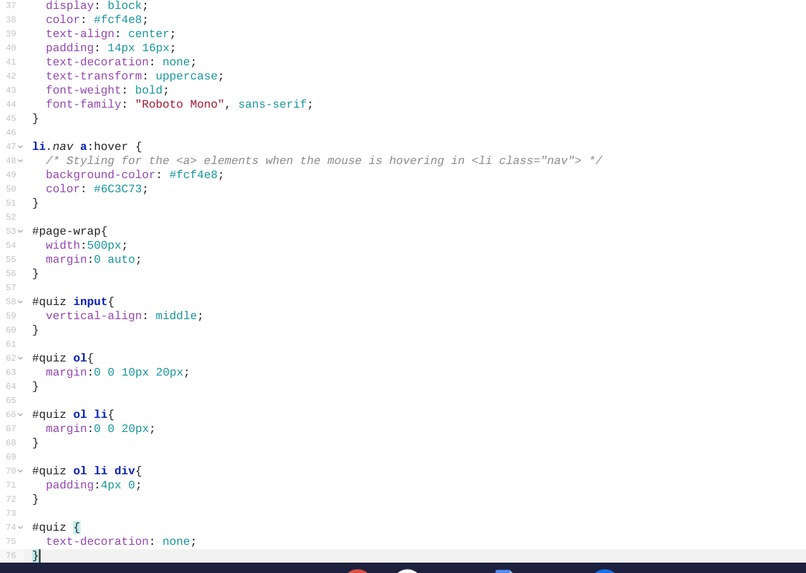
Index Stylesheet 2/2
-
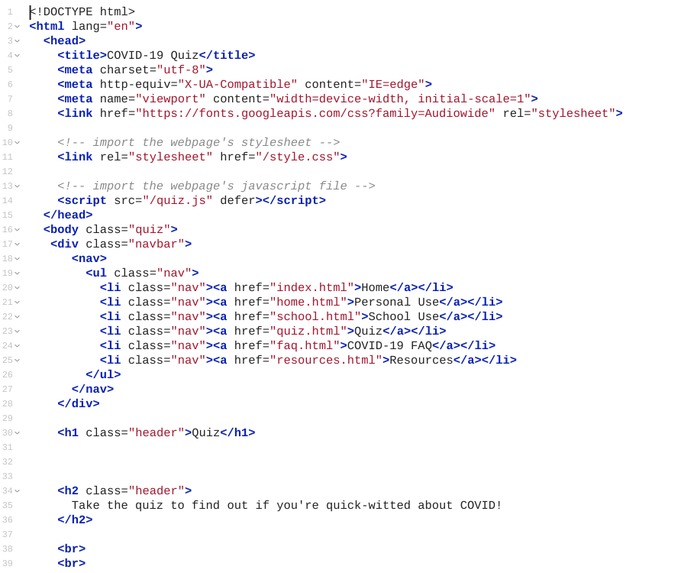
Quiz 1/3
-
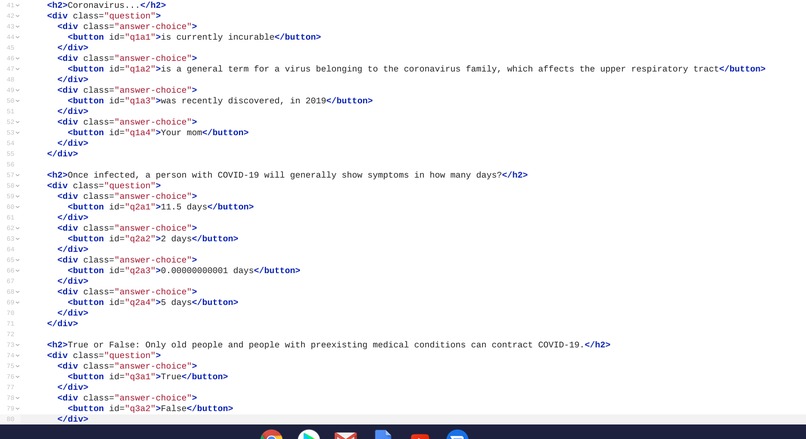
Quiz 2/3
-
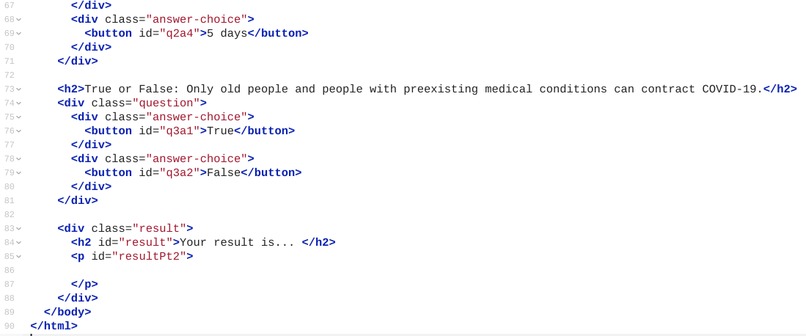
Quiz 3/3
-
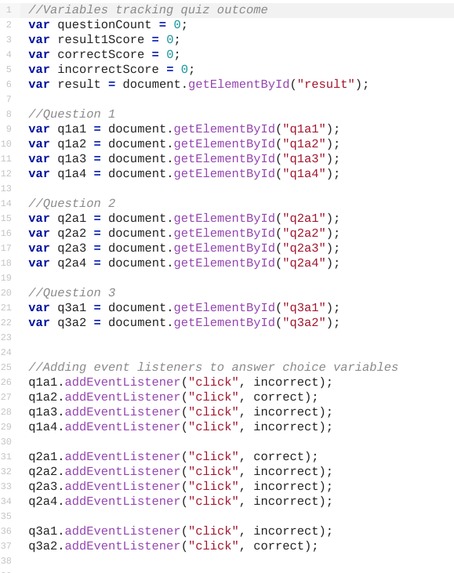
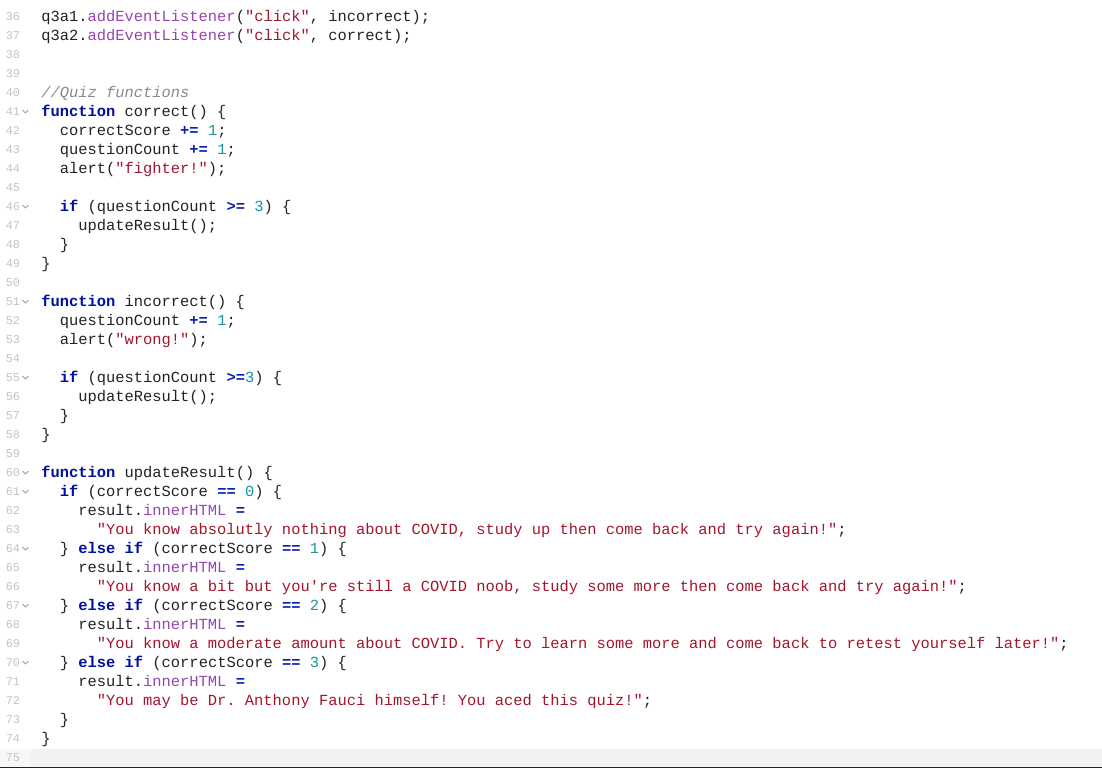
Quiz JavaScript 1/2
-
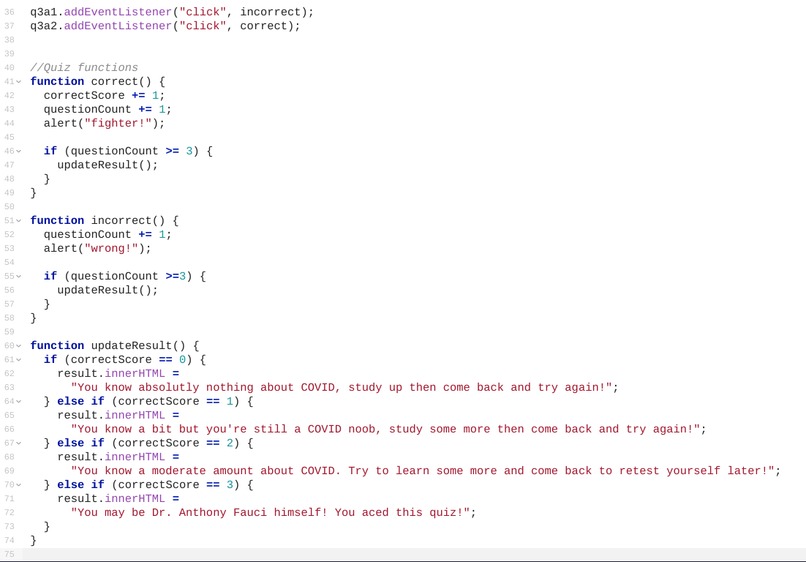
Quiz JavaScript 2/2
-
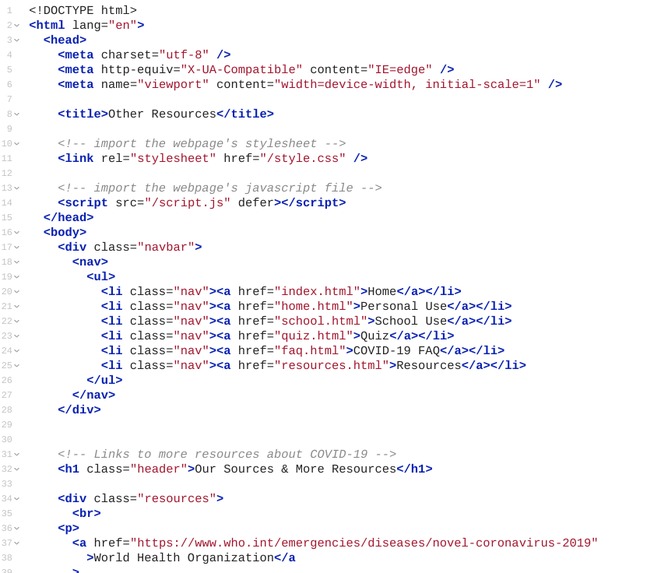
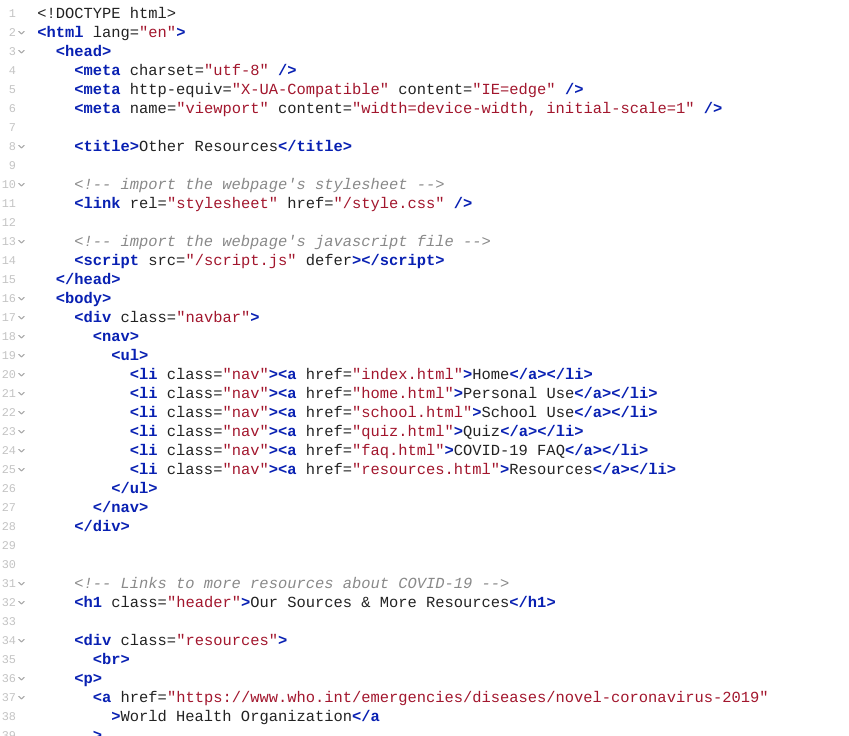
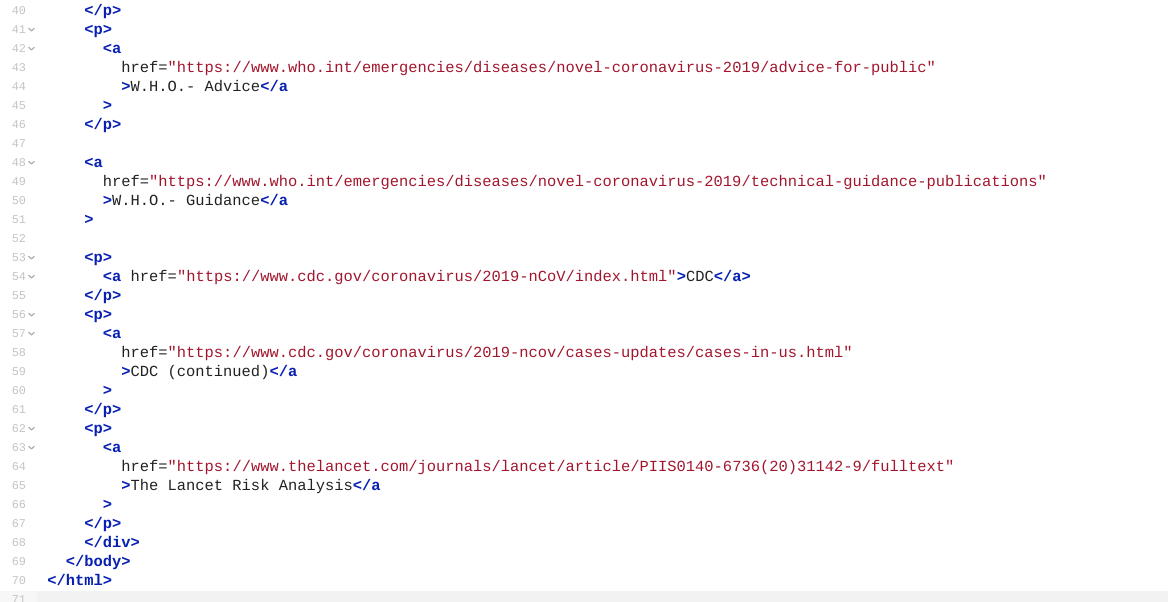
Resources 1/2
-
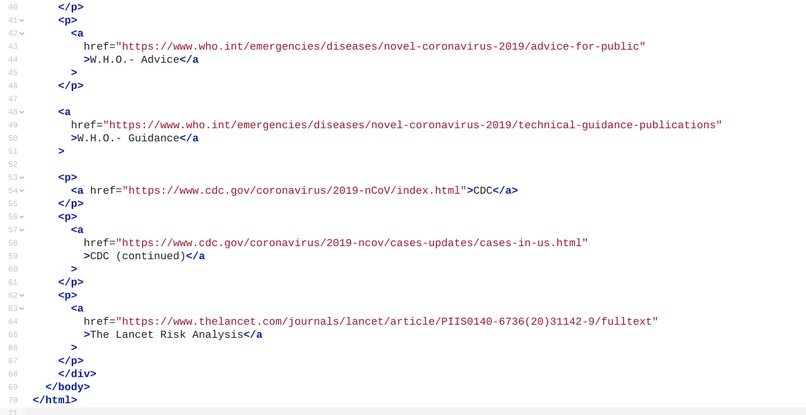
Resources 2/2
-
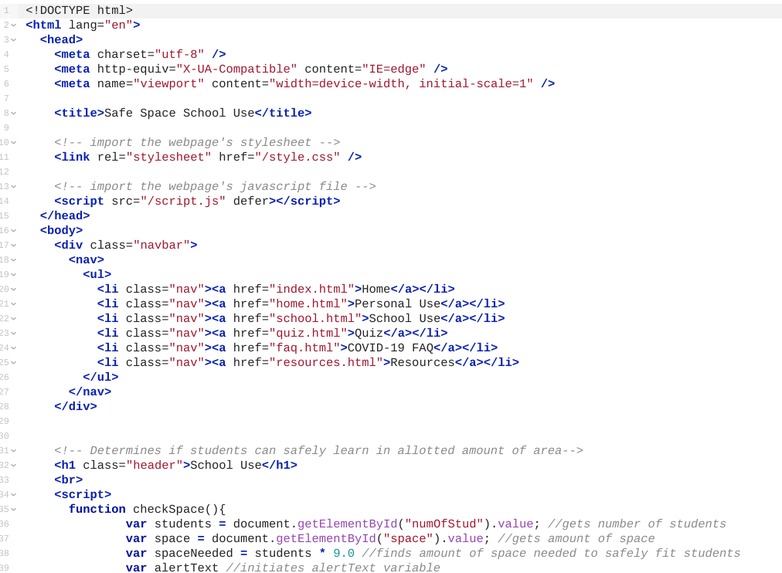
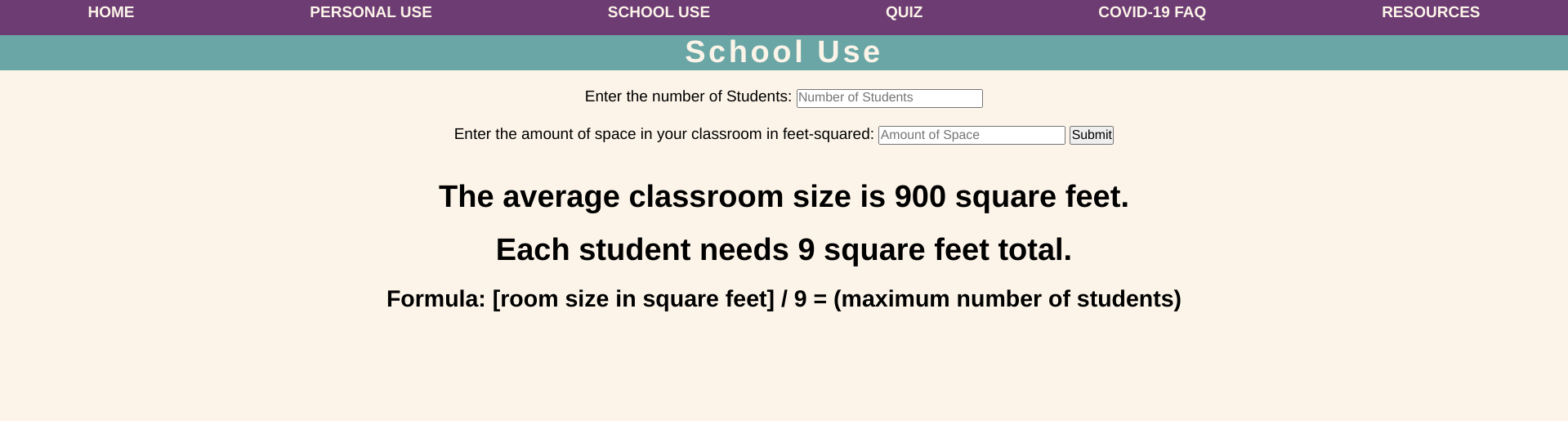
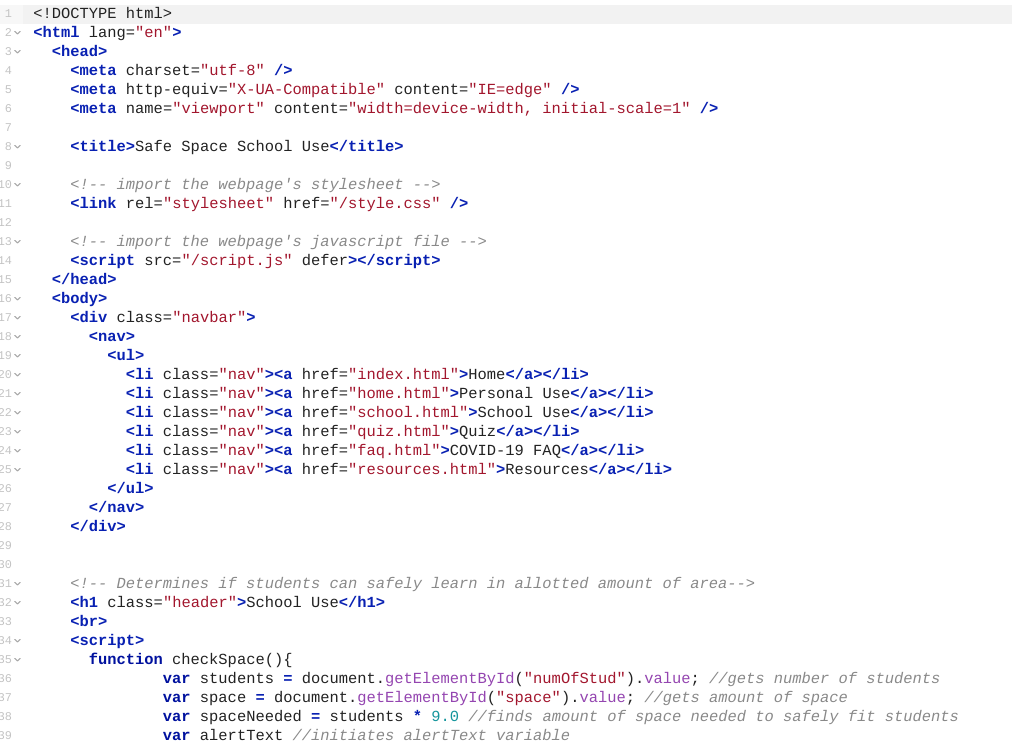
School Use 1/2
-
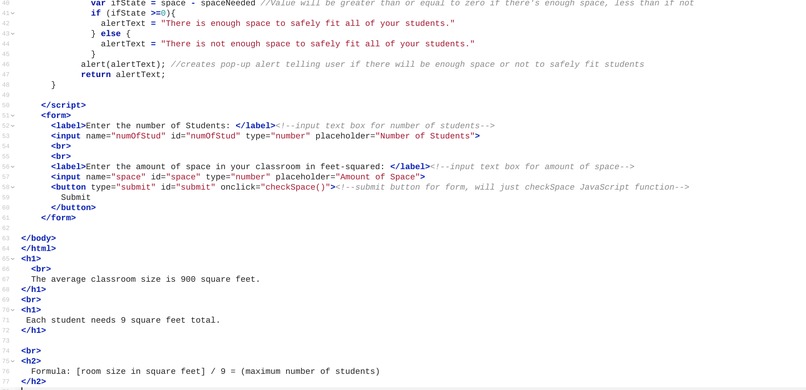
School Use 2/2
-
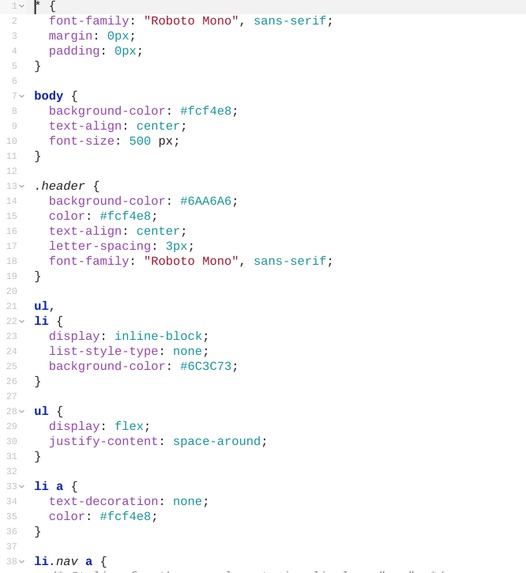
Quiz Stylesheet 1/3
-
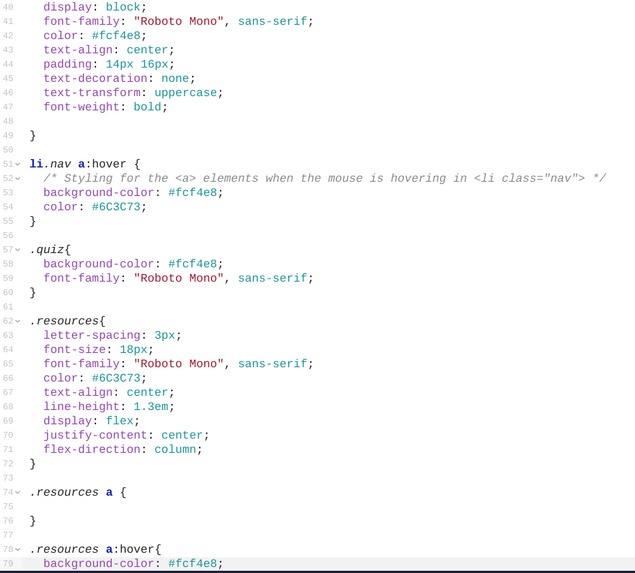
Quiz Stylesheet 2/3
-
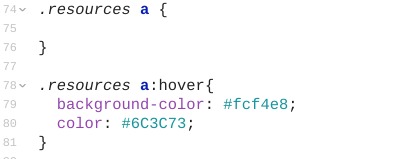
Quiz Stylesheet 3/3
-
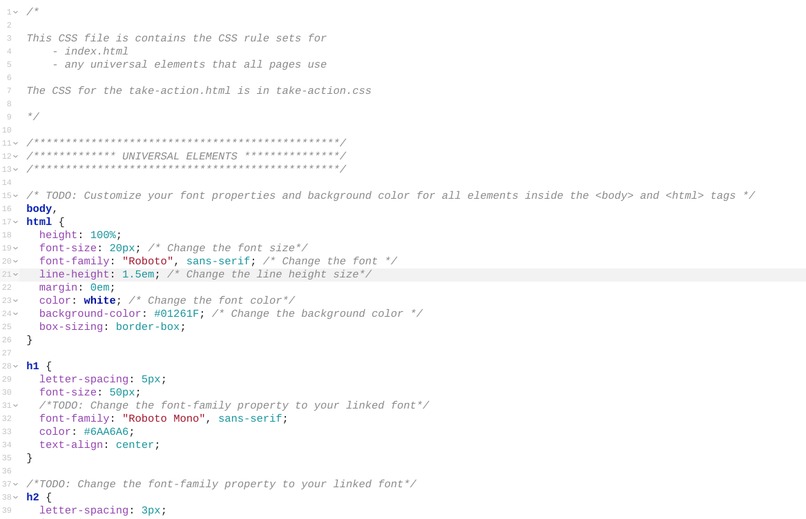
Main Stylesheet 1/6
-
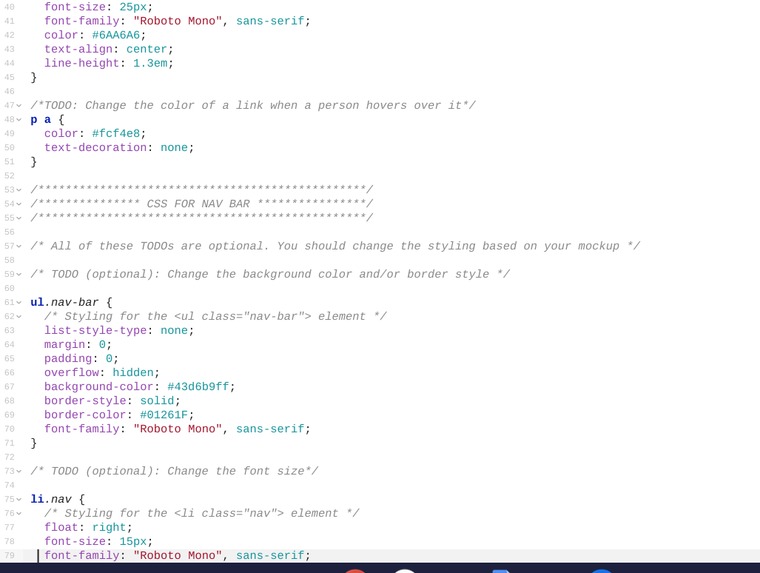
Main Stylesheet 2/6
-
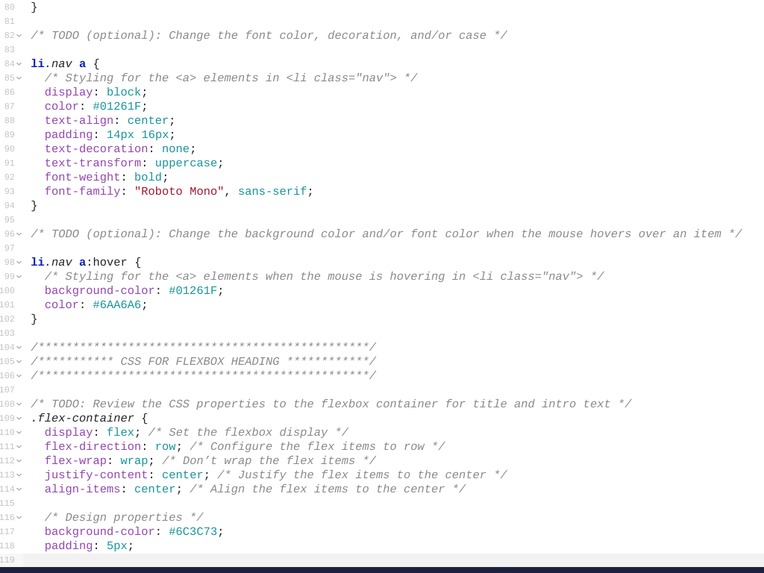
Main Stylesheet 3/6
-
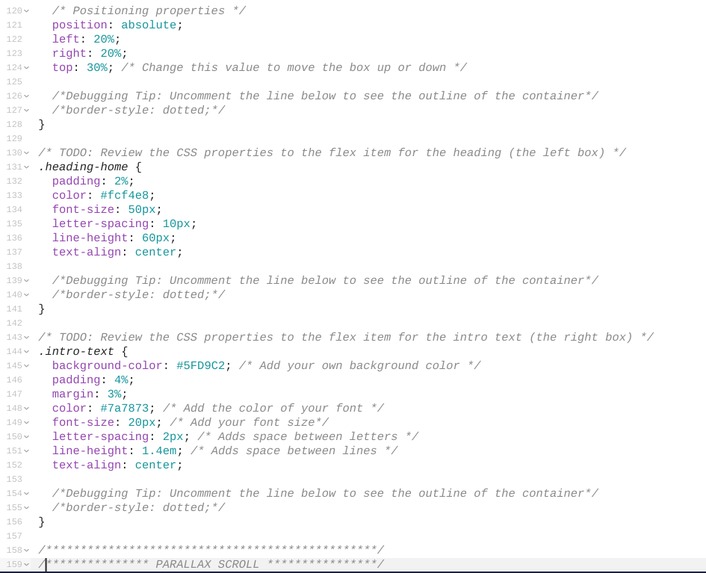
Main Stylesheet 4/6
-
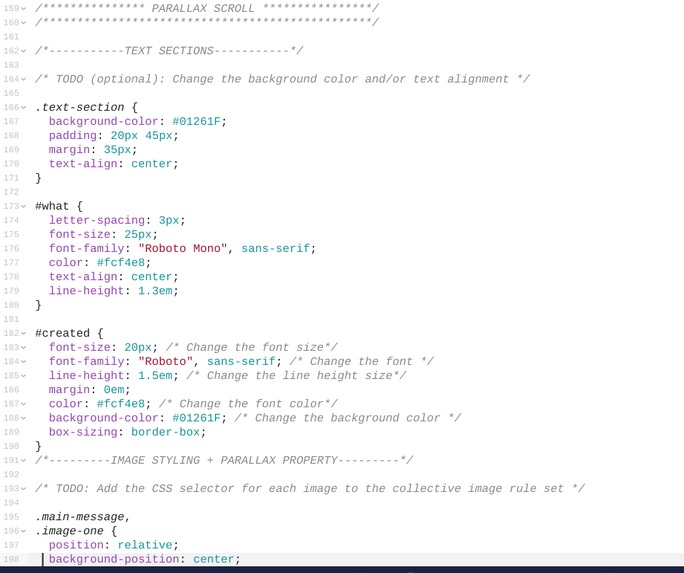
Main Stylesheet 5/6
-
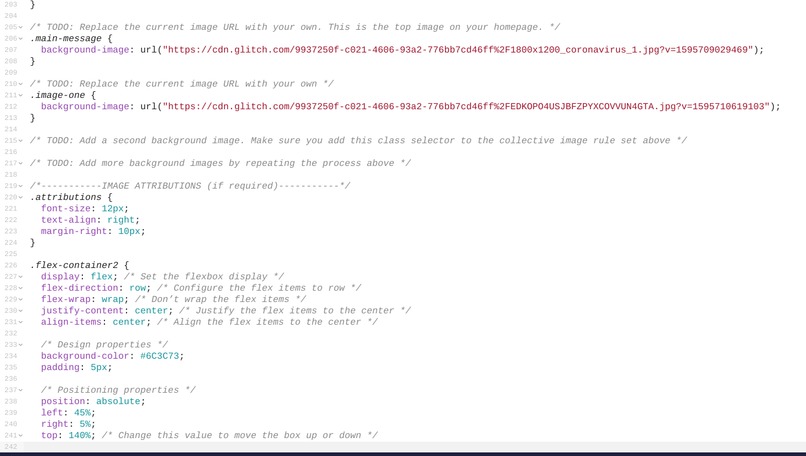
Main Stylesheet 6/6

Safe Space by The Null Terminators
Inspiration
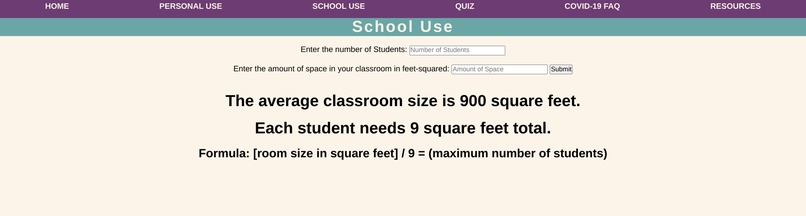
We were inspired by the current pandemic and the fact that currently there are many school systems trying to develop re-opening plans for fall 2020, but because there are so many factors schools are having a hard time deciding whether or not to hold in person classes. Along with this we also wanted to include ways for anyone to see if they are safe.
What it does
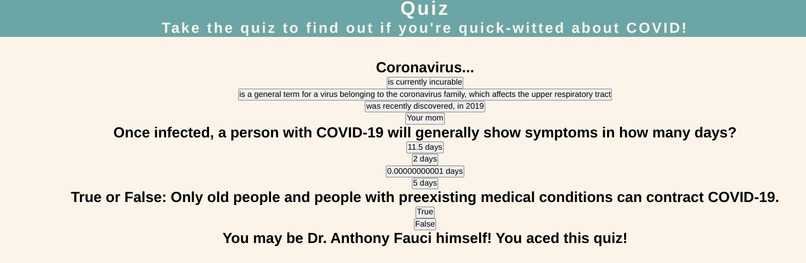
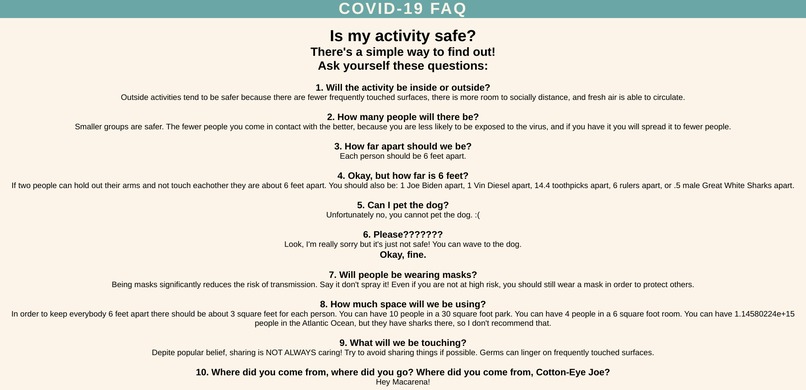
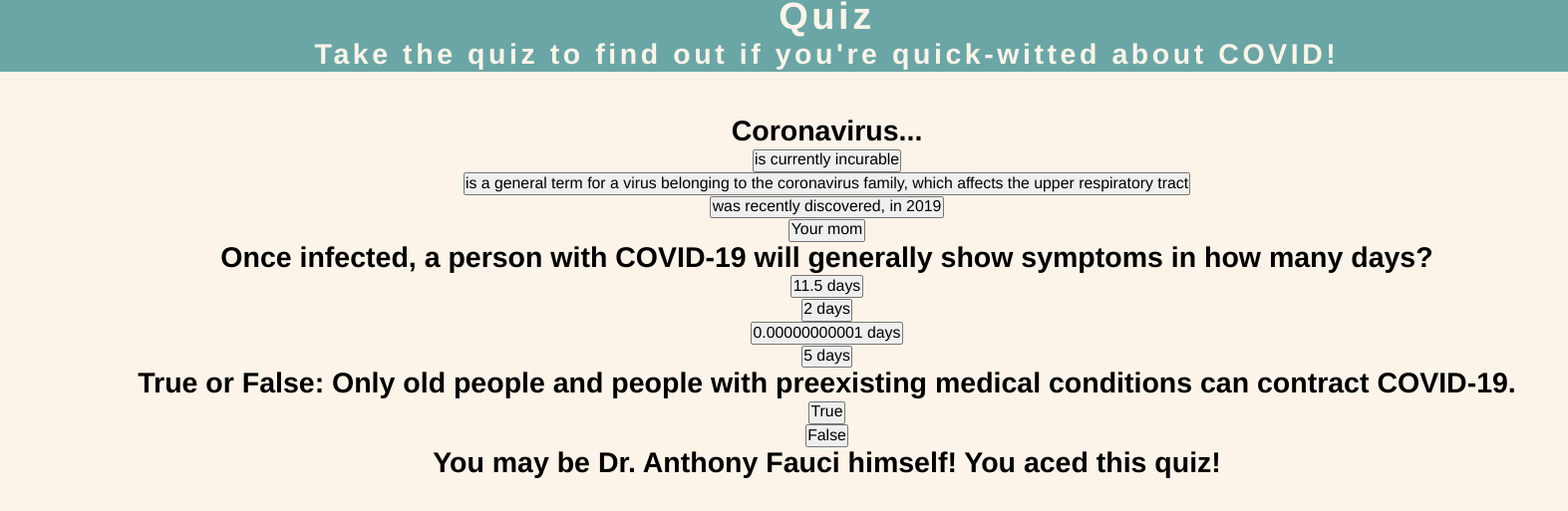
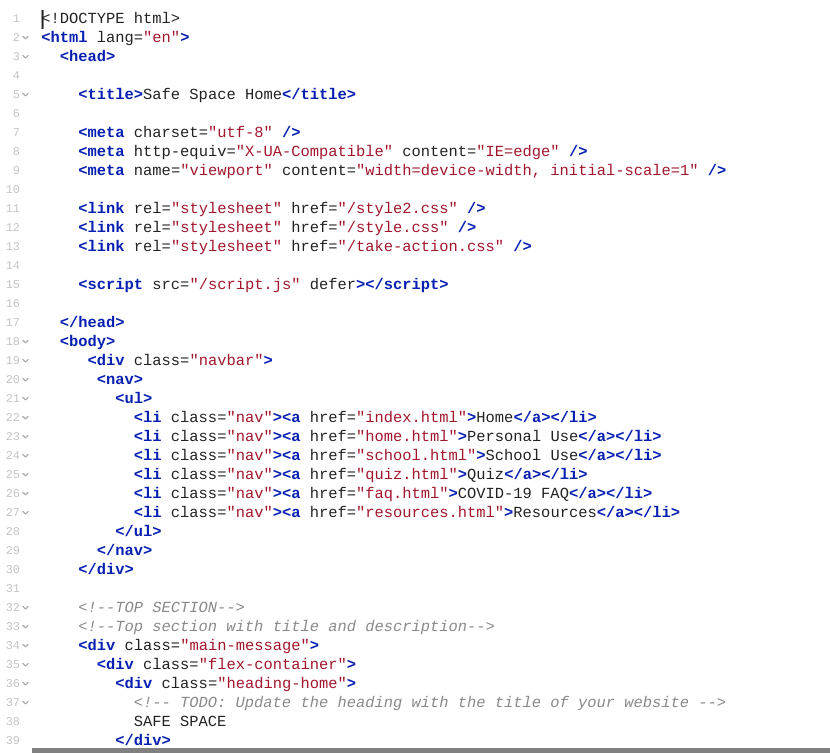
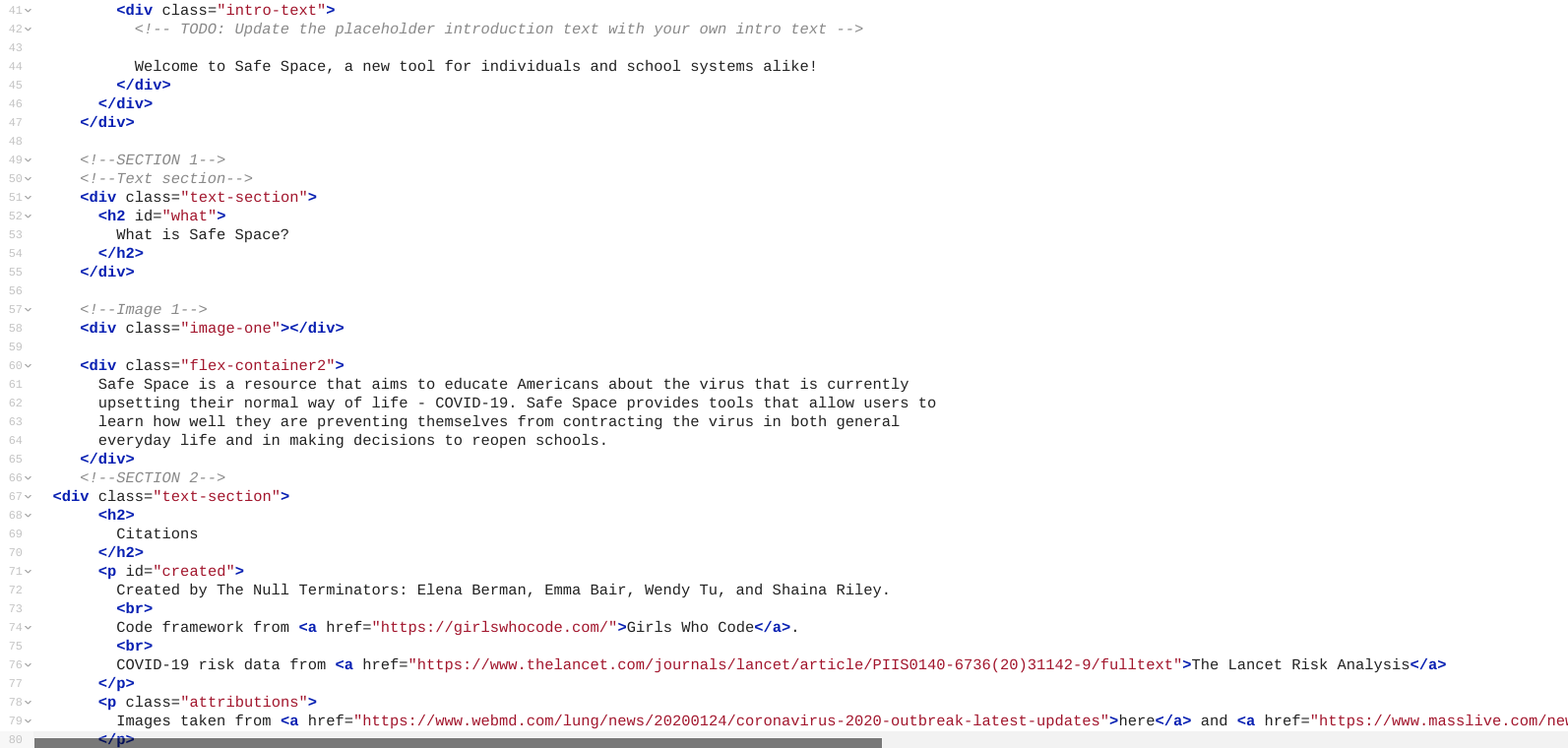
Safe Space is a resource that aims to educate Americans about the virus that is currently upsetting their normal way of life - COVID-19. Safe Space provides tools that allow users to learn how well they are preventing themselves from contracting the virus in both general everyday life and in making decisions to reopen schools.
How we built it
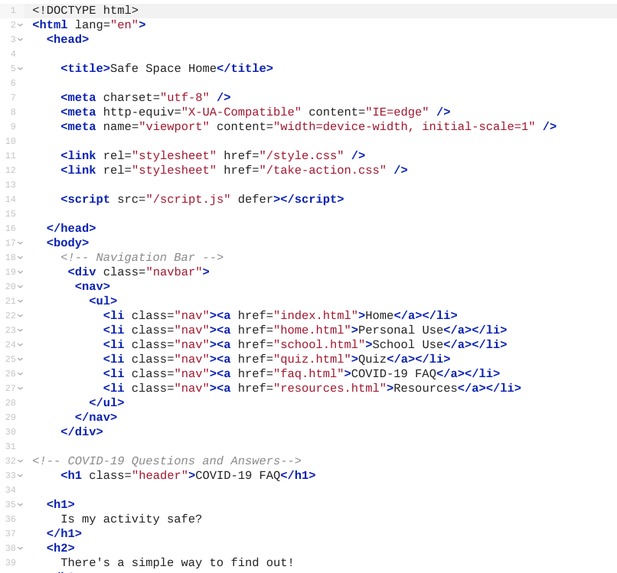
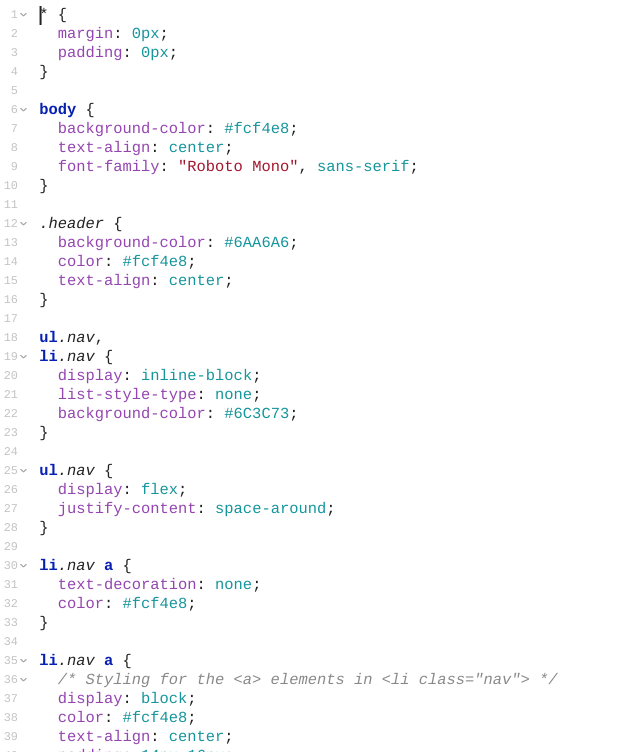
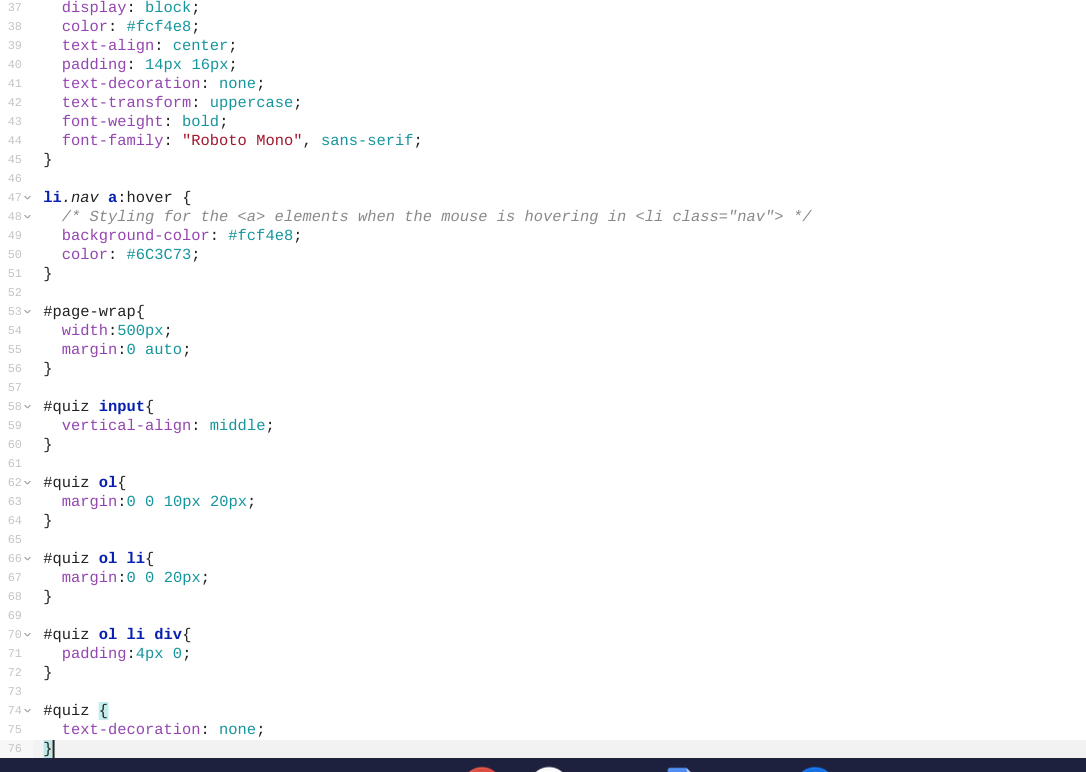
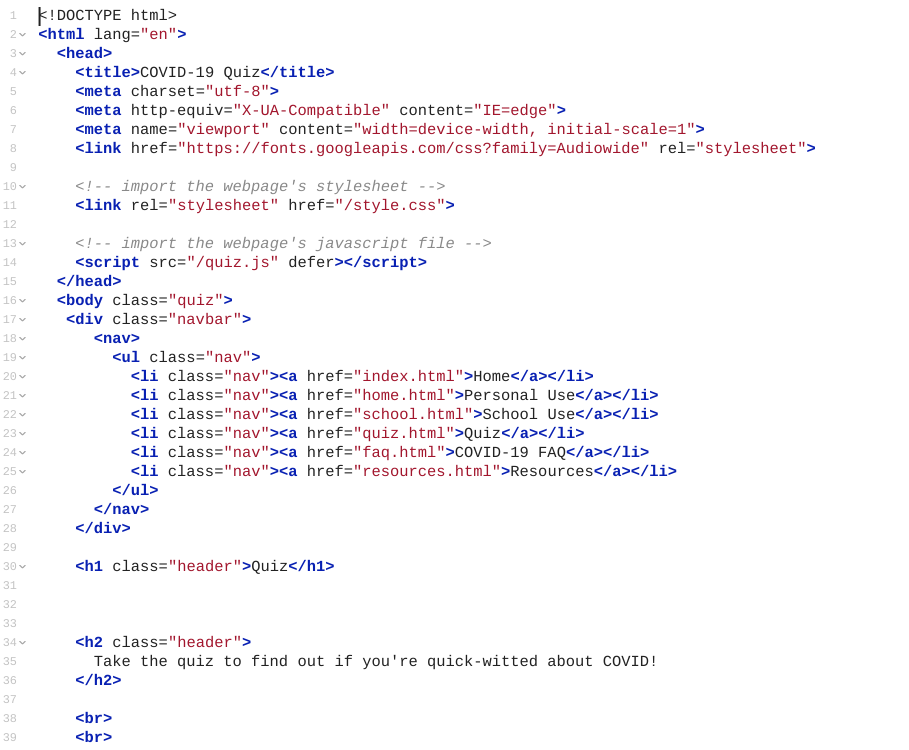
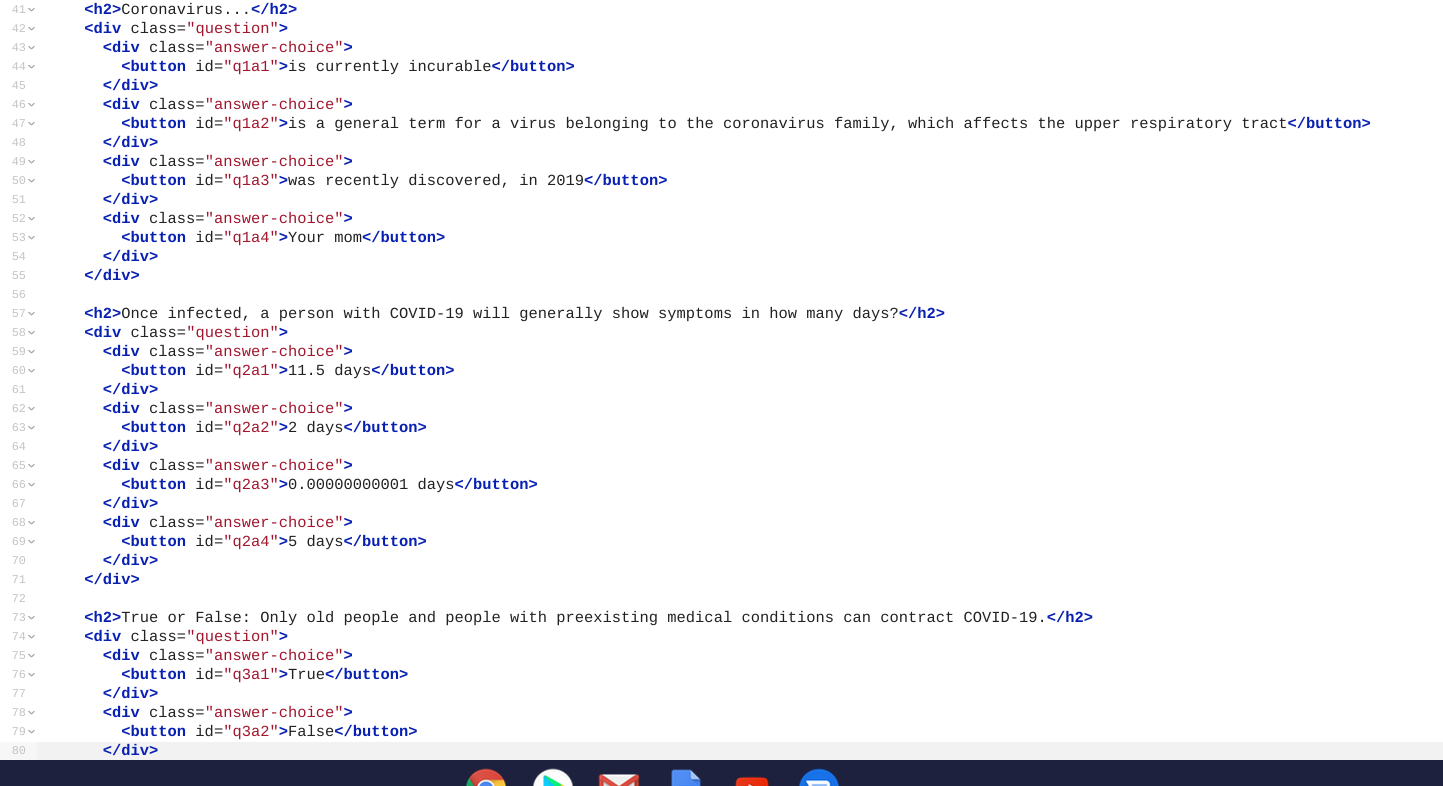
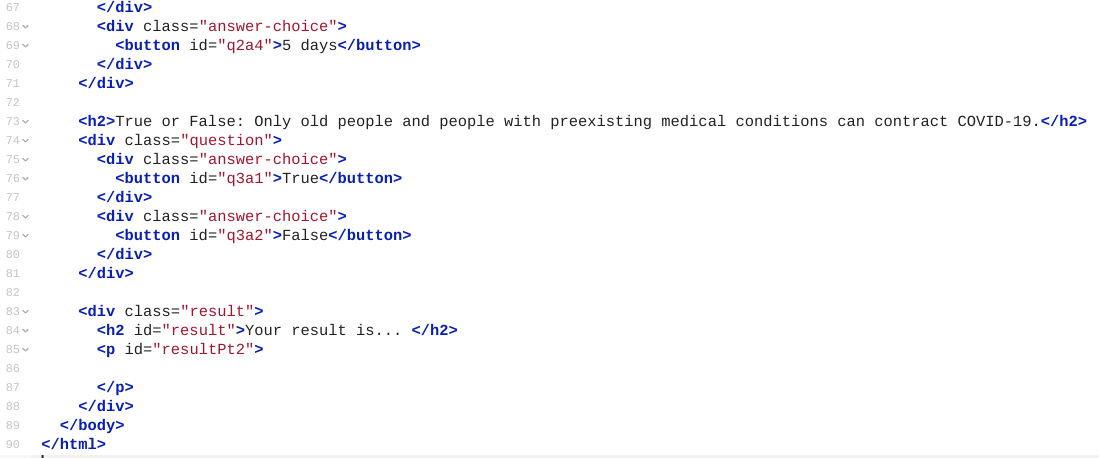
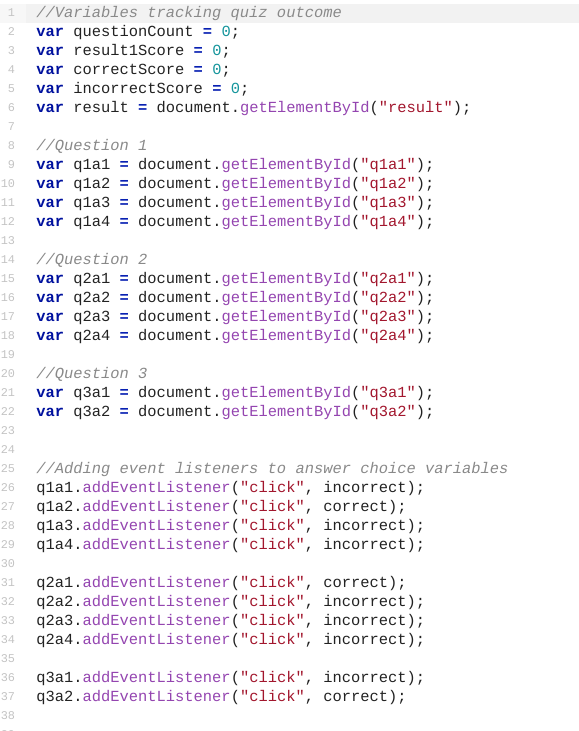
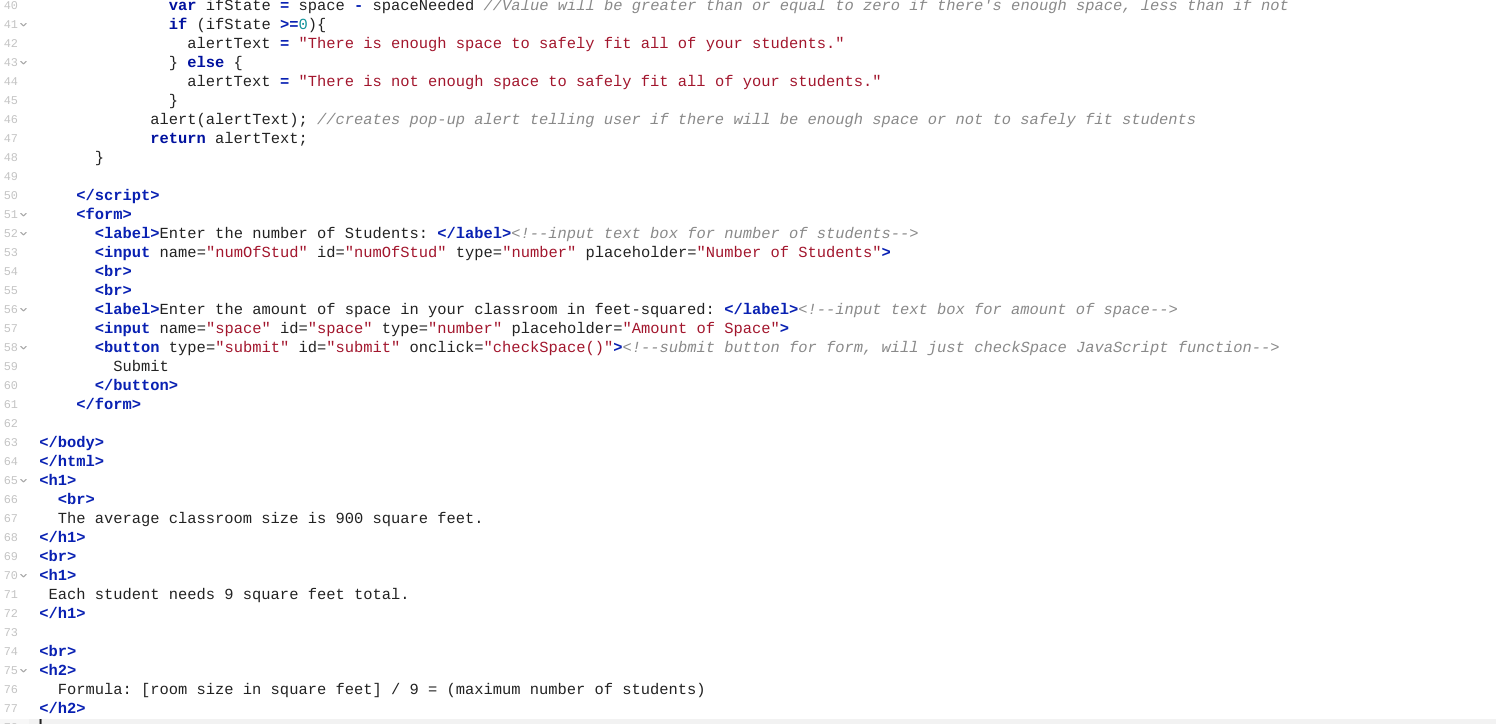
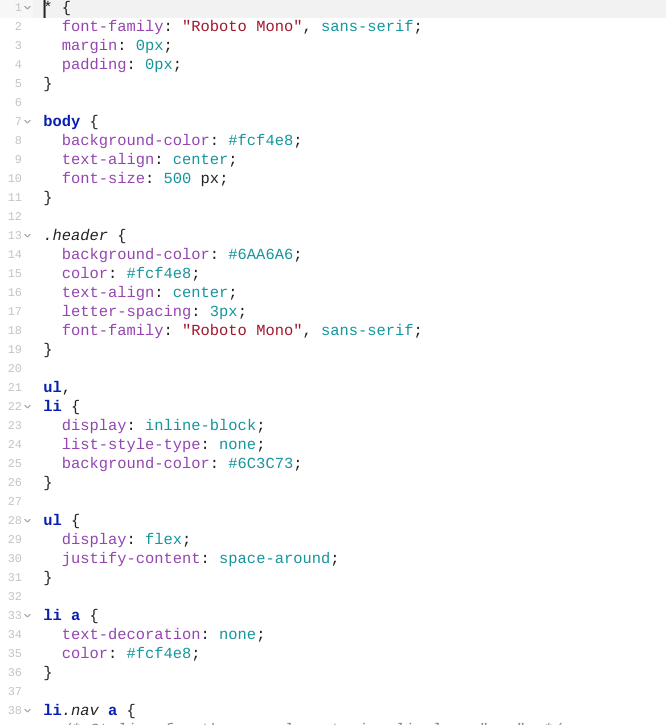
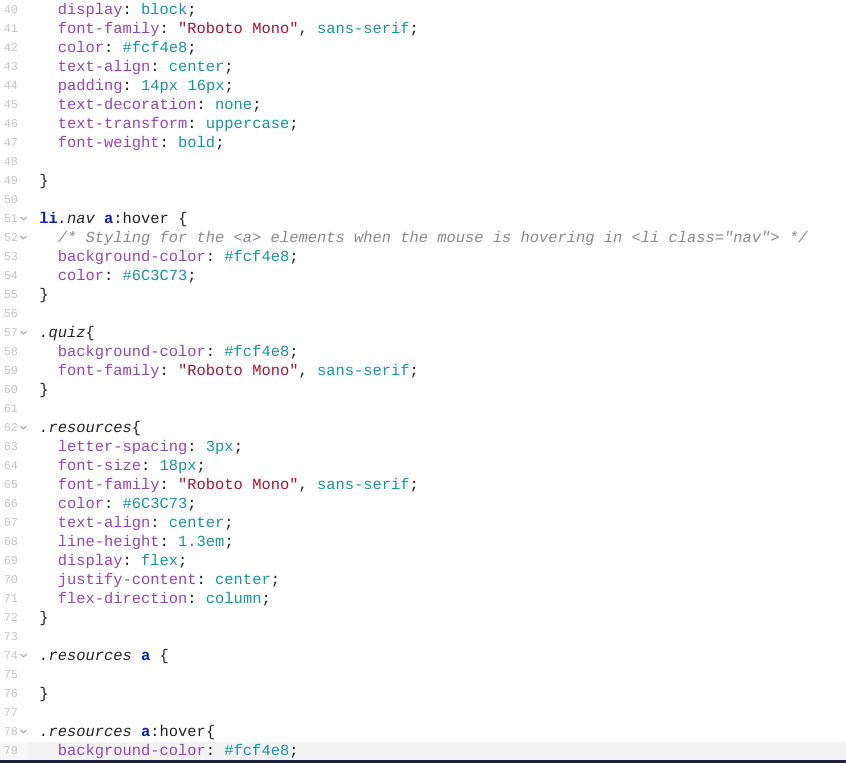
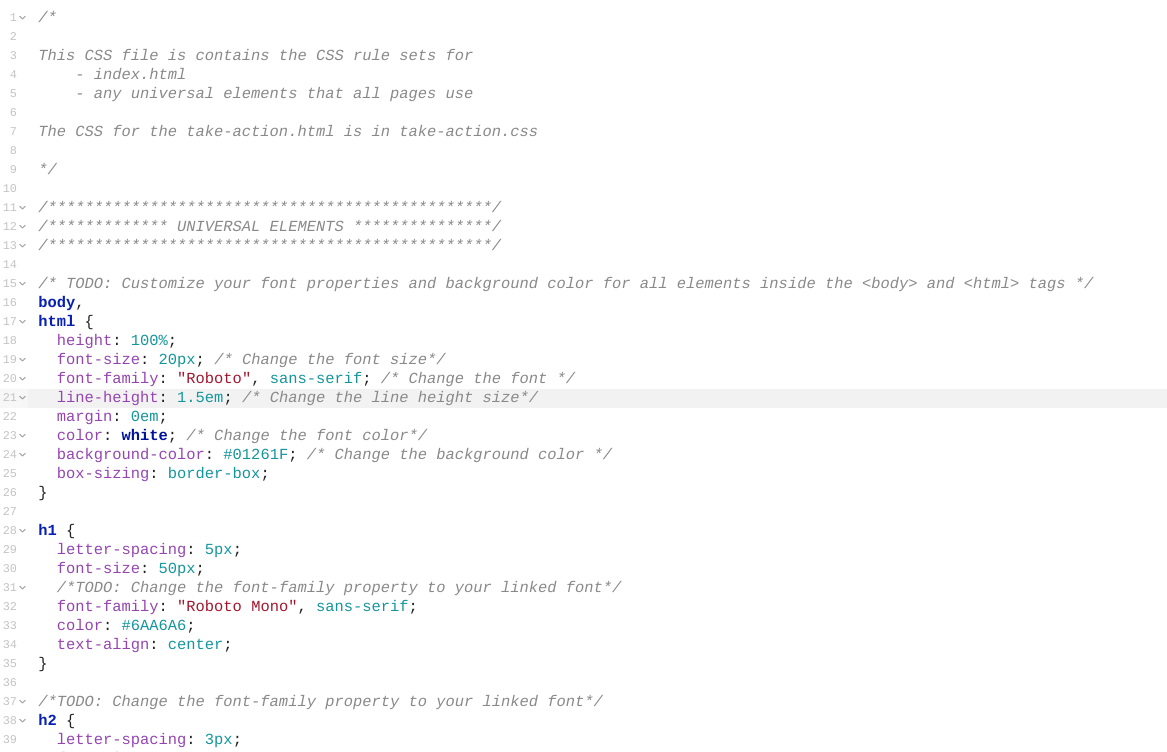
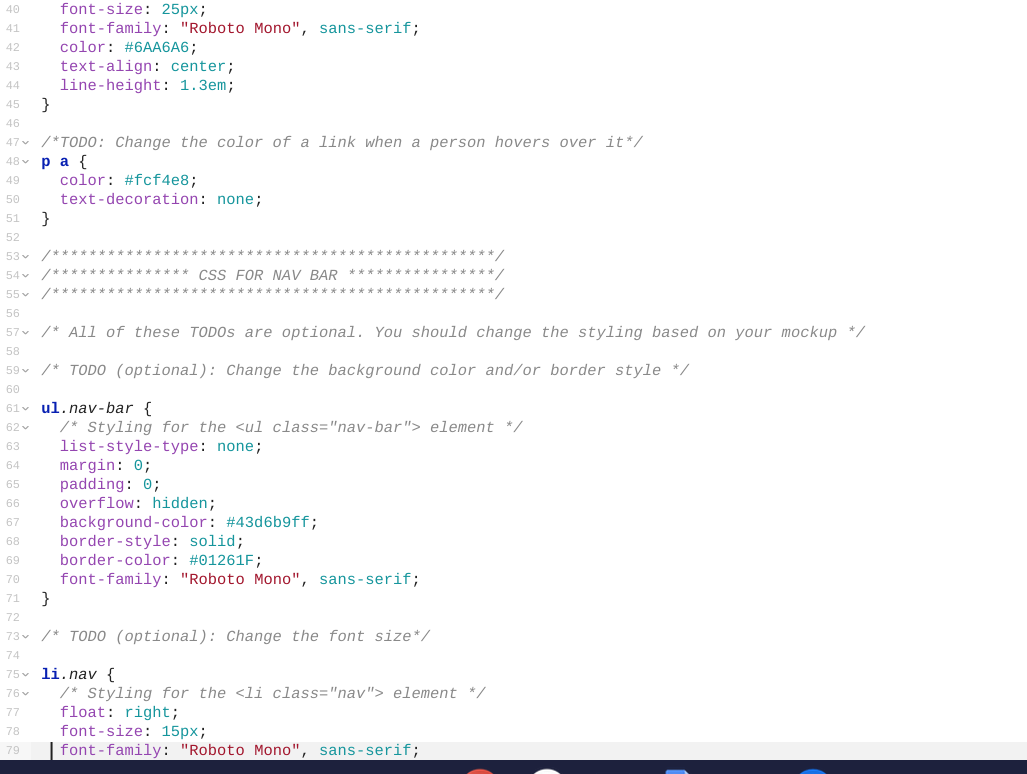
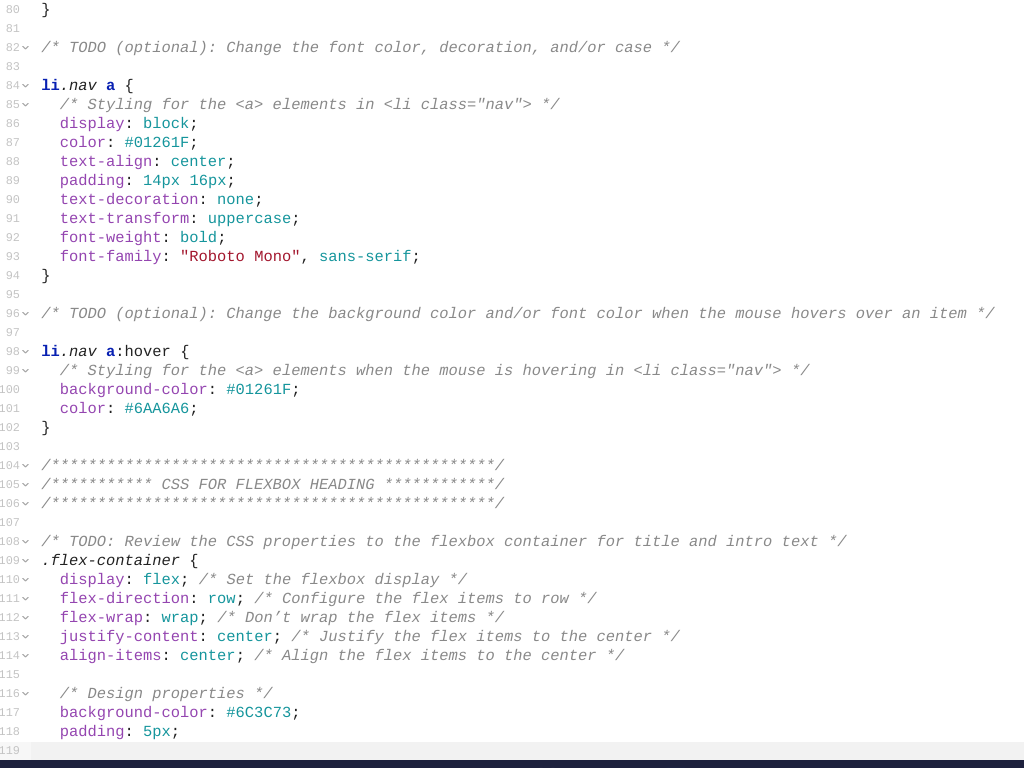
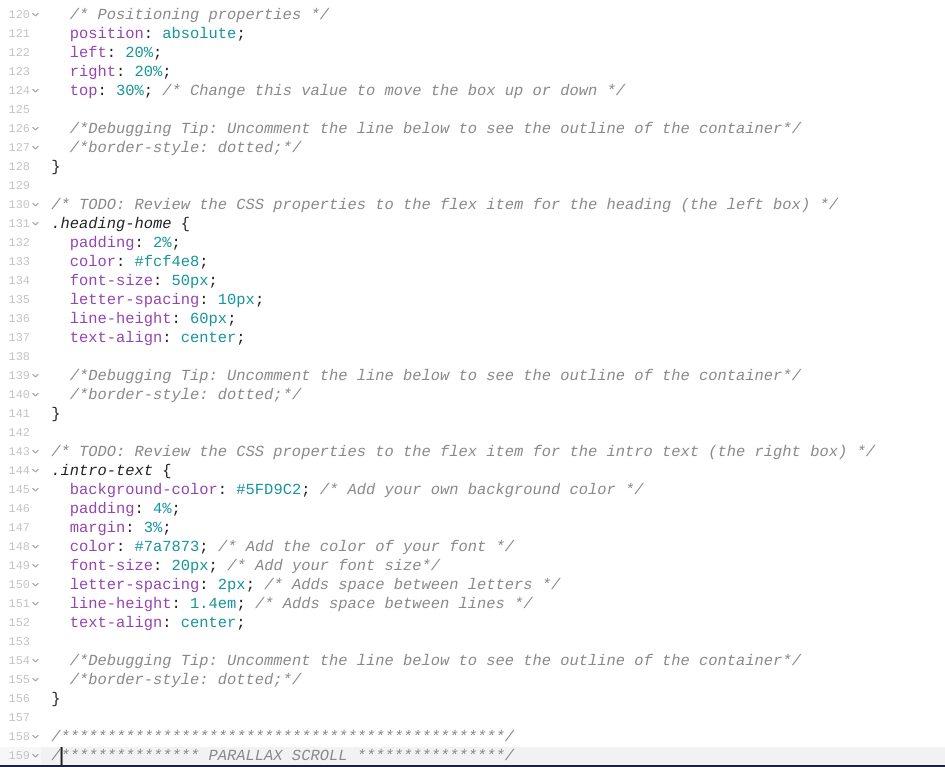
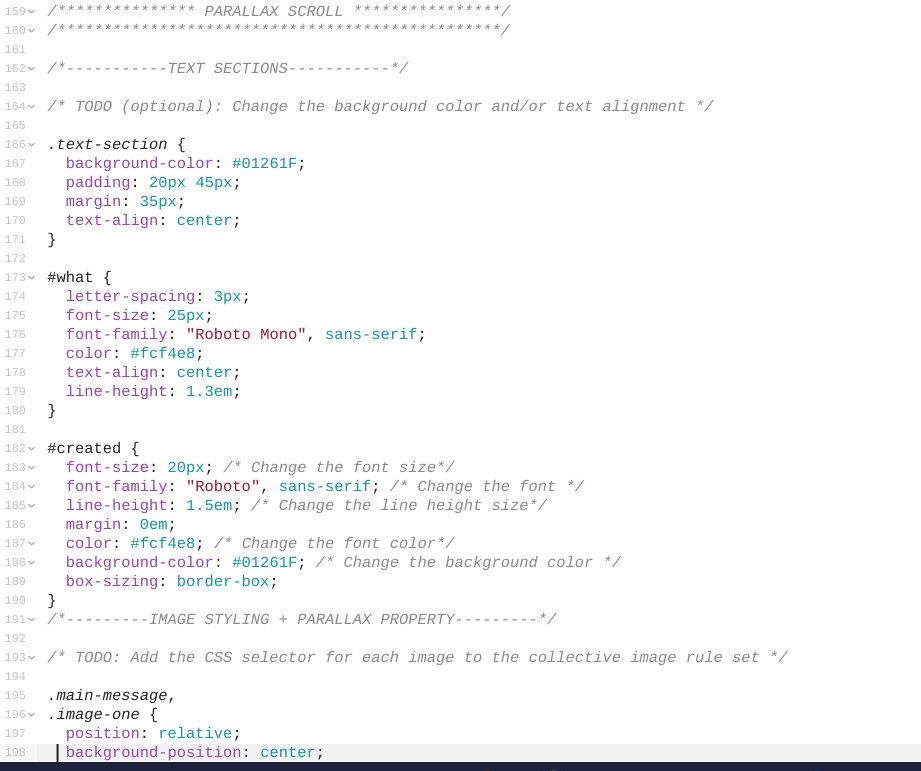
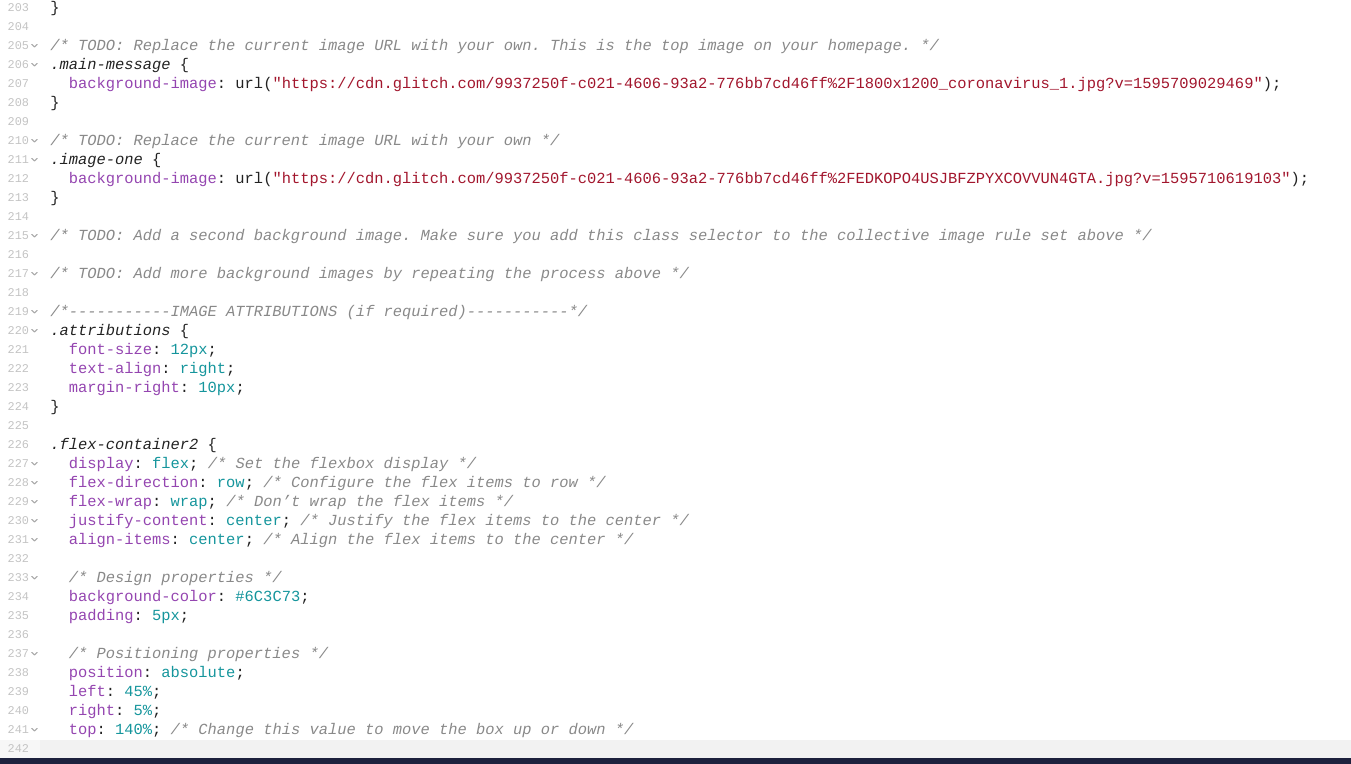
We built Safe Space in Glitch using HTML, CSS, and JavaScript. As with all websites we used HTML as the base for our entire site. We then built upon this using CSS elements like Flexbox to format our site. Finally we used JavaScript to create interactive interfaces to calculate risk and quiz users on their COVID-19 knowledge.
Challenges we ran into
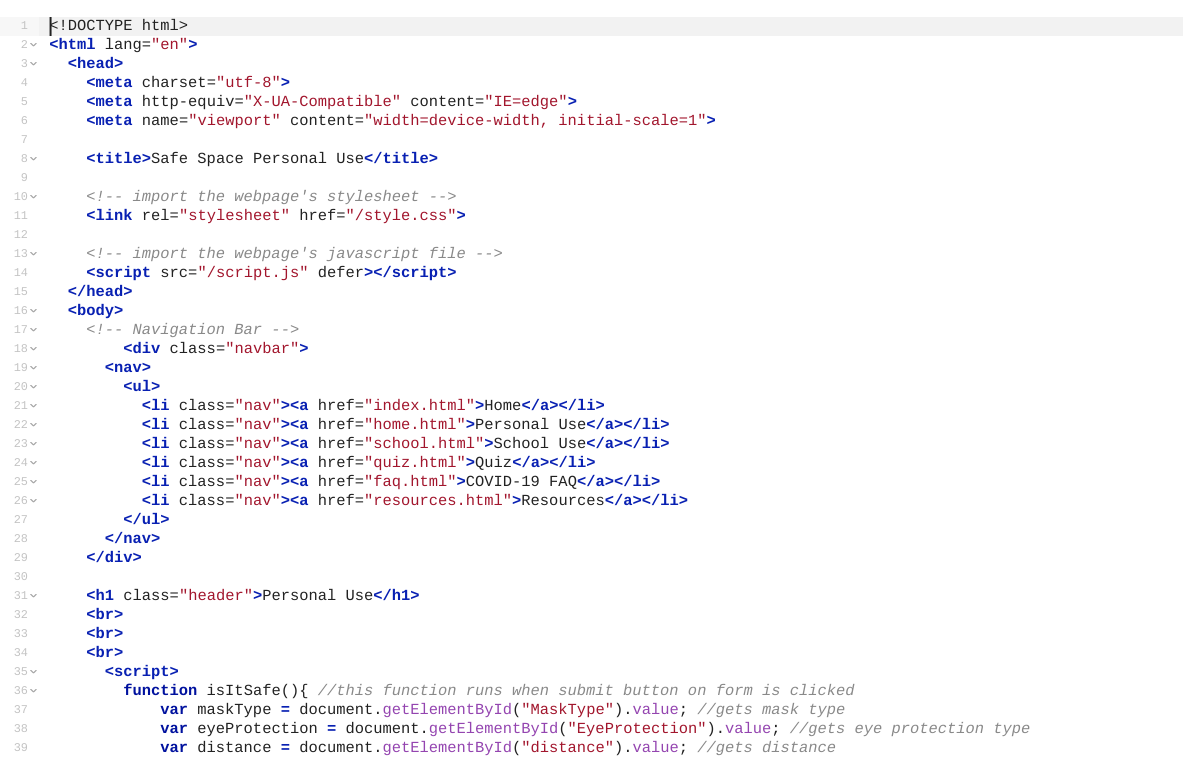
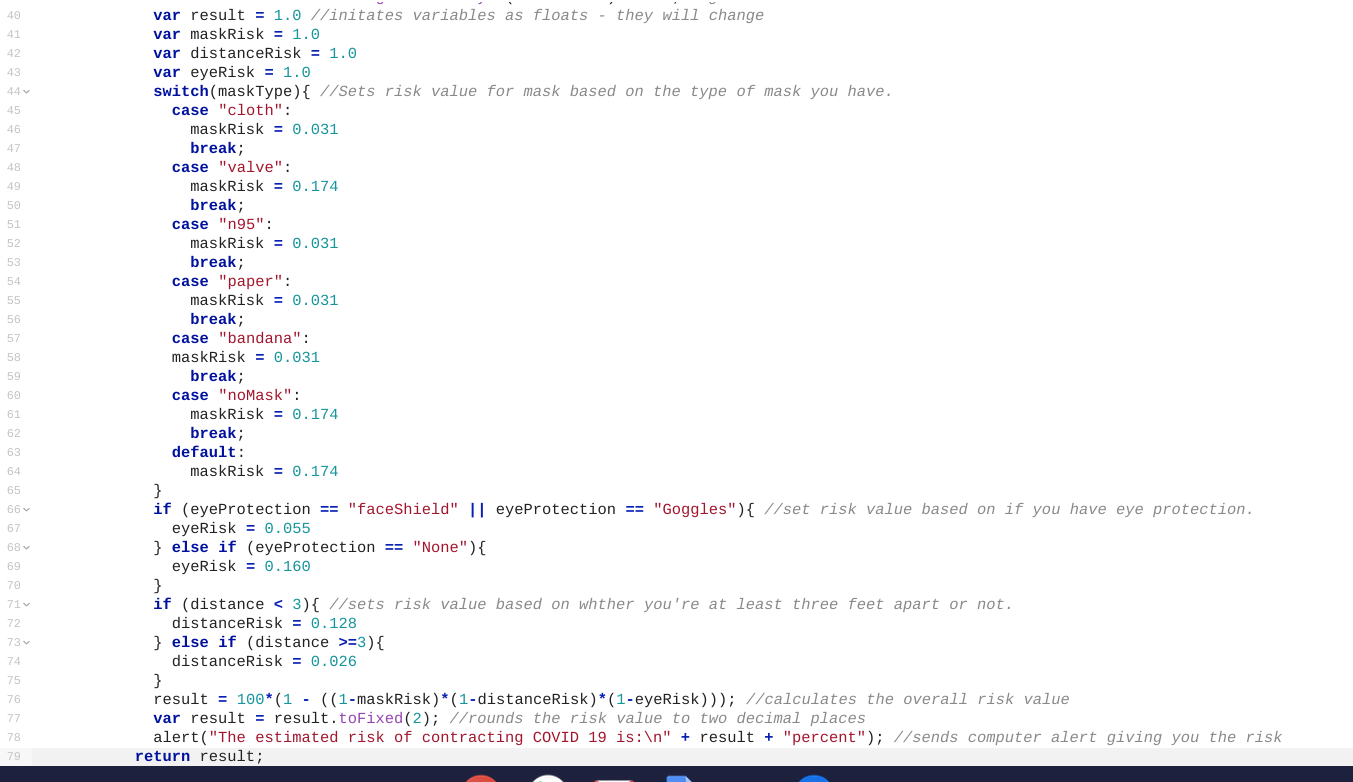
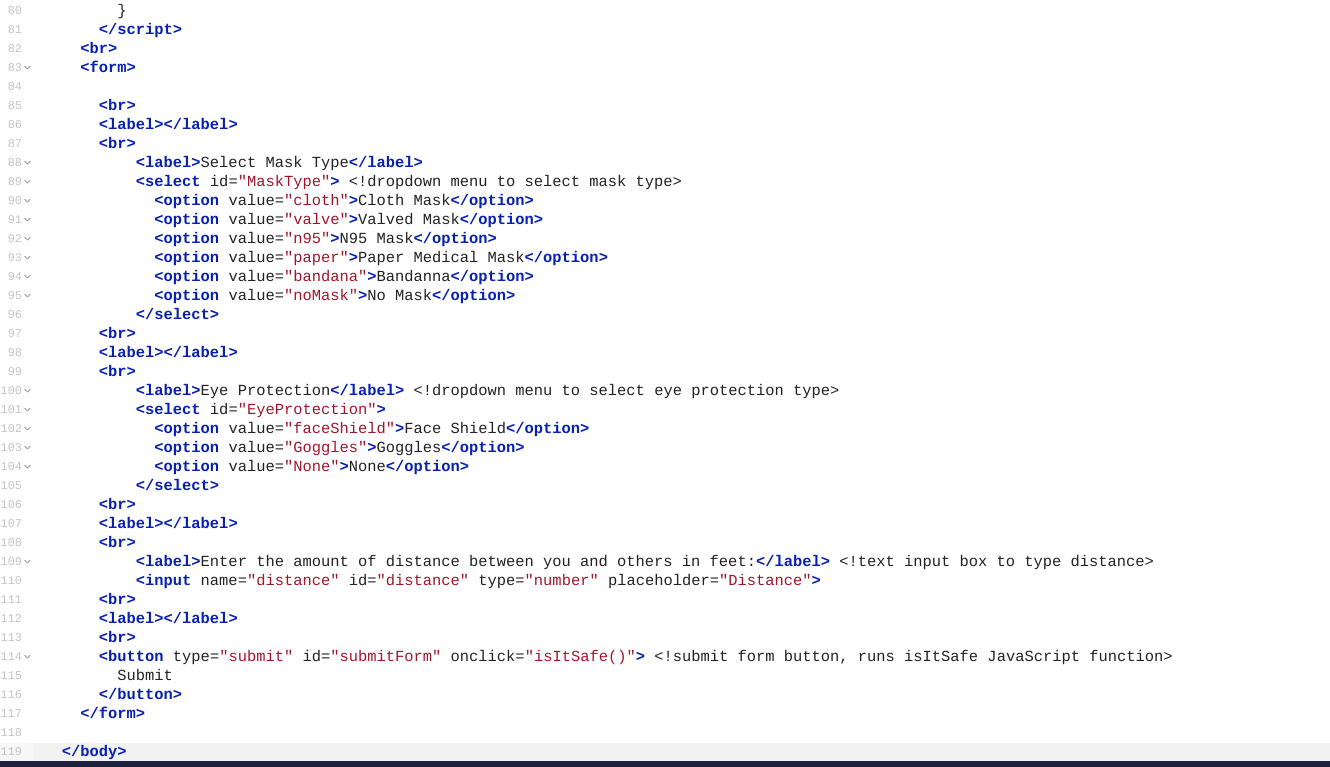
Retrieving Form Input in JS Function: When trying to figure out how to get the user to give the website information such as what type of mask they were wearing and if they were wearing eye protection, we ran into some issues because we couldn't figure out how to retrieve that information in a JavaScript function. For some reason, document.getElementById("InputId"); worked with input from typed forms (number or text), but didn't work for drop-down menus. We found a simple fix for this by changing the line to document.getElementById("InputId").value;.
Displaying Calculation Result on Form Submission: We had a few difficulties getting the website to display the calculation result of the user's answers in the form. At first we tried to use document.getElementById("Element") = "Your result is" + result. We're not sure why this refused to work, but found al alternative way to display the result to the user. We used the window.alert("Your result is" + result) function. This worked really well, and had the added benefit of being very attention catching to the user.
Accomplishments that we're proud of
We are extremely proud of all the JavaScript and PHP elements of the website as they are the most complicated and we had the most trouble getting them to work.
What we learned
Javascript and HTML: We learned how to use JavaScript and HTML together. For most of us, this was new, so we learned a lot about taking the user's input from forms and turning that into a JS variable.
What's next for Safe Space
In the future, we hope to make our risk estimate more accurate by incorporating more variables that the user can change such as whether they will be outdoors or indoors, as well as by using more accurate data as new studies about COVID-19 risks take place. We also hope to continue working on formatting so that the site can look more polished.



Log in or sign up for Devpost to join the conversation.