-
-
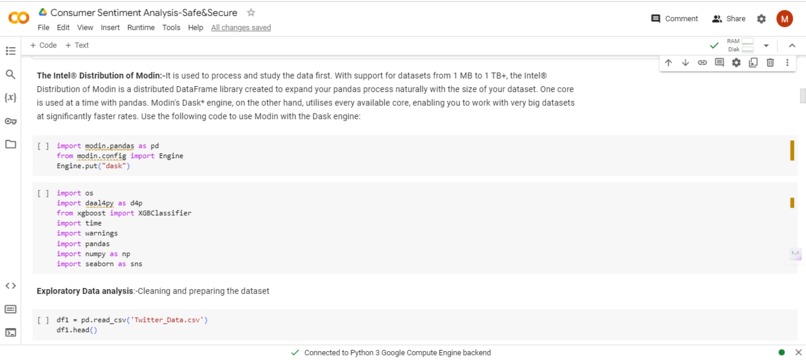
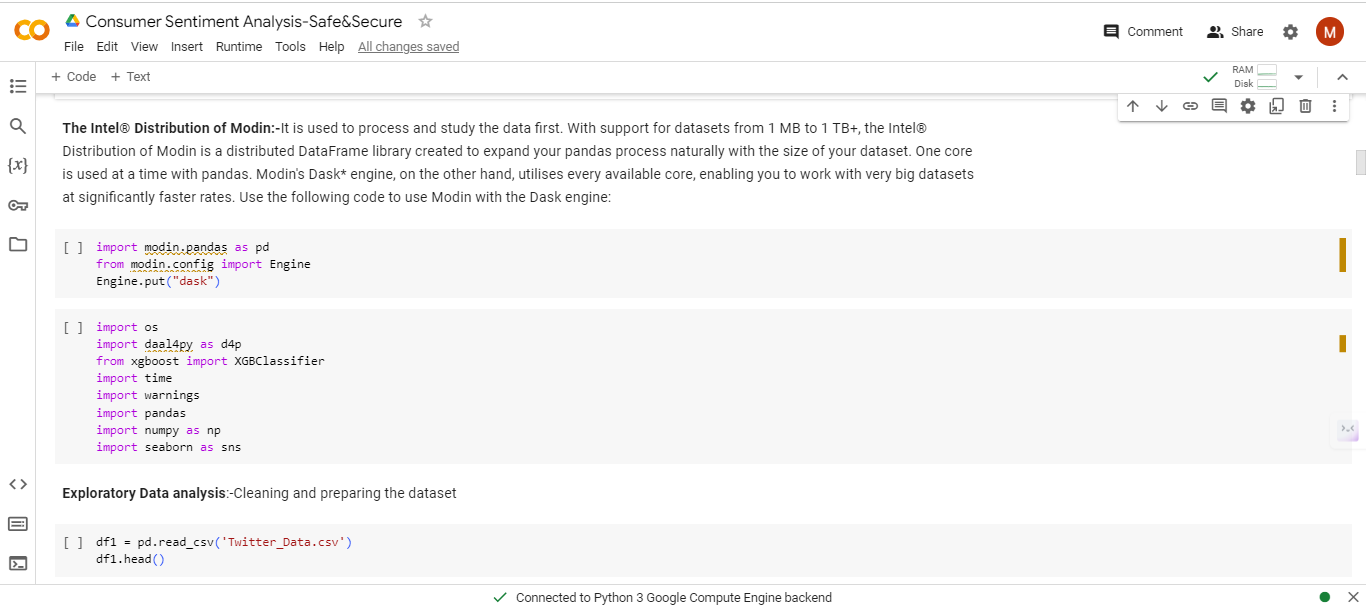
Intel Distribution Of Modin
-
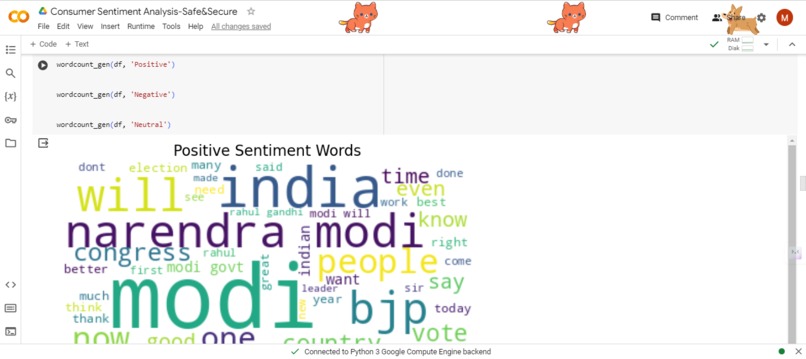
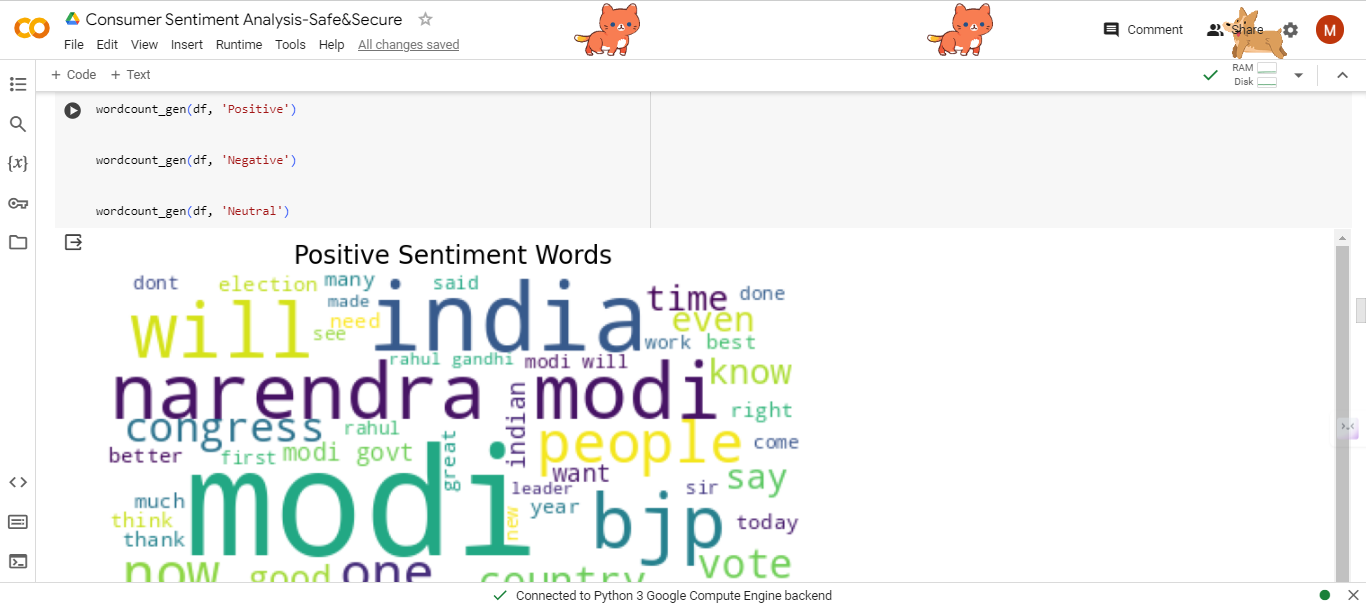
Positive Sentiment Words
-
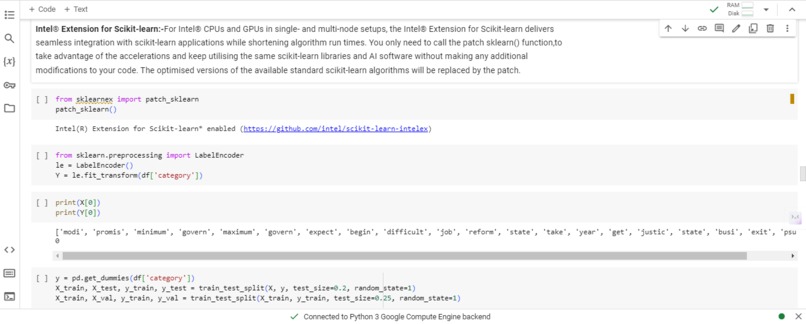
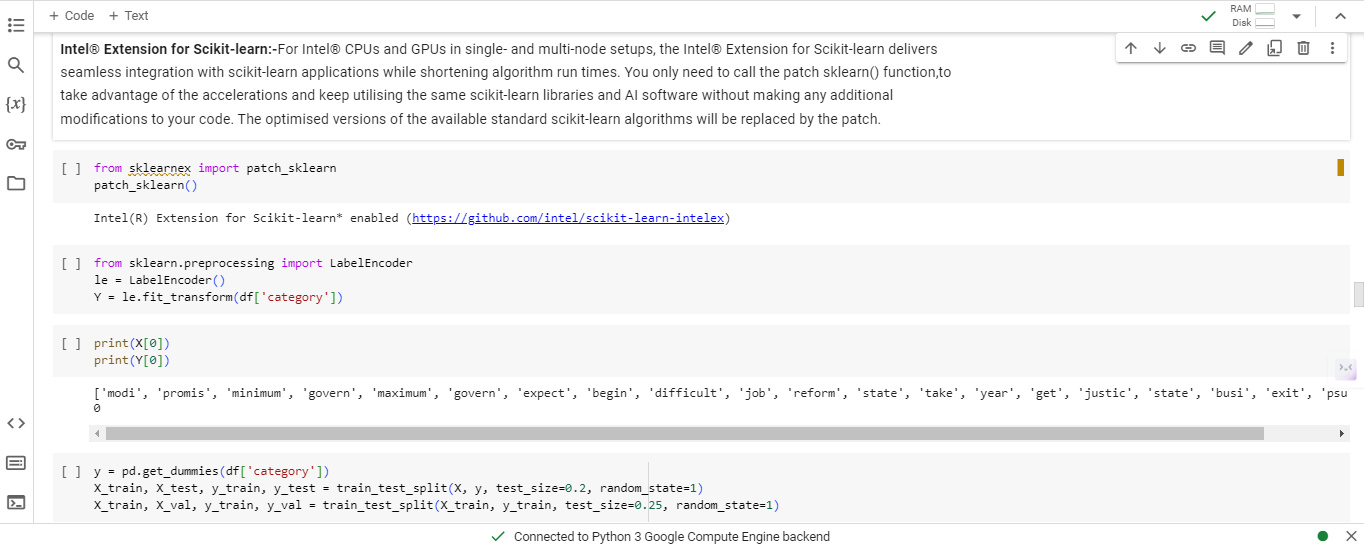
Intel Extension for Scikit-Learn
-
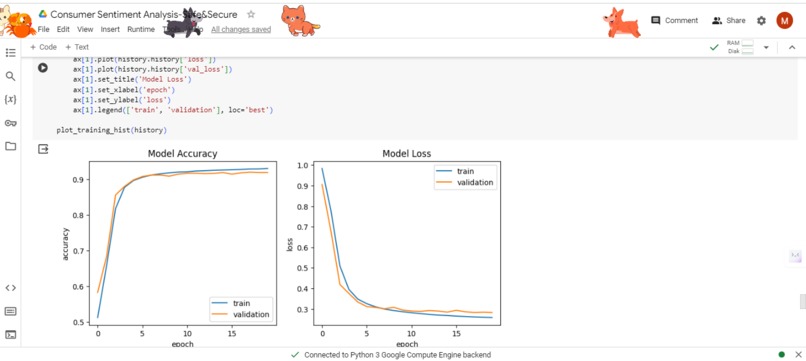
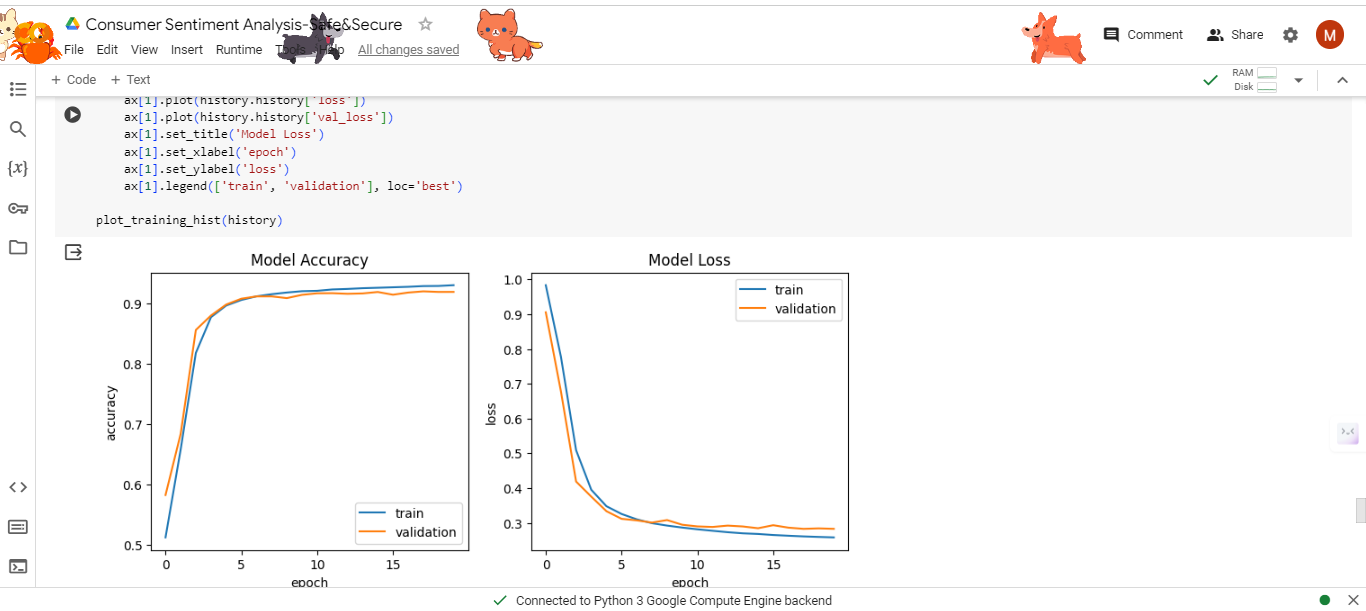
Model Accuracy and Model Loss
Inspiration
Many use pricey GPUs to shorten training and inference times for machine learning on industrial datasets that are getting bigger and bigger. Our project's demonstration will demonstrate how you may speed up your machine learning workflow utilising Intel's optimised libraries, which are both affordable and streamlined.
What it does
My project predicts the sentiments underlying tweets received in real time using tweepy and categorise them as positive, negative, or neutral, this script first performs EDA before preprocessing numerous datasets to train a bidirectional LSTM model.
How we built it
Our project is developed using multiple accelerated Python libraries included in the Intel® AI Analytics Toolkit to improve our ML workflow's training cycles, prediction throughput, and accuracy (AI Kit). The principal libraries we'll use in this notebook are:
1.Intel® Distribution of Modin*
2.Intel® Extension for Scikit-learn*
3.Intel® Daal4py
4.XGBoost Optimized for Intel® Architecture
5.Intel® Extension for Pytorch
6.Intel®Optimization for Tensorflow
Challenges we ran into
Understanding the concepts of Intel AI analytics toolkits was a challenging process.
Accomplishments that we're proud of
I am proud that we were able to use the IntelOneAI API toolkits and predict the sentiments of the consumers.
What we learned
We learned more about IntelOneAI Library Toolkits and how Intels libraries can provide us a consise workflow to improve our ML workflow's training cycles, prediction throughput, and accuracy
What's next for Safe&Secure - A sentimental Analysis
After getting selected in prototype round(POC) round in IntelAI hackathon,and if Intel members keep our hardwork in mind we would be deploying our project in streamlit as an app ,we will be using live twitter analysis for predicting the consumer sentiments.To use the 'tweepy' API, you need to create an account with Twitter Developer. After creating the account, go to 'Get Started' option and navigate to the 'Create an app' option. After you create the app, note down the below required credentials from there. Fetching data from twitter:- To get started, you’ll need to do the following things: Set up a Twitter account if you don’t have one already. Using your Twitter account, you will need to apply for Developer Access and then create an application that will generate the API credentials that you will use to access Twitter from Python. Import the tweepy package.
Built With
- intelaianalyticstoolkit
- inteloneai
- jupyter-notebook

Log in or sign up for Devpost to join the conversation.