Inspiration
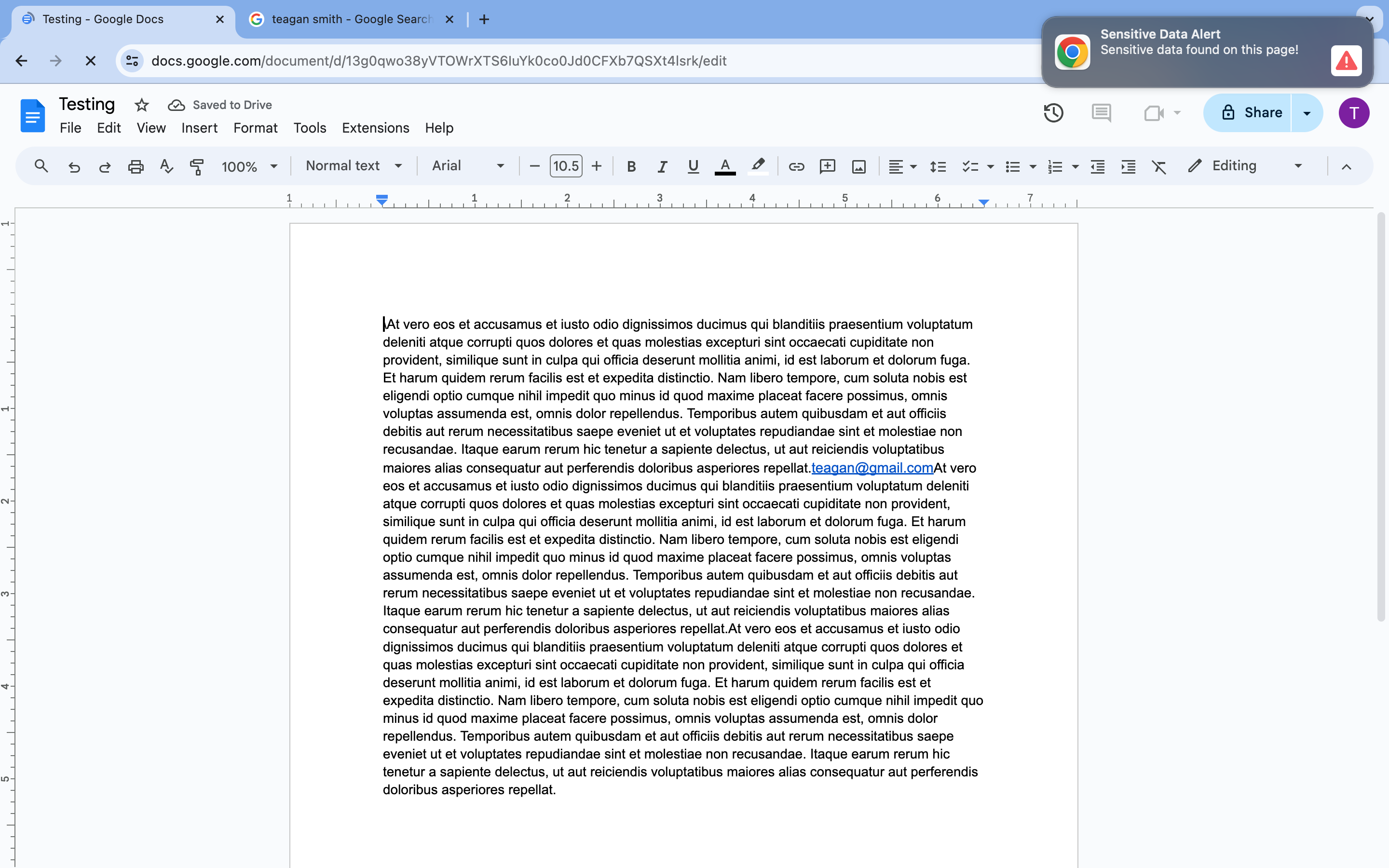
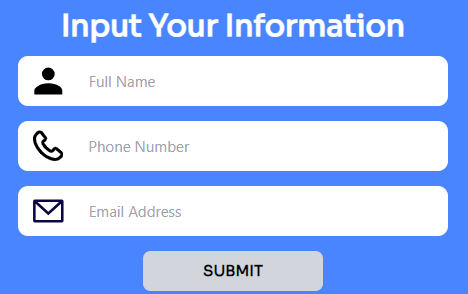
We set out to make a browser extension to help people protect their PII. We wanted to help users be cautious of when and where they give their information online. As well as help users find places where their PII may already be located, unbeknownst to them. Additionally, we wanted to scan URLs the user was visiting to see if they were malicious so the user does not accidentally give out their personal information to a dangerous site.
What it does
The chrome extension can tell if a site is safe.
How we built it
We built the Chrome extension with JavaScript and HTML.
Challenges we ran into
We had issues with getting the features to run at the same time. We were able to search a page for a user's PII or see if the URL was malicious, but not both running together.
Accomplishments that we're proud of
We are proud of our idea and ambition as we did not have javascript experience.
What we learned
We learned JavaScript basics.
What's next for Safe Search
We want to have the search and scanning features to be able to work together. We also want to add a more in-depth search capability where we store all the places sensitive data was found and display it to the user so they can see what sites have information that they should check out.

Log in or sign up for Devpost to join the conversation.