-
-
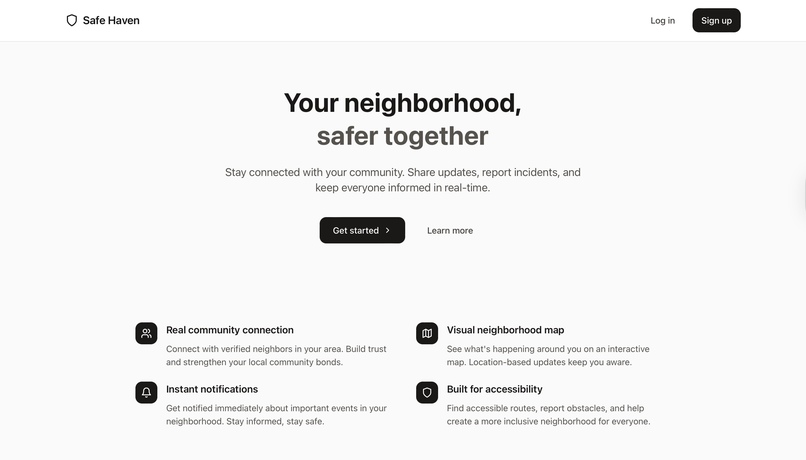
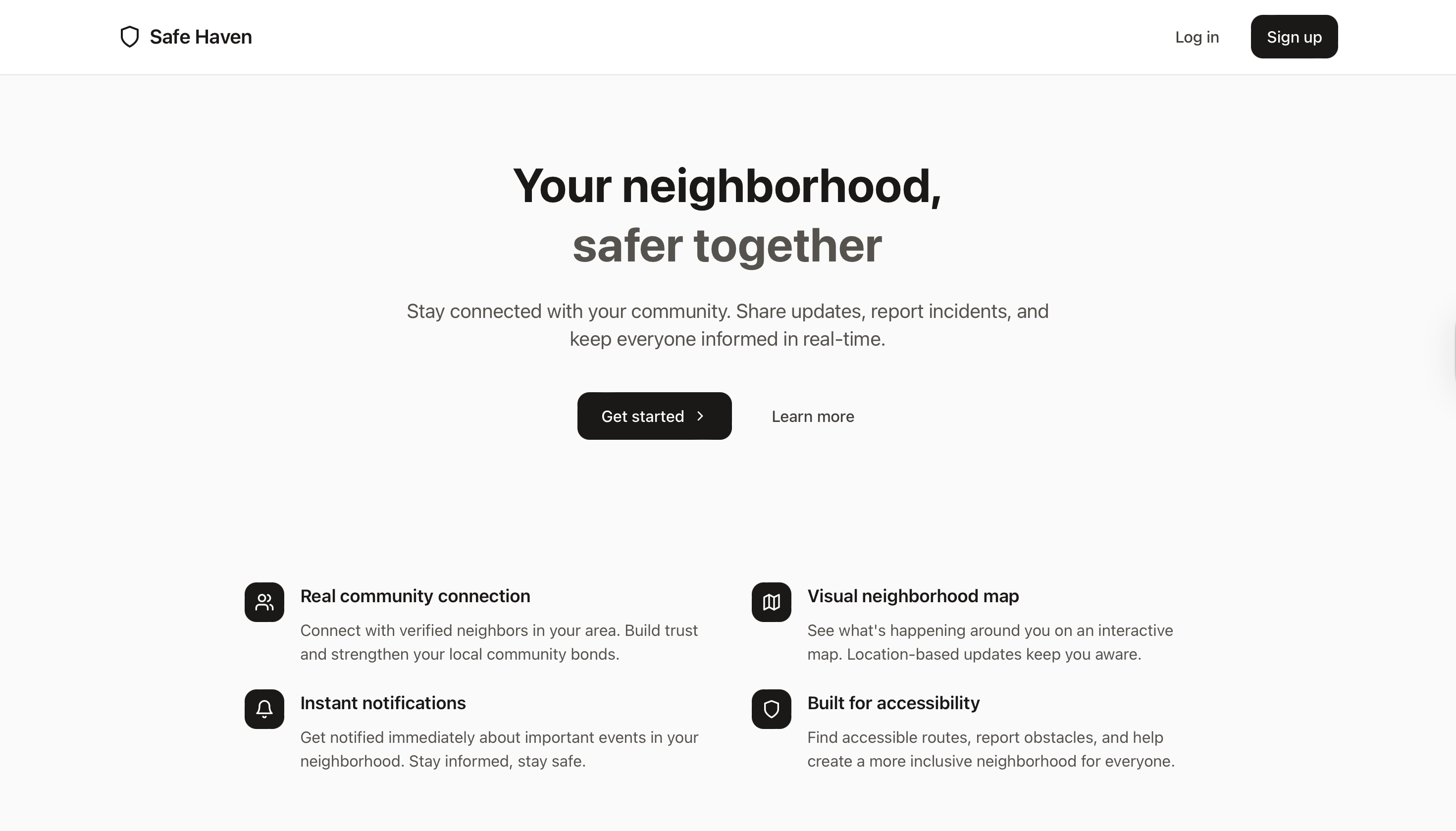
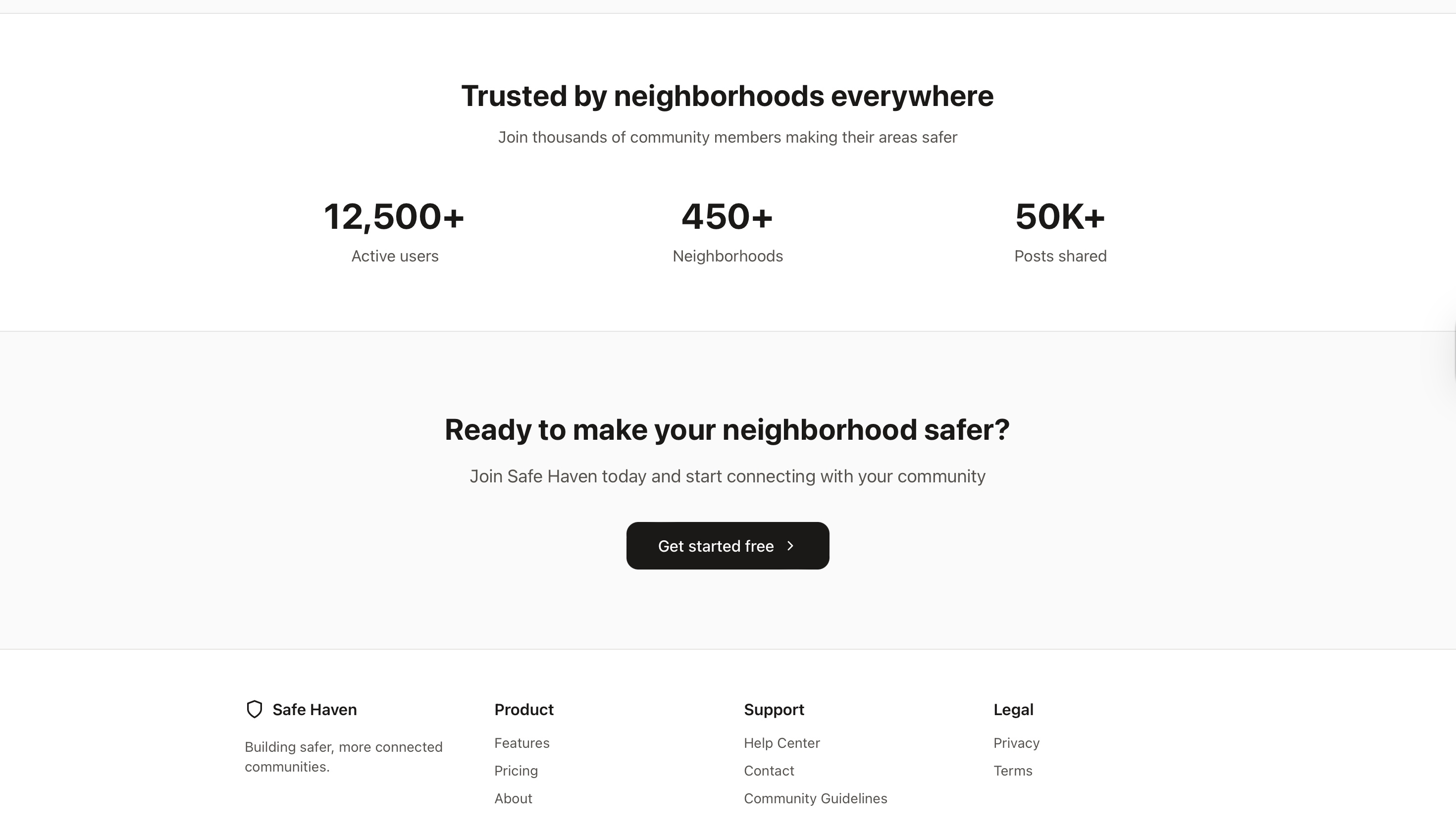
Main page
-
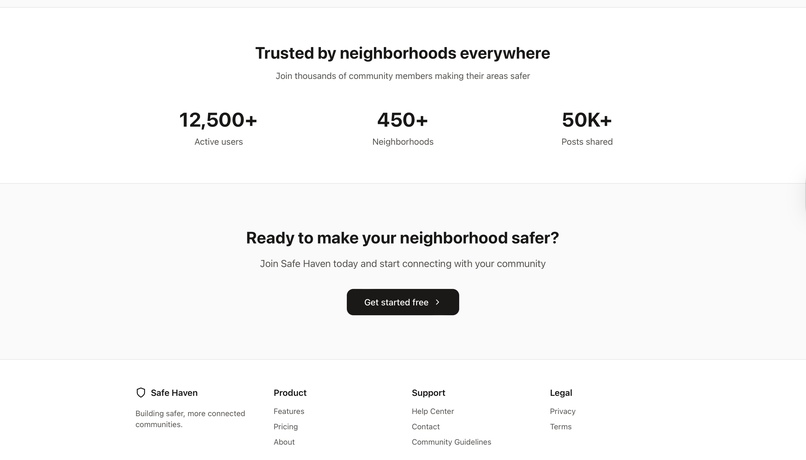
-
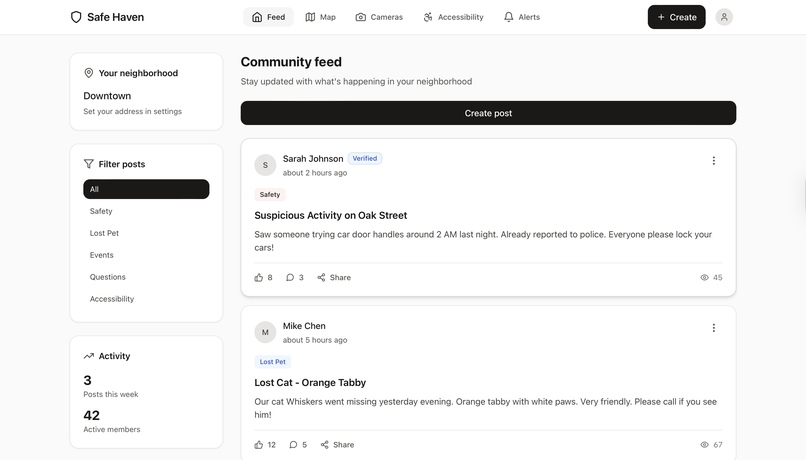
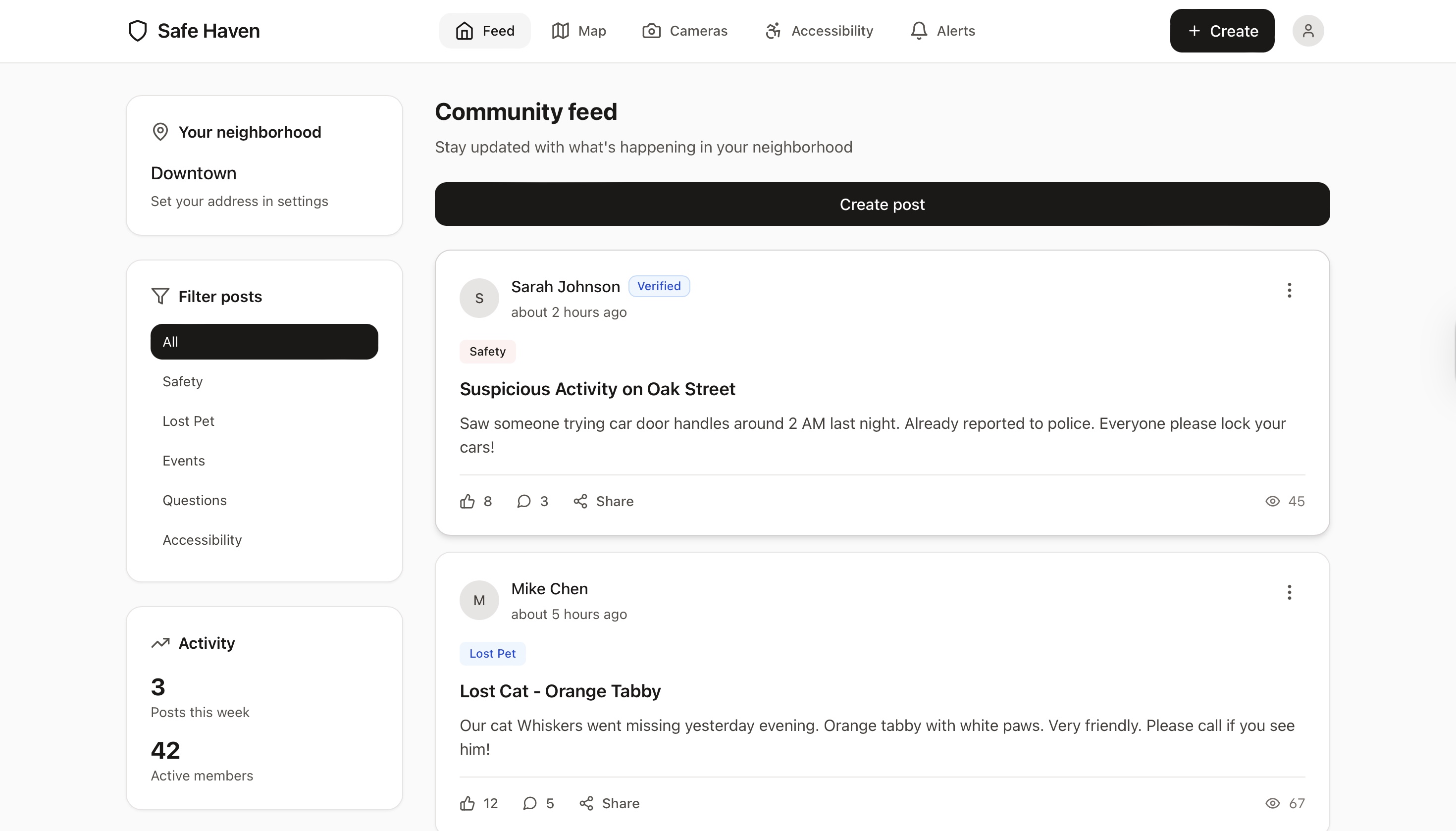
Feed page
-
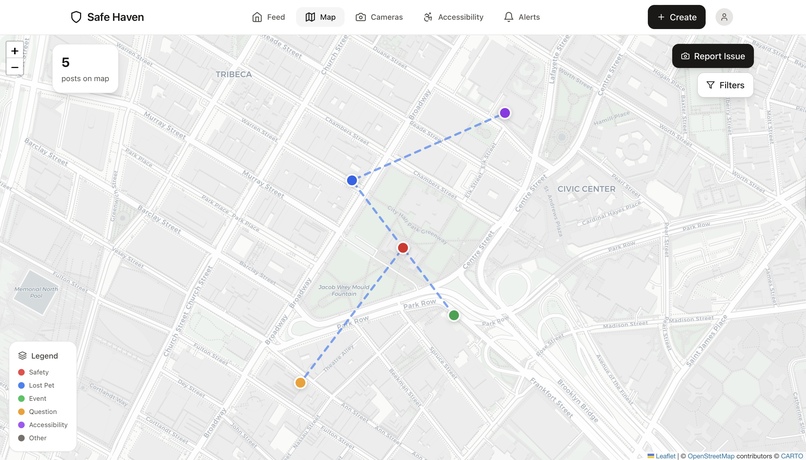
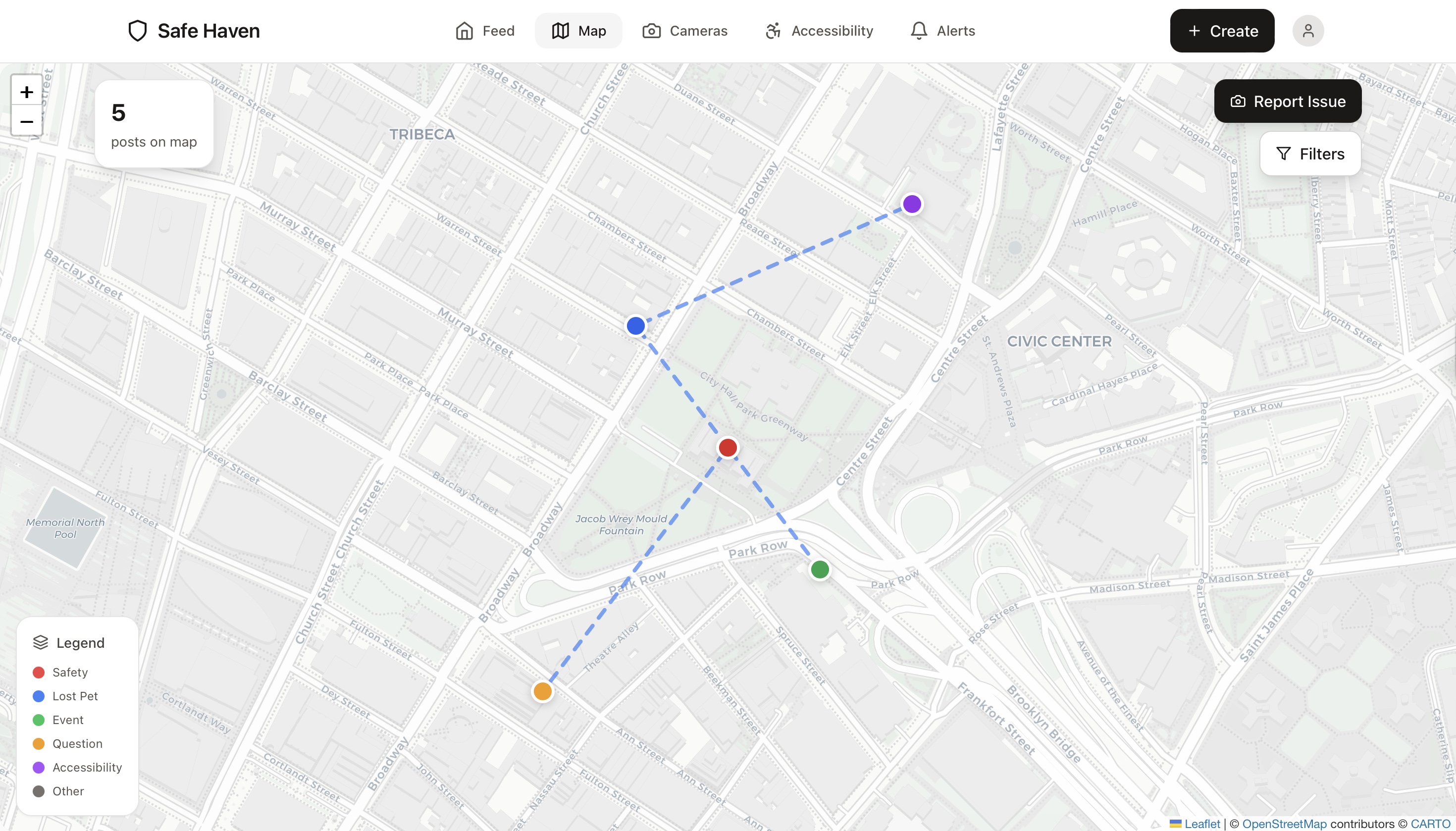
Maps!
-
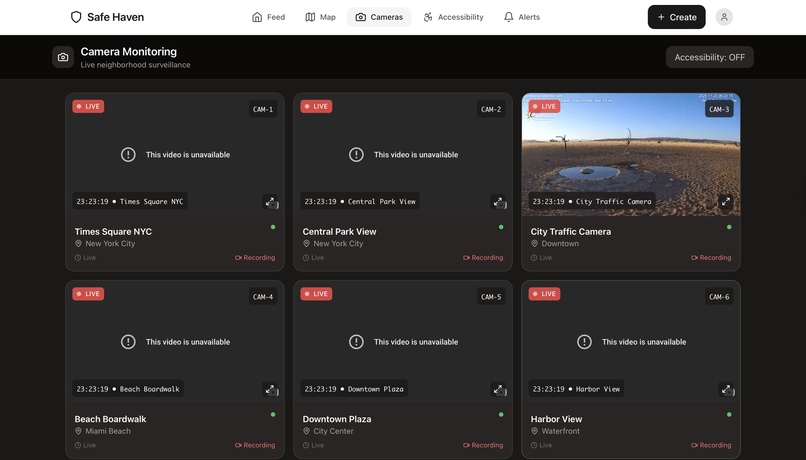
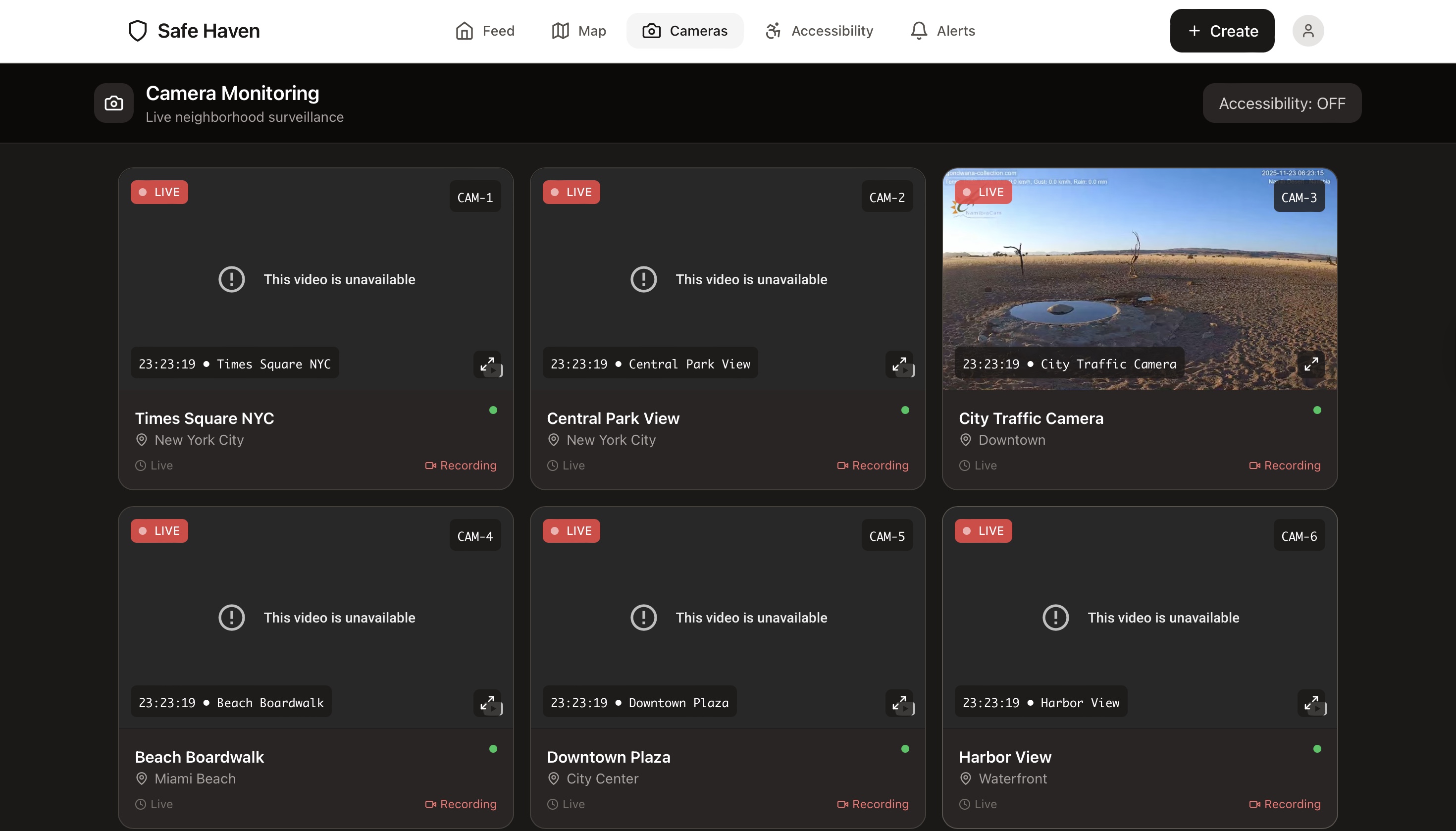
Live Cams
-
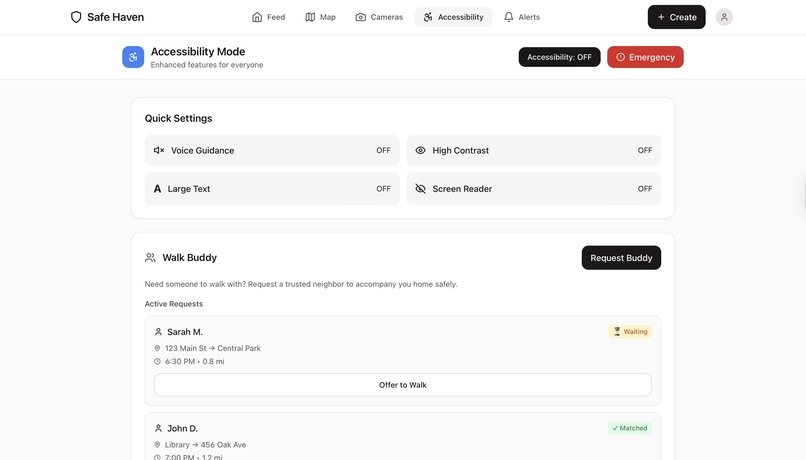
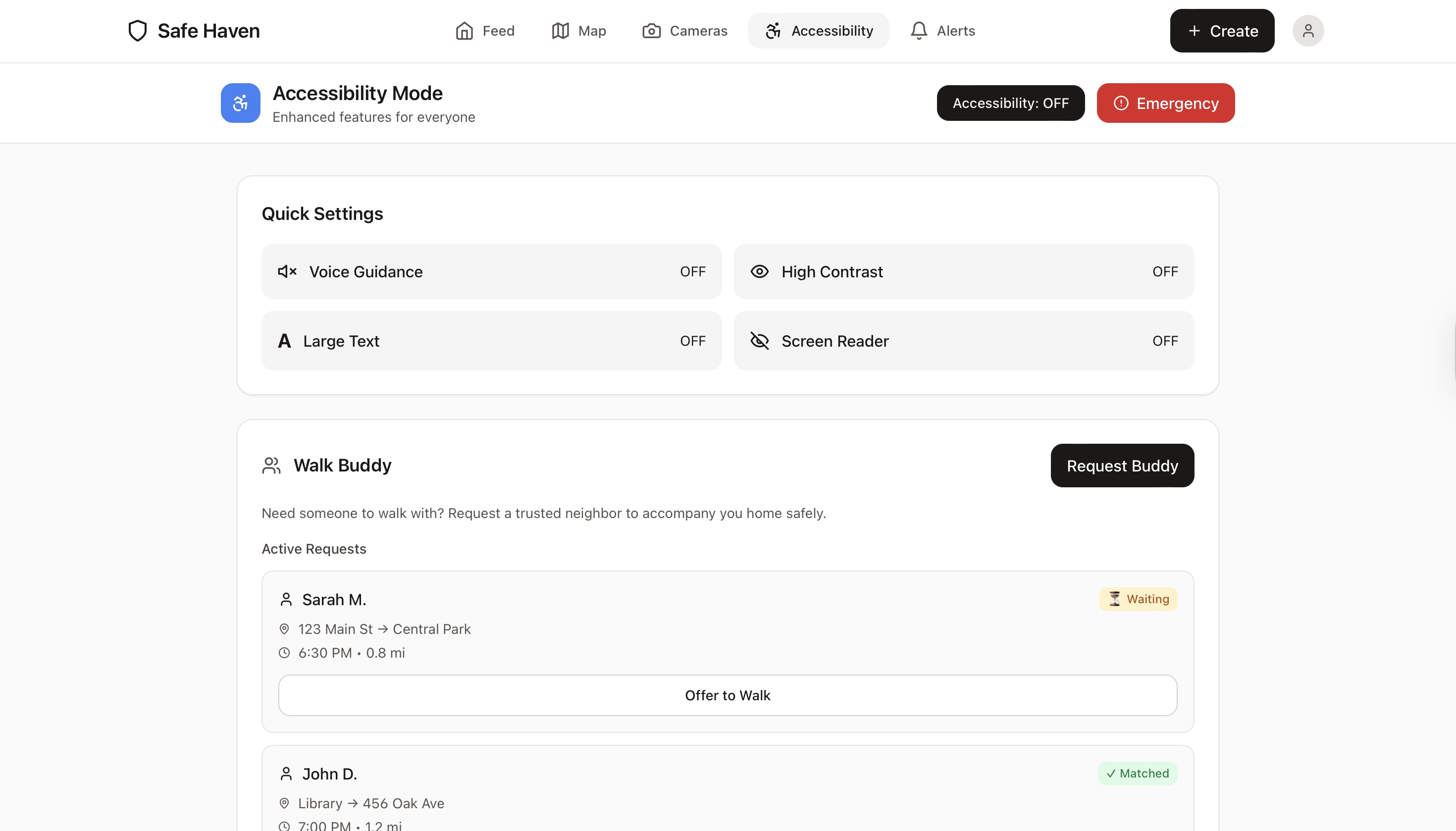
accessibility
-
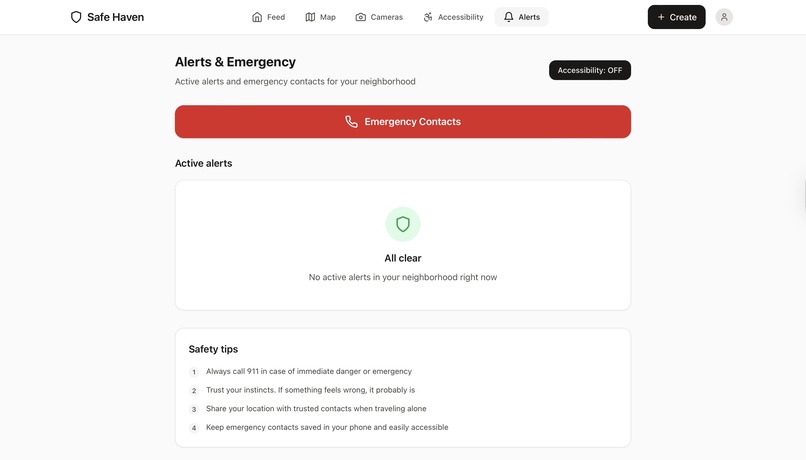
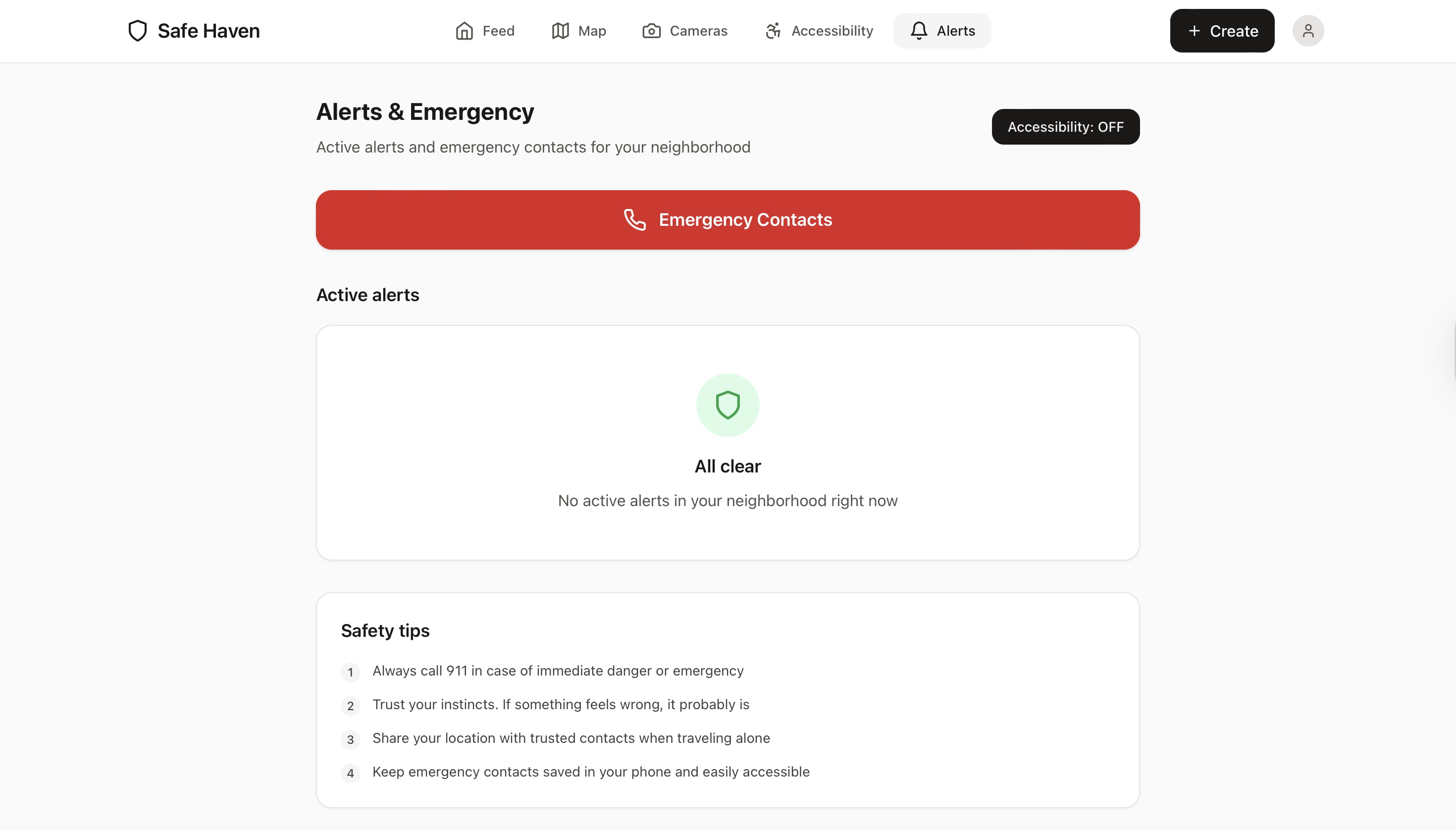
important alerts!
The inspiration for Safe Haven came from the fact that we realized that most individuals are unaware of what is going on in their own community, which inspired the creation of Safe Haven. Important issues like as safety concerns, lost pets, and even minor emergencies are sometimes overlooked since there is no single, dependable communication channel for everyone. We also discovered that not everyone perceives their community in the same way. Some persons require accessible pathways, calmer routes, or additional assistance in securely navigating their surroundings. That demonstrated how much a neighbourhood may gain from increased connectivity and awareness. So we set out to create something simple, useful, and community-driven that would bring people back together. Safe Haven is inspired by the idea that a neighbourhood should feel like a network of individuals looking out for one another, rather than a place where strangers exist together.
Many areas lack a consistent means of keeping inhabitants informed about what is going on around them. Important data such as safety incidents, missing pets, accessibility difficulties, or emergencies is frequently dispersed, delayed, or not communicated at all. This leads to communication gaps, which can endanger community members. Safe Haven solves this challenge by providing a centralized, real-time platform for neighbours to instantly share updates and keep informed. Users receive immediate notifications regarding local incidents, school-zone safety, and accessibility issues. The program also helps individuals with mobility issues by providing alternative routes that avoid barriers, and it contains features for visually challenged users such as voice-read navigation, bigger interface elements, and a dedicated accessibility mode.
How we built it
Planning & Research Started by identifying the core problem: neighbors don't have a fast, organized way to share safety information. We researched existing solutions (Nextdoor, Citizen app) and identified their weaknesses - too slow, too cluttered, poor accessibility. Key decisions: • Web-first (no app store barriers) • Real-time updates (no refresh needed) • Accessibility built-in from day one • Clean, minimal design
Challenges we ran into
Real-time synchronization complexity Getting Firestore listeners to update the feed instantly without causing re-render loops was tricky. We had to carefully manage React state and useEffect dependencies to prevent infinite update cycles. Camera autoplay restrictions Modern browsers block video autoplay to save bandwidth. We spent hours figuring out the right combination of mute, autoplay, and playsinline parameters to make YouTube streams auto-start reliably across all devices. Accessibility implementation Building true accessibility isn't just adding alt tags. We had to learn WCAG standards, test with actual screen readers, implement proper ARIA labels, and ensure keyboard navigation worked perfectly. The voice guidance feature required understanding the Web Speech API's quirks across different browsers. Map performance with multiple pins When displaying 50+ posts on the map simultaneously, performance tanked. We implemented marker clustering and lazy loading to keep the map smooth even with hundreds of data points. Mobile camera API differences iOS and Android handle camera access differently. Getting consistent behaviour for front/back camera switching across all devices required platform-specific code and extensive testing on real phones. Firebase security rules learning curve Writing proper security rules that protect user data while allowing legitimate access was harder than expected. We went through multiple iterations after realizing our initial rules were either too restrictive or too permissive.
Accomplishments that we're proud of
Built a fully functional real-time app This isn't a prototype or mockup - it's a working application with real live streams, actual camera capture, and genuine real-time updates. Users can post something and see it appear instantly on everyone's screens. True accessibility, not performative We didn't just add accessibility as an afterthought. Voice guidance actually reads everything aloud. High contrast mode meets AAA standards. The walk buddy system solves a real safety problem for people who need it. We built this for everyone. Clean, purposeful design Every pixel serves a purpose. No cluttered interfaces, no dark patterns, no manipulation. The UI is inspired by companies like MetaLab who understand that good design gets out of the way and lets people do what they need to do. Wheelchair-accessible routes on the map This feature came from actually listening to what people with mobility challenges need. It's not just marking buildings as "accessible" - it shows the actual routes with smooth pavement and proper ramps. That's useful. Live camera integration that actually works Six real 24/7 streams running simultaneously, auto-playing, with proper overlays showing timestamp and camera info. It looks and feels like professional security monitoring software. Shipped something complete We didn't just build half a feature set and call it done. Authentication works. Posts work. Maps work. Cameras work. Comments work. Everything is connected and functional. You can actually use this today
What we learned
Firebase is incredibly powerful for rapid development We built an entire backend - database, authentication, file storage, real-time sync - without writing a single line of server code. Firebase abstracts away so much complexity that we could focus on building features instead of infrastructure. Real-time features change how users interact with apps When updates appear instantly without refreshing, it fundamentally changes the experience. Users expect immediacy now. Polling every 5 seconds isn't good enough anymore. Accessibility is a technical challenge, not just a checkbox Making an app truly accessible requires understanding assistive technologies, testing with real users, and implementing features that aren't in most tutorials. The Web Speech API, proper ARIA labels, keyboard navigation - all of this requires intentional design and coding. Mobile-first design actually matters Over 70% of neighbourhood app usage happens on phones. Designing for mobile first, then scaling up to desktop, resulted in a better experience on all devices. Bottom navigation, touch-friendly buttons, and responsive layouts weren't optional - they were essential. Performance optimization is about perception, not just metrics A 2-second load time feels fine if you show loading states properly. A 0.5-second load with a blank screen feels slow. Optimistic UI updates, skeleton screens, and immediate feedback made the app feel faster even when network conditions were identical. YouTube embeds solve video streaming cheaply Hosting and streaming video is expensive and complex. Using YouTube's public live streams as camera feeds gave us professional 24/7 surveillance footage without video storage costs, bandwidth costs, or encoding complexity. Security rules are documentation Well-written Firebase security rules tell you exactly who can access what. They're not just security - they're documentation of your data model and permissions structure. Clean code is faster to debug We spent extra time organizing components, adding comments, and following consistent patterns. When bugs appeared, we found and fixed them in minutes instead of hours because the codebase made sense.
What's next for Safe Haven
Push notifications for critical alerts Implement Firebase Cloud Messaging and browser push notifications so users get instant alerts when emergencies are posted nearby - even when the browser tab is closed. Direct messaging between verified neighbour's Let users privately message each other through the web app for sensitive topics - coordinating walk buddy meetups, sharing security camera footage, or discussing concerns that shouldn't be public. Neighbourhood verification system Require proof of residency (utility bill, address confirmation) to ensure only actual neighbors can join. Prevents trolls and keeps conversations focused on legitimate community issues. Progressive Web App (PWA) capabilities Add service workers and manifest files so users can "install" Safe Haven to their home screen on phones and desktops. Works like a native app but stays browser-based. Integration with local police/fire departments Allow emergency services to post official alerts directly to the platform. Weather warnings, road closures, police activity - all from verified official sources. Historical crime data overlay Show past incidents on the map so users can see patterns. "5 car break-ins on this street in the past month" helps people make informed decisions about parking and security. Community events calendar Dedicated section for block parties, HOA meetings, neighborhood cleanups. Integrated RSVPs and reminders so events actually get community participation. Verified business accounts Let local businesses post deals, hours, or emergency closures. Support the neighbourhood economy while keeping residents informed about local services. Multi-language support Many neighbourhoods are multilingual. Add Spanish, Chinese, and other language options with auto-translation for posts so language isn't a barrier to safety information. Anonymous posting option Sometimes people need to report sensitive issues without identifying themselves. Add anonymous mode with moderation to prevent abuse while protecting whistleblowers. Integration with smart home devices via web APIs Connect with Ring doorbells, Nest cameras using their web APIs. Let users share security footage directly from their devices when reporting incidents, all through the browser. Gamification for community engagement Reward active community members with badges, recognition, and leadership roles. Encourage positive behavior - helping neighbors, providing useful information, organizing events. Data analytics dashboard for community leaders Show trends, most active areas, common concerns, and engagement metrics. Help block captains and HOA leaders understand what their community actually cares about. Better offline mode with Service Workers Implement advanced caching so the app works fully offline. Post creation while disconnected, sync when connection returns. Essential for areas with spotty internet. Desktop notifications Browser-native notifications that pop up on Windows/Mac taskbar when new alerts are posted, even when Safe Haven isn't the active tab. The goal isn't to build every feature imaginable. It's to build the features that make neighbourhoods genuinely safer and more connected. We'll add features based on what actual users need, not what sounds cool in a pitch deck. Safe Haven works today in your browser. Tomorrow, it'll work even better.
Built With
- accessibility
- apacheserver
- cameras
- leaflet.js
- map
- moderation
- mysql
- next.js
- php
- phpmyadmin
- posts


Log in or sign up for Devpost to join the conversation.