-
rough work
-
-
-
-
-
-
-
-
Inspiration
During COVID, I found that the coordination of resources was especially essential. In a community, there are leaders, residents, and professionals, but during emergency situations, information is often not shared in time, causing resources to be unevenly distributed. Some people may be willing to give help, while others may urgently need help but cannot be reached efficiently. This inspired me to build SafeHarbor, a platform that helps a community organise resources and respond to disasters more effectively.
What it does
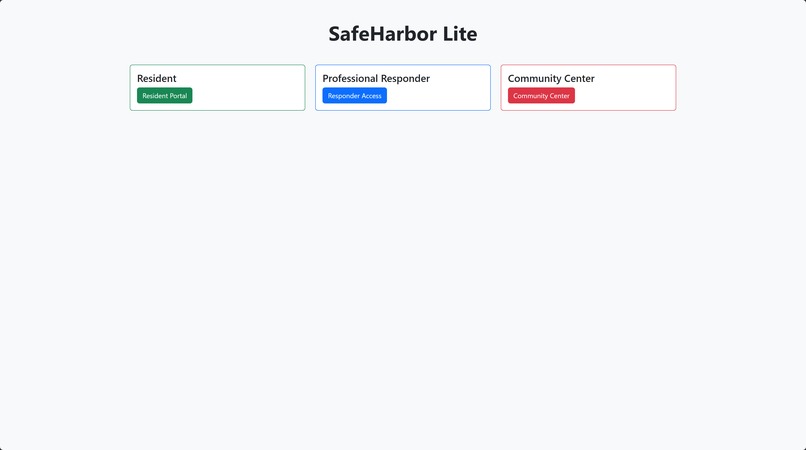
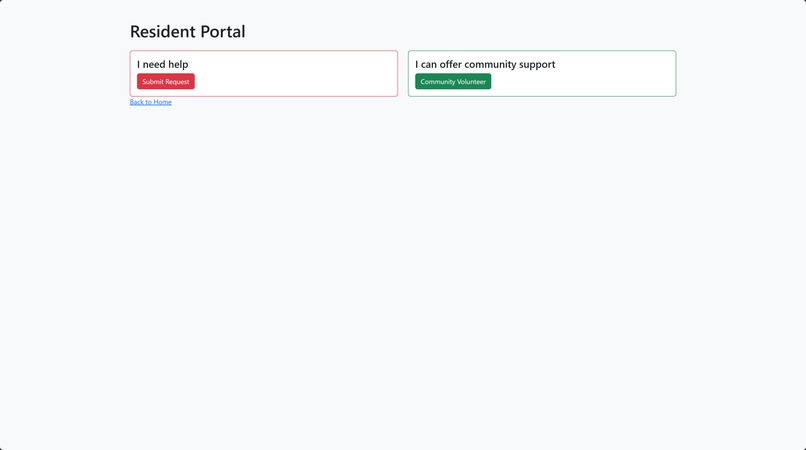
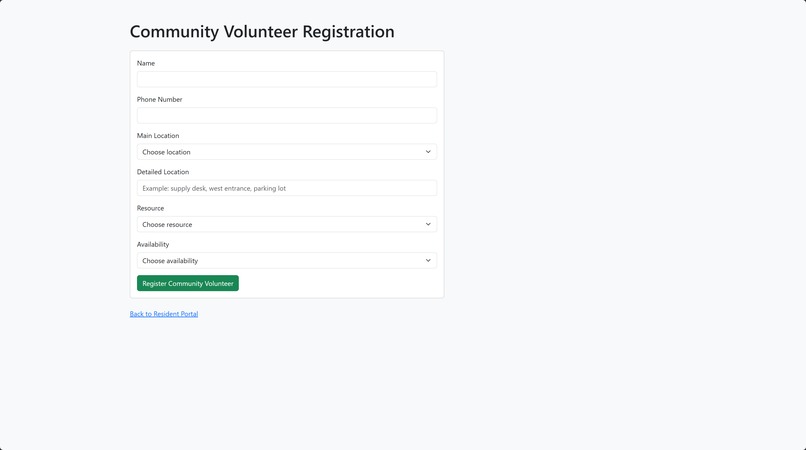
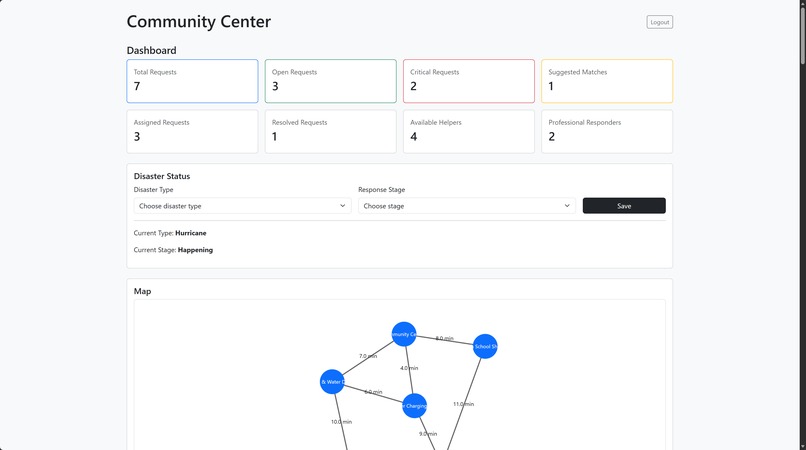
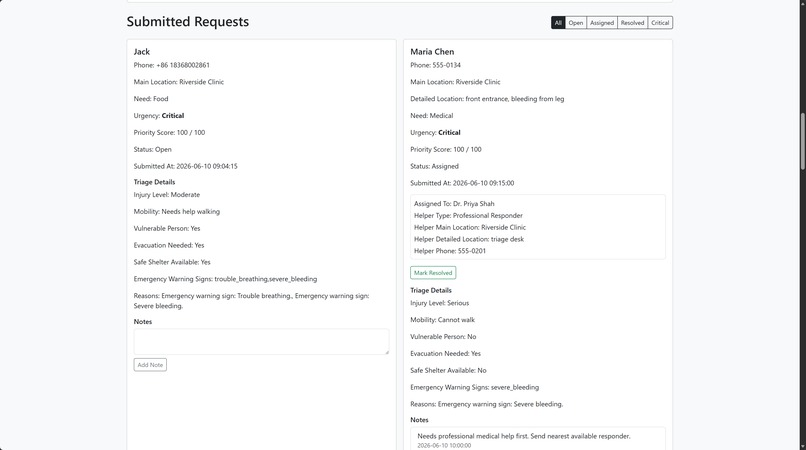
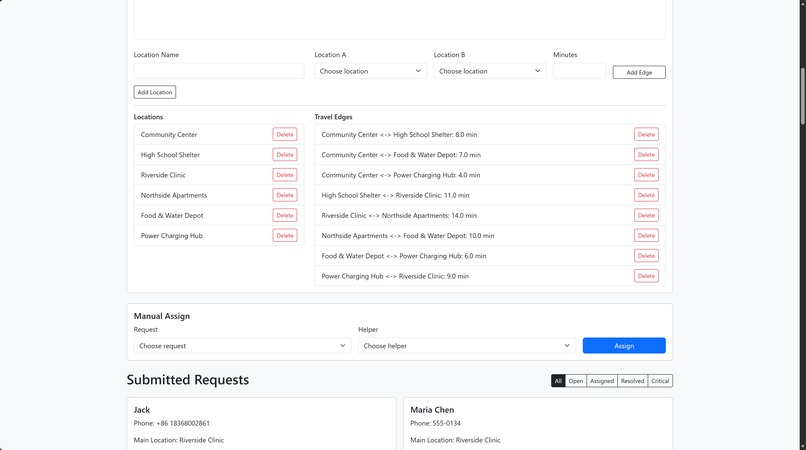
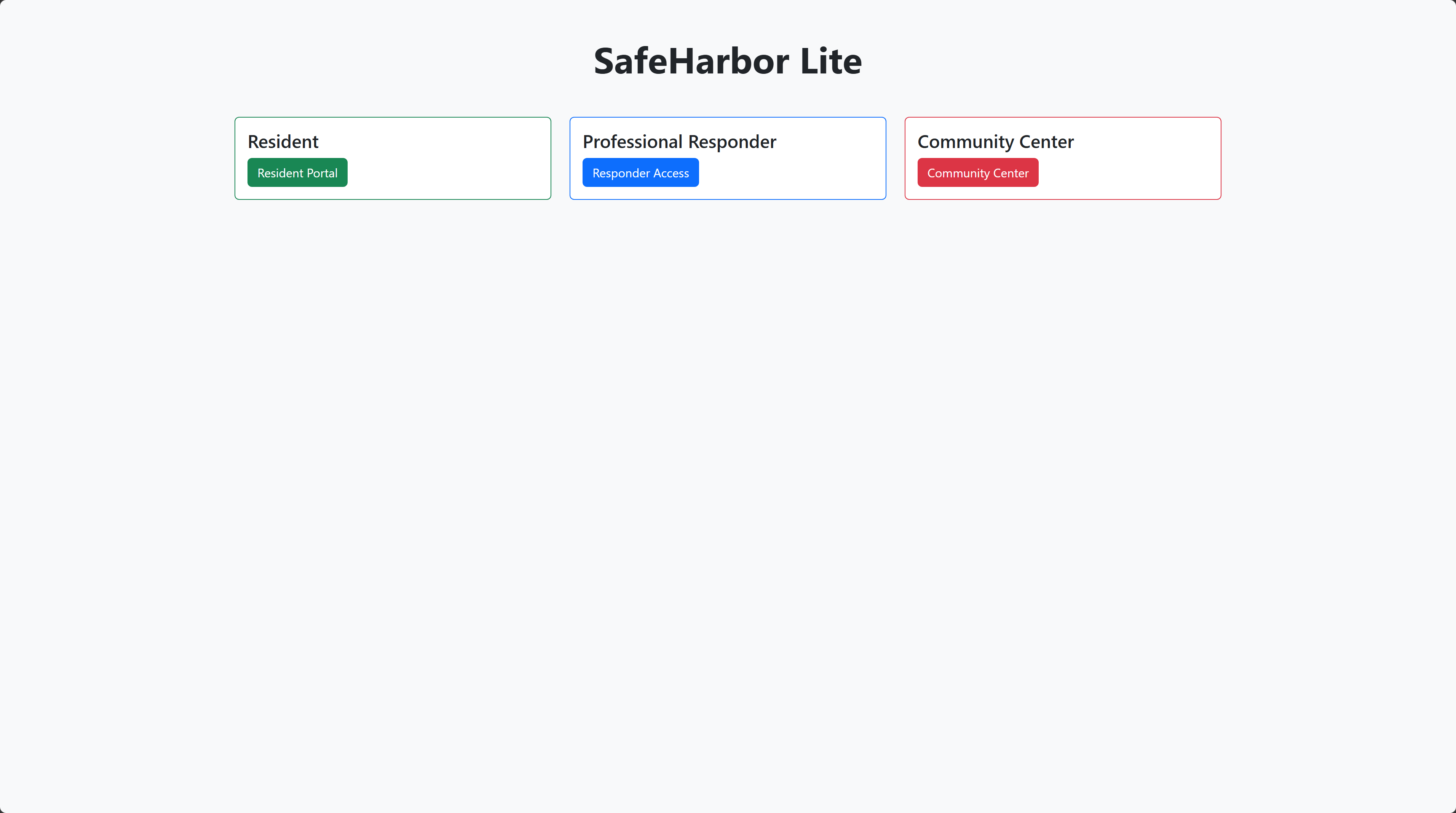
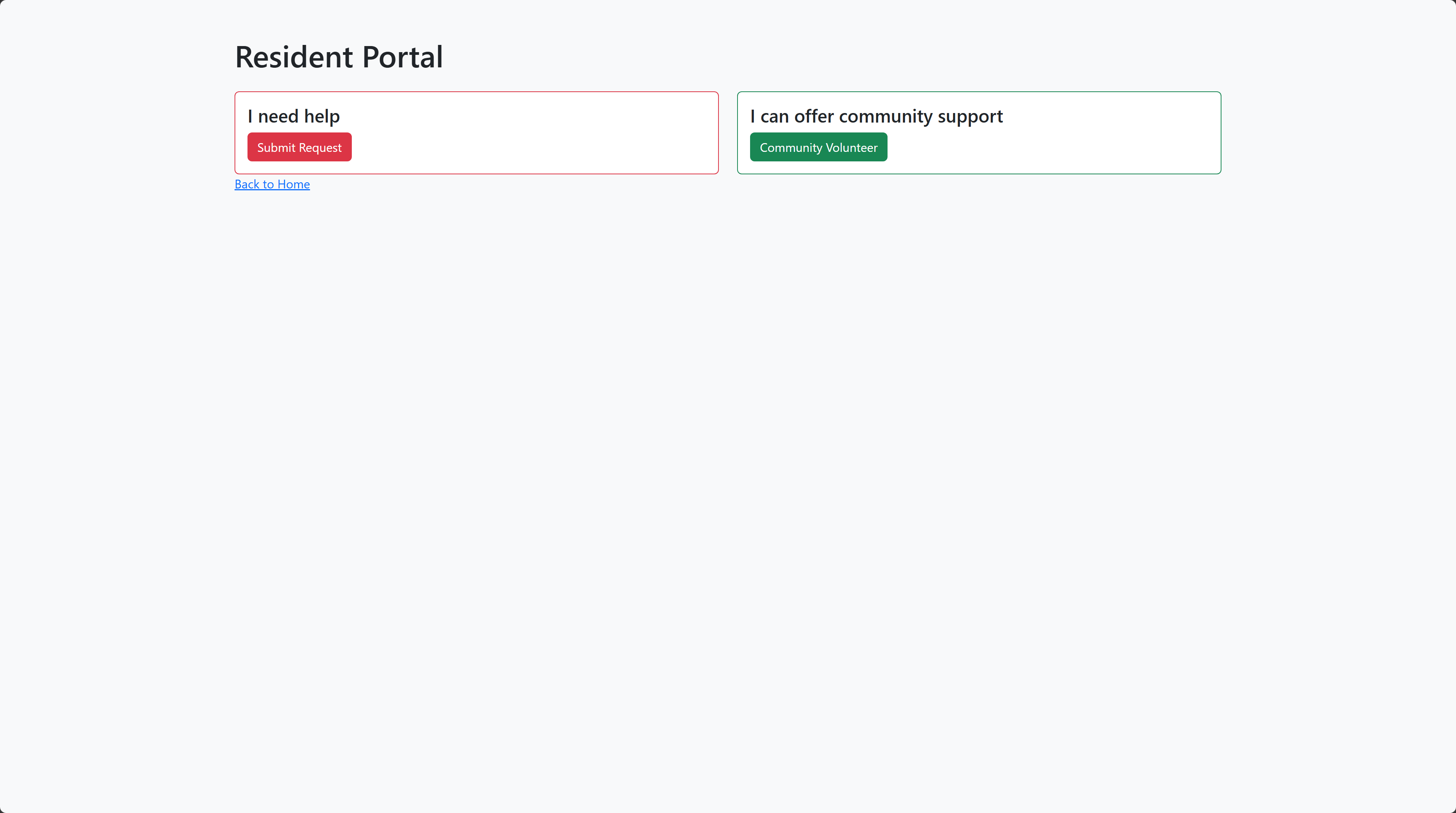
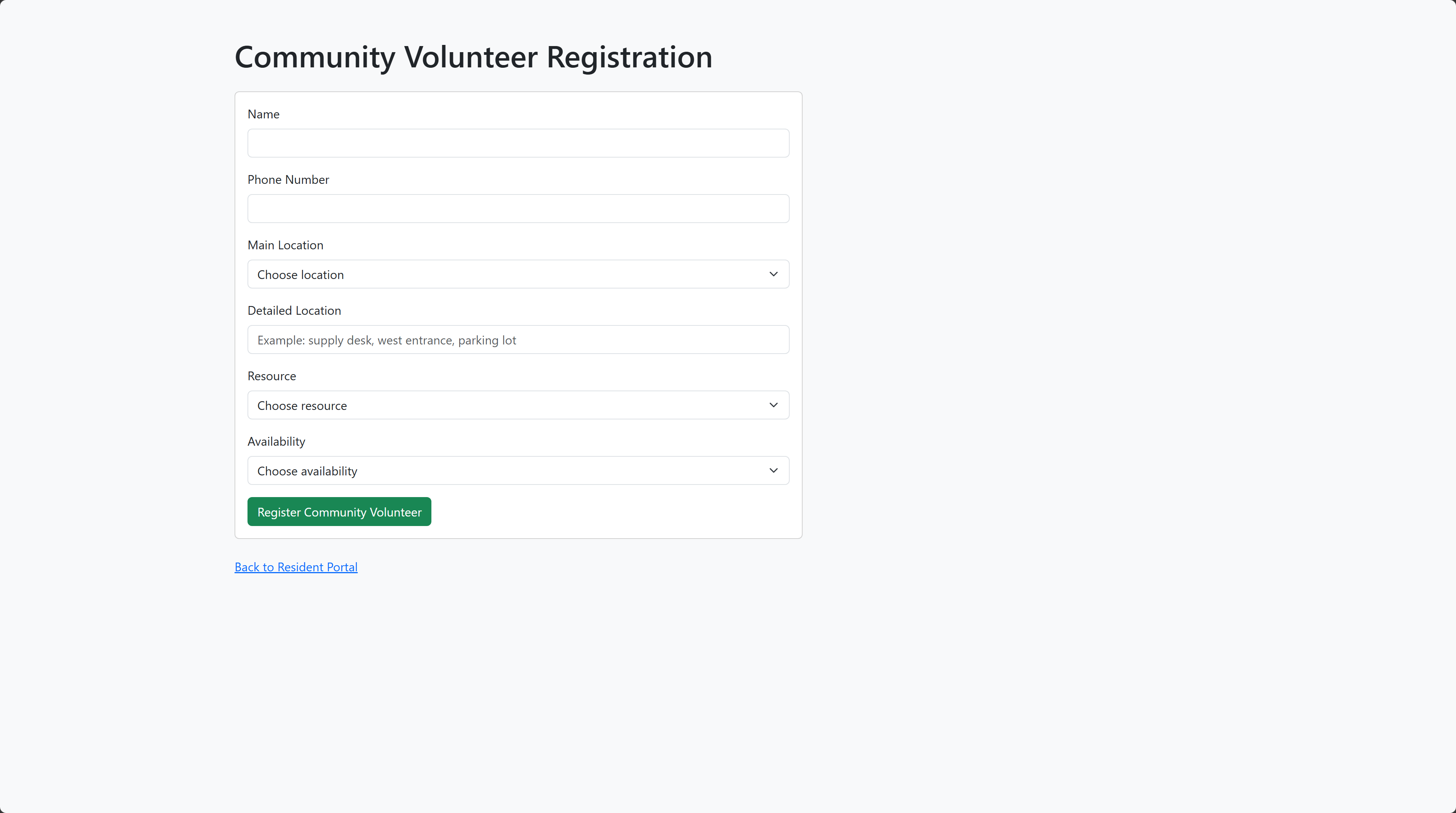
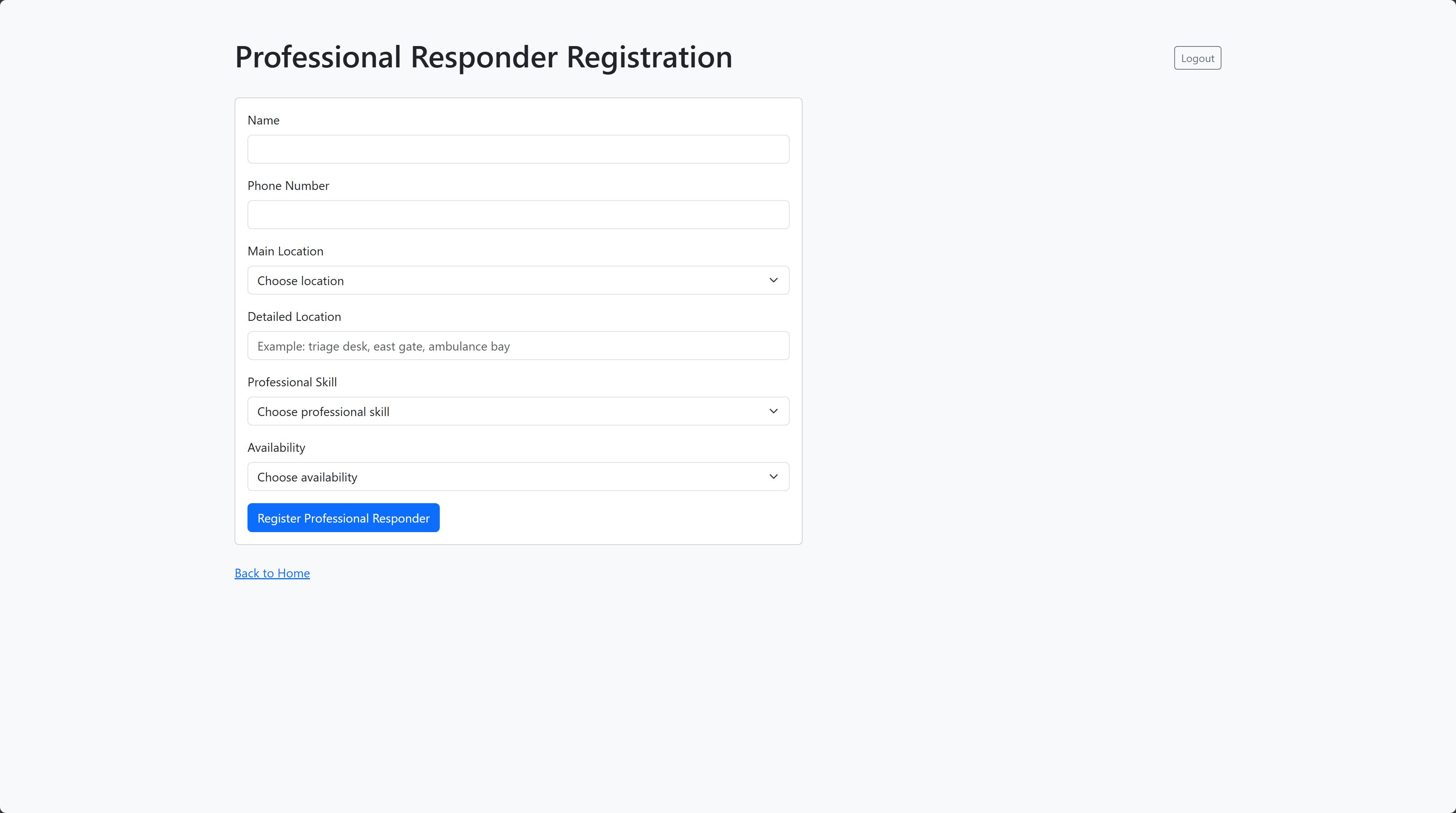
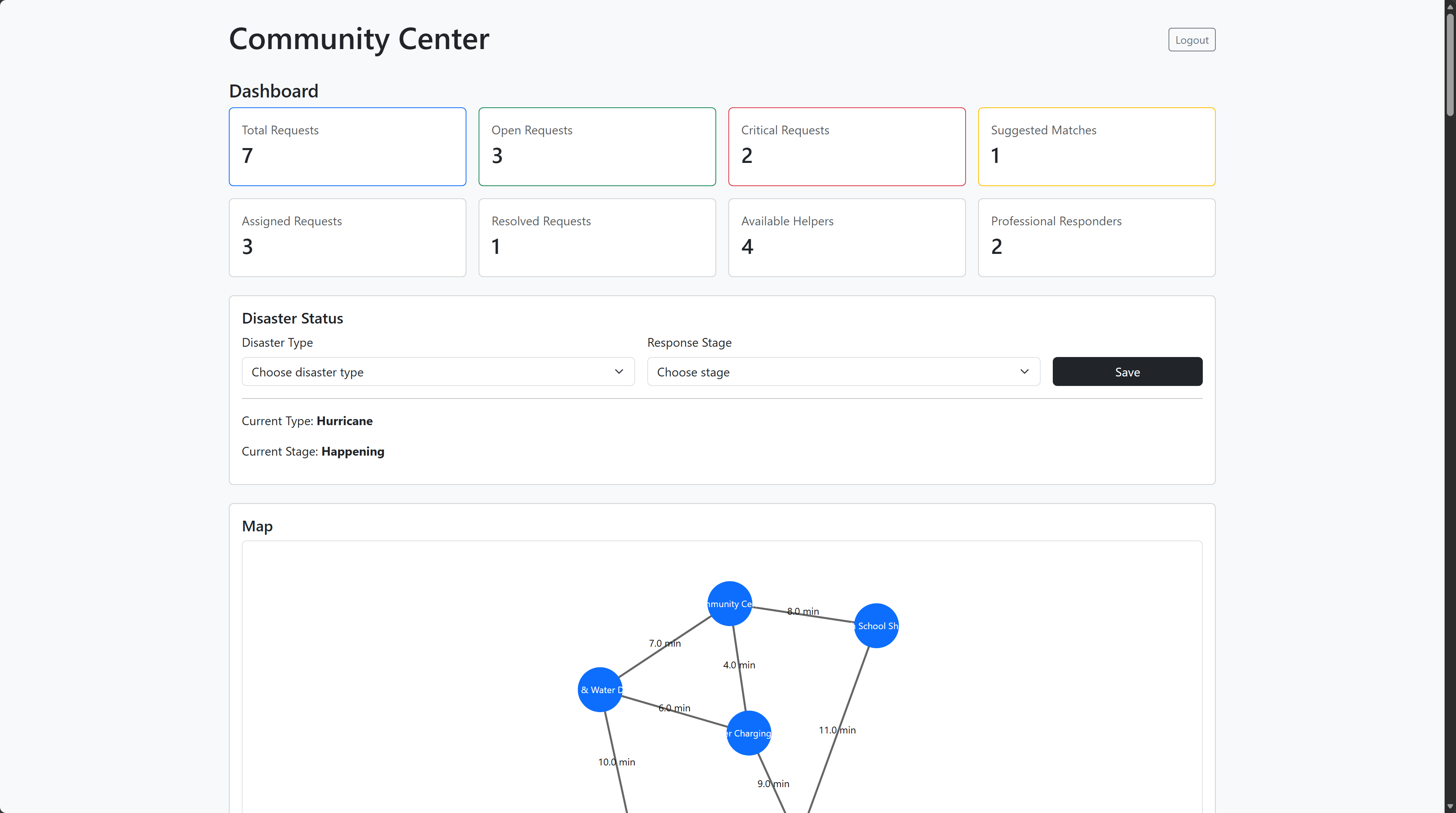
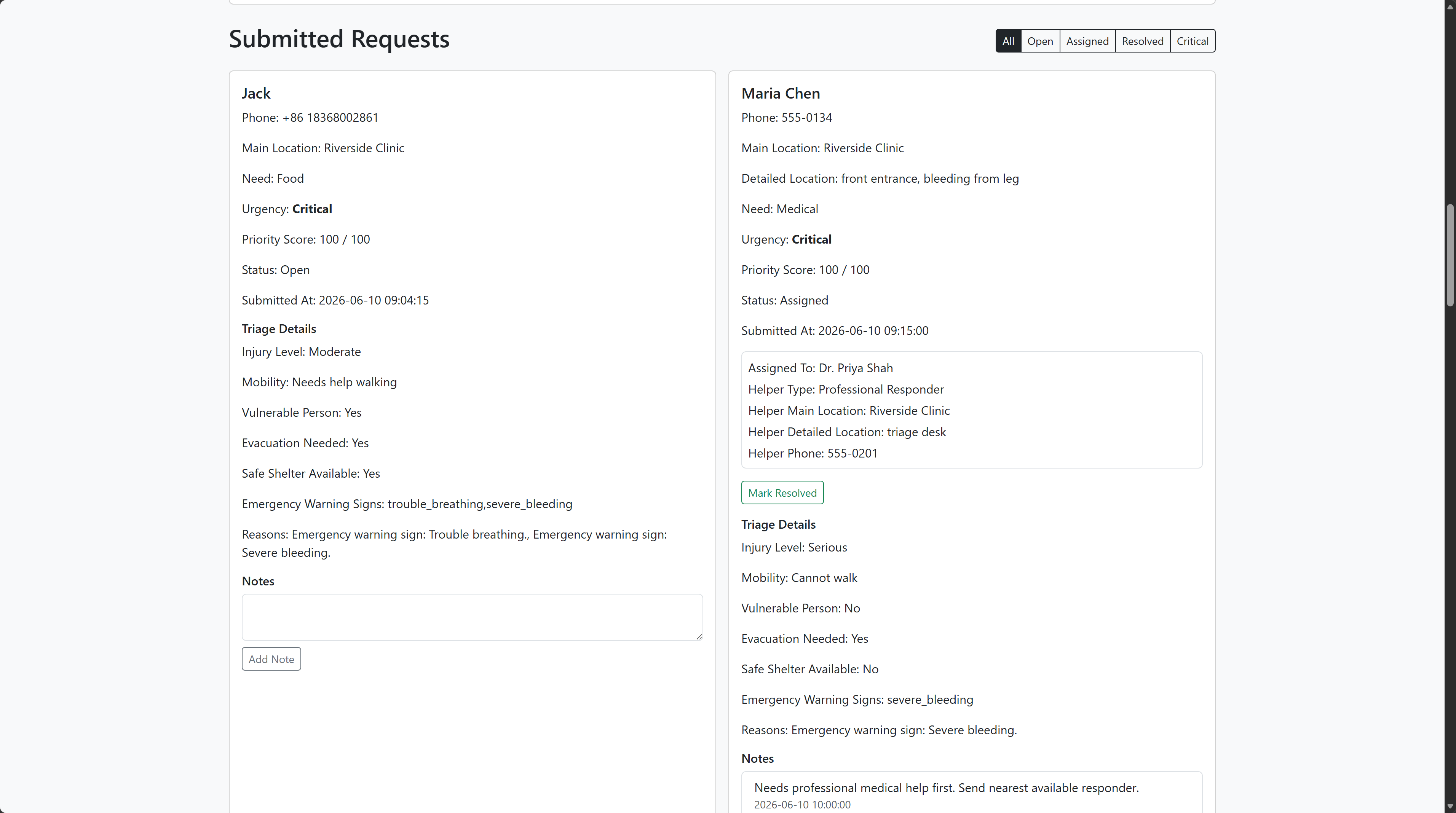
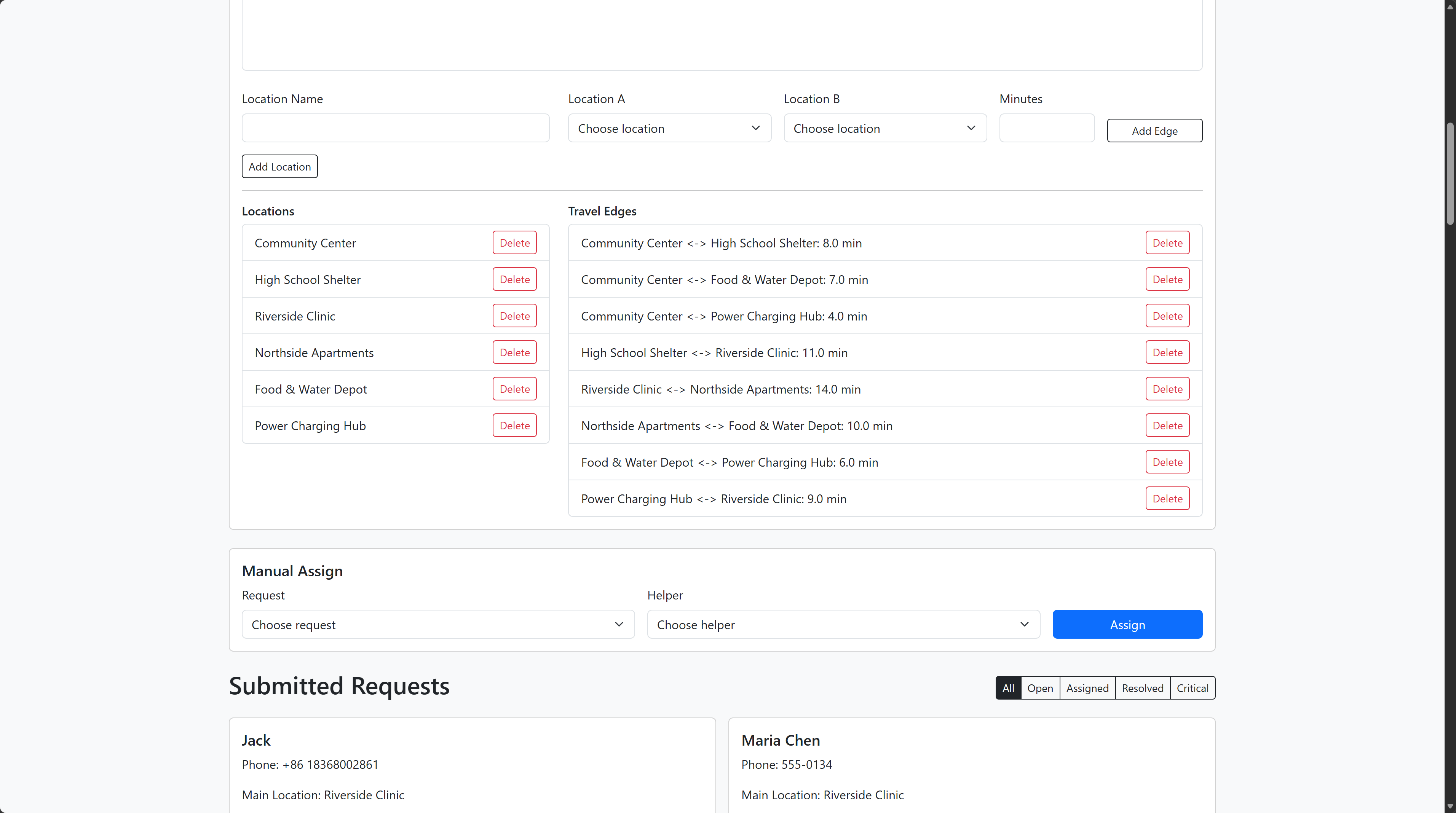
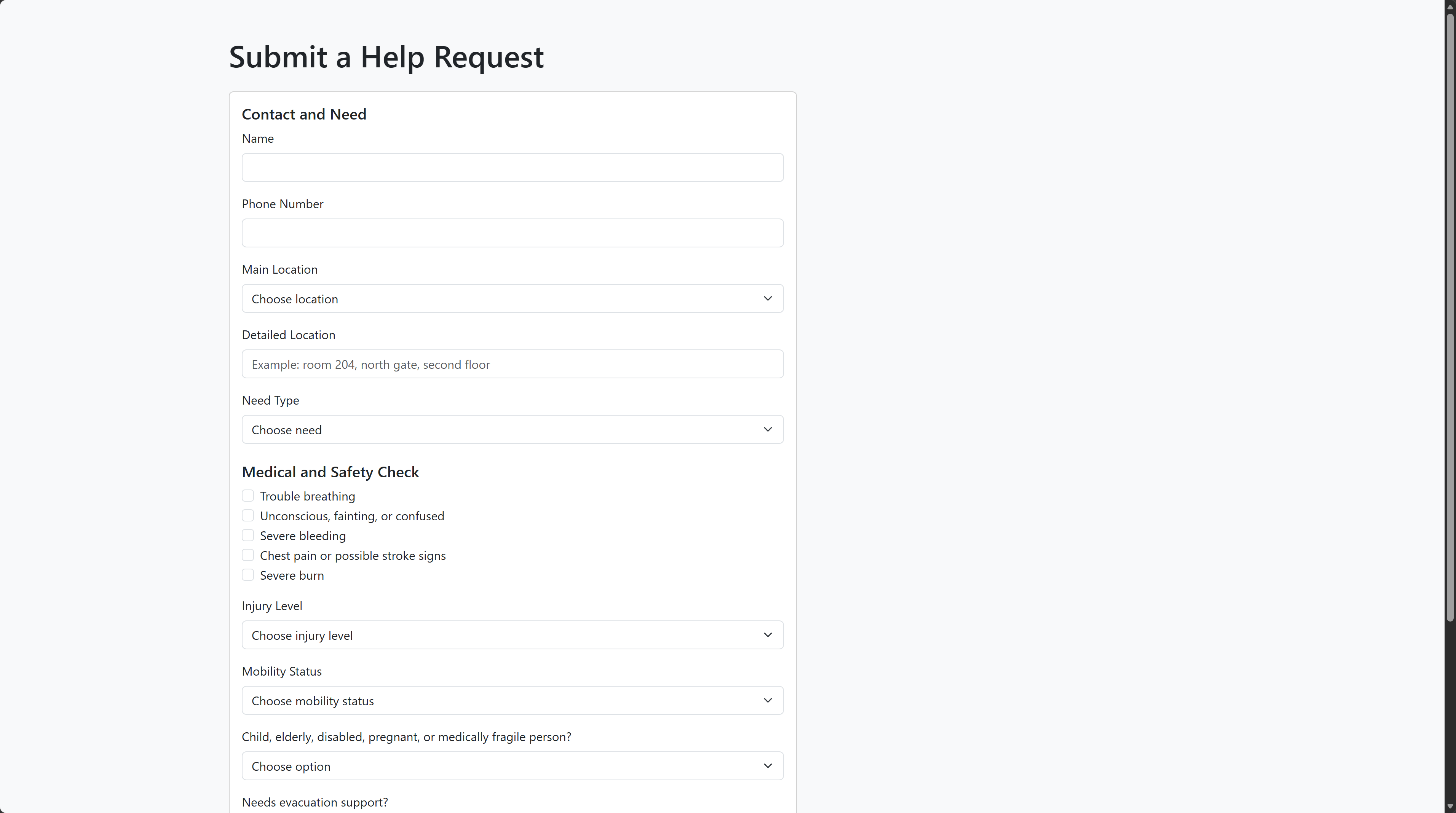
SafeHarbor is designed to help a community respond more efficiently to a disaster. People with different identities can enter this platform and either give help to or ask help from other people, while community leaders can organise and coordinate resources more effectively. There are multiple functions that allow users to do that. First, residents can choose to request help, or volunteer to help other people. Second, professionals can register on the platform and accept central coordination from the system. Last, the community leader can have an overall view of the situation of the community, including the requests, available volunteers, professionals, and locations.
How we built it
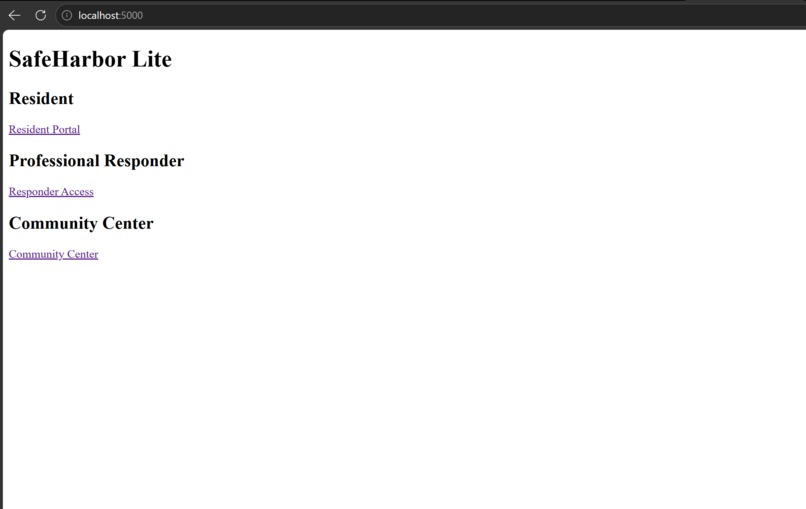
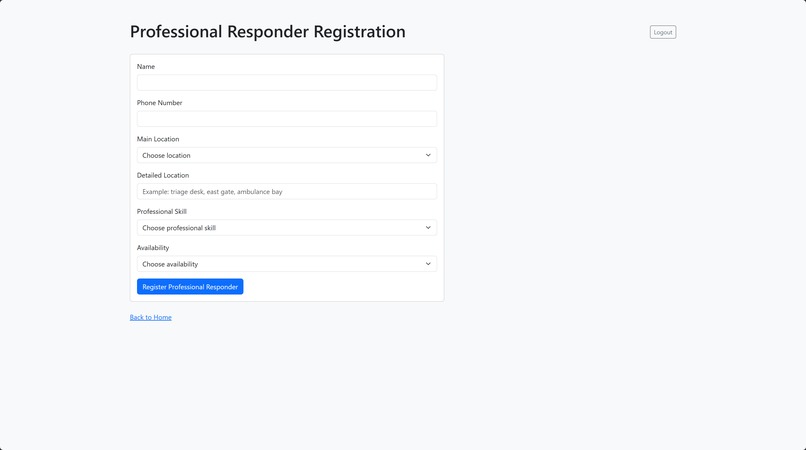
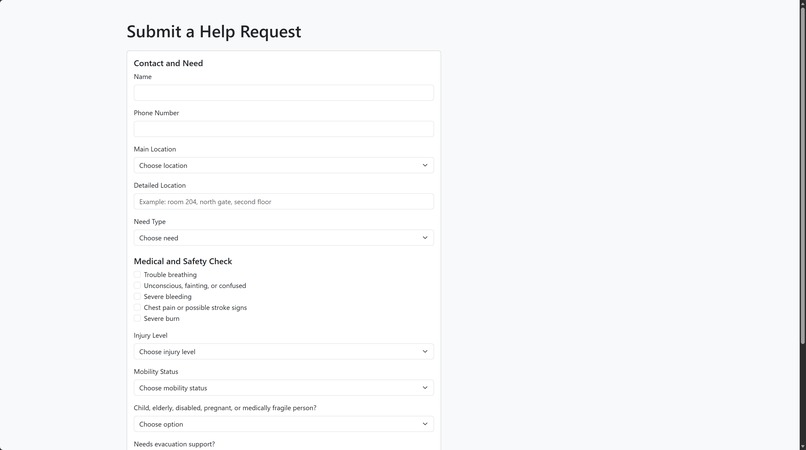
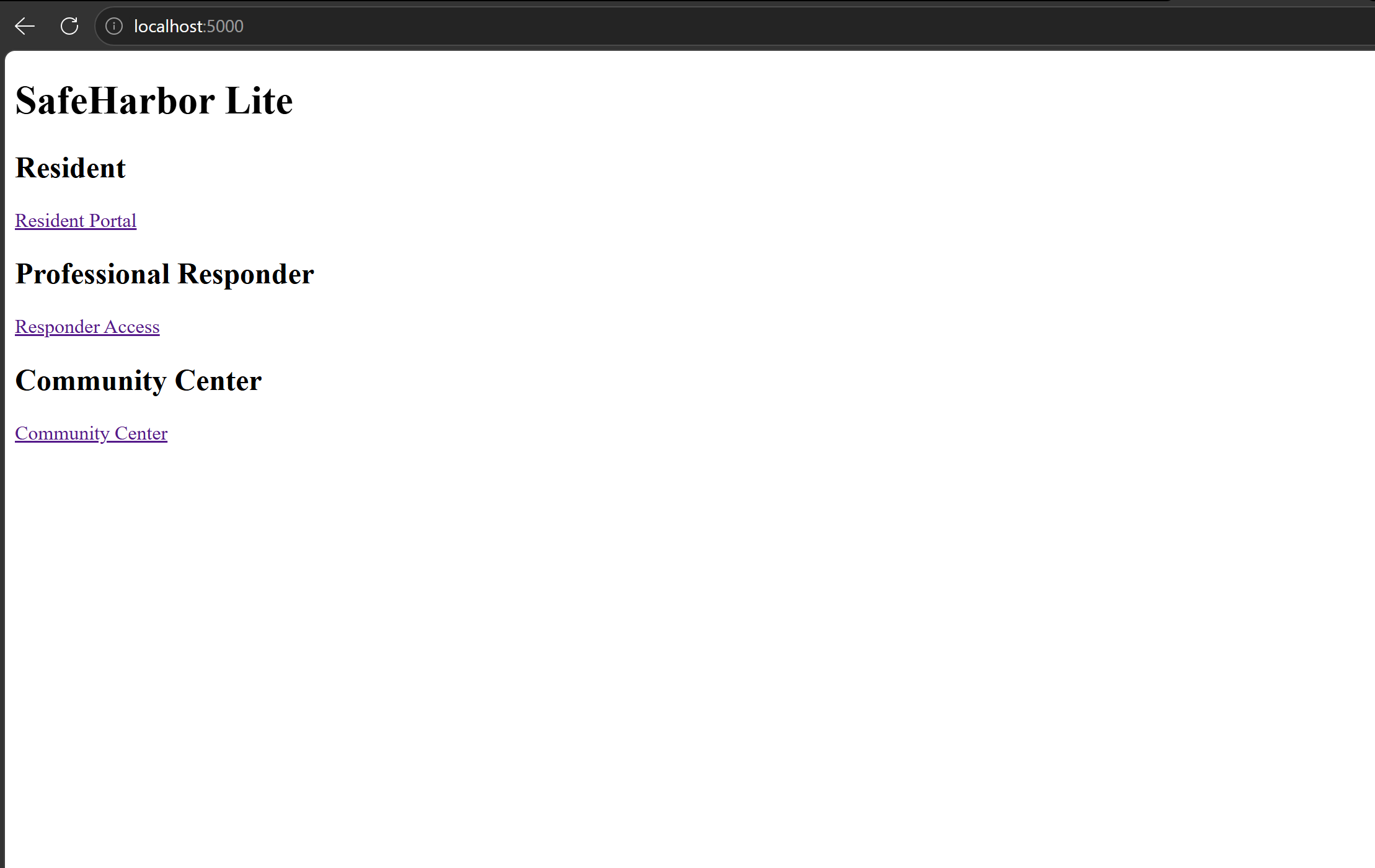
I first built a prototype with a rough UI that could perform the basic functions, as shown in fig.1. Then I decided to use Python Flask for the backend, because I have experience developing with Python. I used sqlite3 to handle all the data, including requests, volunteers, professionals, and locations with their commute time. And I applied dijkstra algorithm to help plan a more efficient route in transportation between 2 places. For the frontend, I used HTML templates with Bootstrap to make the pages clearer and easier to use. I also used AI assistance during development, especially for debugging, improving HTML layout, and organizing some parts of the frontend. I reviewed and modified the code myself and made sure I understood how the main features worked.
Challenges we ran into
One challenge I ran into was designing the logic for different types of users. Residents, volunteers, professionals, and community leaders all need different functions, so I had to think carefully about what each type of user should be able to do and prevent user with lower access level to modify the data, for example a resident user should not be able to change the status of the current disasters. Another challenge is the GUI development, as my experience of frontend development is poor, I ask AI for a lot of help. It was especially tough to develop the graph functions, but it is particularly useful.
What we learned
Technically, I learned more about how to build a full-stack web application using Flask and sqlite3 and especially, the frontend development. And I learned that how to make a complete product from a prototype by releasing incremental changes.
For demonstration
I used AI to generate the database to simulate the real disaster scenario. and the constants are used to replace the environment variable as this is only a demo: COORDINATOR_ACCESS_CODE = "COMMUNITY123" PROFESSIONAL_ACCESS_CODE = "RESPONDER123" use them when login as coordinator or professional.

Log in or sign up for Devpost to join the conversation.