-
-
 GIF
GIF
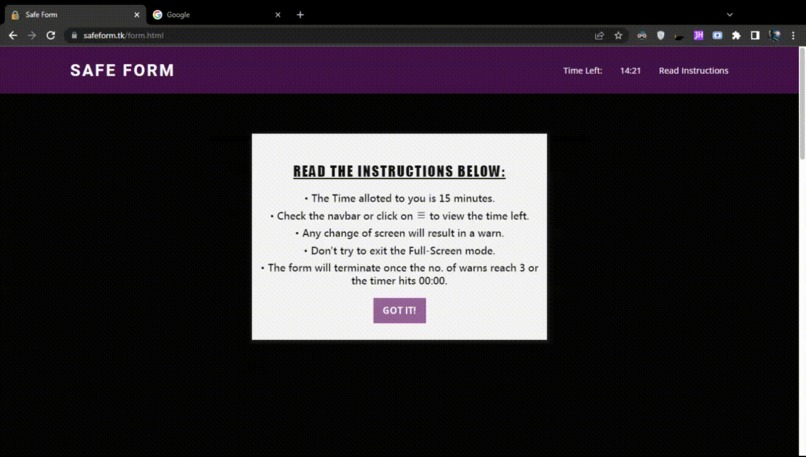
Anti Cheat Technology for Google Forms
-
 GIF
GIF
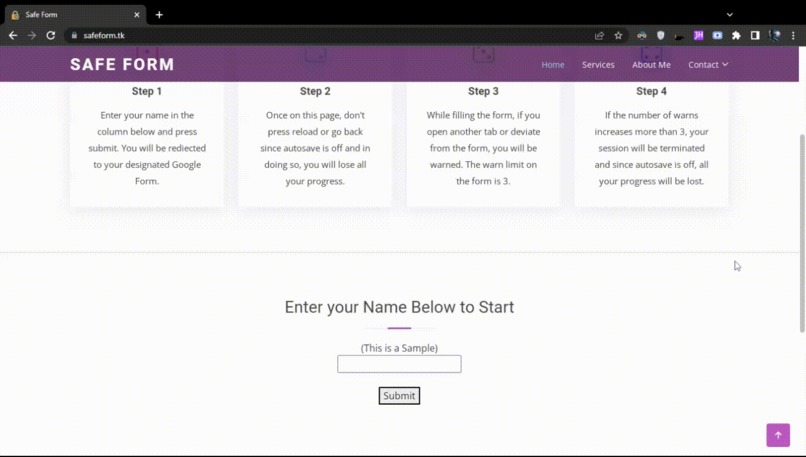
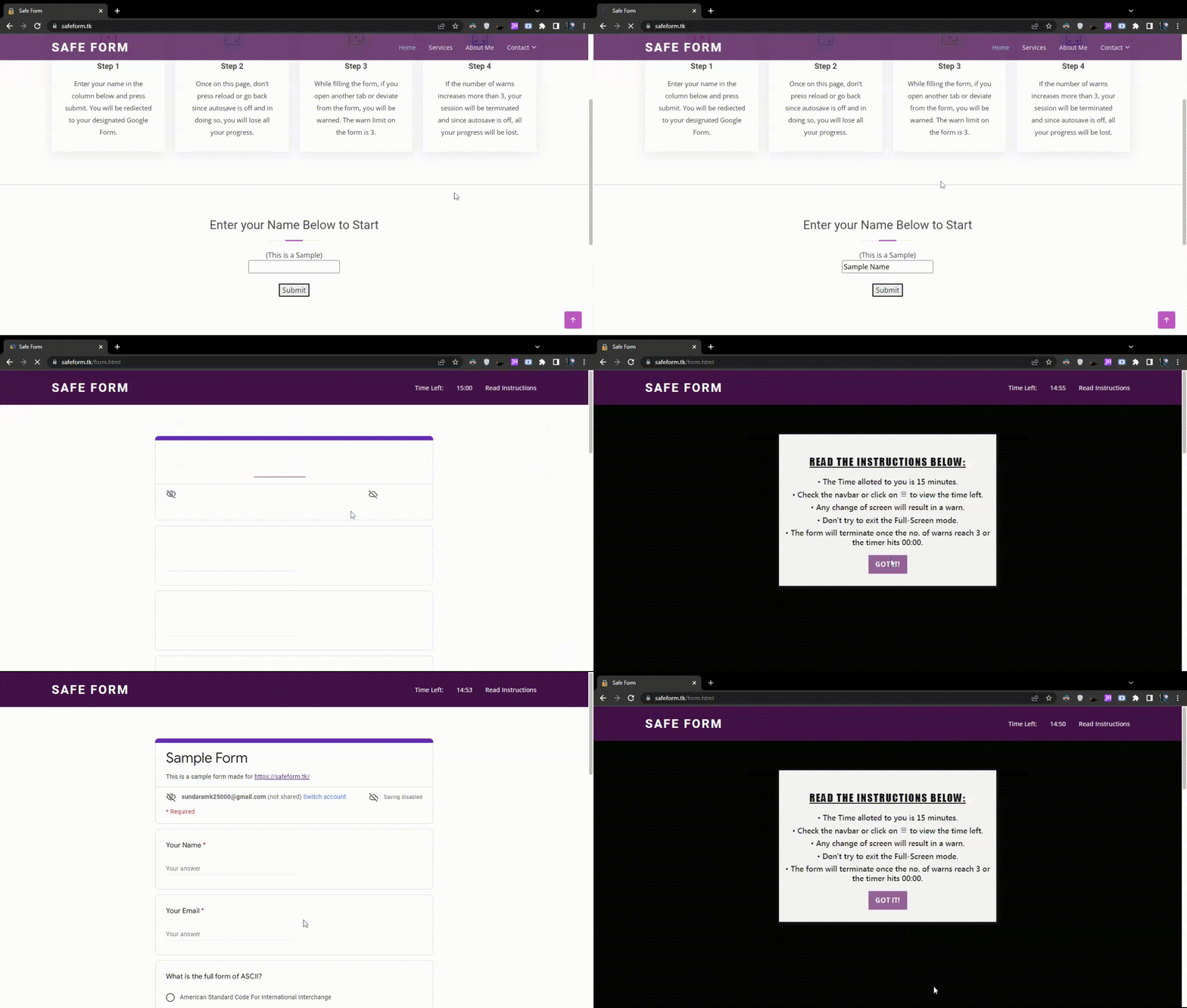
Timed Google Forms for better exams and quizes
-
 GIF
GIF
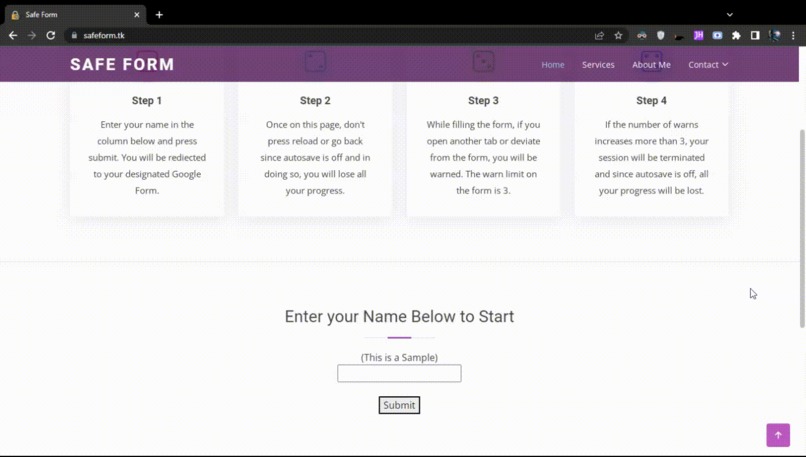
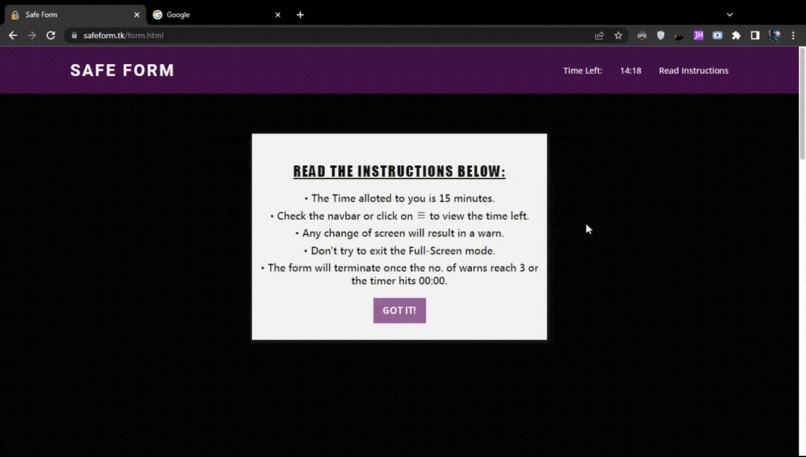
Custom Instructions for Students
-
 GIF
GIF
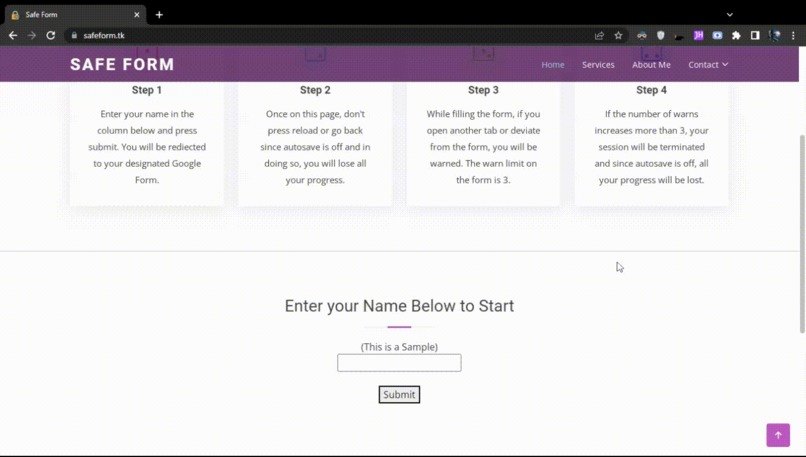
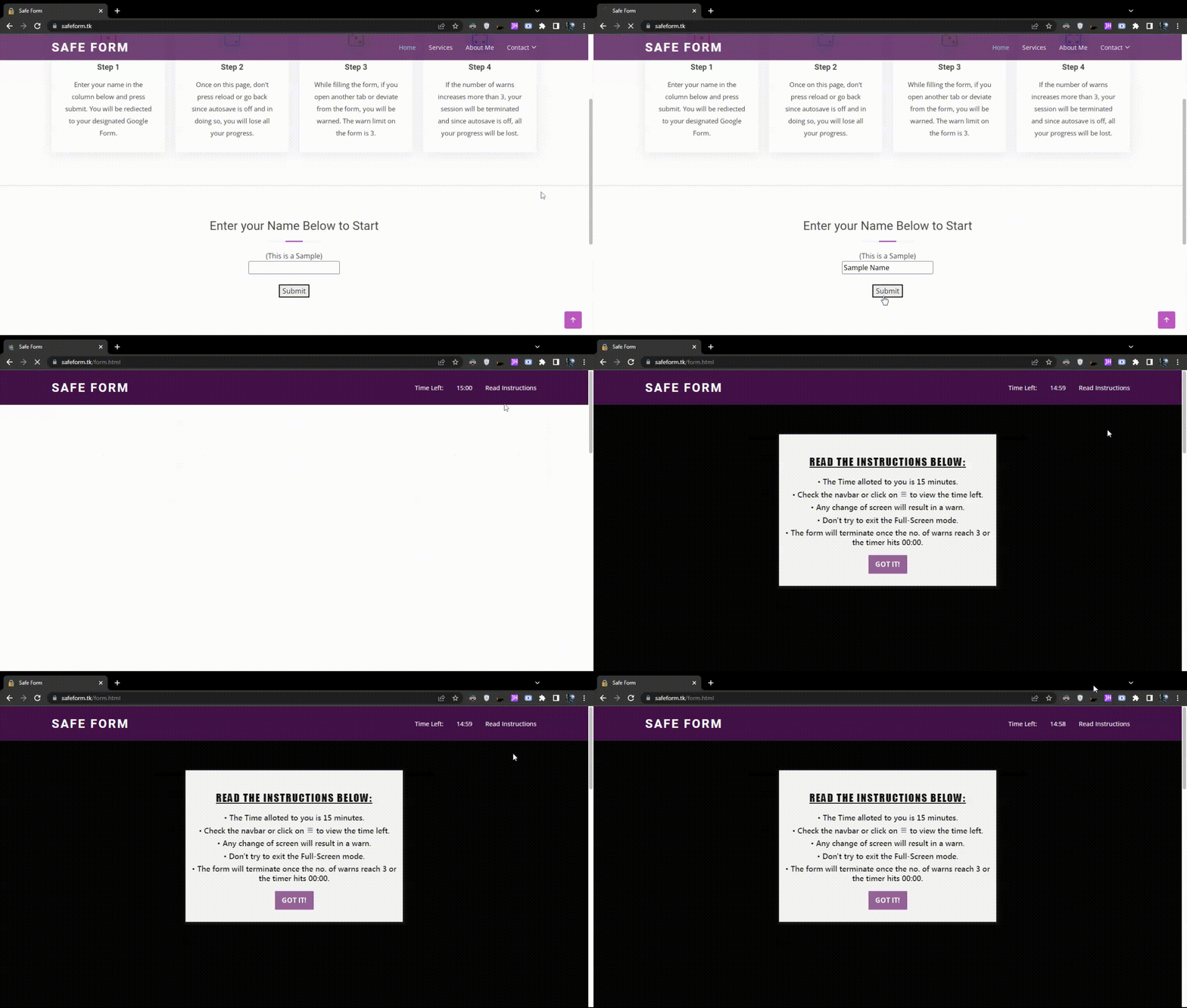
A Full Screen Viewing Experience for the students
-
 GIF
GIF
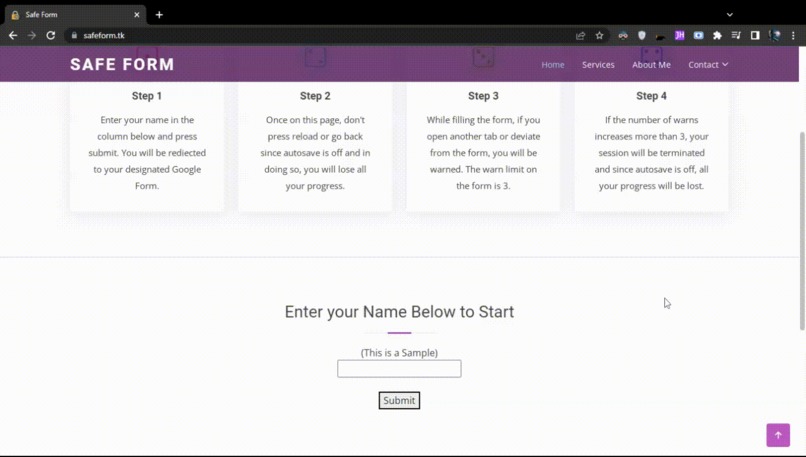
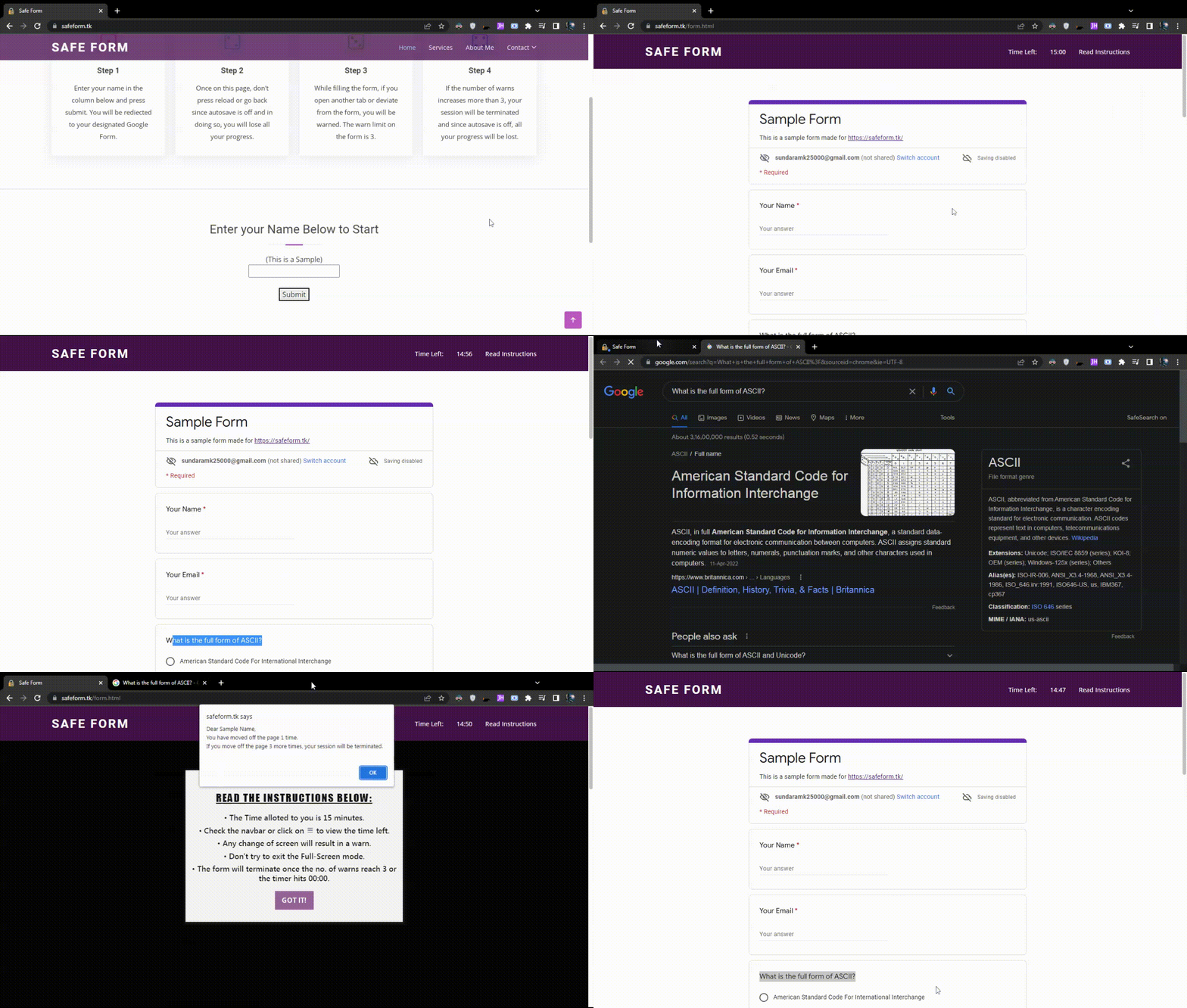
Warning Students if they try to cheat
-
 GIF
GIF
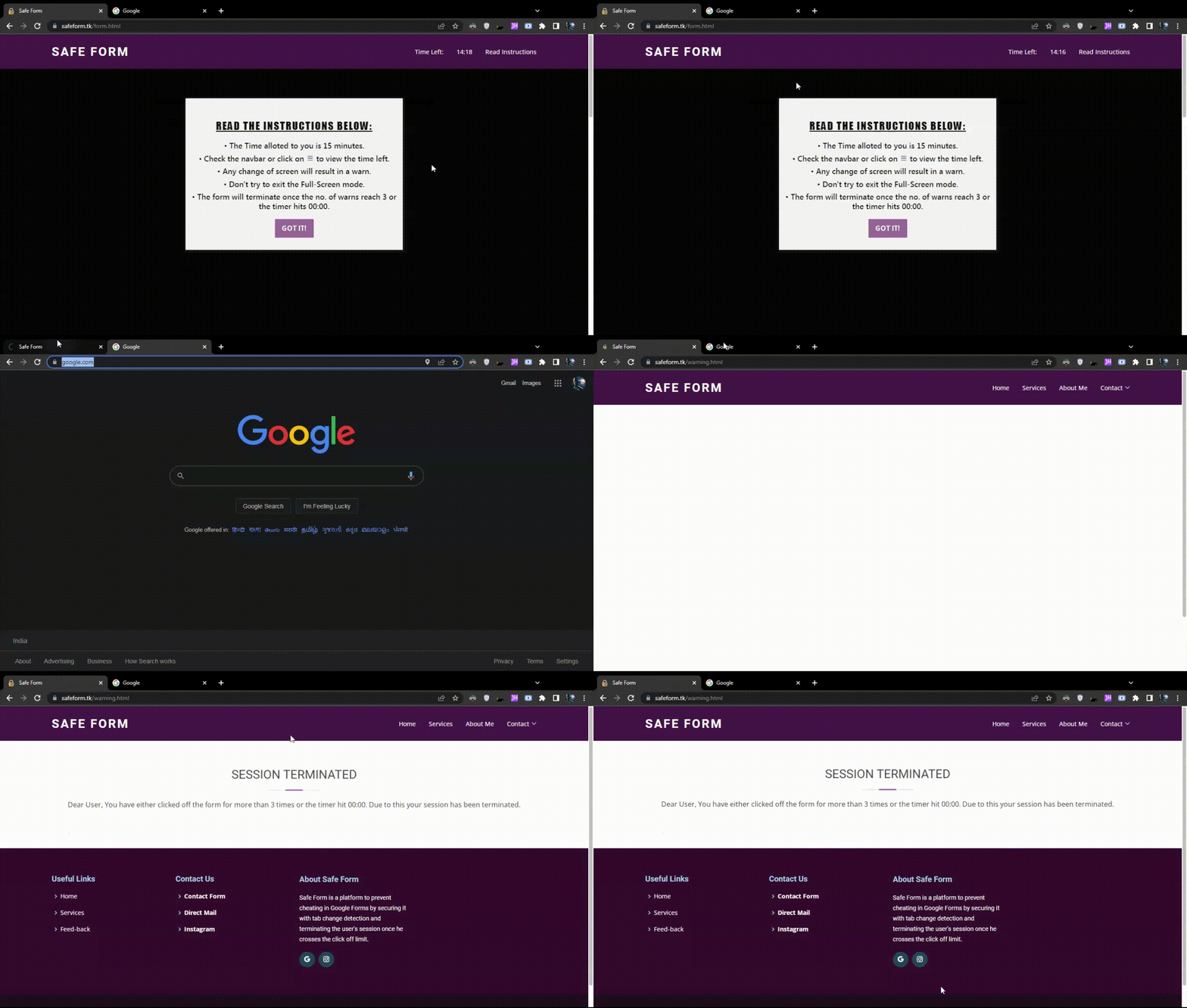
Session Termination on crossing the warns
-
 GIF
GIF
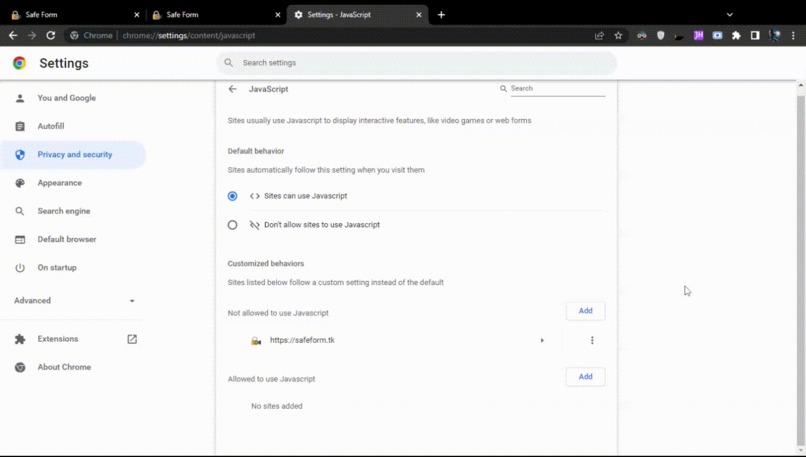
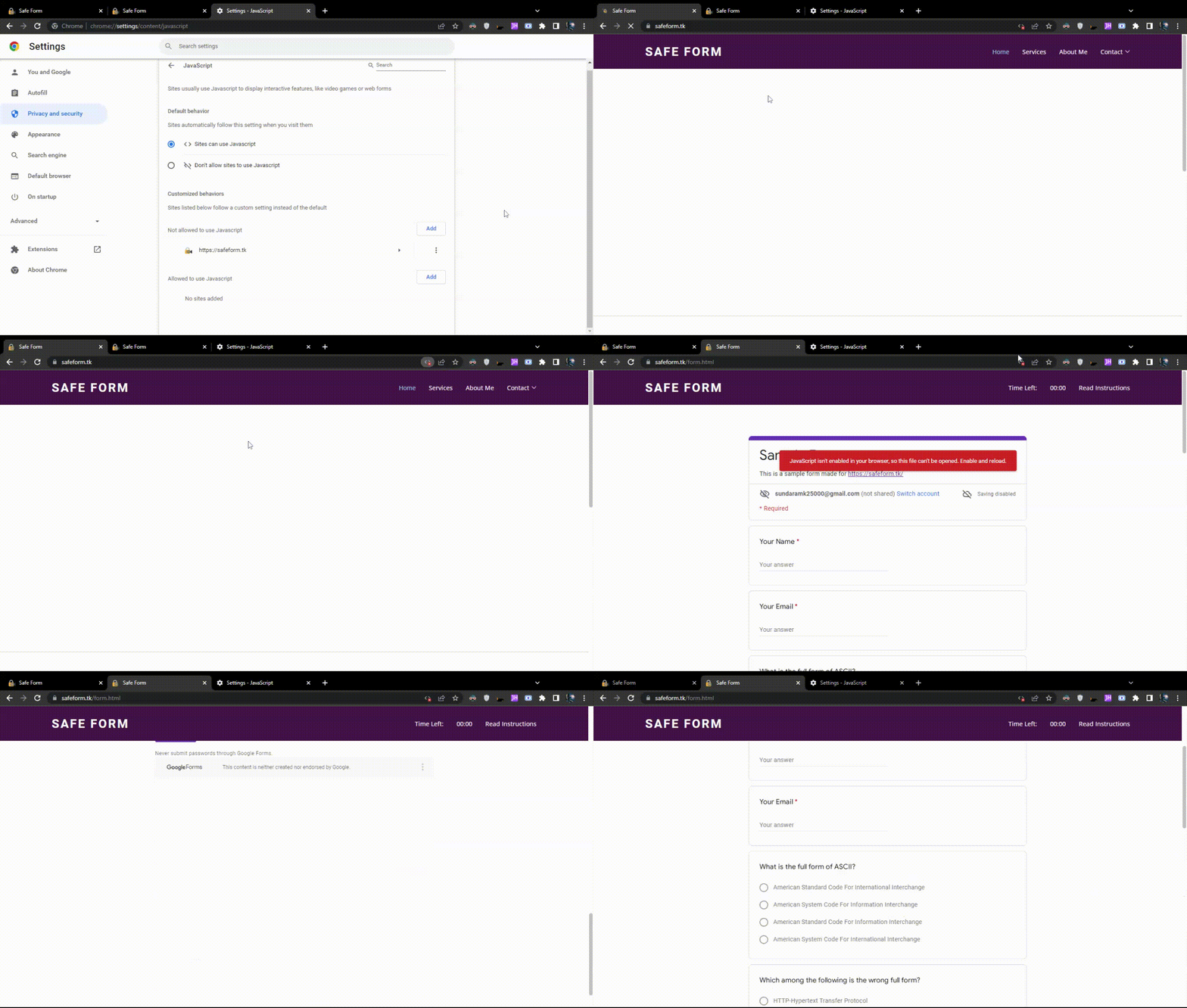
Disabling JavaScript won't work
-
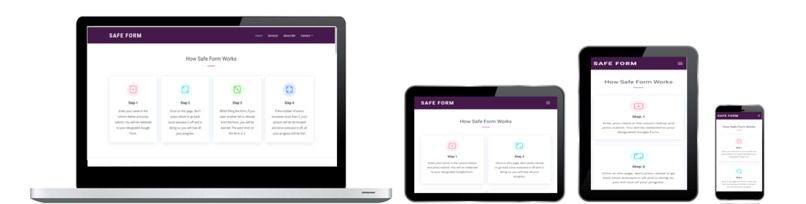
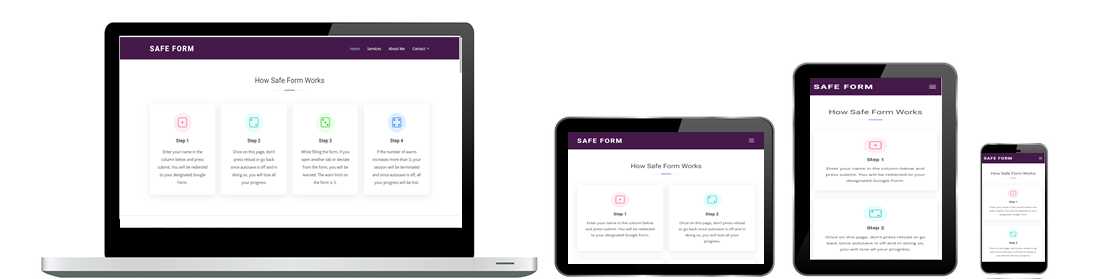
A Completely Responsive UI


Project Theme
Education
Inspiration
- Online learning came as a boon to the students who were unable to attend normal school due to the pandemic.
- But since there are two sides to a coin, the boon soon became a curse when students started cheating in tests.
- Tests are made to assess what a student has learnt during a particular period of time, but students due to their fragile nature, started taking the easy way out by cheating and using unfair means in the tests.
What it does
- Safe Form is a platform to prevent cheating in Google Forms by securing it with tab change detection and terminating the student's session once he/she crosses the click off limit.
- It contains a built-in timer which terminates the form as soon the student exceeds the allotted time.
- Once on the form, the student will be presented with an instructions page (which can be customised by the teacher) in order to go about different sections of the test.
- Observing the behaviour of students we found out that students tend to take the easy way out if they have the option to do so. In this case, the "easy way" is "cheating" to pass the test. By forcing the form to be only visible in a full screen mode, we try to avoid the fragile minds of students from getting distracted.
- While filling the form, if a student opens another tab or deviates from the form, they will be warned. The warn limit on the form is 3.
- If the number of warns increases more than 3, the student's session will be terminated and since auto-save is off, all their progress will be lost.
- The session termination might also happen if the timer in the navigation menu hits 00:00, i.e., he/she exceeds the time limit.
- Once the session is terminated, the student can't fill the form again even if he reloads or goes back.
- Even if a student disables JS for the website, they won't be able to attempt the test.
How we built it
- HTML + CSS + JAVASCRIPT
- The elephant in the room is JS in this case. It is the script which protects the iframe from students using unfair means.
Challenges we ran into
- Making the platform easy-to-use for teachers who are not so good with new tech.
- Tracking the time students take to fill the form.
- Geeky students who'll try to disable JS and fill the form.
- Preventing students from getting themselves distracted.
Accomplishments that we're proud of
- A responsive UI with detailed instructions for both the students and teachers.
- A platform which is lenient towards the students and at the same time makes task easy for the teachers.
- The warning based session termination system makes cheating in tests impossible for the students.
- A built-in timer thus preventing the hassle of using Add-ons
- A platform which stops working when the crafty students try to cheat the system by disabling JS.
What we learned
- By testing it with many students, we were able to find problems which a creator wouldn't notice.
- In the process, we learned the behaviour patterns of students of different age groups which will help us create a more student-friendly platform.
- Limitations of Google Add-ons due to which we had to branch out as a separate platform.
What's next for Safe Form
- Reaching out to schools and teachers to facilitate them with our tech.
- Providing a platform where not only Google Forms but other third party platforms can be secured as well.
- Safe Form secures forms via the use of iframes, so as long as a testing form is in the form of a website, it can be secured as well.
- Implementing Zoom SDK to secure not only the exams but the process of learning as well.
- Adding multi-language support and a secure admin panel to eliminate any hassle.


Log in or sign up for Devpost to join the conversation.