Inspiration
We were inspired by Clicky, an open-source Mac companion that explains things on your screen, pointing at buttons and walking you through software with graphics. We loved it, but kept thinking: explaining isn't always enough. Many people don't know where to go or how to do something, and they just want it done. So we asked: why not build a companion that actually does the task for you, safely?
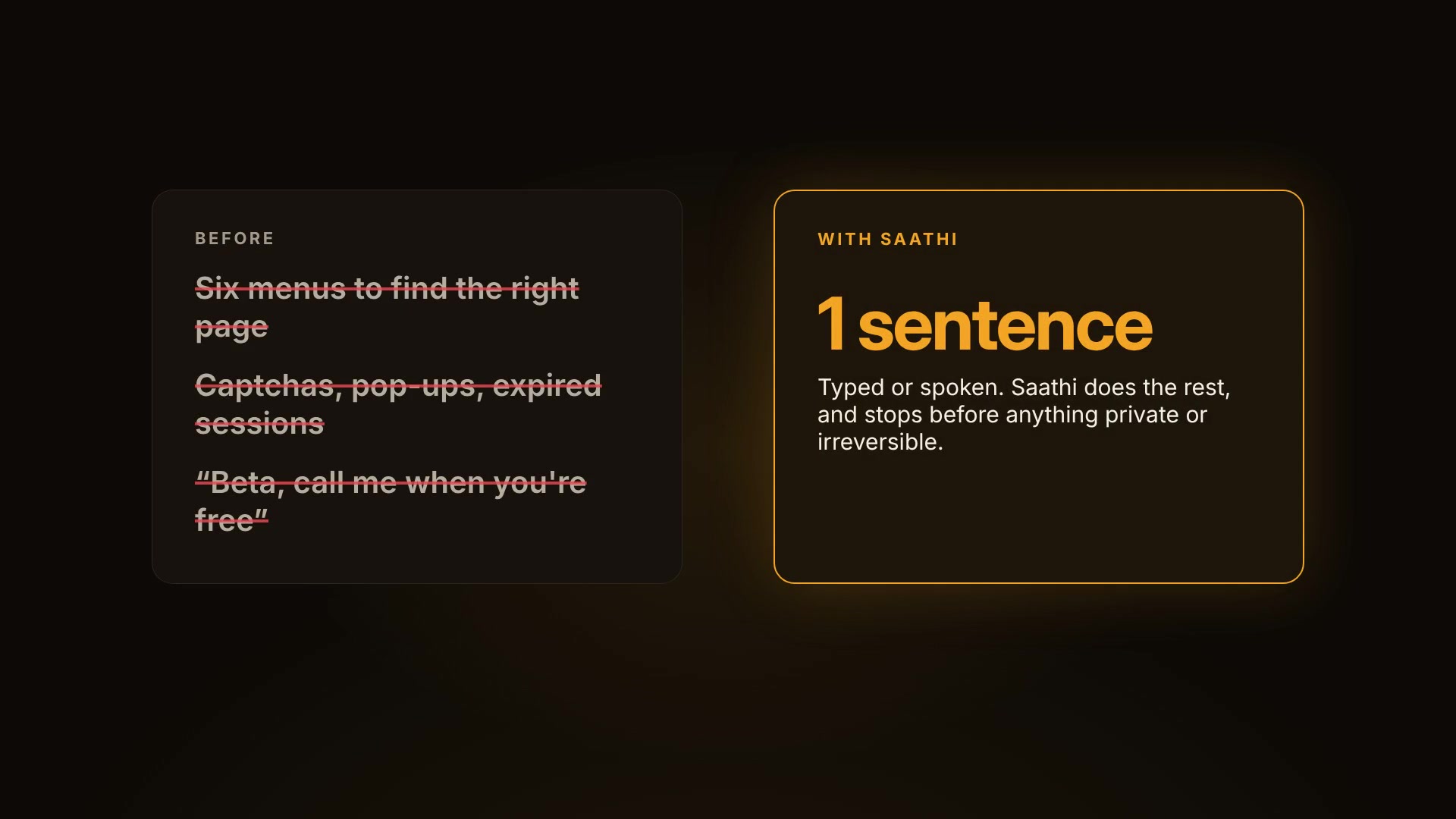
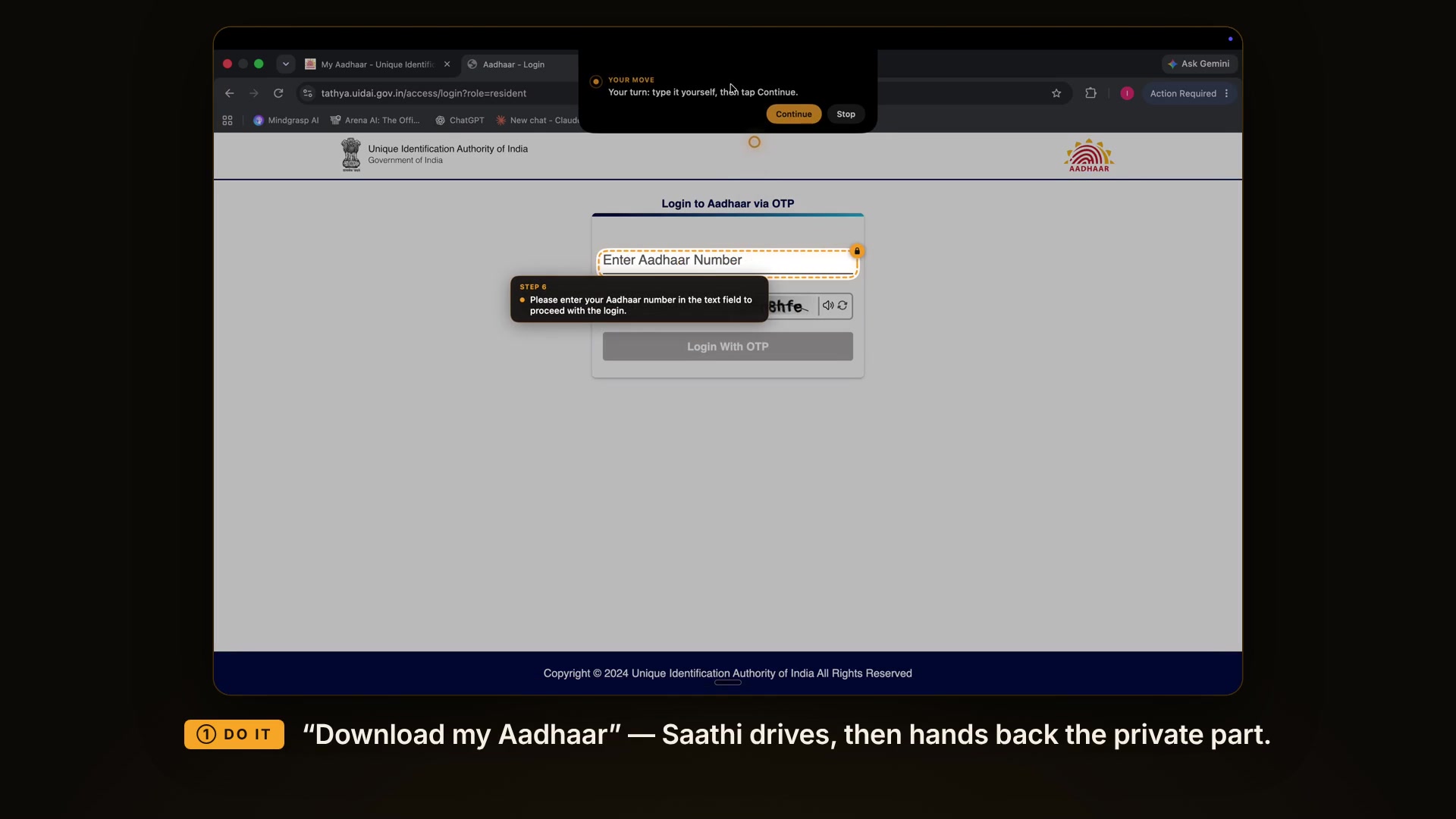
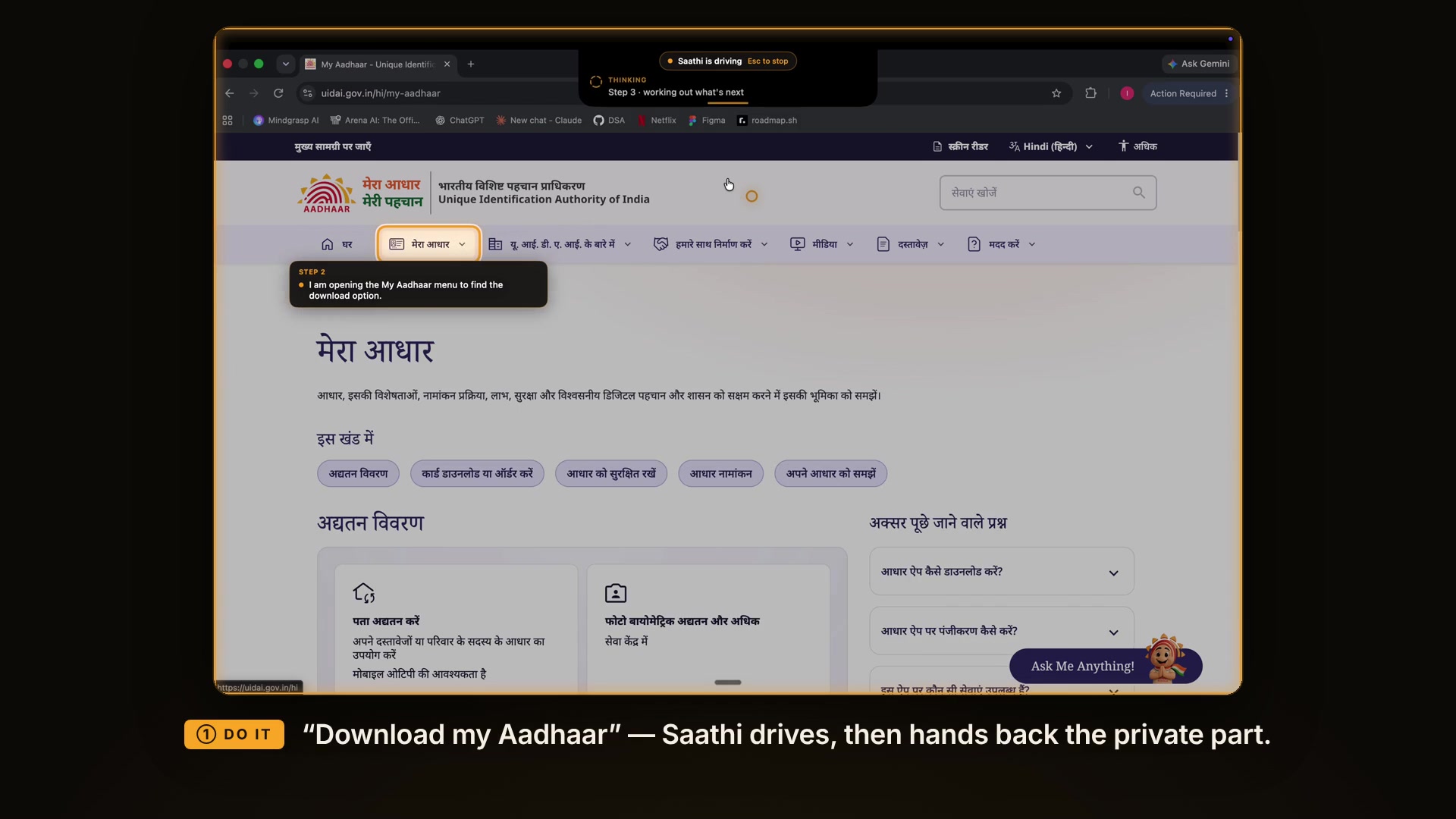
Every family has one person who gets the messages: "Beta, OTP kahan daalna hai?", "This form won't submit", "How do I download my Aadhaar?". Government portals, bank sites and booking sites are a maze of menus, captchas and pop-ups, and our parents wait for us. Saathi ("companion") is for them.
What it does
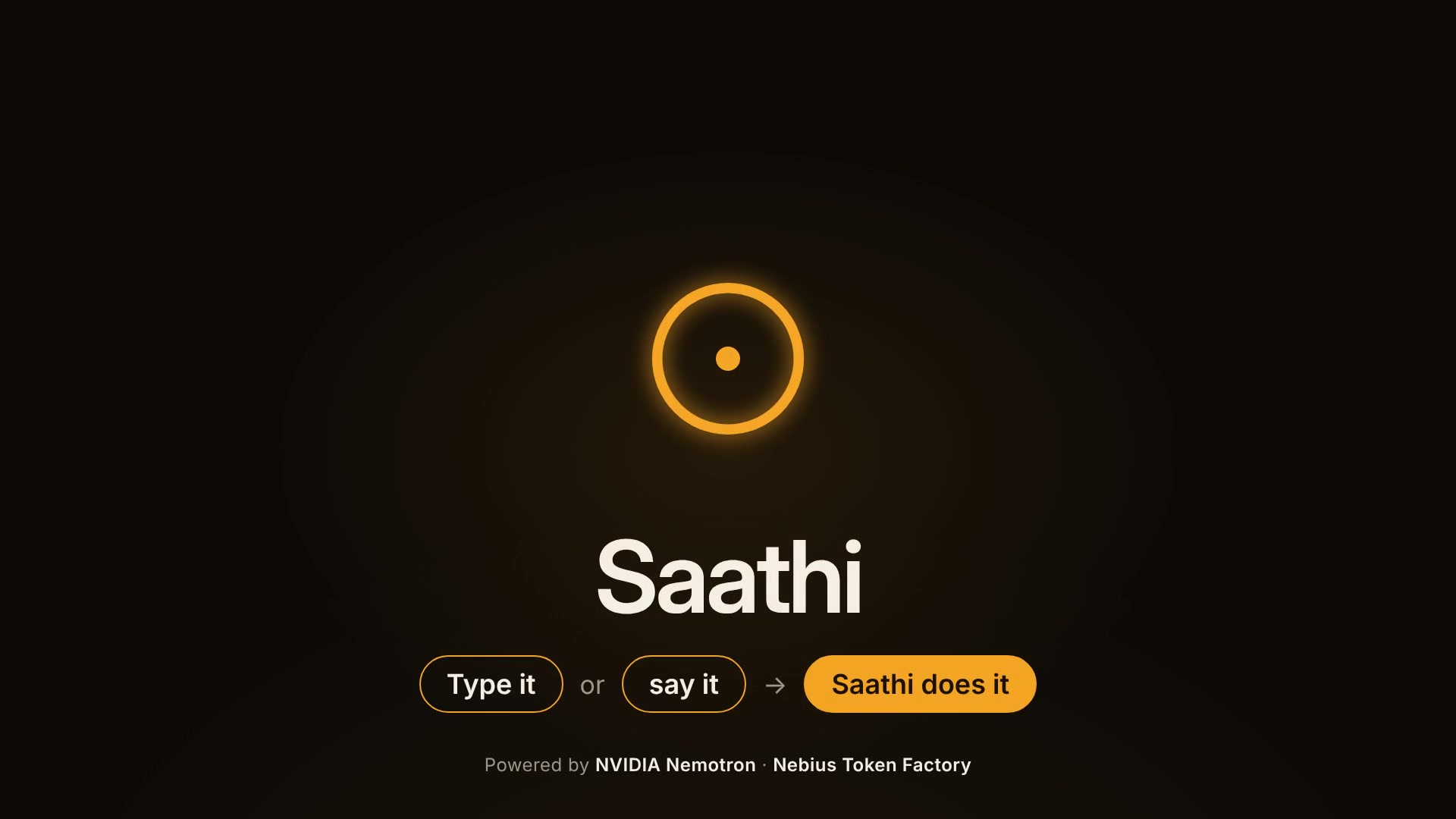
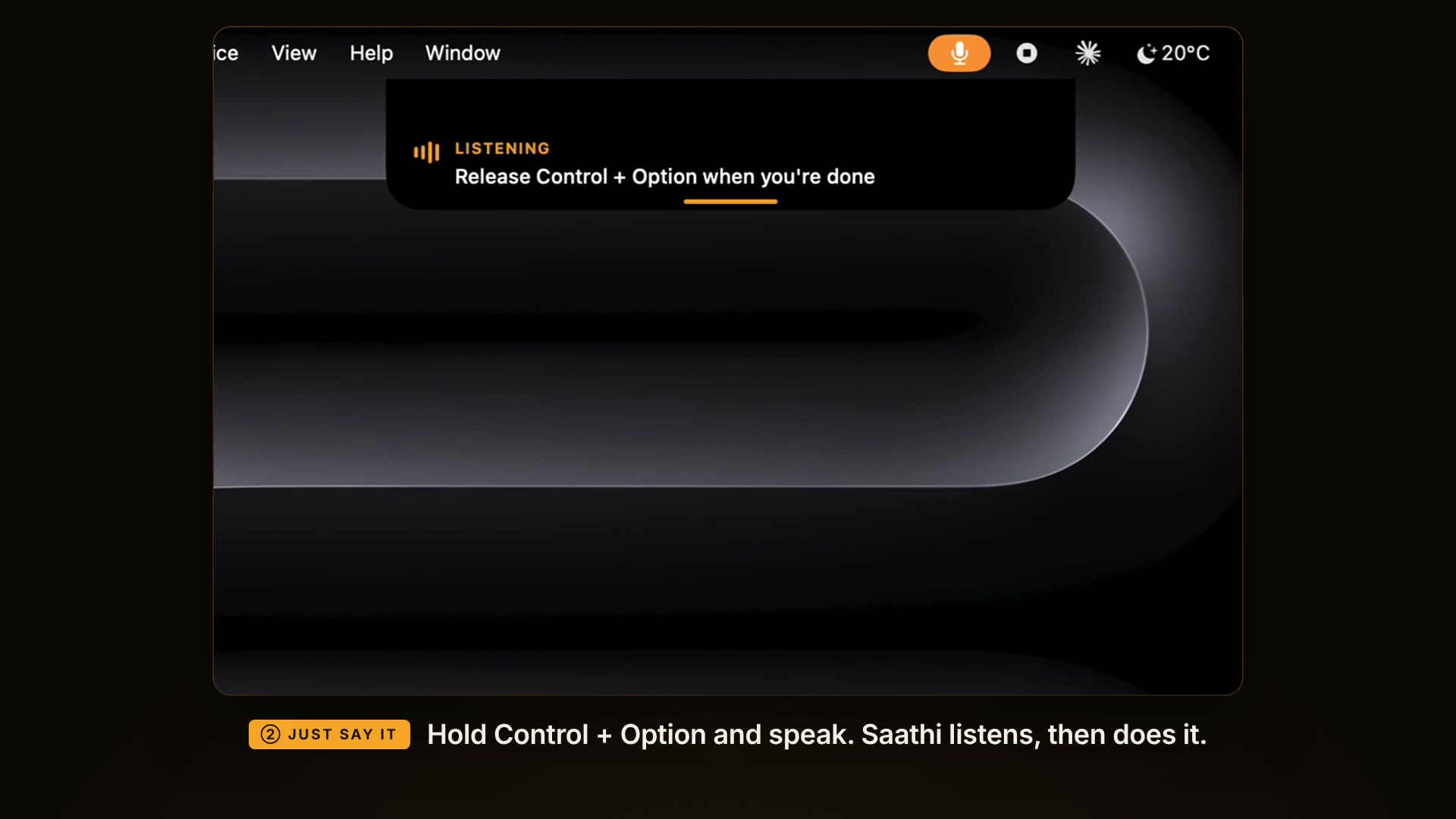
- Type it or say it. Press ⌘⇧Space and type, or hold Control + Option and speak: "download my Aadhaar", "open YouTube and play some good vibe music".
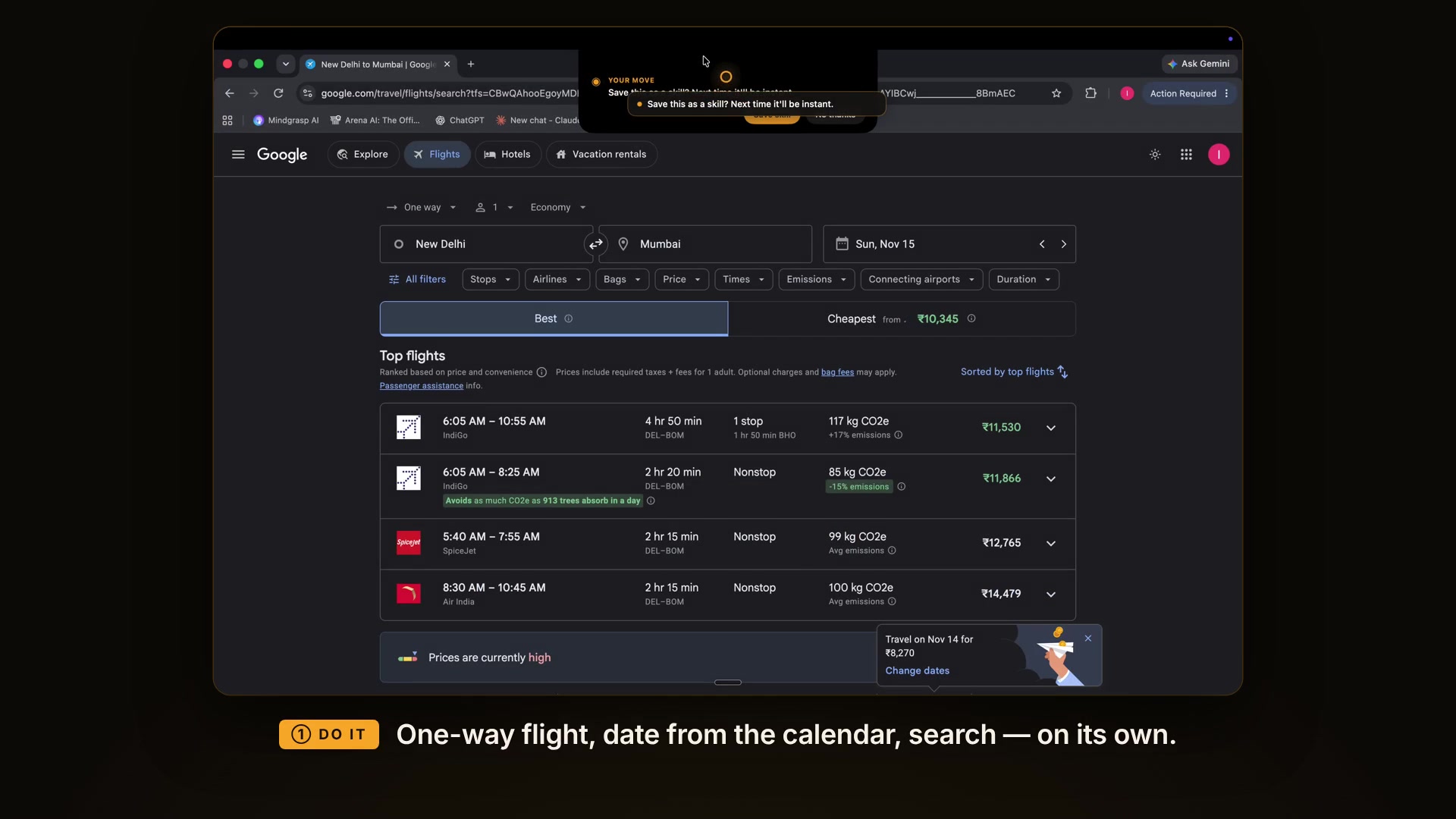
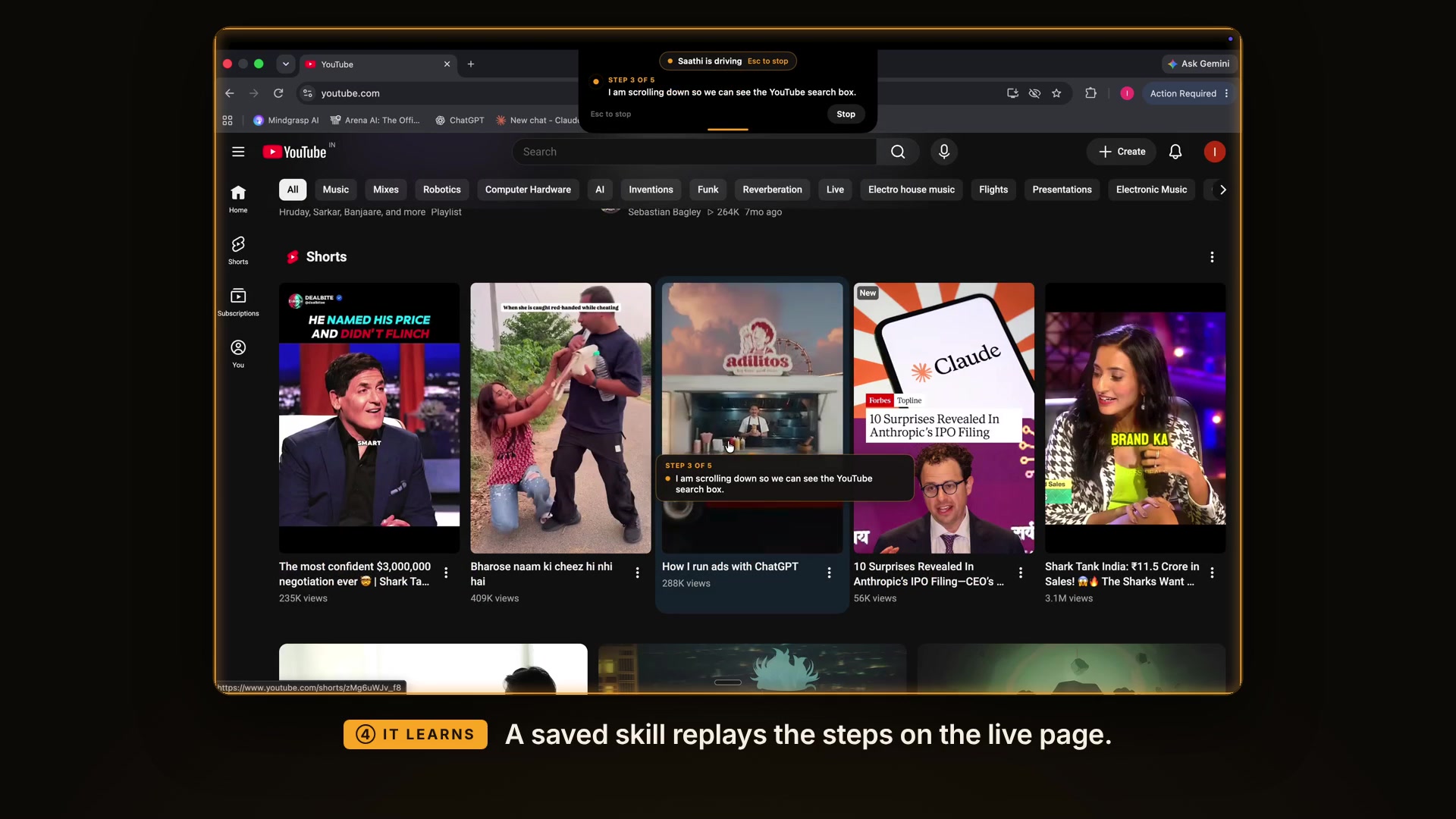
- Saathi does it. It opens the right site, clicks, types and scrolls, while a marigold ring shows and narrates every step.
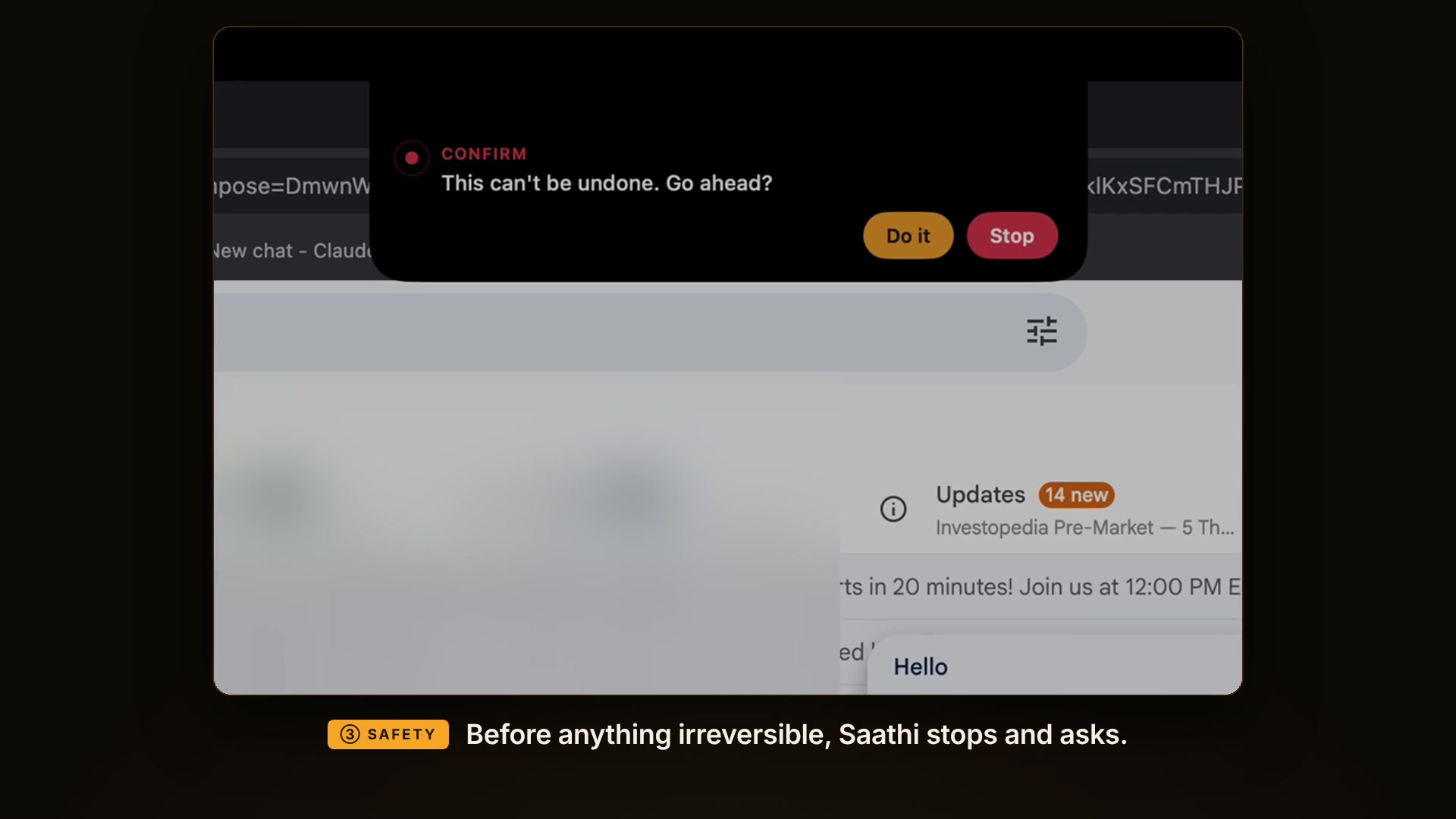
- Safety is enforced in code:
- It pauses before pay, submit, send, book or delete.
- It never types passwords, OTPs, card or ID numbers. It hands those back with 🔒 "your turn".
- Esc stops everything.
- It clears cookie banners and pop-ups.
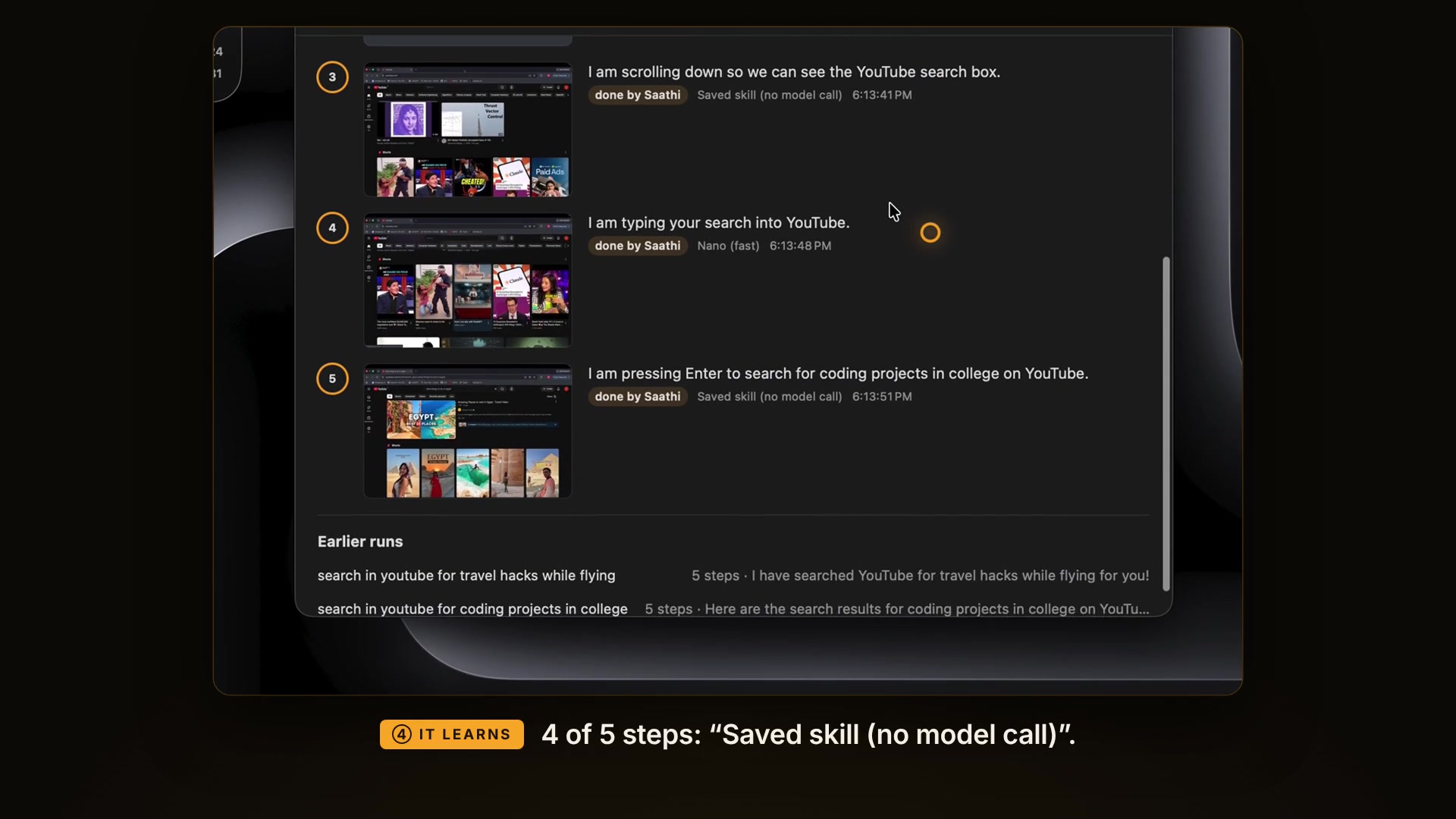
- It learns. Successful tasks become skills. Replays find each button again on the live page, mostly with no model call, so it gets faster with use.
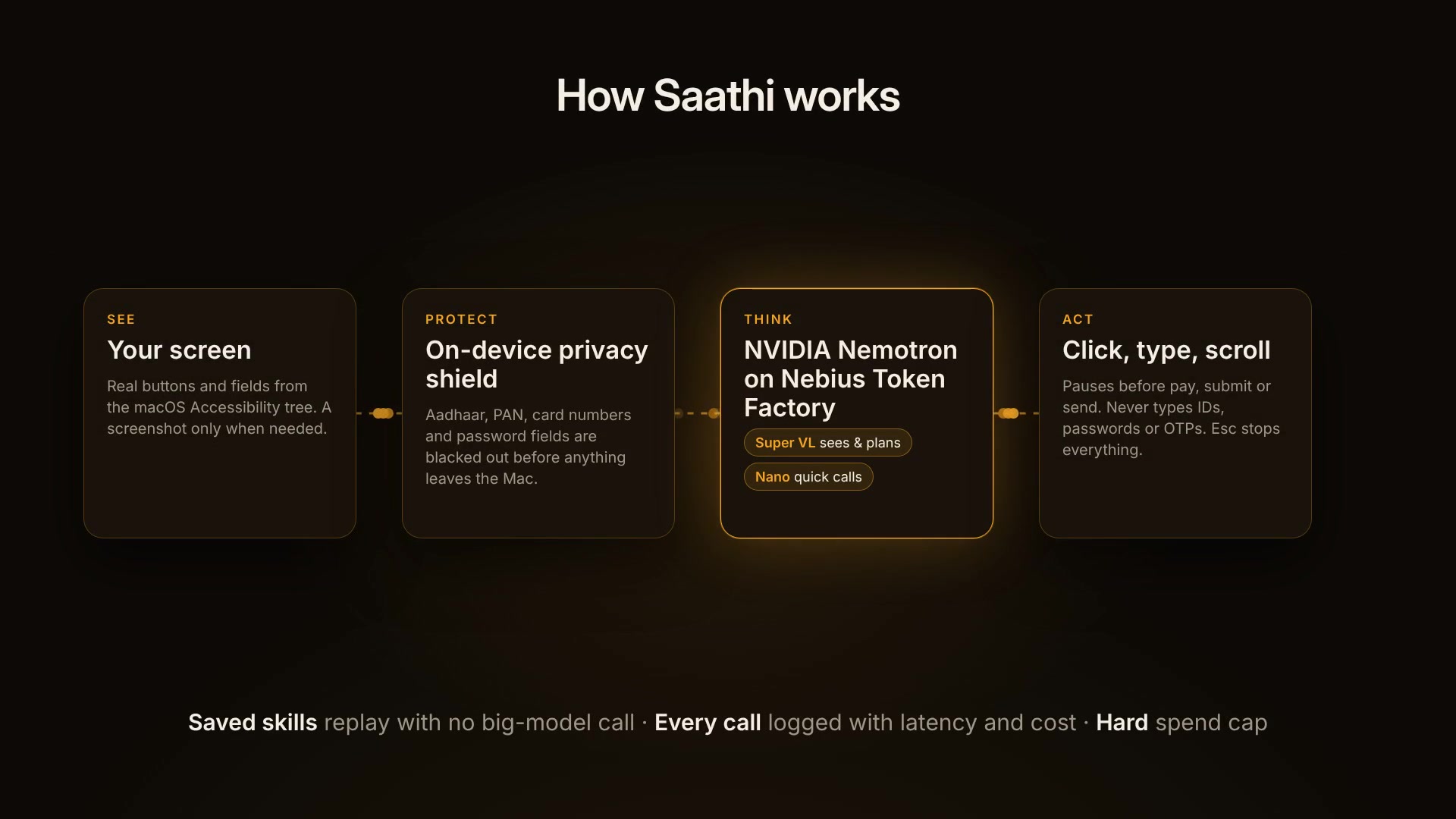
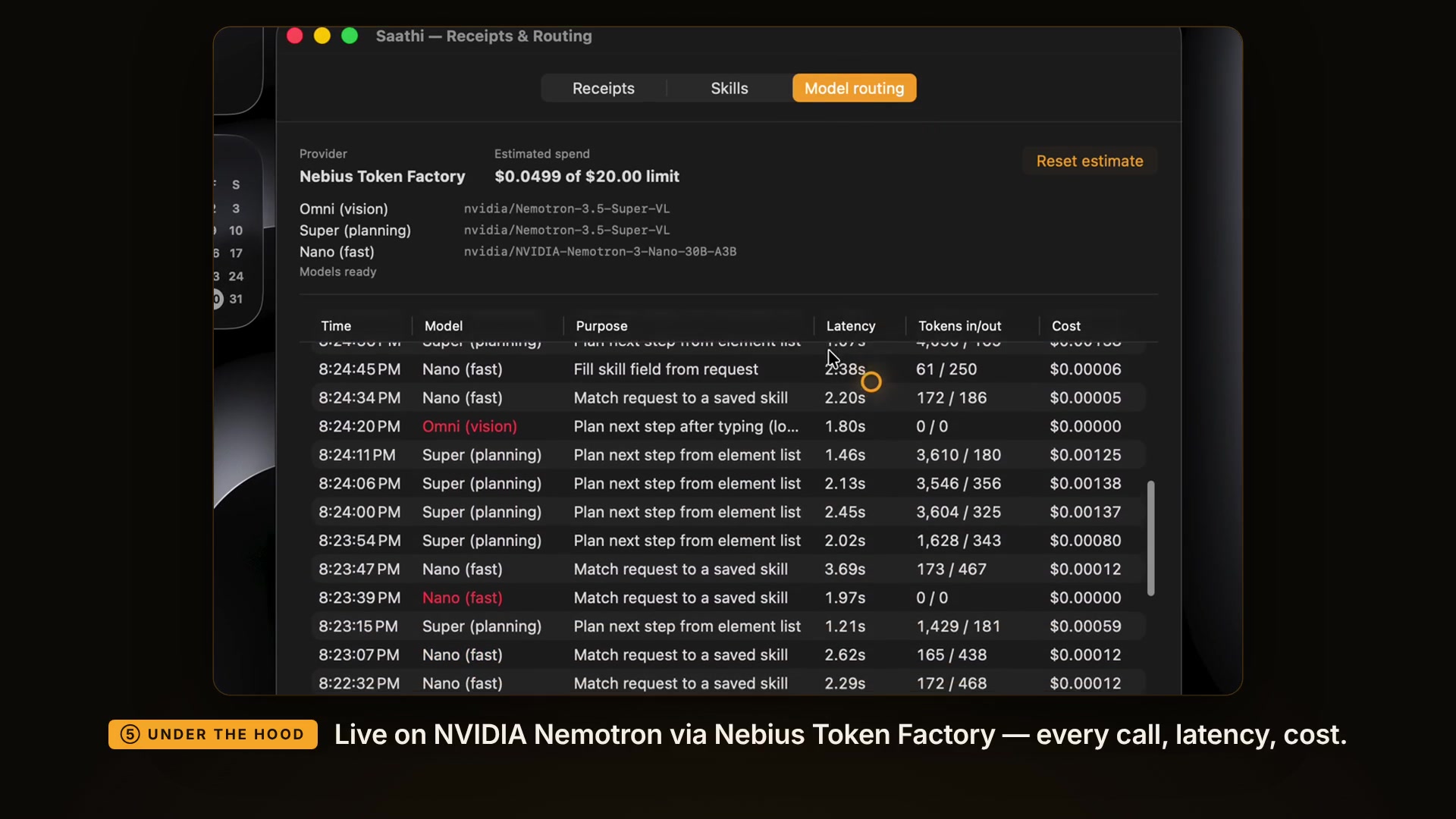
- Receipts and routing. Every step is kept as a receipt with a screenshot, and every model call is logged with latency and cost, under a spend cap.
How we built it
- App: native macOS, written in Swift with SwiftUI and AppKit, forked from Clicky (MIT).
- Seeing the screen: Saathi reads real buttons and fields from the macOS Accessibility tree, with screenshots only when needed.
- Privacy shield: on-device Apple Vision OCR blacks out Aadhaar, PAN, passport and card numbers, plus all password fields, before any screenshot leaves the Mac.
- Thinking: NVIDIA Nemotron on Nebius Token Factory:
- Nemotron 3.5 Super VL sees the screen and plans each step.
- Nemotron 3 Nano makes the quick decisions: routing, skill matching, filling skill values.
- Voice: push-to-talk with on-device Apple Speech.
- Tavily finds the official steps and site, and warns you about lookalike domains.
Challenges we ran into
- Big web apps hide suggestion lists deep in the accessibility tree, so we added keyboard-based suggestion picking and screen-change detection.
- Speed: an early version made too many model calls. We rebuilt it around signals that need no model call: screen fingerprints, adaptive waits and one-step search.
- Nemotron Nano reasons before it answers. Our first token cap cut it off mid-thought, so we tuned the allowance.
- macOS permissions reset on every rebuild, which we fixed with a stable self-signed signing identity.
What we learned
For computer-use agents, reliability comes from good perception (the accessibility tree, change detection) and hard safety rules more than from bigger prompts. Saving successful runs as skills turns a careful agent into a fast one.
What's next
A guided "teach me" mode on the same engine, more Indian languages, family skill-sharing, Windows support, and verified skills for common government and bank portals.
Built With
- accessibility-api
- appkit
- apple-speech
- apple-vision
- macos
- nebius
- nebius-token-factory
- nemotron-nano
- nemotron-super
- nvidia-nemotron
- openai-compatible-api
- screencapturekit
- swift
- swiftpm
- swiftui
- tavily
