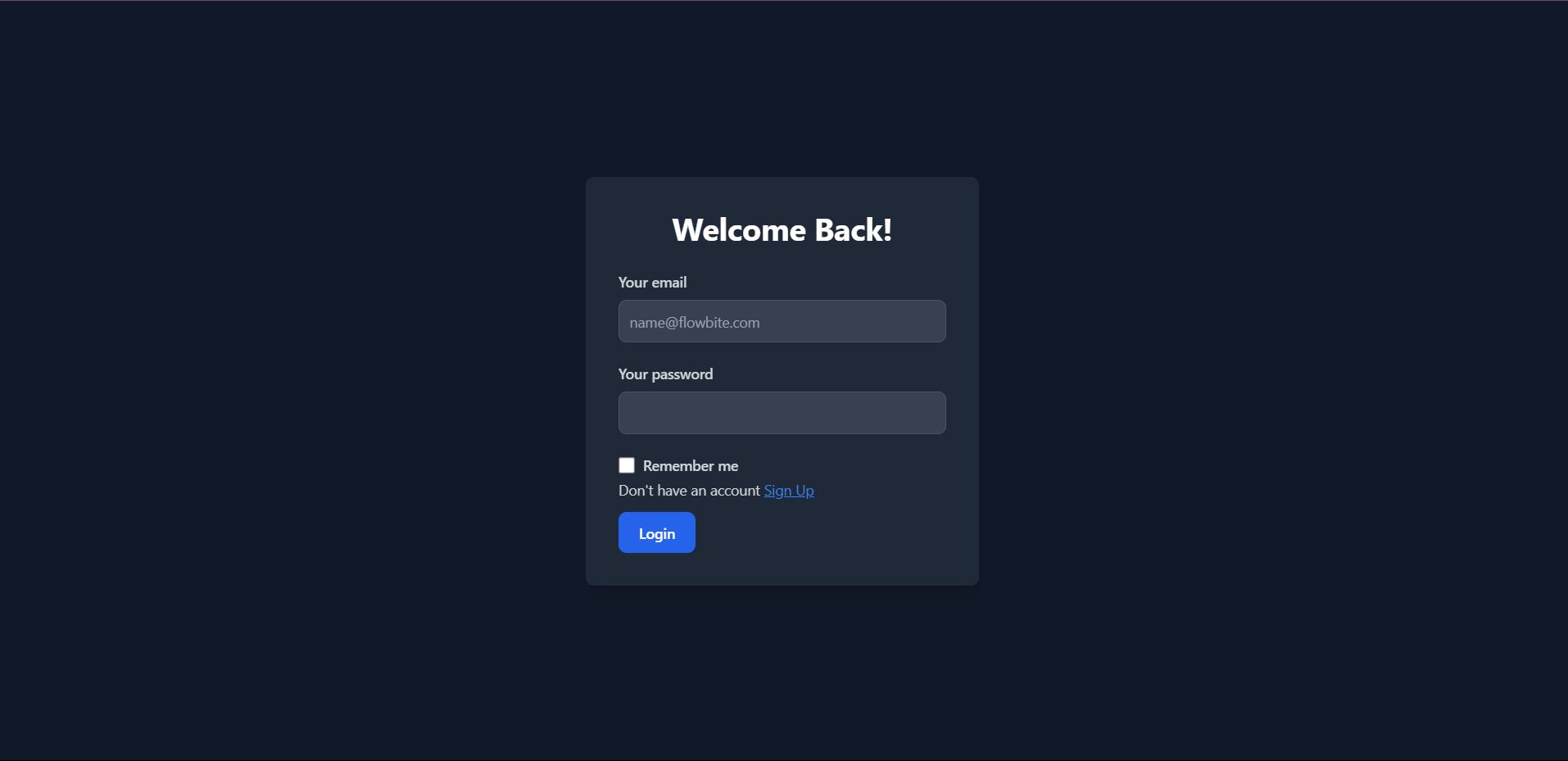
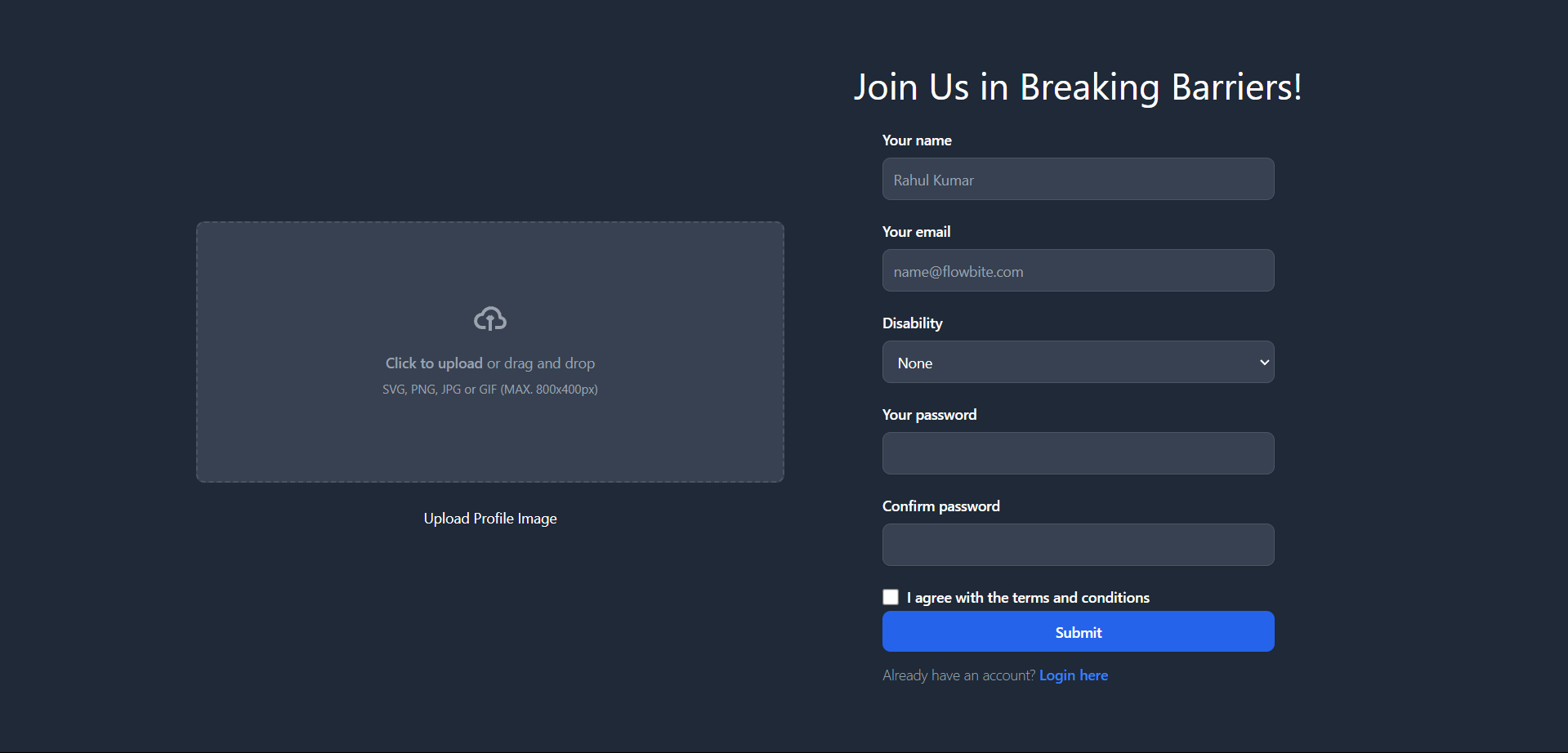

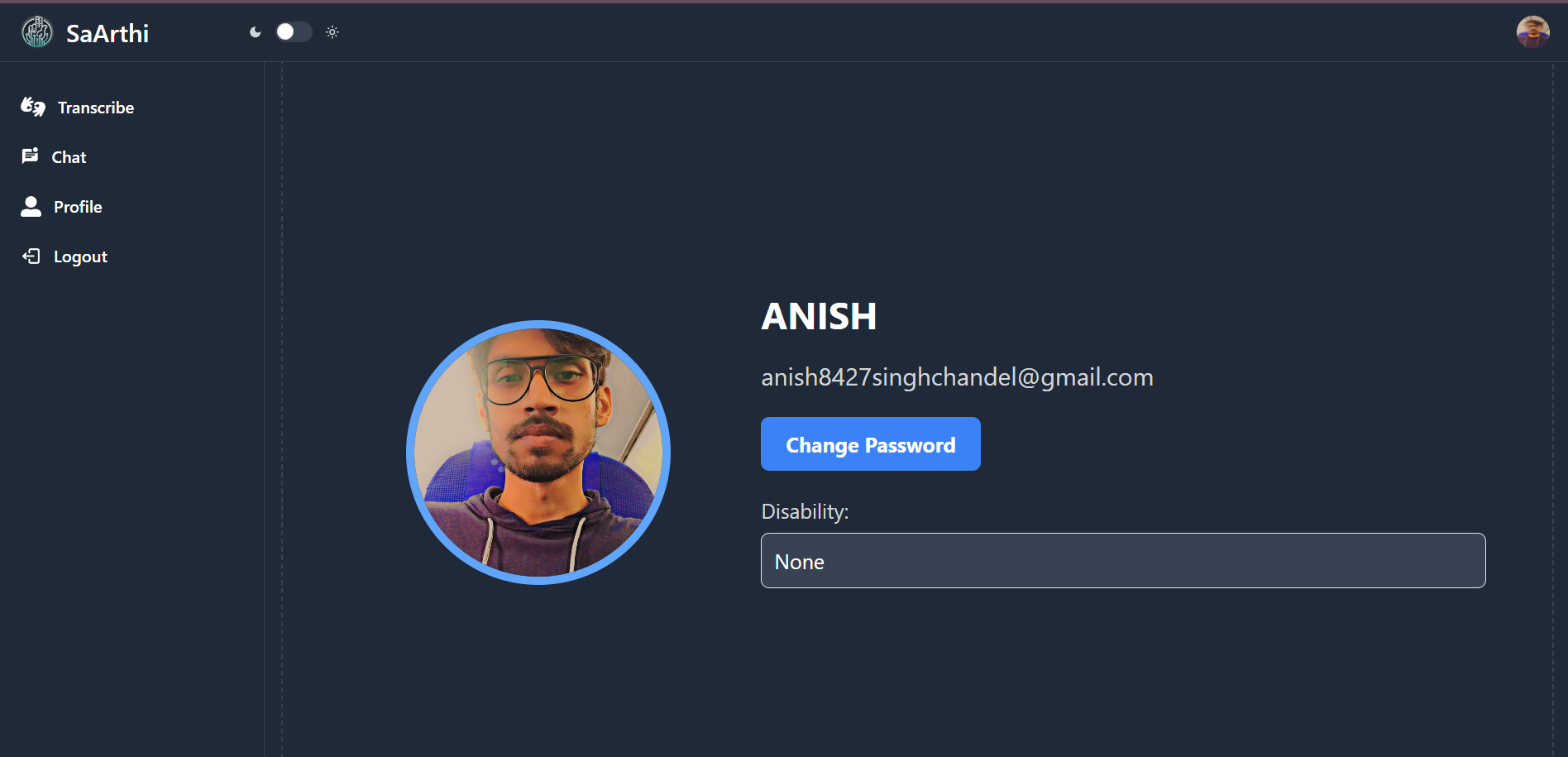
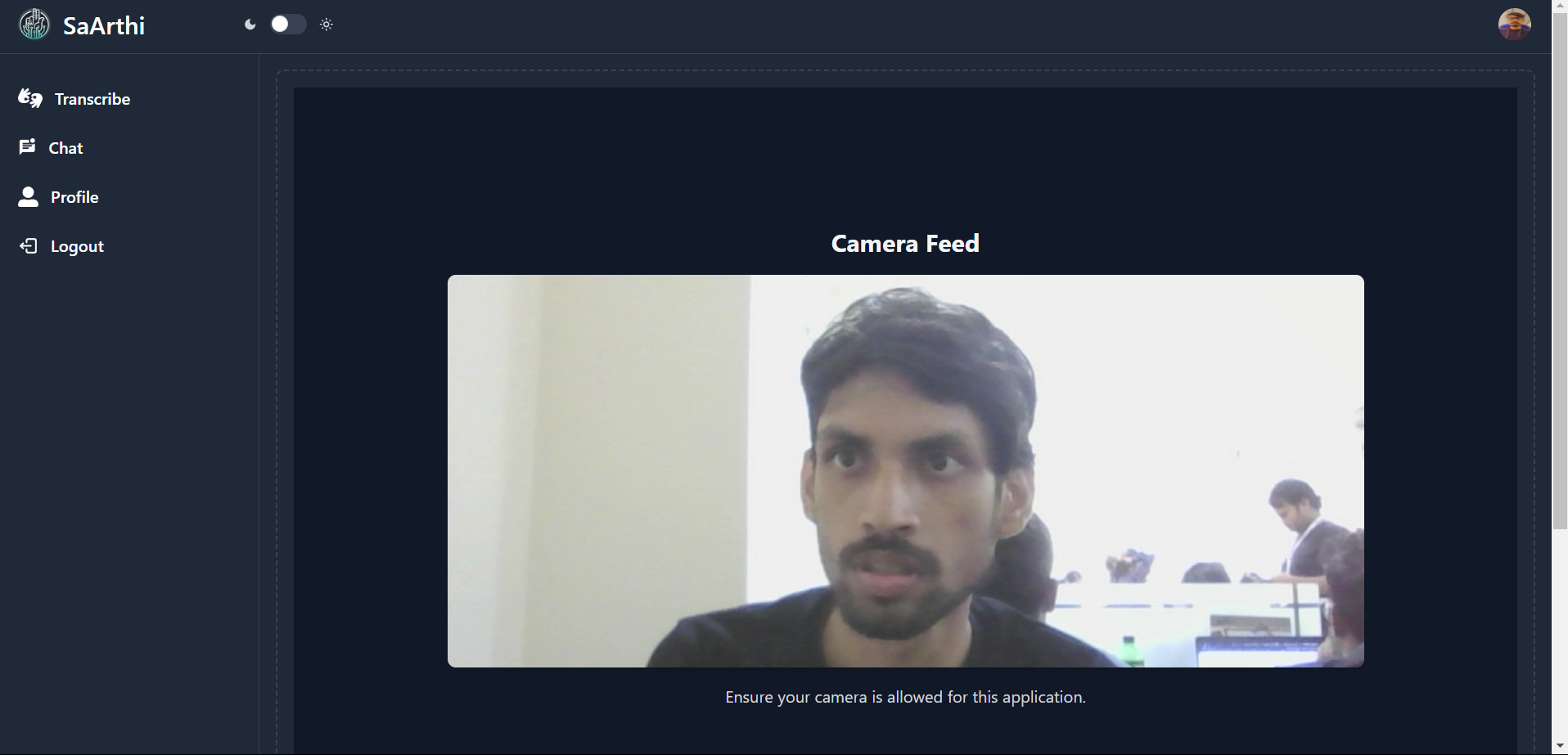
AI-Powered Accessibility Tools Objective: The project aims to create an AI-powered platform to assist individuals with disabilities by providing accessibility tools like real-time speech-to-text, sign language translation, and visual assistance. The platform will include a mobile app and a website built using React and Node.js.
Target Audience: People with hearing impairments People with visual impairments People with speech impairments Individuals with motor disabilities Core Features: Sign Language to Text
Users can perform sign language gestures that will be translated into text, enabling them to communicate with non-signers via chat or other communication platforms. Sign Language to Navigate
Sign language gestures can be used to navigate through the website or app (e.g., swiping, clicking, scrolling) to make the platform accessible without traditional input devices. Voice to Navigate
Users with motor disabilities can use voice commands to navigate through the website or app. Voice to Text
Real-time speech-to-text conversion, allowing individuals with hearing impairments to understand spoken conversations or content. Text to Voice
Users can input text, and the system will convert it into speech, enabling people with speech impairments to communicate. Multi-modal Integration
The platform supports chat, navigation, and voice assistance, allowing users to seamlessly switch between these functionalities. Mobile App
A mobile application that offers all the above features for on-the-go use. Technology Stack: Frontend (React) React.js: For building a responsive and dynamic user interface. Tailwind CSS: For styling with dark mode support using darkMode: "class". API Integration: Communicating with the Node.js backend to handle user input (sign language, voice, etc.) and receive predictions from the ML models. Backend (Node.js) Express.js: For setting up a REST API to communicate with the React frontend and handle requests. Python ML Integration: Use Python with TensorFlow, PyTorch, or Scikit-learn for ML models. Flask or FastAPI to create an API for the ML model. axios in Node.js to make requests to the Python API for predictions. Mobile App (React Native) React Native: For building a cross-platform mobile app (iOS/Android) with similar functionality as the web version. Integration with Backend: The mobile app will communicate with the same Node.js API that powers the website. Machine Learning Models Sign Language to Text:
A model trained on video/image datasets that can recognize sign language gestures and convert them to text. Example: Convolutional Neural Networks (CNN) with computer vision techniques. Voice to Text:
Speech recognition model that converts voice input into text. Example: Use a pre-trained model like Google Speech-to-Text or Mozilla DeepSpeech. Text to Voice:
A text-to-speech (TTS) model that converts text input into speech. Example: Use Google Text-to-Speech API or an open-source solution like Coqui TTS. Voice and Sign Language Navigation:
Train models to detect specific commands (voice or gestures) that allow users to navigate through the app. Use NLP for voice command recognition and computer vision for gesture detection. Project Structure: Frontend (React): Components: Each feature (Sign Language, Voice Assist, etc.) will have dedicated React components. State Management: Use React’s useState, useContext, or a state management library like Redux. API Calls: Use fetch or axios to send user data (voice, text, or gestures) to the Node.js backend. Backend (Node.js/Express): API Endpoints: /predict-sign-language: Send sign language data to the Python model API and return text. /predict-voice: Send voice data to the speech-to-text model. /text-to-speech: Convert text to voice and return the audio file. /voice-command: Handle voice navigation commands. Data Flow: Node.js serves as the middleman between the React frontend and the Python ML models. Python ML Models: Deployed as Microservices: Use Flask or FastAPI to serve the ML models as APIs. Interaction with Node.js: Node.js makes requests to these APIs for predictions. How Everything Connects: User Interaction in React:
The user interacts with the website (for example, signs a gesture). React captures the gesture through a webcam component or the voice command through a microphone. API Request to Node.js Backend:
React sends the user’s input to the Node.js backend using axios or fetch. Node.js Processes the Input:
Node.js forwards the request to the appropriate Python API that serves the machine learning model. Python ML Model Processes Data:
The ML model processes the input (e.g., interprets sign language, converts voice to text) and sends the prediction back to Node.js. Response to React Frontend:
Node.js sends the prediction (e.g., text, navigation action) back to the React frontend. React updates the UI based on the prediction (e.g., displays the converted text, navigates the user). Potential Challenges: Real-time Performance:
Ensure that the ML models (especially sign language and speech recognition) operate in real-time to provide seamless interaction. Cross-Platform Compatibility:
Ensure that the solution works consistently across web and mobile platforms. Data Privacy:
Ensure proper handling of sensitive user data (e.g., voice recordings, sign gestures) with secure encryption and adherence to privacy regulations. Next Steps: Backend Setup:
Set up Node.js with Express for routing. Create Python ML APIs for model predictions. Frontend Integration:
Build out React components for each feature (Sign Language Input, Voice Input, etc.). Integrate API calls to the Node.js backend. Mobile Development:
Begin building the React Native app with feature parity to the web version. Model Training & Integration:
Train and fine-tune the machine learning models and integrate them with the backend.
Built With
- express.js
- kotlin
- node.js
- numpy
- opencv
- react
- tensorflow

Log in or sign up for Devpost to join the conversation.