Inspiration
Satellite Trajectory Animating & Rendering: Satellite Orbit Visualiser using Blender
This project shows how you can create cool-looking yet 'Scientifically Correct Orbital Simulations' for any satellite you want using Blender and Python.
What it does
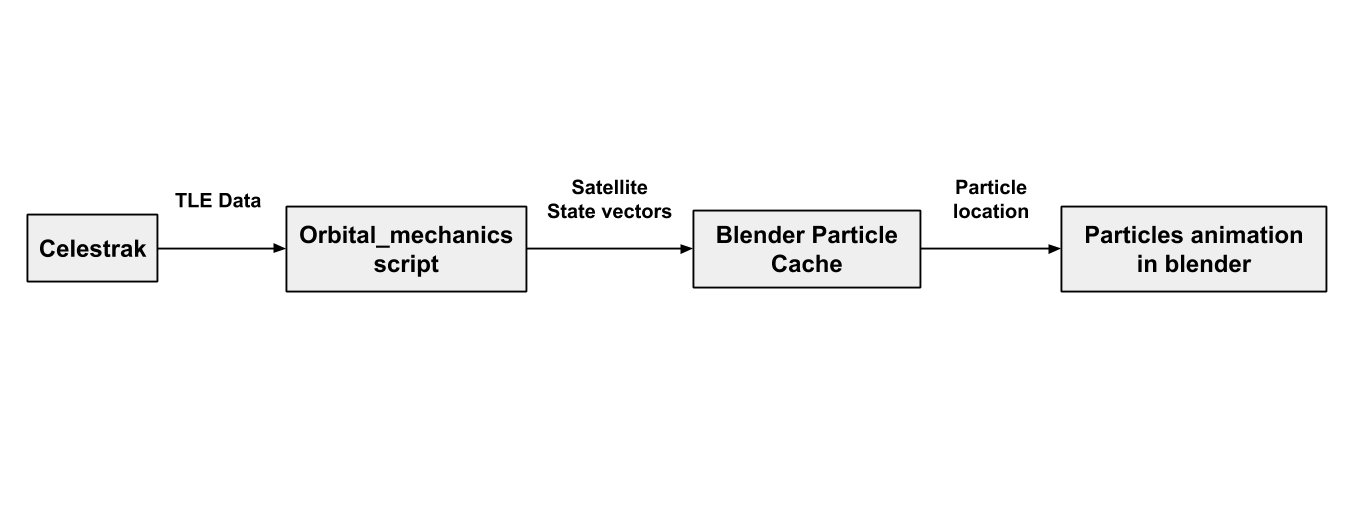
The project uses TLE (Two line element) data for predicting satellite trajectories using orbital mechanics. The position and velocity of satellites are calculated for different times (delta t) which are the cached and used for animating particle systems in Blender.
How we built it
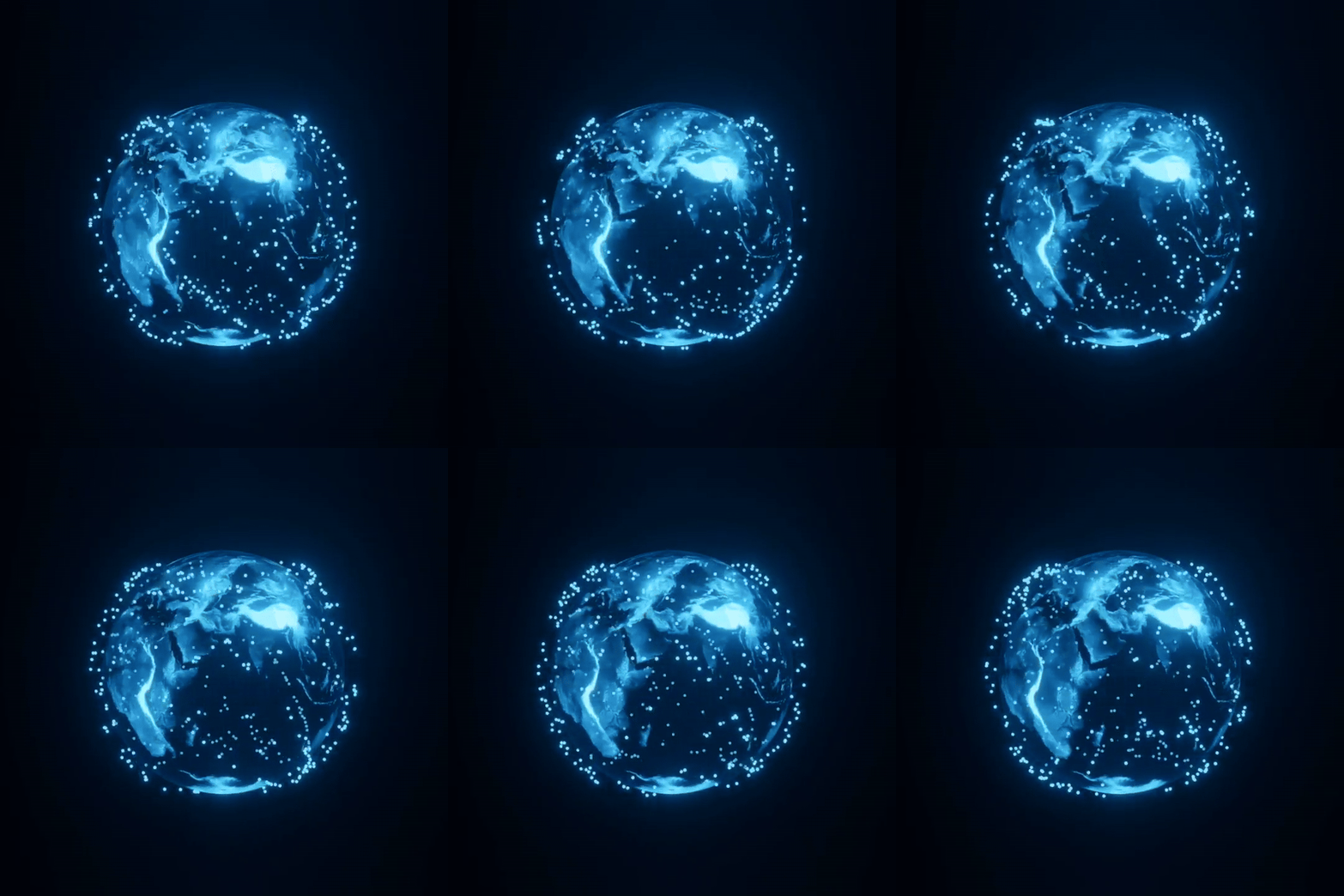
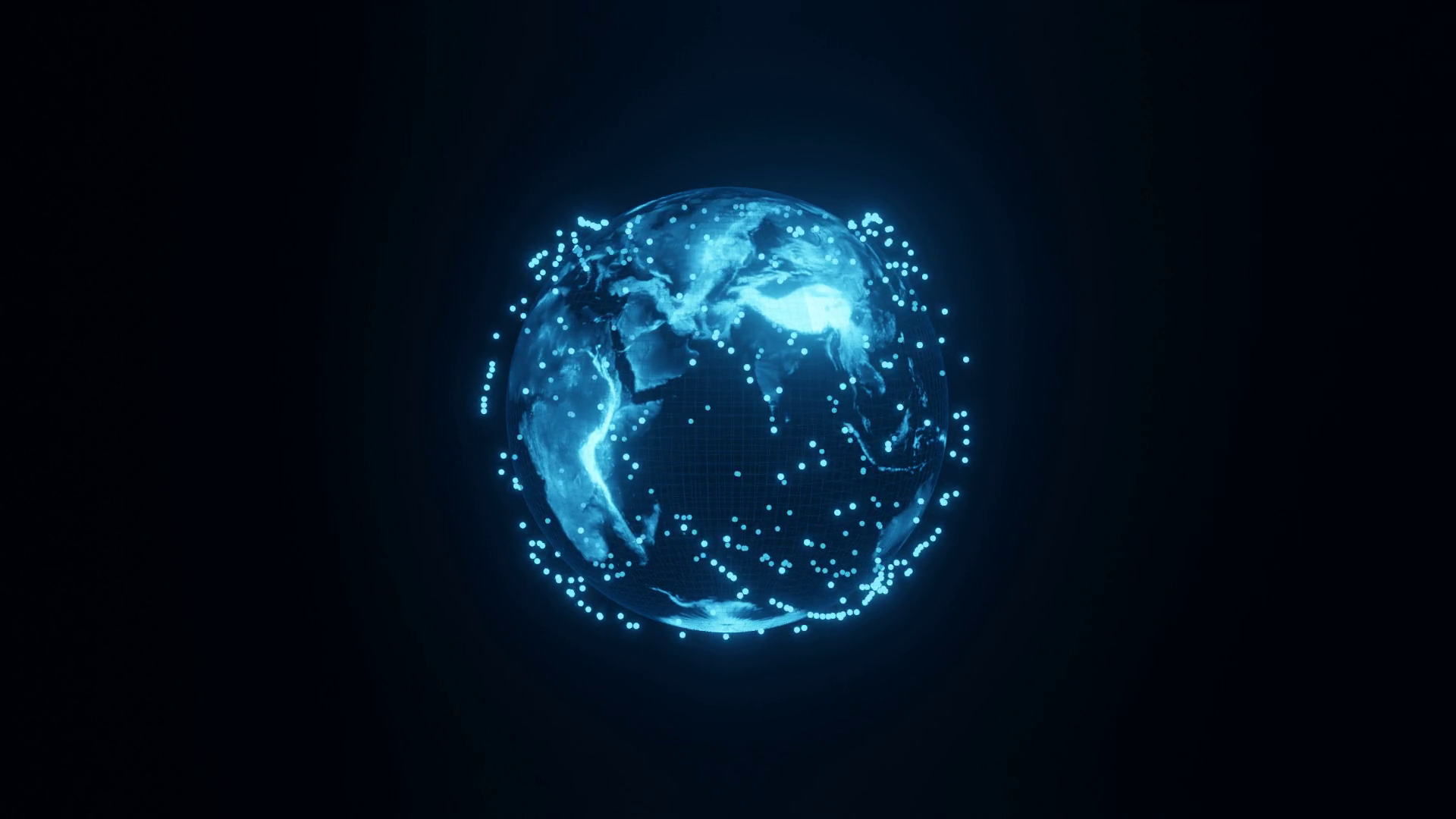
Create a model of the Earth in a new blender file using a UV sphere and applying the given texture to it. If you want to make the Holographic Earth shown above, follow this video. Animate the rotation of the earth model to rotate about the z axis 360 degrees in 2 mins using keyframes. Create a satellite model, which in this case was just another UV sphere with emission shader applied to it. Then create a particle system which refers to the satellite object with the following settings: Set the number of the particles equal to the number of satellites. Set gravity equal to 0 and change the lifetime to span across the complete animation. This ensures all the particles stay in the frame. Check the disk cache option in the cache section of the Particles and Bake the simulation to get the particle cache files saved in your project folder. These particle cache files will be later overwritten with the satellite location data. Copy the Starlink satellite TLE data from this link. Save the data in a "starlink.txt" file inside the data directory of the orbital_mechanics and execute the 2BodyProblem.py file. This file extracts all the required orbital elements from the TLE data and passes it to OrbitPropagator.py which calculates the state vectors(position and velocity) for that satelliet at every timestep dt. The OrbitPropagator.py script makes use of the Ordinary Differential Equation Solver from the scipy module and applies it to the differential equation obtained by considering a 2 Body Gravitational Inetraction between the The location data for each satellite for every timestep is stored in a list and then written to the blender's particle cache files for every frame using the particlecahce.py script. Now when you run the animation in blender it will animate the particles according to the location data written in the particle cache files by orbital_mechanics
What's next for S.T.A.R (Satellite Trajectory Animation & Rendering)
The next steps for S.T.A.R is to make it interactive and host it online such that people can access and visualize data about satellites and know more about space exploration and interesting challenges like cleaning up space debris.

Log in or sign up for Devpost to join the conversation.