💡 Inspiration
I've used a lot of AI chat tools, and most of them feel disposable — you ask a question, get an answer, and the conversation goes nowhere. I wanted to build something that actually thinks with you across an entire session: an assistant that holds full context, handles complex multi-step problems, and doesn't lose the thread after two messages.
The name RynoAI came from the rhino — an animal that's built for endurance, power, and charging through obstacles without stopping. That's exactly what I wanted this chatbot to feel like: relentless, capable, and direct.
🤖 What It Does
RynoAI is a full-stack AI chatbot web application built on the MERN stack, powered by MiniMax M2.5 via the OpenRouter API. It offers:
- Real-time streaming responses — the AI's reply appears word-by-word as it's generated, with no waiting for the full response
- Multi-image upload UI — drag-and-drop up to 5 images per message with live previews, stored securely on Cloudinary; vision analysis is architected and ready, pending model support (MiniMax M2.5 free tier does not currently support image inputs via OpenRouter — see Challenges)
- Persistent conversation memory — every message in a session is sent as context, so RynoAI always knows what you've discussed
- 65K token output limit — handles long-form code generation, detailed explanations, and extended reasoning chains without cutting off
- Rich Markdown rendering — syntax-highlighted code blocks, tables, headers, and lists rendered beautifully in the chat UI
- Full chat management — create, rename, delete, and switch between multiple conversations from a persistent sidebar
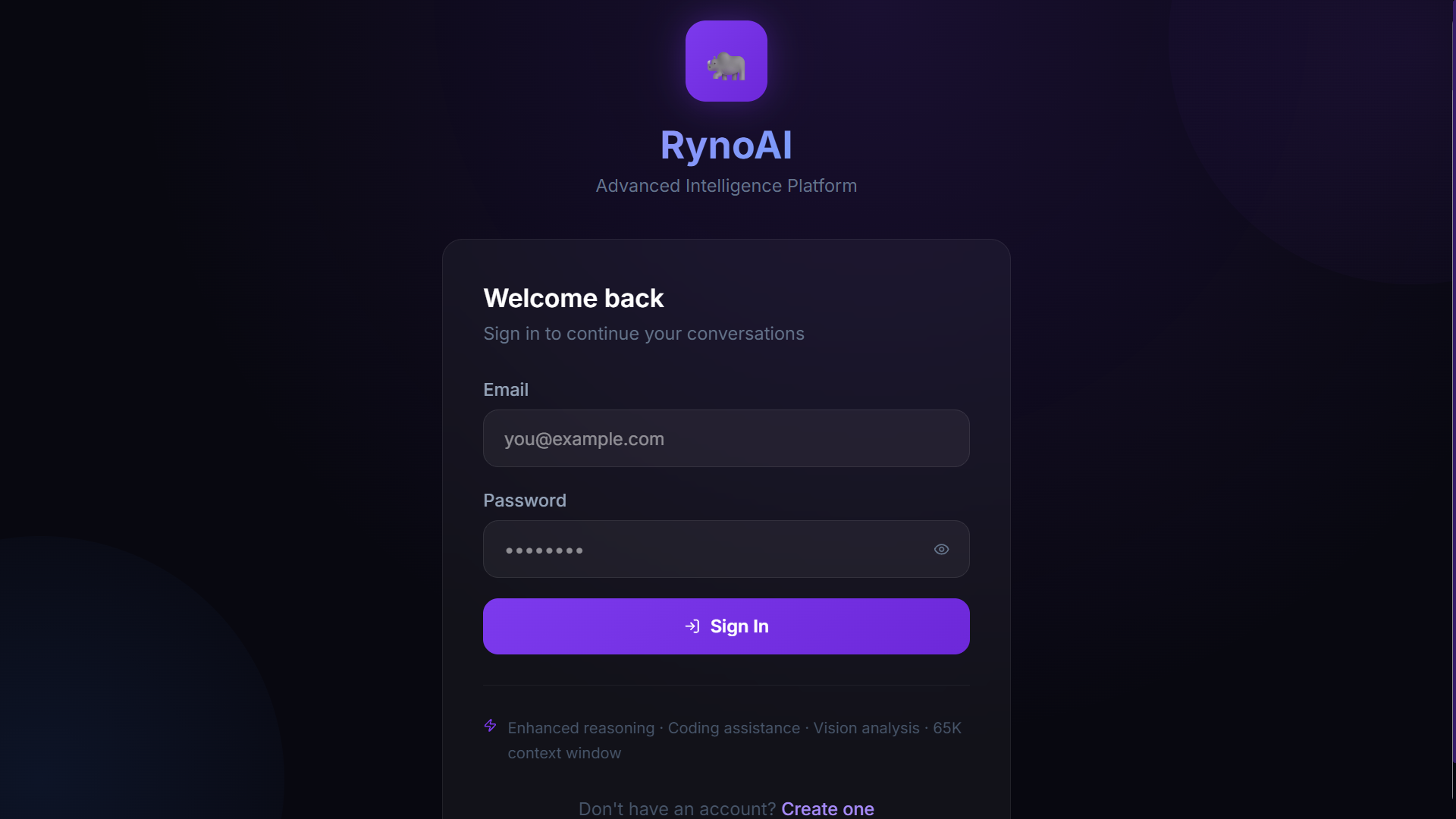
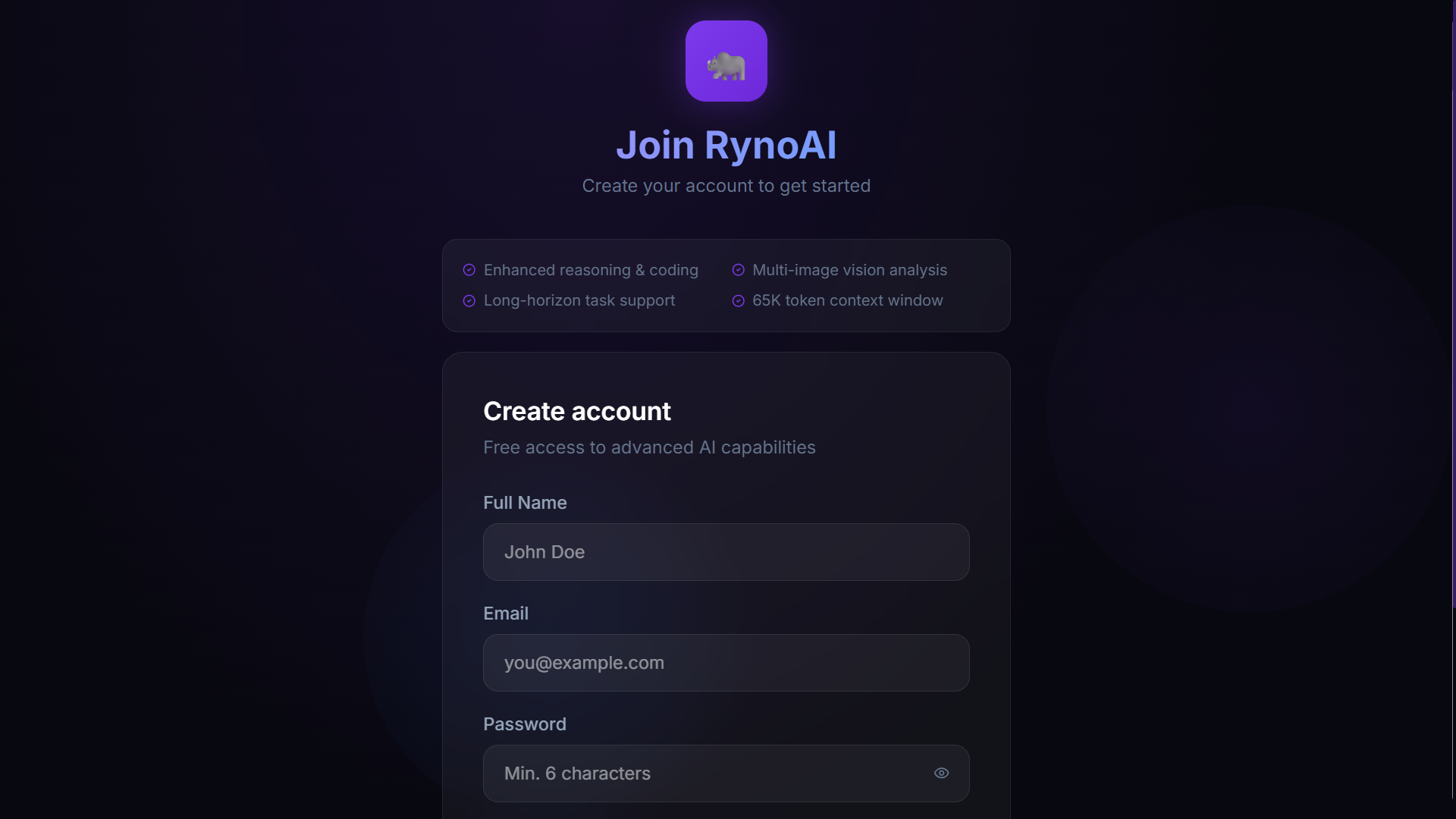
- Secure authentication — JWT-based signup and login with bcrypt-hashed passwords
🔨 How I Built It
Backend — Node.js + Express Built a RESTful API with Express handling auth routes and chat routes separately. JWT middleware protects all chat endpoints. Used Multer to accept up to 5 images per request (validated by MIME type, capped at 10MB each), then streamed them to Cloudinary for cloud storage, with temp files deleted immediately after upload. The chatbot controller assembles the full conversation history on every request and forwards it to OpenRouter using Server-Sent Events (SSE) for streaming — including a heartbeat ping every 20 seconds to prevent proxy timeouts.
AI Integration — OpenRouter + MiniMax M2.5
The model is called via axios with responseType: 'stream'. Each SSE chunk is parsed and forwarded to the frontend as a delta event. A done event fires at the end with the final chat metadata. The backend is fully wired to pass images as image_url content blocks in the OpenRouter message array — however, the MiniMax M2.5 free tier on OpenRouter does not currently support multi-modal (image) inputs, so image content is stripped to text-only before the API call until a vision-capable model is swapped in.
Database — MongoDB Atlas + Mongoose
Two schemas: User (name, email, hashed password) and Chat (user ref, title, array of messages, token count). Messages embed both text content and an array of Cloudinary image URLs. Chat history is sorted by updatedAt descending, and titles are auto-generated from the first user message.
Frontend — React 18 + Vite + Tailwind CSS v4
State managed with Redux Toolkit — separate slices for user auth (with localStorage persistence) and chat (streaming state, sidebar, error handling). Used the native fetch API with ReadableStream to consume the SSE stream incrementally, dispatching appendStreamDelta on every chunk. Markdown is rendered with react-markdown + remark-gfm, and code blocks use react-syntax-highlighter with a custom header and copy button overlay. Tailwind v4 is integrated via the @tailwindcss/vite plugin with a fully custom theme defined in CSS using @theme.
🧱 Challenges I Ran Into
SSE streaming across the full stack was the hardest part. Getting the stream to flow correctly from OpenRouter → Express → React without buffers dropping chunks or proxies timing out required careful header configuration (X-Accel-Buffering: no, periodic heartbeats) and a manual line-by-line SSE parser in both the backend and frontend.
Model vision support hitting a wall was the most frustrating discovery. I built the entire image pipeline end-to-end — Multer validation, Cloudinary upload, image_url content blocks in the OpenRouter payload, a full drag-and-drop UI with previews — only to find that the MiniMax M2.5 free tier doesn't support multi-modal inputs through OpenRouter. The infrastructure is 100% in place; the feature is blocked purely at the model API level. It's ready to light up the moment a compatible model is plugged in.
Multi-image + streaming in one request was architecturally tricky regardless. Handling multipart/form-data (for Multer) alongside a streaming SSE response doesn't naturally coexist. The solution was to upload all images to Cloudinary synchronously first, then open the SSE stream after — keeping the response pipe clean and the two concerns fully separated.
Tailwind CSS v4 migration introduced a completely new configuration model — no more tailwind.config.js, everything moves into CSS using @theme. Relearning the mental model while building a complex dark UI under time pressure was a real challenge.
Keeping conversation context clean for the OpenRouter API meant correctly serializing image messages versus text-only messages — the payload format differs per message type and had to be reconstructed from the MongoDB schema on every request, accounting for mixed-content message history.
🏆 Accomplishments That I'm Proud Of
- Built a complete, production-grade full-stack app entirely solo — from database schema to UI animations
- Achieved true real-time streaming with SSE that feels as snappy as ChatGPT, not a fake loading bar
- The multi-image upload pipeline is fully production-ready — drag-and-drop UI, live previews, MIME validation, 10MB cap, Cloudinary storage, and backend wiring for vision analysis; the entire system works end-to-end, just waiting on a model that supports image inputs
- Designed a custom dark glassmorphism UI from scratch using Tailwind v4's new CSS-native theme system — no templates or component libraries
- The automatic chat titling, relative timestamps, rename-in-place, and per-chat token counter make the sidebar feel genuinely polished
- 65K token context handled reliably — long coding sessions, multi-file debugging, essay-length reasoning chains all work without truncation
📚 What I've Learned
- How Server-Sent Events work at the byte level — parsing
data:prefixed chunks, handling incomplete lines across buffer boundaries, and forwarding them through an Express response pipe - That model capability ≠ API capability — even when the OpenRouter API accepts
image_urlcontent blocks in the payload, the underlying model must explicitly support multi-modal inputs; MiniMax M2.5 free currently does not, which taught me to validate model feature support early before building the full UI layer around it - Tailwind CSS v4's new architecture — the shift from
tailwind.config.jsto@themein CSS, and how the Vite plugin replaces the PostCSS pipeline entirely - How to design for streaming state in Redux — separating
isStreaming,streamingContent, and the finalized messages array to render live deltas without re-mounting the whole chat - The importance of context window management — passing the entire conversation history on every API call, and building a data model that makes that cheap to reconstruct
🔭 What's Next for RynoAI
- Vision analysis (immediate priority) — swap in a multi-modal model (e.g.
google/gemini-flash-1.5oropenai/gpt-4o-minivia OpenRouter) to activate the already-built image pipeline; no frontend or backend changes needed — it's a one-line model swap - Voice input & output — Web Speech API for hands-free conversations and TTS playback of AI responses
- Code execution sandbox — run Python and JavaScript snippets directly in the chat using a secure sandboxed environment
- File uploads beyond images — PDF parsing, CSV analysis, and document summarization
- Prompt templates — pre-built system prompts for specific modes: Coding Mentor, Research Assistant, Code Reviewer, Debate Partner
- Conversation export — download full chats as PDF, Markdown, or JSON
- Collaborative chats — share a chat session link with a teammate for real-time co-debugging
- Mobile app — React Native port with the same feature set for on-the-go AI access
- Usage dashboard — visualize token usage, message frequency, and topic clusters across all your conversations
Built With
- cloudinary
- express.js
- javascript
- minimaxm2.5
- mongodbatlas
- node.js
- react
- reduxtoolkit
- tailwindcss
- vite

Log in or sign up for Devpost to join the conversation.