-

Logo
-

Banner
-
-


Slides
Inspiration
We were initially inspired by a Reddit post about importing Google Maps data into Strava, which inspired us to integrate running into a navigation service.
What it does
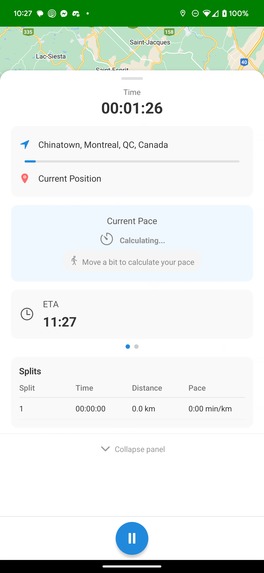
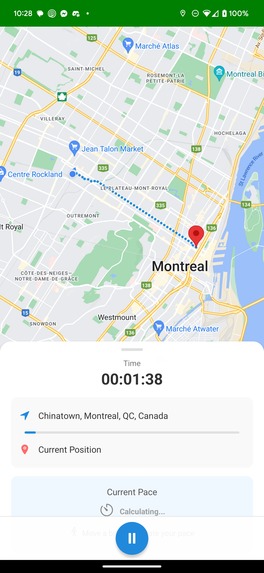
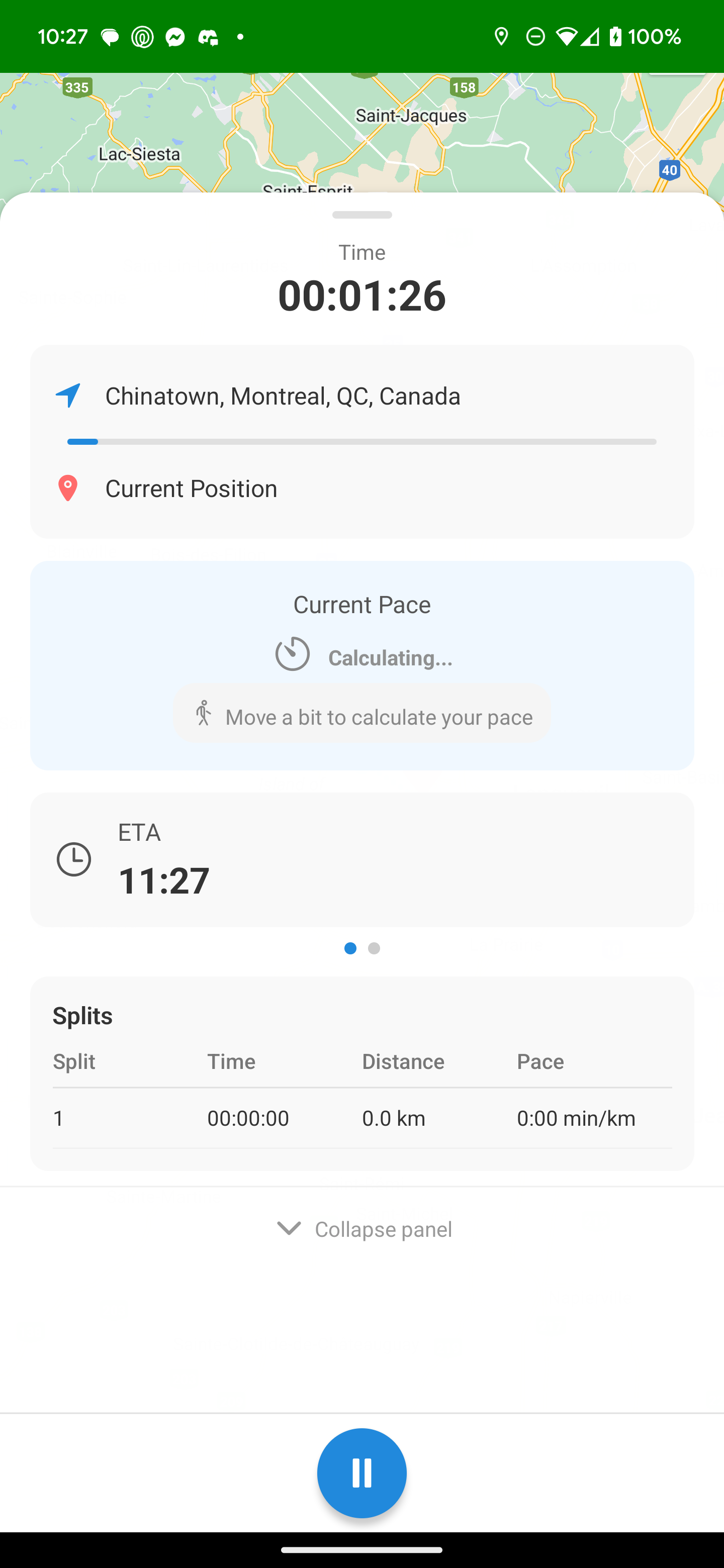
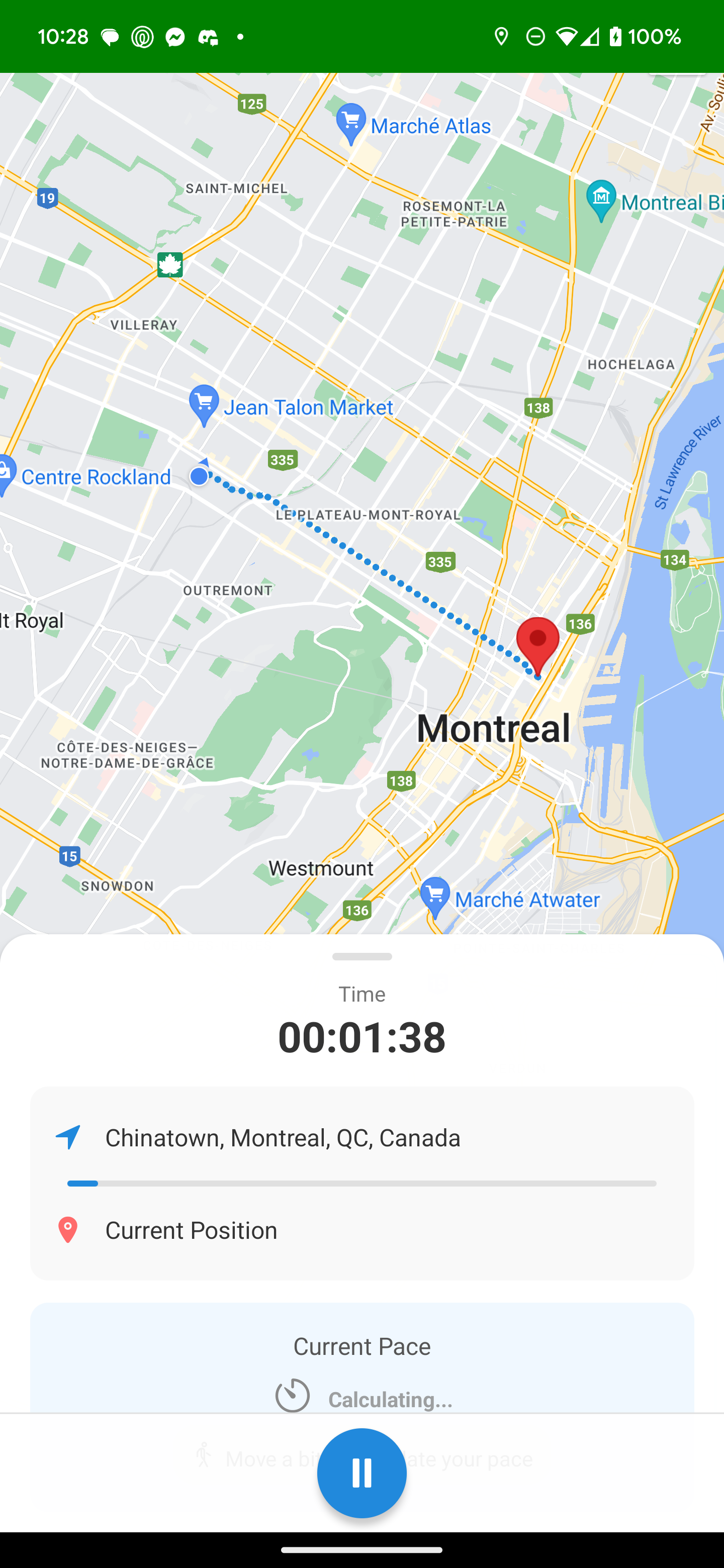
It uses your current location data, the destination address and your Arrive By time to computes a pace that you must match to reach your destination on time. It provides real time pace and information on whether you need to speed up or not.
How we built it
We used React Native with the Expo framework to create the app. We used the Google Maps API to show the directions and the destination to the user. The backend is written using Spring, a Java framework
Challenges we ran into
At the start, we tried using Expo Go to test our application, but many features of react-native-maps didn't work with it, so we had to switch to using an Android emulator through Android Studio. This also caused some problems as some of us couldn't get the SDKs to work with React.
We also had issues linking the Spring backend and the React Native frontend using Axios.
Finally, we had issues with Google Maps Destination API to get how to get from point A to B.
Accomplishments that we're proud of
We're proud of being able to build a mobile app on React Native. Additionally, using the Google Maps API to optimize our paths was very satisfying to implement. Finally, joining our frontend and backend using axios was a big step for us.
What we learned
We learned how to properly implement an application in React Native and a backend in Java. We also learned how to work with Android Studio and tethering a phone to our app.
What's next for RunningLate
Some possible improvements for this app are
- Use Transit or STM API to alert you when a bus is passing
- Friends leaderboards for clutchest runs
- AI Voice assistant with different voices to keep you on pace without having to look at the screen
- Import running data from Strava to have your best run times for better calculation

Log in or sign up for Devpost to join the conversation.