-
-
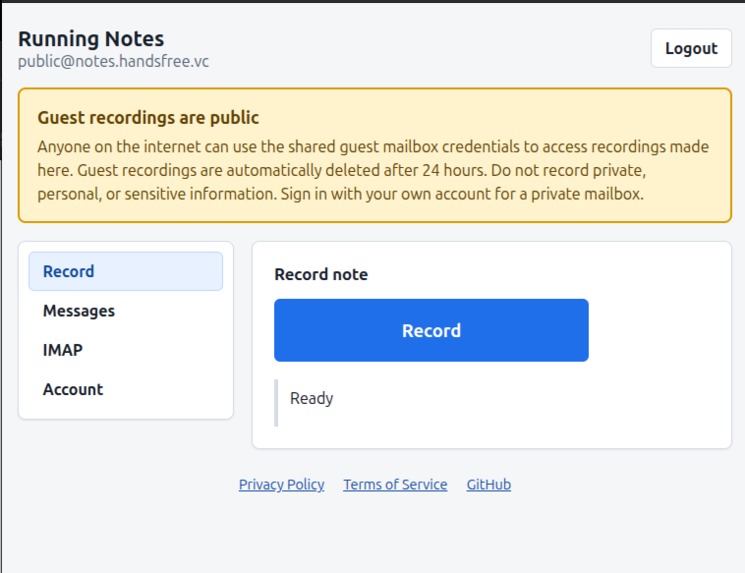
Logged in view
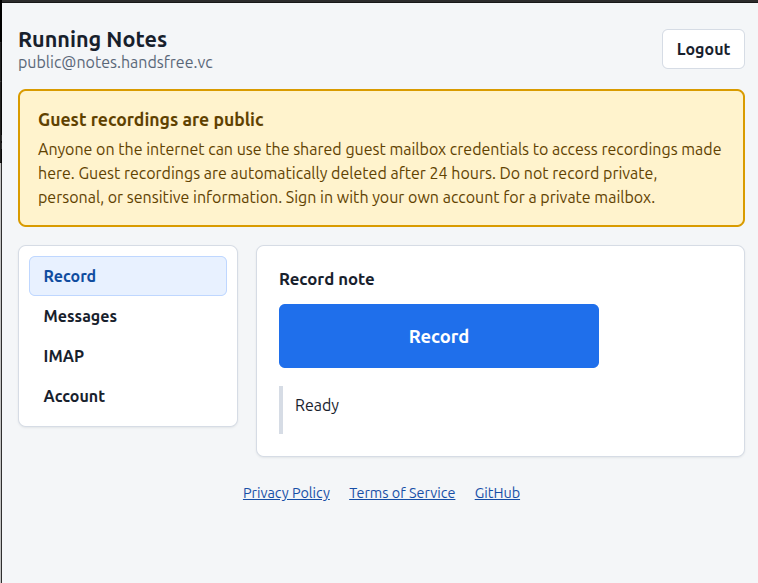
Inspiration
Good ideas rarely arrive at my desk. They show up while walking, cooking, or between meetings, and a voice memo is the fastest way to catch them. The problem is what happens next: the recording sits in a notes app I rarely open, disconnected from the tools I actually use to process incoming work.
I already had a place for incoming work: my inbox. So instead of building another note-taking app, I asked what happens if a voice note simply becomes an email, delivered to a dedicated mailbox I can open in Outlook, Apple Mail, or Thunderbird. Running Notes is that mailbox.
What I Built
Before Build Week, Running Notes was already a single-user, happy-path proof of concept: record audio in a browser, turn it into an email, deliver it to an IMAP mailbox. It worked, but only in an environment I had configured by hand. It was a demo, not a product.
During Build Week I productized it: containerized deployment with TLS termination, a public no-registration guest path, a browser mailbox view with audio playback, and mail-client autoconfiguration so Outlook and Thunderbird can be set up in a couple of clicks instead of by hand.
How I Built It
The backend is FastAPI; the browser records audio with the MediaRecorder API and uploads it; the backend turns each upload into a message and submits it over LMTP to Dovecot, which handles IMAP delivery and mailbox management. I didn't want to reimplement mail infrastructure that already exists and works.
I used boringproxy to publish a service running behind NAT
on a dev machine at a public internet address, without setting up DNS or a
reverse proxy by hand. That made it possible to reach and test a running
instance from anywhere, not just from the computer it was running on.
The more distinctive part was how I worked, not just what I built.
Codex ran on the production VPS inside tmux, so I could detach and
reattach to the same session from my desktop, laptop, or phone.
Typing detailed instructions on a phone keyboard doesn't work, so I used my own
Handsfree Vibe Coding Android app to speak
instructions and paste the transcript into Codex.
For the production phase I used GPT-5.6, including its Sol mode for multi-turn DevOps work. It handled the FastAPI backend, Docker Compose services, nginx, boringproxy, SQLite, LMTP, and Dovecot together, and could carry a debugging session across several turns without losing track of what it had already ruled out.
Challenges I Ran Into
The gap between "it works on my machine" and "it works in production" was the hardest part of Build Week. Tasks that looked like five-minute fixes — adjust a config expression, restart a service, add a header — routinely turned into a full day once TLS, container networking, and service-specific syntax versions were involved.
The clearest example: the Messages page returned HTTP 503 with a generic
"Messages unavailable" error, even after restarting the backend. The actual
cause was two layered issues in the Dovecot HTTP API configuration —
including a $ENV: expression syntax that belonged to Dovecot 2.3, not the
2.4 this project runs, plus an authentication mismatch between Basic auth and
the API-key auth Dovecot 2.4 expects. GPT-5.6 Sol found both, fixed them,
restarted the service, verified the fix with live requests, ran the test
suite, and committed — in about fifteen minutes. That is the kind of task
that used to cost me a full working day, and it's documented in
commit e5db794.
What I Learned
I learned how to set up boringproxy to bring a dev machine to a public
internet address, which turned out to be as useful for my own remote
workflow as it was for the product's public guest deployment.
I also learned that GPT-5.6 Sol is genuinely strong at multi-turn DevOps work — the kind of task where the first fix doesn't resolve the symptom, and the model has to keep a working hypothesis across several rounds of "restart, check, adjust" without losing the thread. Previous models I've used tended to lose that thread; Sol didn't.

Log in or sign up for Devpost to join the conversation.