-
-
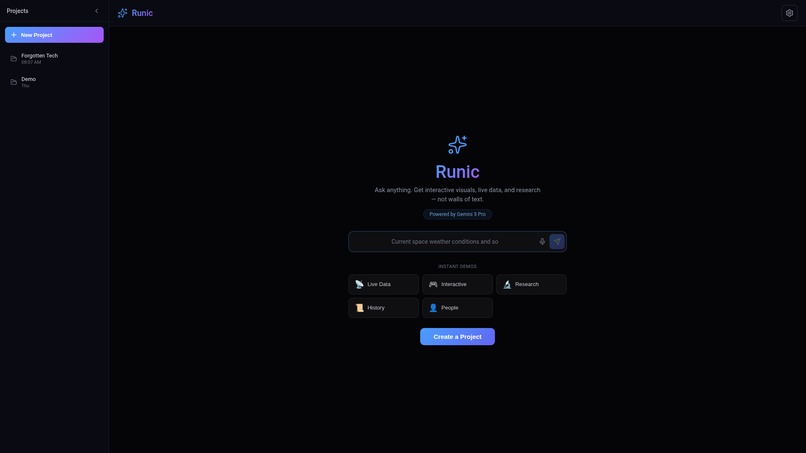
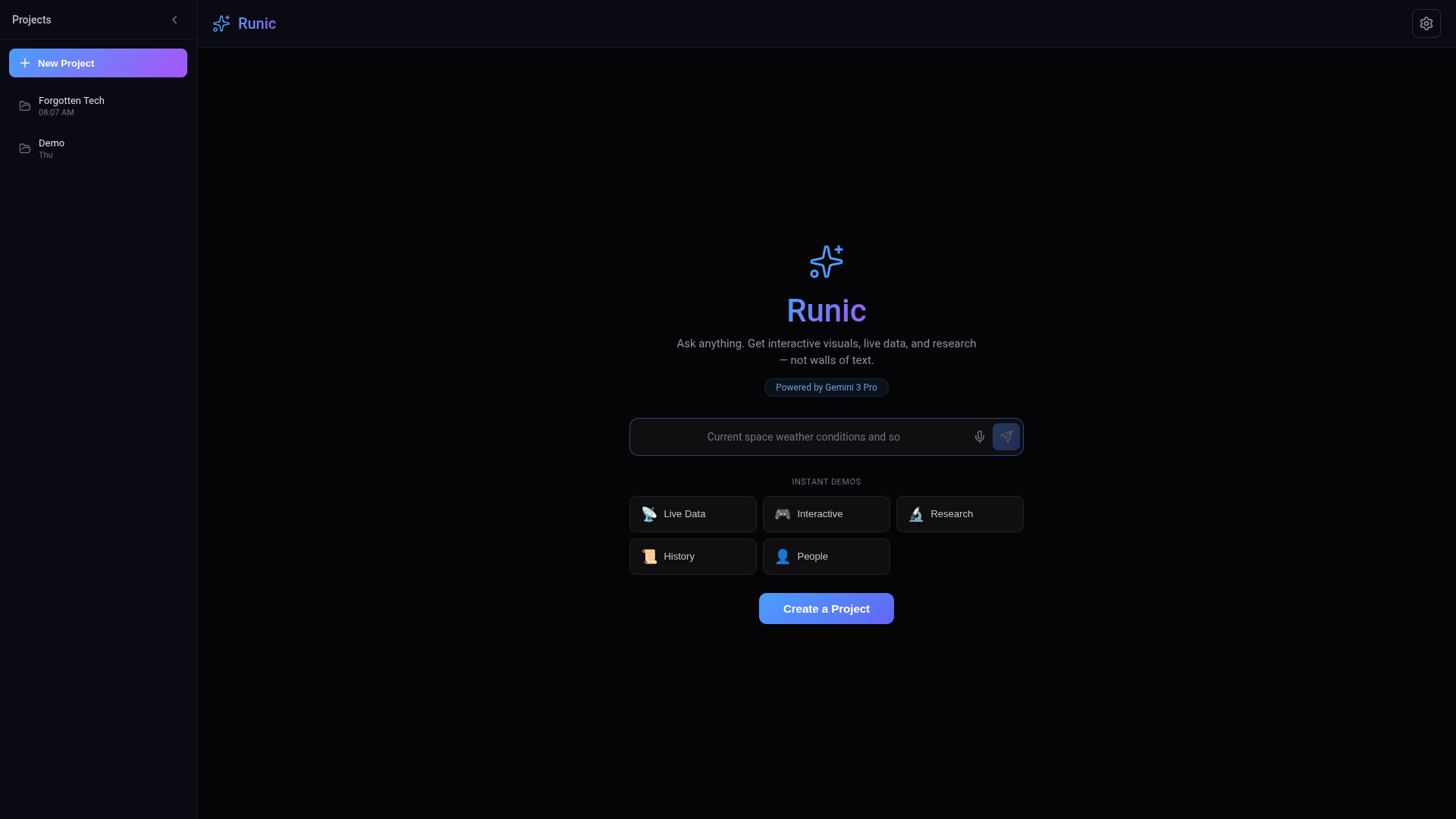
Runic: AI beyond just walls of txt
-
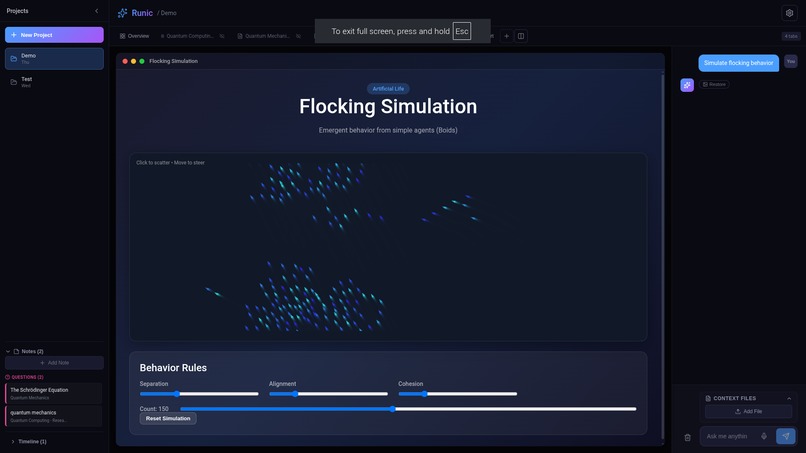
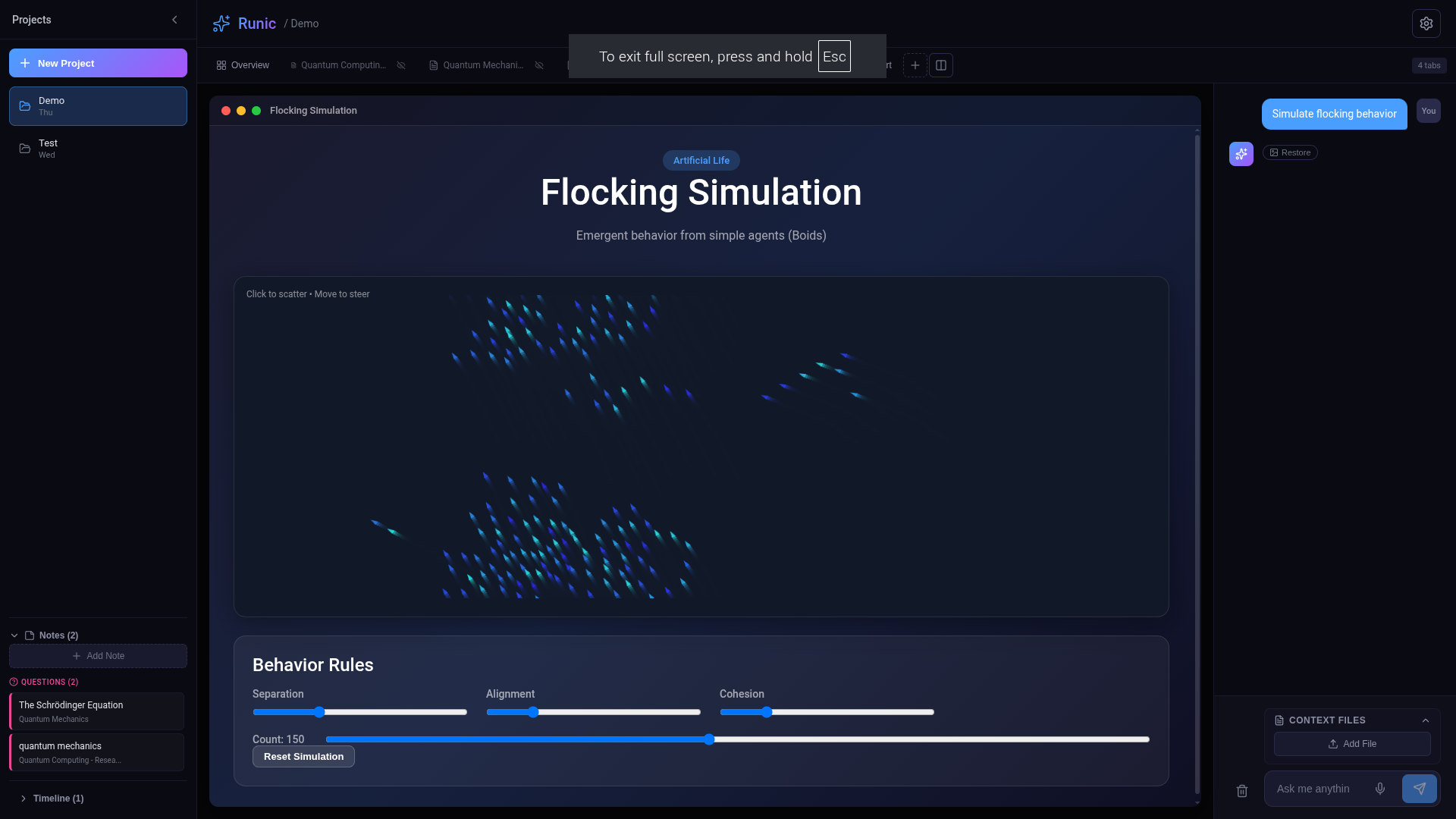
Java Script for simulations
-
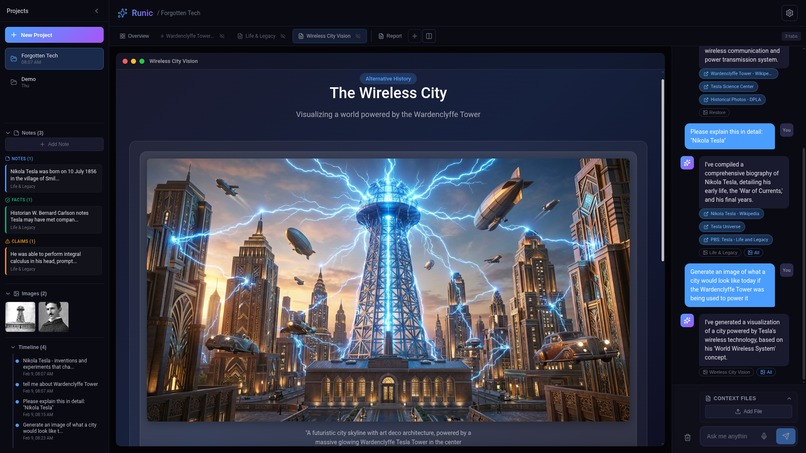
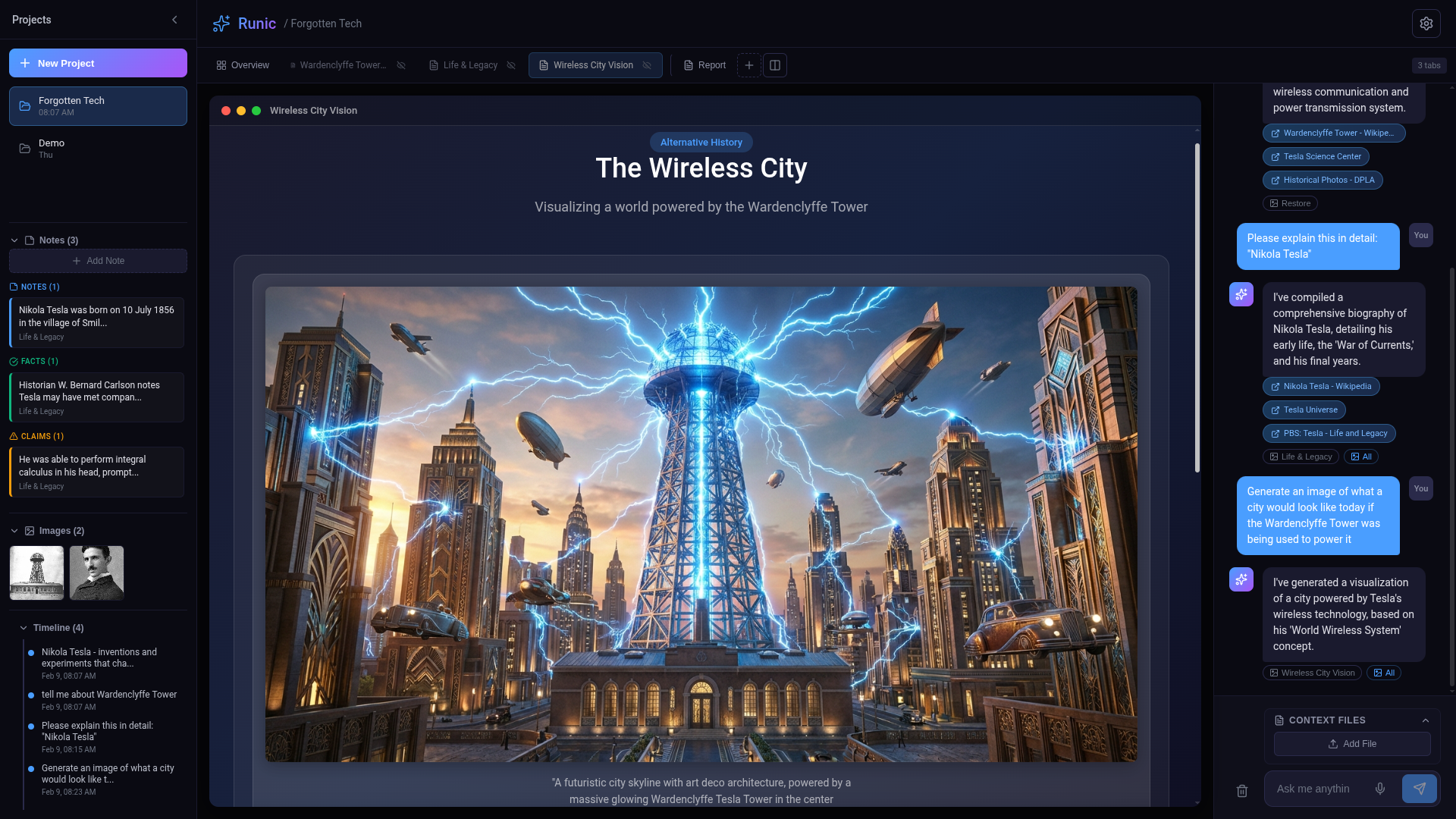
Image generation using Nano Banana
-
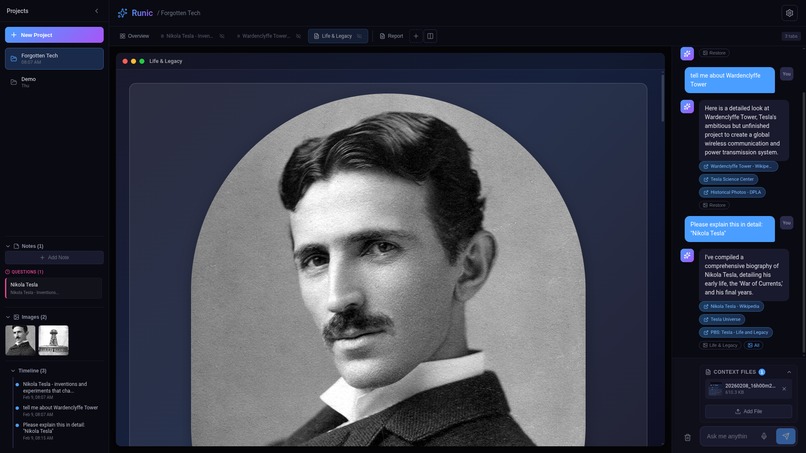
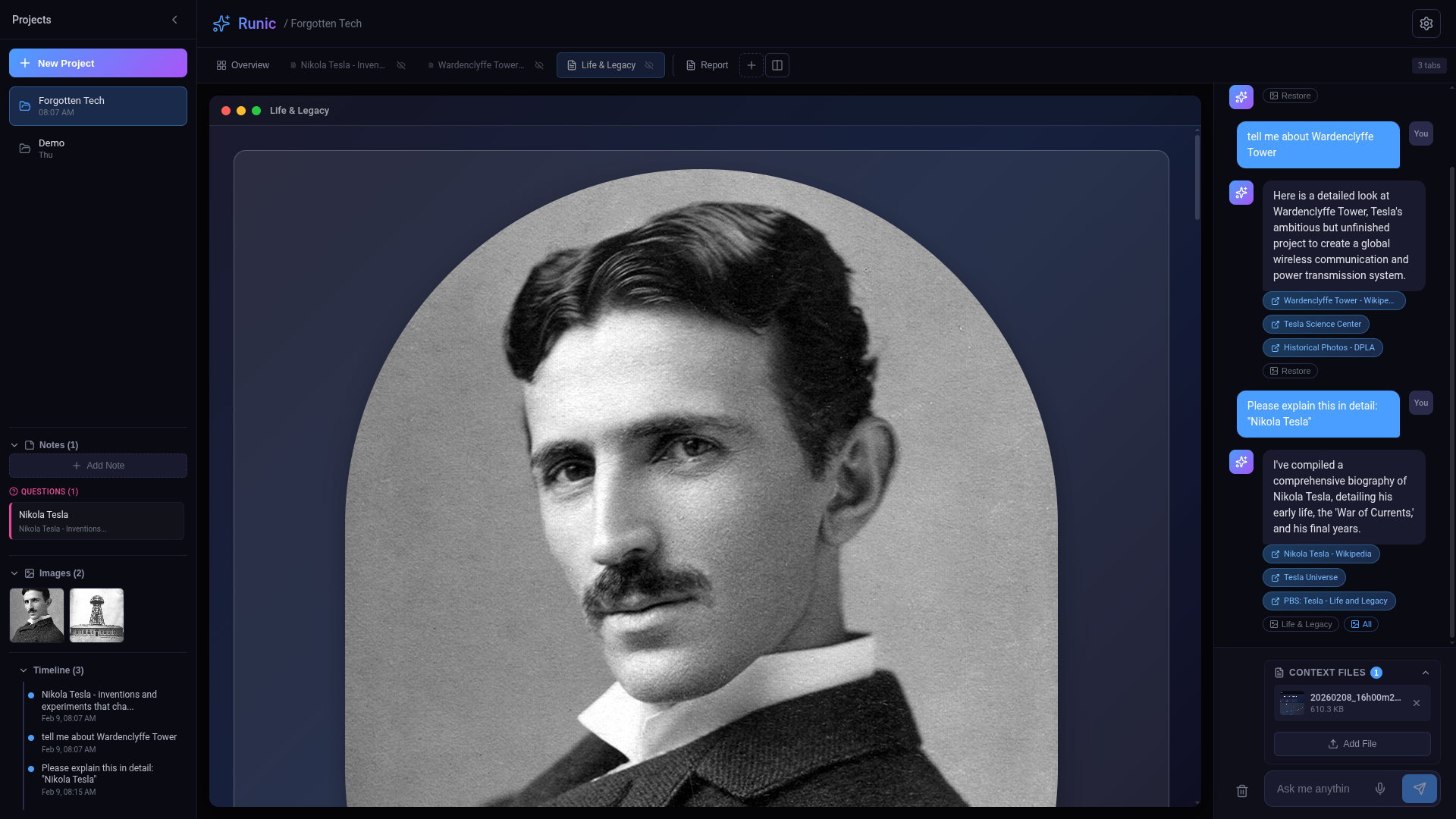
Stays grounded using real data source like Wiki pedia
-
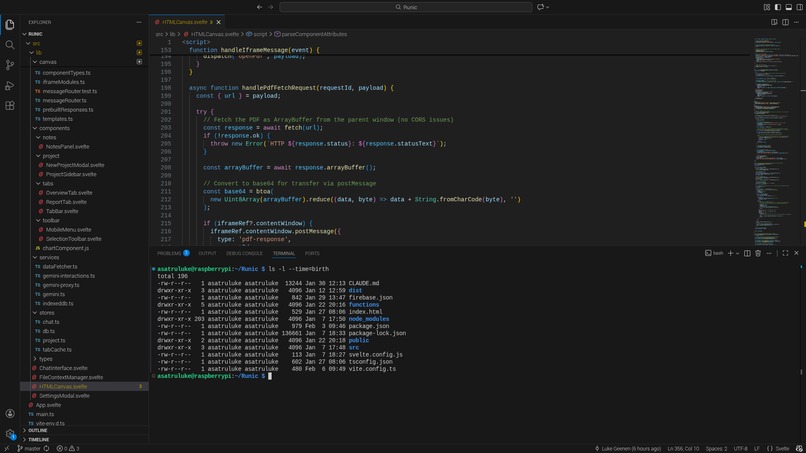
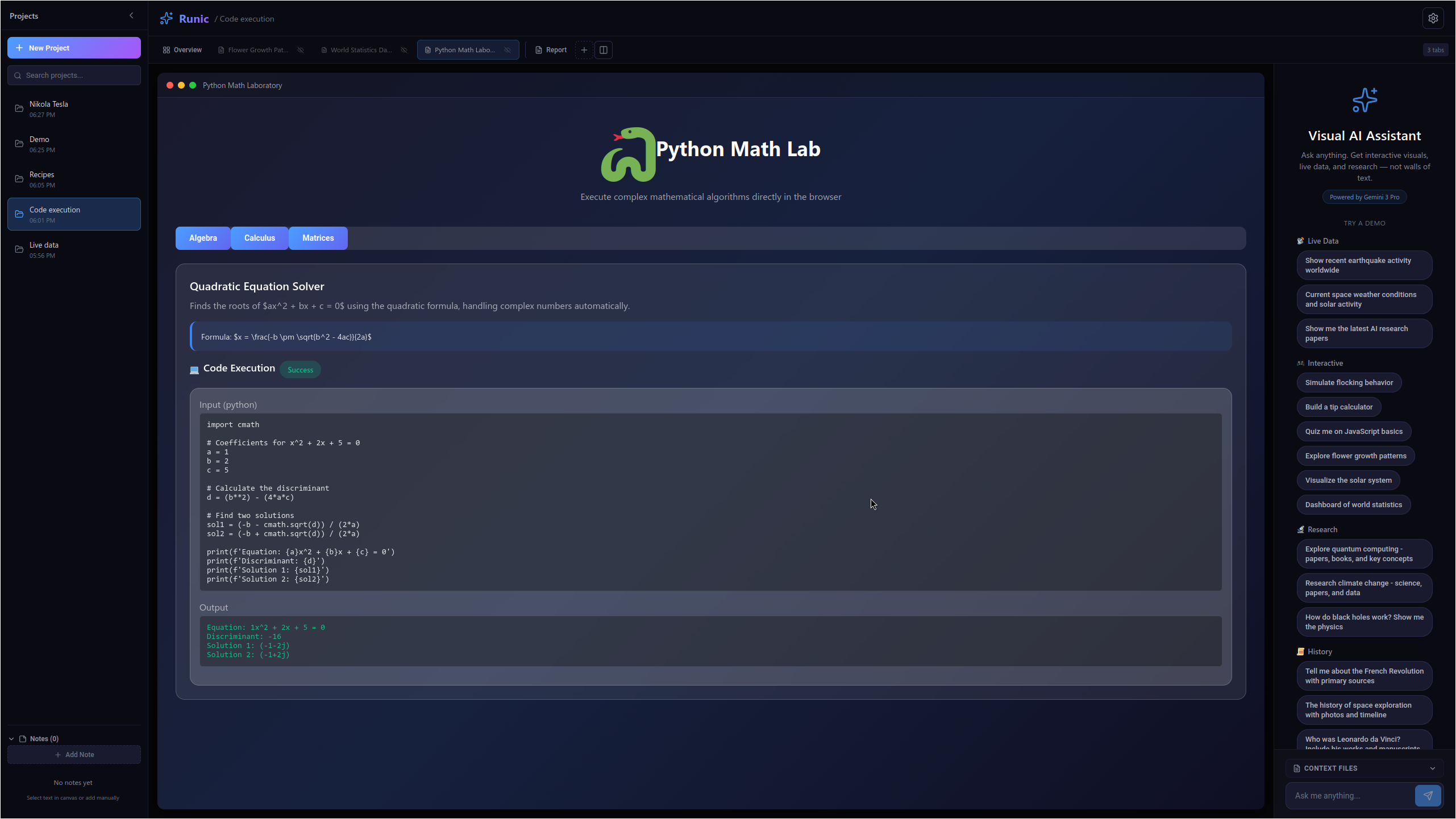
Using Gemini interactions API to execute Python code for complex problems
-
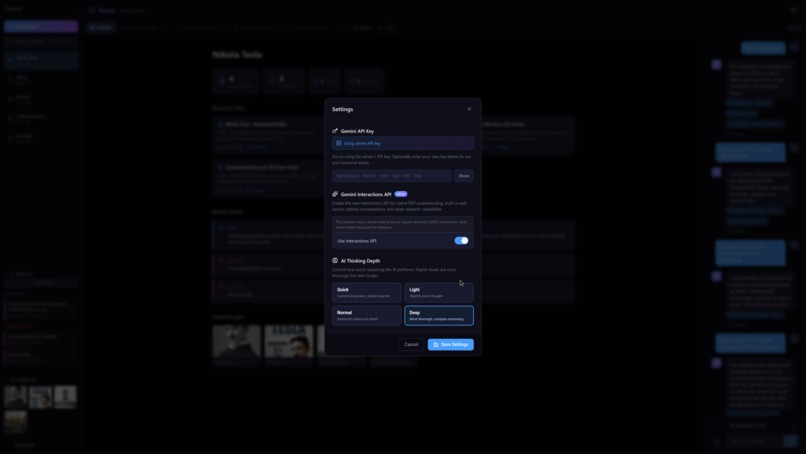
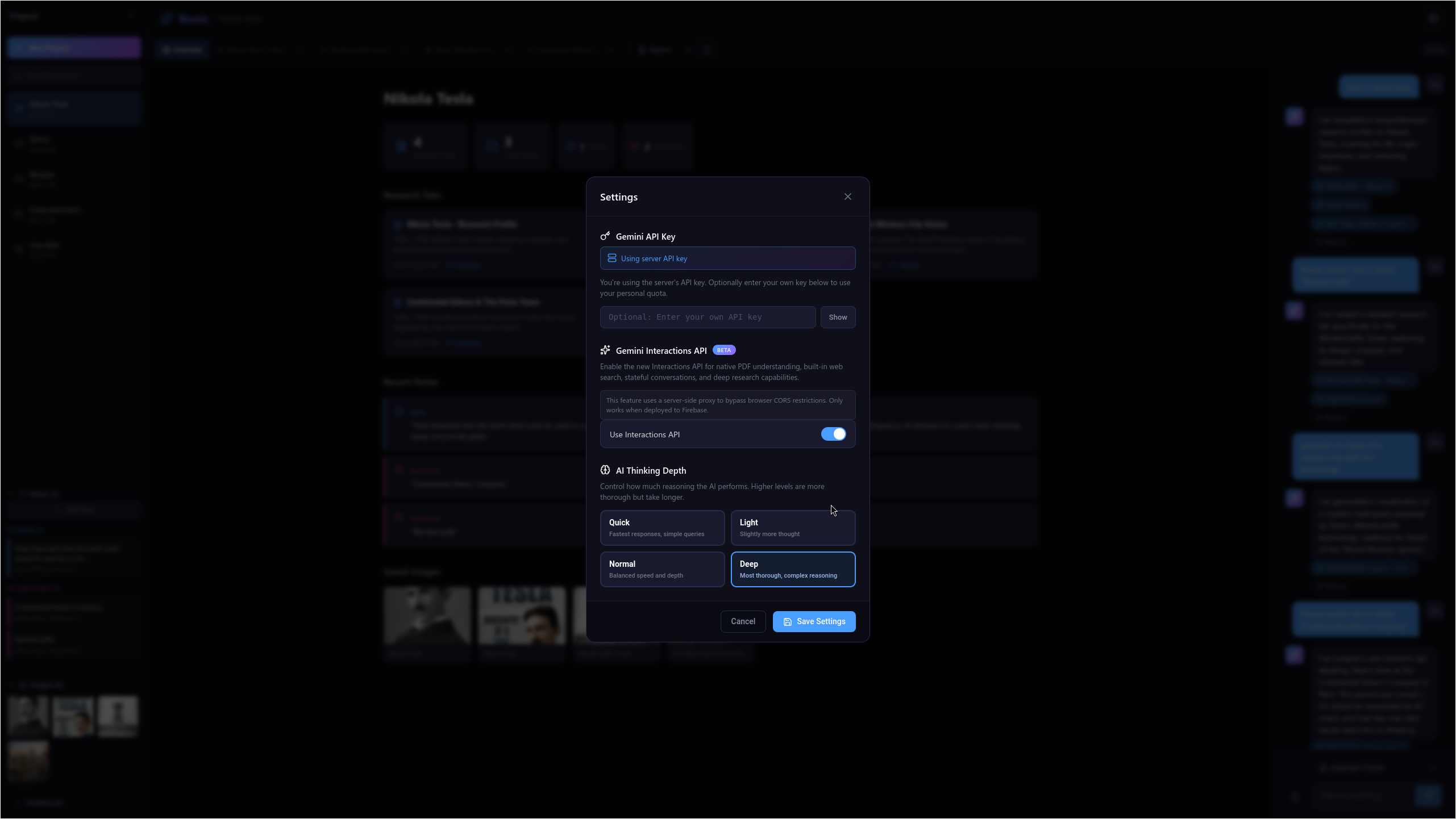
When installed locally the user can add their own API key to use Gemini
-
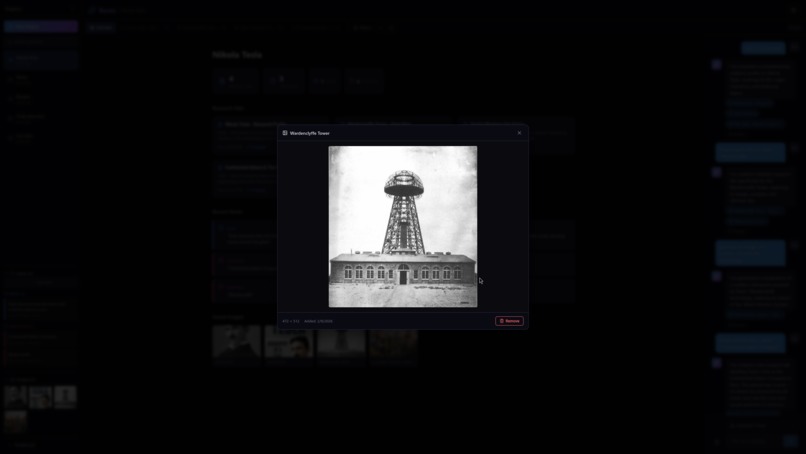
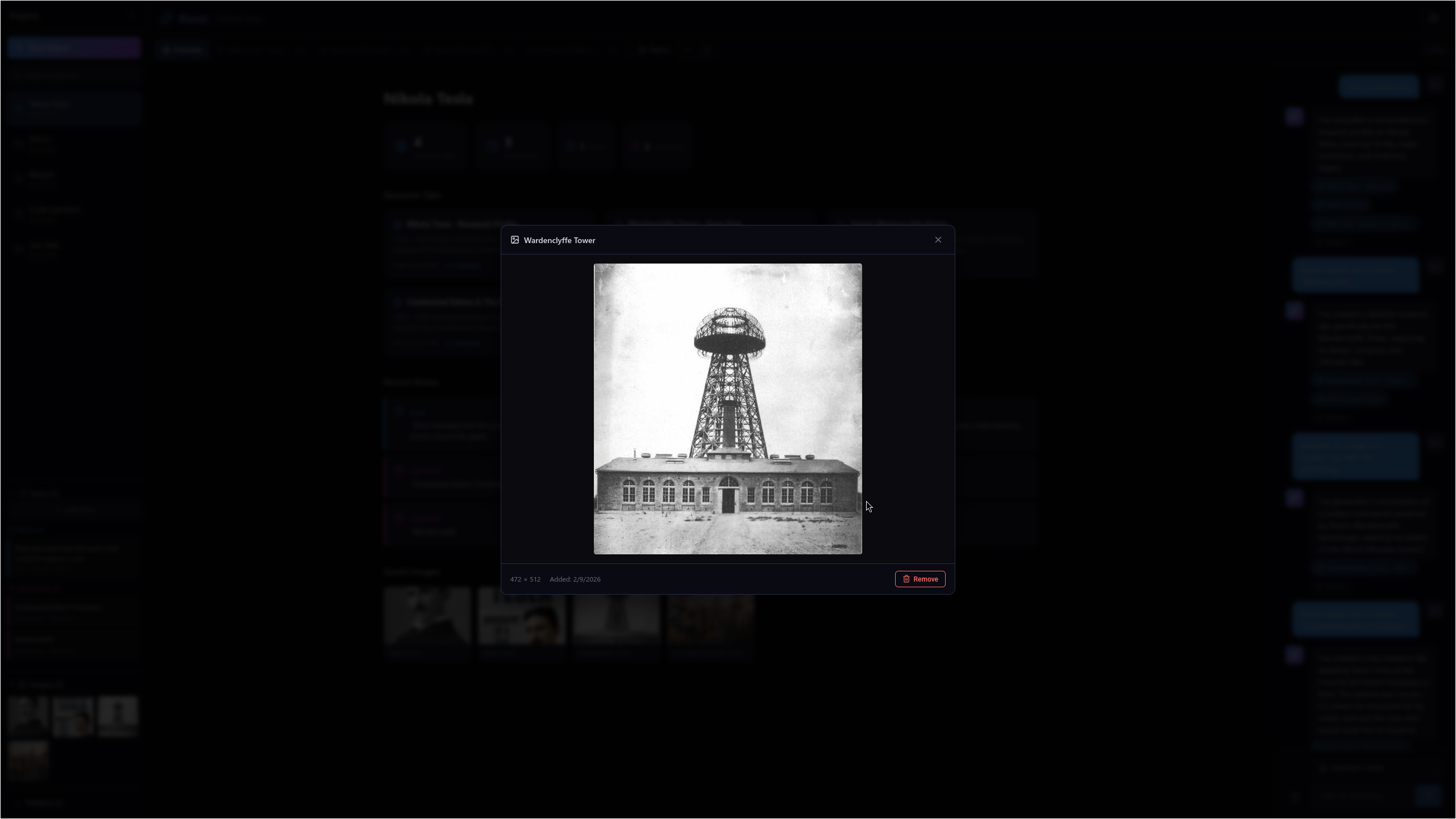
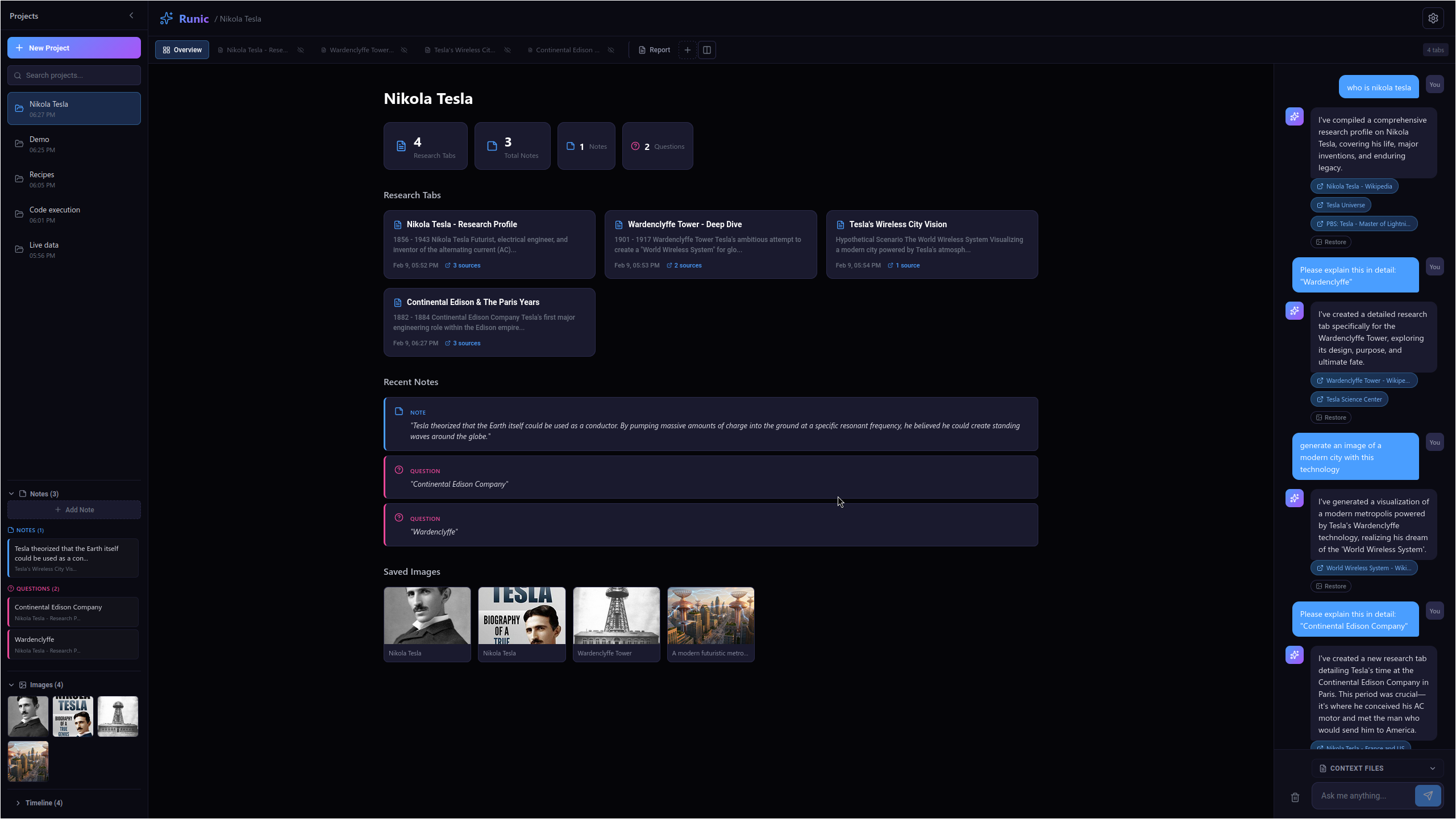
Right-click images lets you save them to the project.
-
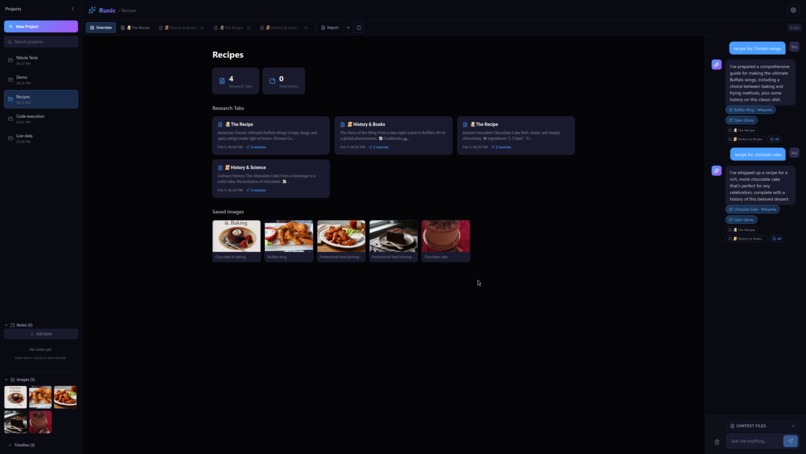
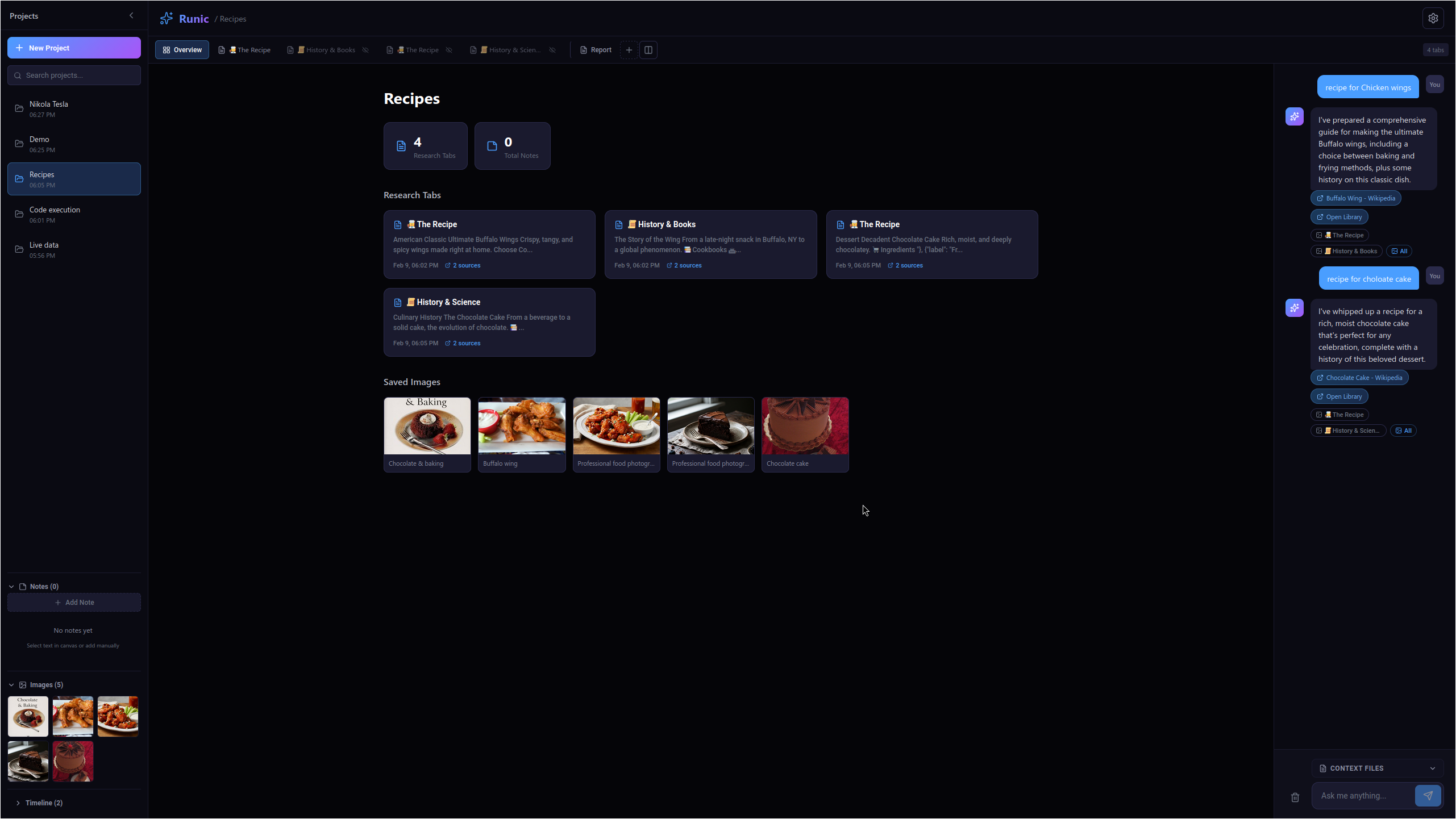
Project overviews help you keep track of all you projects.
-
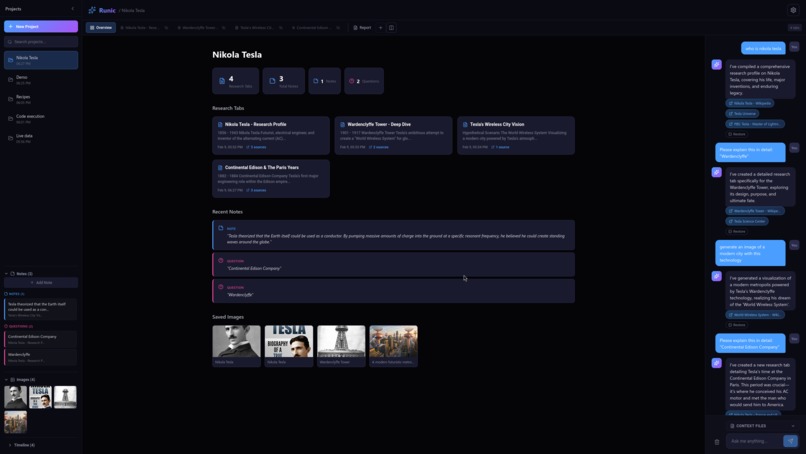
Review Note, Fact, and questions you discovered. Highlighting text on any canvas lets you save it to notes.
-
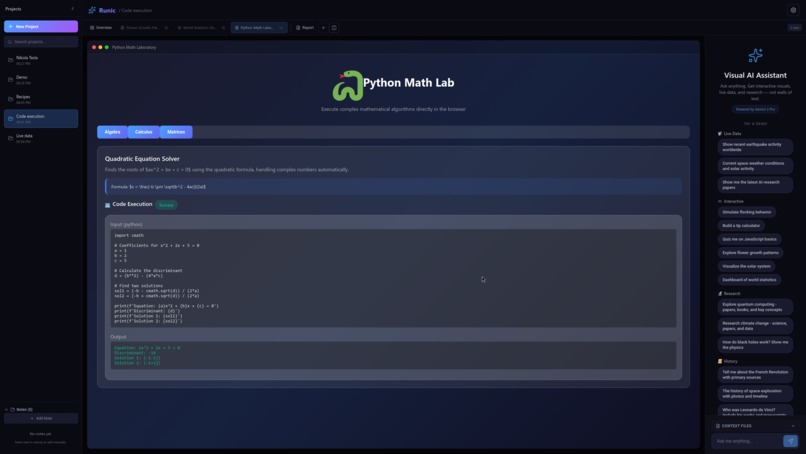
Executing python
-
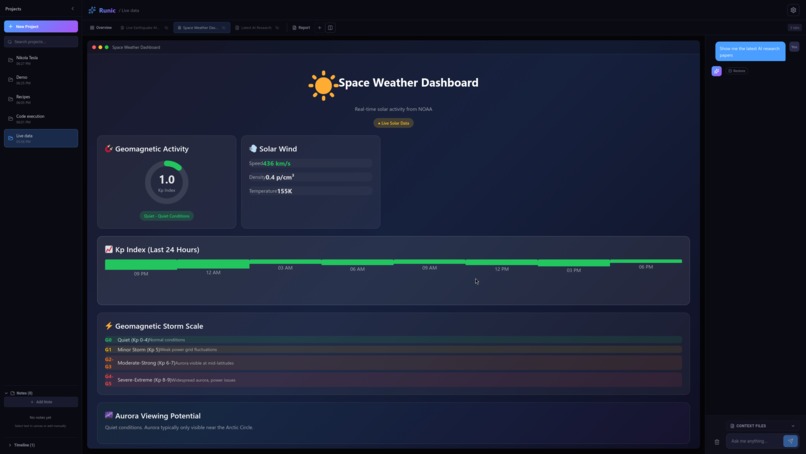
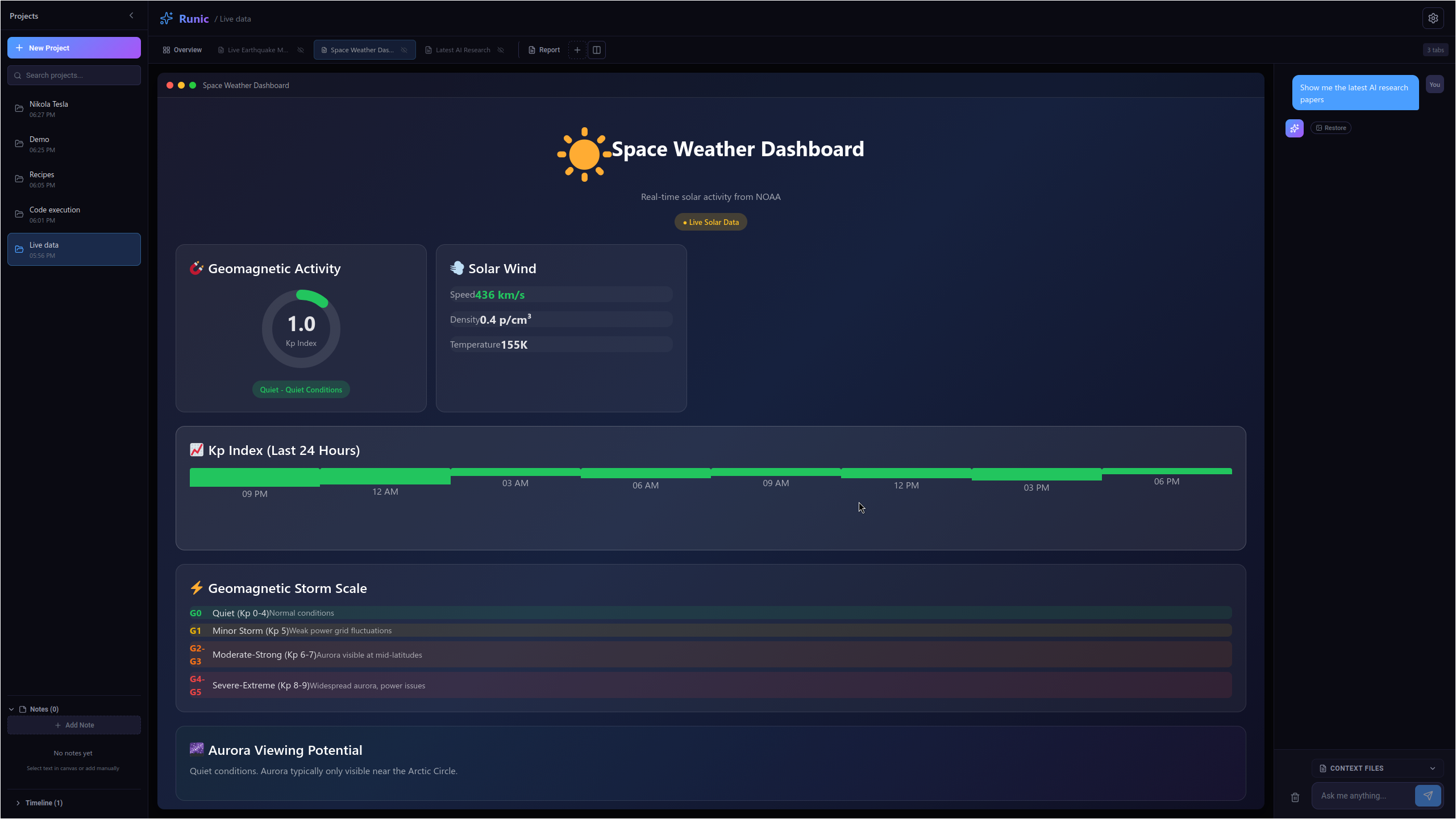
Real-time data for Space weather and USGS
-
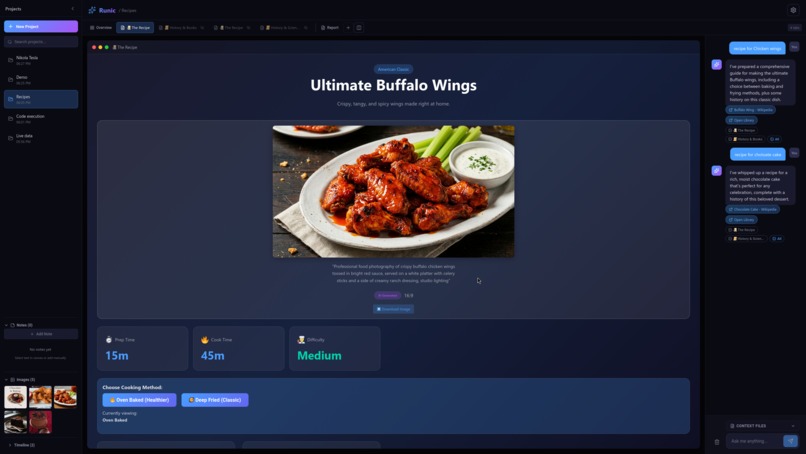
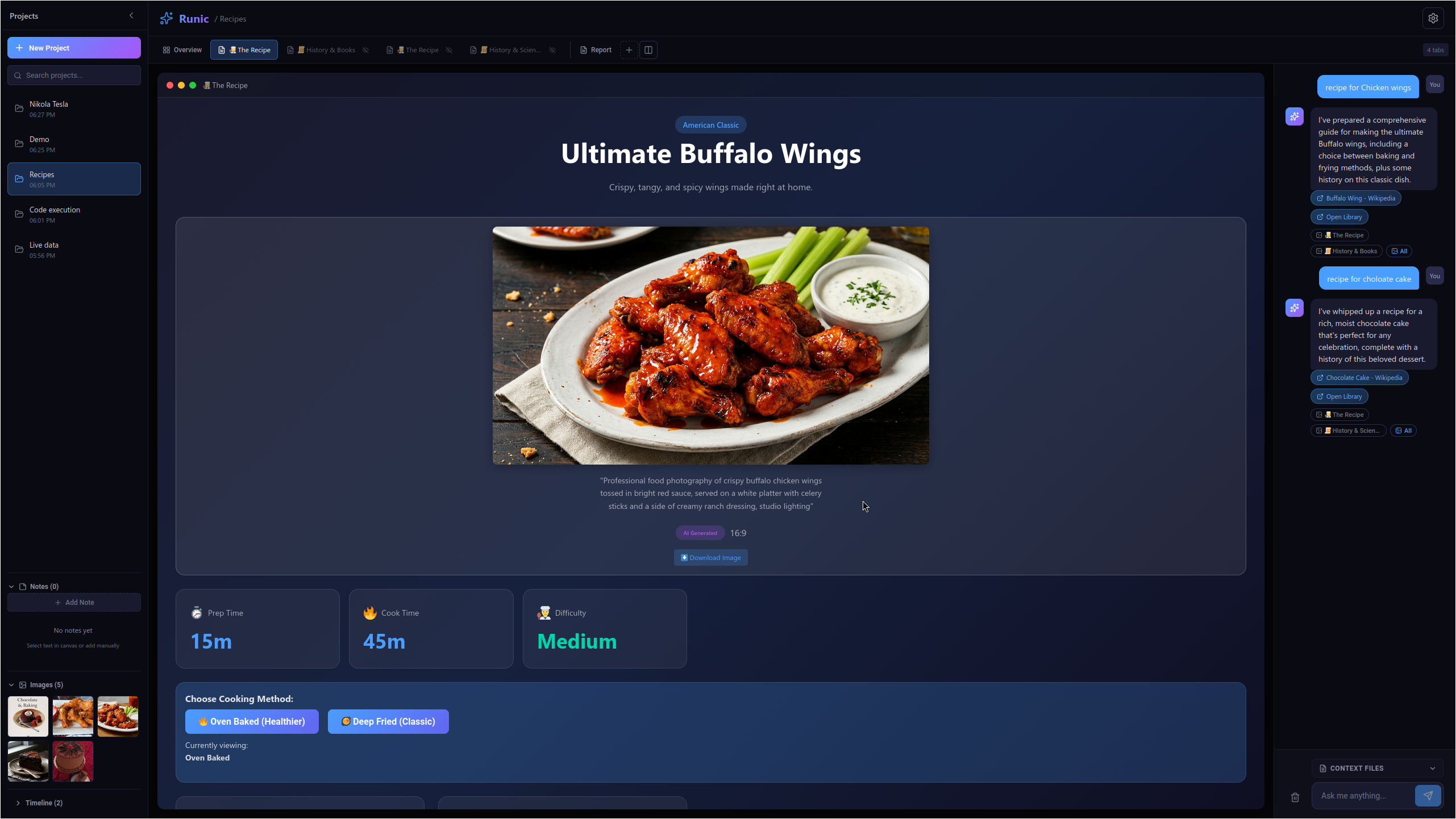
Or just create a spot to discover new recipes and find new favorites
Runic:
The Research OS — Grounding AI in Reality through Python and Native Context.
The Problem: The "Wall of Text" Trap
Most AI research tools suffer from two fatal flaws: Hallucinations and Passivity.
Users are buried in "Walls of Text" that they have to fact-check manually.
The research process is fragmented—users find a source in one tab, analyze it in another, and write their report in a third.
There is no "fluidity" between finding a fact and proving its validity through data.
The Solution: Runic
Runic is a high-performance research environment that transforms Gemini from a chatbot into a Digital Lab Assistant. It bridges the gap between raw information and verified insights by allowing users to harvest "Native Context" and trigger real-time data simulations.
With Runic, research isn't a conversation; it's an extraction.
The Tech Stack
Frontend: Svelte 5 (utilizing Runes for fine-grained, high-performance state management).
State Logic: Reactive Svelte Store architecture for instant snapshotting and context persistence.
AI Engine: Gemini 3 Flash (optimized for speed and massive context windows).
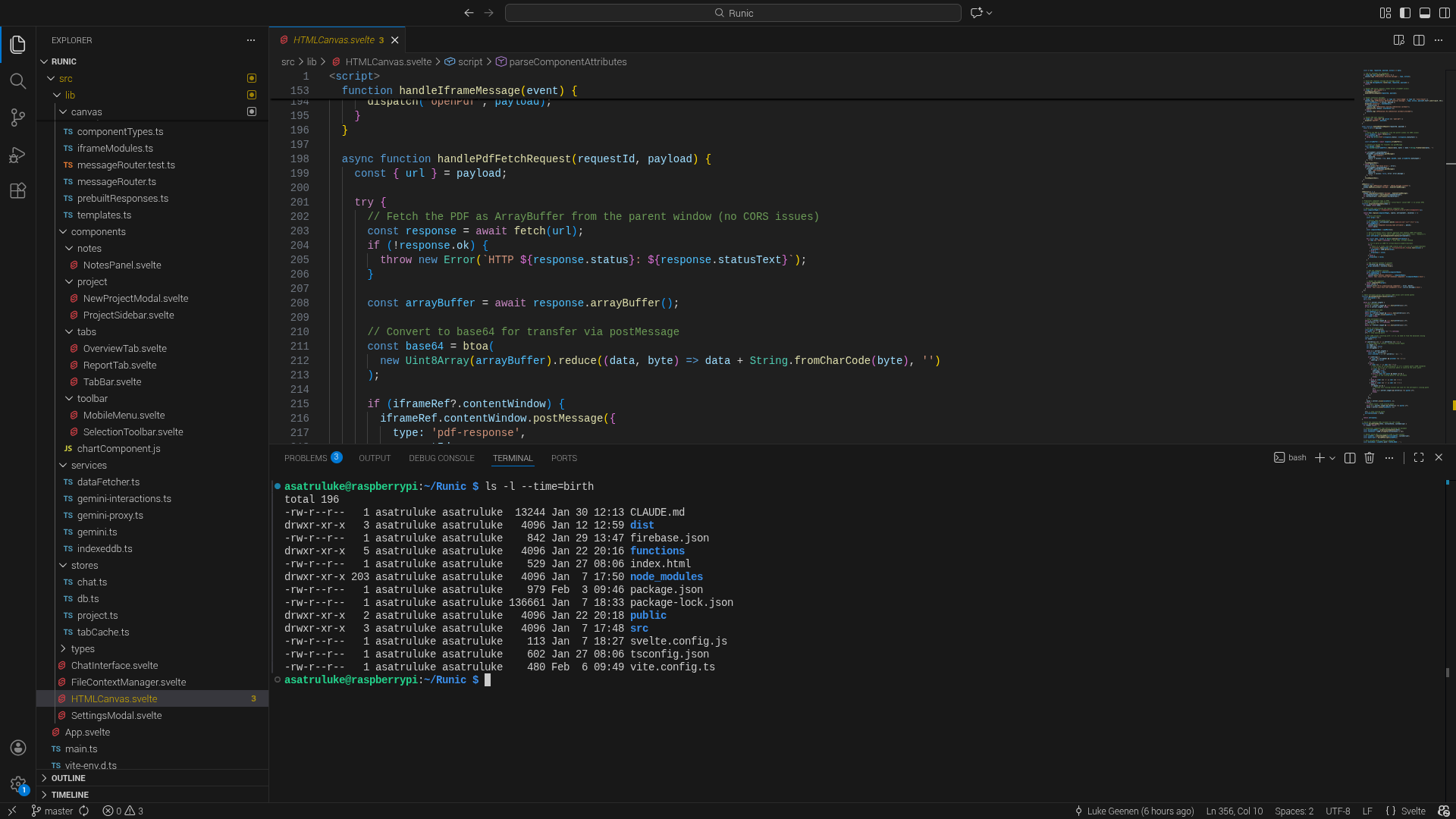
Sandbox: Secure IFrame sandboxing for executing dynamic HTML/JS research components.
Analysis: Native Python Code Execution via the Gemini API.
How We Used Gemini 3
We didn't just use Gemini for text; we leveraged the full Gemini Tool-Kit:
Google Search Grounding: We integrated native grounding to ensure every research claim is backed by real-world, 2026-current data, eliminating the "knowledge cutoff" issue.
Code Execution (The Lab): When users need data analyzed, Gemini writes and executes Python in a sandboxed environment. This powers our Gallery Component, where scientific charts are generated on the fly.
Massive Context Window: Runic utilizes the large context window to hold "Snapshots" of entire research sessions, allowing users to pivot between topics without the AI losing the thread.
Multimodal Asset Management: Gemini produces high-fidelity data visualizations (Base64) which Runic automatically captures, captions, and prepares for final reporting.
The Journey: From Chatbot to OS
The journey began with a simple question: "Why do I have to copy-paste from my AI into a spreadsheet?" The development process involved:
Architecting the "Active Context": Moving away from standard chat history and building a "Highlight-to-Context" feature where the user decides what the AI remembers.
Mastering Svelte 5: Implementing the new Runes ($state, $effect) to handle the high-speed data flow between the AI's Python output and the UI's Gallery.
Refining the "Hybrid" UI: Creating a workspace that balances a Wiki-style reader, a Python console, and a visual asset gallery—all on one screen.
What's Next for Runic?
Collaborative Context: Multi-user research sessions where a team can "seed" a shared context.
Deep PDF Orchestration: More complex document templating to turn research sessions into publication-ready papers instantly.
Expanded Toolsets: Integrating more specialized API tools for even deeper scientific verification.
Built With
- firebase
- gemini
- javascript
- svelte5
- vite


Log in or sign up for Devpost to join the conversation.