-
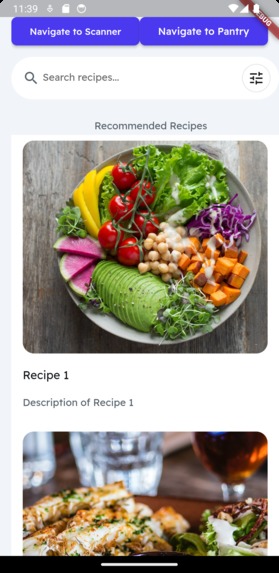
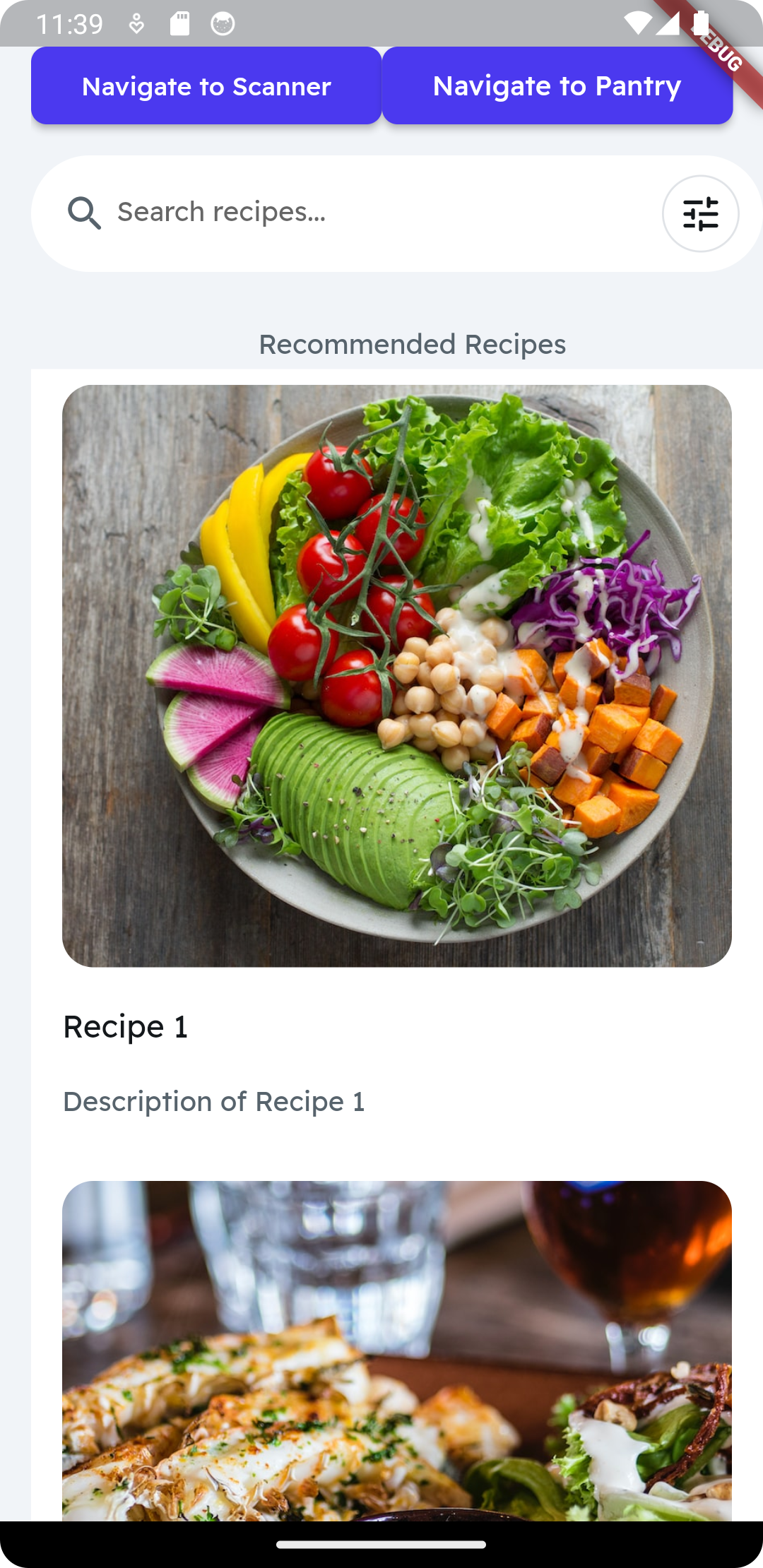
Recipe list
-
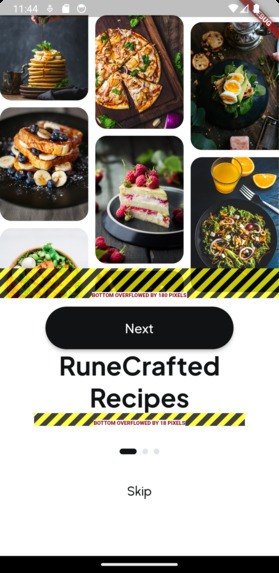
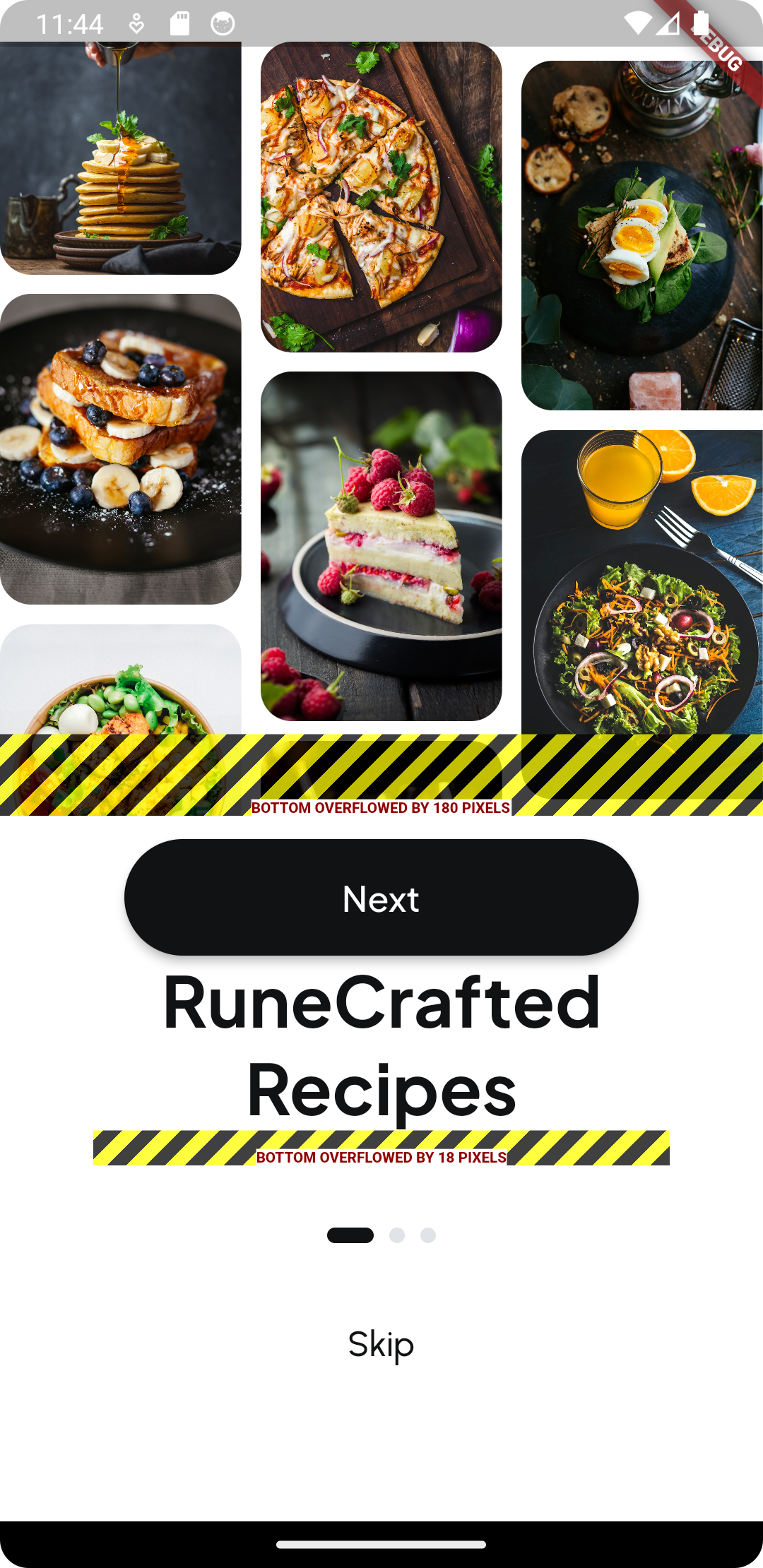
Landing page
-
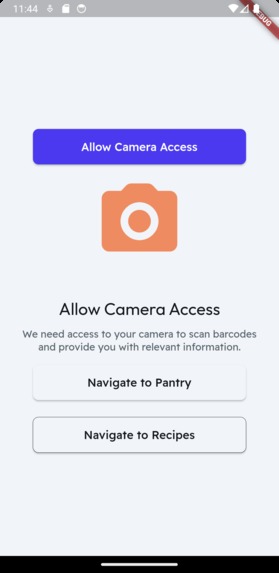
App navigation
-
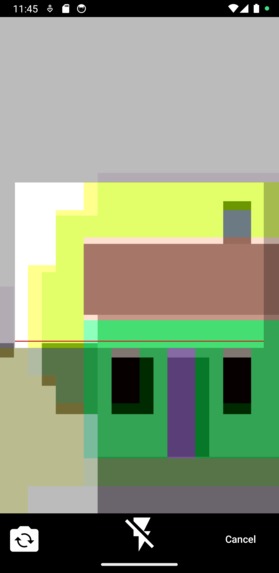
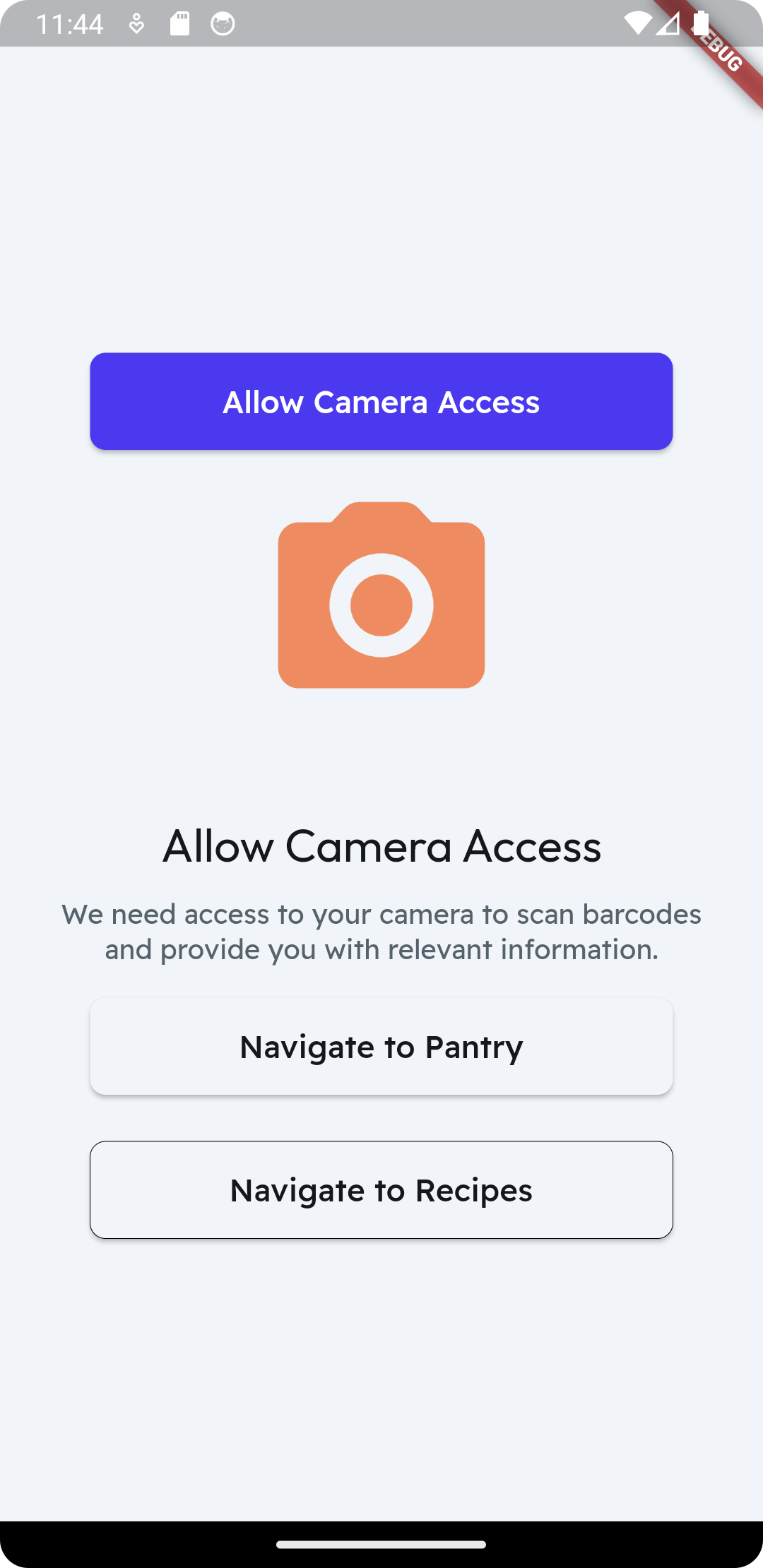
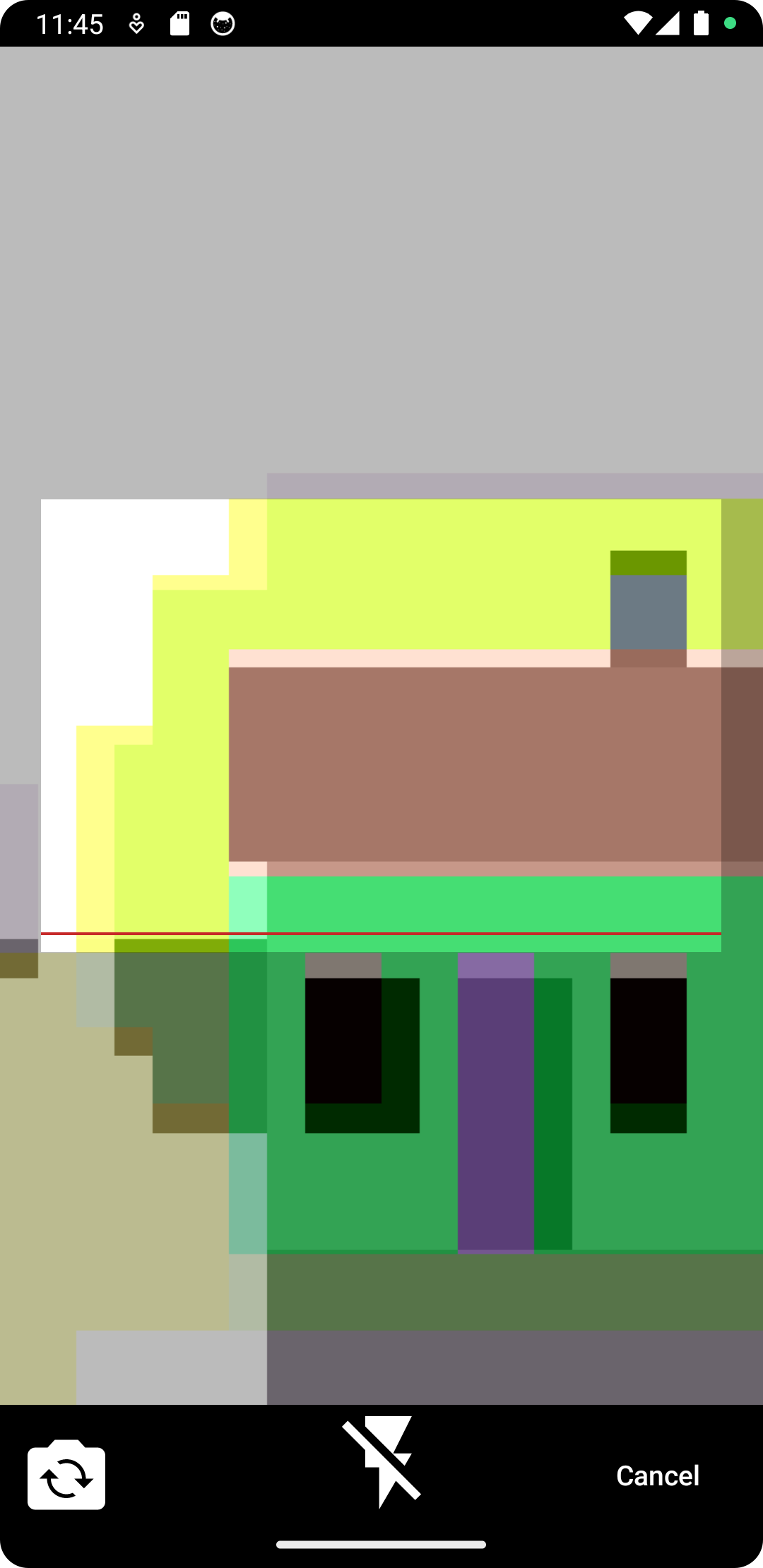
Barcode scanner
-
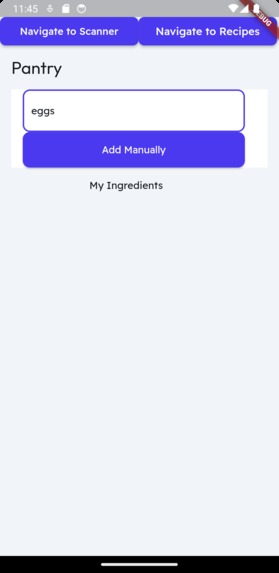
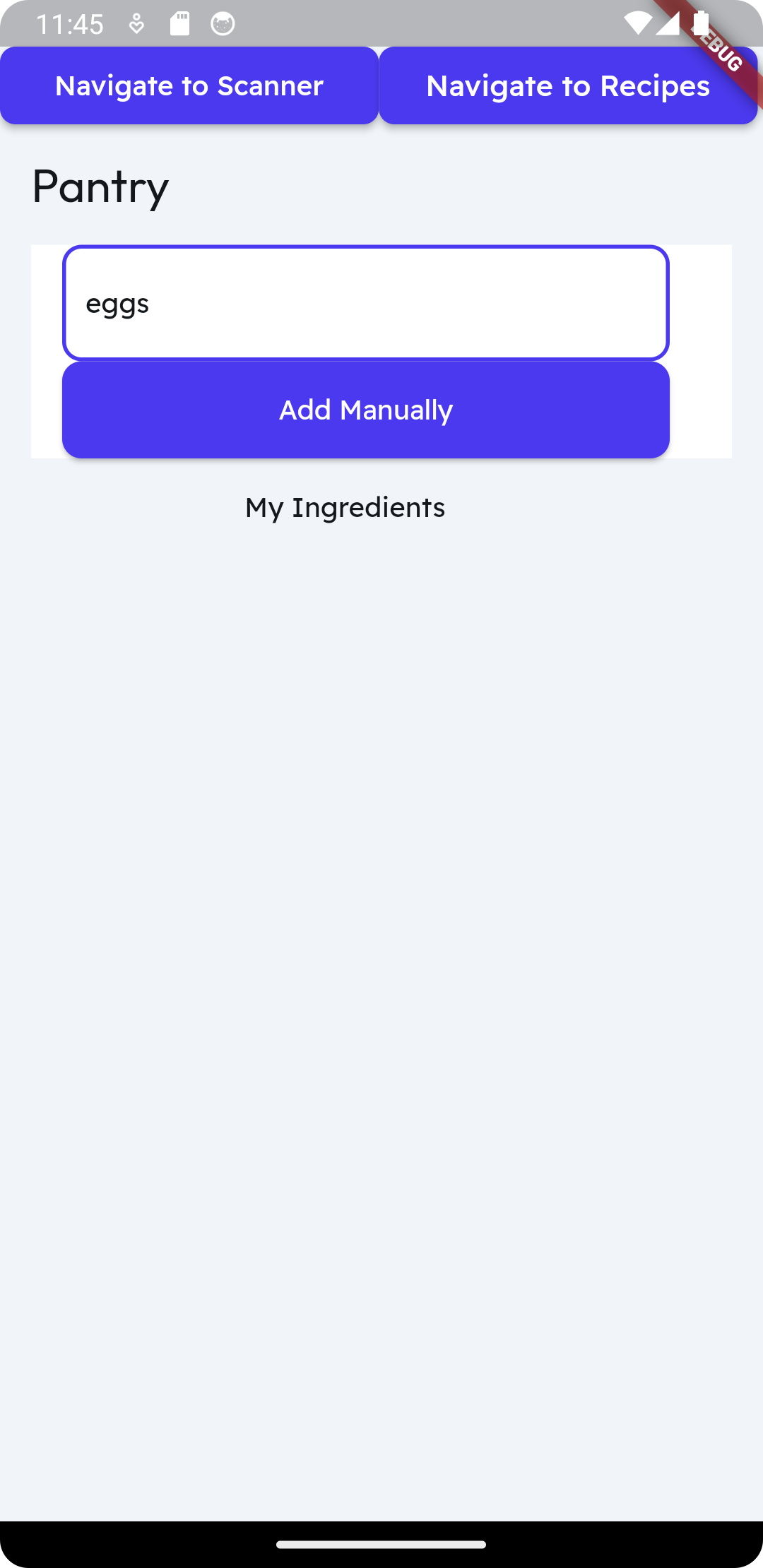
Ingredient list
Inspiration
We are inspired how monotonous cooking can be
What it does
This app is described in 3 steps: Scan, Decode, and Generate. Scan By giving permission to take pictures with your phone, you will then scan the barcode of your ingredient or your grocery shopping receipt. Decode After scanning the item(s), take a look at your items added in the pantry tab Generate With all the ingredients in your pantry, you can now generate a list of recipes based on those ingredients in the pantry.
How we built it
We built the user interface using Flutter which is a mobile app development platform . It uses the programming language Dart. If you do not know Flutter, an equivalent example is REACT. We store the items in a cloud-based storage called Firestore which comes from Firebase which is a backend-as-a-service(Baas). We then send the stored items through the ChatGPT API to utilize the AI to create our recipes. The results will be sent to Flask which presents
Challenges we ran into
We ran into challenges such as
- Creating the AI to generate the recipes
- Utilizing a mobile phone to open the camera
- Creating firebase items, send it to firestore, and utilizing the same items for the AI ## Accomplishments that we're proud of
- The firestore works! It can add in the items, items get shown in both the app and firebase.
- The AI. When it receives the food items it can generate the recipes.
- The programs runs in a virtual mobile window to interact with. ## What we learned We learned how to use Semantic Kernel and Flutter. We also learned how to integrate Semantic Kernel into a mobile platform to enhance the user experience.
What's next for RuneCraftedRecipes
For the future we hope that we can :
- Test the program live with a physical phone
- Barcode can be scanned using the camera of a physical phone
- Recipes are generated when clicking the "Navigate to Recipes" page


Log in or sign up for Devpost to join the conversation.