-
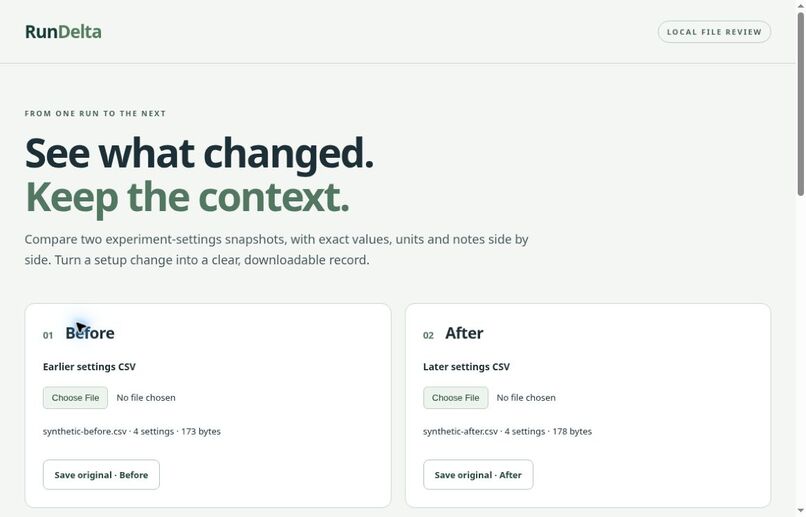
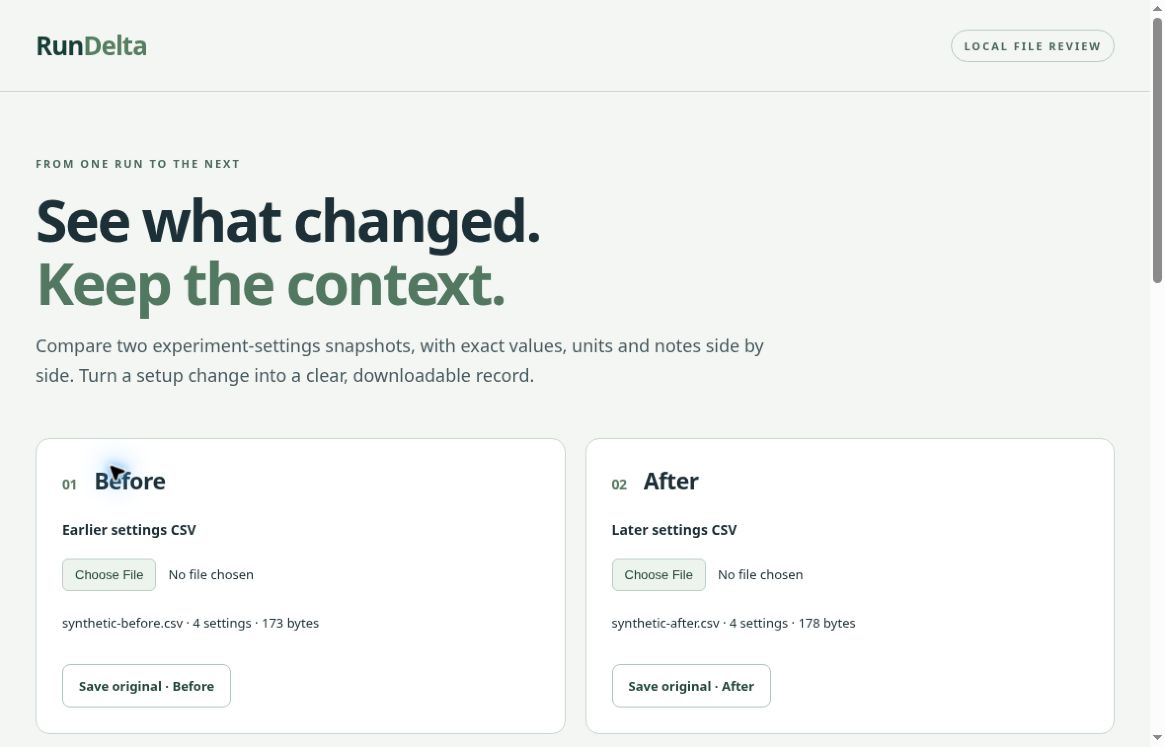
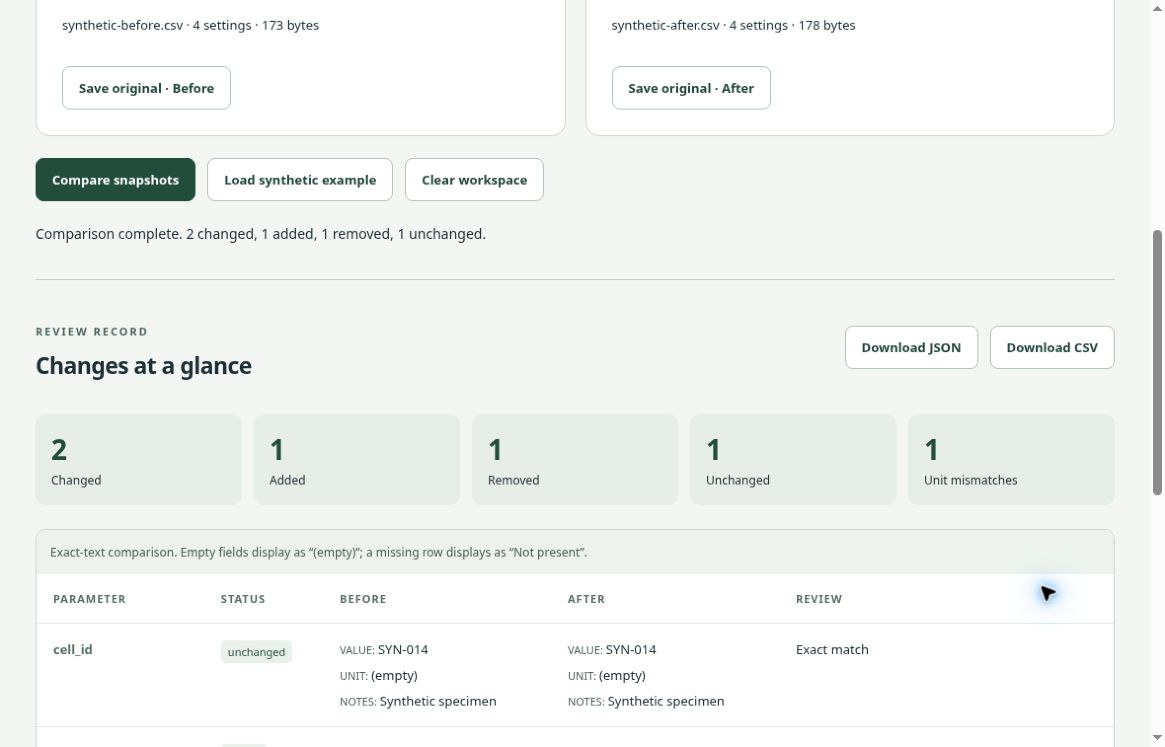
Browser-local RunDelta workspace with synthetic Before and After settings snapshots.
-
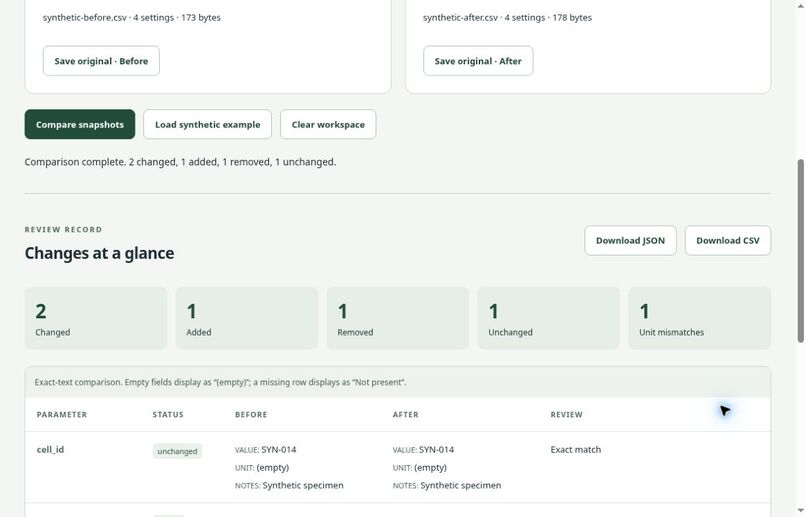
Exact-string comparison: changed, added, removed and unchanged settings, with unit differences flagged.
-
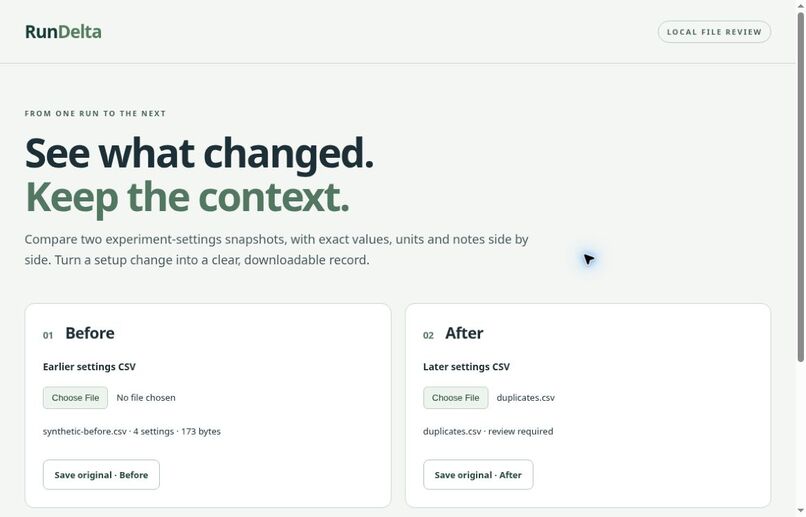
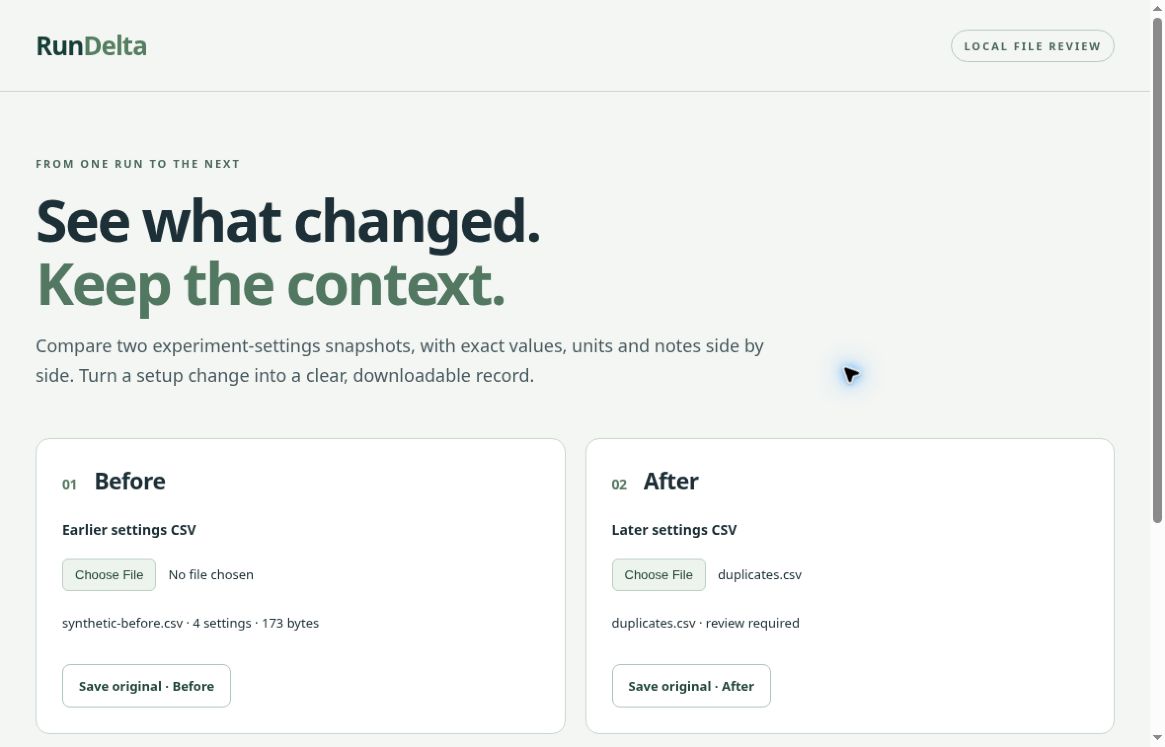
Duplicate parameter input blocks comparison and clears prior results rather than presenting a misleading review.
Inspiration
Before comparing results, researchers and students often need a simpler answer: what changed between the two settings files? A spreadsheet can hide a missing parameter, a changed unit, or a note that matters. RunDelta gives that review a small, explicit workflow without interpreting the experiment for the user.
What it does
Load Before and After CSV snapshots with the header parameter,value,unit,notes. RunDelta identifies added, removed, changed, and unchanged settings, with a separate flag for unit differences. A side-by-side table shows the exact values, units, and notes.
Download a JSON report or spreadsheet-friendly CSV, including source filenames, byte lengths, SHA-256 fingerprints, and field-level differences. Download either original file unchanged. Selecting new input clears the previous comparison; invalid schemas and duplicate parameter names block comparison rather than producing a misleading result.
Everything runs locally in the browser. There is no backend, file-upload service, account requirement, telemetry, external resource, or AI inference call. Synthetic examples let judges explore immediately.
How we built it
This standalone implementation was created from scratch on October 29, 2026 for LaunchPad Hacks. It uses HTML, CSS, JavaScript modules, File APIs, TextDecoder, Web Crypto, and Blob downloads. The validation/comparison core is separate from the UI. Node's built-in test runner checks the core without installed dependencies; any static HTTP server can serve the app.
OpenAI coding assistants reviewed tests and documentation. Only synthetic examples were used; no commercial implementation, proprietary model, private research code, or customer dataset was imported. The MIT license applies to this independent utility.
Challenges and lessons
Exact comparison requires resisting convenient assumptions. 1 and 1.0 remain distinct text, whitespace and case are preserved, and unit differences are flagged rather than converted. Missing parameters differ from present parameters with empty values. Quoted CSV fields, Unicode, malformed records, asynchronous file changes, and safe exports each needed deliberate handling.
Browser review caught a CSS uppercase transform that obscured parameter case. It was removed and the exact labels were checked again. A key lesson was to verify the visible UI and downloaded bytes, not just the internal comparison result.
Verification
The candidate passed 68 automated tests across implementation and independent review. Actual Chromium testing covered synthetic comparison, file imports, keyboard Compare activation, duplicate and malformed-input rejection, stale-result clearing, reset, and repeated comparison. Downloaded originals matched the input bytes, and downloaded JSON/CSV matched expected outputs. Hostile HTML-like strings were rendered literally; formula-like CSV cells received the documented apostrophe prefix.
The included synthetic example shows two changed settings, one added, one removed, one unchanged, and one unit mismatch. Screenshots show the actual application and synthetic data, not a mockup.
Try it locally
Download or clone the public repository. From its root, run:
python3 -m http.server 8080 --directory dist
Open http://localhost:8080 in a modern browser, then select the synthetic example. No build or application dependencies are required. Alternatively, serve dist/ with another static HTTP server. Localhost or HTTPS is required for Web Crypto. The repository includes setup instructions, source, tests, and synthetic fixtures.
Current scope
RunDelta compares exact strings in a fixed four-column schema. It does not convert units, infer equivalence, analyze scientific measurements, or validate an experiment. Limits are 250,000 bytes per file, 1,000 data rows, and 10,000 characters per field. JSON and originals preserve exact strings; spreadsheet CSV escaping is a mitigation whose behavior depends on the spreadsheet application.
The tested browser environment is Chromium. Full cross-browser, operating-system, physical-mobile, and screen-reader acceptance remain future work.
What's next
Broader accessibility and browser testing, clearer handling of large comparison tables, and optional user-defined schemas are potential next steps, not current capabilities.
Built With
- css
- html
- javascript
- node.js
- openai

Log in or sign up for Devpost to join the conversation.