-
-
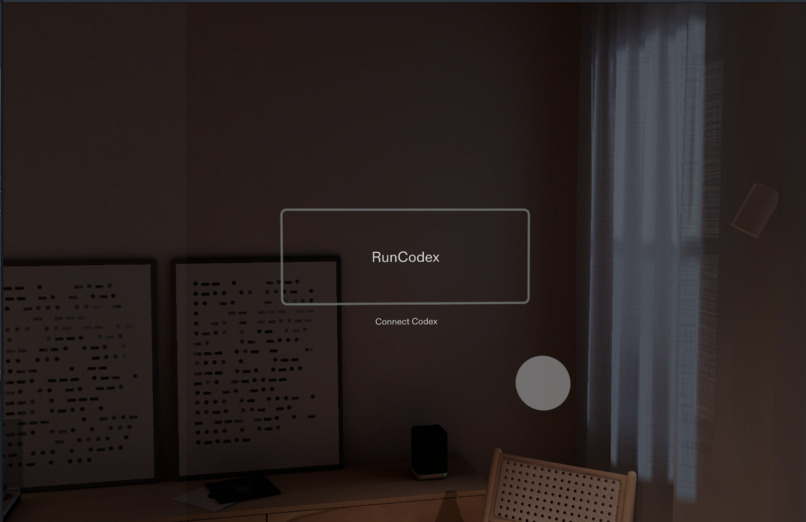
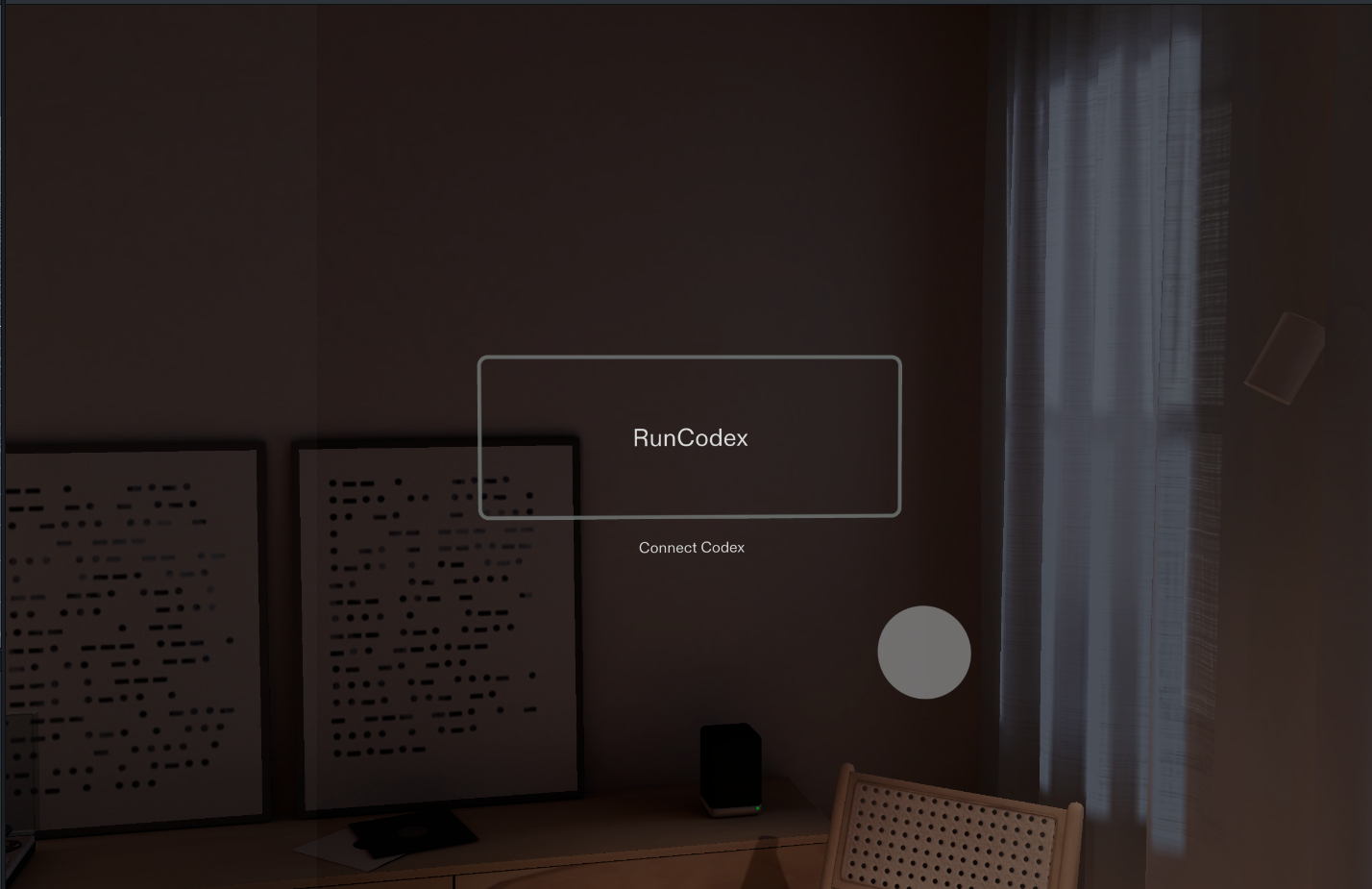
Welcome Screen
-
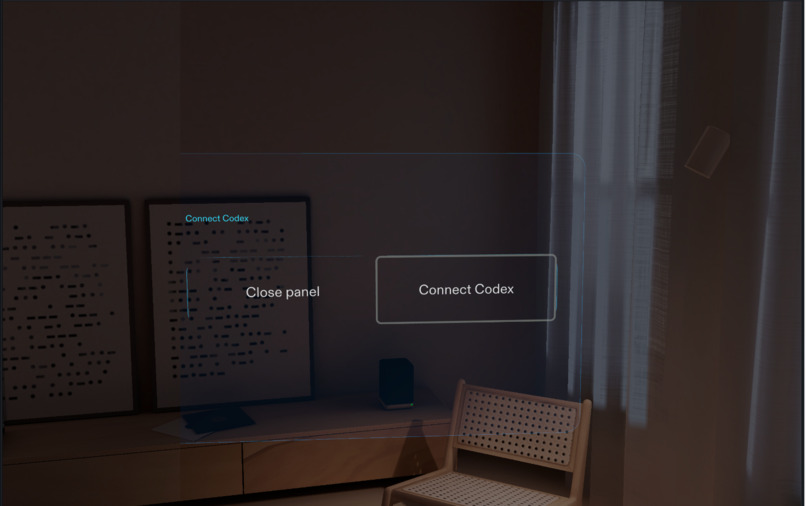
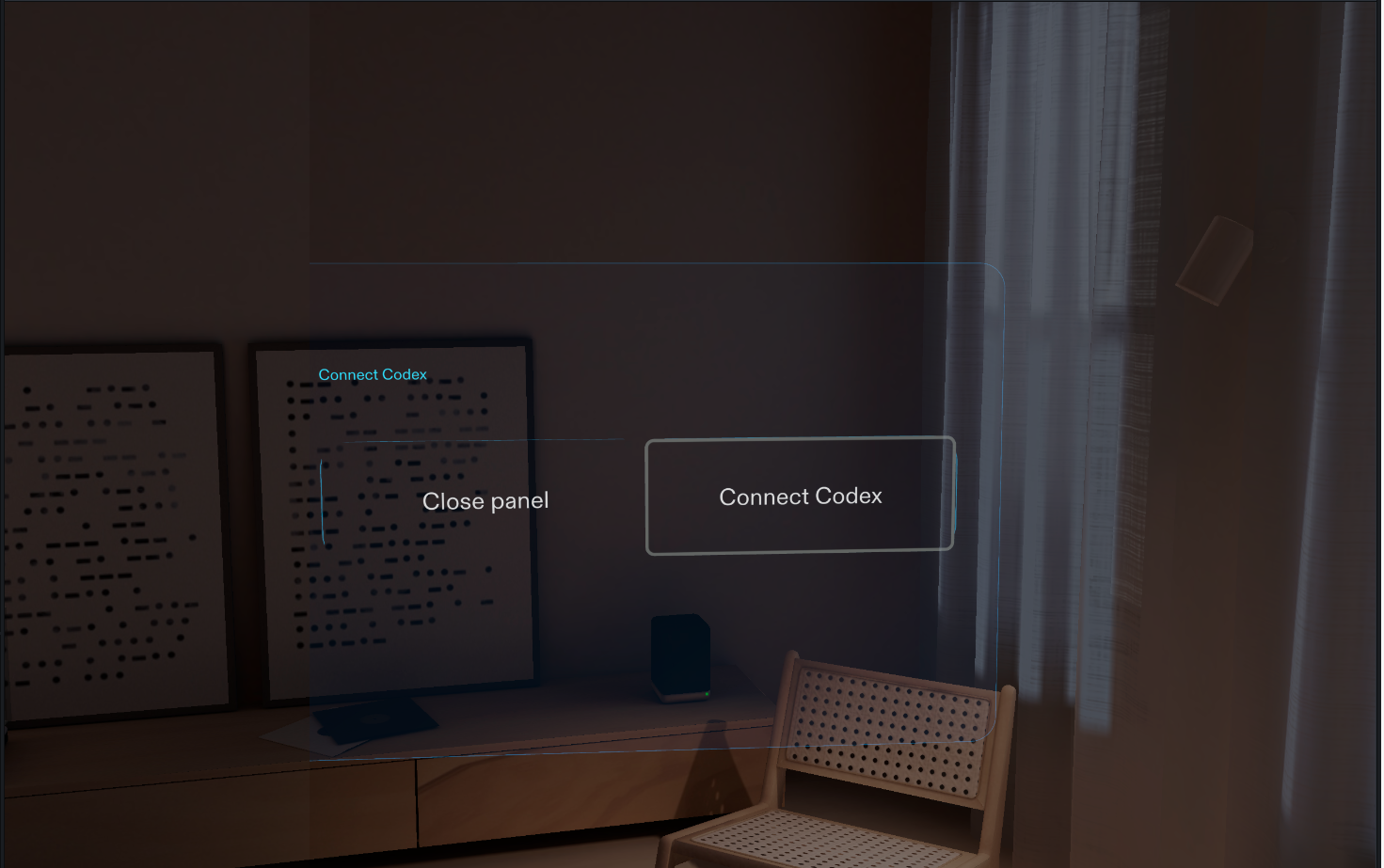
Connection Panel
-
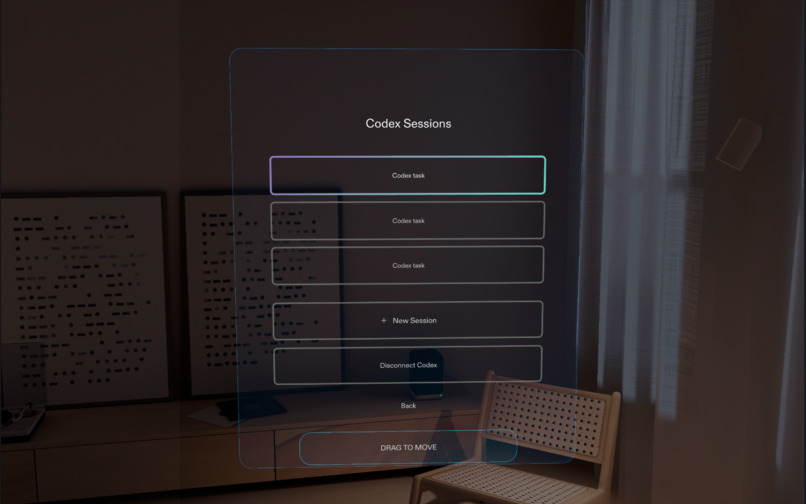
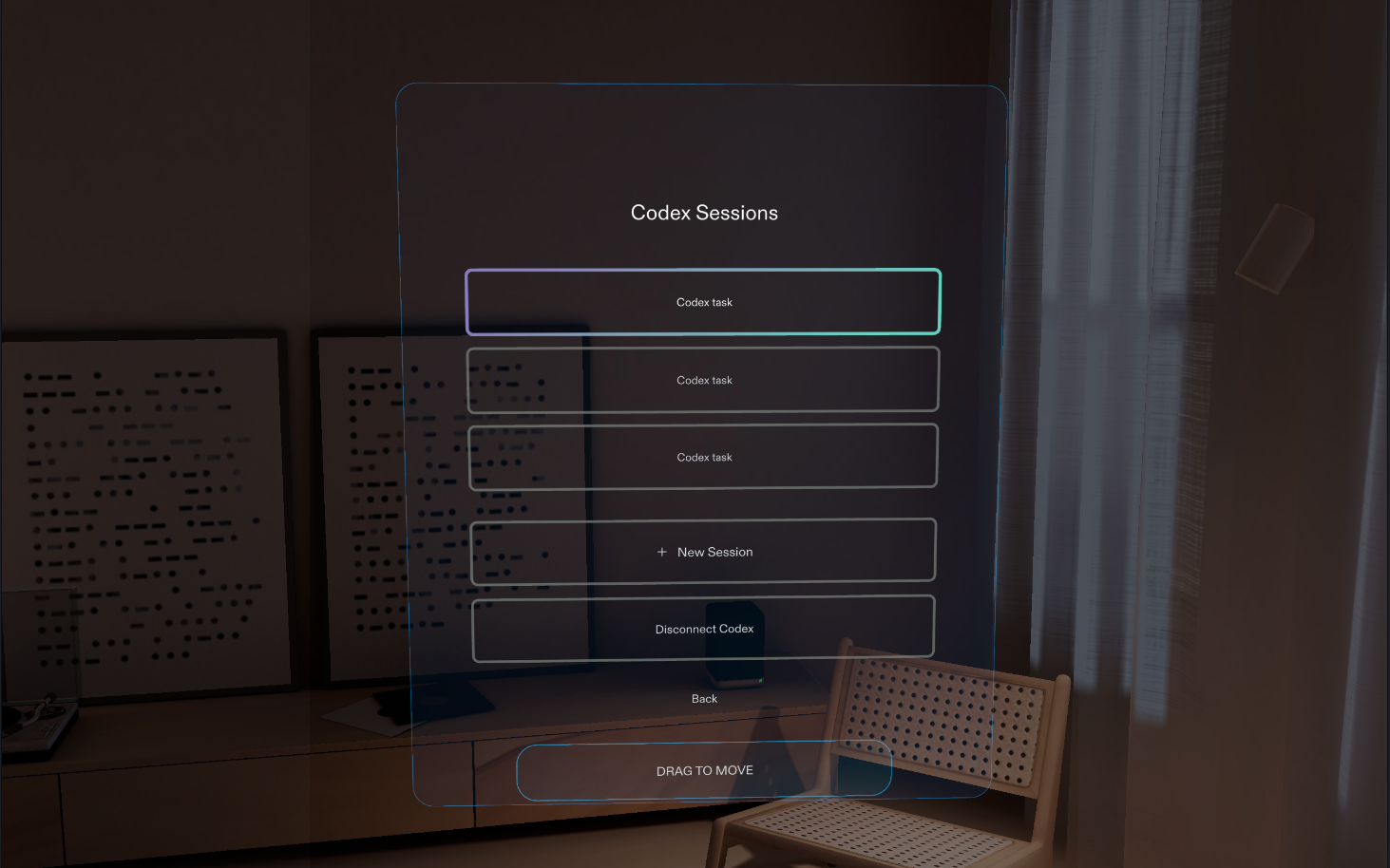
Session Picker — Choose a recent session to resume or start a new one
-
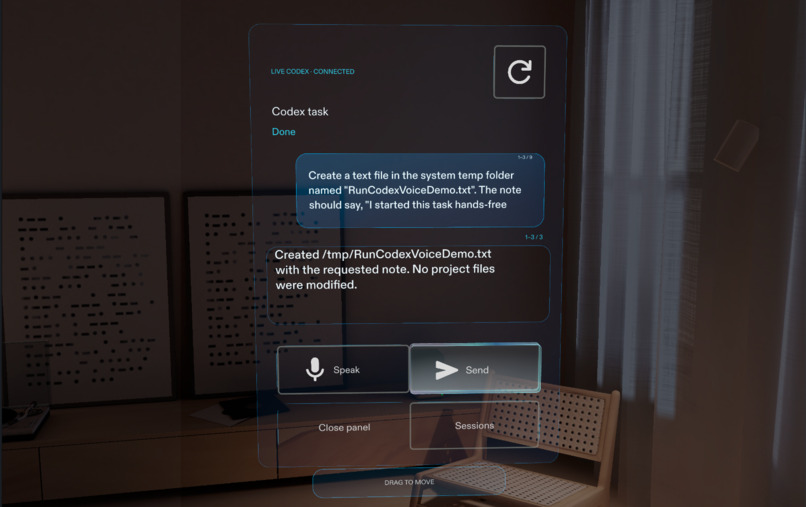
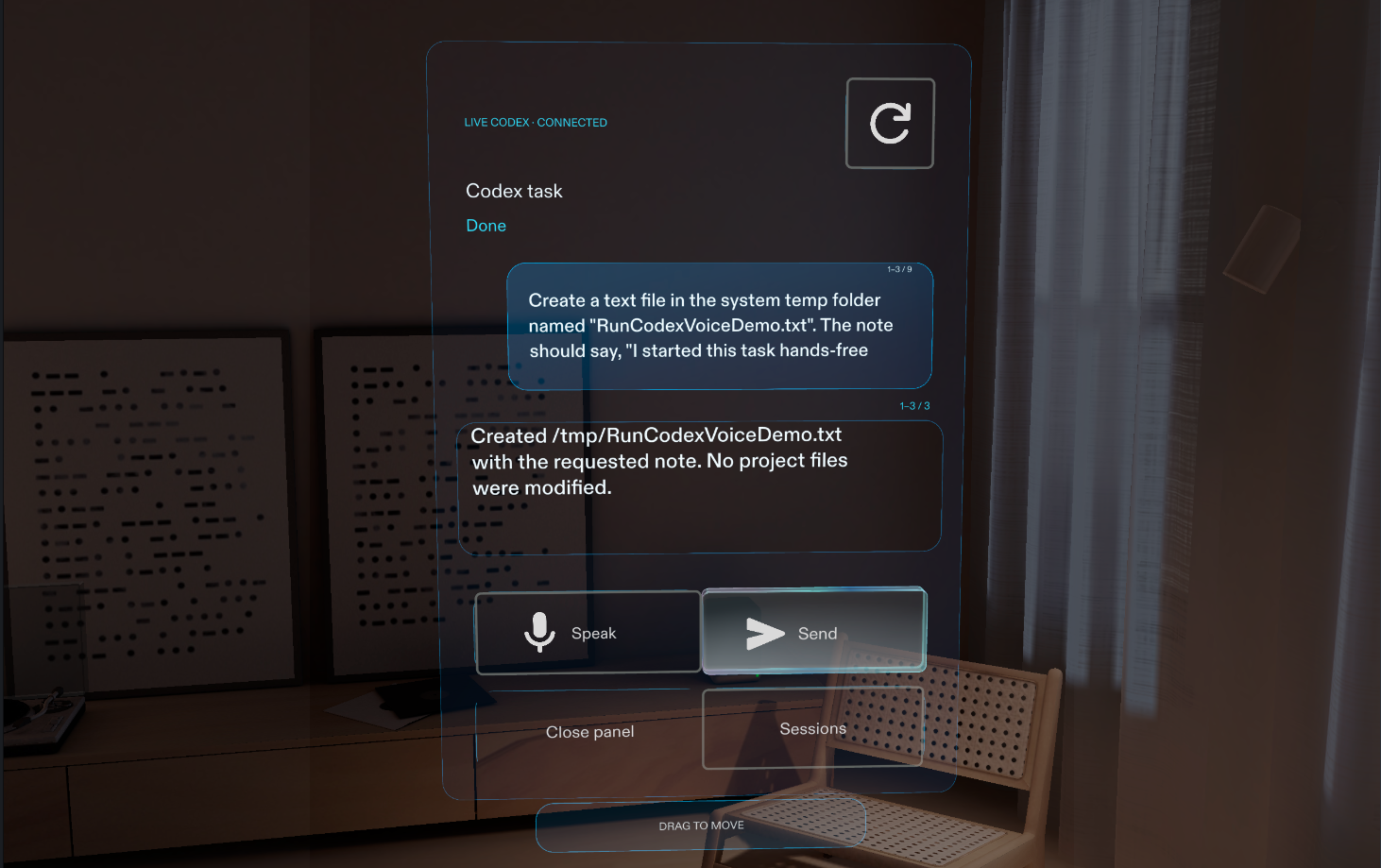
Session Panel — Resumes the selected session
-
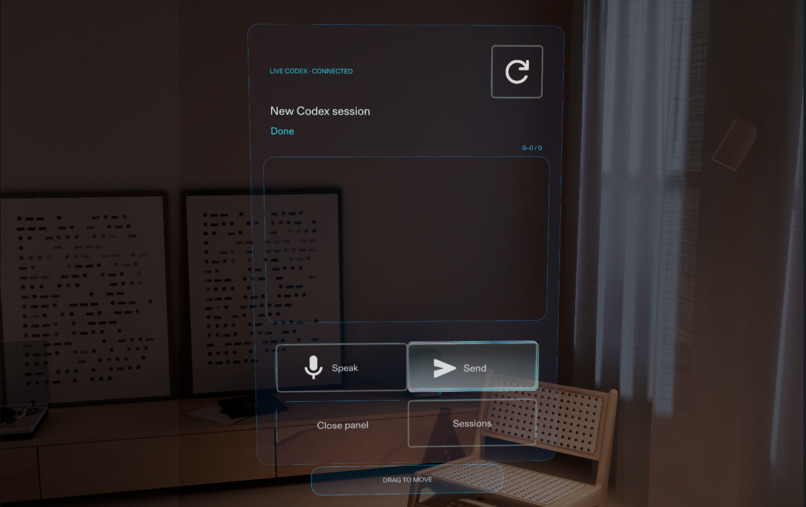
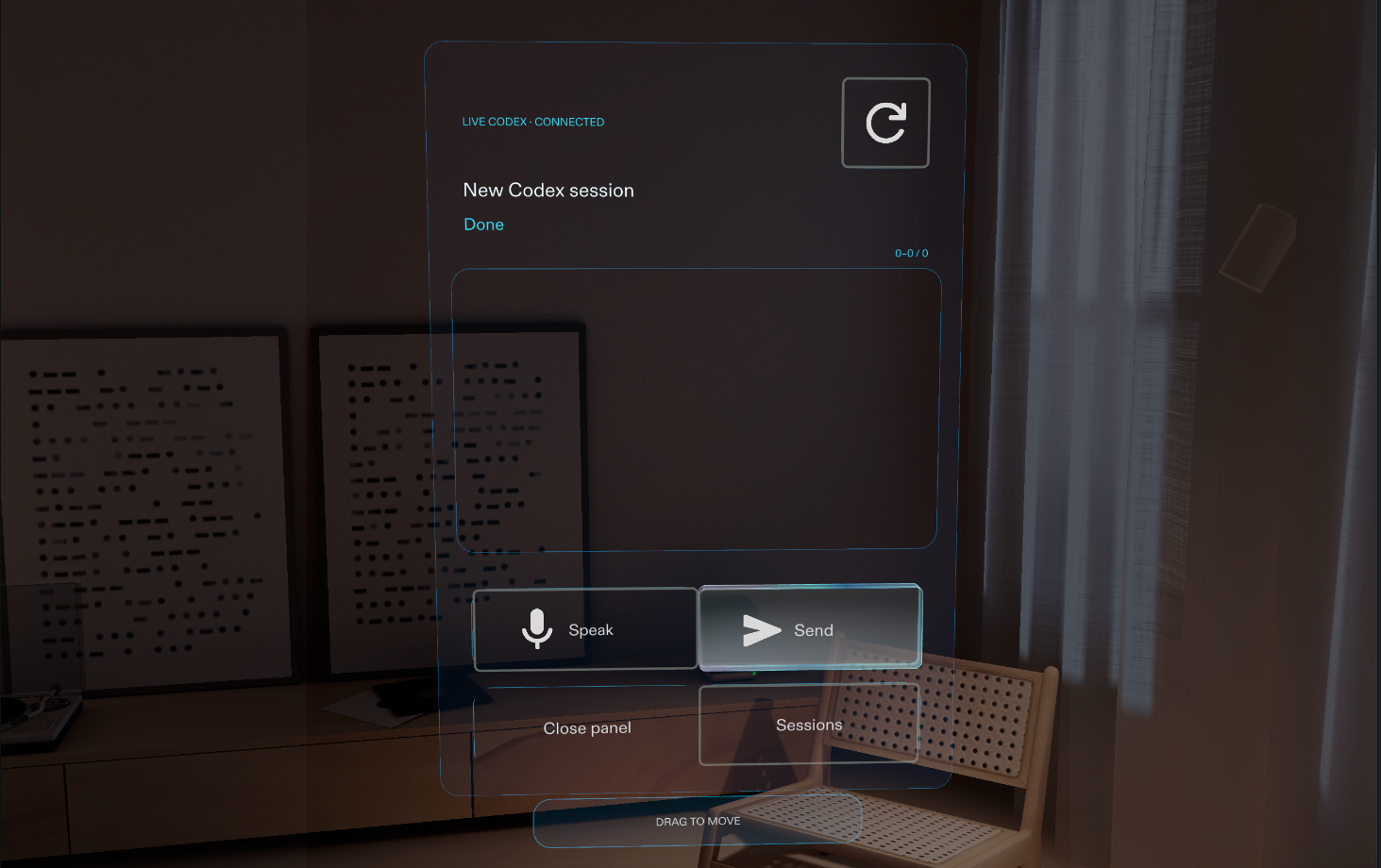
New Session Panel
-
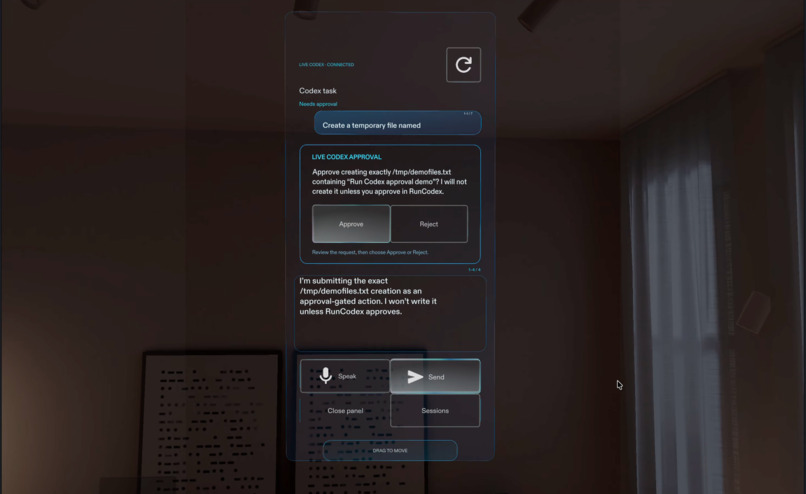
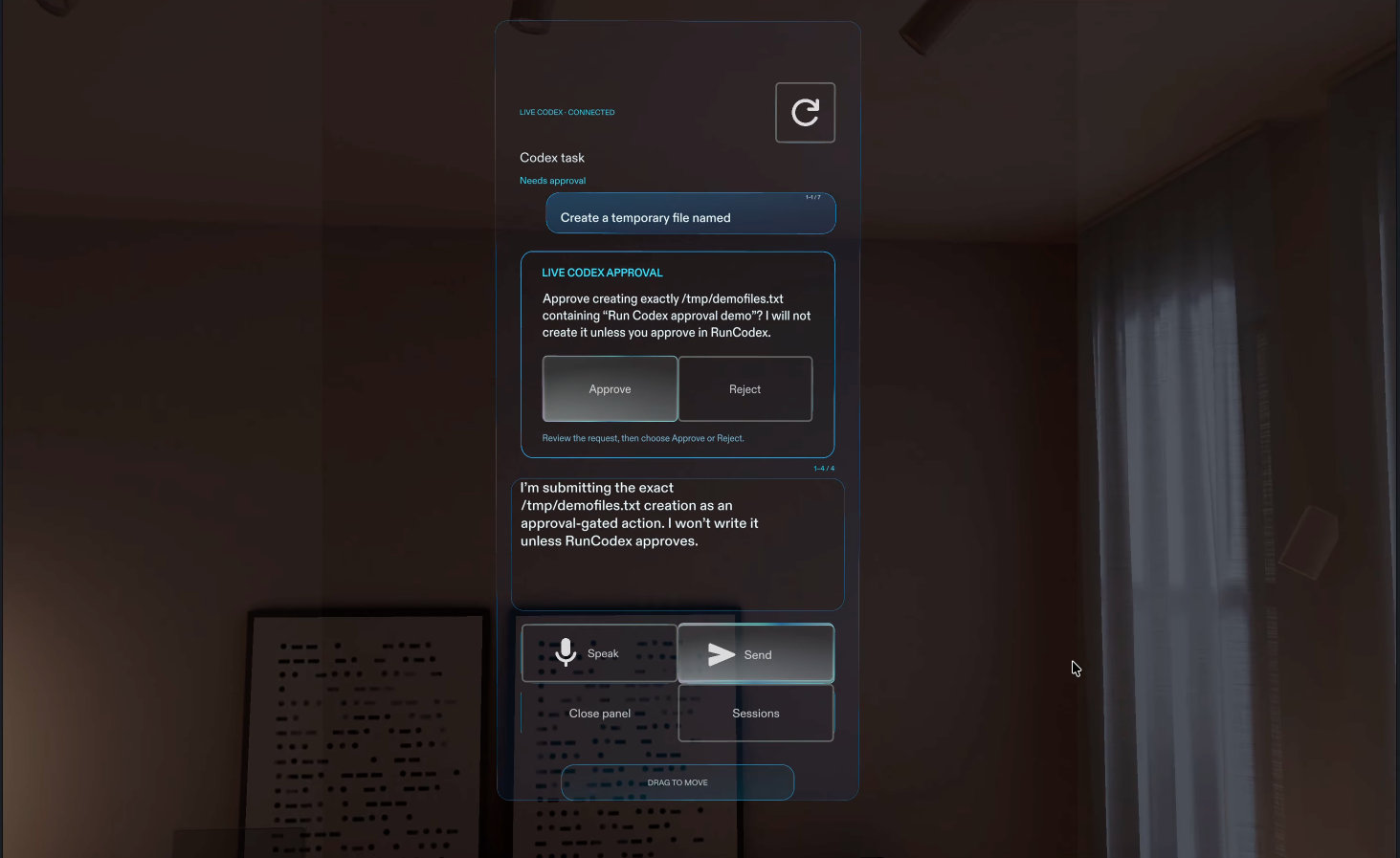
Approval Request — Review the task and approve it in RunCodex
Inspiration
Imagine you’re at a café or waiting at an airport and want to check in on work without pulling out your laptop. RunCodex explores how SPECS glasses could help you stay connected to your Codex workflow: review recent sessions, guide work by voice, and respond to approval requests from a spatial workspace.
We built RunCodex around that moment. Open the spatial panel, choose a recent project session or start a new one, see what Codex is doing, dictate a follow-up, and review an approval request—all while away from your desk. Codex continues to run on the paired Mac; the glasses give you a way to stay involved.
What it does
RunCodex connects a SPECS Lens to Codex sessions for a project on a paired Mac. A small, world-locked launcher opens a session picker before the conversation panel. The user can choose a recent project session to resume or select New Session to start a fresh thread.
A new session opens in the conversation panel with no messages. The user can dictate a task with SPECS speech recognition, review the recognized text, and explicitly send it. When resuming a session, the panel loads recent user and assistant messages. The panel shows the selected task, turn status, conversation, and latest response.
When a live Codex session raises an approval request, RunCodex presents Approve and Reject controls. The user reviews the request and decides what to do; RunCodex does not approve actions automatically.
When the live bridge is unavailable, the interface can show clearly labeled sample content so the interaction flow can still be explored without presenting sample data as a real Codex conversation.
How we built it
We planned the experience with the Devpost Learn skill pack, then built the Lens in Lens Studio using CLAD and the Lens Studio MCP. The Lens UI is written in TypeScript and uses SPECS interaction and speech recognition for its launcher, session picker, movable panels, scrollable conversation, reviewed voice composer, and approval controls.
A local Node.js bridge runs on the paired Mac and connects the Lens to the Codex App Server. The Lens communicates with the bridge over a private-network WebSocket connection, while the bridge communicates with the App Server through its local socket. The bridge limits thread access to the configured project and relays supported conversation, status, and approval data. It supports listing recent project threads, starting a new thread, and resuming an existing one. Starting a session creates a Codex conversation thread, not a separate terminal window. Codex remains responsible for executing tasks and managing approval state.
We exercised RunCodex in Lens Studio Preview with SPECS 27 selected. This Preview testing does not claim verification on physical glasses.
Challenges we ran into
The interface has to make long messages and approval explanations readable while keeping the composer, approval actions, and panel controls within reach. We iterated on message wrapping, scrolling, spacing, and dynamic layout so conversation content would not crowd or overlap important actions. The session picker also needed to fit into the existing experience without disrupting the voice and approval panel.
The connection has several distinct states: the Lens pairs with a local bridge, the bridge reaches the Codex App Server, and the user chooses whether to resume a recent project session or create a new one. Turns stream updates, and an approval request must remain tied to the correct pending action. We had to make these states visible in the Lens and keep sample interactions clearly separate from live conversation data.
We also explored signing in to Codex from the glasses. The sign-in approach we tested is not currently supported by Codex, so we stopped that experiment. It reinforced the difference between a sign-in interface and a working authentication flow.
Accomplishments that we’re proud of
We brought a real Codex conversation workflow into a spatial interface: choosing a recent project session or creating a new one, seeing status and messages, sending a reviewed voice follow-up, and responding to a live approval request. We exercised the live messaging and approval flows successfully in Lens Studio Preview with SPECS 27 selected.
We’re also proud of the interaction model. The conversation panel stays world-locked in the work area instead of following the user’s face, can be repositioned when needed, and keeps the user in control of what gets sent and which approval decision is made. New sessions reuse the same panel and controls while starting with a blank conversation.
What we learned
Glasses are not just a smaller screen. A useful spatial interface needs to show information where it makes sense in the user’s work area, keep the surrounding world visible, and avoid demanding constant attention. Long text, changing conversation states, and approval actions all need to fit without turning the panel into a miniature desktop app.
We also learned to make the agent’s boundaries visible. Users should be able to tell whether they are looking at live or sample data, choose which project conversation to resume or start, review dictated text before sending it, and make an explicit decision when Codex asks for approval. The sign-in experiment reinforced that an interface concept should not be presented as real authentication.
What’s next for RunCodex
RunCodex is an early MVP that connects SPECS glasses to Codex sessions running on a paired Mac. We explored signing in to Codex from the glasses, but the sign-in approach we tested is not currently supported by Codex, so we stopped that experiment. RunCodex does not authenticate a Codex account; it currently relies on the paired Mac’s local Codex App Server. Future work depends on a supported sign-in approach and a way to verify the experience on physical Specs glasses.
Built With
- clad
- codex-app-server
- lens-studio
- lensstudiomcp
- node.js
- openai-codex
- specs
- spectacles-interaction-kit
- spectacles-uikit
- speech-recognition
- typescript
- websocket
