-
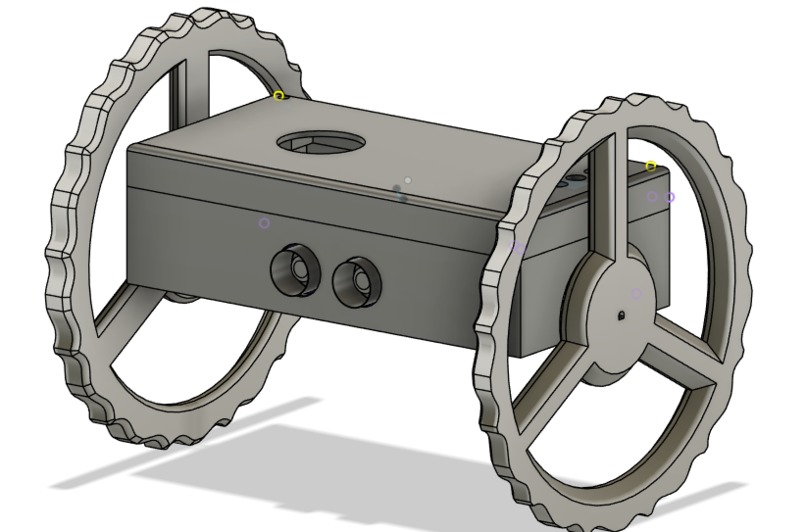
CAD of Runaway
-
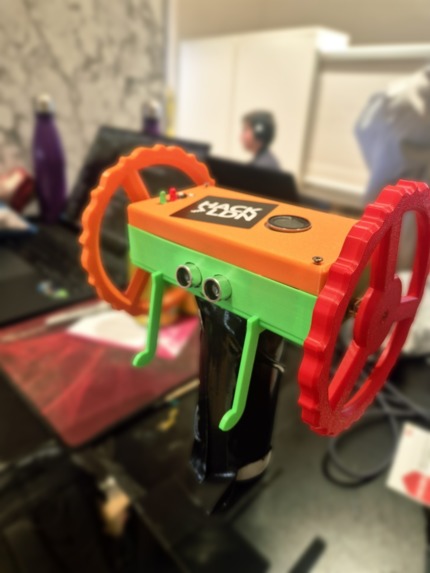
Runaway
-
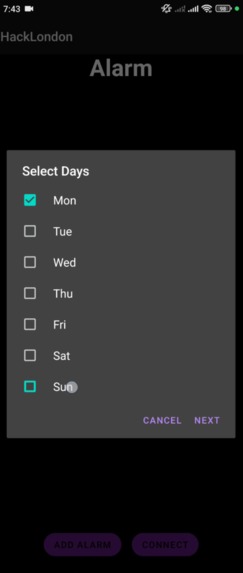
Application
Inspiration
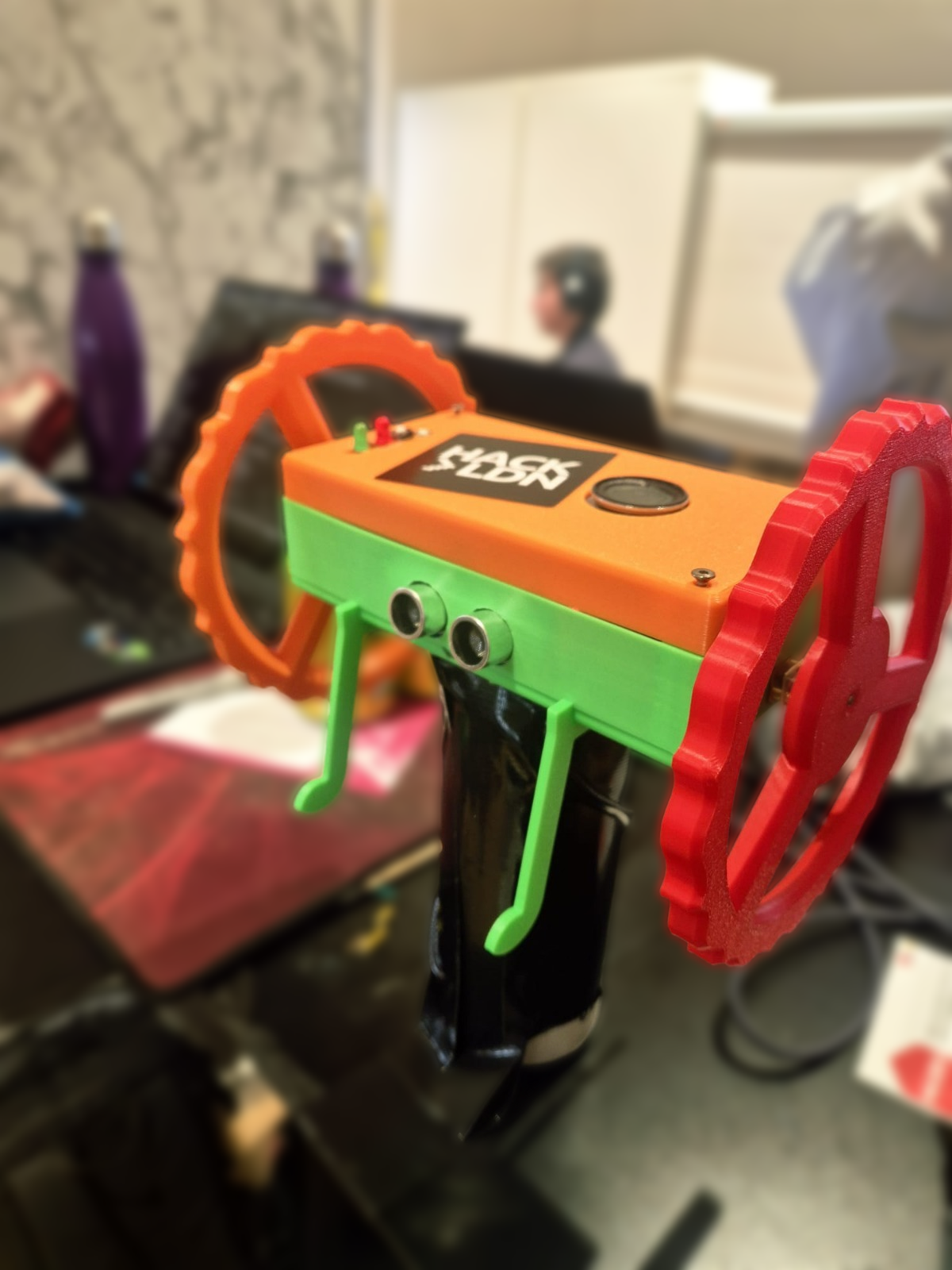
Everyone in our group kept missing their 9am classes, and when we talked to our friends, we realized this was a universal problem among university students. So when we saw motors on the list of available components, we knew exactly what we had to build: an alarm clock that runs away from you. We called it Runaway.
What it does
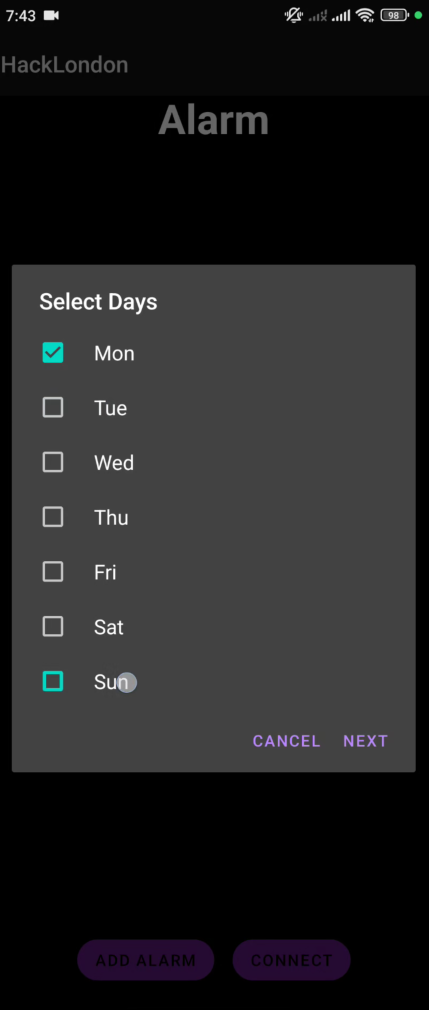
Runaway is a two-wheeled IoT robot powered by an Arduino Uno Q that evades you to force you out of bed and actually wake up. We quickly realized that having Runaway produce the alarm sound itself was not ideal because our speakers were too weak. So we also built a companion mobile app that lets you set alarms on your phone. The app sends the alarm trigger to Runaway, which then activates at the right time. The best part is that you cannot turn off the alarm from your phone. You have to physically press a button on Runaway to stop it.
How we built it
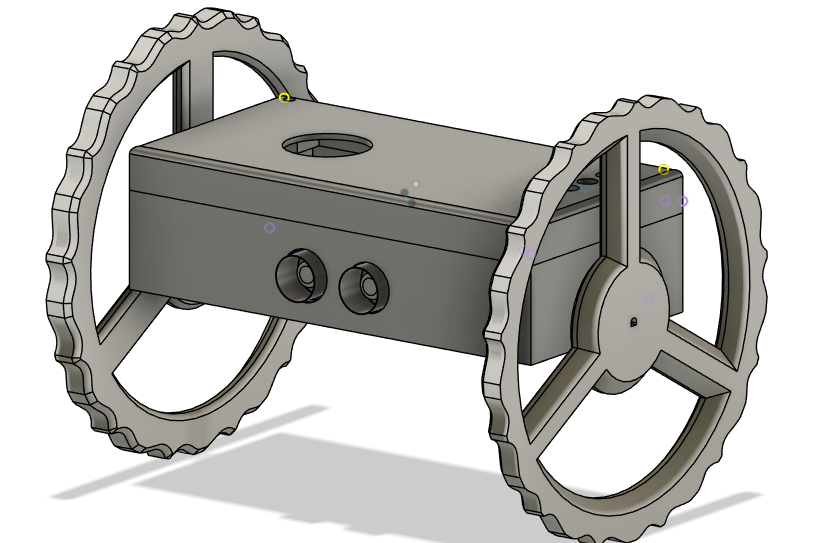
We used Fusion 360 to design the CAD model and went through three iterations before settling on our final design. The brains of Runaway is the Arduino Uno Q. We chose two N20 motors for their high torque, and we controlled them using an L298N H-Bridge. An ultrasonic sensor helps the robot detect and navigate around obstacles. We used the H-Bridge to control motor direction and speed, which gave us much smoother and more precise movement. The robot movement logic was written in C++ using the new Arduino App Lab. The companion app was developed in Android Studio so our phone could connect to the robot and trigger the alarm. We used AI tools during development to debug code and boost our efficiency in the short time we had. On the Arduino Uno Q, we used Python processing to connect the robot to the app through a Google Cloud system for reliable communication.
Challenges we ran into
Our biggest challenge was the tight time limit, especially since we tried to pack in several advanced features. The Arduino Uno Q turned out to be much harder to use than we expected. Being a newer board, there wasn't much documentation or online material available, which added several hours to our development time. The new Arduino App Lab was also tricky because of its different workflow compared to what we're used to. We attempted to add machine learning to map the space around the robot, but it ended up not being possible within our time frame.
Accomplishments that we're proud of
We're really proud that we got a fully working runaway alarm robot running on the cutting-edge Arduino Uno Q, combining C++ for real-time motor control with Python for app connectivity. Getting the phone app to reliably trigger the robot without any easy way to snooze it from the phone felt like a huge win. We also nailed three solid CAD iterations and built evasion behavior that actually forces you to get up and chase it. Plus, finishing everything under a crazy deadline using AI tools to debug fast was something we didn't think we'd pull off.
What we learned
We learned a ton about working with the new Arduino Uno Q and its hybrid setup: running C++ sketches on the microcontroller side for precise control while using Python on the Linux side for higher-level stuff like cloud connections. We got better at quick CAD iterations in Fusion 360, handling Bluetooth/Wi-Fi app integration, and debugging under pressure. We also realized how valuable AI coding assistants are for speeding up development, and we learned to scope features realistically when time is short. Overall, it taught us a lot about teamwork, pivoting when things get tough, and pushing through with a cool idea.
What's next for Runaway
In the future we want to add machine learning for smarter obstacle avoidance and evasion patterns. We also plan to implement self-recharging so it can dock itself when the battery gets low. Reducing the overall size for a more compact and portable design is on the list too. We hope to increase its intelligence to make it even harder to catch, like adding random path changes or faster reactions. Finally, we want to build a better, more polished app with extra features like multiple alarms or custom sounds.

Log in or sign up for Devpost to join the conversation.