🗄️ Sql-Edit
Inspiration
Managing SQLite databases on multiple platforms can be cumbersome. I wanted a cross-platform, lightweight, and user-friendly SQL editor that lets developers and enthusiasts work with SQLite databases seamlessly on both mobile and desktop. The goal was to combine Flutter’s versatility with a polished, modern UI for database management.
What it does
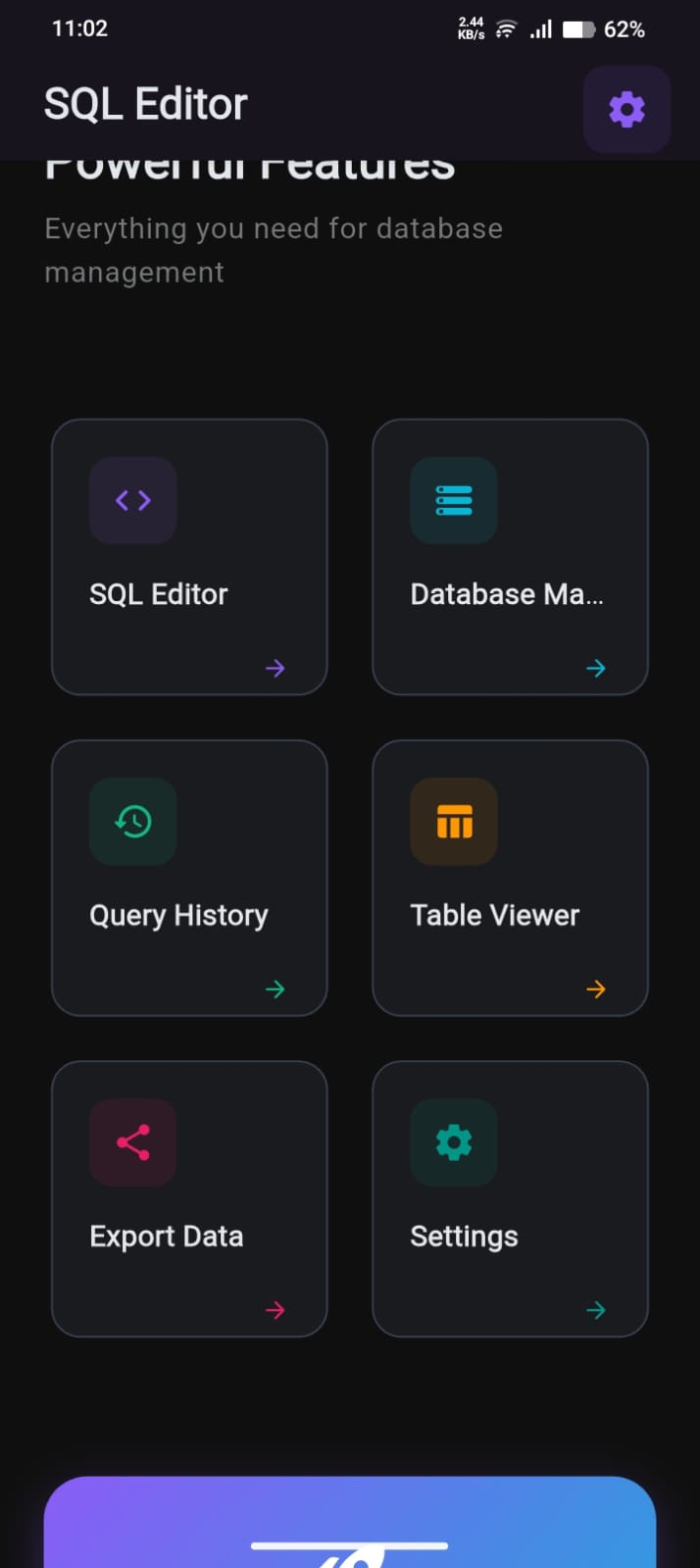
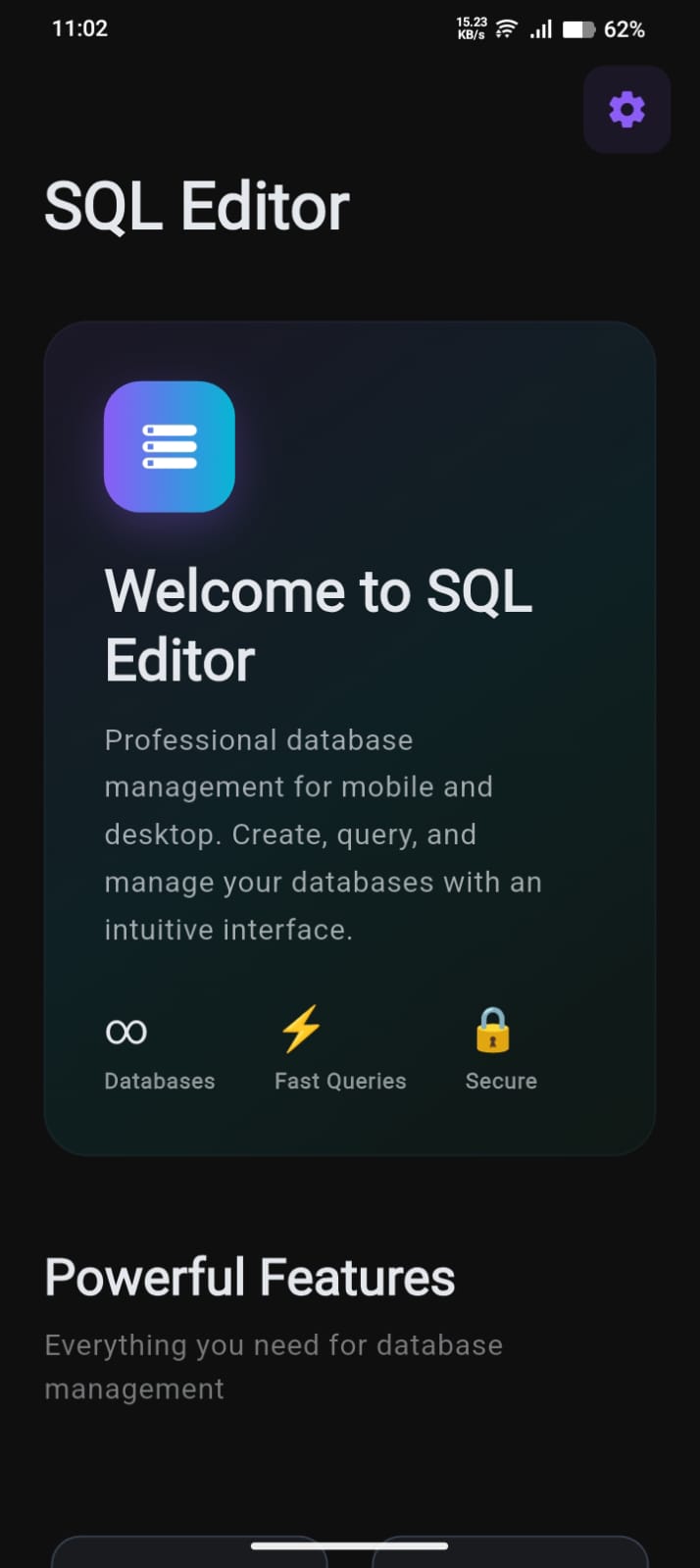
Sql-Edit is a powerful cross-platform SQLite database editor. It allows users to:
- Create and open databases (
.dbfiles) - View database schema and table structures
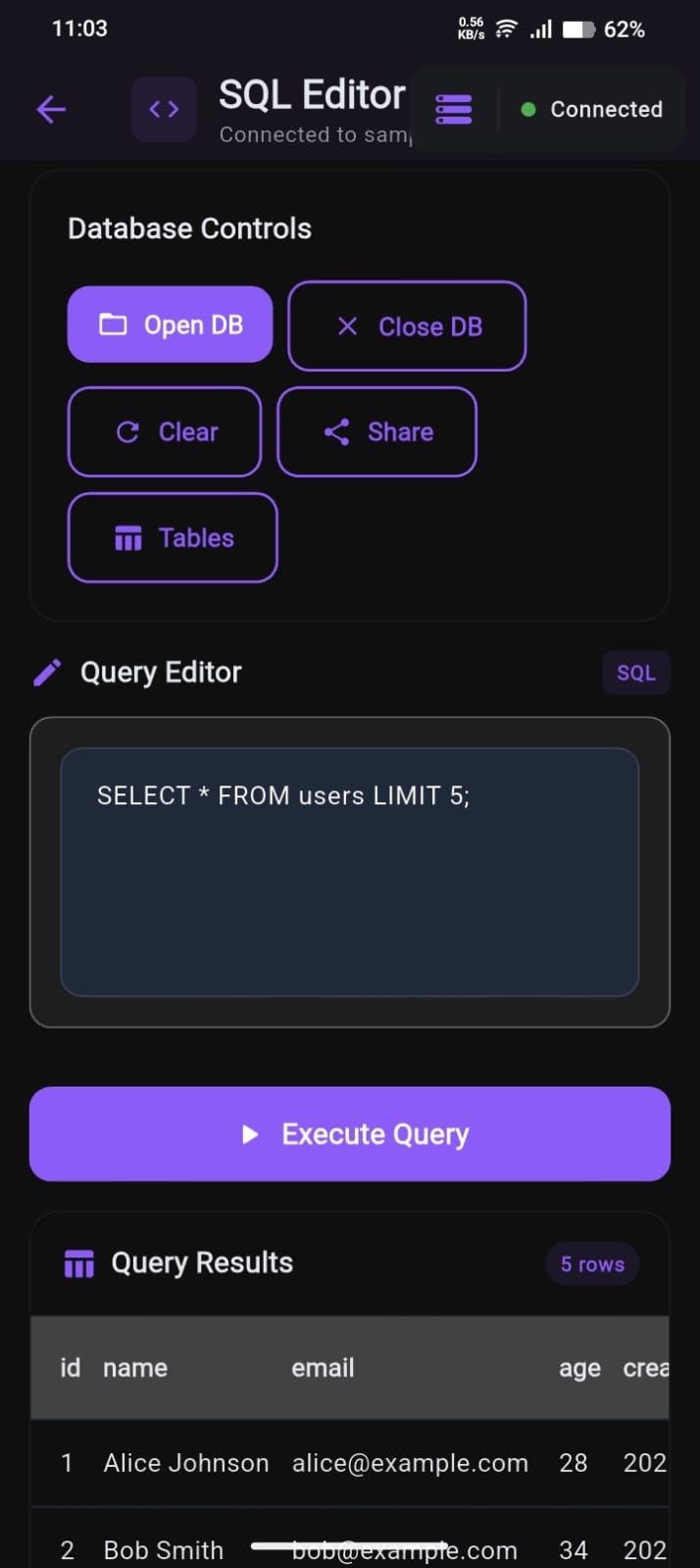
- Execute SQL queries with real-time results
- Track query history and reload past queries
- Export query results and database files
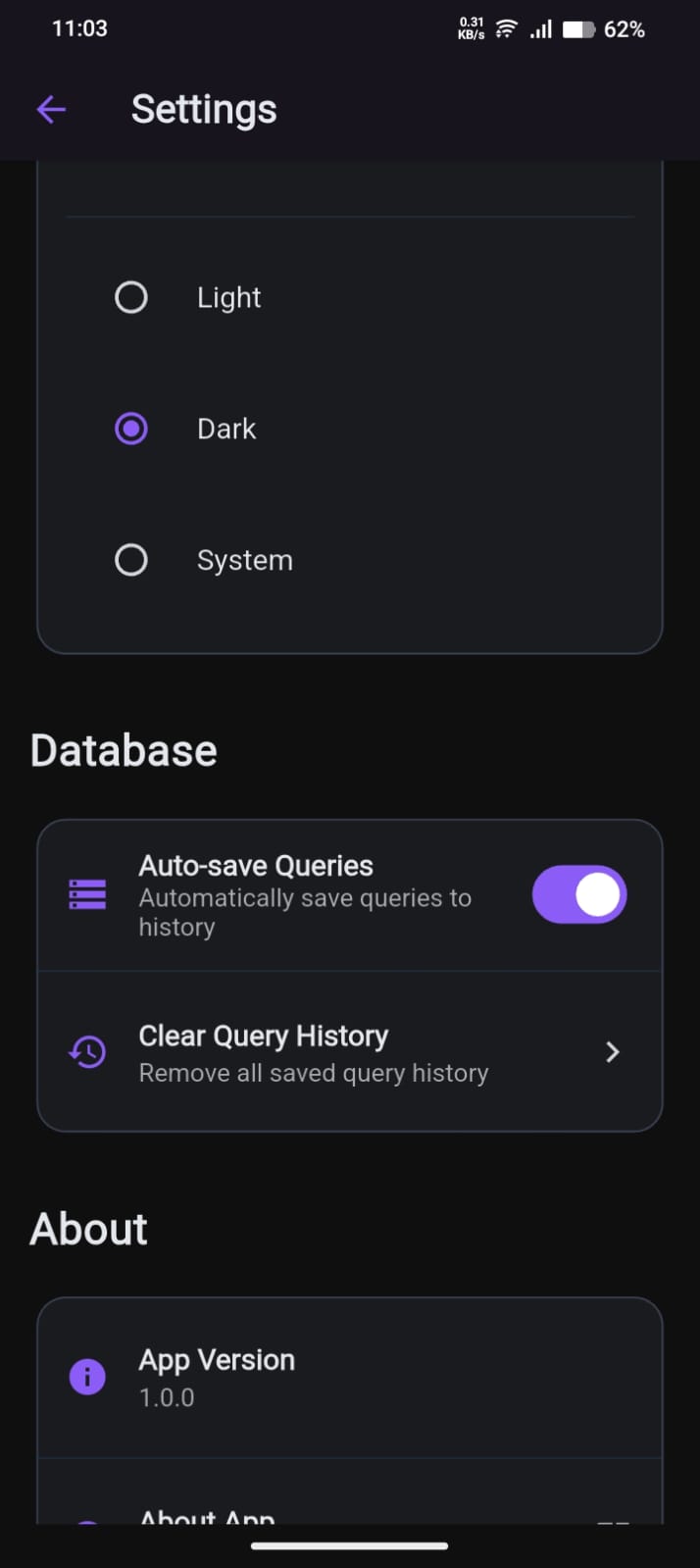
- Enjoy a responsive interface with light/dark themes
It supports Android, iOS, Linux, macOS, and Windows, offering a consistent experience across devices.
How we built it
- Frontend & UI: Built entirely in Flutter, using Material 3 design for a modern interface.
- Database Engine: Uses SQLite for lightweight, local database storage.
- Query Execution: Smart query editor with auto-growing text area, monospace font, and live execution.
- History & Storage: Automatic query history with relative timestamps and intuitive deletion gestures.
- Cross-Platform: Leveraged Flutter’s multi-platform capabilities to run smoothly on mobile and desktop.
- Themes & UX: Light/dark mode integration, smooth animations, responsive layouts for all screen sizes.
Challenges we ran into
- Cross-platform consistency: Ensuring the UI and features work the same on mobile and desktop.
- Query execution safety: Handling invalid SQL gracefully and providing meaningful error messages.
- Performance: Rendering large tables and query results efficiently across devices.
Accomplishments that we're proud of
- Fully functional SQLite editor for mobile and desktop
- Smart query editor with live execution and history management
- Polished, responsive Material 3 UI
- Seamless cross-platform support on Android, iOS, Linux, macOS, and Windows
What we learned
- Flutter is powerful for building multi-platform apps without rewriting code.
- Designing a usable SQL editor requires careful attention to both UX and performance.
- Handling live query execution and results efficiently is key for database tools.
- A clean, consistent UI greatly improves developer experience.
What's next for Sql-Edit
- Add advanced SQL features (joins, triggers, transactions)
- Search & filter capabilities in tables and query results
- Enhanced export options (CSV, JSON)
- Optional cloud sync for databases
- More themes and customization for power users


Log in or sign up for Devpost to join the conversation.