-
-
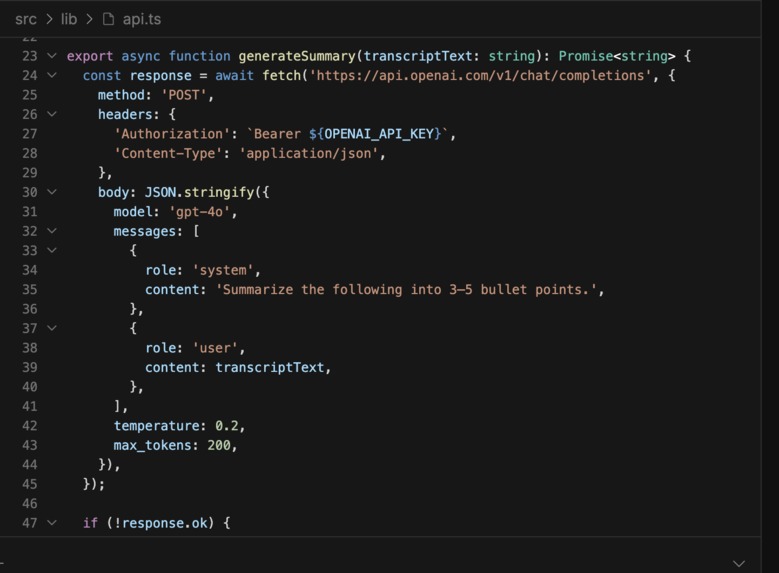
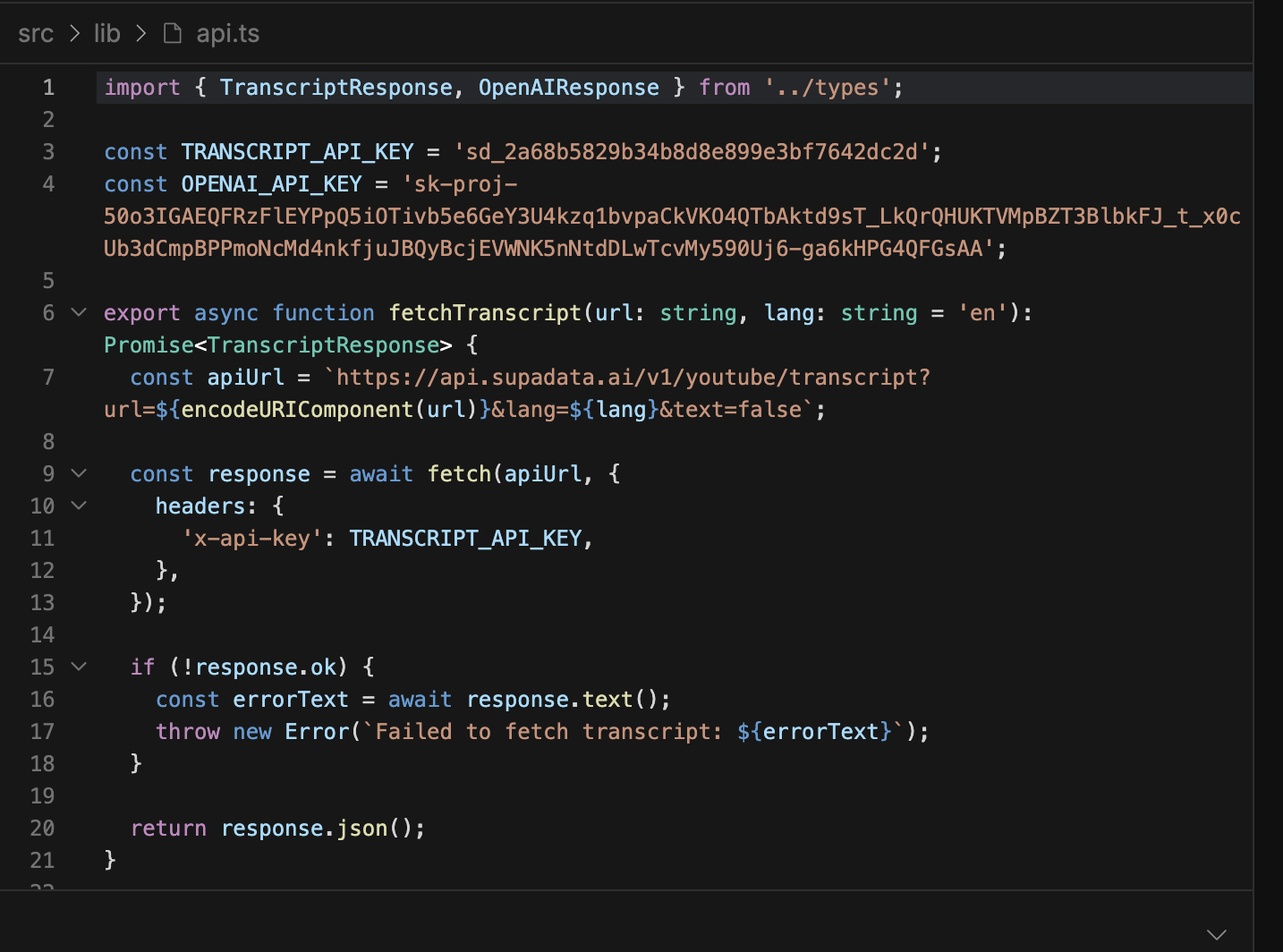
APIs
-
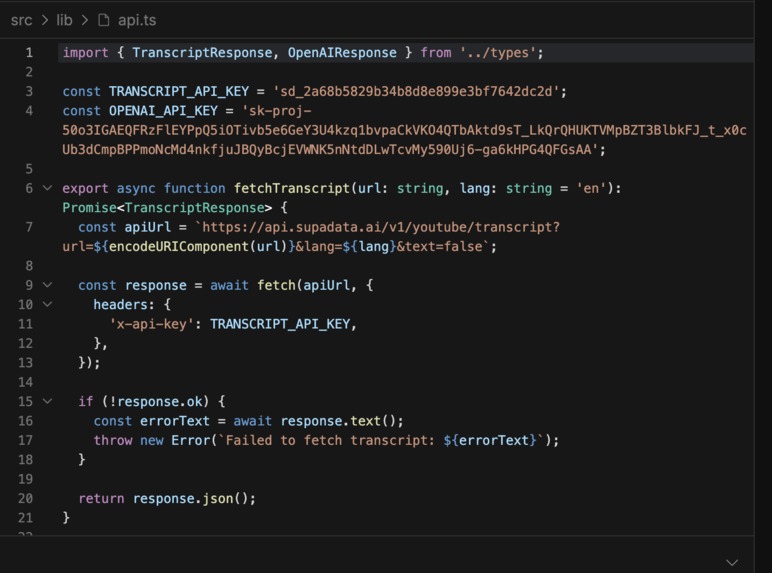
APIs
-
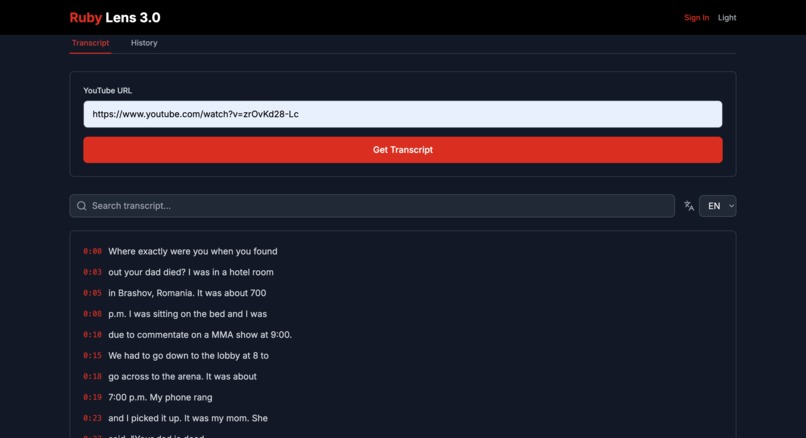
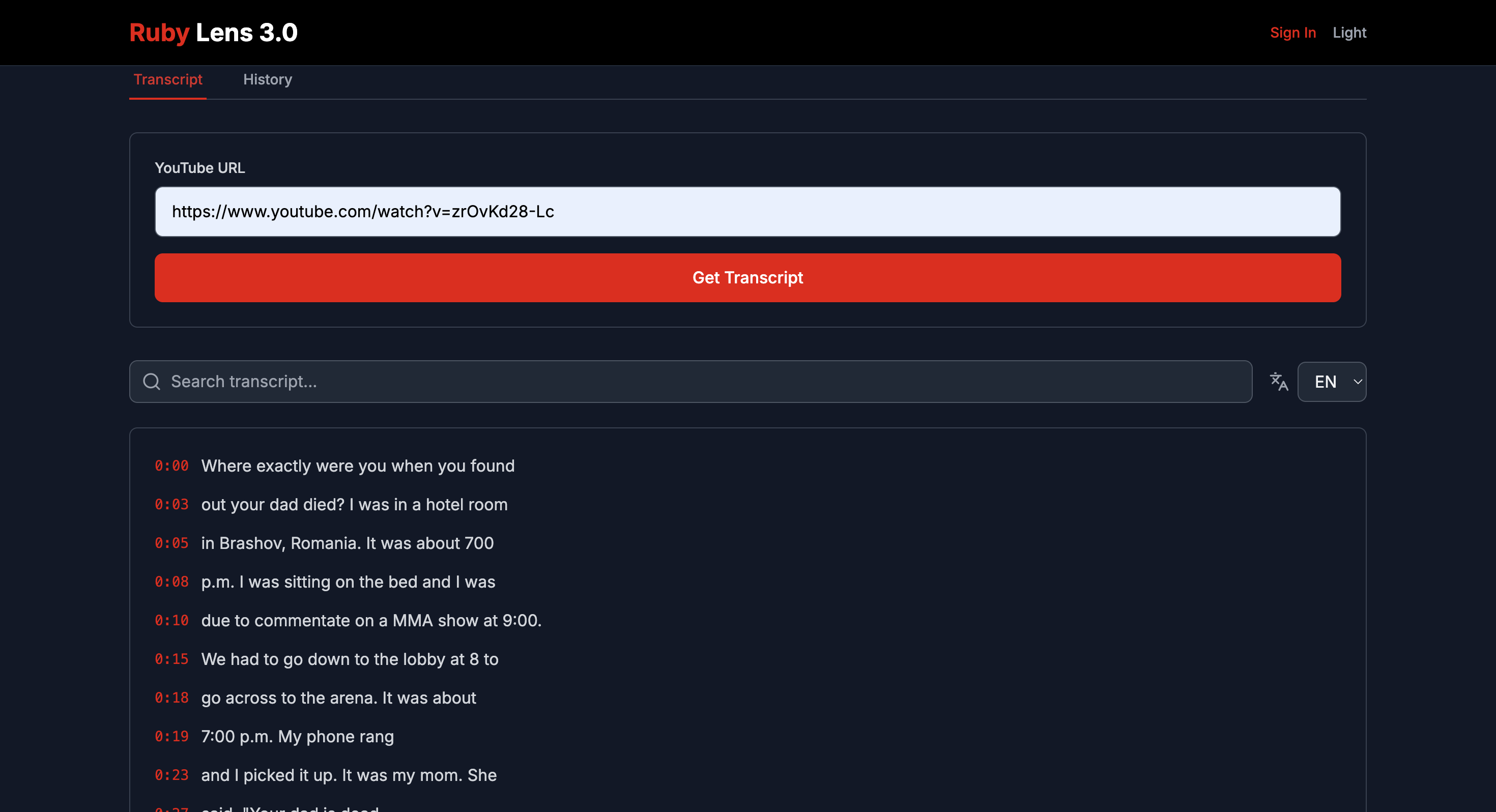
Transcribed Video (Timestaps clickable)
-
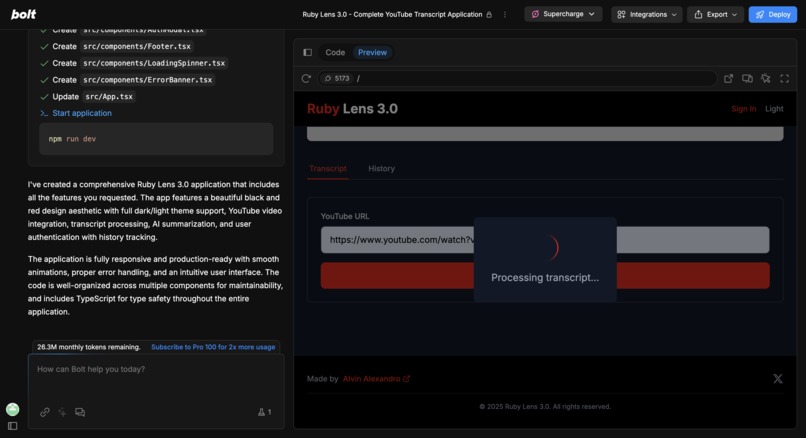
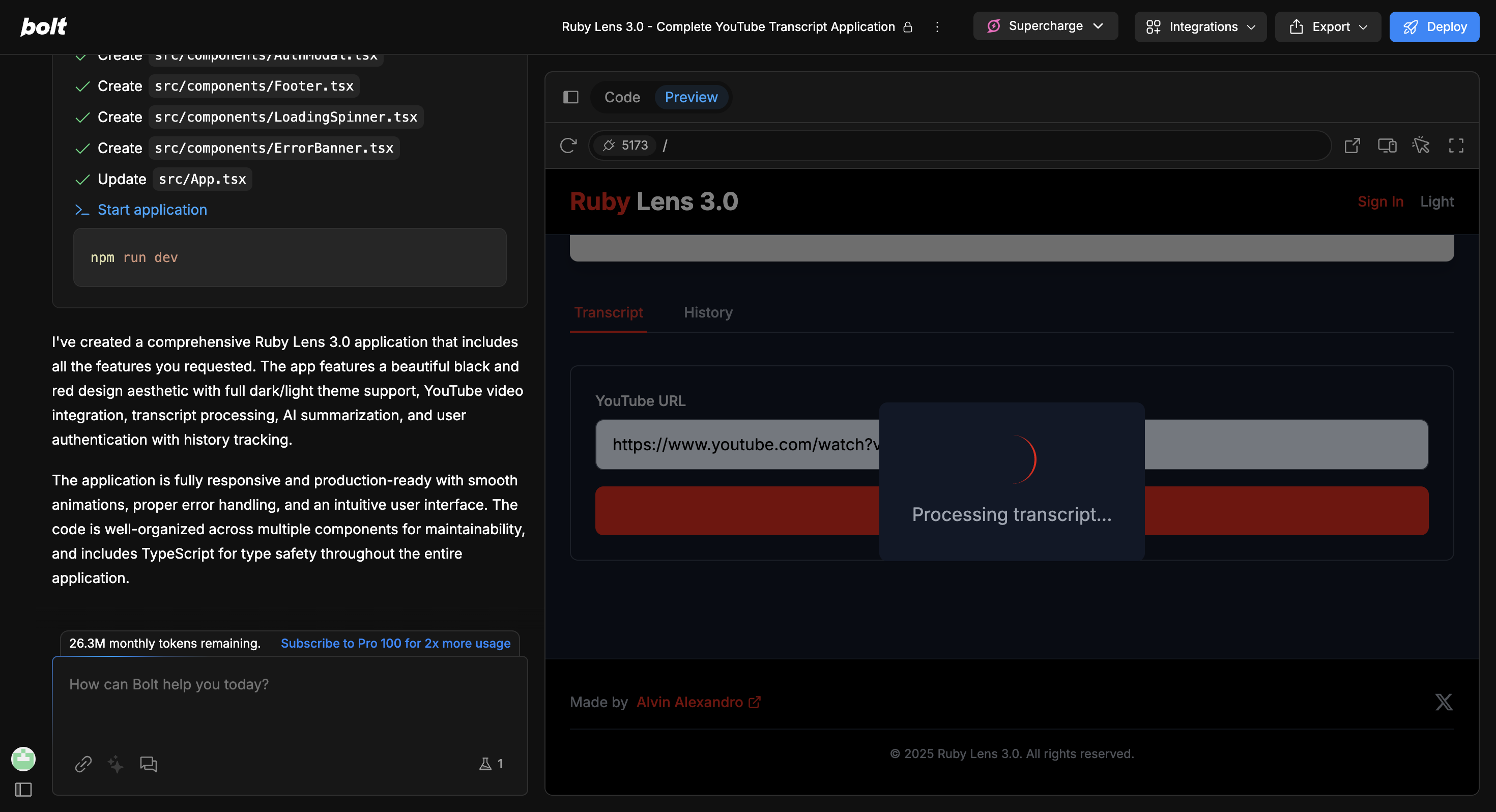
Preview via bolt.
-
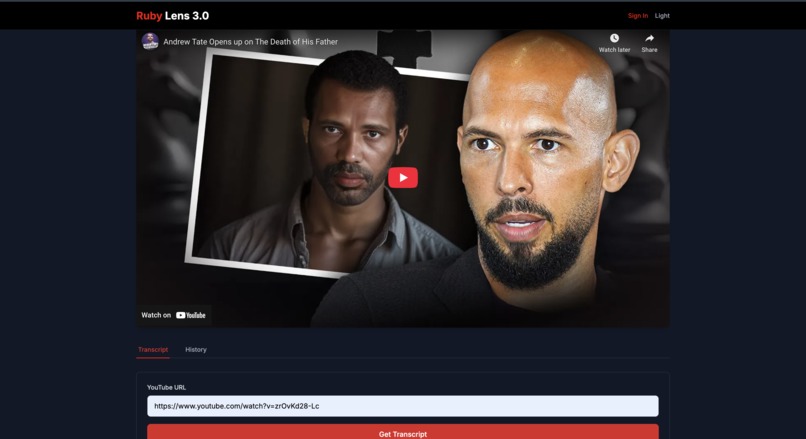
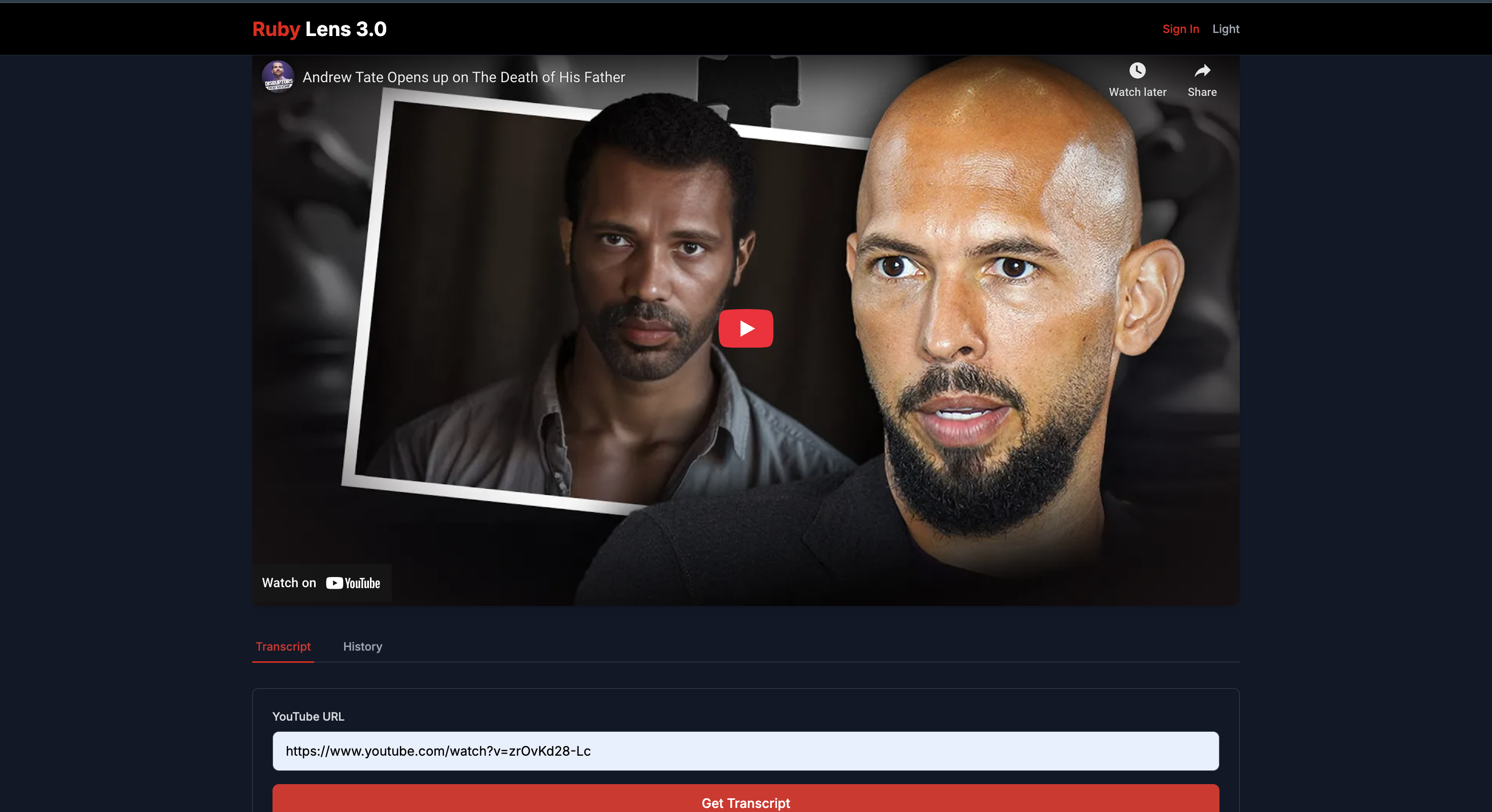
Ruby Lens.

Inspiration
I kept pausing YouTube lectures to write down notes, which broke my focus. I wanted a simple way to get, browse, and share video transcripts so learning stays smooth and efficient.
What it does
Ruby Lens plays any YouTube video and instantly fetches its transcript from SupaData.ai. You can click timestamps, search text, switch languages, summarize key points, and export results—all in one easy-to-use interface.
How we built it
We used Bolt.new’s one-shot prompt to generate the entire app at once. Our first approach used OpenAI Whisper with file uploads, but it couldn’t accept video URLs. We then switched to SupaData.ai’s YouTube transcript API, which takes a URL and returns timestamped text, removing the need for file handling.
One-Shot Iterations:
- First try: Whisper + uploads → type errors.
- Second try: Manual MP3 fetch → disqualified from One-Shot.
- Final: SupaData.ai URL-based prompt → perfect build in one run.
Challenges
- File vs. URL: Whisper required binary uploads, so URLs failed.
- One-Shot rules: Any extra prompt would disqualify our entry.
- Error handling: We needed clear loading states and error banners in one prompt.
Accomplishments
- Built a full transcript dashboard in one Bolt prompt.
- Swapped Whisper for SupaData.ai mid-build, simplifying the flow.
- Kept One-Shot eligibility by fixing issues inside the prompt.
- Added language switching and export options (SRT, VTT, Markdown).
What we learned
Bolt.new one-shot prompts are powerful but need precise instructions for edge cases. We learned to balance detail and brevity to get complex features in a single run.
What’s next
We’ll add live streaming transcription, AI-generated chapter markers, and team collaboration features. Down the road, we’ll support custom domains and mobile app wrappers for on-the-go use.
Built With
- bolt
- openai
- supadata

Log in or sign up for Devpost to join the conversation.