-
-
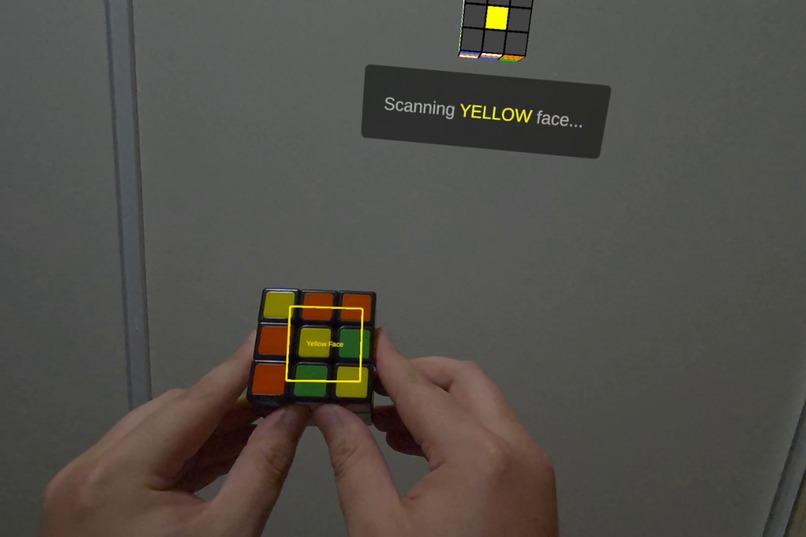
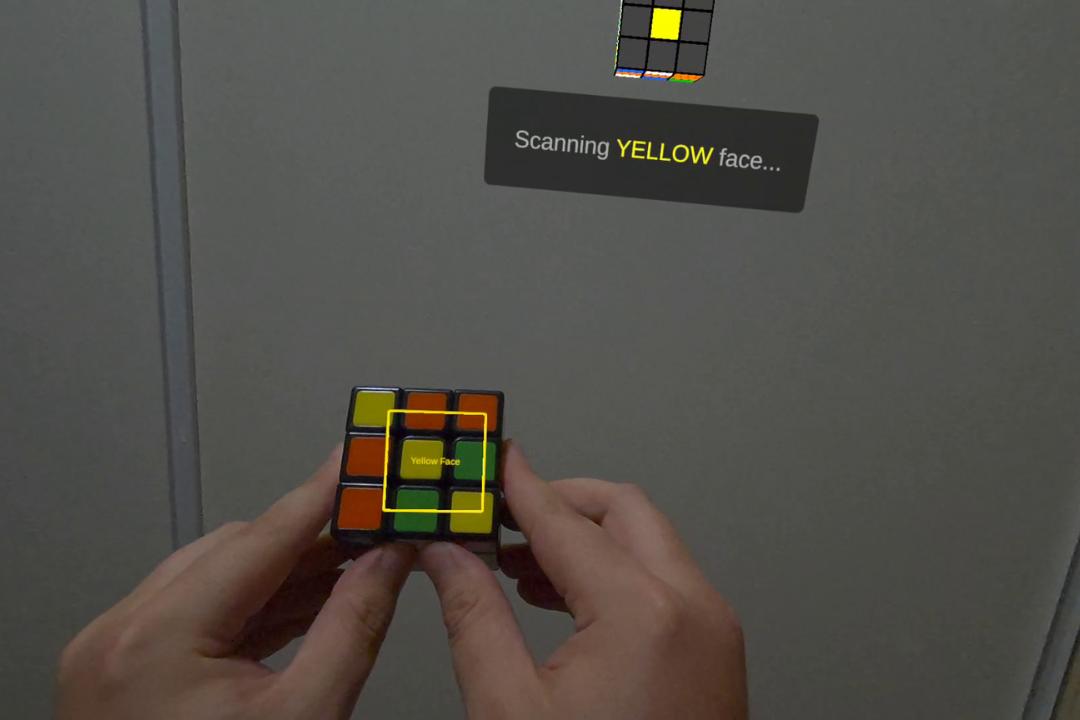
Faces are recognised and scanned.
-
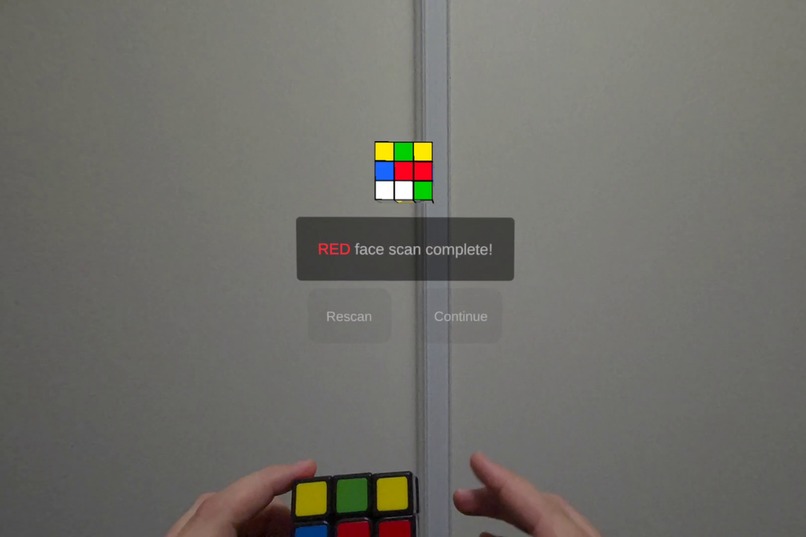
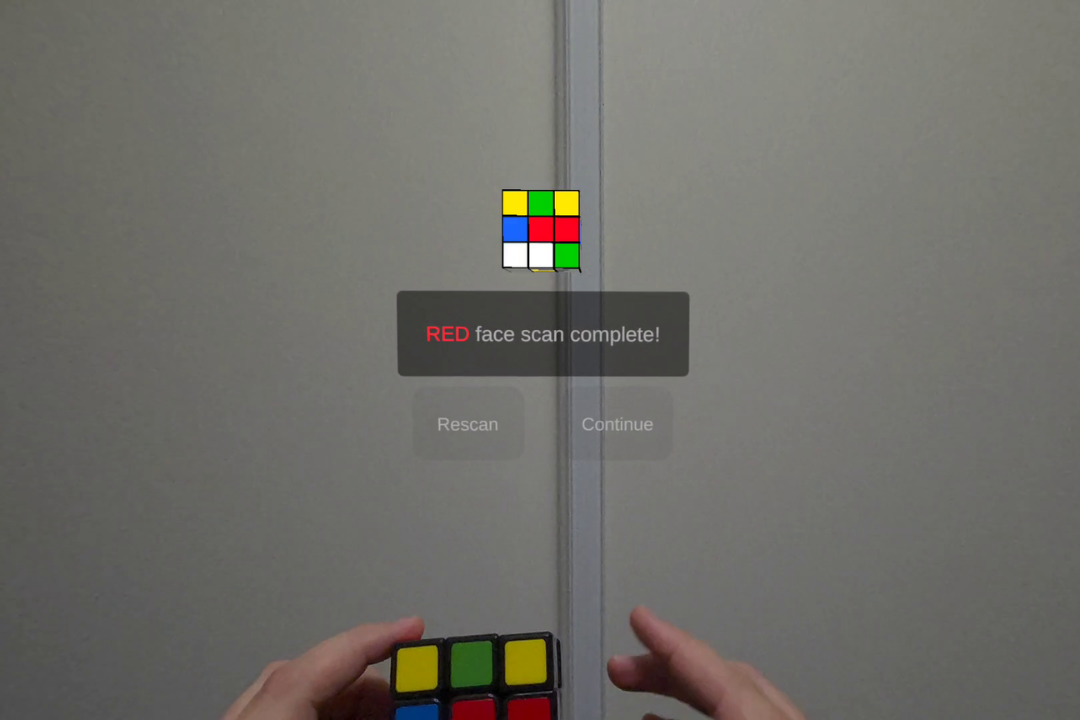
You can confirm if the face is correct or rescan.
-
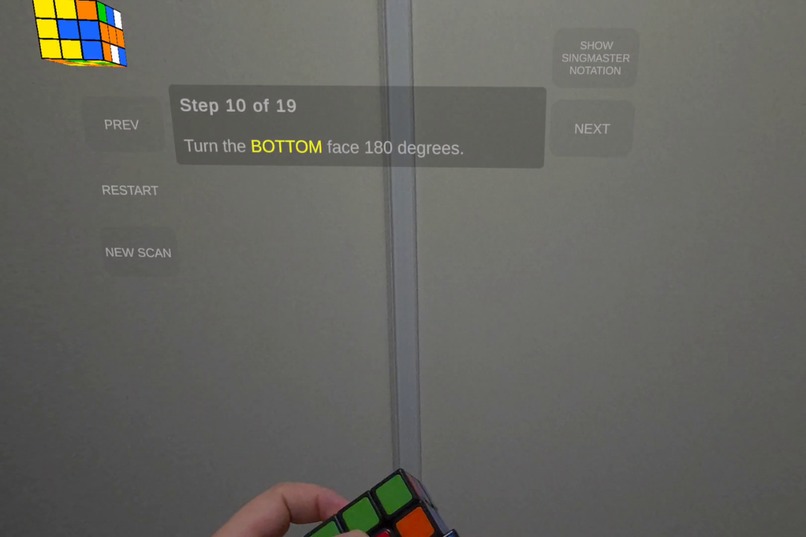
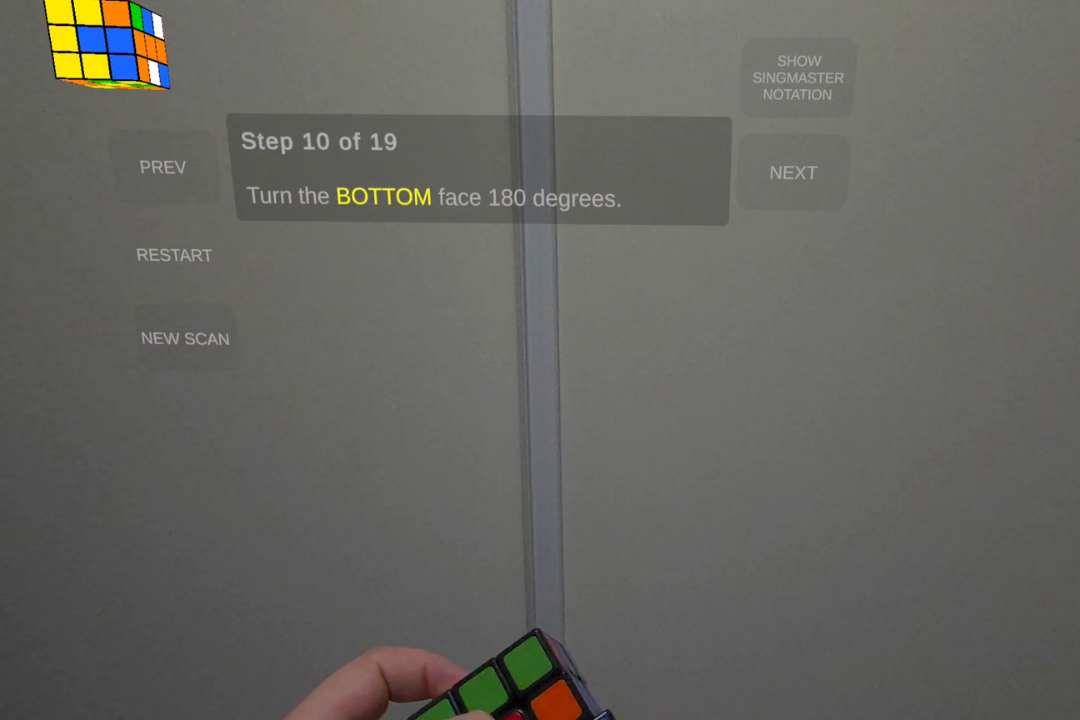
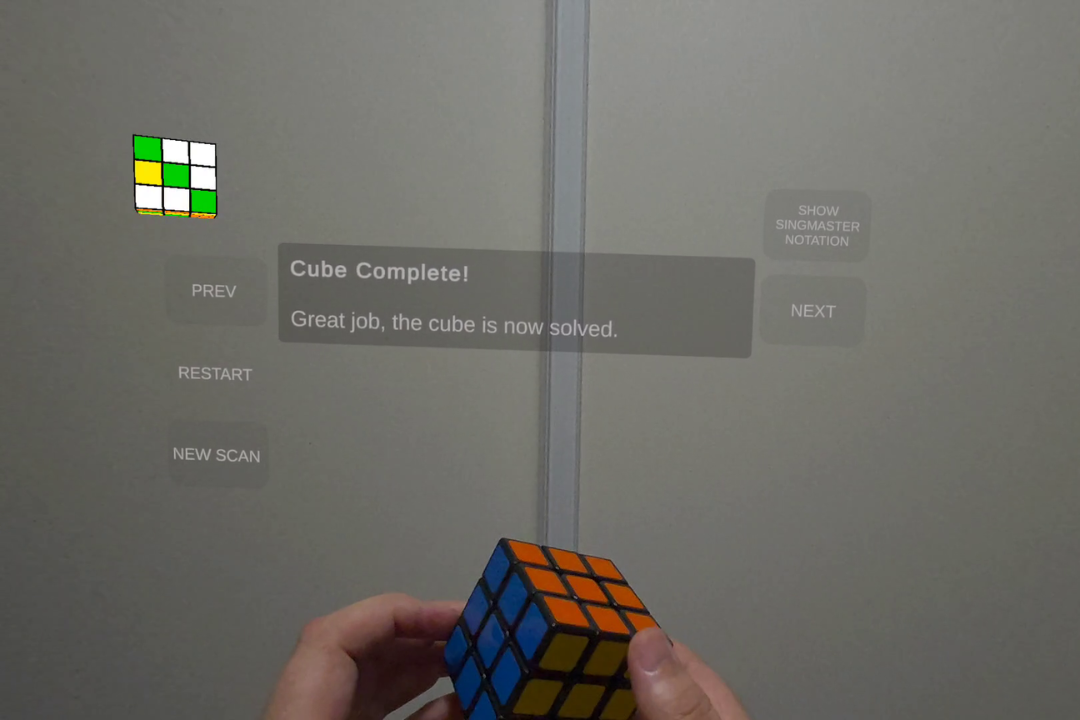
Display steps to get your Rubik's cube solved.
-
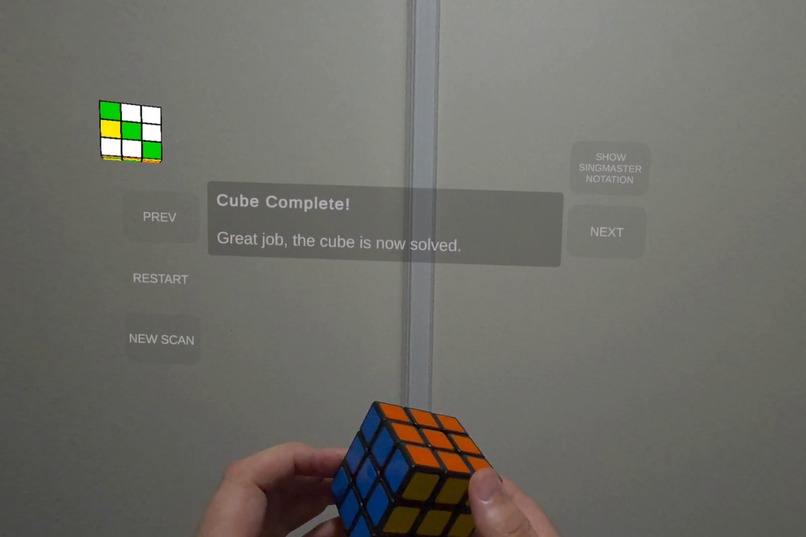
Once all the steps are complete you will have a solved cube.
-
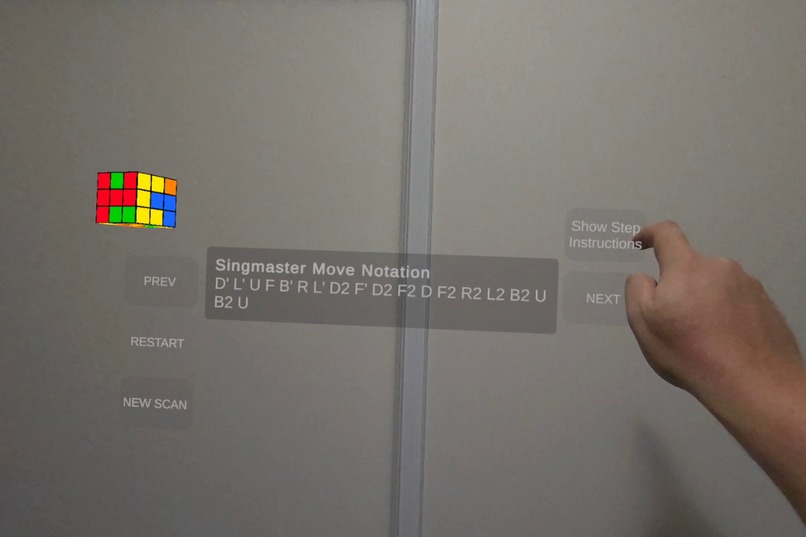
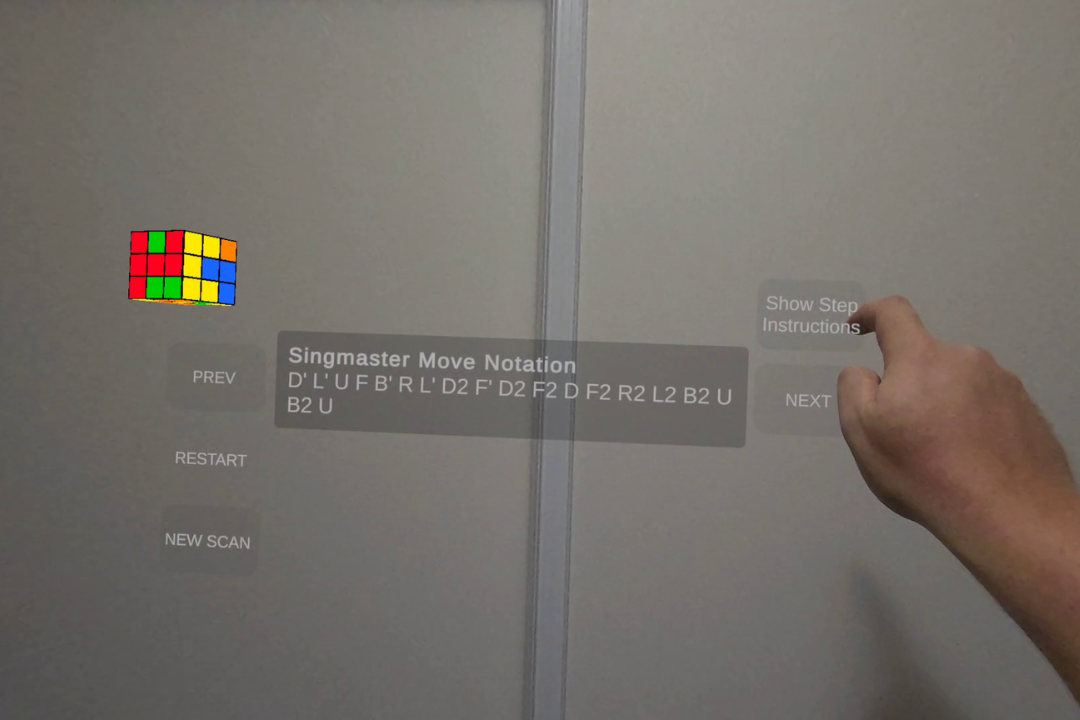
Singmaster notation is also available.
Inspiration
This project started because I wanted a hands-free way to solve a real Rubik’s Cube using the Quest’s camera passthrough. I’d been experimenting with what the passthrough API with AI could recognise and wondered if the headset could read a cube well enough to rebuild its state. That curiosity turned into a small MR tool that guides you through scanning each face and then shows the solution floating naturally in your space.
What it does
Rubik’s Cube Passthrough Solver lets you:
- Scan a real Rubik’s Cube directly in passthrough using an on-device AI model.
- View a live virtual cube that updates as each face is captured.
- Rescan or restart at any time with a clearer, step-based UX.
- Generate a full solution using Kociemba’s algorithm.
The focus is on making the process approachable where the user can scan, validate, and solve without leaving mixed reality.
How I built it
The project is built in Unity using:
- Meta XR Core SDK
- Meta XR Passthrough API
- Unity Sentis
- Custom YOLOv9 model trained on the LazyCube dataset
- Kociemba’s two-phase solving algorithm
The scanning pipeline detects individual facelets, maps them to cube notation, validates the state, and hands it to the solver.
Challenges we ran into
- AI reliability in real lighting: Passthrough introduces glare, shadows, and colour shifts that required a solid validation system.
- User flow clarity: Adding rescan support, clearer prompts, and a guided structure took more iteration than expected.
- Anchoring the virtual cube: Aligning instructions near the real cube using depth api made the UX painfun, moved to a fore fixed location and smoothing to avoid jitter.
Accomplishments that I'm proud of
- Converting a one-way prototype into a fully interactive UX.
- Achieving consistent face detection on-device using a lightweight AI model.
- Creating a solve-step visualiser that feels natural to follow with a physical cube in hand.
What I learned
I learned a lot about designing small MR tools where clarity is more important than visual complexity. I also gained experience balancing AI detection with practical UX, and anchoring MR instructions to real physical objects using depth data.
What's next for Rubik's Cube Solver
- A teaching mode to explain patterns and beginner methods
- Add animations to the 3D cube showing the action of the step
Built With
- meta-xr-core-sdk
- meta-xr-passthrough-api
- unity
- unity-sentis
- yolov9



Log in or sign up for Devpost to join the conversation.