-
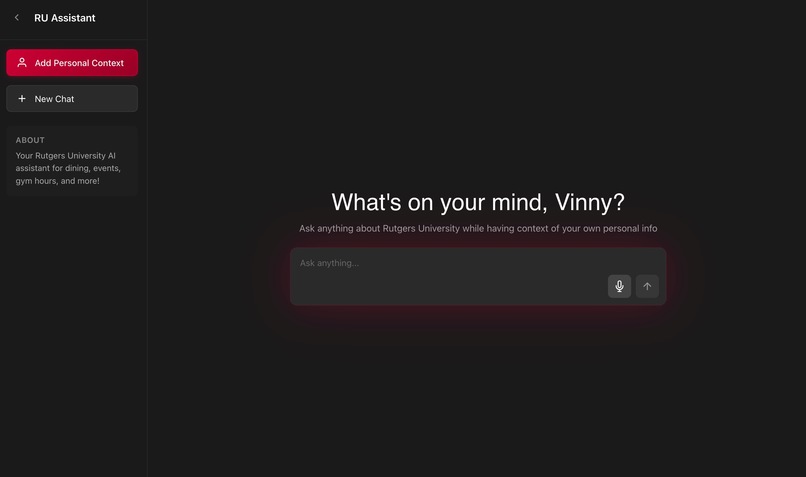
Homepage
-
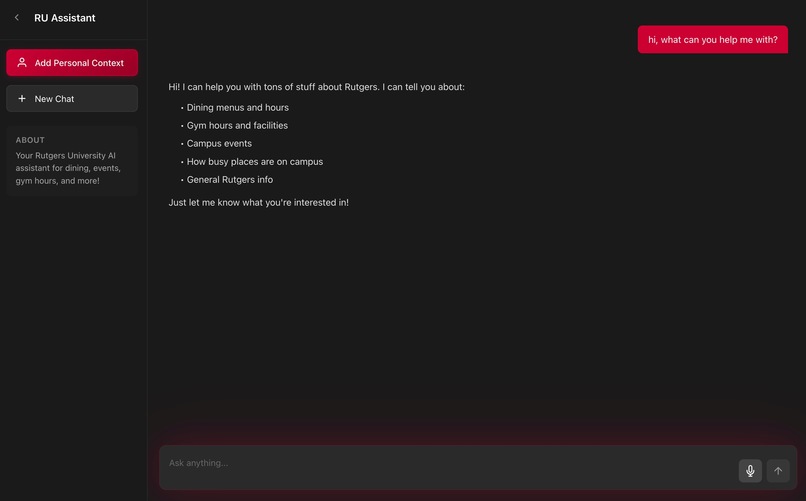
Abilities
-
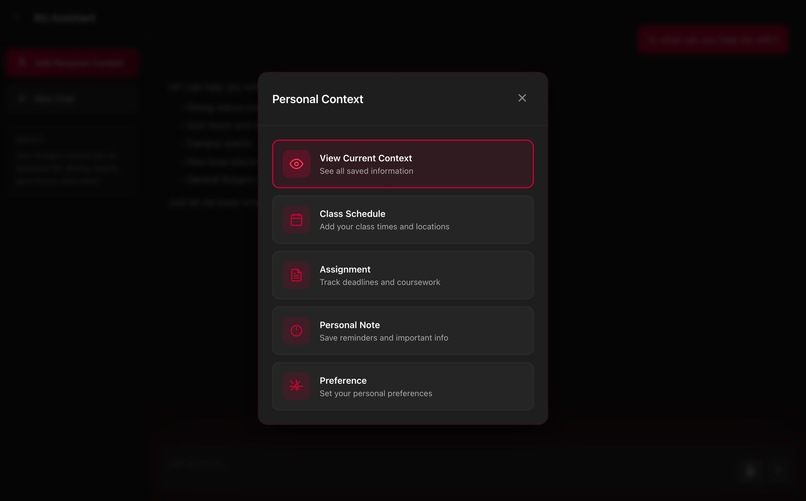
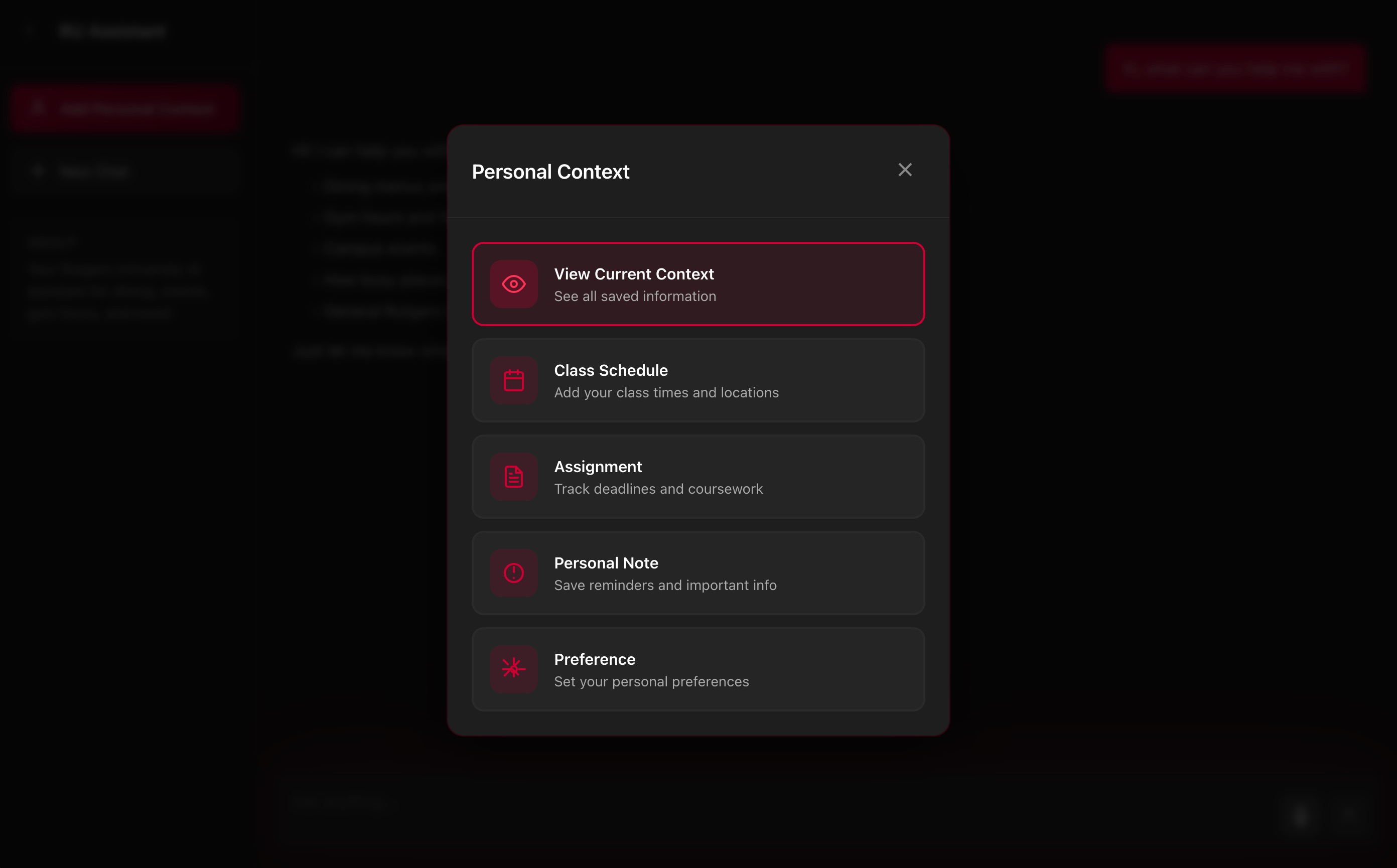
Personal Context
-
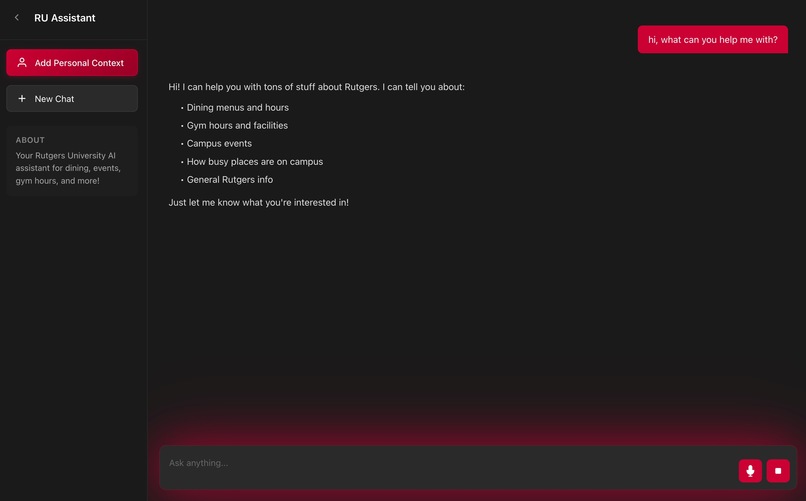
Speech-To-Text
-
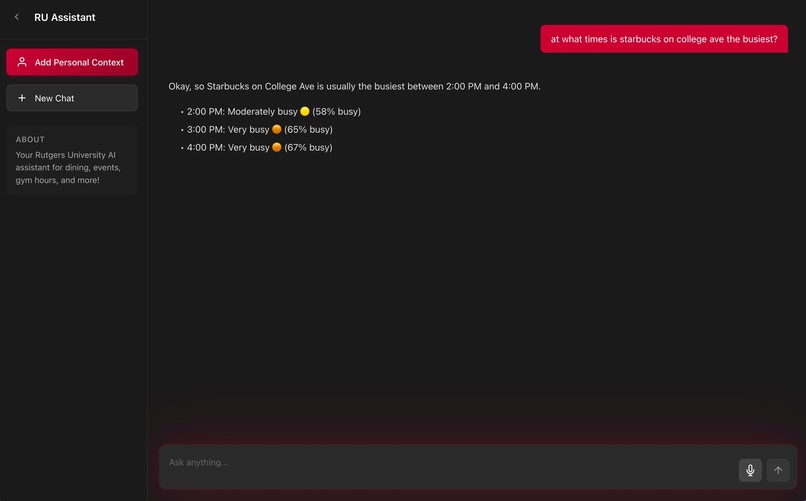
Additional Features
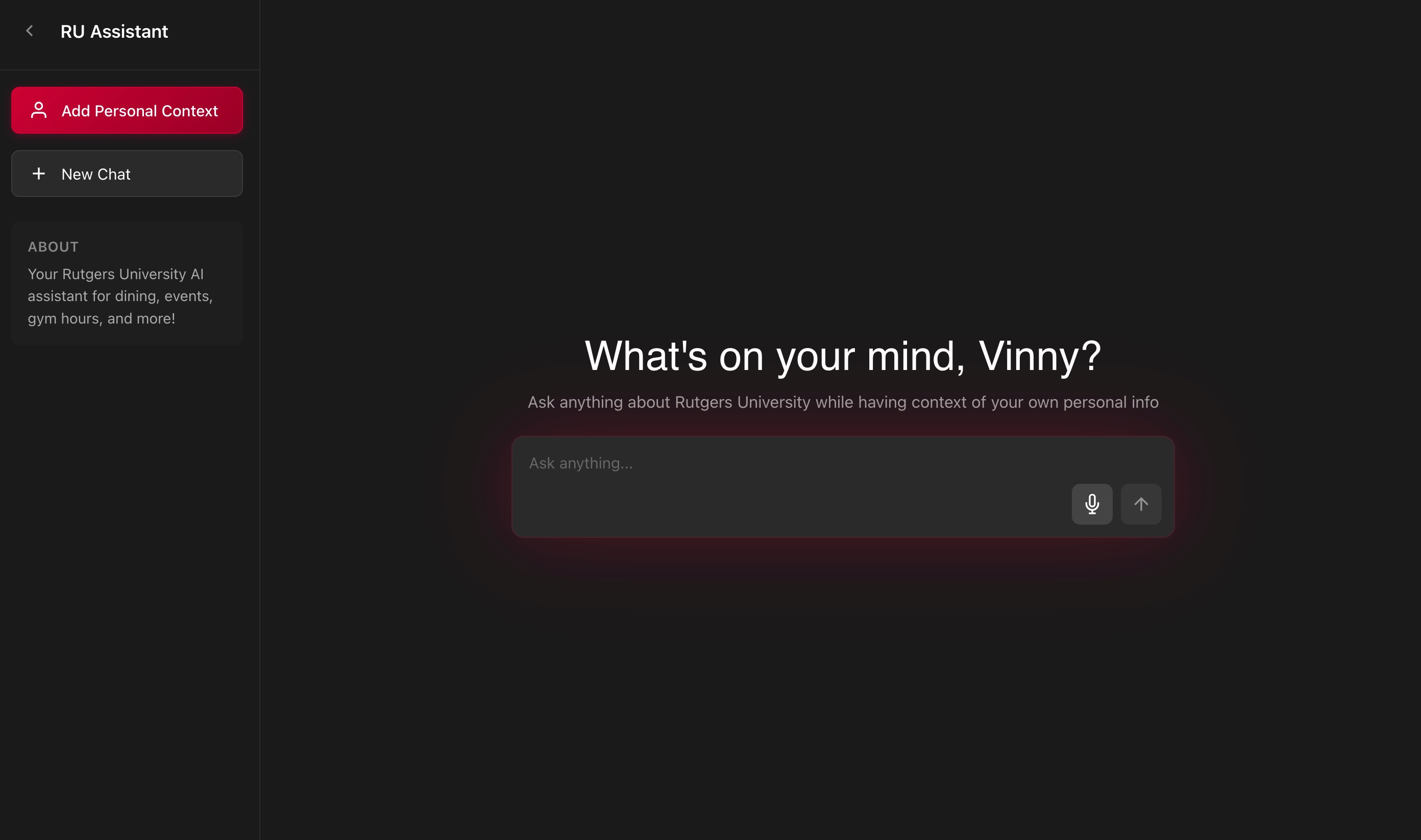
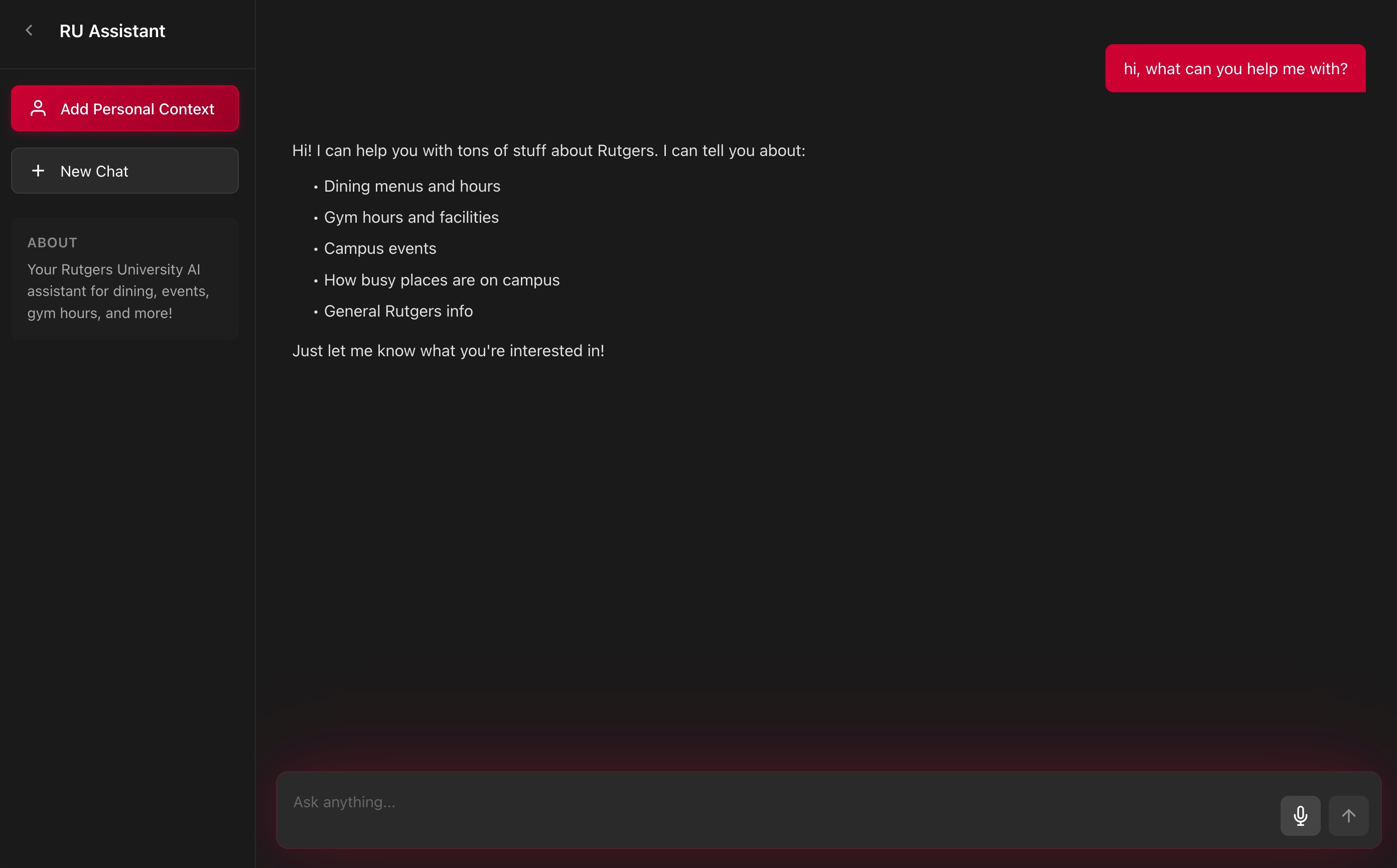
Inspiration
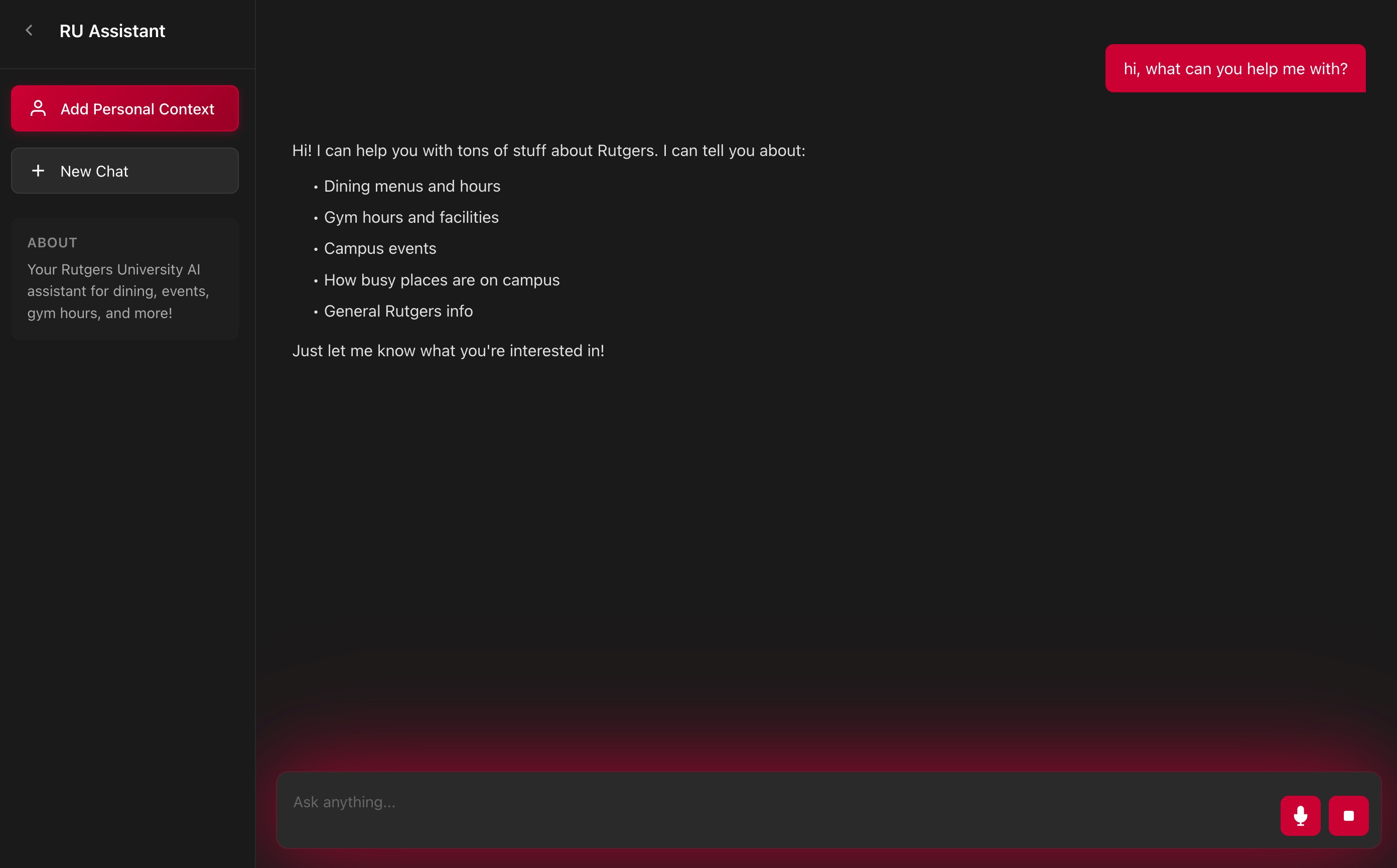
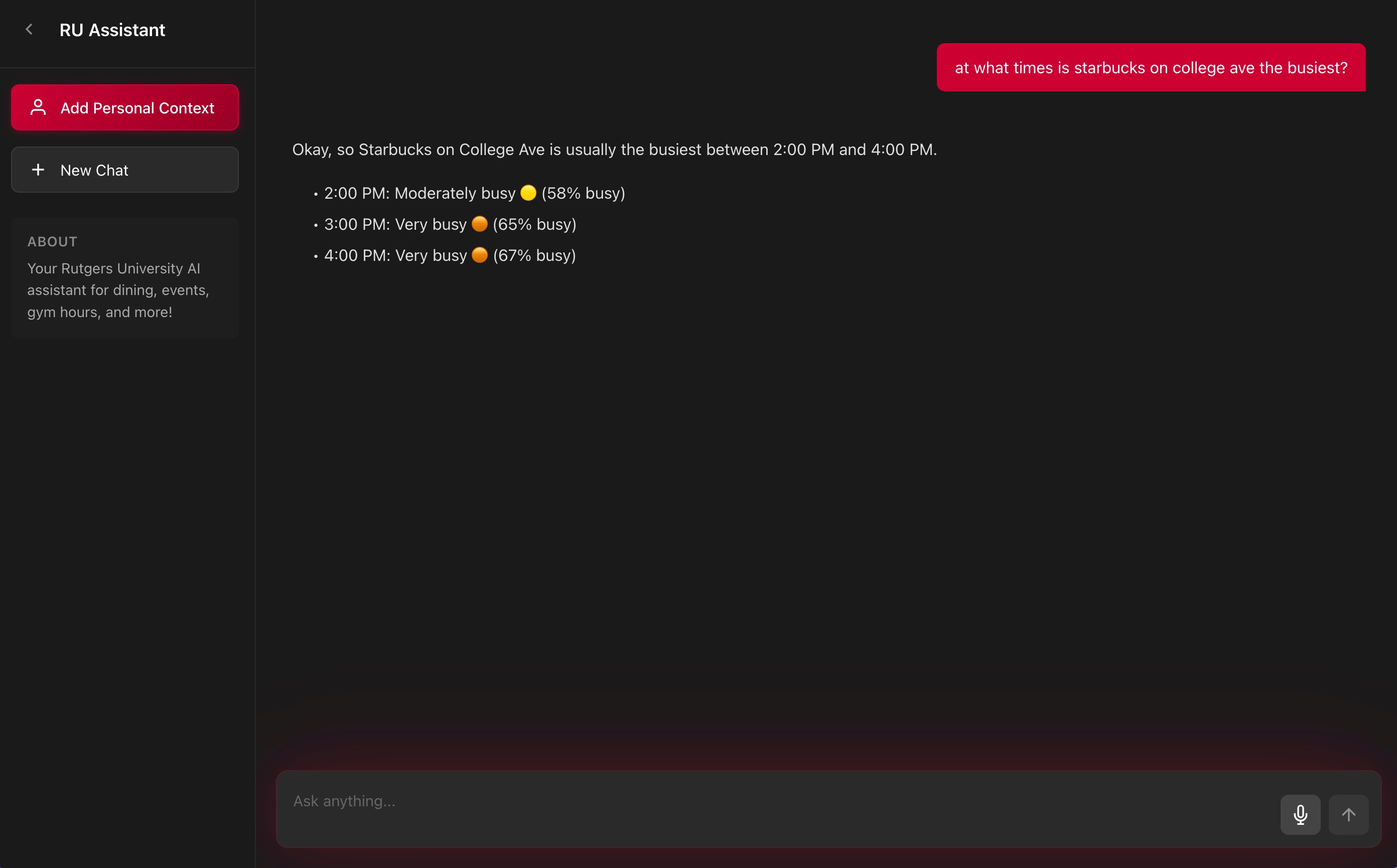
As Rutgers students, we noticed how fragmented campus information was — dining hall menus were buried on separate websites, gym hours varied by campus, and event listings were scattered across pages and PDFs. This friction inspired us to build an AI-powered assistant that centralizes all that information into one simple, conversational interface.
We wanted students to be able to just ask:
“What’s for dinner at Busch tonight?” “Is the Cook/Douglass gym open on Sunday?” “What events are happening tomorrow?”
…and get an immediate, personalized answer — no more hunting across ten tabs.
🧩 How We Built It
We designed a retrieval-augmented generation (RAG) system that connects Rutgers’ structured data with natural language reasoning.
🔹 Architecture Overview 1. Data Layer: We collected and cleaned CSV datasets for dining menus, gym hours, libraries, and events, then uploaded them into Snowflake for efficient querying. 2. Backend Layer: A FastAPI server acts as the bridge between users, the database, and the AI model. It classifies intents (e.g., dining, events, gym), queries Snowflake for relevant context, and fuses the results with the user’s question. 3. AI Layer: Using Gemini 1.5 Pro, the system interprets language, analyzes optional image inputs (like event flyers or dining posters), and generates clear, Rutgers-specific responses. 4. Frontend (optional): A minimal Next.js chat UI handles text and image uploads, creating a seamless chat-like experience for students.
⸻
💡 What We Learned • How to design a RAG pipeline combining structured SQL data with generative AI responses. • How to manage Snowflake warehouses and schemas, automate data loading, and write SQL queries programmatically. • The difference between I/O-bound concurrency (using ThreadPoolExecutor) and asynchronous event loops in FastAPI. • Best practices for prompt engineering and context retrieval to improve factual accuracy in AI outputs. • The power of multimodal AI — how vision and language models together can interpret both text and images.
⸻
⚙️ Challenges We Faced • Data Standardization: Each Rutgers dataset came in a different format — cleaning inconsistent date formats, meal periods, and campus names was time-consuming. • Query Accuracy: We had to balance model creativity with factual precision using a carefully tuned RAG context prompt. • Snowflake Access Rules: Early in the project, we discovered personal databases can’t create tables — forcing us to rebuild schemas under a custom database (RUTGERS.PUBLIC). • Multimodal Integration: Handling image uploads and MIME validation for Gemini required careful API design to avoid memory and timeout issues.
⸻
✨ The Impact
The Rutgers AI Assistant transforms static campus data into an interactive experience — giving students instant, natural access to the information they use daily. It represents a small step toward a more connected, intelligent campus ecosystem.
Built With
- fastapi
- python
- react.js
- snowflake


Log in or sign up for Devpost to join the conversation.