-
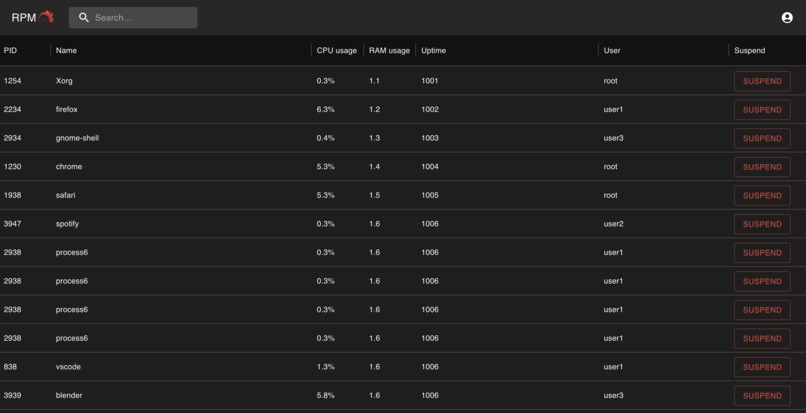
Dashboard
-
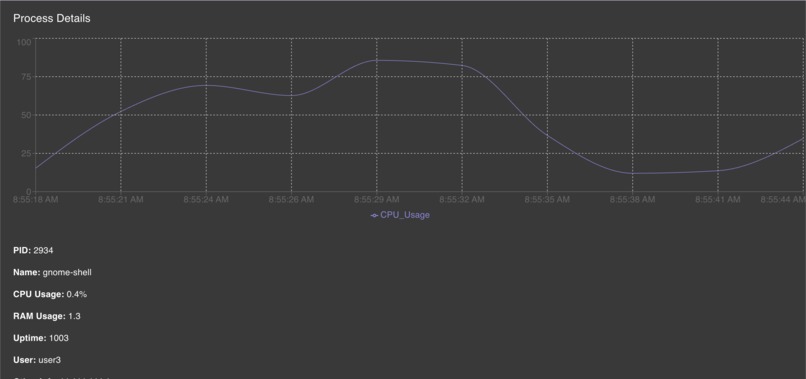
View more details by clicking a process
Inspiration
The inspiration for RPM was the money... well kind of. Time is money, and when developers and IT teams need to deal with problematic processes or manage a large number of them on top of their everyday work, companies lose money. We wanted to solve this problem and help make life for developers just a bit easier.
What it does
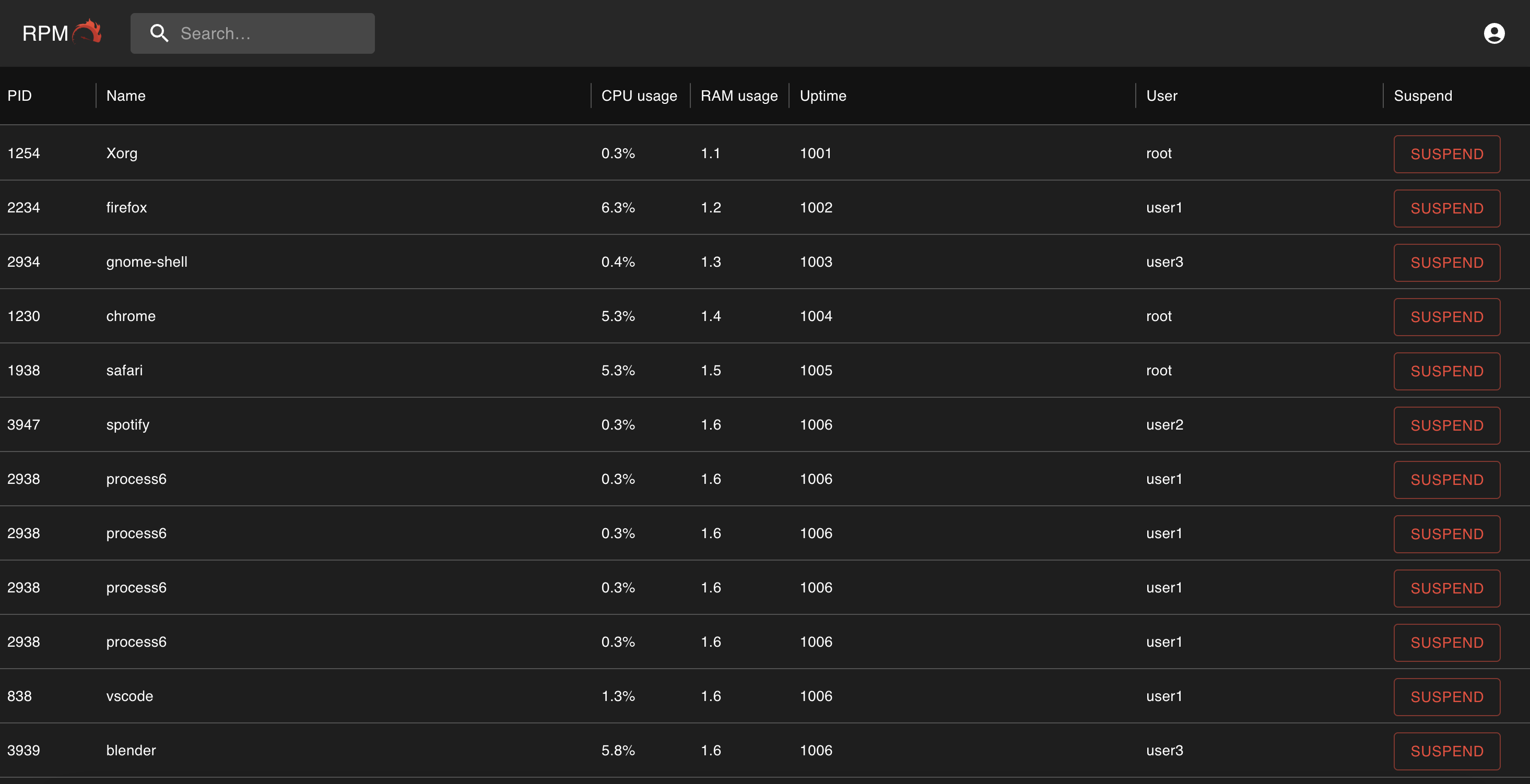
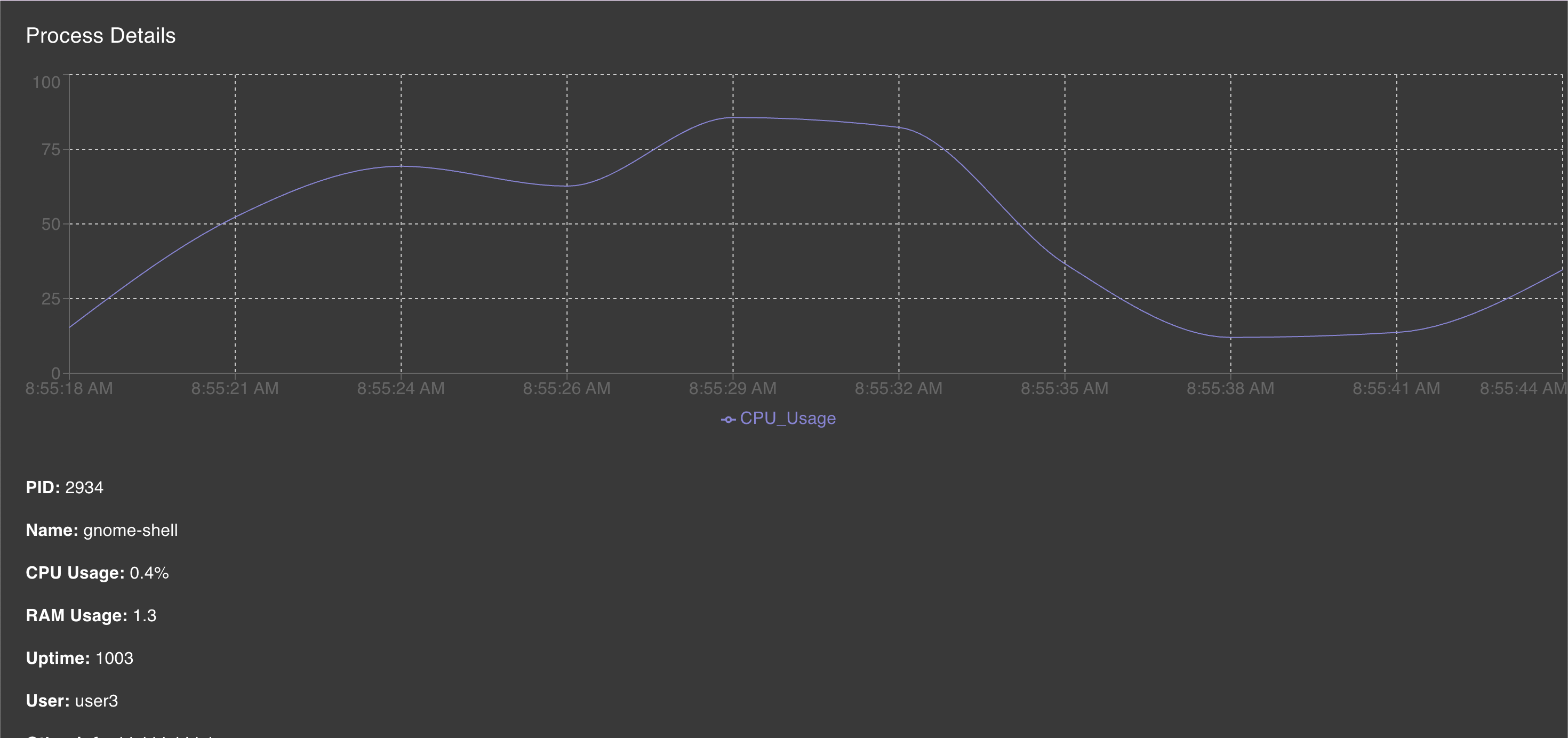
RPM is an all-in-one process management app that helps users easily visualize all their processes without needing to dig around in the terminal. At the click of a button, users can view process details (PID, CPU usage, RAM Usage, etc.), suspend processes, and monitor anomalies.
How we built it
We build RPM by integrating QNX with a custom web UI. The backend communicates with QNX to retrieve real-time system process data, which is then displayed in a clear and concise layout on the frontend. We used a lightweight web socket to facilitate requests between QNX and the web interface to ensure smooth communication and fast response times.
Challenges we ran into
The biggest challenge we ran into was setting up the communication between QNX and the web interface. Many tools that we wanted to use were only available for earlier versions of QNX, which made it difficult when conducting research to find the best way to develop this. Furthermore, we faced challenges with setting up our developer environments to work on the QNX side of our project, as two of our three team members were using macOS.
Accomplishments that we're proud of
We're extremely proud to have built a real-time process management software from scratch using QNX (which was completely new to all of us).
What we learned
We learned a lot about the intricacies of QNX's process manager and how to interface with it remotely. We also learned how to develop web apps that interact with low-level system components.
What's next for RPM (Remote Process Monitor)
In terms of next steps, we plan to improve upon our existing features, as well as implement new ones, such as generating warning notifications when anomalies are detected.


Log in or sign up for Devpost to join the conversation.