-
This is our Chrome extension's logo
-
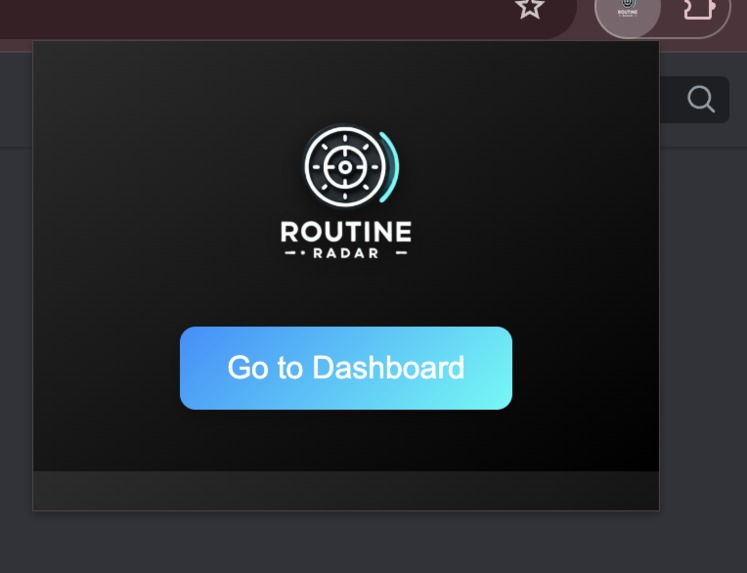
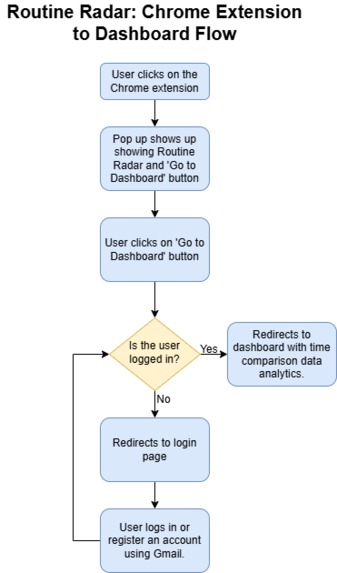
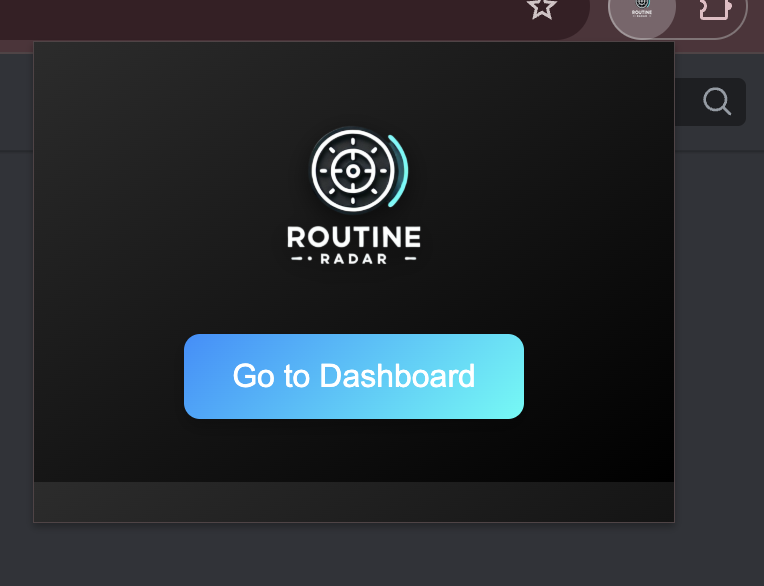
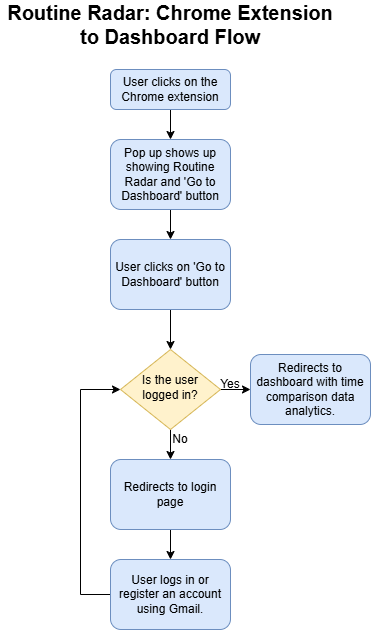
Quickly access your dashboard, or logging in to your dashboard, with the Routine Radar Chrome extension pop-up.
-
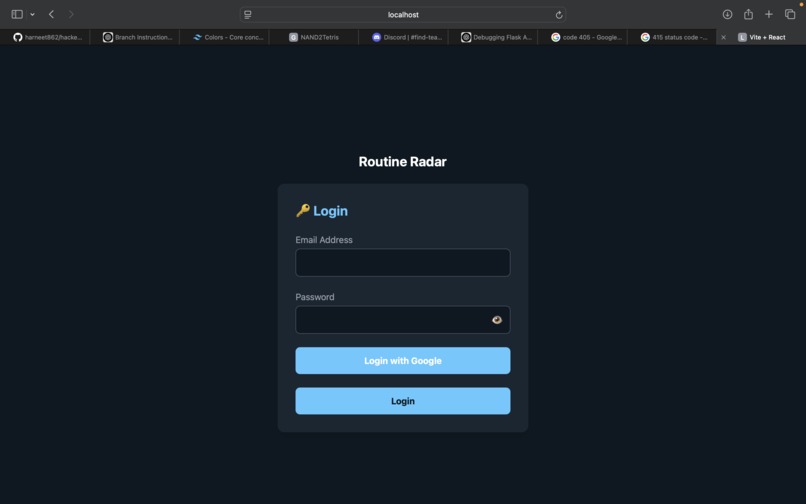
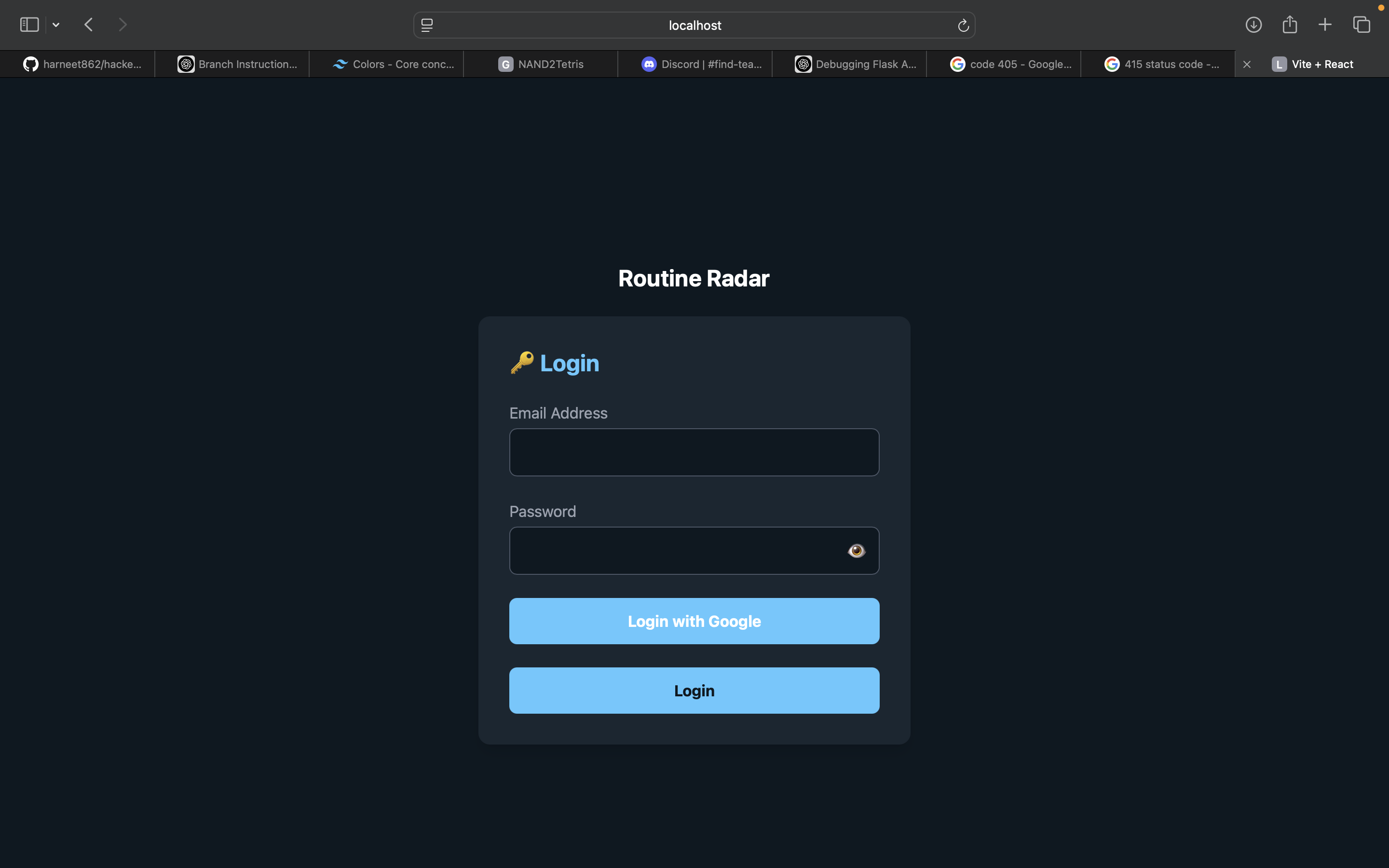
Log in with Google or email to start tracking your time and comparing it to your planned schedule. Easy setup, powerful insights!
-
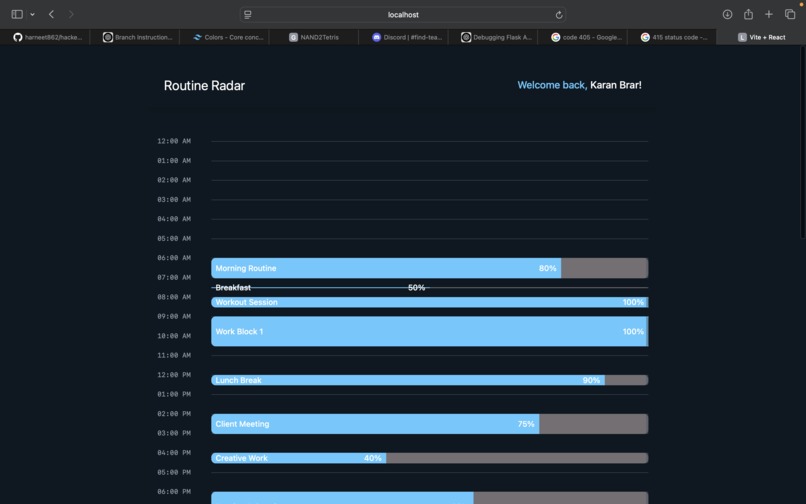
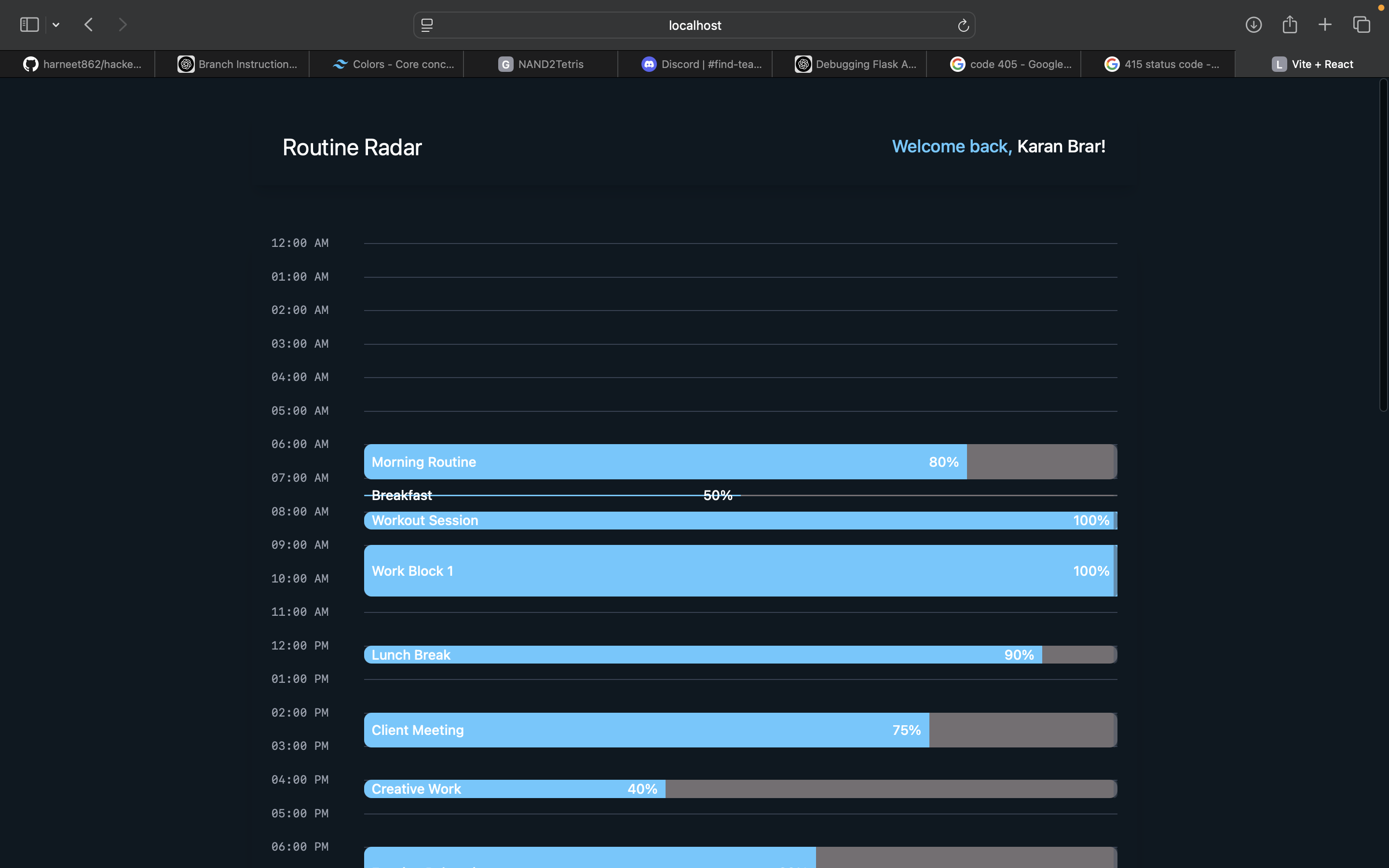
Dashboard: See how well you followed your schedule! Blue = time spent as planned, gray = where time drifted. Simple, visual time tracking!
-
Inspiration
The inspiration for RoutineRadar comes from the common struggle that students face in managing their time effectively. With so many tasks to juggle, it's easy to fall off a carefully planned schedule. Often, we look back at the end of the day and wonder where the time went, realizing that we didn't complete everything we had intended to. RoutineRadar was designed to help students stay aligned with their schedules by tracking their online activities and visually showing how well they stuck to their plans. It serves as a helpful tool to bridge the gap between intention and action, offering clarity and insights into time management.
What it does
RoutineRadar is a Google Chrome extension that tracks your online activities throughout the day and compares them to the schedule you set for yourself in your Google Calendar. The web app then visualizes how much time you stuck to the plan. Here’s the unique feature: the schedule shown in the web app is color-coded. The events are represented by color bars where:
- The time you actually spent on a task is shown in blue color (indicating that you stayed on track).
- The rest of the schedule (where you didn't match the expected time) is greyed out.
Think of it like a progress bar or your phone's battery percentage status icon.
This simple but powerful visual cue helps you immediately see which parts of your day were successful and which ones need improvement, allowing you to reflect on your time management habits.
How we built it
We developed Routine Radar as a Chrome extension and a web app to track time spent on active browser tabs and analyze scheduling inconsistencies.
Chrome Extension: Tracks all active tabs and records time spent on each. Built using HTML, CSS, and JavaScript for the frontend.
Web App: Built with Flask (backend) and React + TailwindCSS (frontend). Displays user insights and analytics on their time usage.
Google Calendar Integration: Uses the Google Calendar API to fetch scheduled events. Implements OAuth authentication for secure user sign-in.
Database: SQLite stores user data, including expected and actual schedules.
Challenges we ran into
Tracking Active Tabs Accurately: Detecting and logging time spent on tabs required handling multiple edge cases, such as inactive windows and switching between tabs.
Google Calendar API Integration: Setting up OAuth authentication was tricky. Since it was our first time working with OAuth modules, a lot of time was spent on debugging, talking with mentors, and StackOverflowing to figure out how to correctly authenticate the user.
Syncing Data Between the Extension and Web App: Ensuring real-time updates between the Chrome extension and the Flask backend while keeping API calls efficient.
Frontend Consistency: Maintaining a uniform UI/UX across the Chrome extension and React web app while dealing with different styling constraints.
Database Management in SQLite: Structuring data efficiently to store and compare expected vs. actual schedules without performance bottlenecks.
Accomplishments that we're proud of
Seamless Time Tracking: Successfully built a Chrome extension that accurately tracks time spent on each tab without interrupting the user’s workflow.
Google Calendar Integration: Implemented OAuth authentication and fetched calendar events, allowing users to compare their planned vs. actual schedules.
Full-Stack Web App: Developed a Flask backend and a React + TailwindCSS frontend that provides insightful analytics on time usage.
Real-Time Syncing: Enabled smooth communication between the Chrome extension and the web app, ensuring up-to-date insights.
User-Friendly UI/UX: Designed a clean and intuitive interface that makes it easy for users to visualize their productivity patterns.
Data-Driven Insights: Built a system that not only logs time but also helps users identify inefficiencies and improve their scheduling habits.
What we learned
Efficient Time Tracking: Learned how to accurately track active browser tabs and analyze usage patterns.
OAuth & API Integration: Gained hands-on experience with Google Calendar API and OAuth authentication, ensuring secure user sign-in.
Full-Stack Development: Strengthened skills in Flask (backend) and React + TailwindCSS (frontend), optimizing performance and UI consistency.
Data Synchronization: Understood the challenges of syncing data between a Chrome extension and a web app in real-time.
Database Management: Learned how to structure and query SQLite efficiently for storing user schedules and insights.
What's next for Routine Radar by team Hacktivate
We plan to integrate AI-powered insights to give personalized productivity recommendations, helping users optimize their schedules. Expanding beyond the browser, we aim to develop a mobile app to track screen time across devices. We also want to support more calendar integrations, like Outlook, making Routine Radar accessible to a wider audience. Advanced scheduling features, such as smart reminders and automated task suggestions, will make staying on track even easier. Finally, moving to cloud storage will enable seamless syncing across multiple devices, ensuring users can access their productivity data anytime, anywhere.
Built With
- css
- flask
- google-calendar
- google-oauth2
- html
- javascript
- react
- sqlite
- tailwindcss

Log in or sign up for Devpost to join the conversation.